$20.00
We will hold your cart for 15:00.
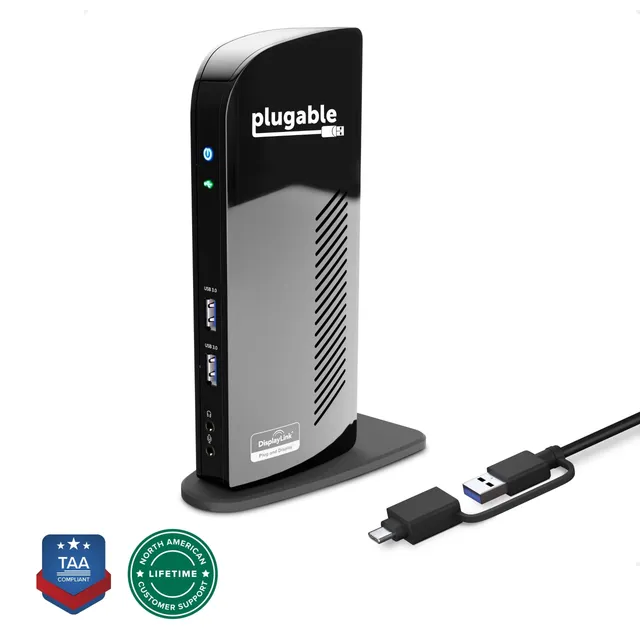
Plugable's UD-3900C docking station connects USB-A and USB-C laptops to dual HDMI monitors via DisplayLink, streamlining hybrid office setups.
Categories : Series
SKU : POR-SER-676
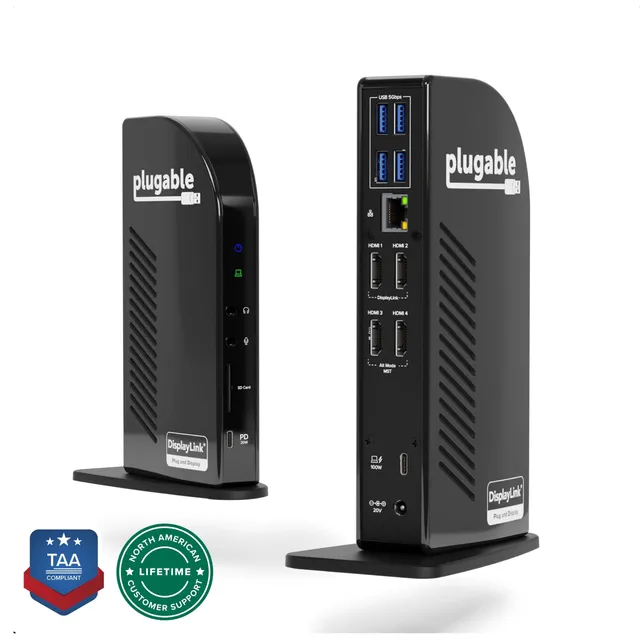
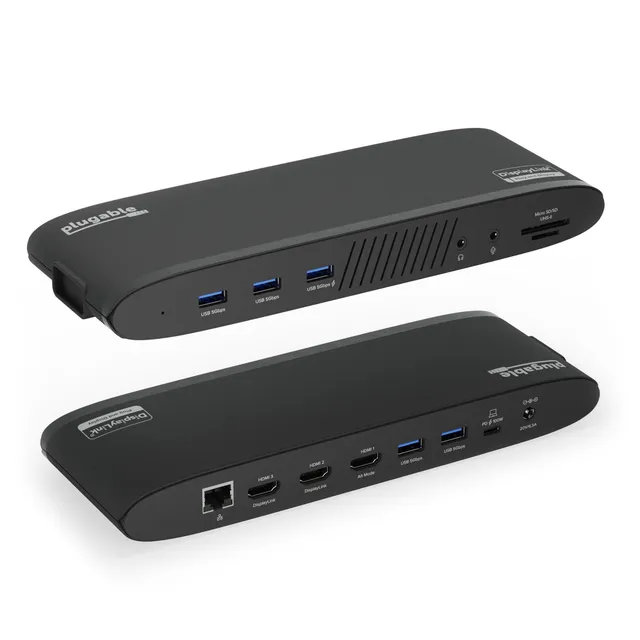
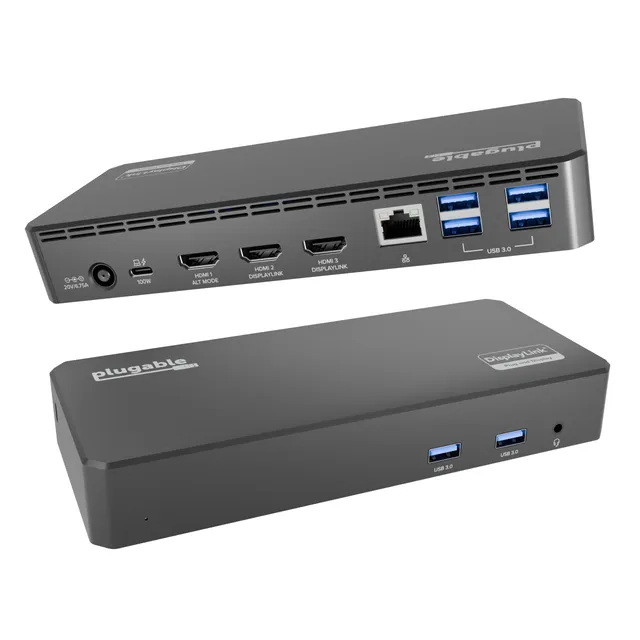
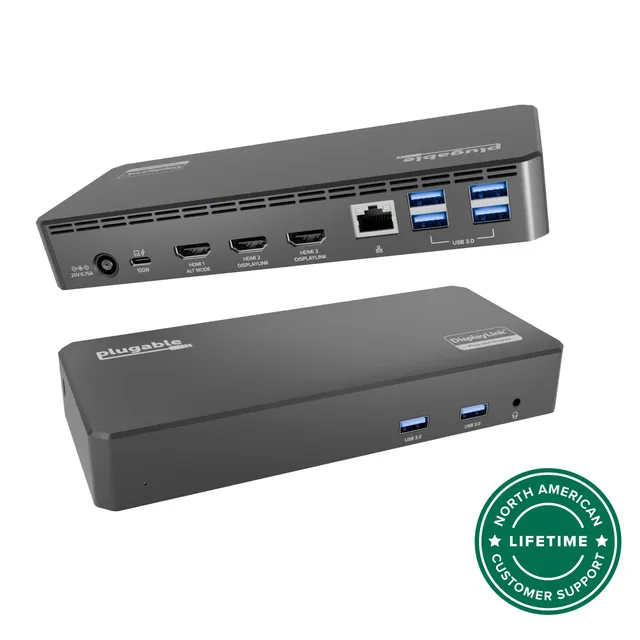
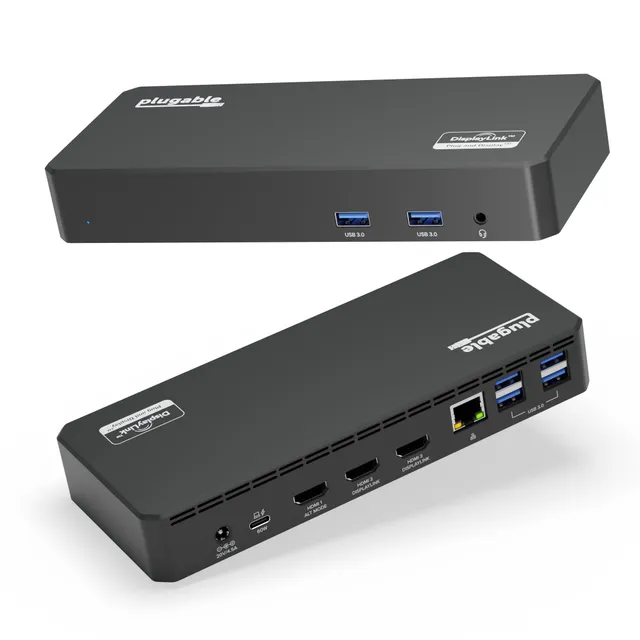
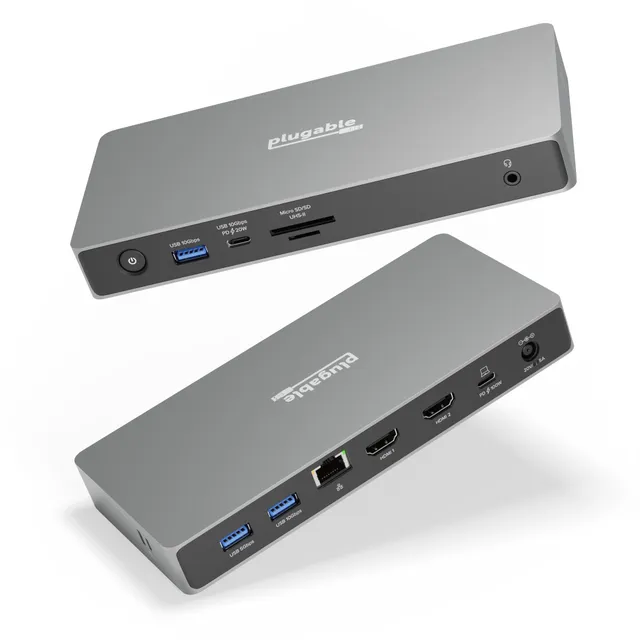
The Plugable UD-3900C is a dual-display docking station engineered for the hybrid office. With a hybrid 2-in-1 cable, it connects to both USB Type-A and USB Type-C laptops without needing extra adapters. Standard HDMI outputs eliminate dongle hassles, while DisplayLink technology enables dual monitors even on laptops that lack native multi-display support. This dock is the dependable choice for IT departments standardizing on a single, versatile solution for a mixed fleet of laptops.
In a world of cramped ports and proprietary cables, the UD-3900C cuts through the clutter. One cable delivers video, data, and power passthrough—depending on your laptop's USB-C implementation—so you can walk up, plug in, and get to work. The hybrid cable ensures compatibility with a wide range of devices, from Dell and HP business laptops to MacBooks and Chromebooks (with appropriate support).
DisplayLink technology is the secret sauce. It offloads display processing to your CPU, making it possible to run two Full HD or 4K displays from virtually any modern laptop, even those with limited native video outputs. The UD-3900C supports up to 4K on a single display, perfect for spreadsheets, code, or design work.
No more juggling DisplayPort, VGA, or mini-HDMI cables. The UD-3900C provides two HDMI ports, so you can connect the monitors you already own. This simplifies procurement and setup, a boon for IT teams managing multiple workstations.
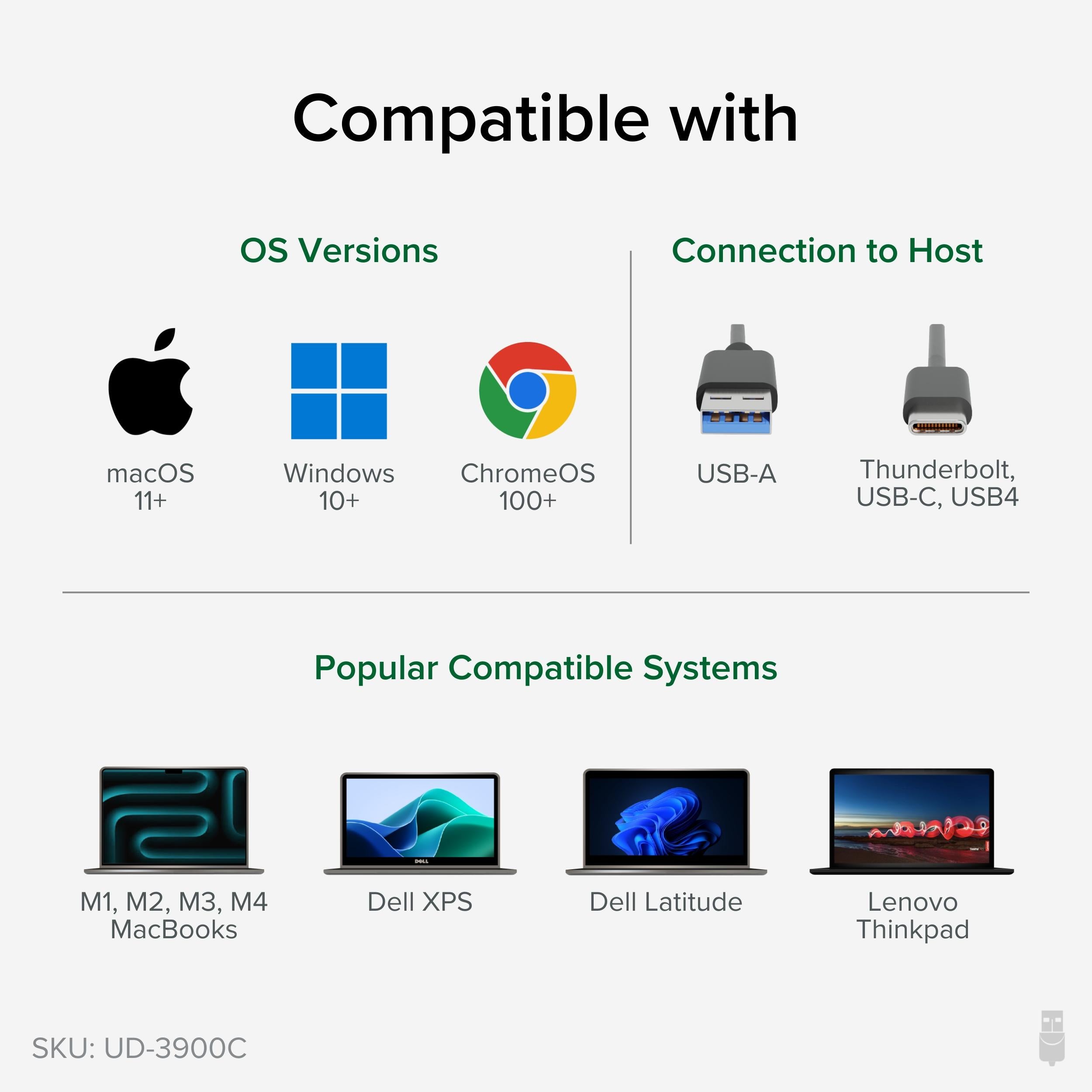
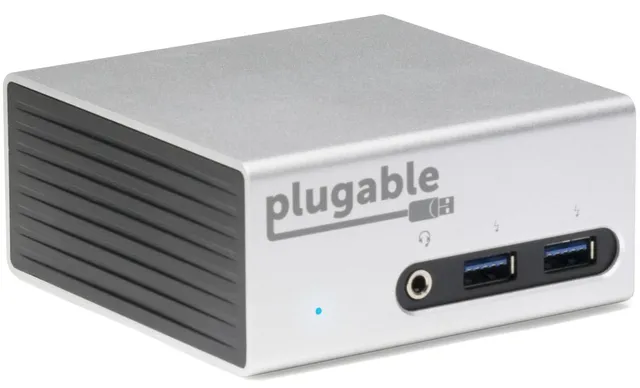
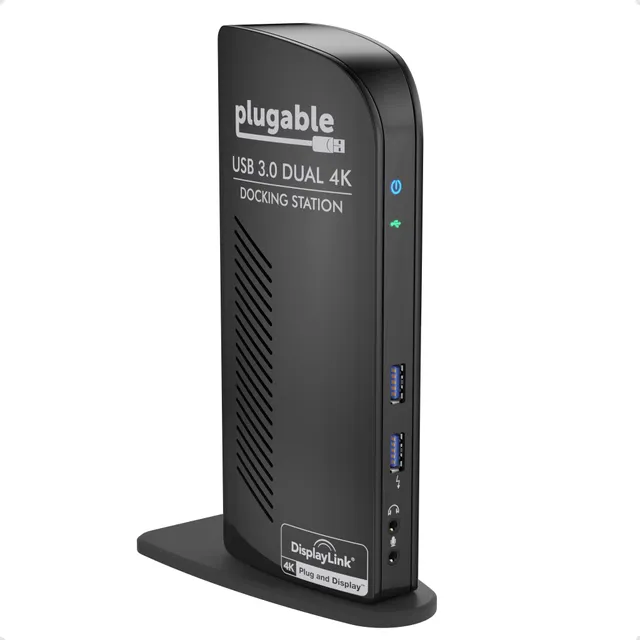
With a compact, sturdy design, the UD-3900C sits confidently on any desk. It includes an integrated cable management system and is compatible with Windows, macOS, and ChromeOS (with DisplayLink drivers). For offices standardizing on a reliable dual-display solution, the UD-3900C is a workhorse.
Upgrade your workspace with the Plugable UD-3900C docking station—a simple, powerful way to connect your laptop to the monitors and peripherals you need to stay productive.
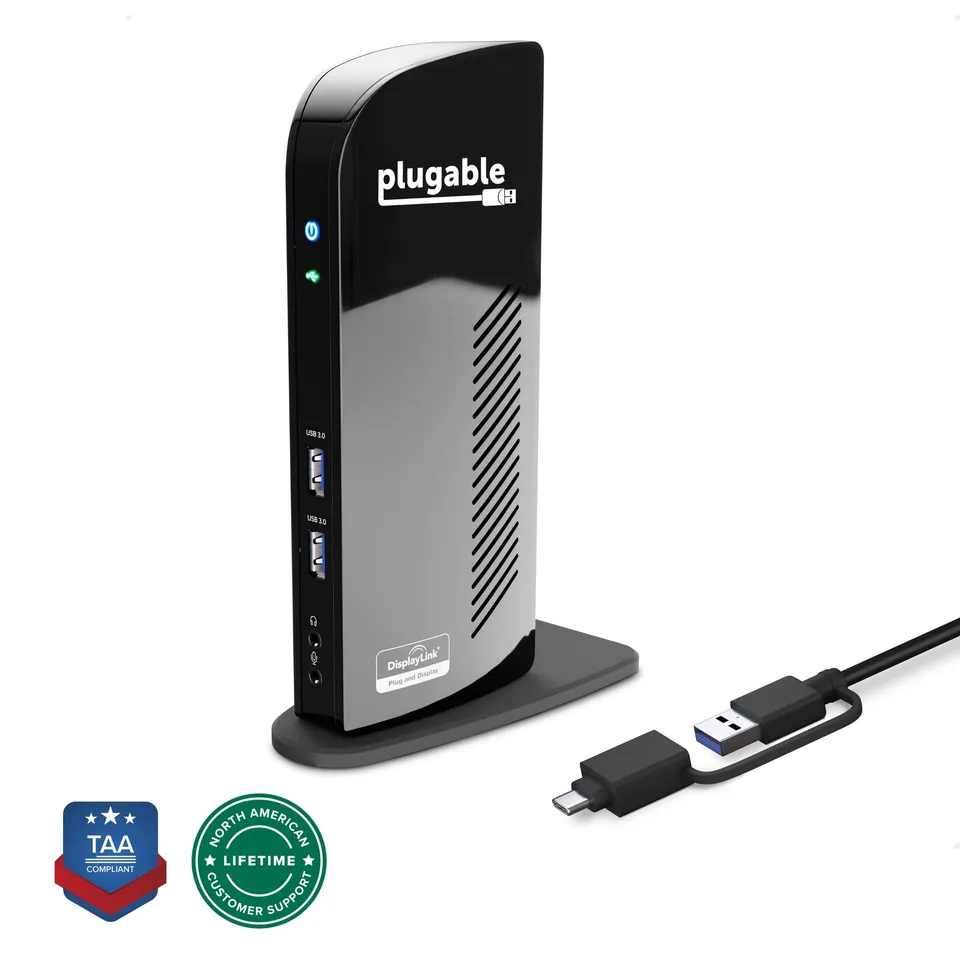
Hybrid 2-in-1 cable connects USB-A and USB-C laptops, eliminating the need for separate adapters.
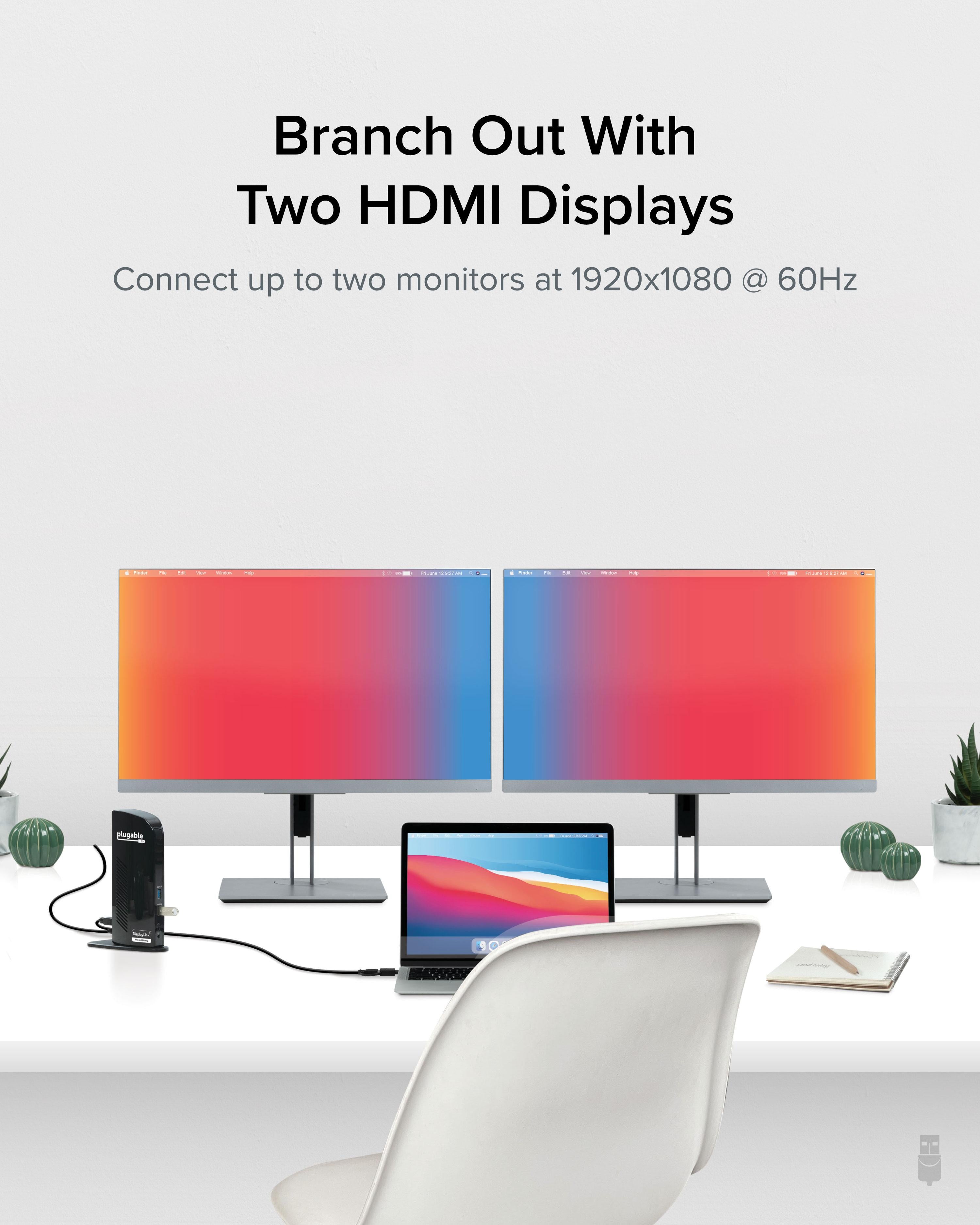
Dual HDMI outputs plus DisplayLink technology enable crisp dual-display setups on virtually any laptop.
One-cable connection simplifies desk setup and reduces cable clutter for a cleaner, more organized workspace.
Model: UD-3900C
Weight: 5.6 oz (159 g)
Dimensions: 4.5 x 3.1 x 0.9 in (114 x 79 x 23 mm)
Product Type: Docking Station
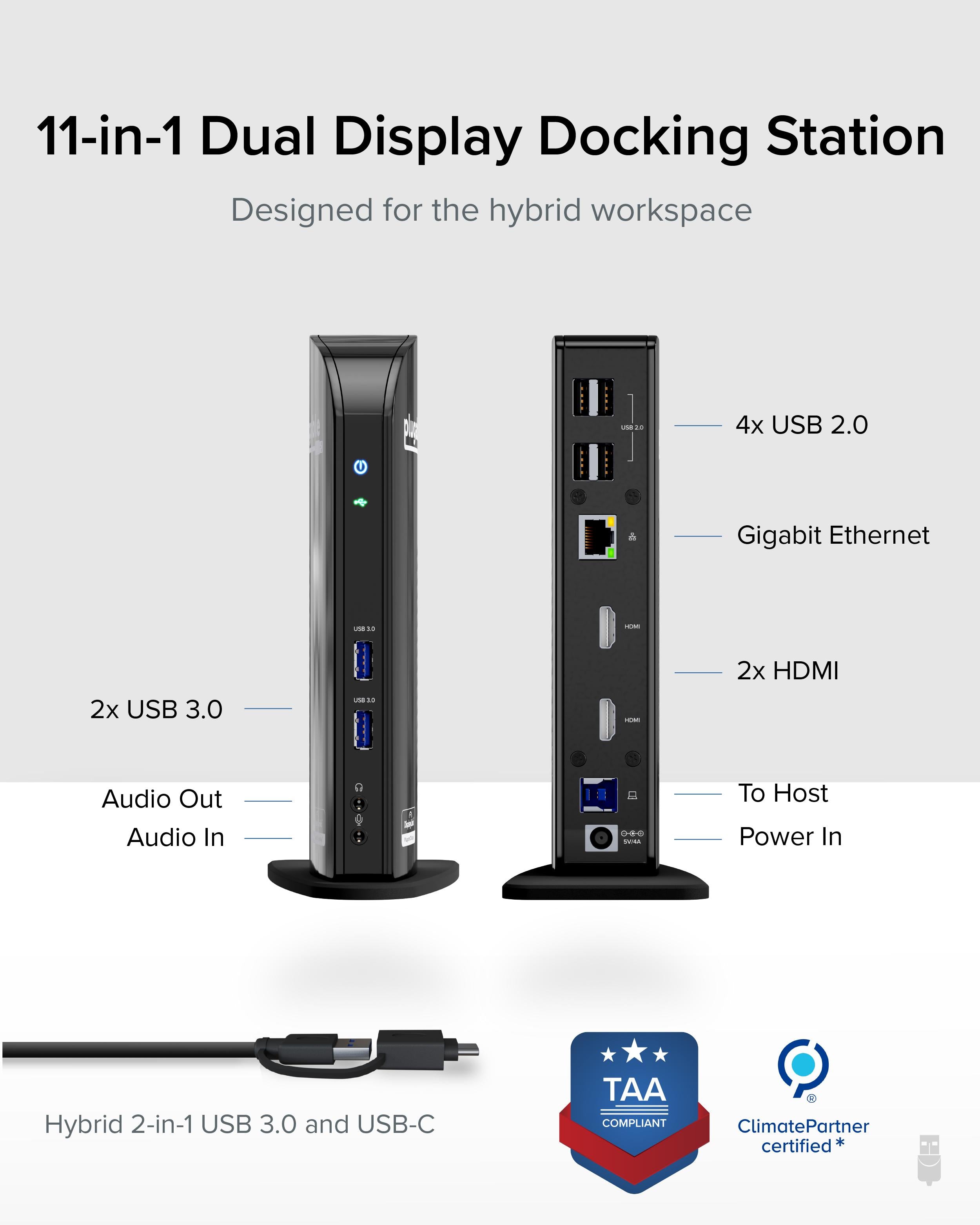
Video Outputs: 2x HDMI
Host Interface: USB 3.0 / USB-C (Hybrid Cable)
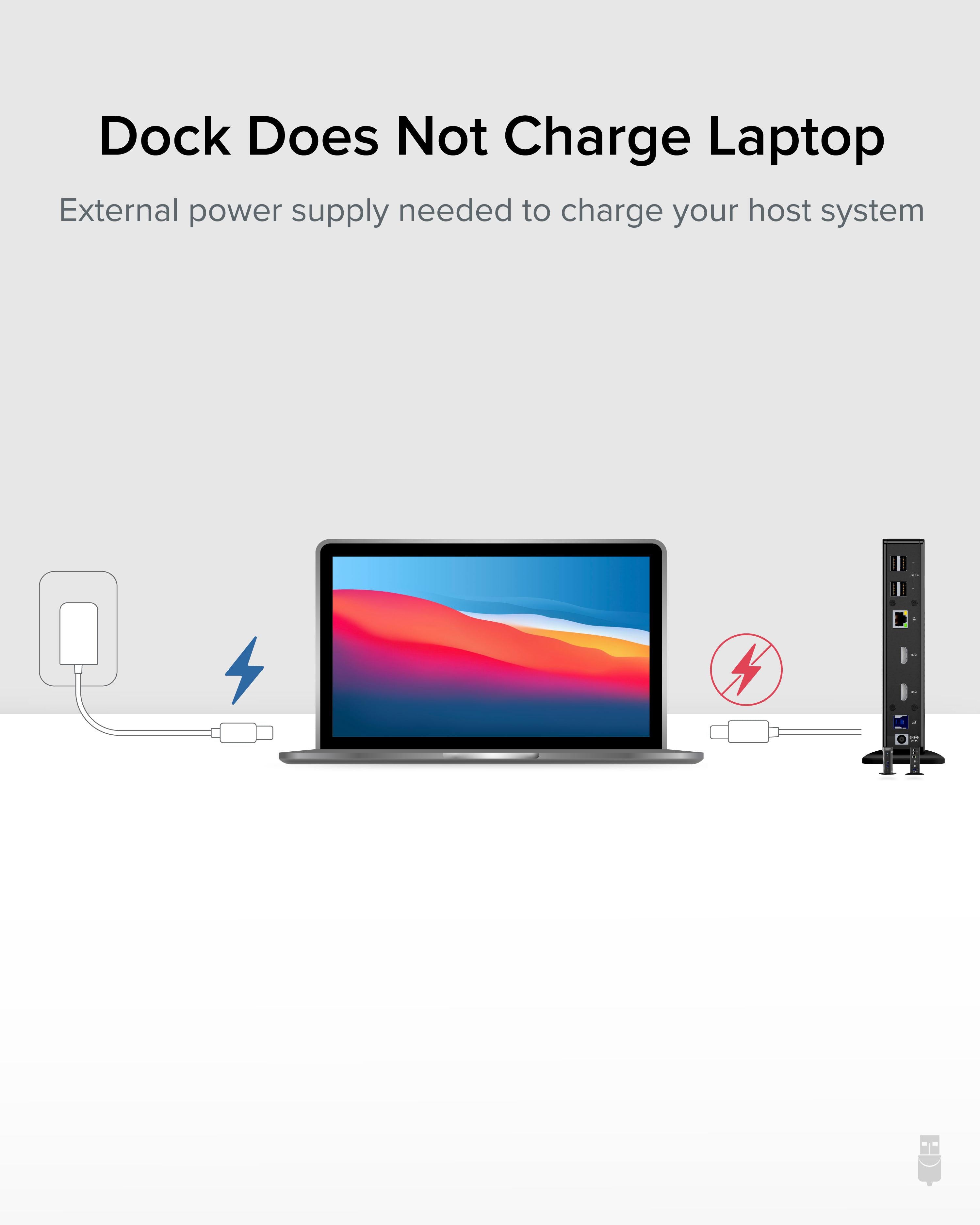
Power Delivery: Charging supported depending on host capabilities
Display Support: Dual external displays via DisplayLink
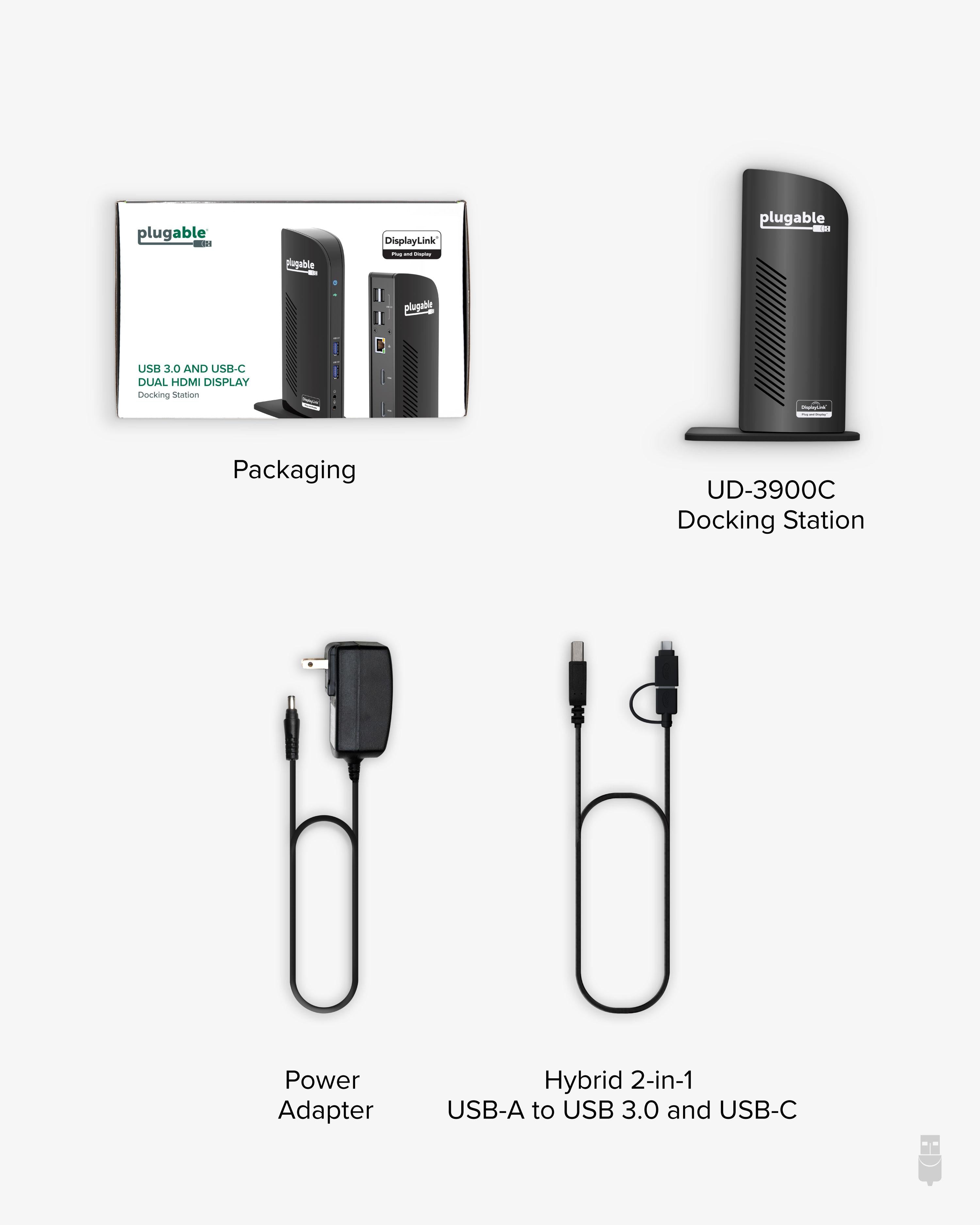
Package Contents: UD-3900C dock, power adapter, hybrid USB cable, quick start guide
Operating Systems: Windows, macOS, ChromeOS (with drivers)
Maximum Resolution: 4K (3840x2160) @ 30Hz per display
Seller: PortSide Gear
MPN: UD-3900C
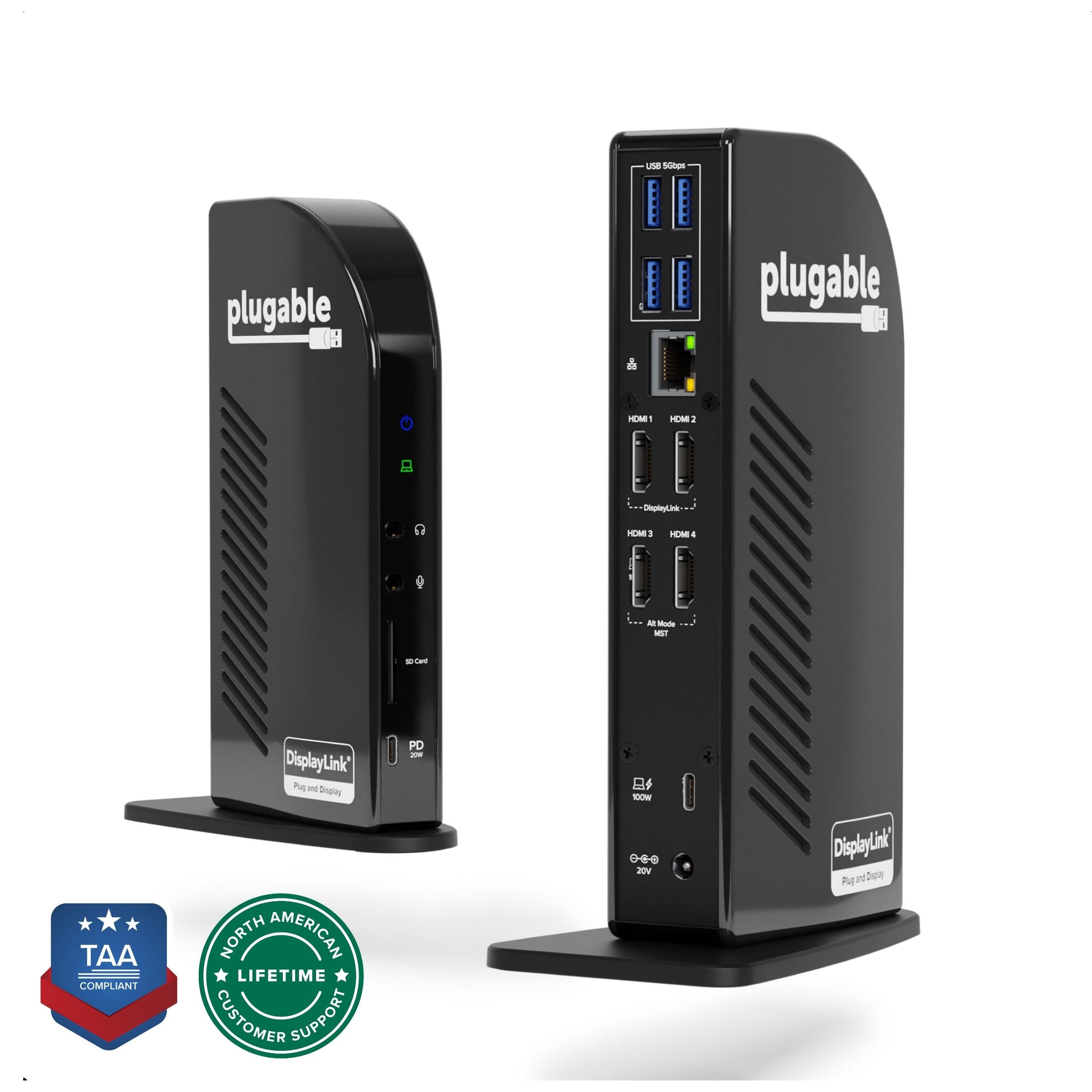
Beyond dual-display, the UD-3900C includes a Gigabit Ethernet port and four USB 3.0 ports for reliable wired networking and fast peripheral connections. Its aluminum enclosure dissipates heat effectively, ensuring long-term stability during intensive multitasking. The integrated cable management keeps your desk tidy, and the included 36W power adapter handles power-hungry devices. Whether you're a developer managing multiple screens or an office worker needing a simple, reliable connection, the UD-3900C fits seamlessly into your workflow.
Yes, the UD-3900C includes a hybrid 2-in-1 cable that works with both USB-A and USB-C laptops. For USB-C ports that support DisplayPort Alt Mode, video will work without DisplayLink drivers; otherwise, DisplayLink drivers enable dual displays.
The UD-3900C supports dual 4K displays at 30Hz each. If you need higher refresh rates, consider a DisplayLink dock like the UD-6950 or a USB4 model.
For DisplayLink functionality (dual displays on most laptops), yes, you'll need to install the DisplayLink driver. The dock works out of the box for single display via USB-C if your laptop supports DP Alt Mode, but for full dual display, drivers are required.
Yes, it works with macOS versions that have DisplayLink drivers available. Check Plugable's website for the latest driver compatibility.
I was skeptical about using DisplayLink, but this dock worked flawlessly. I connected my MacBook Pro to two 4K monitors, and the setup was easy. I had to install the DisplayLink driver, but after that, everything just worked. The dock also charges my laptop and provides all the ports I need. Highly recommend for hybrid work.
The dock itself is solid and works well. The only downside is that you need to install the DisplayLink driver, which requires a system extension approval on macOS. Once done, it's smooth sailing. It handles dual 1080p monitors without any lag for my daily tasks.
I bought this for my Dell XPS, but the dual monitors flicker randomly. I've tried updating drivers and checking the cables, but it never got stable. I ended up returning it. Maybe it works better with other laptops, but I was disappointed.
I use this dock every day to connect my ThinkPad to two monitors, a keyboard, mouse, and Ethernet. It's been rock solid for three months. The dual HDMI output is great, and the 60W charging keeps my laptop powered. Best purchase for my WFH setup.
The dock works well, and the dual monitors are crisp. However, sometimes the fan kicks in and makes a noticeable hum. It's not terrible, but if you're in a quiet room, you might hear it. Overall, good performance.
Works great.
Orders over $45.00 ship free. Otherwise, shipping is $8.00.
Hassle-free returns
SSL encrypted checkout
100% genuine products
Docking stations and hubs from Razer, Corsair, Plugable & STM Goods — compare and connect with free shipping over $45.
Phone: +1 (206) 555-0148
Email: support@portsidegear.us
Address: 2815 Alaskan Way, Suite 300, Seattle, WA 98121, United States