$20.00
1
Your cart is empty
Subtotal
We will hold your cart for 15:00.
Buy more, save more
Coupon discount
Shipping
Add 2 more items to unlock your free mystery gift.
Complimentary item.
Total
$20.00
We will hold your cart for 15:00.
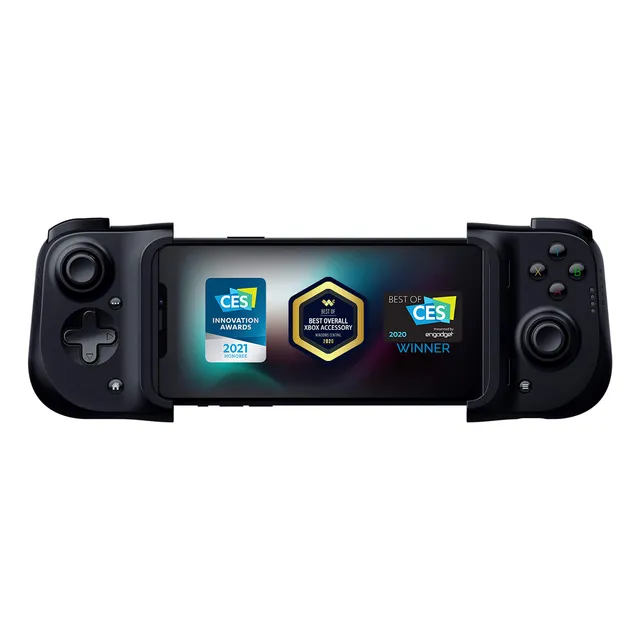
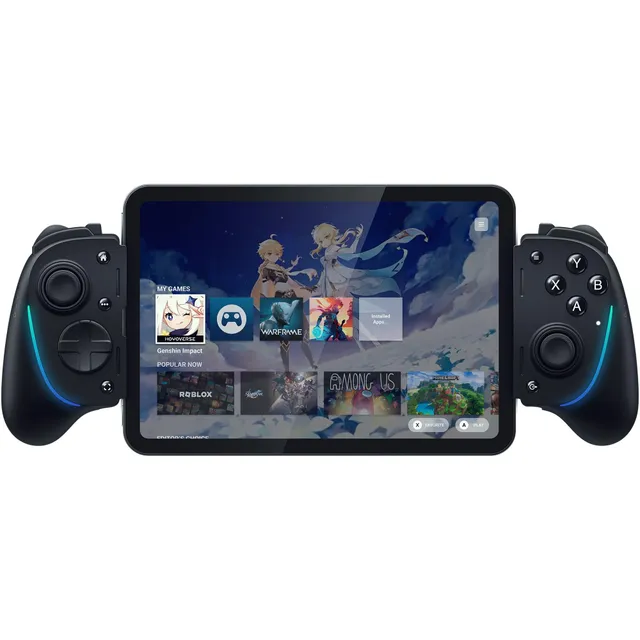
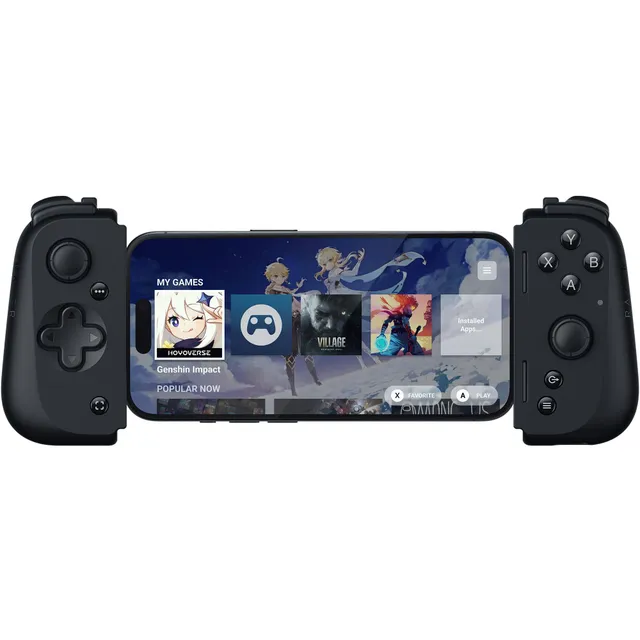
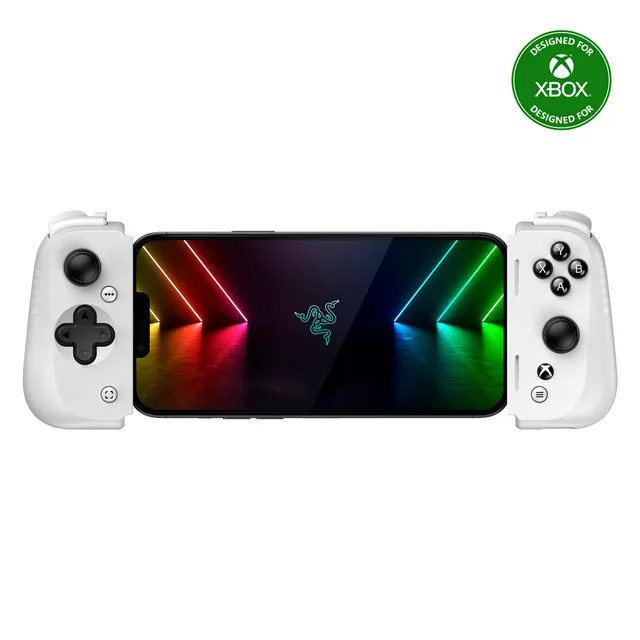
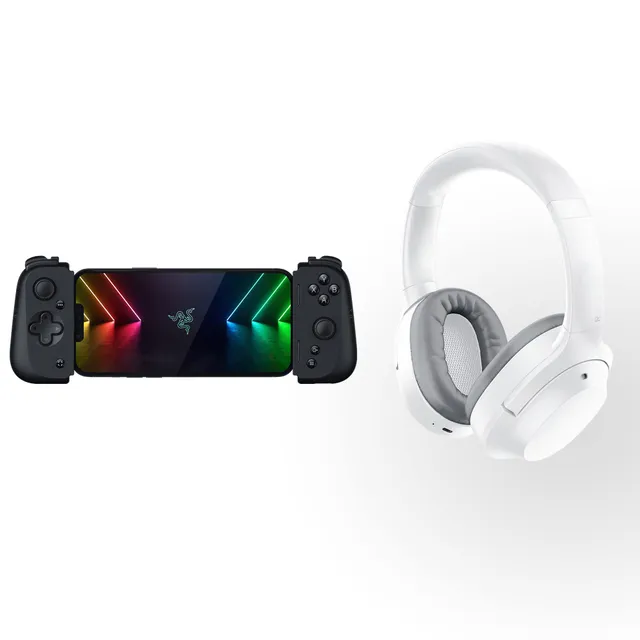
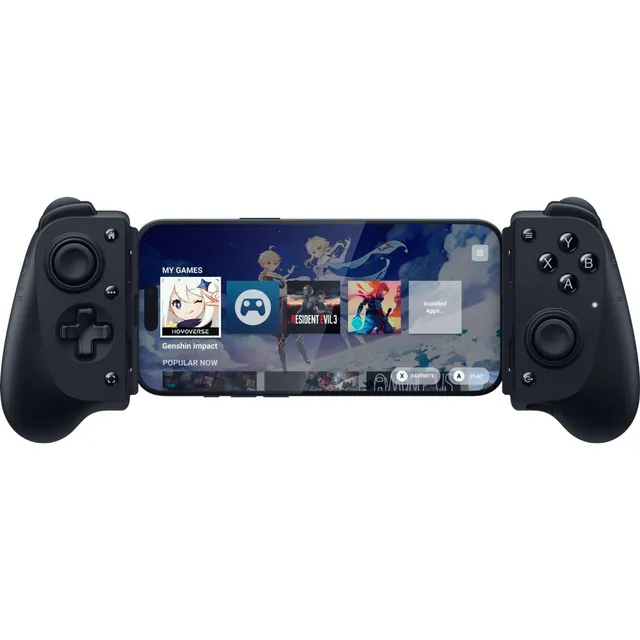
Level up your mobile gaming with the Razer Kishi line of controllers, available at PortSide Gear. We carry 7 models priced between $18.50 and $60.50, so you can find the right fit for your phone and play style. Whether you’re into cloud gaming, console streaming, or competitive mobile titles, the Kishi series delivers low-latency, console-grade controls.
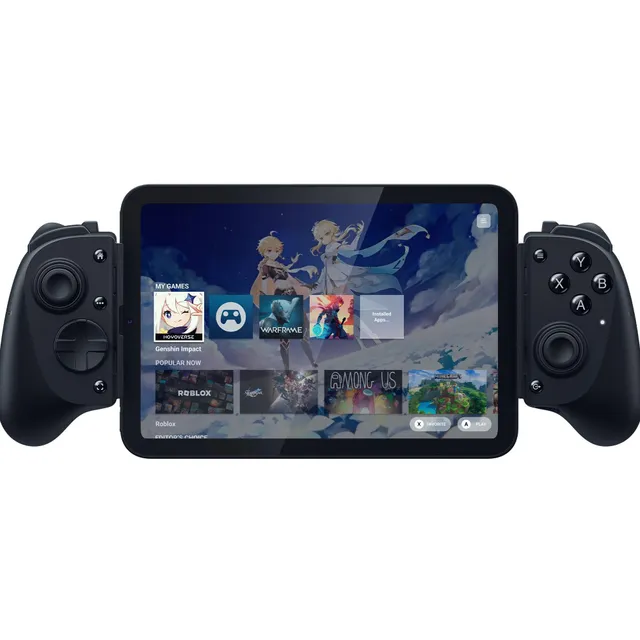
Each Kishi controller is designed to clamp onto your smartphone, turning it into a handheld console. With USB-C or Lightning connectivity, you get a direct, lag-free connection. Browse our selection to compare features like ergonomics, button layout, and compatibility with Android and iOS devices.