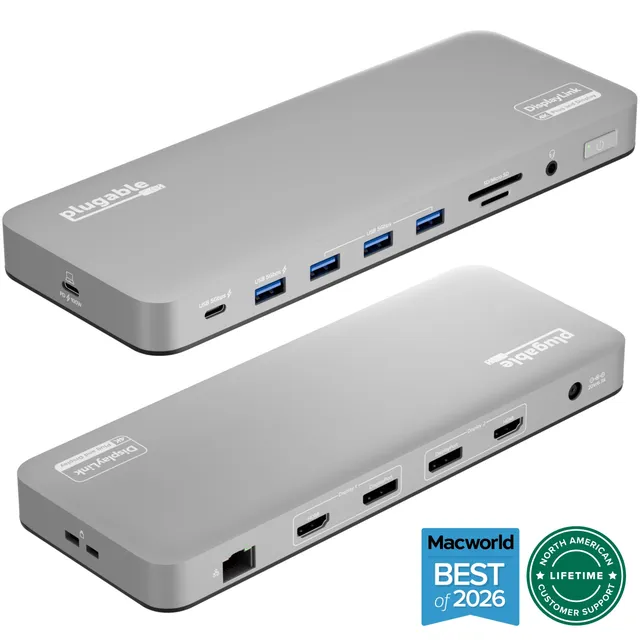
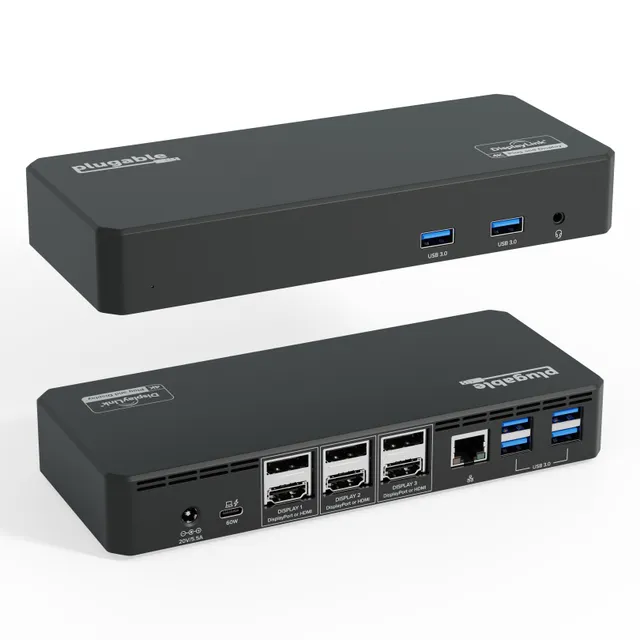
Plugable UD-3900PDZ: A Universal USB-C Dock for Heavy Multitasking
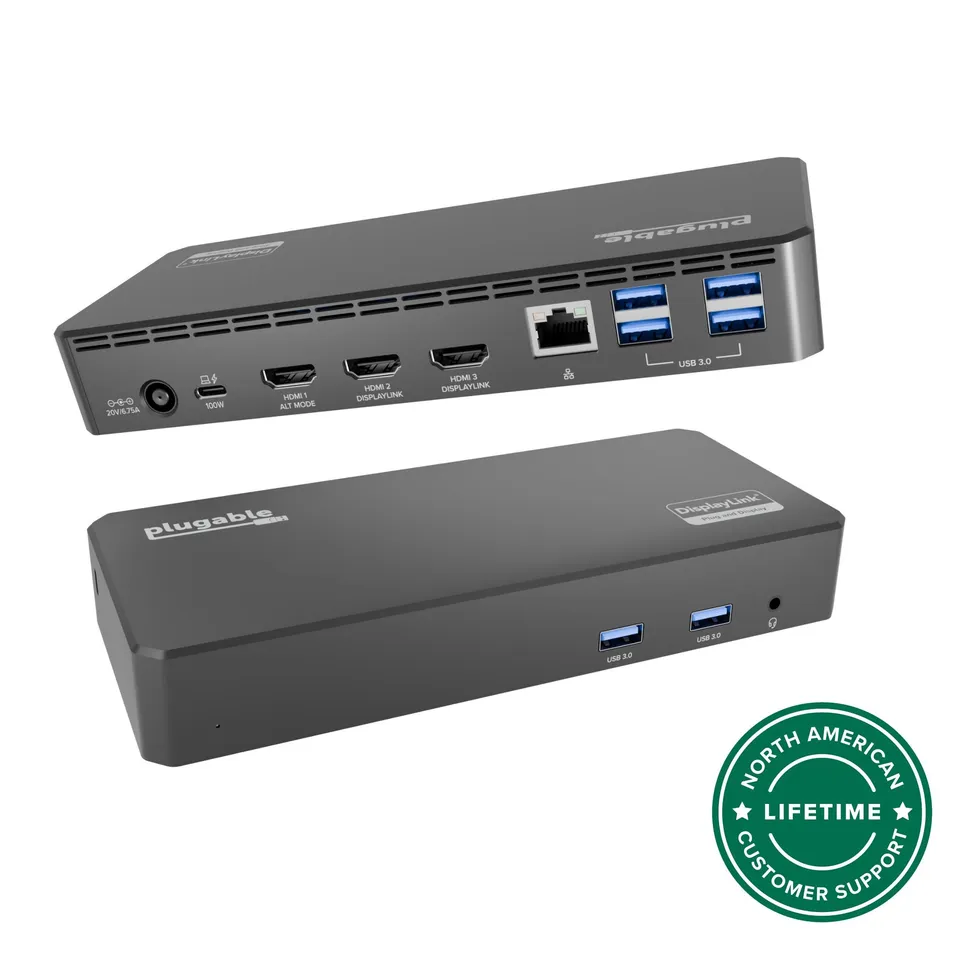
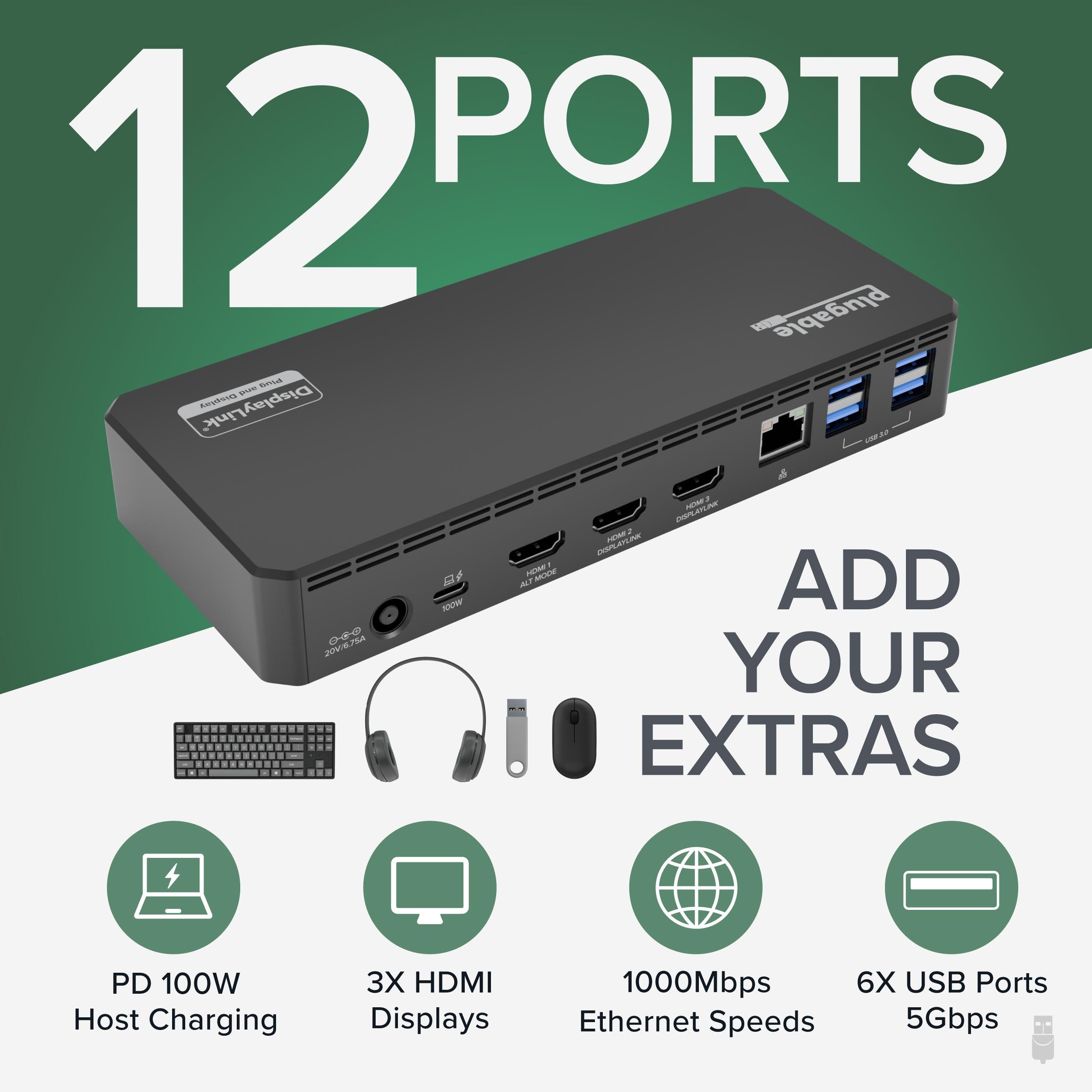
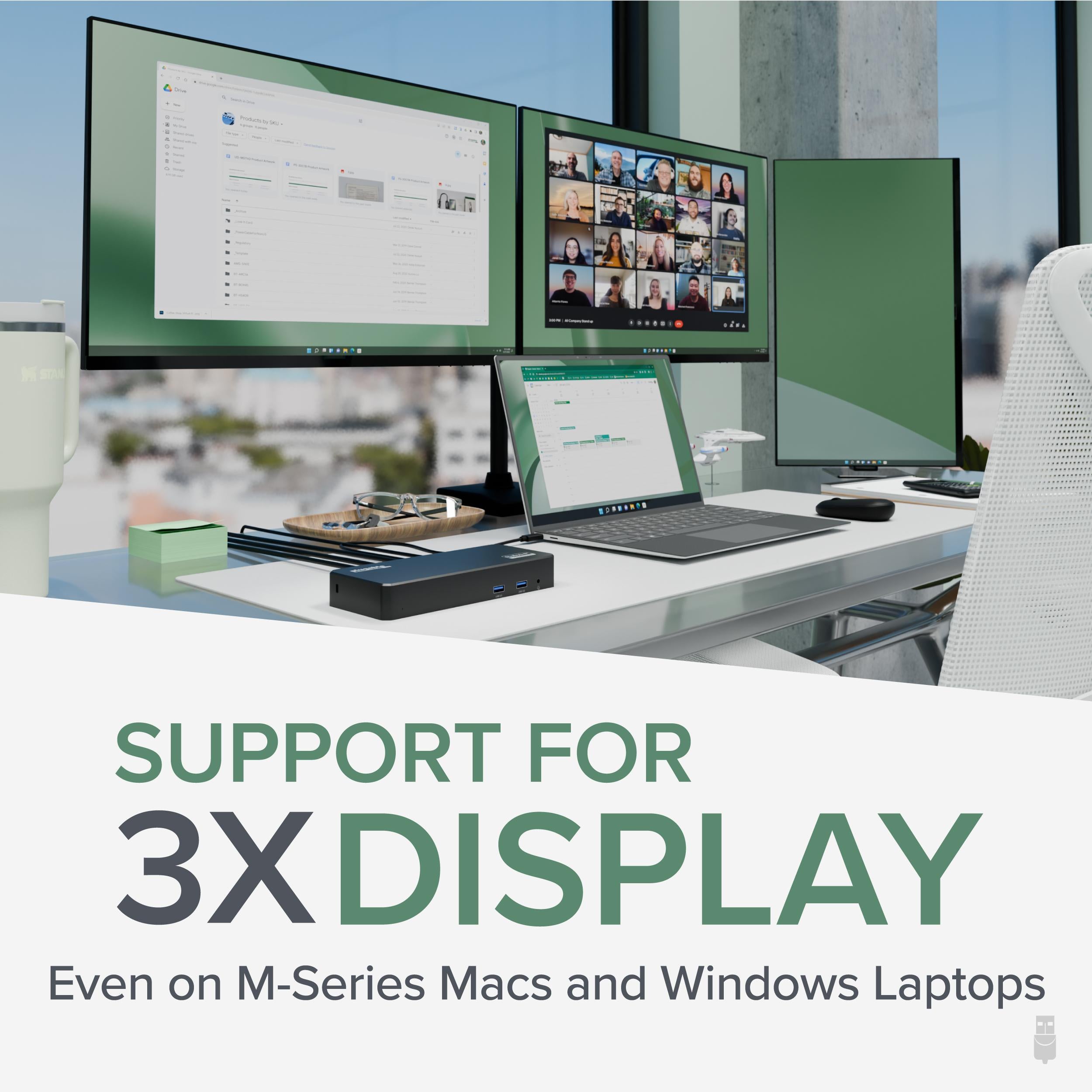
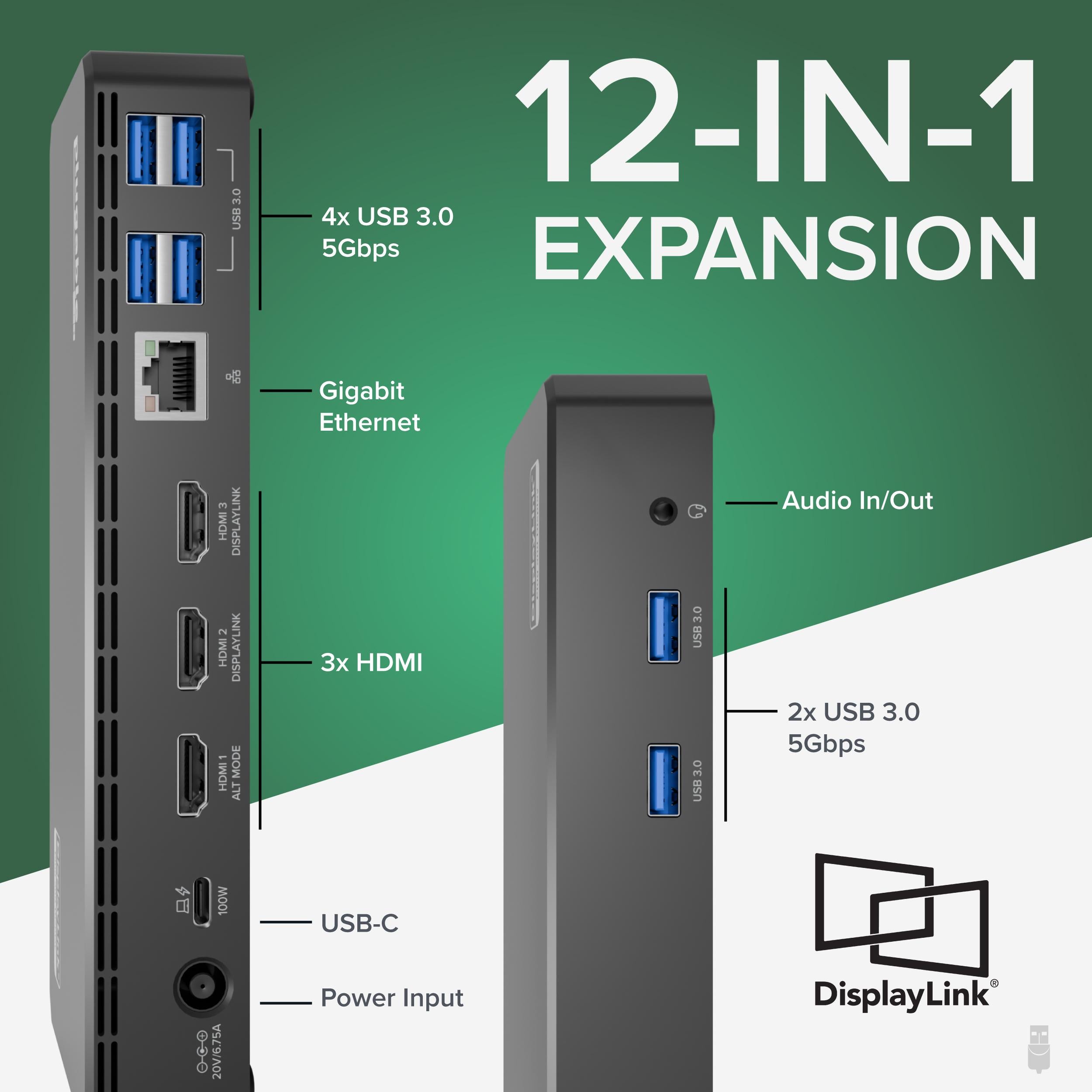
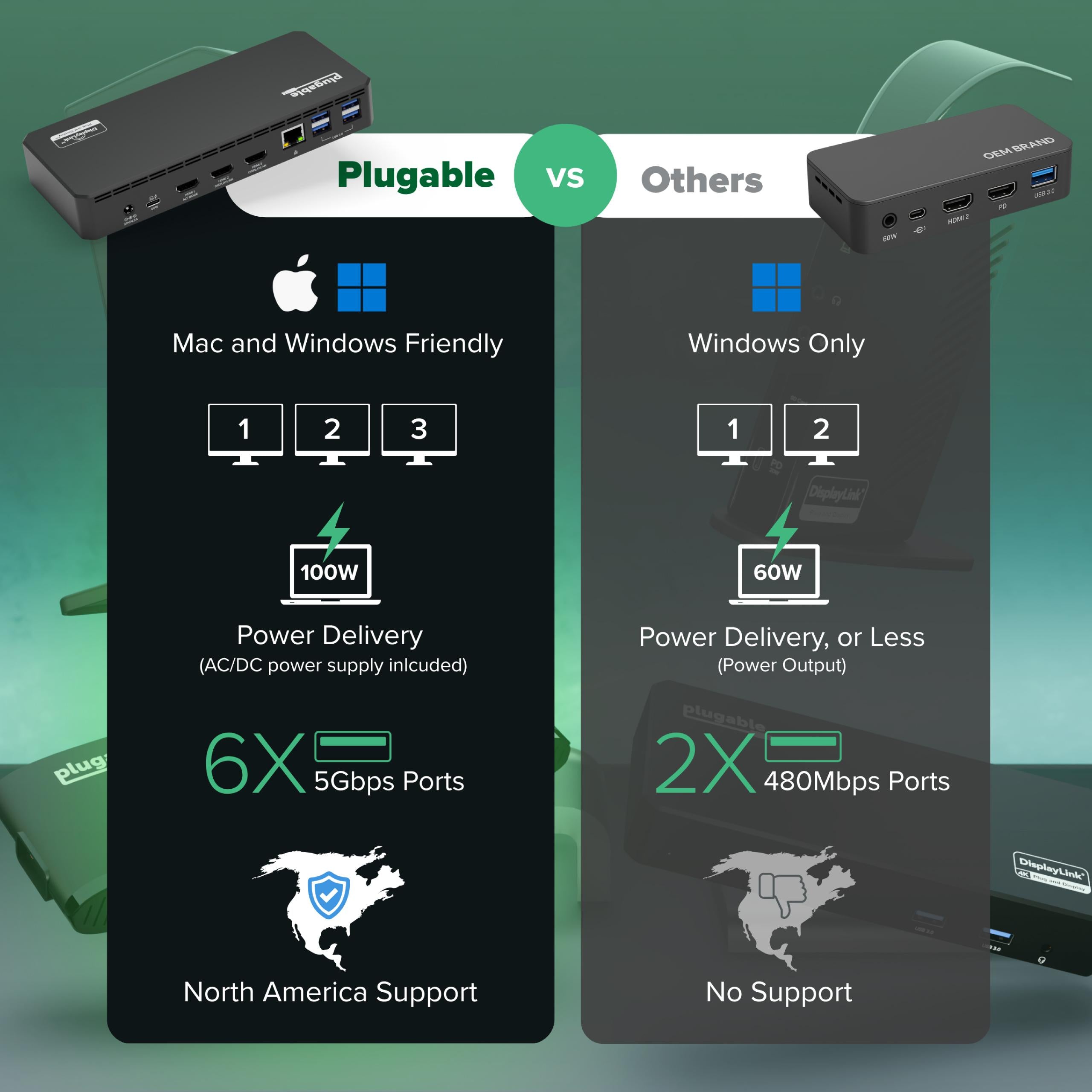
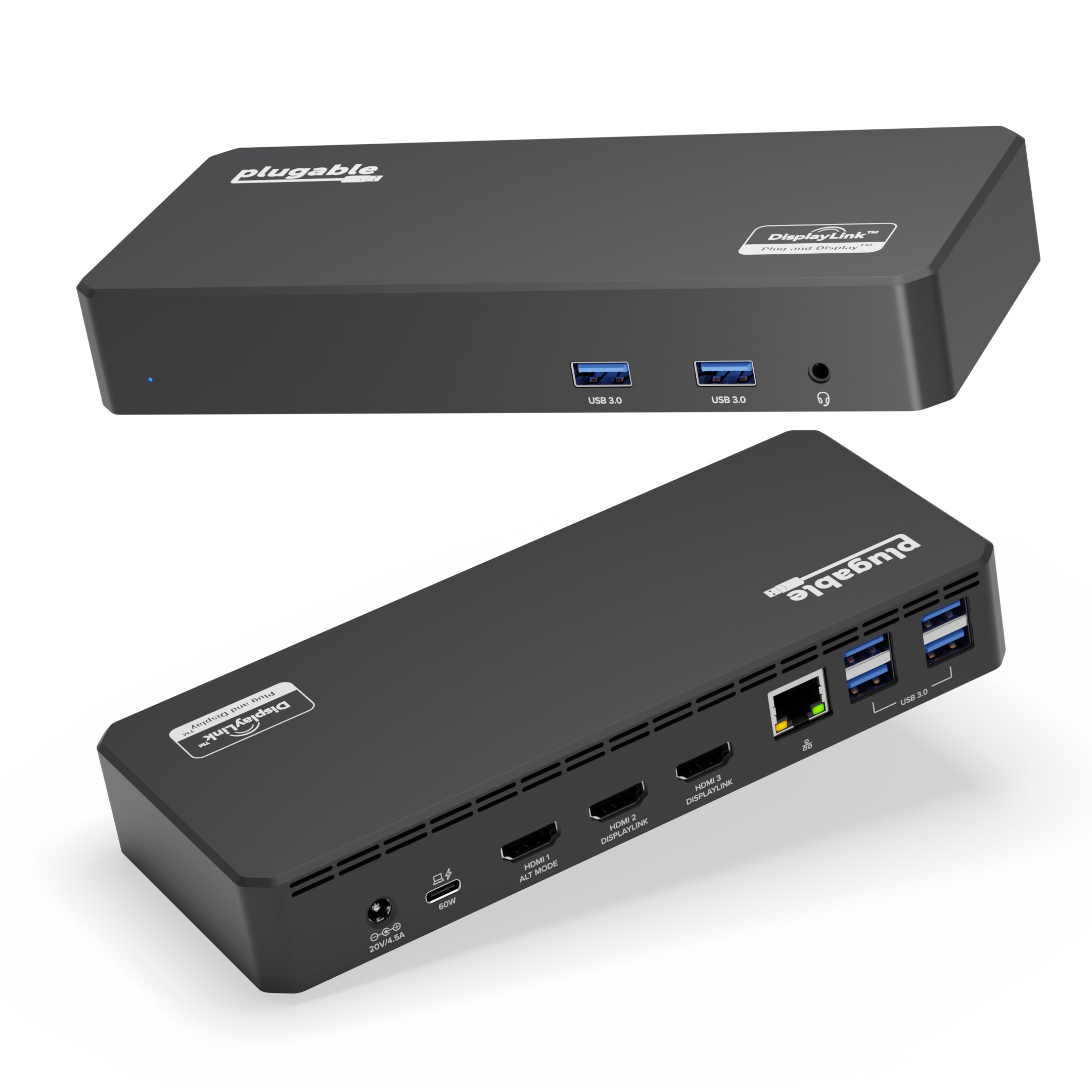
The Plugable UD-3900PDZ is a USB-C triple monitor docking station built for professionals who need maximum productivity. It supports up to three HDMI displays, delivers 100W of power to your laptop, and provides six USB 3.0 ports plus Gigabit Ethernet. With a single USB-C cable, you can transform your laptop into a full desktop workstation—ideal for home offices, corporate environments, and anywhere you need multiple screens.
Set Up Three 4K Monitors with Ease
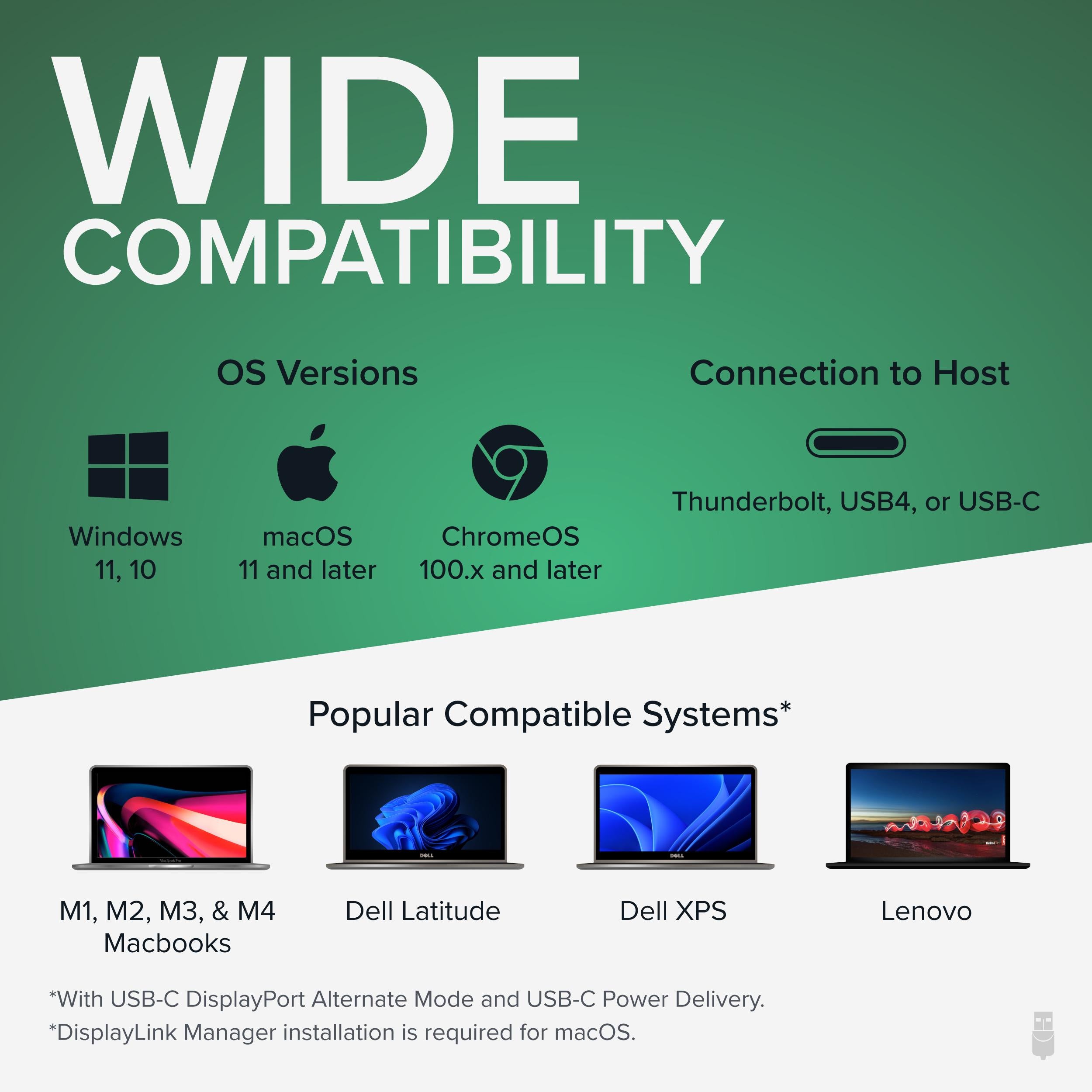
To achieve the full triple 4K experience, ensure your host supports DisplayLink or Thunderbolt (with adapter). On Windows, simply install the DisplayLink driver; macOS 11+ users can plug-and-play. If you're on ChromeOS, verify your device's compatibility. The dock comes with a guide to help you get started quickly.
Selecting the Right Dock for Your Setup
If you need more than three displays, consider Plugable's USB-C quad display docks. For dual 4K setups, the TBT3-UDC1 is a great option. The UD-3900PDZ strikes the right balance for most users who want a triple-monitor, high-power dock.
Features
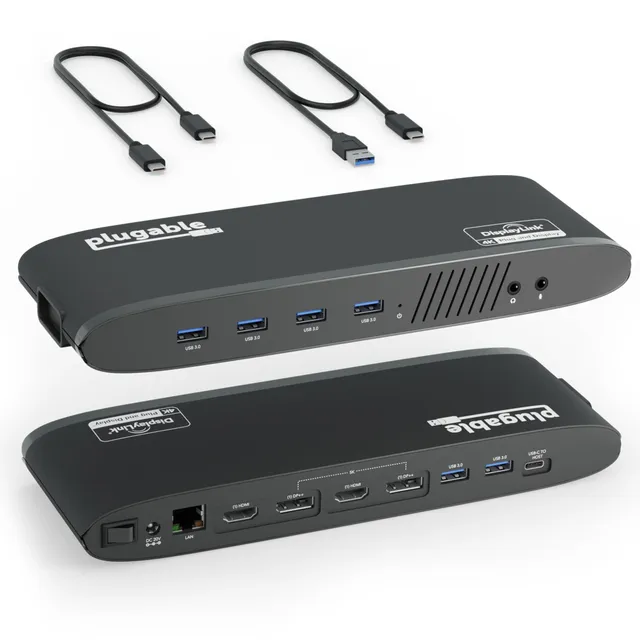
Triple HDMI outputs support up to 4K resolution, perfect for multi-screen workflows.
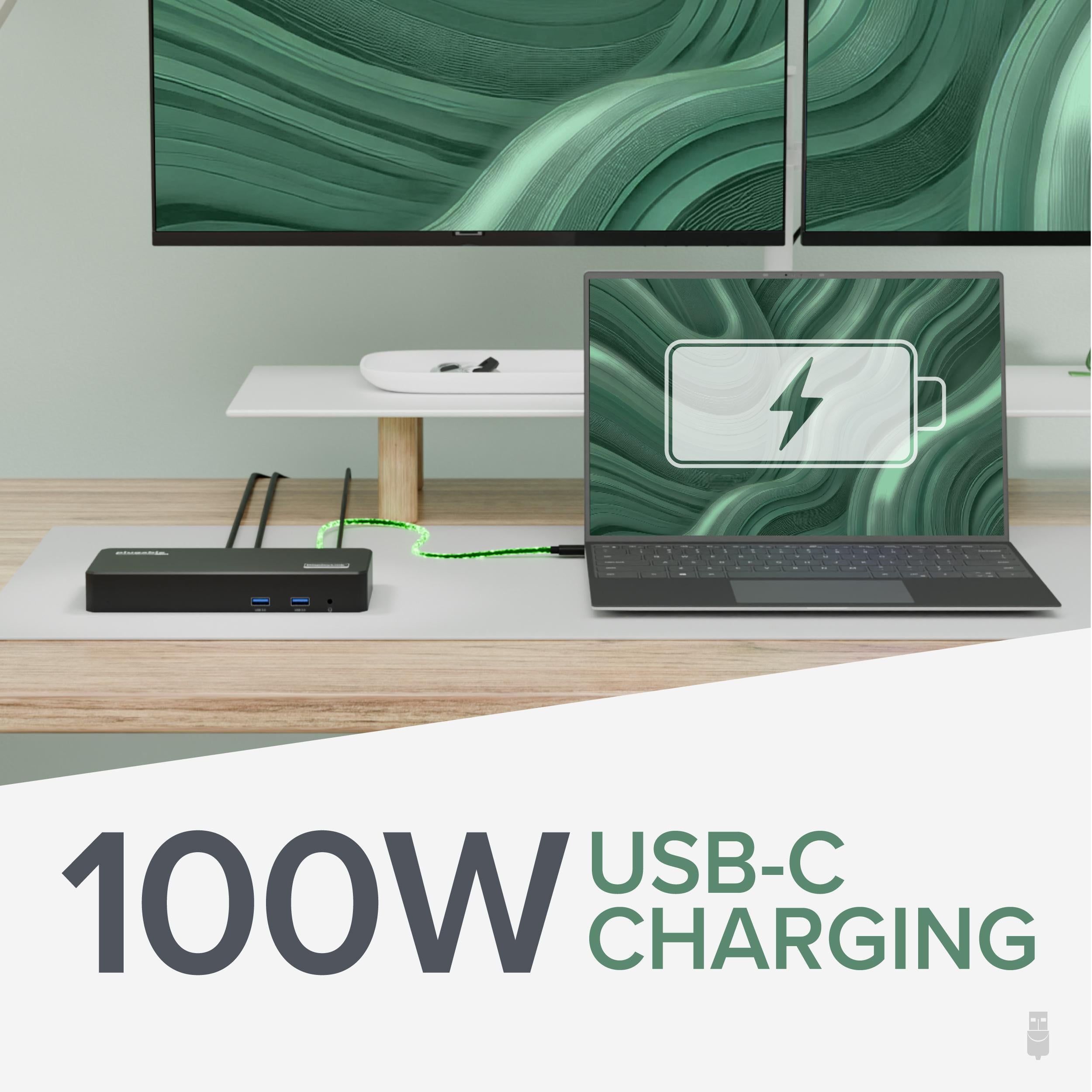
100W Power Delivery keeps high-performance laptops charged even during intensive tasks.
6 USB 3.0 ports and Gigabit Ethernet provide fast data and wired network connectivity.
Audio: 3.5mm headphone/mic combo
Model: UD-3900PDZ
Weight: 1.4 lb
Ethernet: Gigabit
USB Ports: 6x USB 3.0
Dimensions: 7.3 x 3.9 x 1.2 inches
Product Type: Triple Monitor USB-C Docking Station
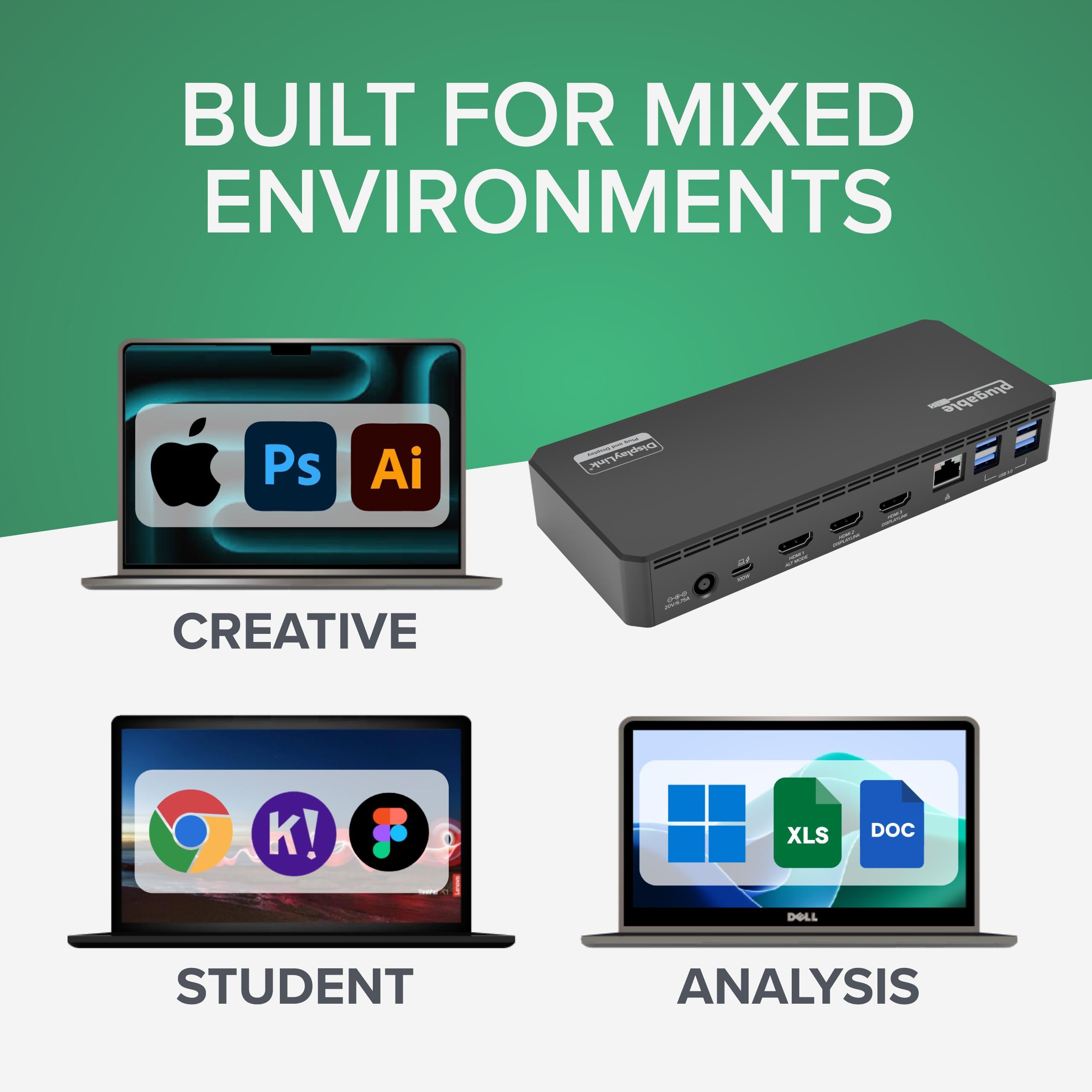
Compatibility: Windows, macOS, ChromeOS, Android, Linux
Max Resolution: 3x 4K @60Hz (with DisplayLink)
Power Delivery: 100W
Display Outputs: 3x HDMI
Seller: PortSide Gear
MPN: UD-3900PDZ
Product Details
Boost your workflow with the UD-3900PDZ's versatile connectivity. Its compact design fits seamlessly into any desktop, while the integrated cable management keeps your workspace tidy. The dock supports hot-swap operation and is compatible with a wide range of devices. With a 2-year warranty and dedicated support, it's a reliable choice for demanding professionals.
Frequently Asked Questions
How do I set up three 4K monitors with the Plugable UD-3900PDZ?
Connect the dock to your laptop via USB-C. Install DisplayLink drivers from the Plugable website if needed. Plug your three monitors into the HDMI ports. On Windows, go to Display Settings to extend your desktop. For macOS, ensure you have macOS 11 or later for best support.
Why do I only see two monitors?
This can happen if your host system limits the number of displays over USB-C. Check that your laptop supports DisplayPort Alt Mode or Thunderbolt. Also, ensure each monitor is connected securely and powered on. If using macOS, update to the latest version and install the DisplayLink driver.
Does the UD-3900PDZ work with macOS Sequoia?
Yes, the UD-3900PDZ is compatible with macOS Sequoia. Plugable provides up-to-date drivers for DisplayLink on their website. If you experience issues, download the latest driver and follow the installation guide.
Can I use this dock with a Chromebook?
Yes, the UD-3900PDZ works with ChromeOS versions 100 and later. Simply plug in, and it should recognize the dock. You may need to adjust display settings for extended desktop.
4.3★★★★★★★★★★(3)
5 ★1
4 ★2
3 ★0
2 ★0
1 ★0
Customer Reviews
3
★★★★★★★★★★5.0
j*****t
Verified
Perfect for multiple monitors
I have three 4K monitors connected, and this dock handles them all at 60Hz. It also charges my laptop fast. Setup was straightforward with the provided drivers. Highly recommend.
★★★★★★★★★★4.0
e***k
Verified
Great dock, heavy
Works well, but it's a bit bulky and heavy for travel. Fine for desk use. The 100W charging is excellent.
★★★★★★★★★★4.0
n****z
Verified
Reliable and versatile
I've been using this dock for a few months now. It's stable, no disconnects. The triple monitor support is great. The only minor gripe is that the USB ports are all on the back, but that's minor.