$20.00
1
Your cart is empty
Subtotal
We will hold your cart for 15:00.
Buy more, save more
Coupon discount
Shipping
Add 2 more items to unlock your free mystery gift.
Complimentary item.
Total
$20.00
We will hold your cart for 15:00.
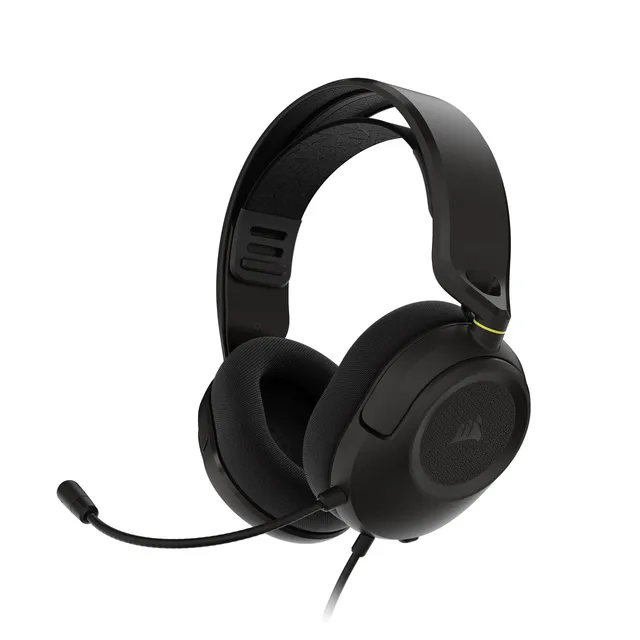
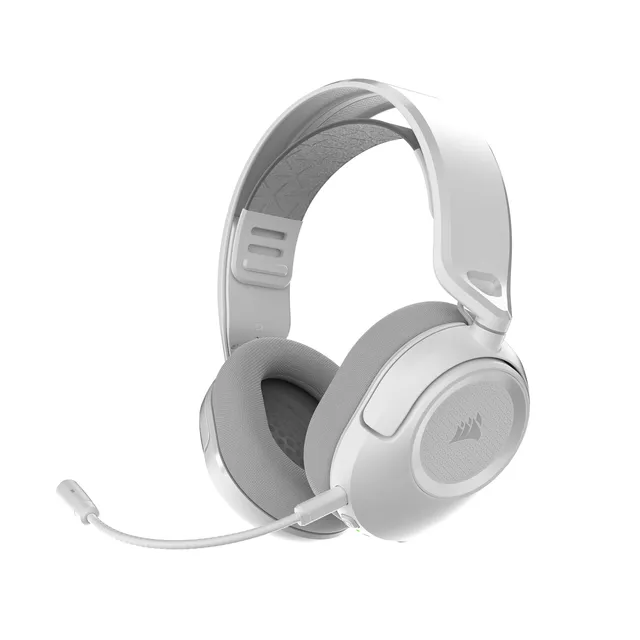
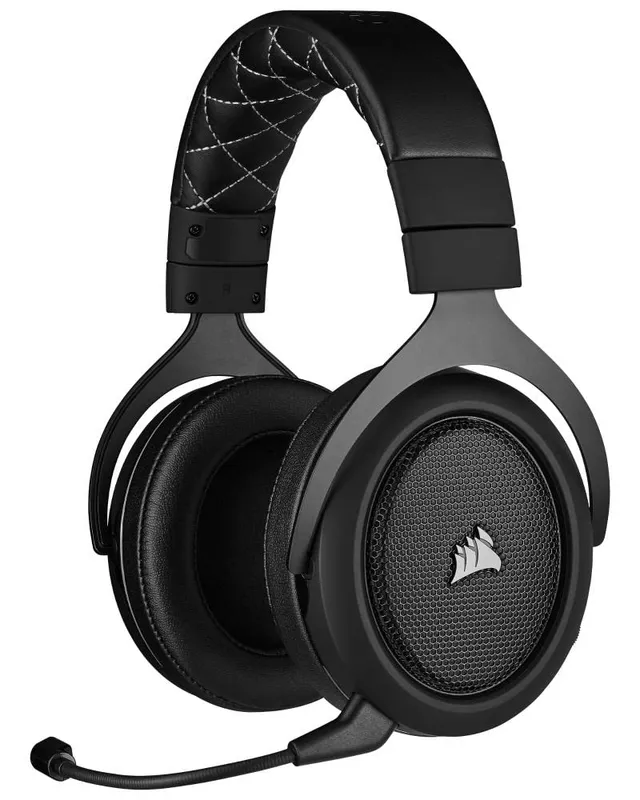
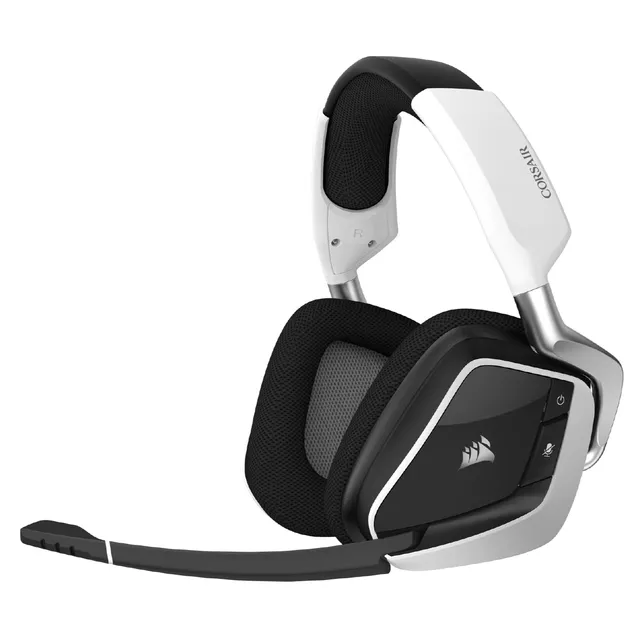
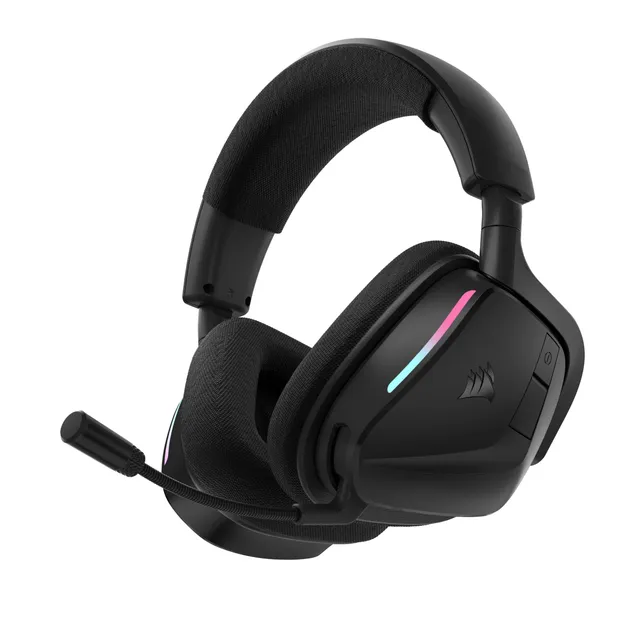
Welcome to the Corsair Gaming Headsets collection. We've picked seven headset models, ranging from $15 to $56.79, to deliver immersive audio and clear communication. Whether you're playing competitively or streaming, there's a Corsair headset here for you.
Explore our buying guide for choices between wired and wireless, and check our FAQs for setting up EQ profiles, mic settings, and troubleshooting common issues.