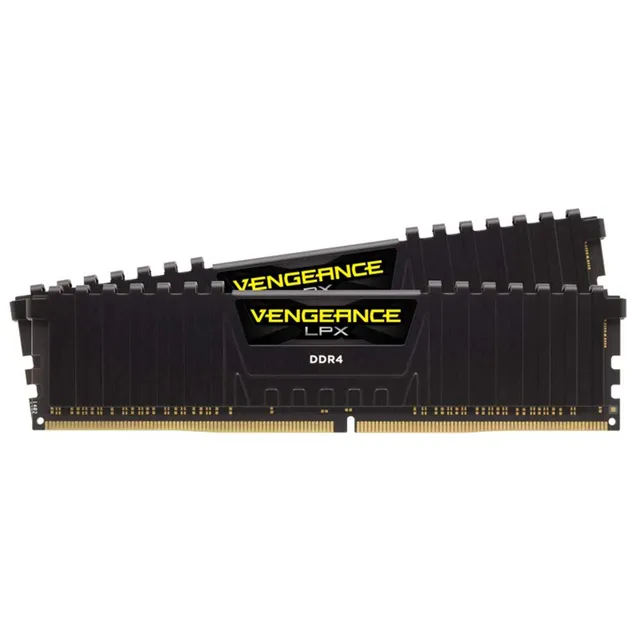
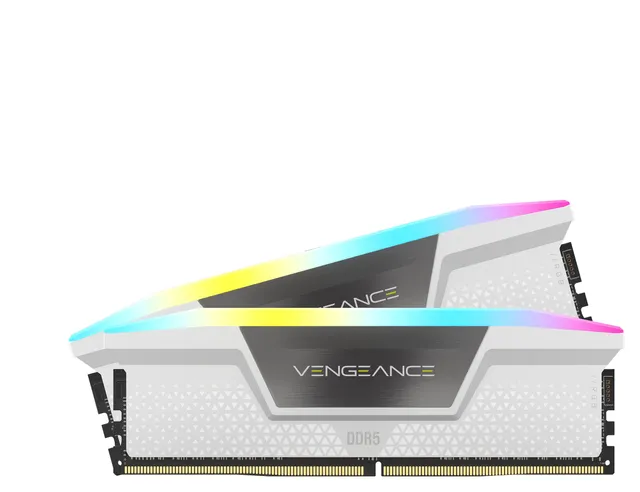
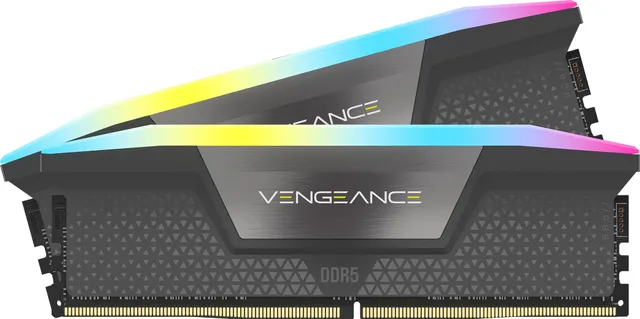
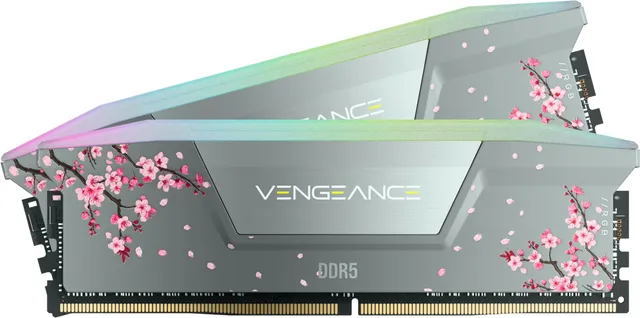
$20.00
1
Your cart is empty
Subtotal
We will hold your cart for 15:00.
Buy more, save more
Coupon discount
Shipping
Add 2 more items to unlock your free mystery gift.
Complimentary item.
Total
$20.00
We will hold your cart for 15:00.
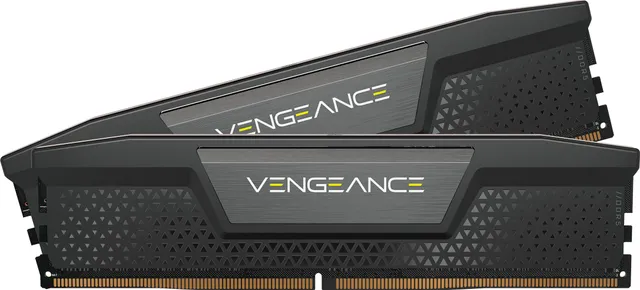
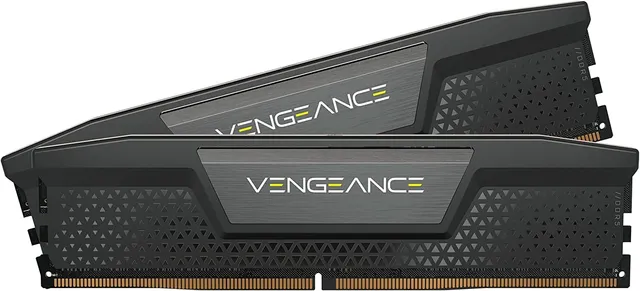
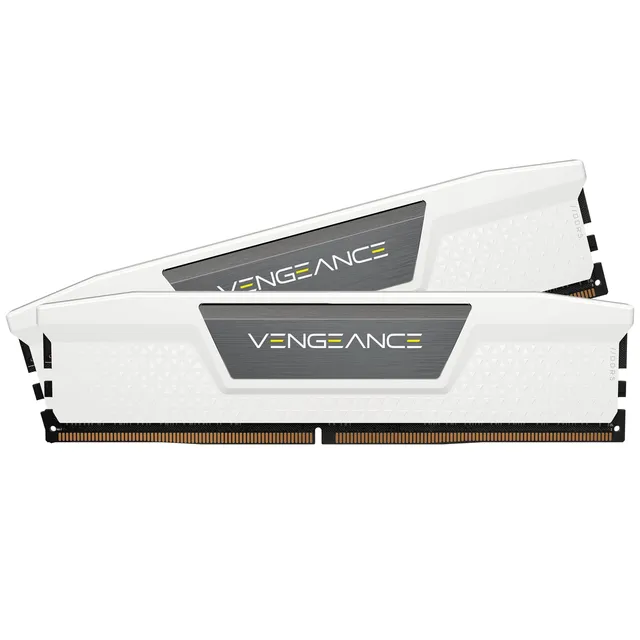
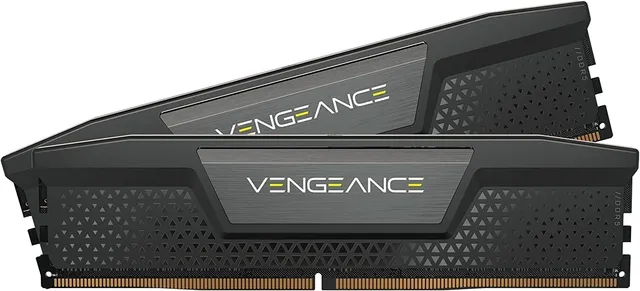
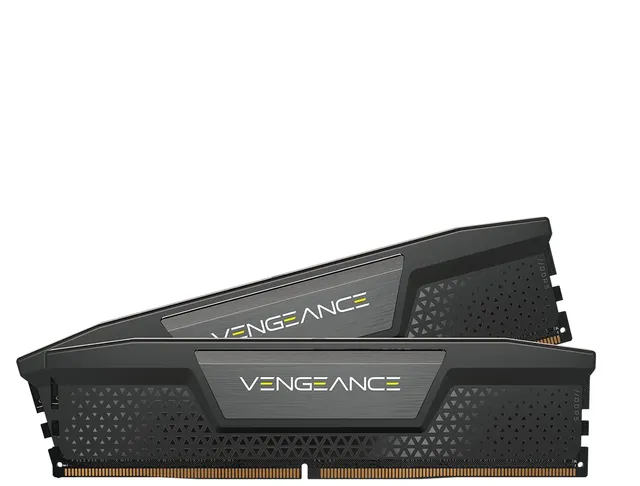
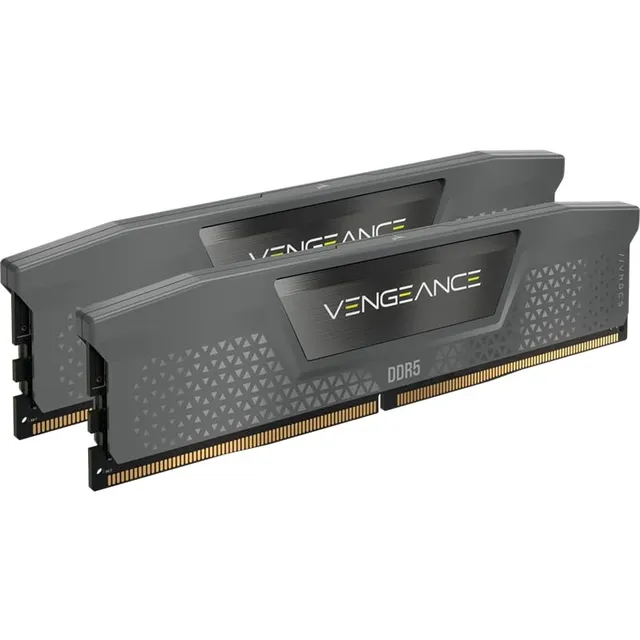
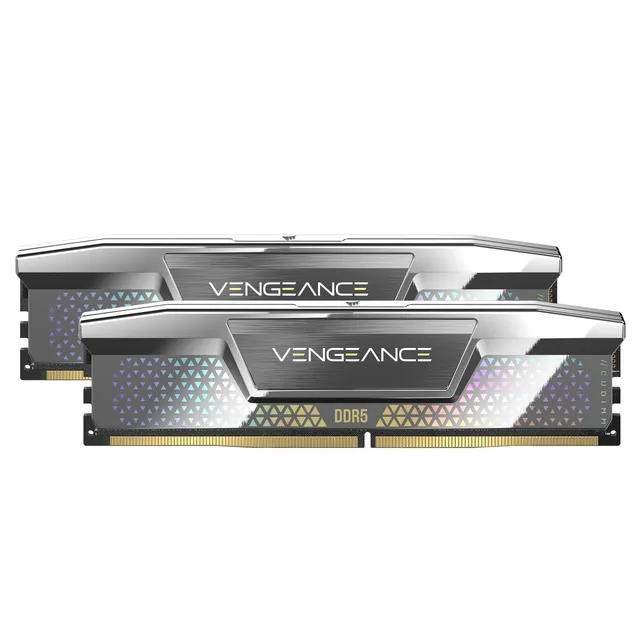
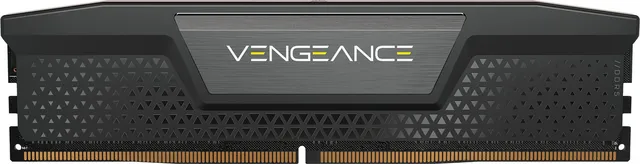
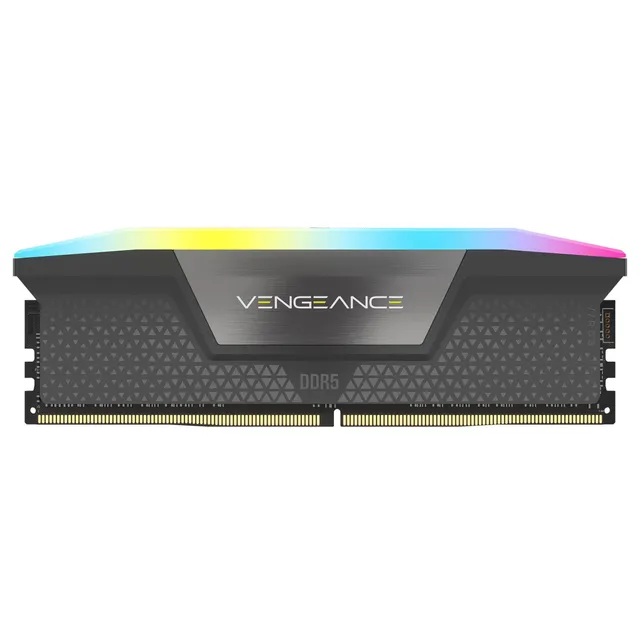
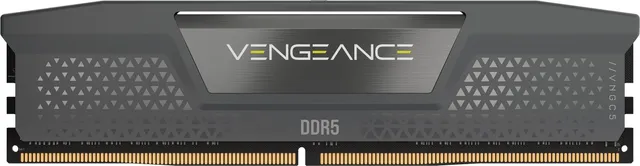
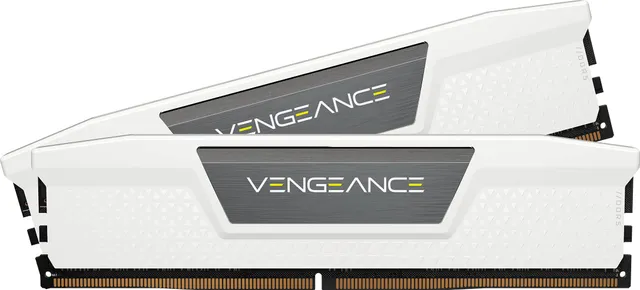
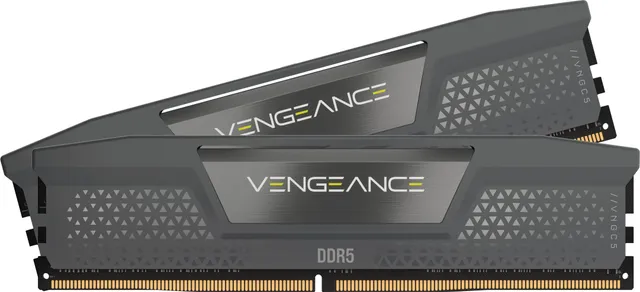
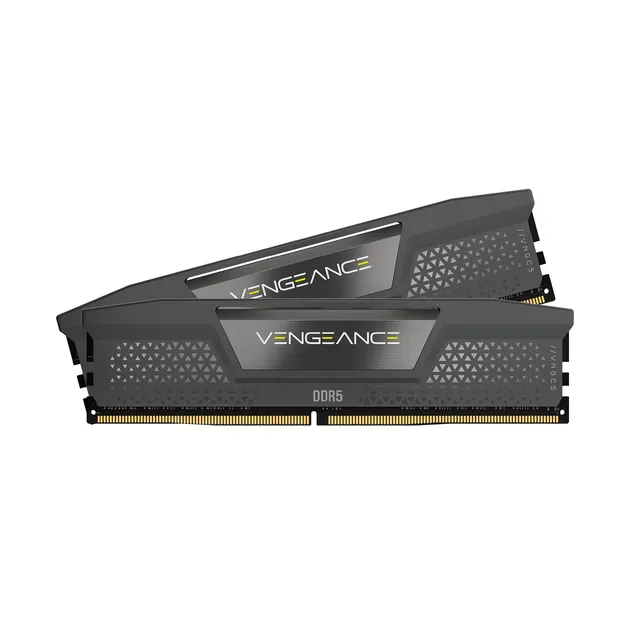
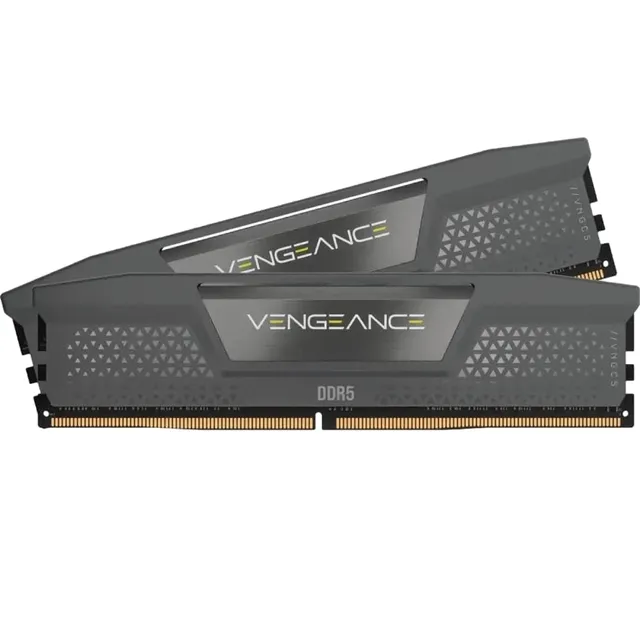
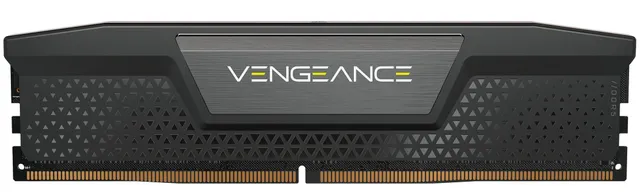
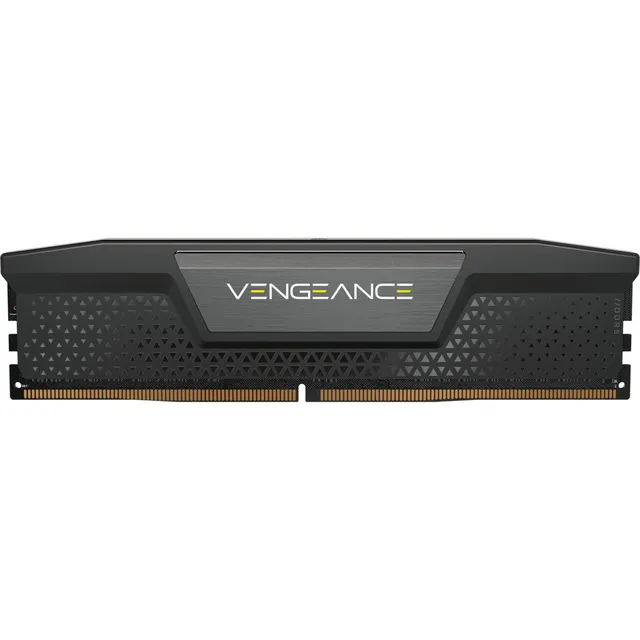
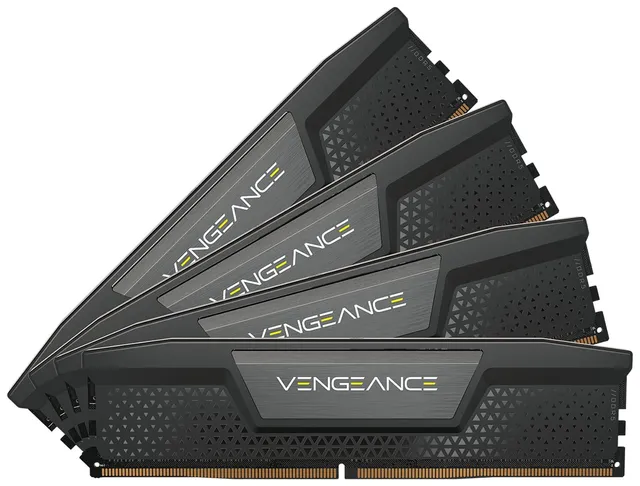
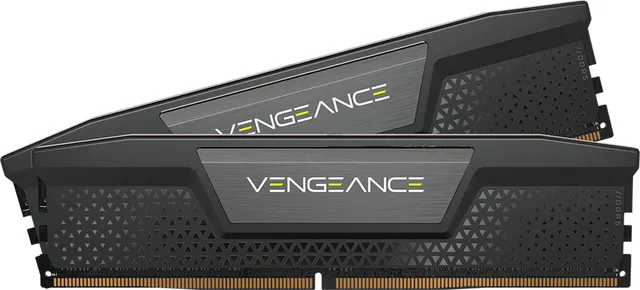
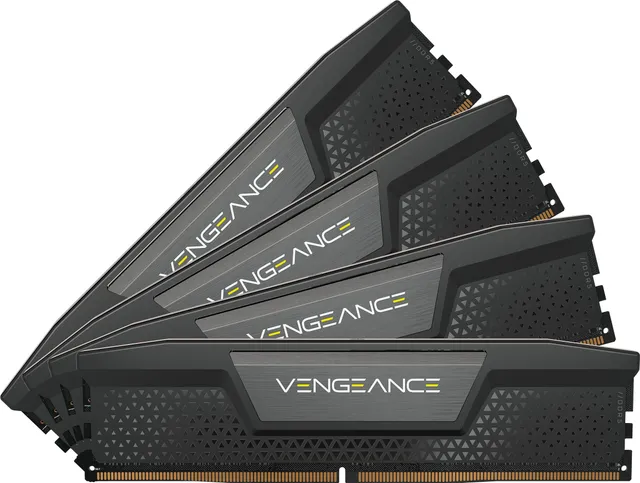
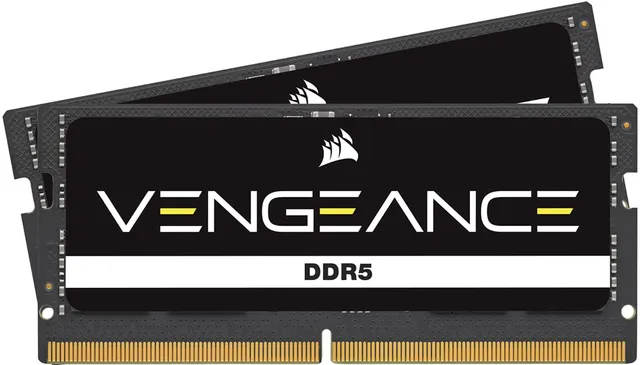
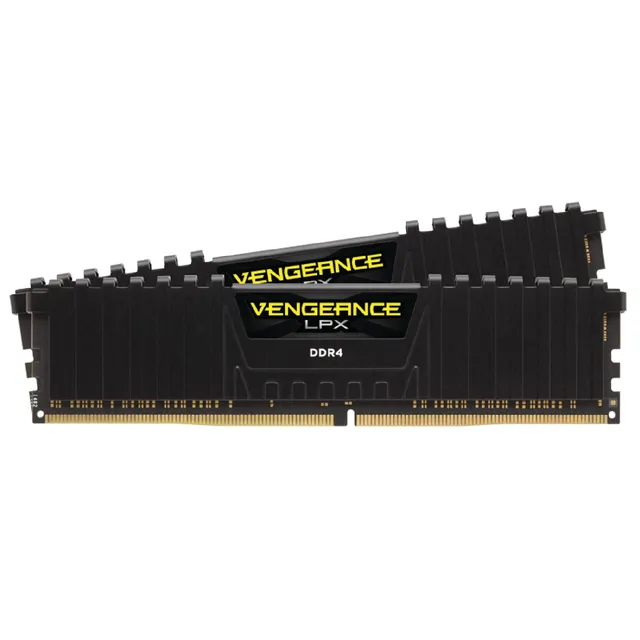
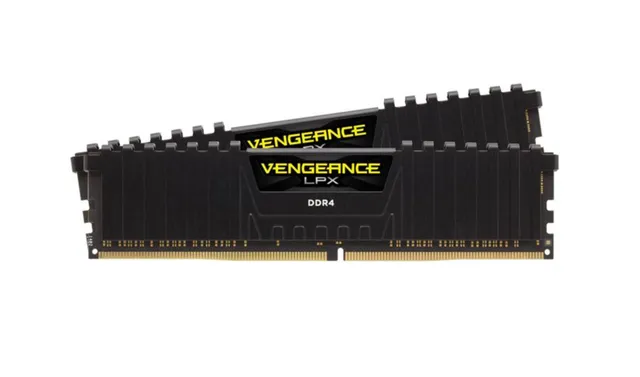
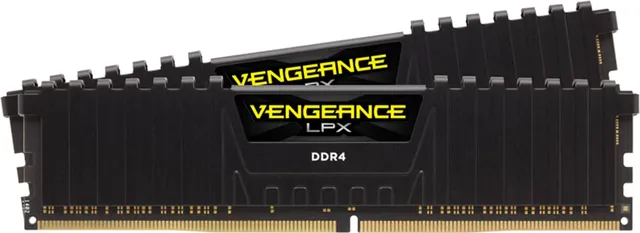
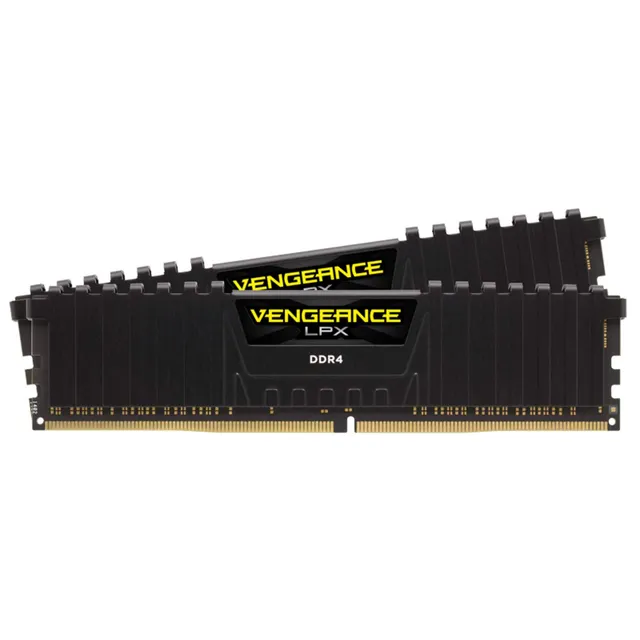
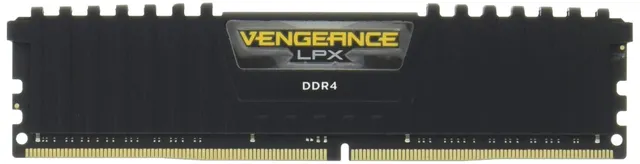
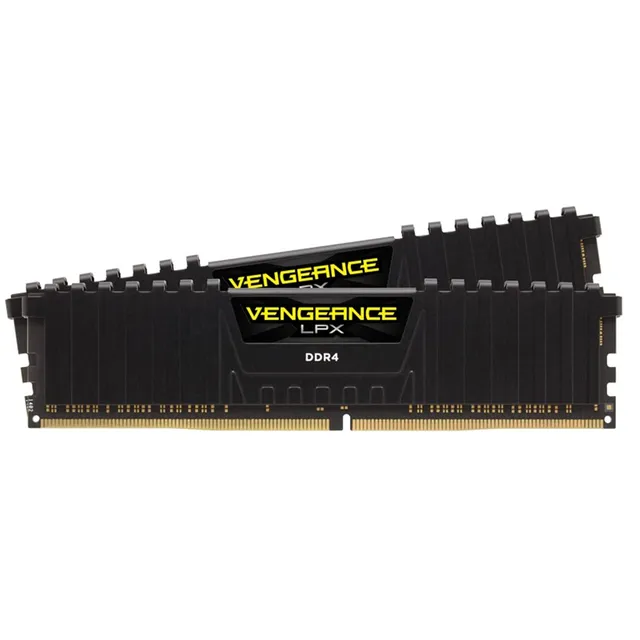
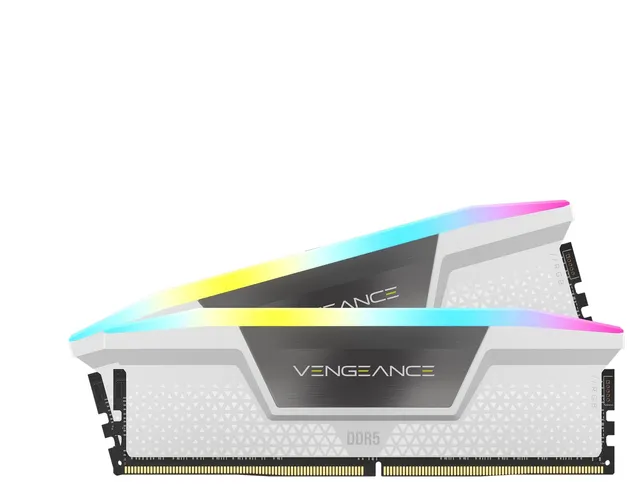
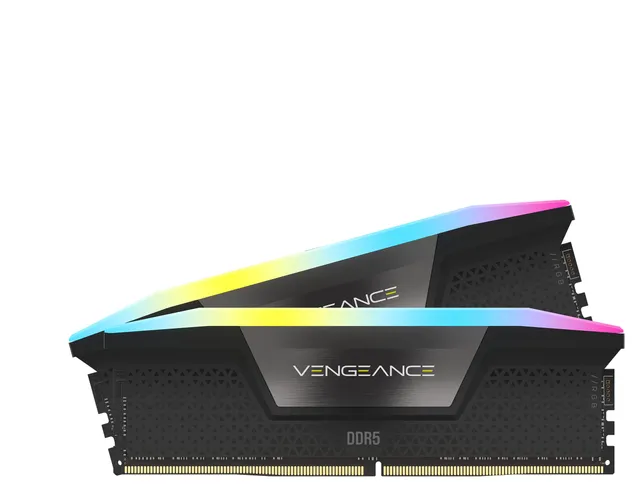
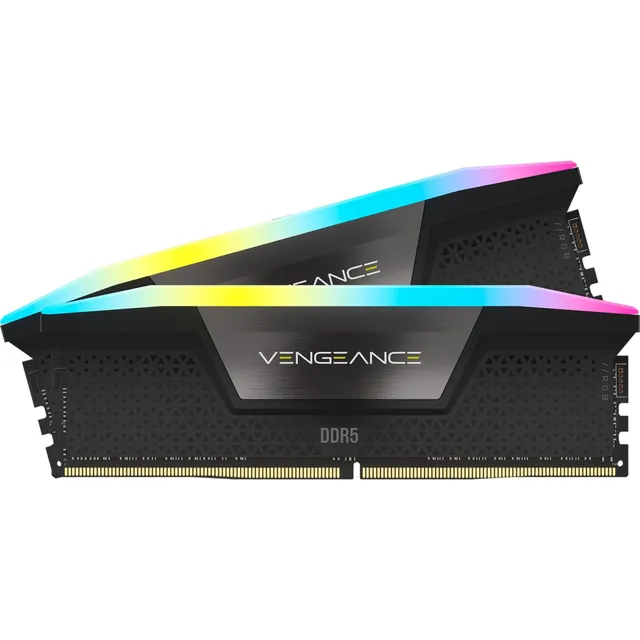
Welcome to the Corsair Vengeance memory collection. We offer 77 DDR4 and DDR5 modules, priced from $25 to $100, to power your gaming or productivity rig. Whether you're building a new PC or upgrading, Vengeance memory delivers proven performance and stability.
This page is your resource for memory buying guides, including how to enable XMP for rated speeds, overclocking timings, and checking compatibility with your motherboard.