$20.00
1
Your cart is empty
Subtotal
We will hold your cart for 15:00.
Buy more, save more
Coupon discount
Shipping
Add 2 more items to unlock your free mystery gift.
Complimentary item.
Total
$20.00
We will hold your cart for 15:00.
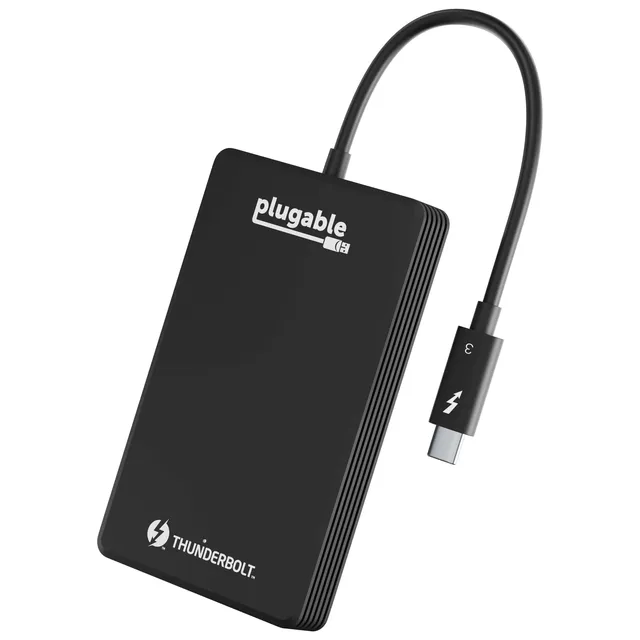
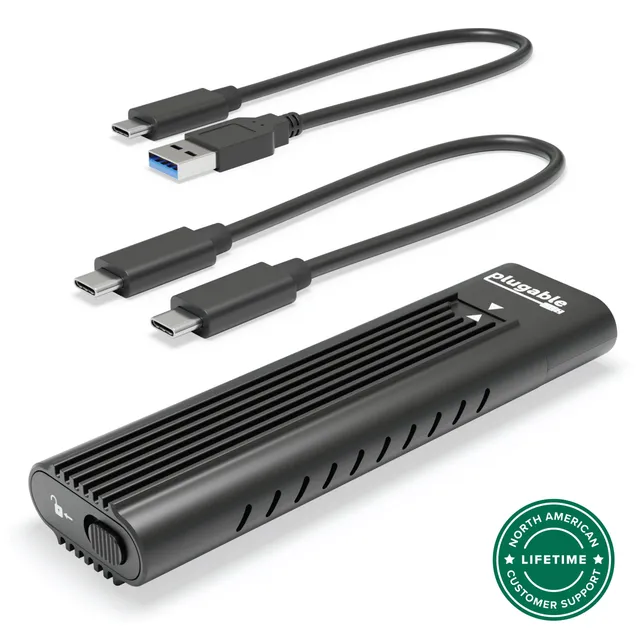
Browse our curated Plugable Solid State Drives (4 products) with prices from $11.48 to $87.90. These drives offer fast, reliable storage for laptops, desktops, and consoles. Whether you need a portable USB-C drive for travel or a Thunderbolt 3 NVMe unit for high-performance workflows, our selection covers common capacities and interfaces to fit your setup.
Plugable drives are known for wide compatibility and straightforward setup. In this collection you’ll find products that work with Windows, macOS, and many Linux systems. If you’re replacing an old drive or looking to expand your storage, use our filters to compare speeds and form factors. Need help? The included guides and product documentation can assist with installation and troubleshooting.