$20.00
We will hold your cart for 15:00.
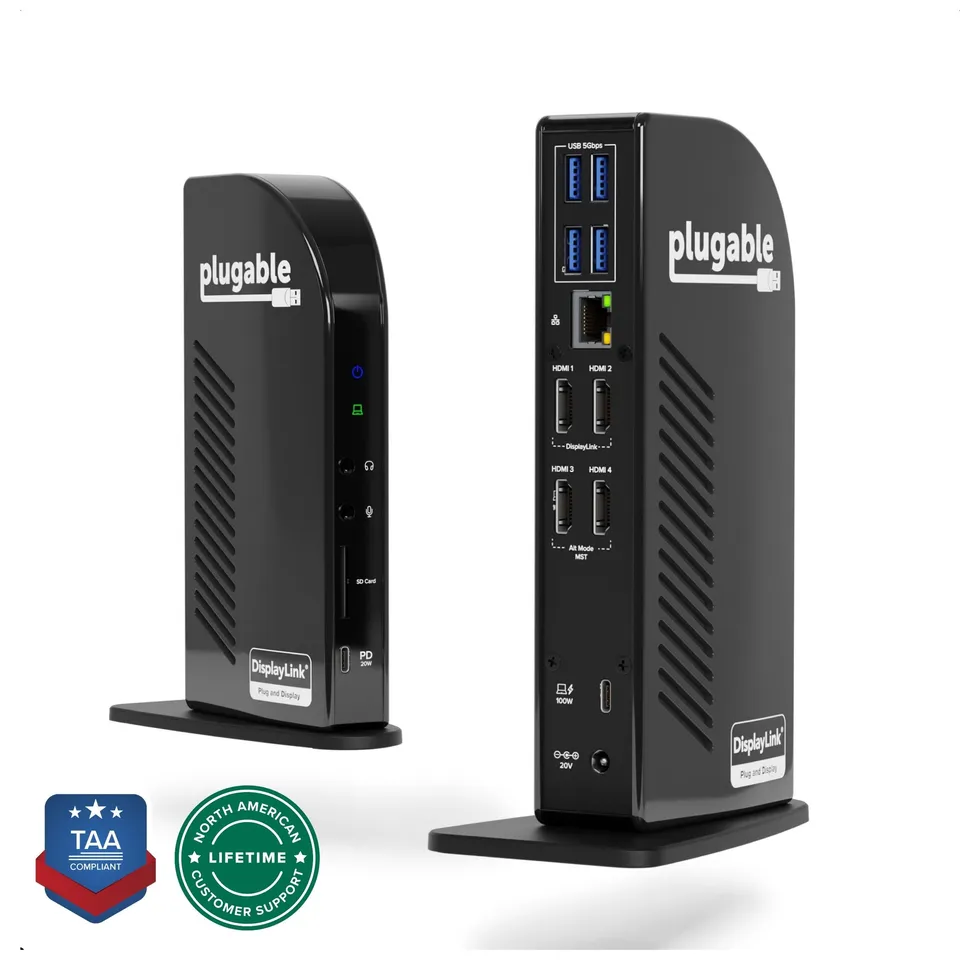
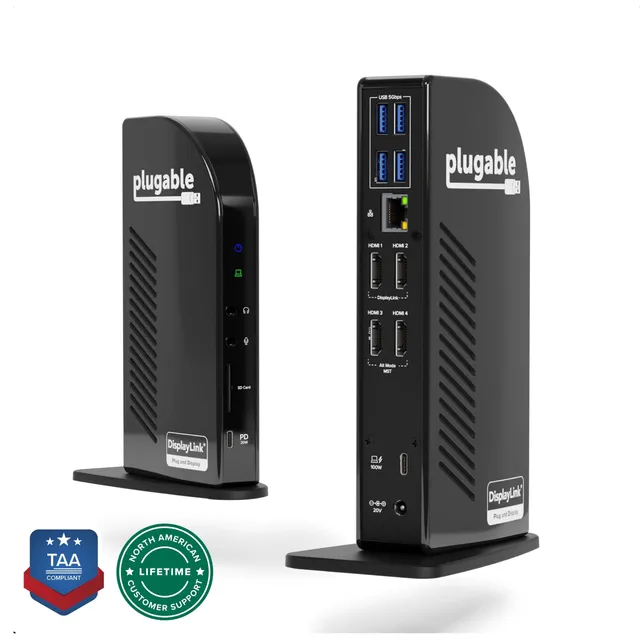
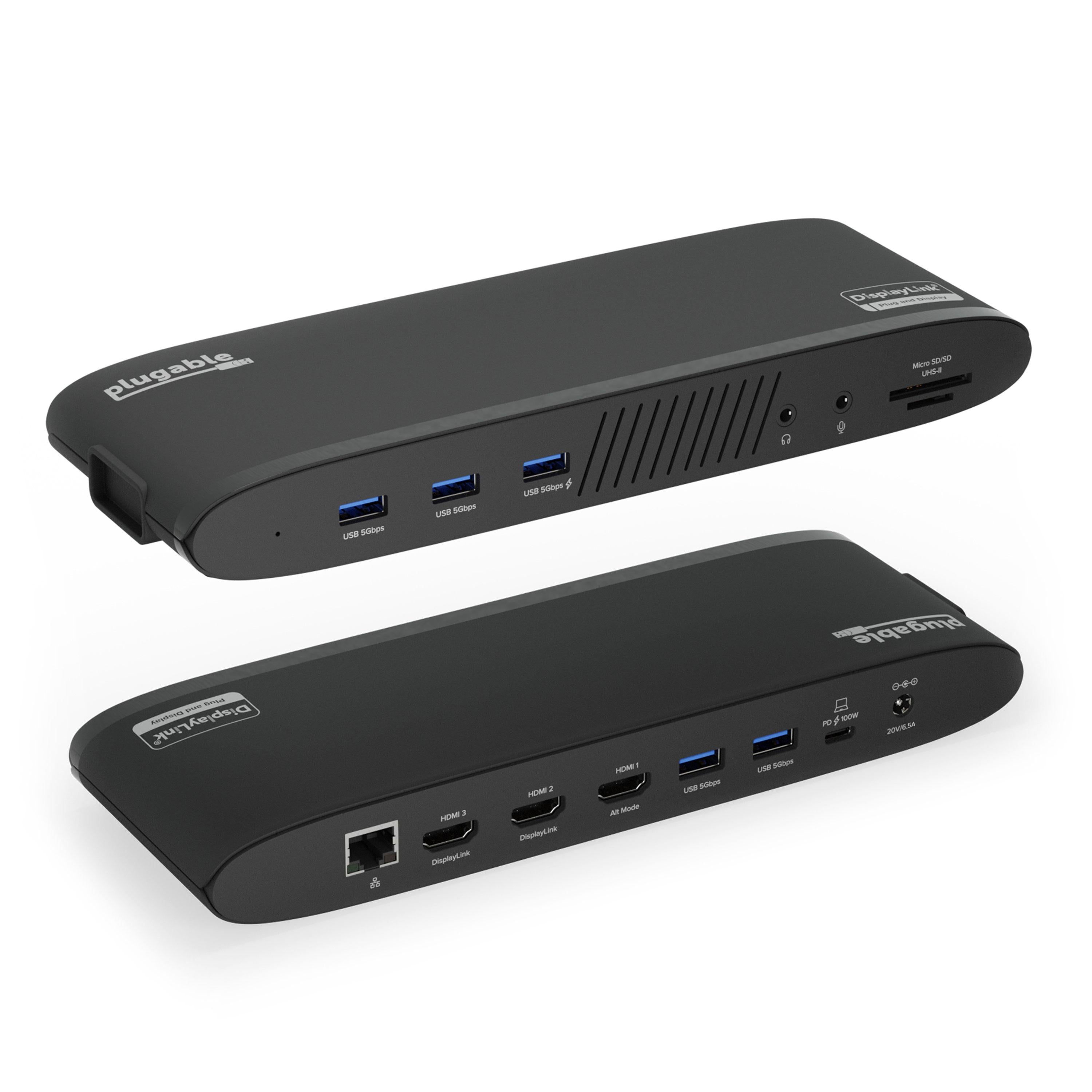
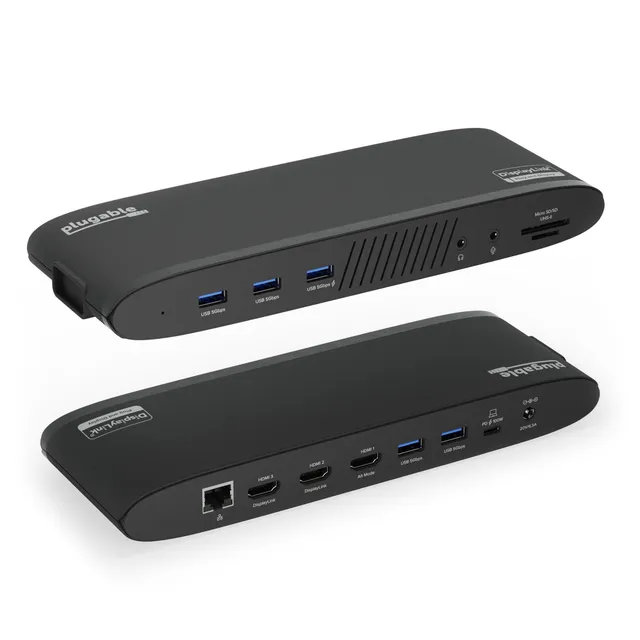
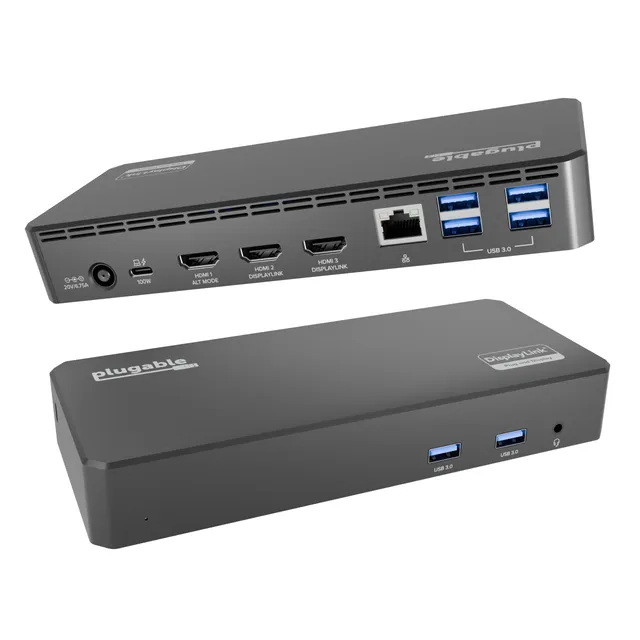
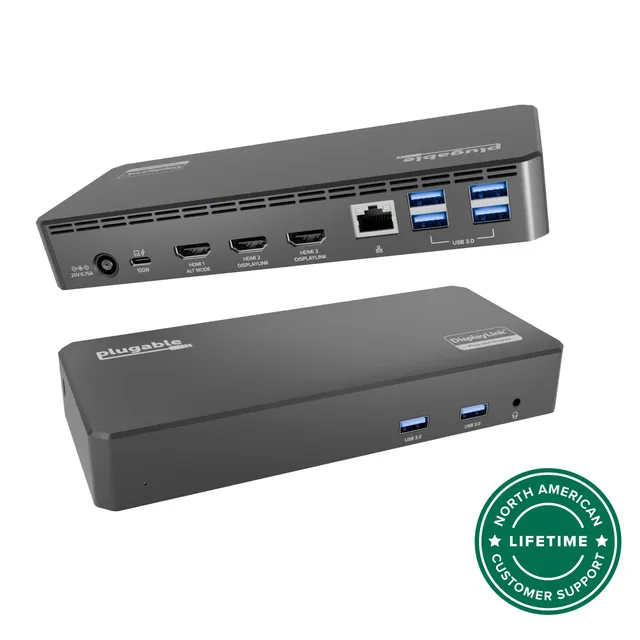
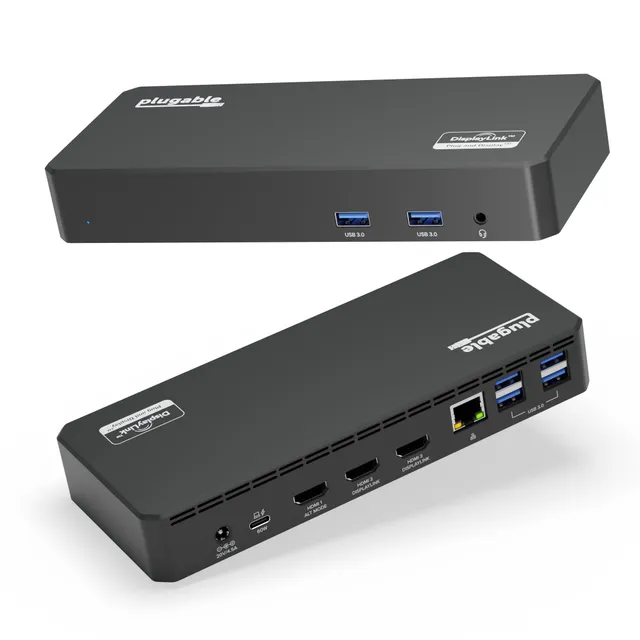
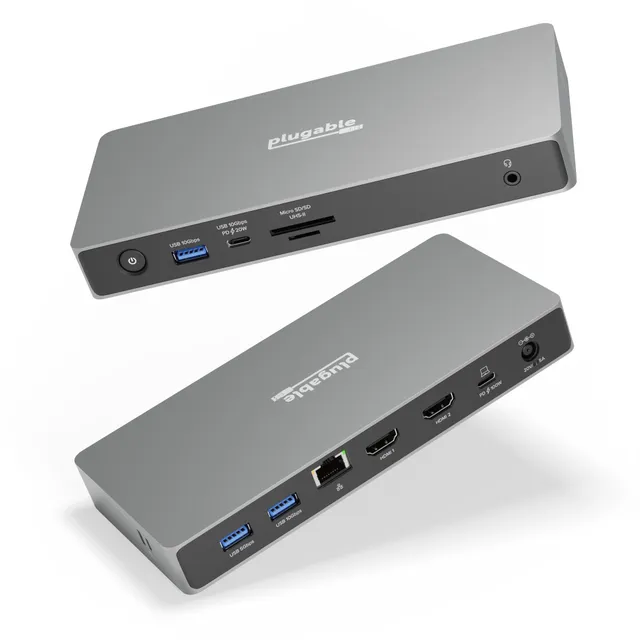
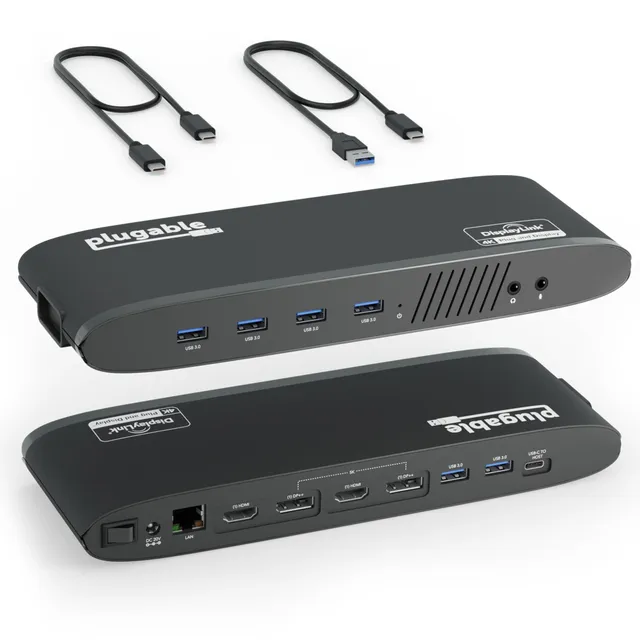
The Plugable UD-3900C4 is a TAA-compliant USB-C docking station that drives four 1080p displays at 60Hz using a hybrid DisplayLink and MST design.
Categories : Series
SKU : POR-SER-716
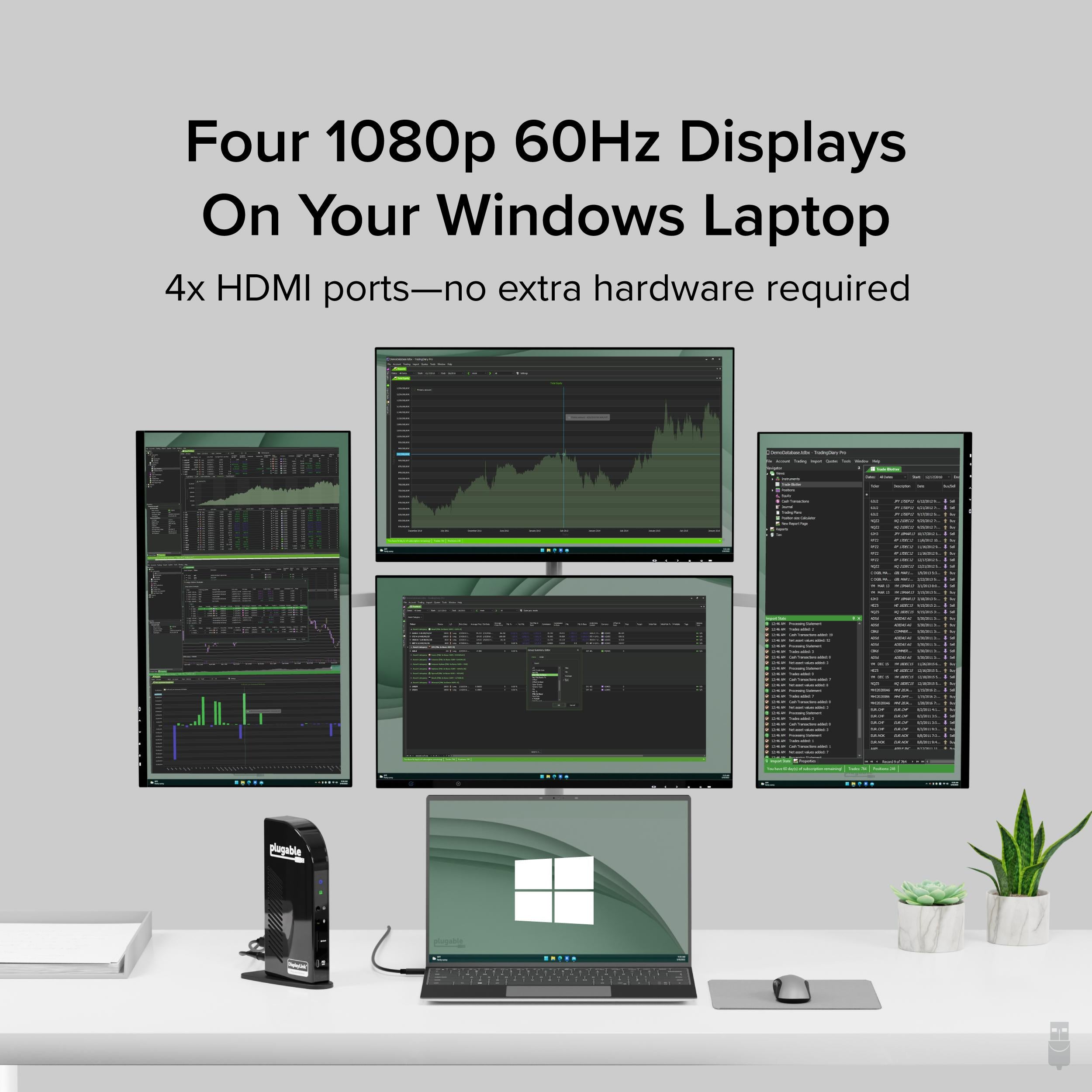
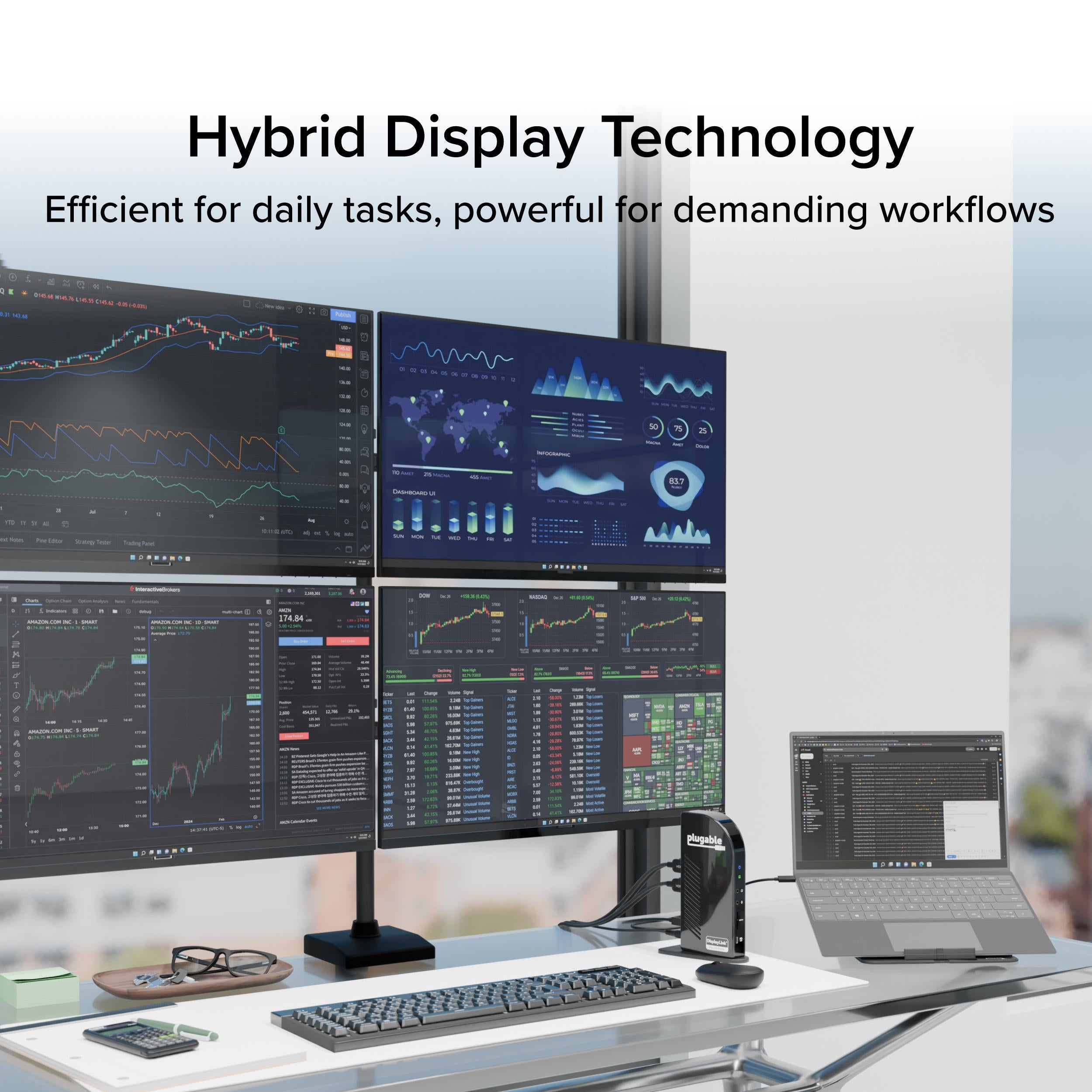
The Plugable UD-3900C4 is the only docking station of its kind—it combines DisplayLink and MST (Multi-Stream Transport) Alt Mode technologies to deliver seamless four-display expansion over USB-C. This TAA-compliant universal docking station drives four extended 1080p displays at 60Hz, with HDMI 1-2 powered by DisplayLink and HDMI 3-4 powered by MST Alt Mode. No other dock offers this hybrid integration, giving you unmatched flexibility for multi-tasking.
Turn your laptop into a powerful command center. Perfect for traders, designers, developers, and anyone who needs multiple screens. The dock supports up to 4 monitors (1080p each) at 60Hz, and also works with fewer displays at higher resolutions when using MST on compatible systems.
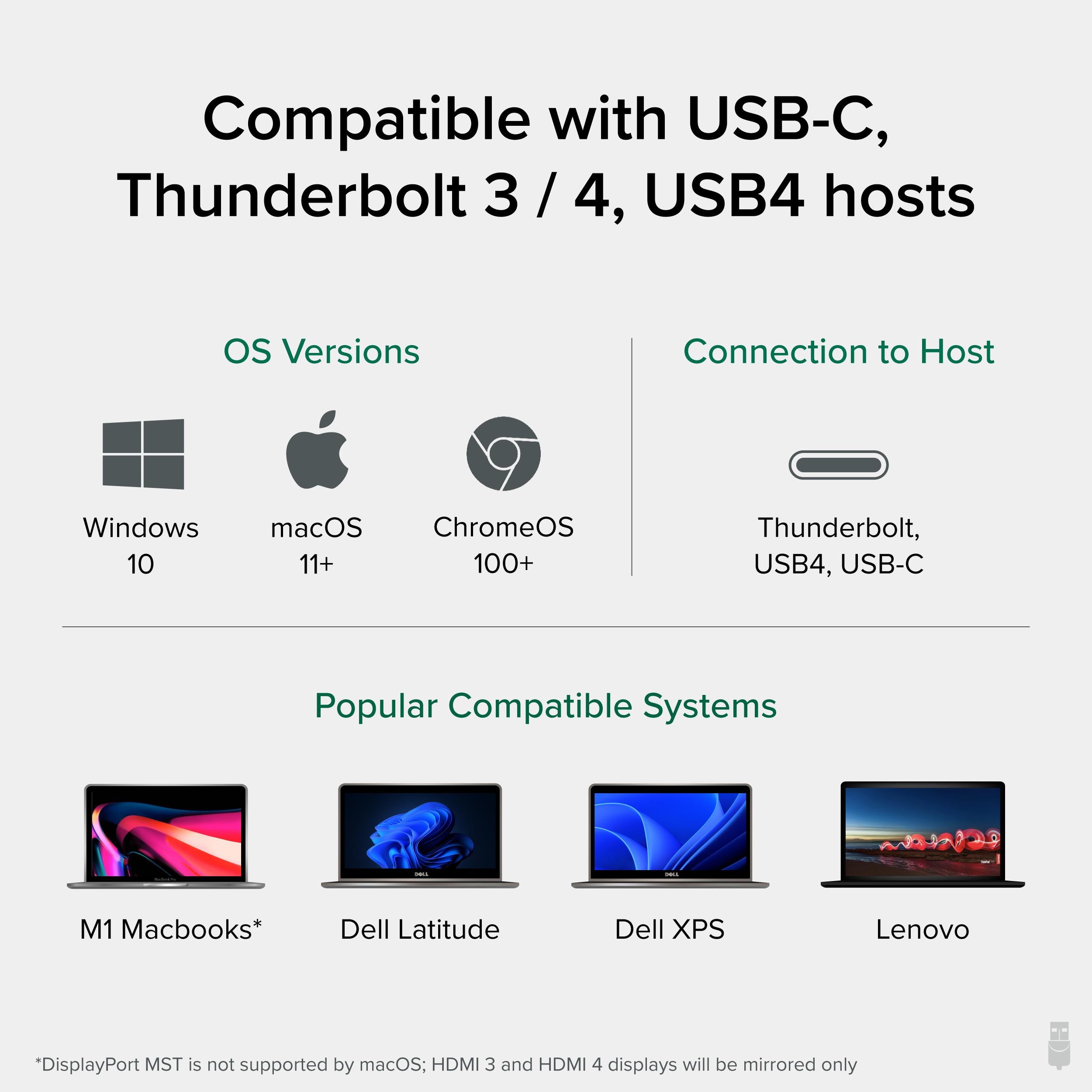
Works with Windows, macOS, and ChromeOS. The DisplayLink driver is required for the first two HDMI ports, while the MST ports work with native driver support on systems with USB-C DP Alt Mode. TAA compliance makes it suitable for government and enterprise deployments.
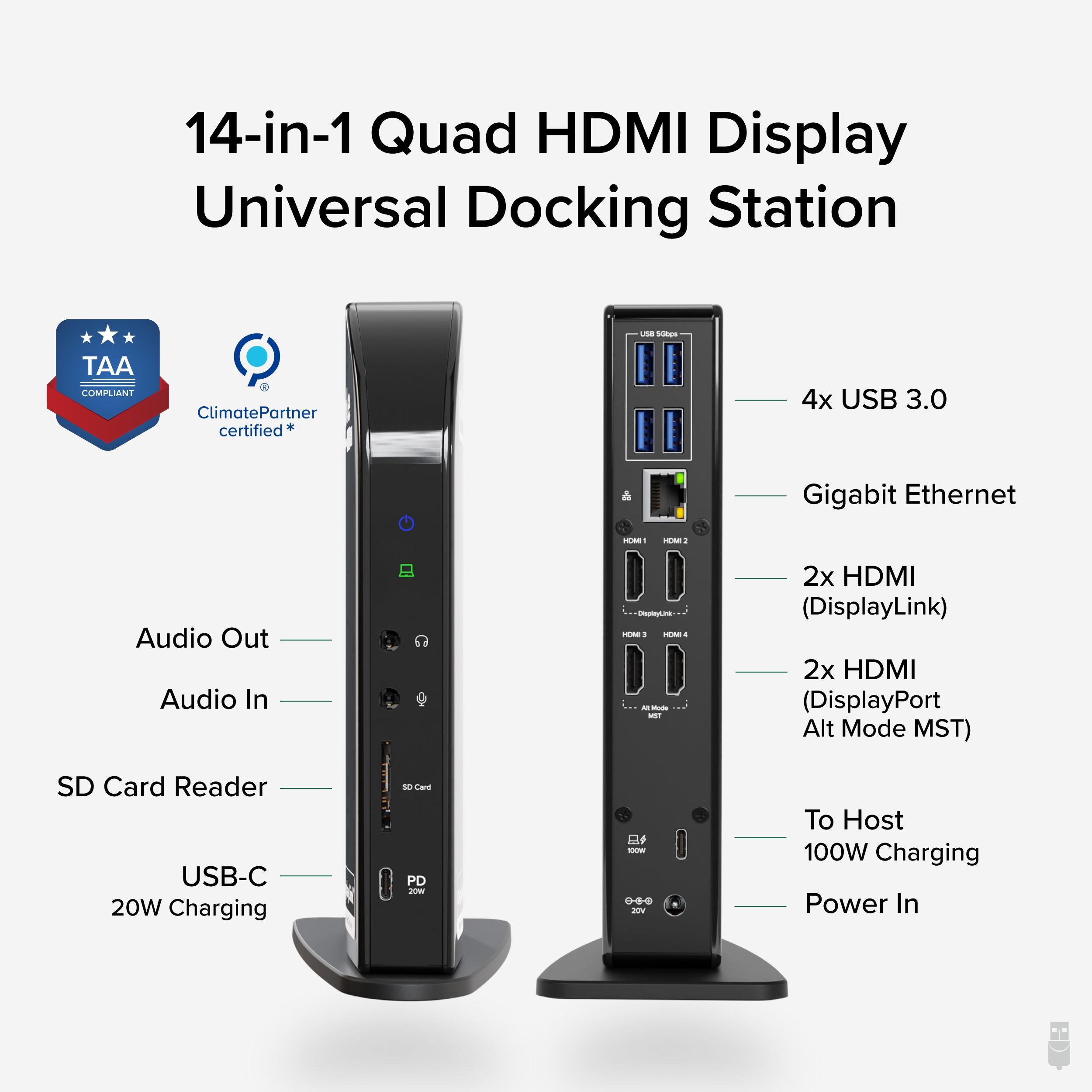
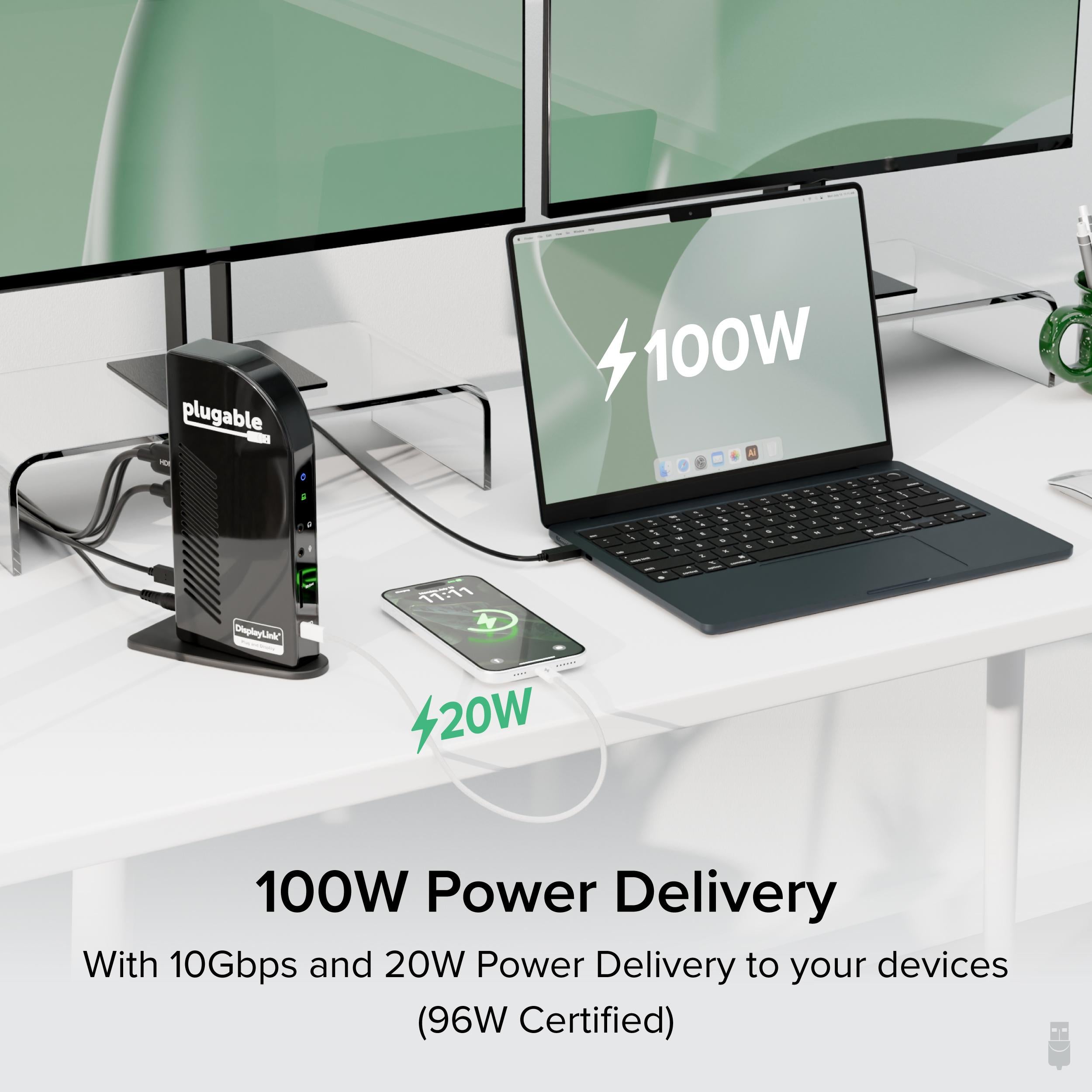
Provides 96W of power to your laptop via USB-C, plus a full complement of ports: 4 HDMI, 2 USB-A, 1 USB-C, Gigabit Ethernet, audio, and more. Backed by Plugable’s 2-year warranty and expert support.
Hybrid DisplayLink + MST technology enables four 1080p displays at 60Hz.
96W USB-C power delivery keeps your laptop charged under load.
TAA-compliant, universal compatibility with Windows, macOS, and ChromeOS.
Model: UD-3900C4
Ports: 4x HDMI, 2x USB-A 3.0, 1x USB-C, Gigabit Ethernet, 3.5mm audio
Charging: 96W USB-C Power Delivery
Technology: DisplayLink + MST Alt Mode
Max Displays: 4x 1080p@60Hz
Product Type: USB-C Docking Station
Compatibility: Windows, macOS, ChromeOS
TAA Compliant: Yes
Video Outputs: 4x HDMI
Seller: PortSide Gear
MPN: UD-3900C4
This dock is a game-changer for professionals who need to see it all at once. Whether you're tracking stock tickers, code across multiple monitors, or editing videos, the UD-3900C4 gives you the screen real estate you need without compromising on speed. Its TAA compliance makes it a trusted choice for government and corporate IT buyers. For a simpler setup with fewer monitors, consider our other docking stations.
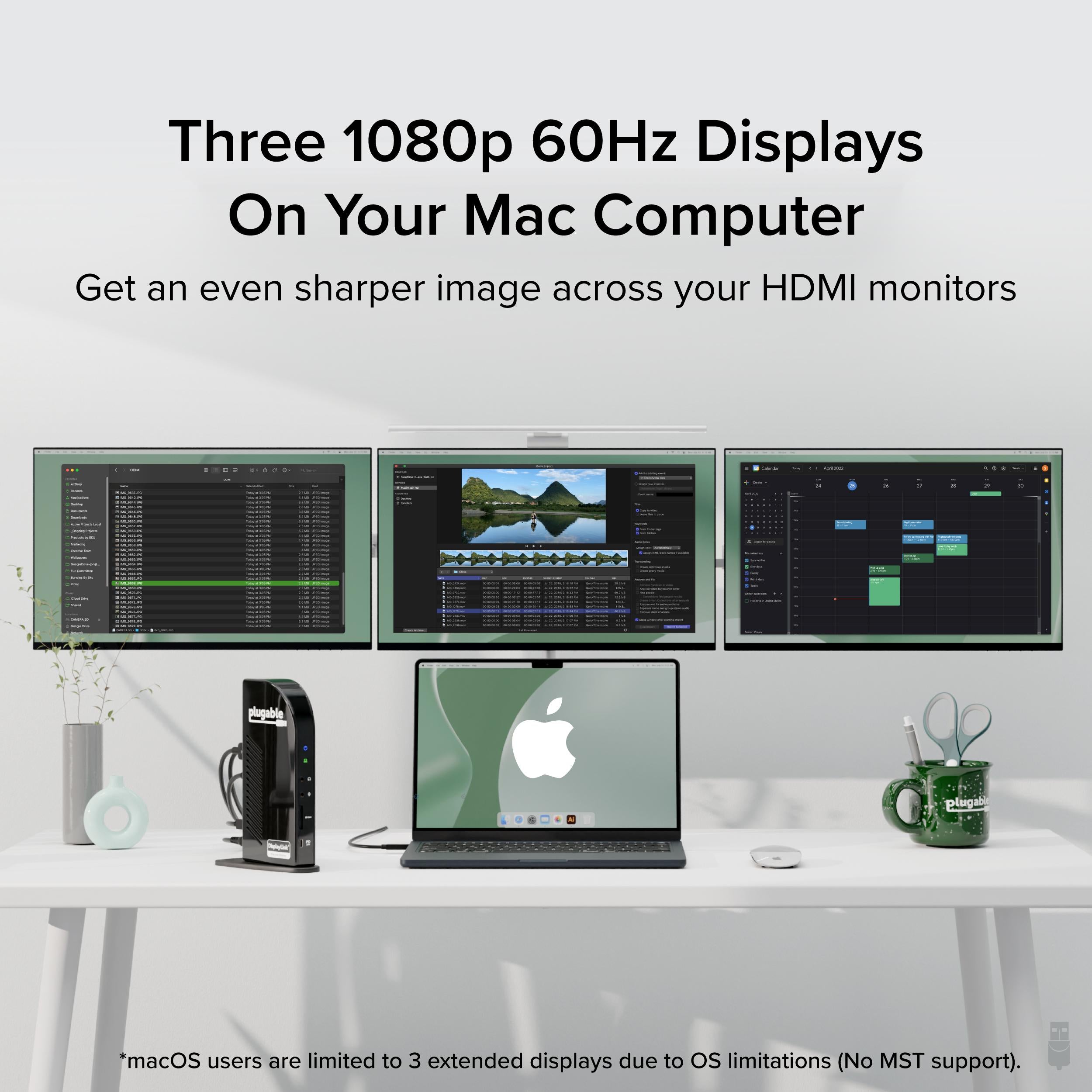
macOS limits DisplayLink to a certain number of displays. The UD-3900C4 supports 2 displays over MST on Macs with native support, but the DisplayLink ports may be limited to one or two depending on your macOS version. Check Plugable's resource page for details.
Yes, on systems with DisplayPort 1.4 or higher, the MST ports can support 1440p@60Hz or even 4K@30Hz, but the number of active displays may reduce.
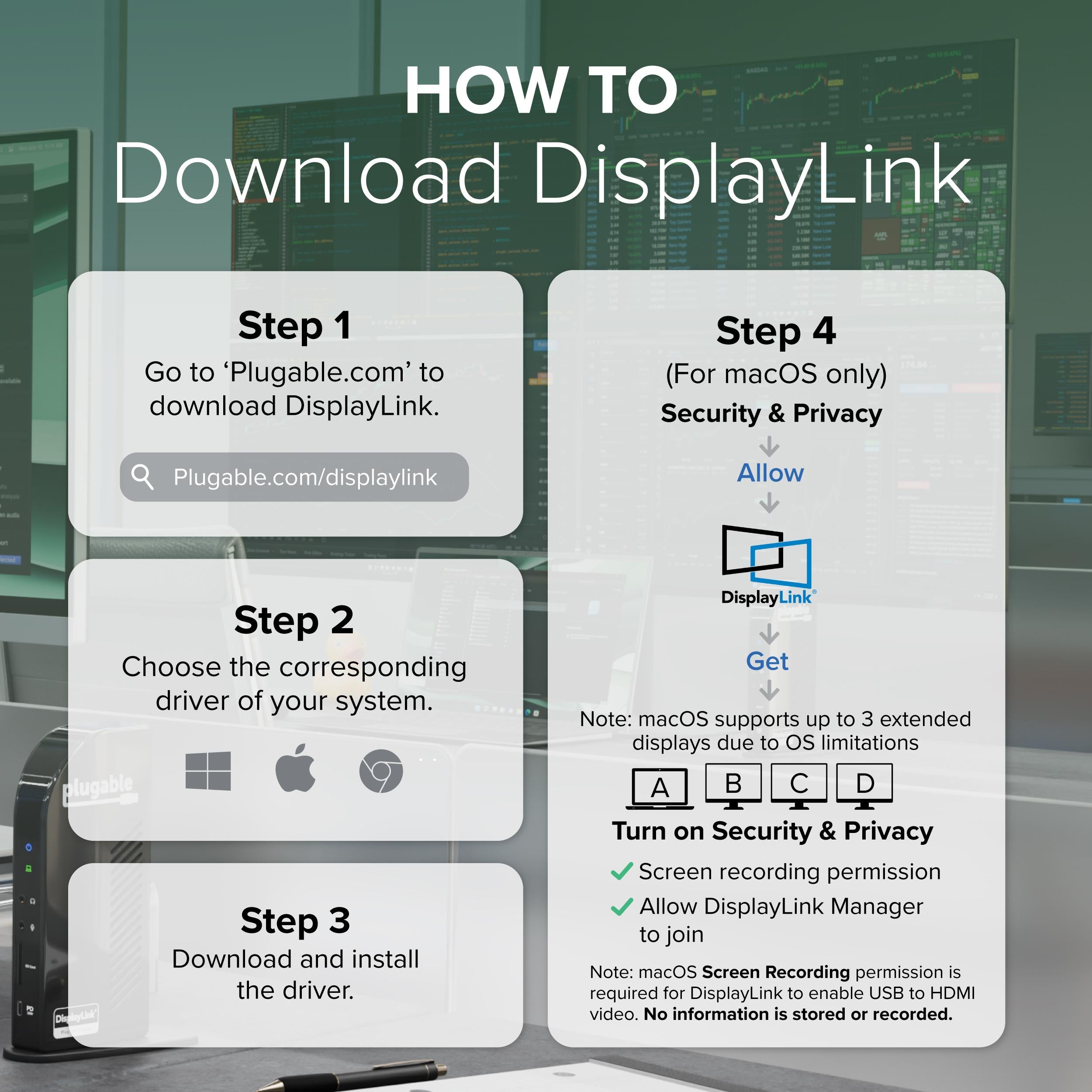
Drivers are required for the DisplayLink ports. The MST ports work with native drivers on Windows and macOS. Plugable provides easy driver downloads.
I was skeptical about driving four monitors from a single USB-C port, but this docking station handles it flawlessly. Setup was a breeze with the DisplayLink drivers, and all four 1080p monitors run at 60Hz without any lag. Perfect for my trading workstation. Highly recommend!
This dock is fantastic once you get it set up. The picture quality is crisp on all four monitors, and it's great for multitasking. The only downside is that you need to install DisplayLink drivers, and it takes a few minutes to get everything recognized. But after that, it's solid.
I've been using this dock with my ThinkPad for a week now. All four monitors light up instantly, and I love that I can close the lid and still have everything connected. The 4K support is a plus, even though I'm using 1080p. This is a solid investment for anyone needing multiple displays.
The dock works well, but I had to spend time downloading and updating the DisplayLink drivers. Once that was done, it's been reliable. The USB ports are a bit limited in number, but I manage. Overall, it's a decent product for the price.
I was happy to find a dock that works with both my MacBook Pro and my Windows laptop. Setup was smooth, and the DisplayLink software has been stable on macOS. All four monitors are recognized and display at full resolution. This has improved my workflow immensely.
The dock works great overall. I had a slight issue getting one of my monitors to be detected, but after tweaking the DisplayLink settings, it worked. Now I have four monitors running smoothly. The build quality feels solid, and the cable is long enough. Just wish the driver installation was simpler.
I run four 27-inch monitors at 1080p with this dock. It never misses a beat. The passthrough charging is also a nice touch. Setup was quick, and the included instructions were clear. If you need a multi-monitor solution, this is it.
I've had this dock for two months. It works well for two monitors, but when I added a third, I started getting occasional flickering. The DisplayLink drivers seem to be the culprit. Support was responsive, but I'm not 100% satisfied. Fine if you need just two monitors.
As a software developer, I need multiple monitors, and this dock delivers. It's plug-and-play after driver install, and I've had zero issues since. The DisplayLink performance is excellent, and the USB ports are convenient for peripherals. Worth every penny.
Orders over $45.00 ship free. Otherwise, shipping is $8.00.
Hassle-free returns
SSL encrypted checkout
100% genuine products
Docking stations and hubs from Razer, Corsair, Plugable & STM Goods — compare and connect with free shipping over $45.
Phone: +1 (206) 555-0148
Email: support@portsidegear.us
Address: 2815 Alaskan Way, Suite 300, Seattle, WA 98121, United States