$20.00
1
Your cart is empty
Subtotal
We will hold your cart for 15:00.
Buy more, save more
Coupon discount
Shipping
Add 2 more items to unlock your free mystery gift.
Complimentary item.
Total
$20.00
We will hold your cart for 15:00.
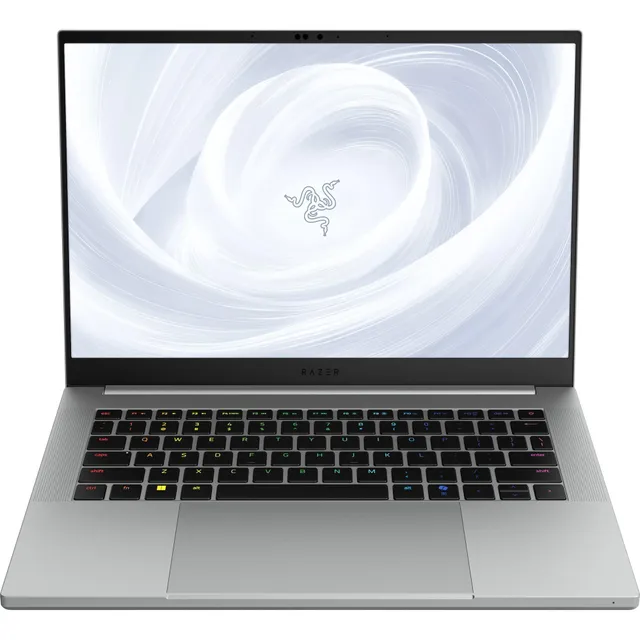
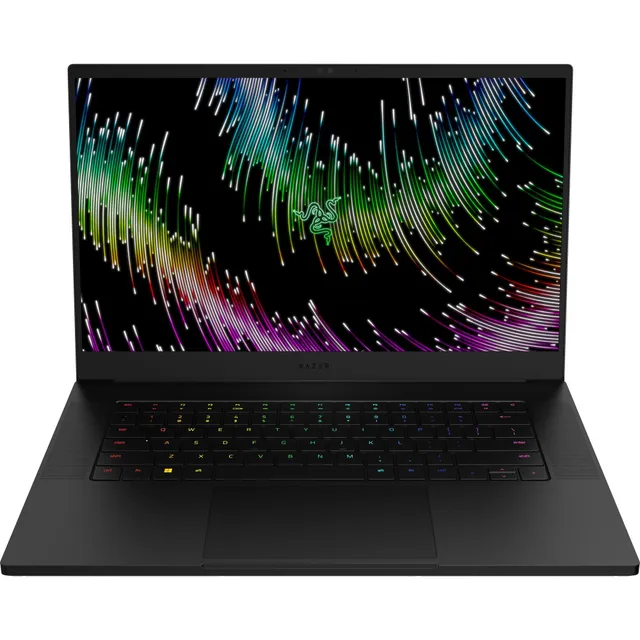
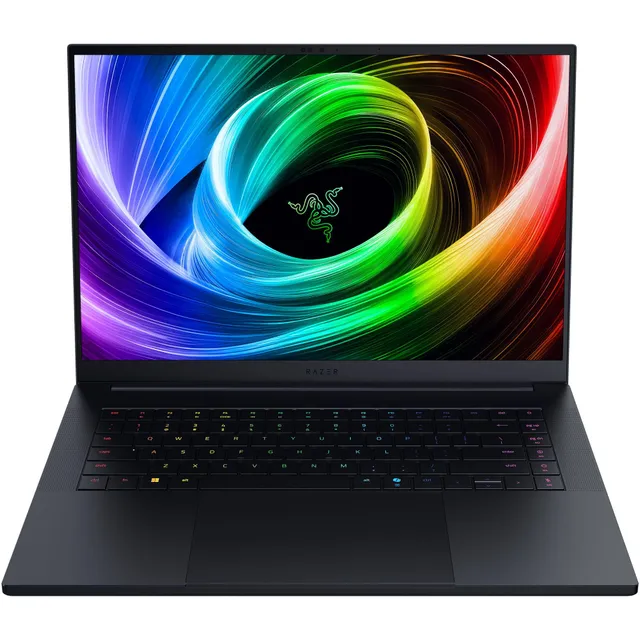
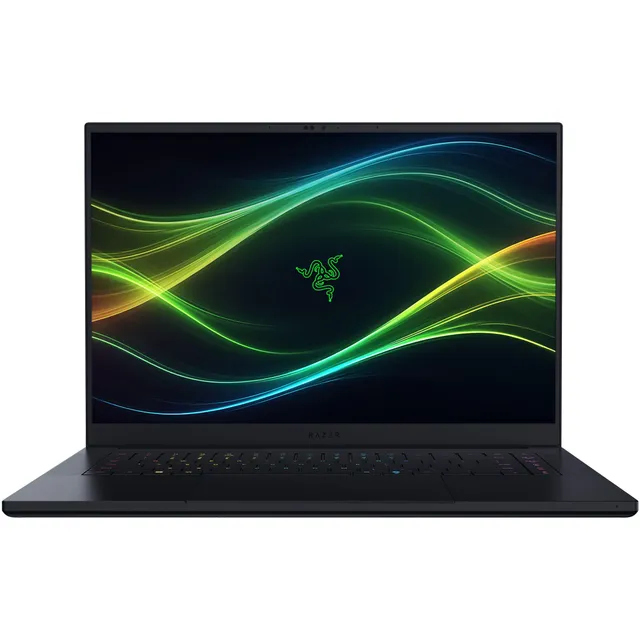
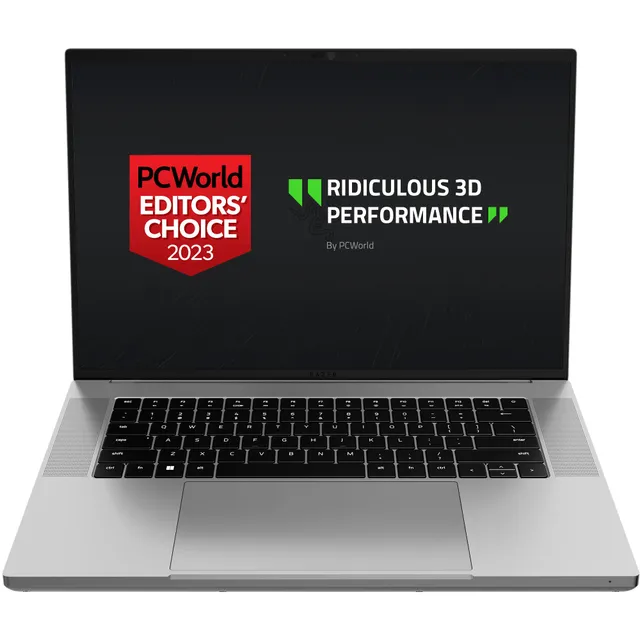
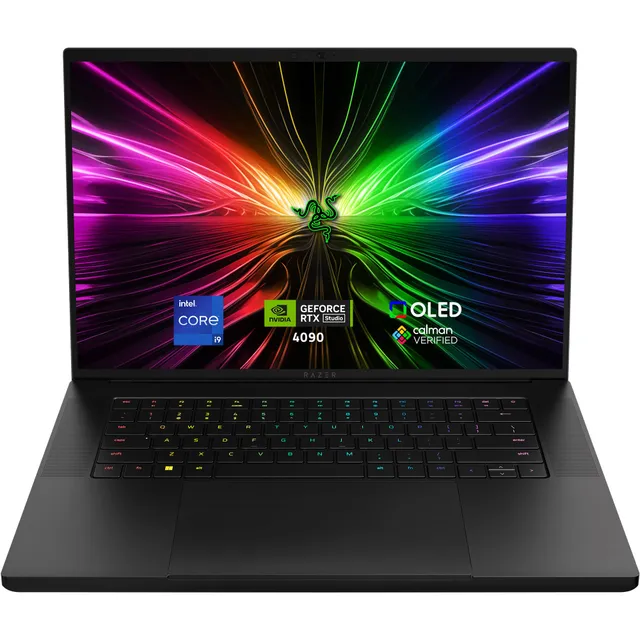
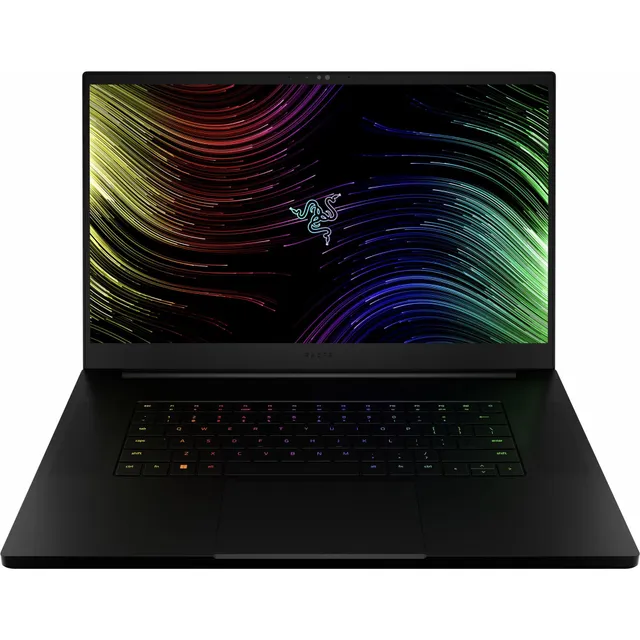
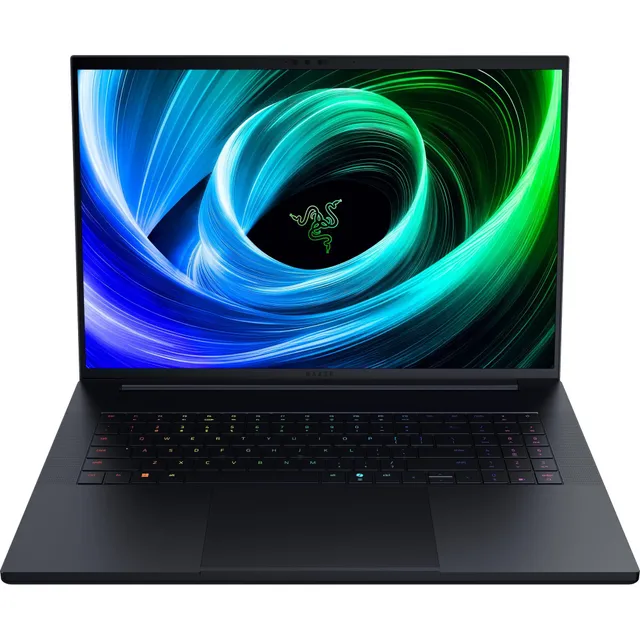
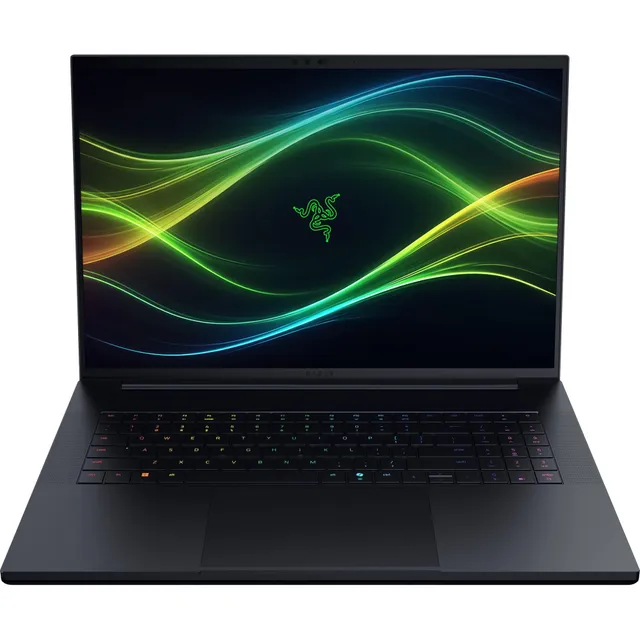
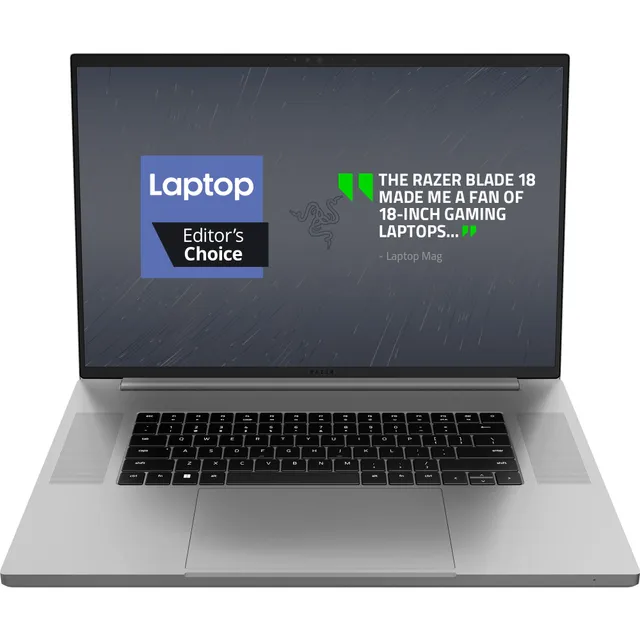
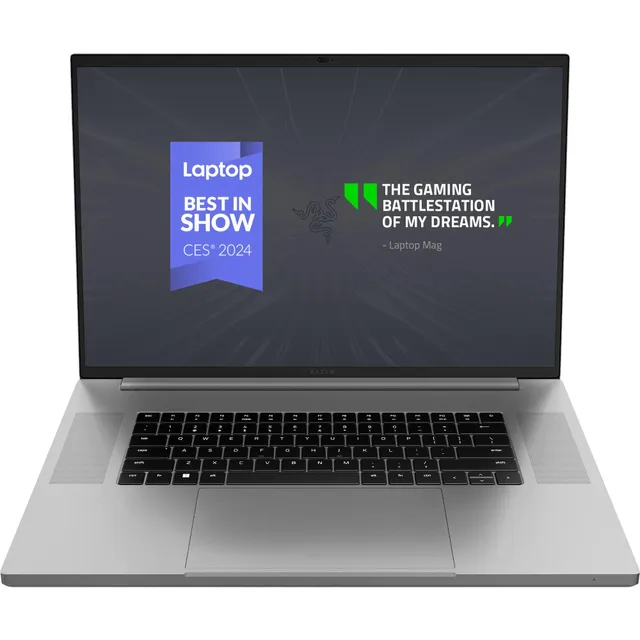
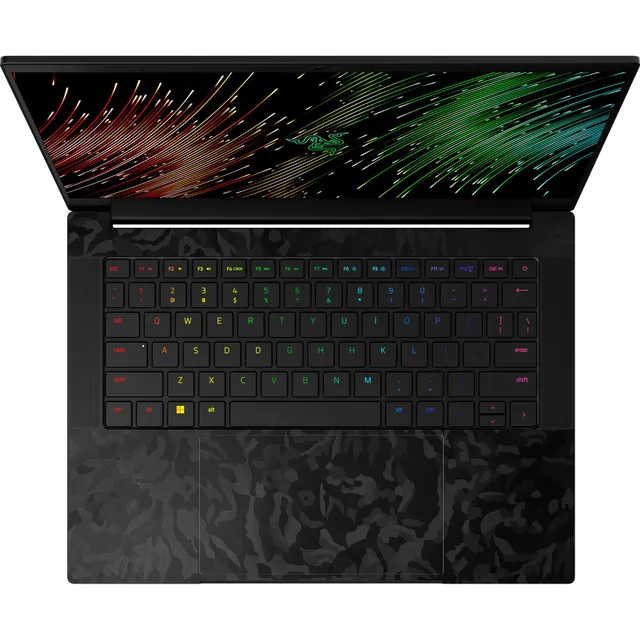
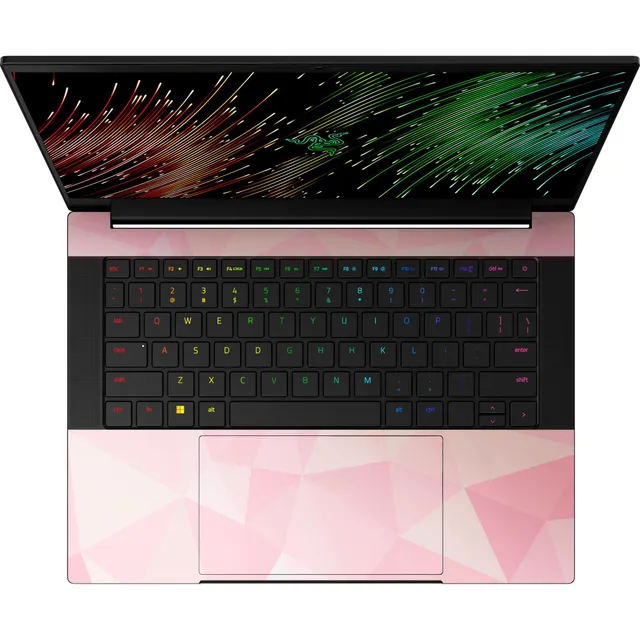
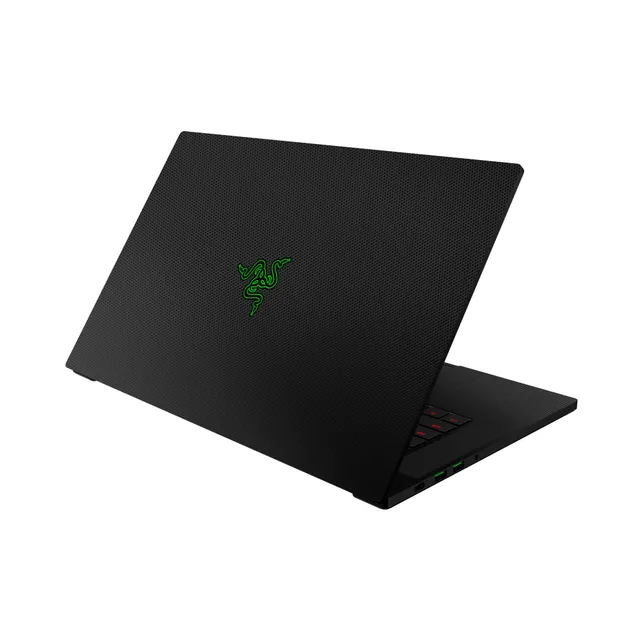
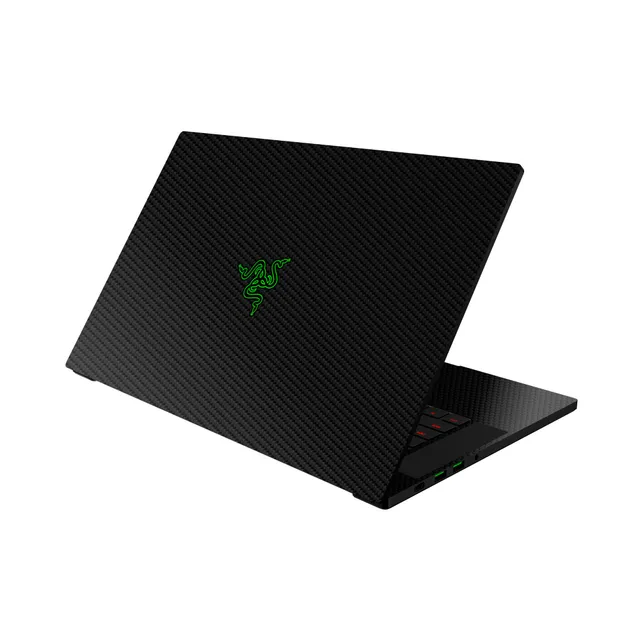
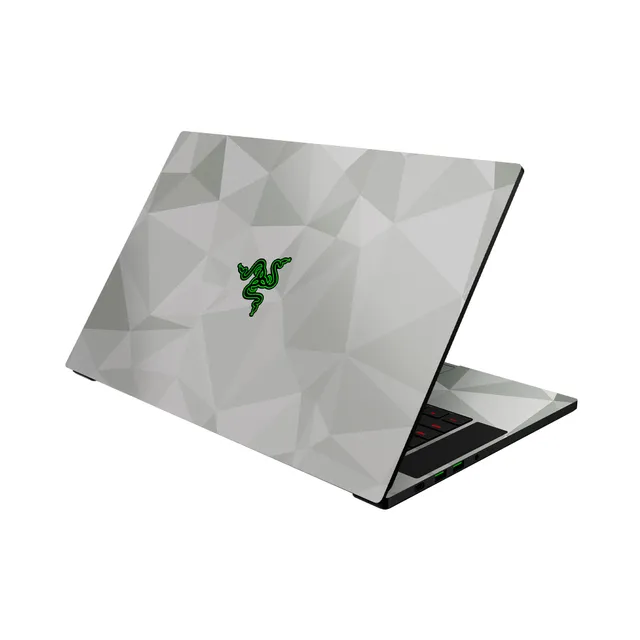
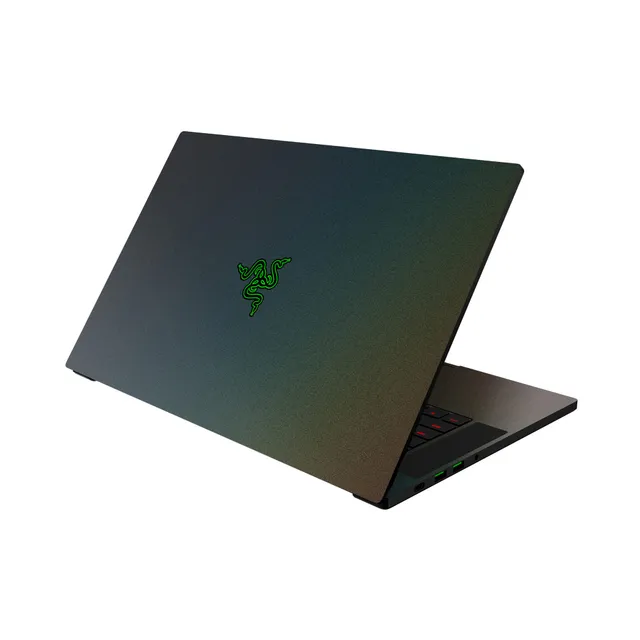
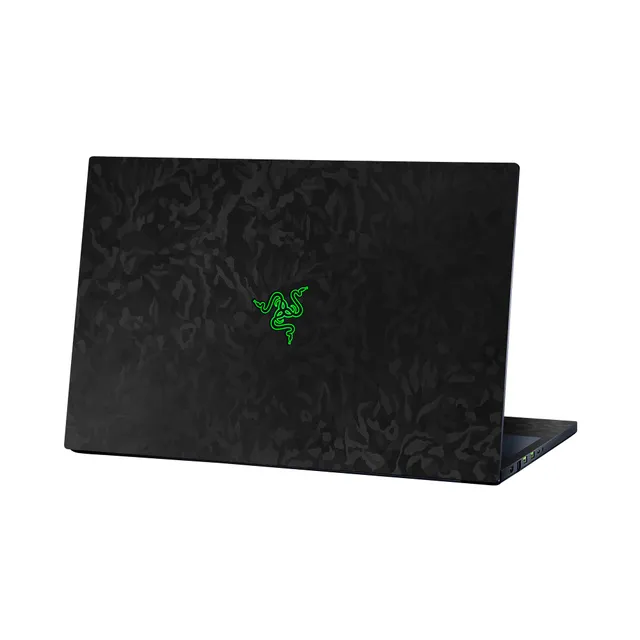
Welcome to the Razer Blade accessory hub at PortSide Gear. Here, you'll find 19 products specifically compatible with Razer Blade laptops, ranging from $25 to $100. Keep your Blade performing like new with our selection of chargers, cooling pads, and storage upgrades.
Because Blade owners often need troubleshooting advice, we've compiled solutions for common issues like overheating, thermal throttling, and battery drain. Use these guides alongside our accessories to get the most out your system.