$20.00
We will hold your cart for 15:00.
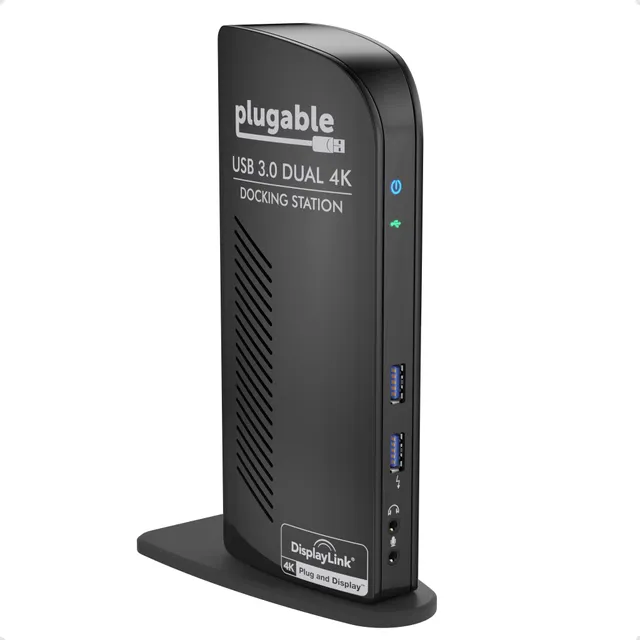
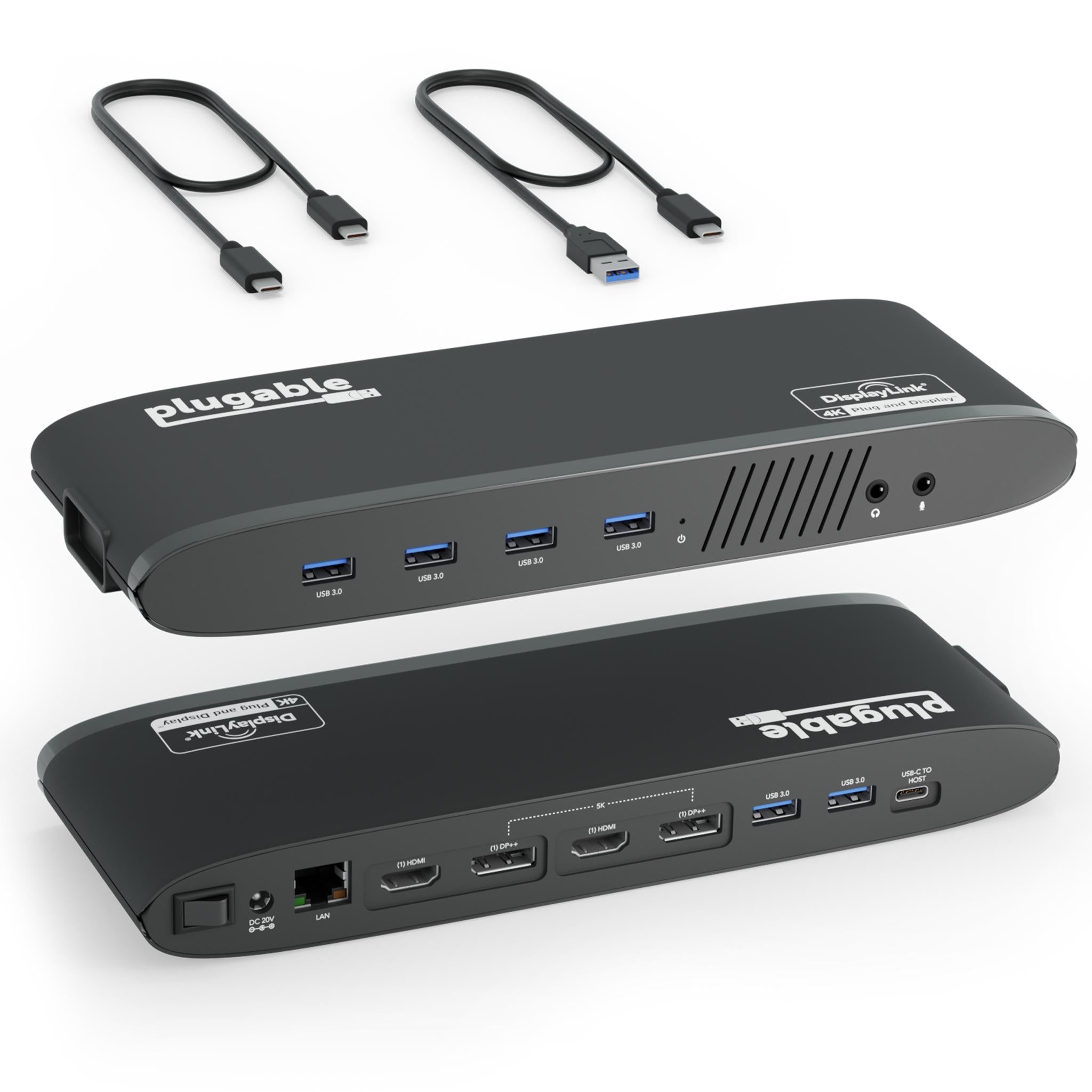
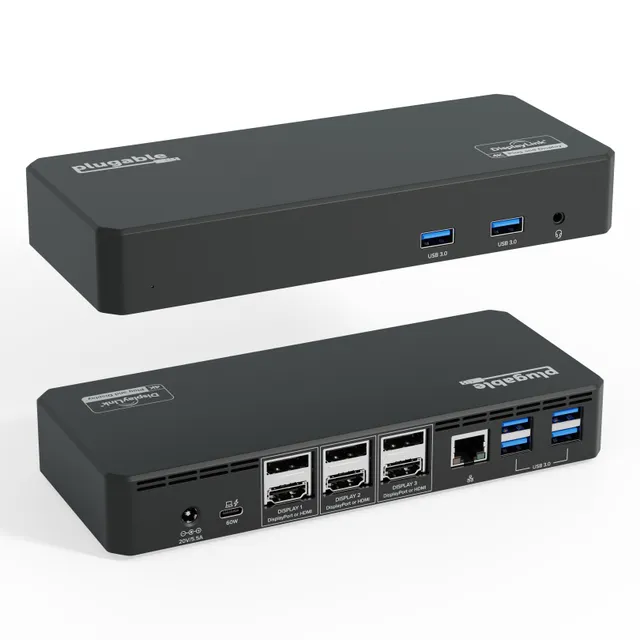
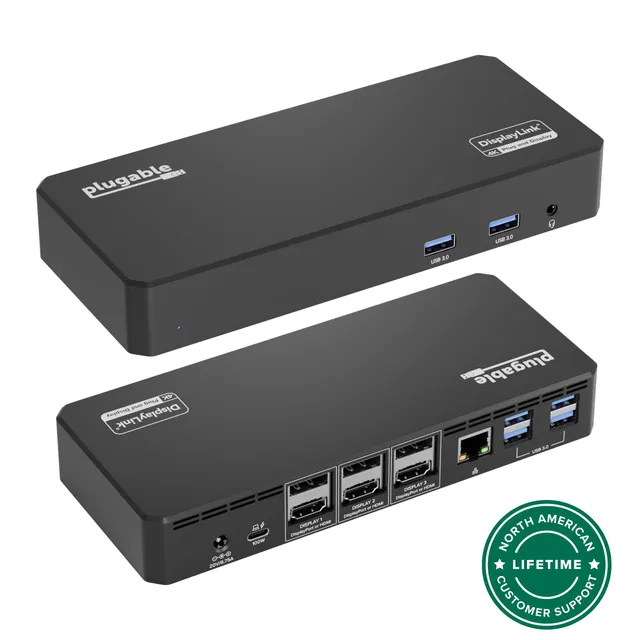
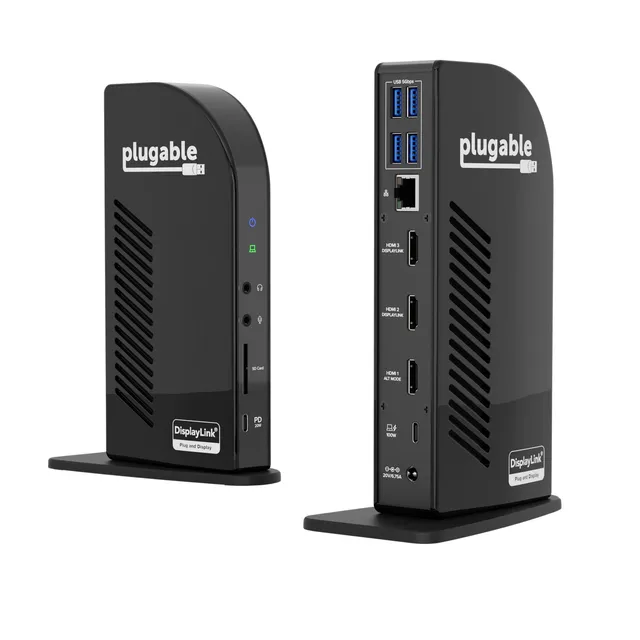
Turn your Windows laptop into a dual 4K workstation with the Plugable UD-6950 docking station, featuring six USB ports, Gigabit Ethernet, and audio via a single USB 3.0 cable.
Pair withPlugable UD-6950H USB 3.0 & USB-C Dual 4K Docking Station$70.98
Categories : Series
SKU : POR-SER-773
The Plugable UD-6950 USB 3.0 docking station is a powerful connectivity hub for Windows laptops and desktops, letting you add two external 4K monitors at 60Hz each, along with a full array of peripherals, all through a single USB 3.0 cable. Powered by the DisplayLink DL-6950 chipset, it is an ideal solution for expanding your workspace without opening your computer.
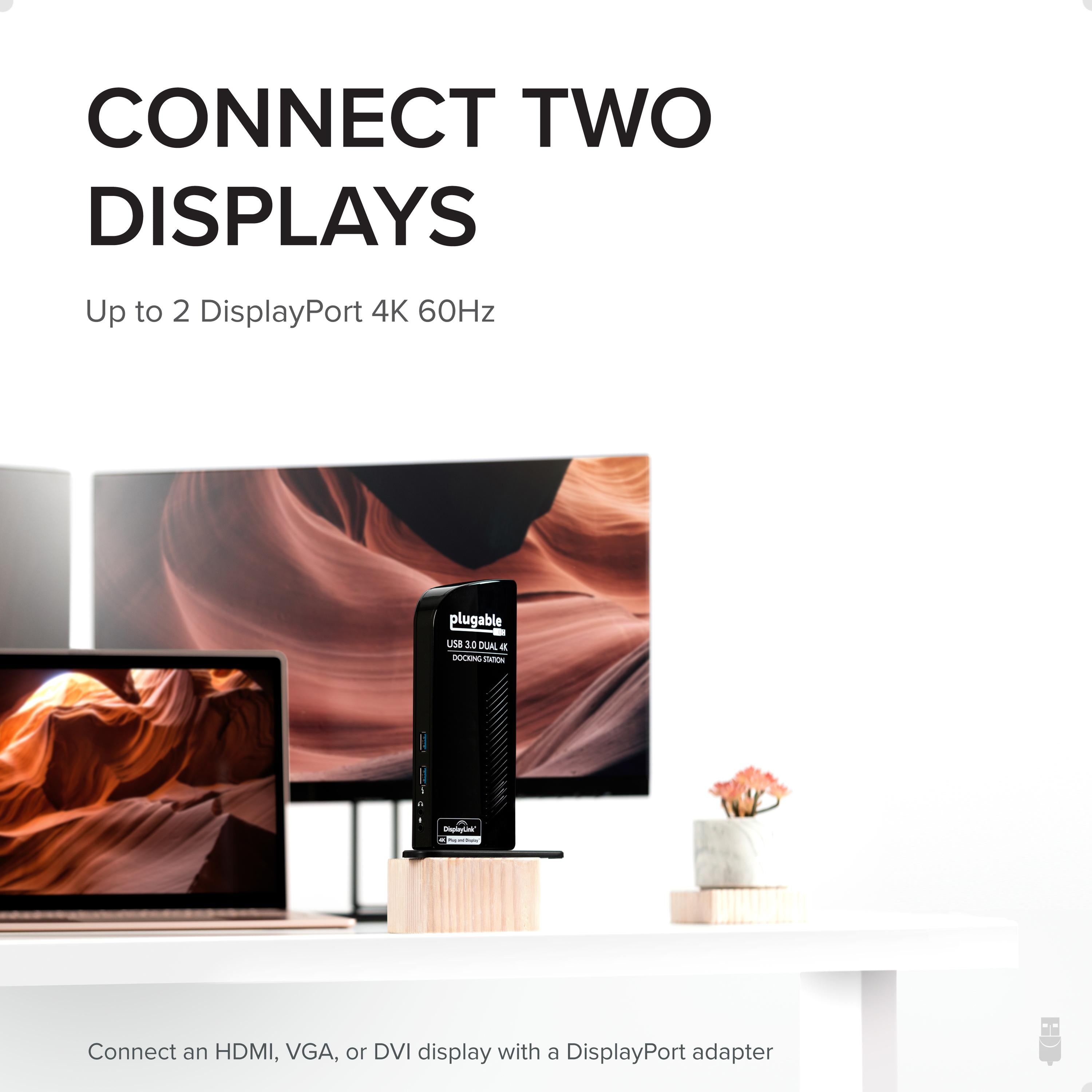
Designed for professionals who require high-resolution displays and multiple peripherals, the UD-6950 delivers exceptional performance. Connect two 4K@60Hz monitors via DisplayPort, and you'll get sharp, fluid visuals for engineering, design, and data-heavy tasks.
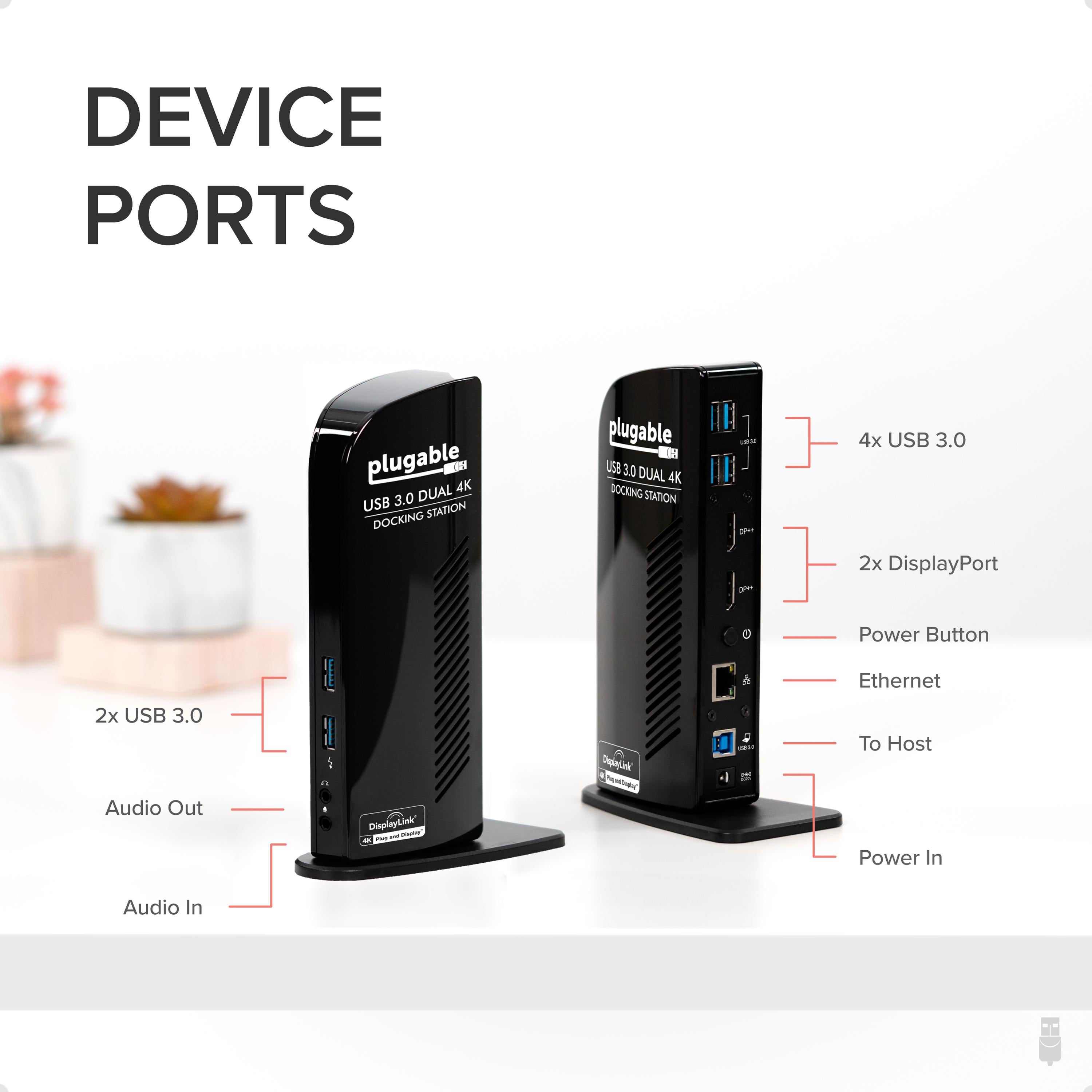
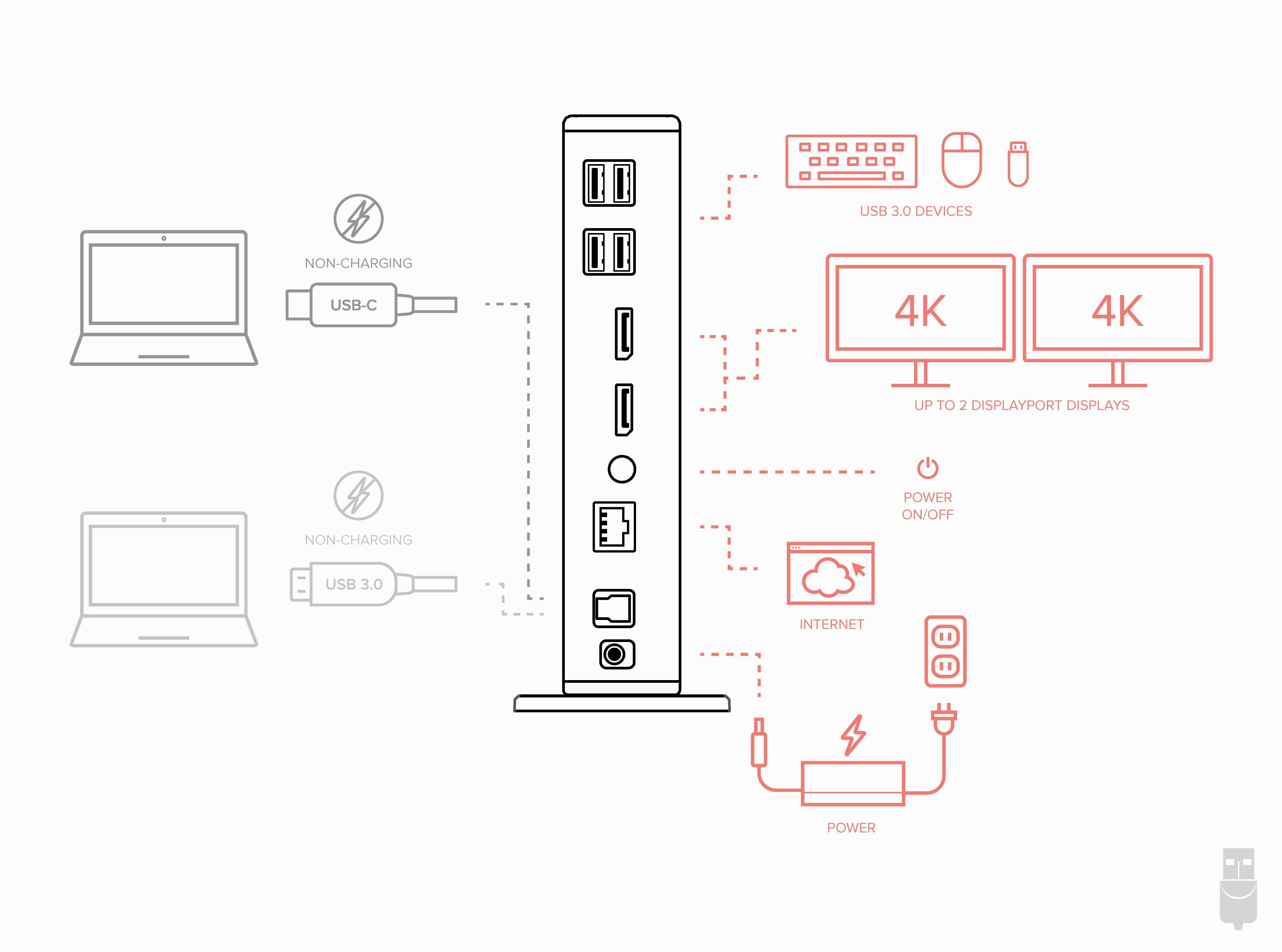
In addition to dual video outputs, the dock provides six USB 3.0 ports (two front, four rear), a Gigabit Ethernet port, and audio in/out jacks. You can connect external drives, keyboards, mice, and a wired network—all managed through one USB connection.
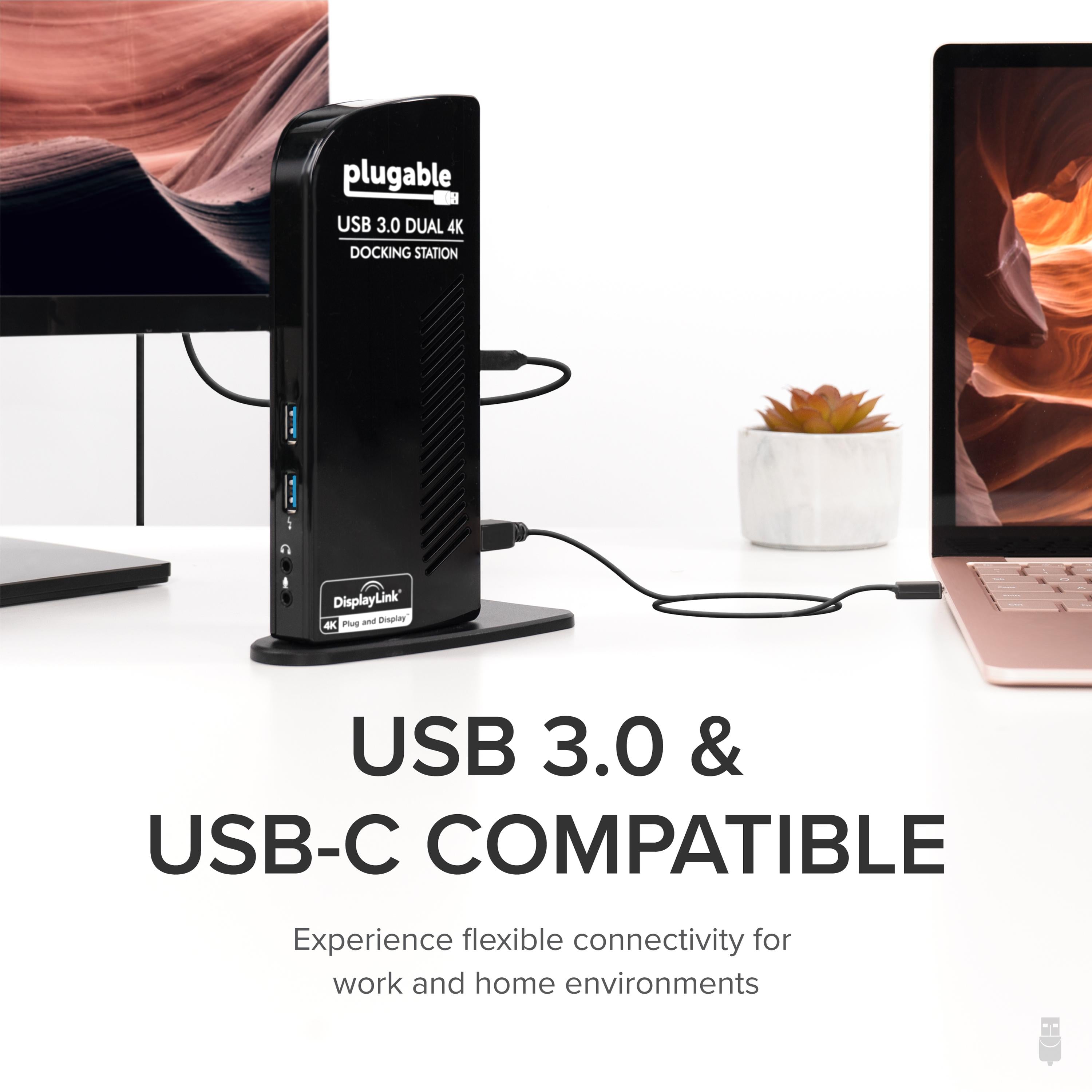
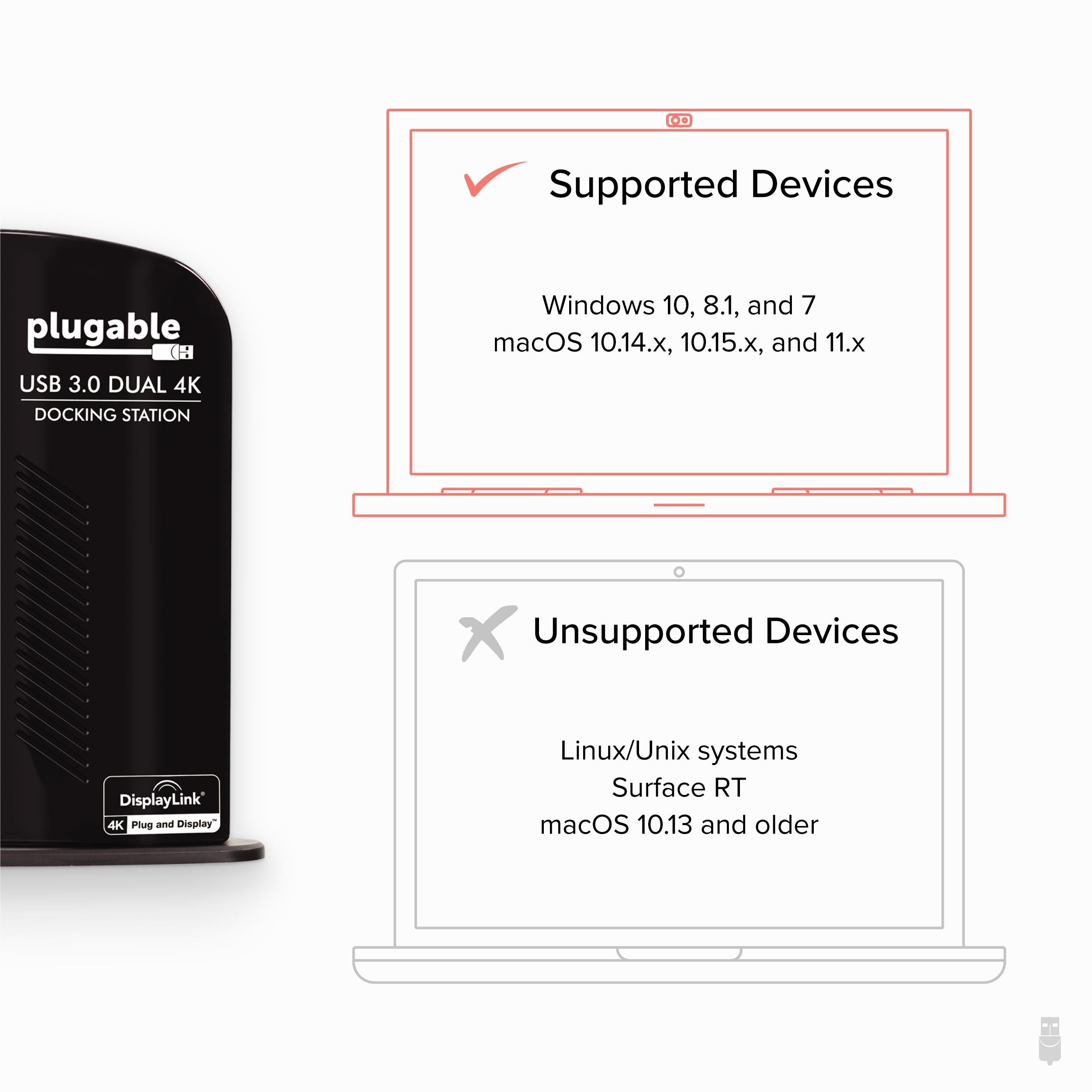
Install the DisplayLink driver, plug the dock into your computer, and your monitors and peripherals are ready to use. The driver is compatible with Windows and ChromeOS (v100+), and the dock also works on macOS with some limitations (not for dual 4K). This makes it an excellent choice for corporate environments and remote workers.
To achieve 4K@60Hz on both monitors, each display and its cable must support DisplayPort 1.2 and HDMI 1.4 or later with appropriate adapters. The dock includes two DisplayPort outputs, and you can use HDMI monitors via a DisplayPort-to-HDMI cable (not included).
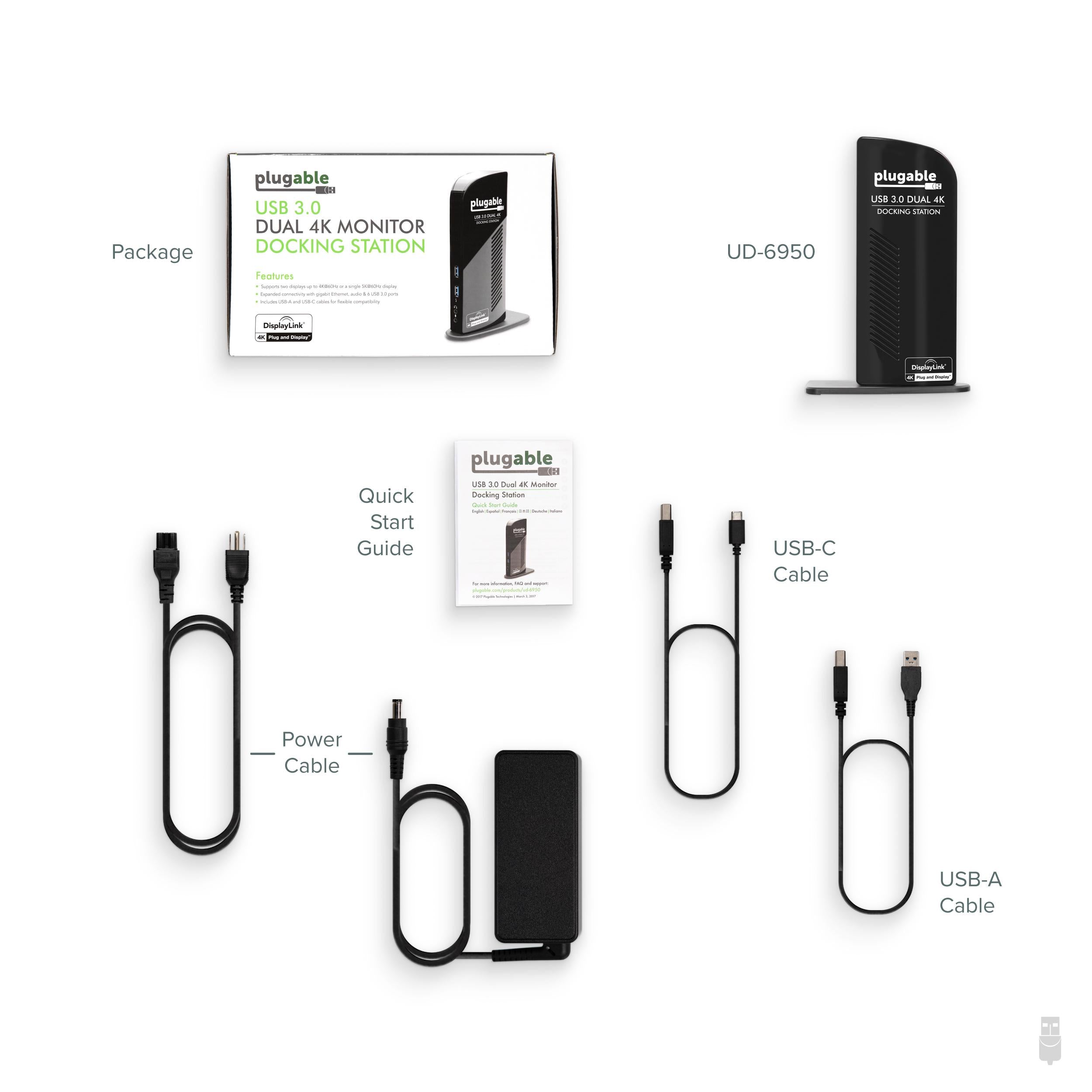
The UD-6950 is bus-powered for convenience, but a power adapter is included to ensure stable operation for power-hungry devices. Its compact, desktop-friendly design keeps your workspace organized.
Step up to a dual 4K productivity powerhouse with the Plugable UD-6950.
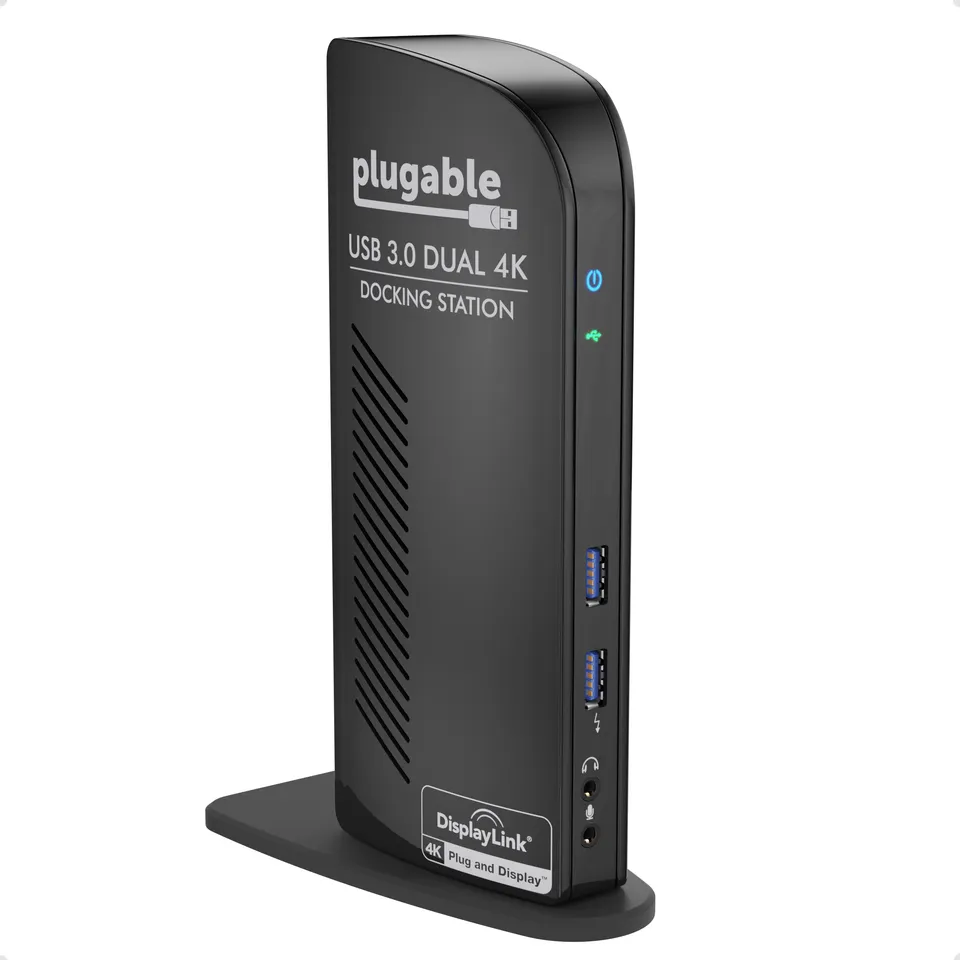
Dual 4K@60Hz DisplayPort outputs – Power two high-resolution monitors for crystal-clear visuals and increased productivity.
6x USB 3.0 ports and Gigabit Ethernet – Connect all your devices and get fast wired networking through a single USB cable.
DisplayLink DL-6950 chipset – Reliable, driver-based connectivity for Windows and ChromeOS, with easy setup and broad compatibility.
Audio: 3.5mm mic and headphone jacks
Model: UD-6950
Power: External AC adapter included (provides power to dock and devices)
Chipset: DisplayLink DL-6950
Ethernet: 1x Gigabit RJ45
USB Ports: 6x USB 3.0 Type-A (2 front, 4 rear)
Dimensions: Approx. 5 x 3 x 1 inches
Product Type: USB 3.0 Docking Station
Video Outputs: 2x DisplayPort
Host Connection: USB 3.0 Type-A (cable included)
OS Compatibility: Windows, ChromeOS v100+, macOS (limited features)
Maximum Resolution: 3840x2160 @ 60Hz per display (with compatible monitors and cables)
Seller: PortSide Gear
MPN: UD-6950
The UD-6950 is not just a docking station—it's a productivity engine for professionals who demand high-resolution displays without upgrading their entire PC. Thanks to DisplayLink's advanced compression technology, you can run resource-intensive applications on multiple monitors efficiently. The dock's included power adapter provides robust power delivery, ensuring external drives and other peripherals stay active. For IT departments, the UD-6950 offers a standardized solution that works across different laptop models, simplifying deployment. Its compact footprint and attractive black finish complement any office decor, making it a top choice for corporate workstations.
Ensure that your monitors support DisplayPort 1.2 and use DisplayPort cables or quality adapters that can handle 4K at 60Hz. Also, verify that the DisplayLink driver is installed and that both monitors are set to the correct input. Some laptops may not provide enough bandwidth over USB 3.0 for dual 4K at 60Hz; in that case, try lowering to 1440p.
Download the DisplayLink driver from the official website and install it. However, macOS support is limited; only one 4K monitor is typically supported at 60Hz on macOS, and you may need to grant accessibility permissions for the driver.
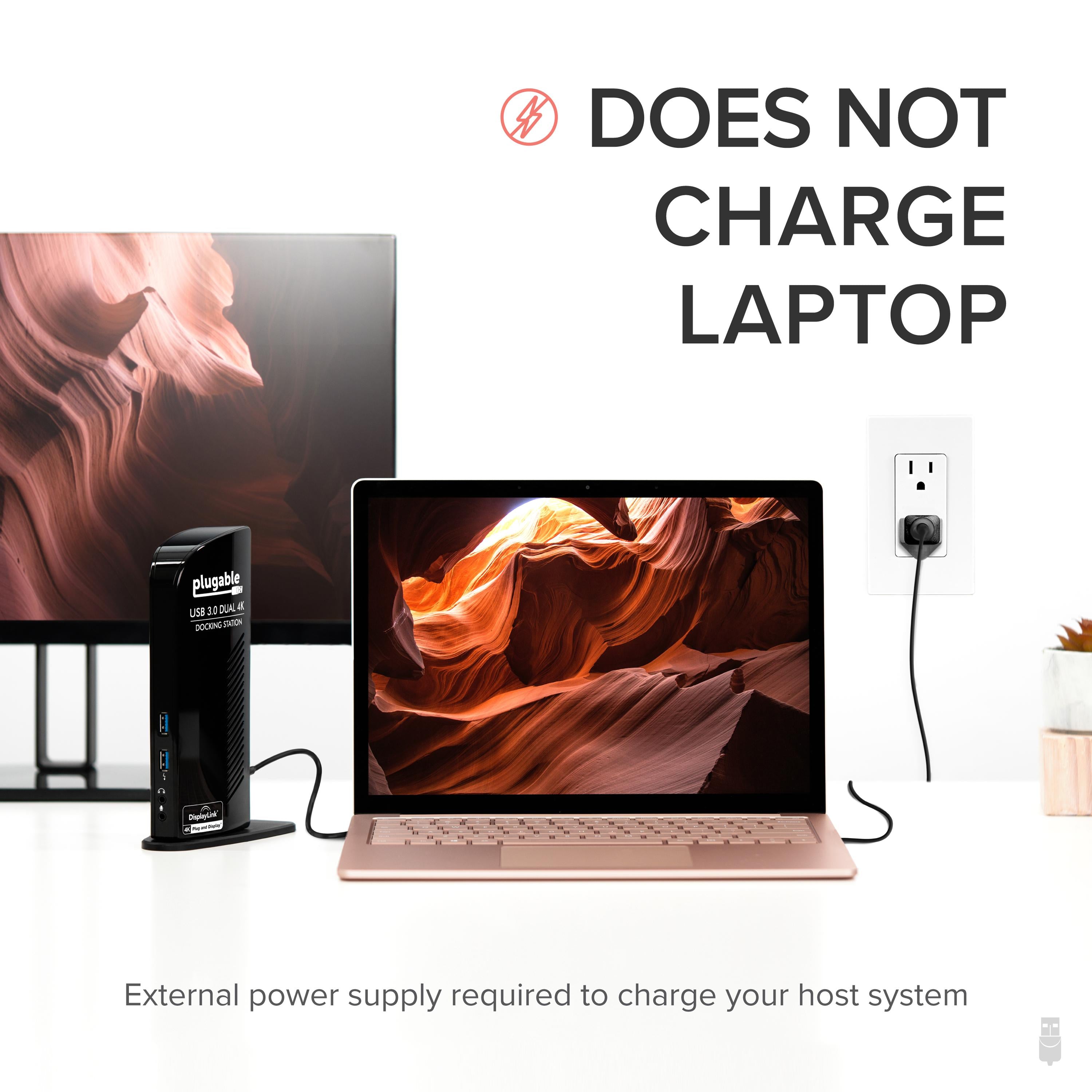
The UD-6950 is not designed to charge laptops; it receives power from an AC adapter but only provides USB power to peripherals. For laptop charging, look for a USB-C or Thunderbolt dock with power delivery.
To reset the dock, disconnect it from your computer and unplug the power adapter, wait 30 seconds, then reconnect. Also, ensure you have the latest DisplayLink driver installed. If issues persist, check device manager for link errors.
I've been using this dock with my ThinkPad X1 Carbon for a few weeks now, and it's been flawless. Dual 4K monitors at 60Hz, Ethernet, and a bunch of USB peripherals all connected with one cable. Setup was plug-and-play on Windows 10. Wish I'd bought this sooner.
Performance is solid once you install the DisplayLink drivers. I get dual 4K at 60Hz, which is great, but I had to fiddle with driver updates to get it to work perfectly. Also, the dock runs a bit warm. But for the price, it's a good solution for adding multiple monitors to a USB 3.0 only laptop.
Overall, this dock works well. I use it with my HP EliteBook and have two monitors connected via DisplayPort. The screen quality is good, and the USB ports are handy. However, occasionally the display resolution resets when I reboot, and I have to reconnect the dock. It's not a huge issue, but it can be annoying.
Very happy with this purchase. I was skeptical about using a USB 3.0 dock for dual 4K, but it handles it without any problems. The setup was straightforward – just installed the drivers and plugged in. I now have a full workstation at home. The dock feels sturdy and has plenty of ports.
I bought this for my Dell laptop, and it works, but I've had some hiccups. Sometimes the monitors don't get recognized until I re-plug the USB cable. The drivers are a bit finicky and need to be updated regularly. But once it's working, it's great. Just don't expect a completely seamless experience.
I've had this dock for a month. The setup was a bit of a hassle because I didn't realize I needed DisplayLink drivers, but once those were installed, everything worked fine. I like that it has audio jack and many USB ports. My only complaint is that the power brick is big. But it's a capable dock.
This dock has been a game-changer for my work-from-home setup. I have my work laptop plugged in, and I can use dual 4K monitors, a webcam, a headset, and a printer all at once. The Ethernet connection is stable, and I haven't had any crashes. Great value.
I really wanted to like this dock, but it stopped working after just eight days. The USB ports on the front stopped recognizing devices, and then the monitors started flickering. I contacted Plugable support, and they were helpful and sent a replacement, but I'd rather have a product that works out of the box. Maybe I got a dud, but I'm wary.
If you're using this with a Windows PC, make sure you install the DisplayLink drivers from the website before plugging in the dock. Once I did that, everything worked perfectly. I'm using dual 4K monitors, and the display is crisp. The dock is a bit bulky, but that's fine for a desktop setup.
I've been using this dock daily for three months now, and it hasn't missed a beat. My dual 4K monitors are always detected, the USB 3.0 ports are fast, and I've never had a connection drop. I appreciate the separate audio input/output jacks. This is a high-quality dock that I'd recommend to anyone with a USB 3.0 laptop.
Orders over $45.00 ship free. Otherwise, shipping is $8.00.
Hassle-free returns
SSL encrypted checkout
100% genuine products
Docking stations and hubs from Razer, Corsair, Plugable & STM Goods — compare and connect with free shipping over $45.
Phone: +1 (206) 555-0148
Email: support@portsidegear.us
Address: 2815 Alaskan Way, Suite 300, Seattle, WA 98121, United States