$20.00
1
Your cart is empty
Subtotal
We will hold your cart for 15:00.
Buy more, save more
Coupon discount
Shipping
Add 2 more items to unlock your free mystery gift.
Complimentary item.
Total
$20.00
We will hold your cart for 15:00.
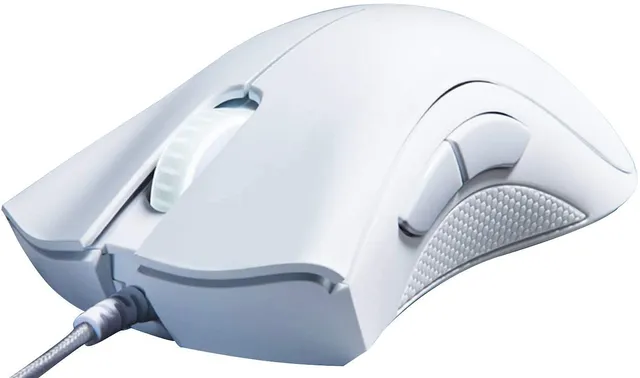
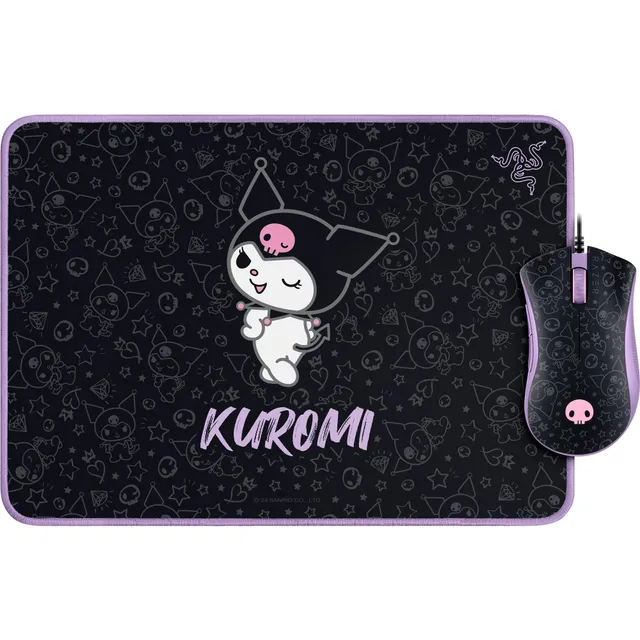
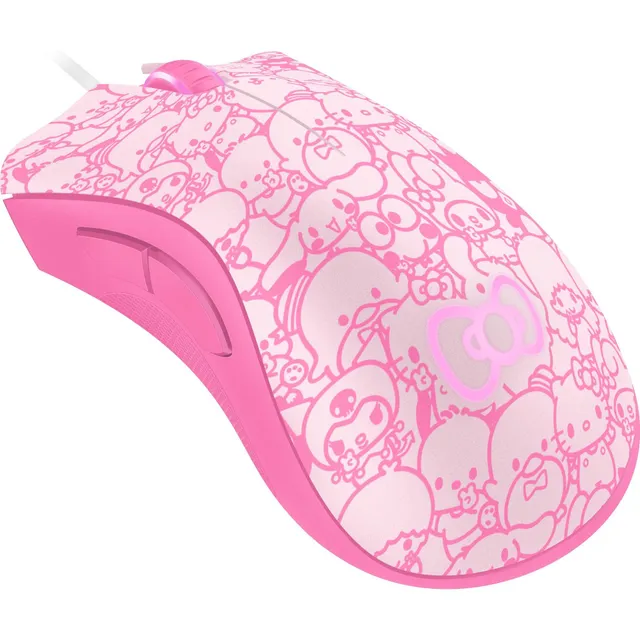
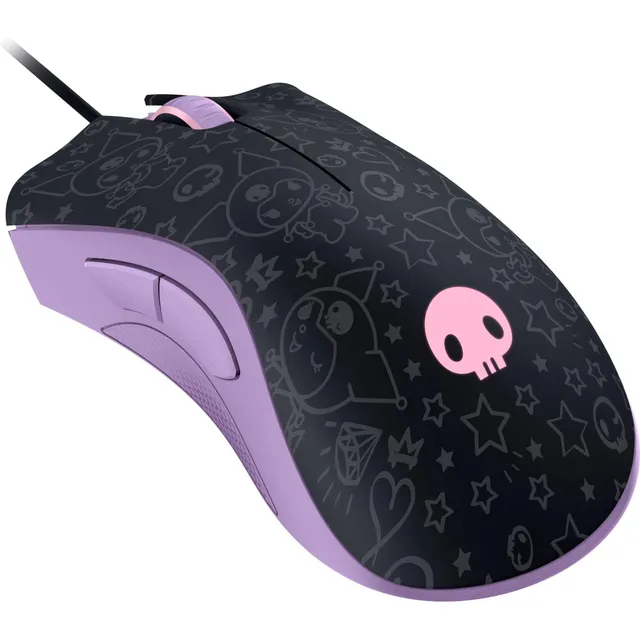
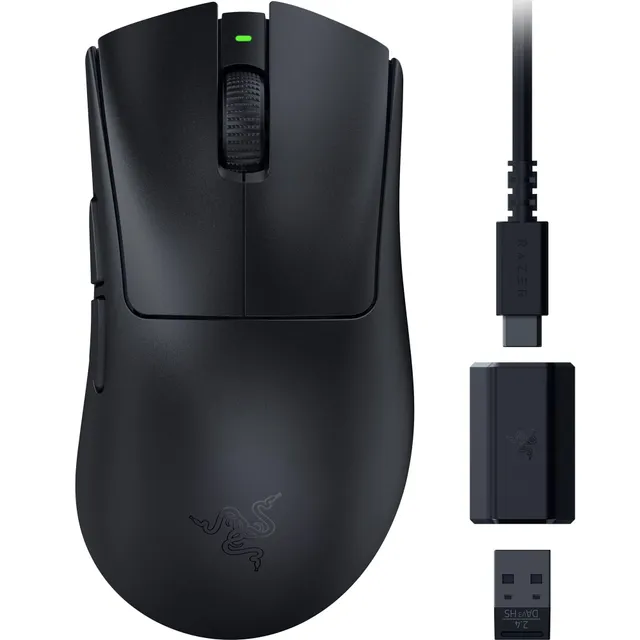
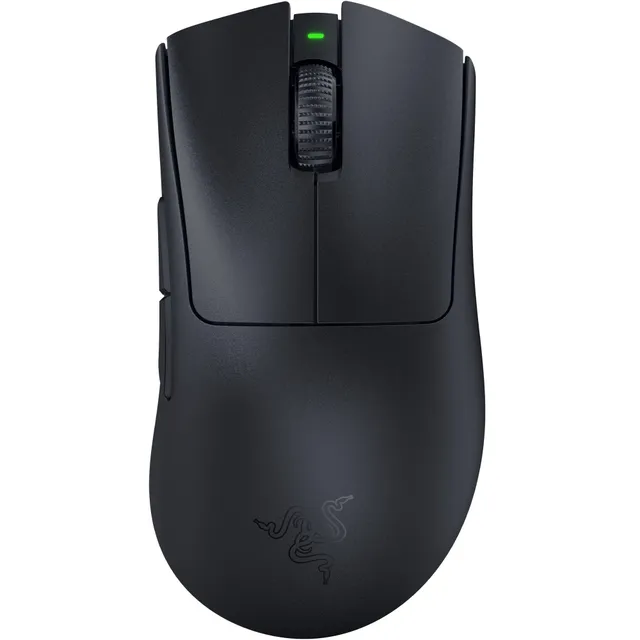
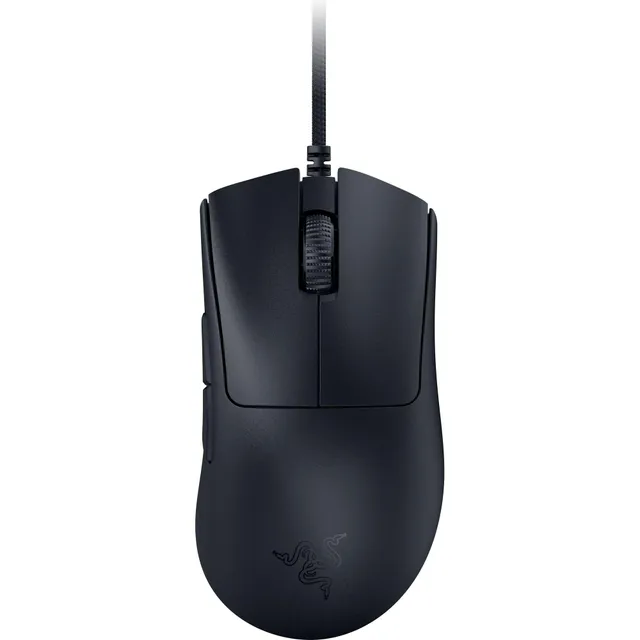
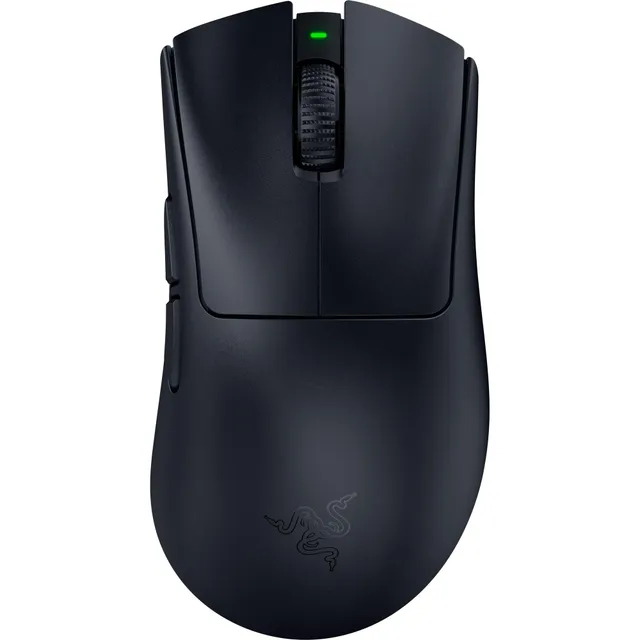
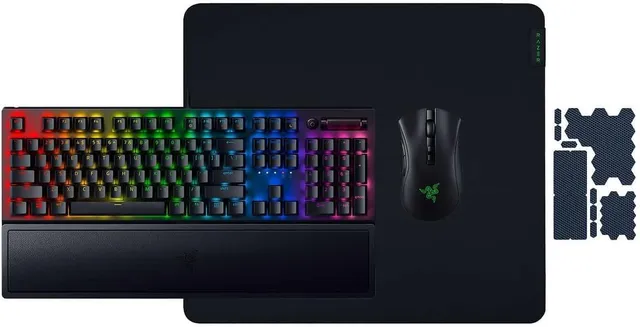
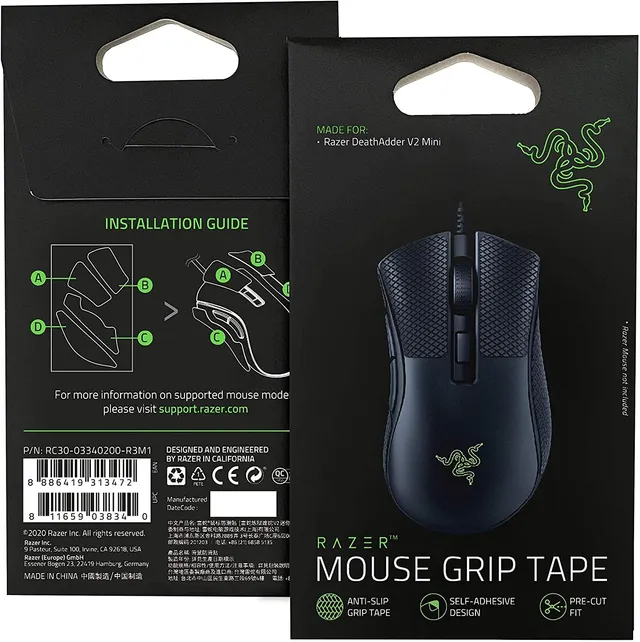
The Razer DeathAdder is one of the most iconic ergonomic gaming mice ever made, trusted by millions of players for its comfortable right-handed shape, precise sensors, and durable build. At PortSide Gear, we've curated 11 DeathAdder models and compatible accessories to help you find the perfect fit — whether you're a competitive FPS player or just starting your gaming journey.
From budget-friendly wired essentials to high-performance wireless options, our DeathAdder range spans $9.99 to $67.50, so you can choose the sensor, switch type, RGB, and weight that match your setup. Use the filter options to compare models by grip style, DPI, and connectivity, and read our quick selection guide below to zero in on your next mouse.