$20.00
1
Your cart is empty
Subtotal
We will hold your cart for 15:00.
Buy more, save more
Coupon discount
Shipping
Add 2 more items to unlock your free mystery gift.
Complimentary item.
Total
$20.00
We will hold your cart for 15:00.
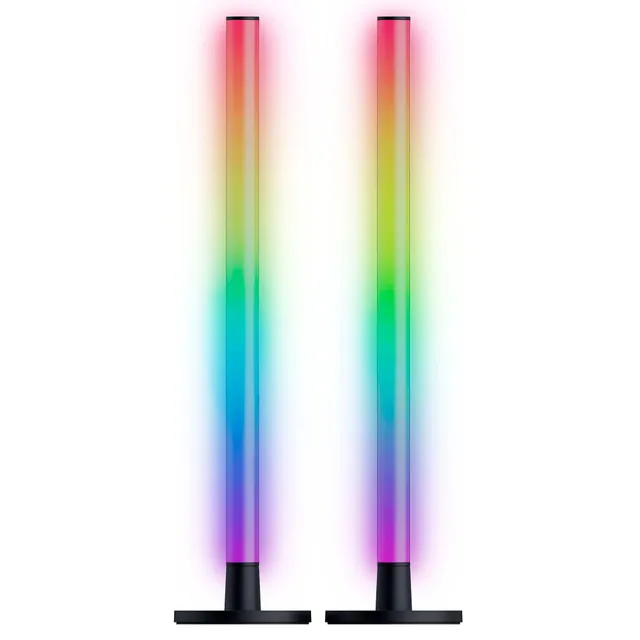
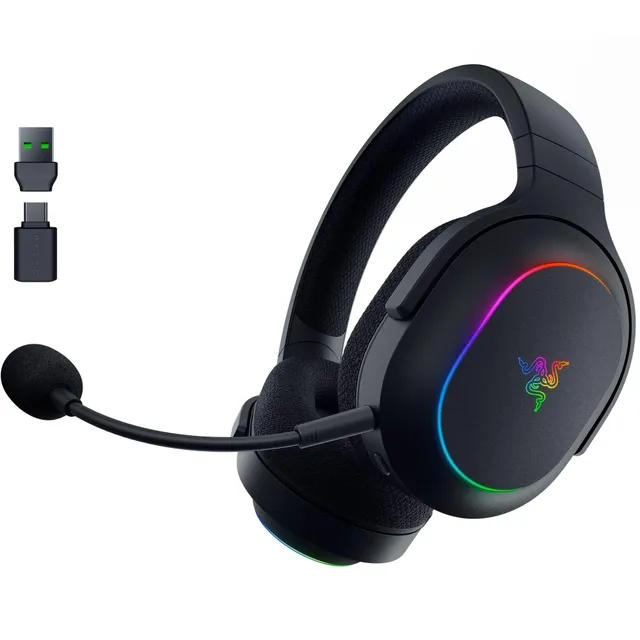
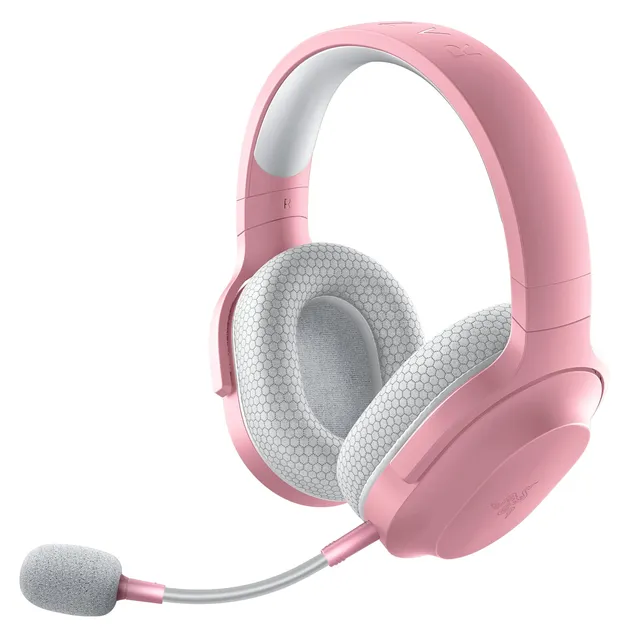
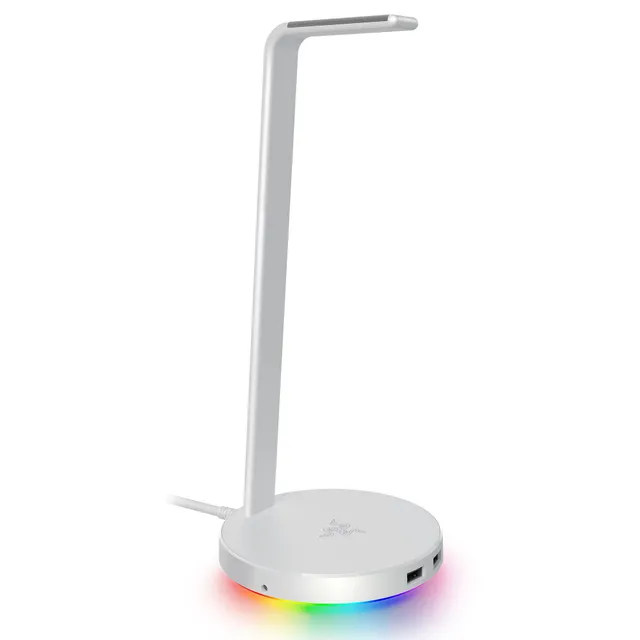
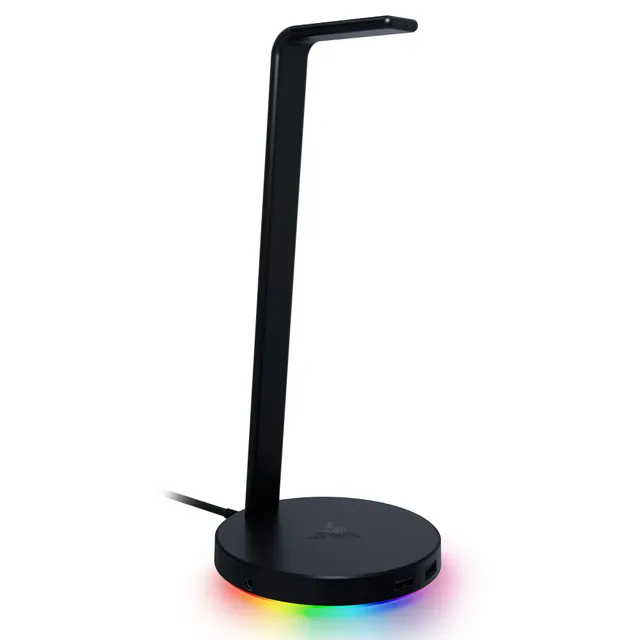
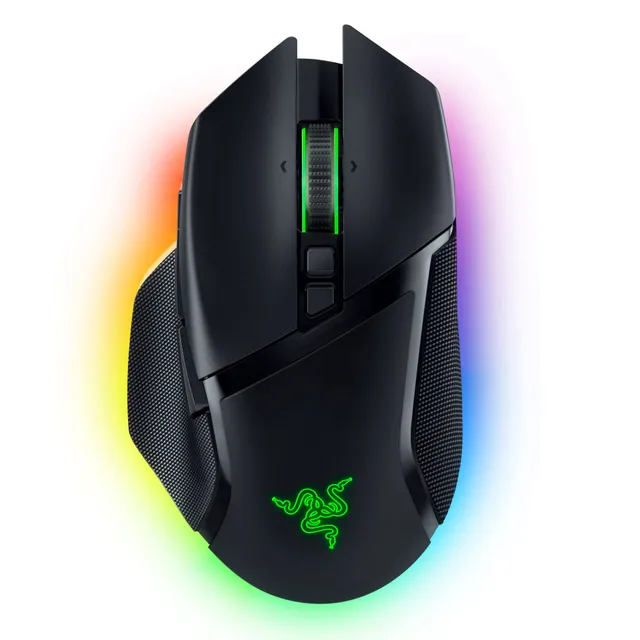
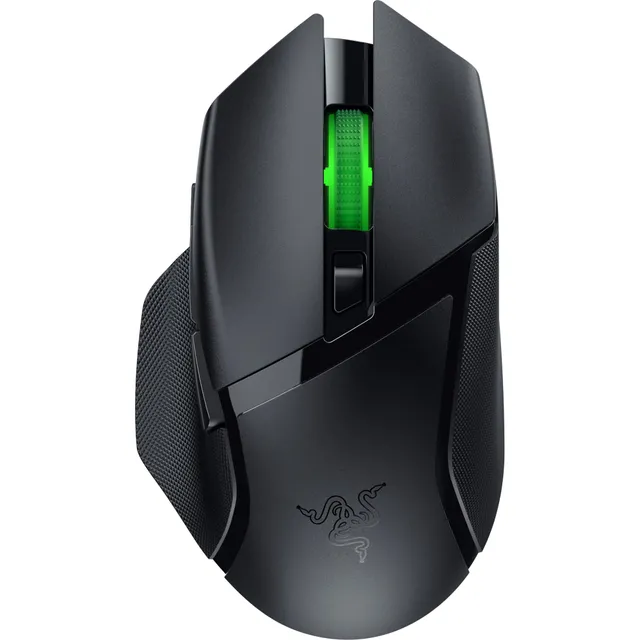
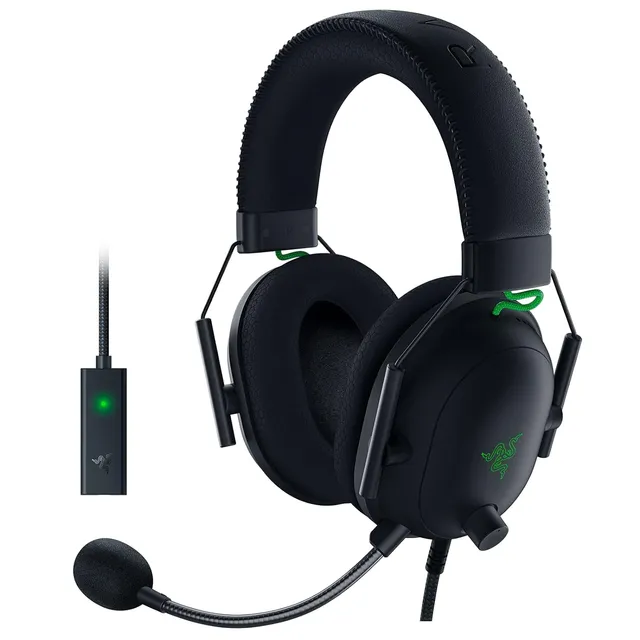
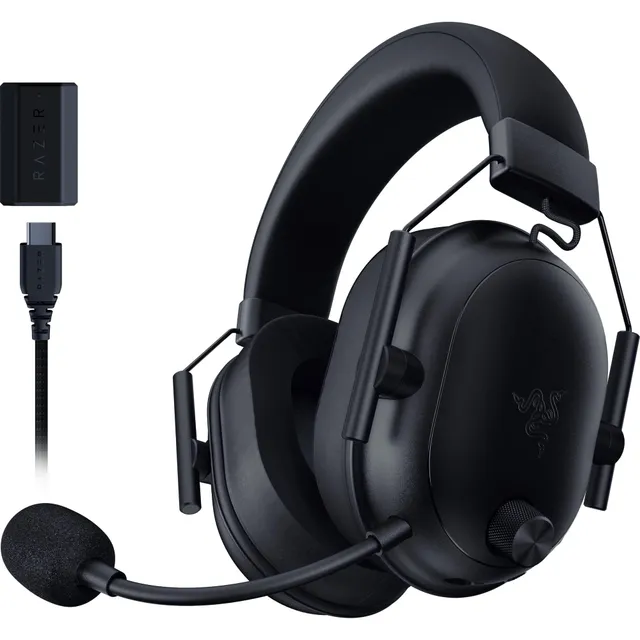
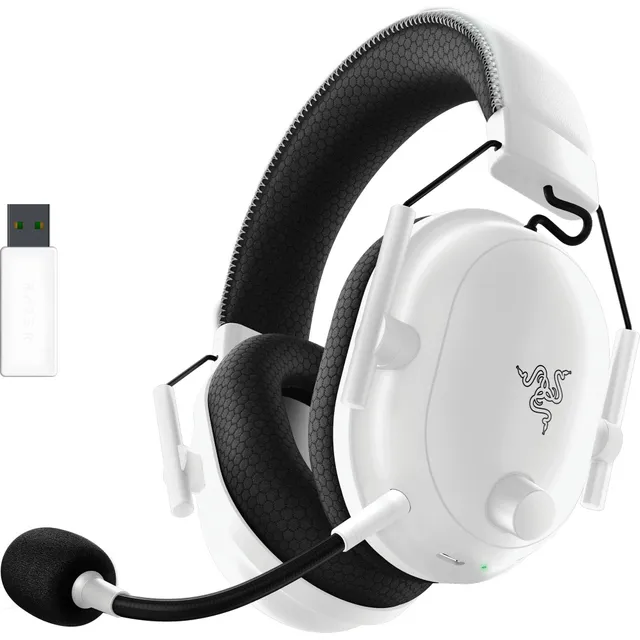
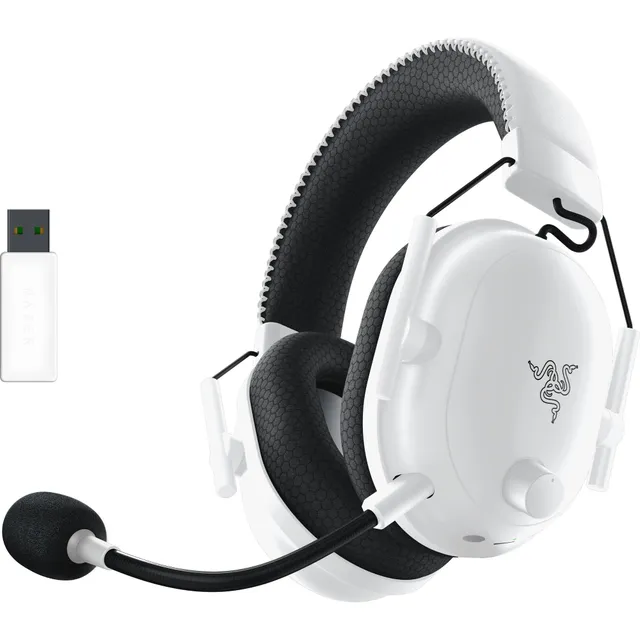
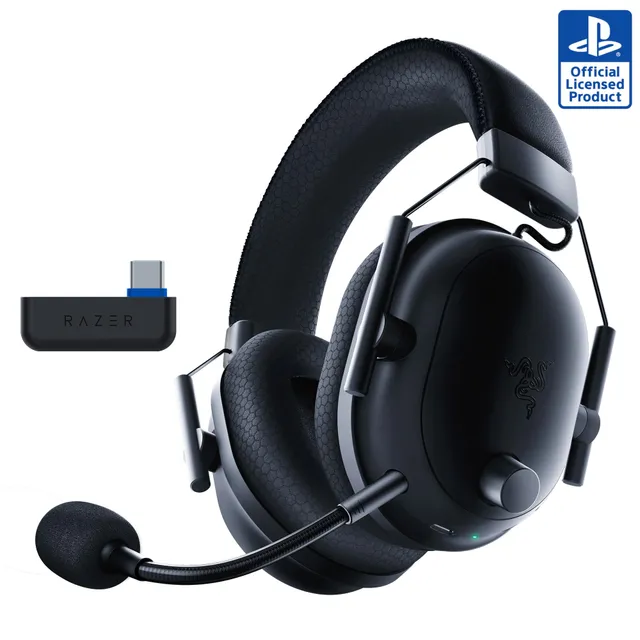
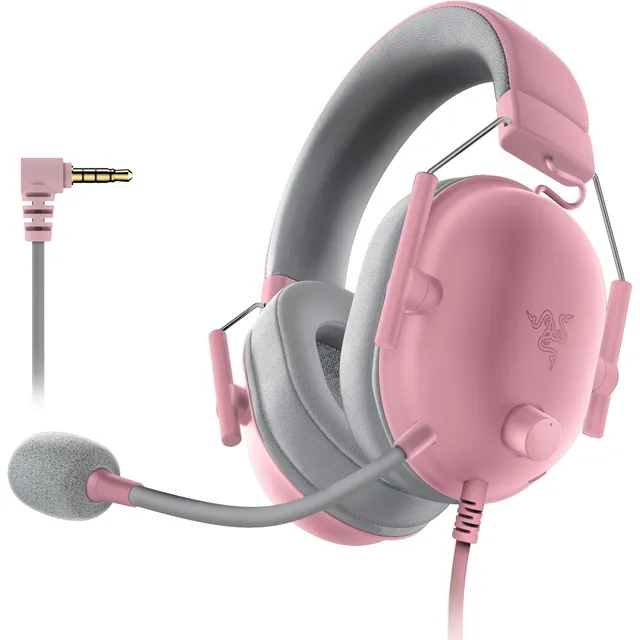
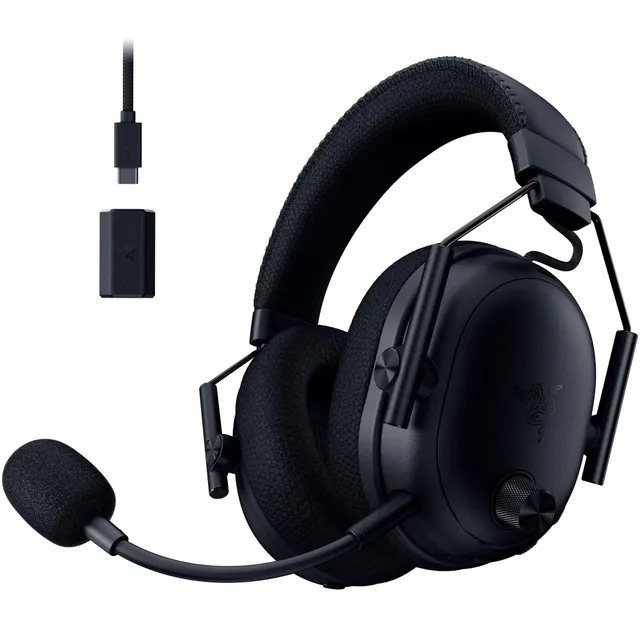
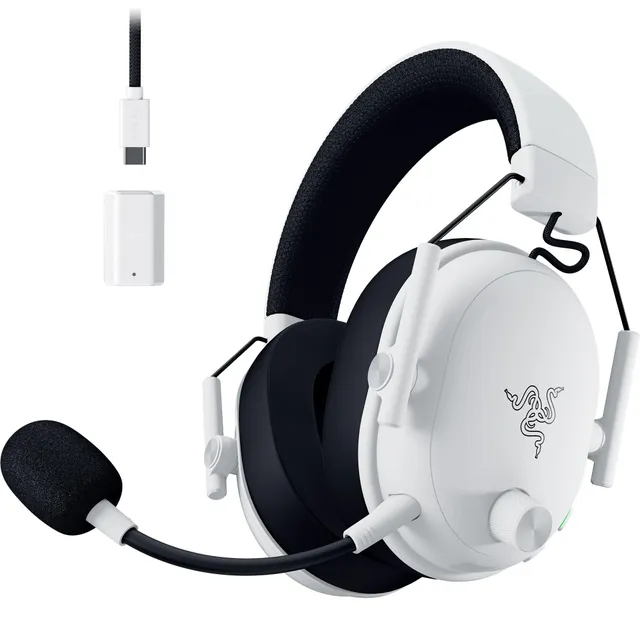
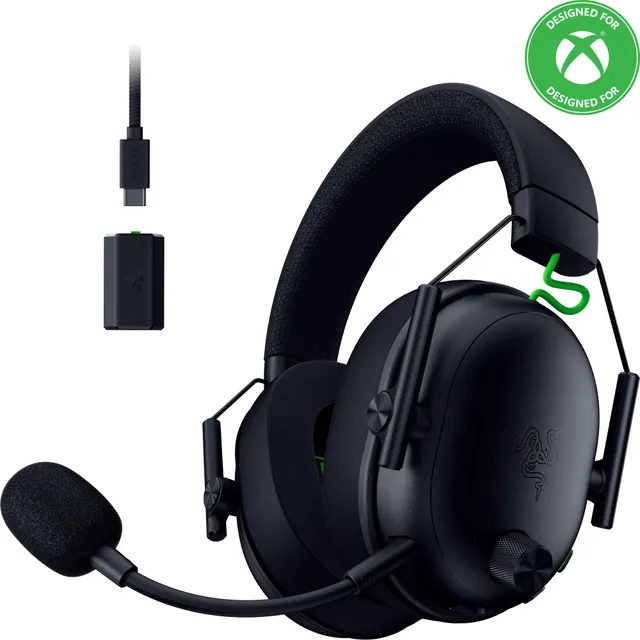
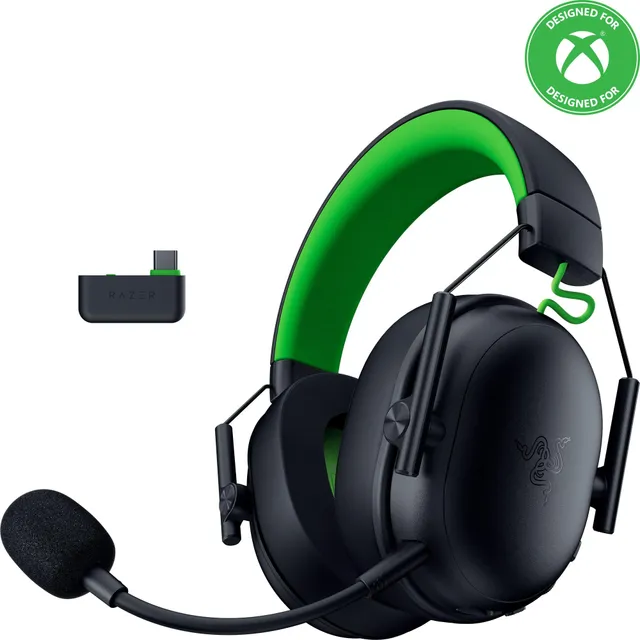
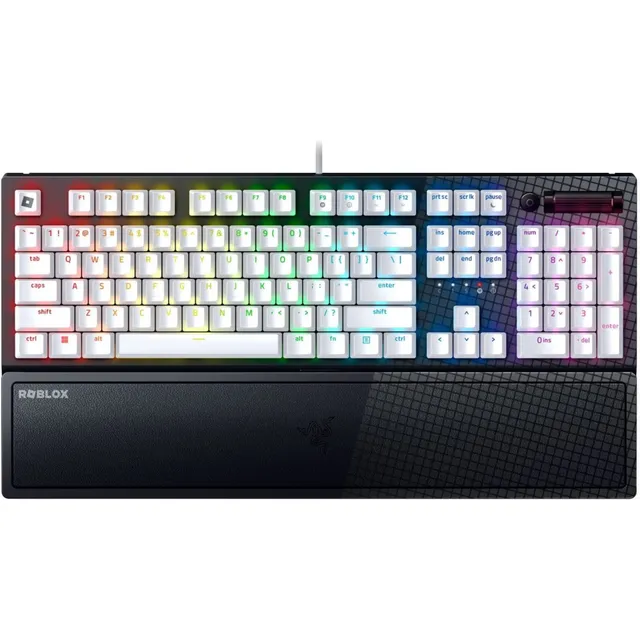
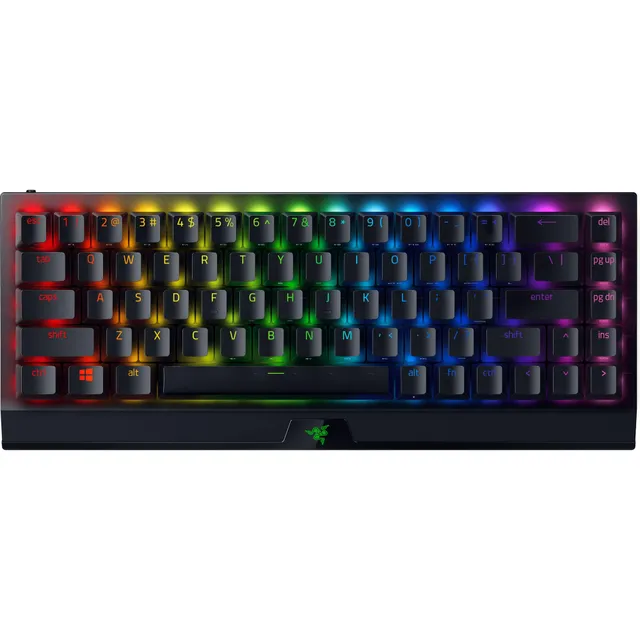
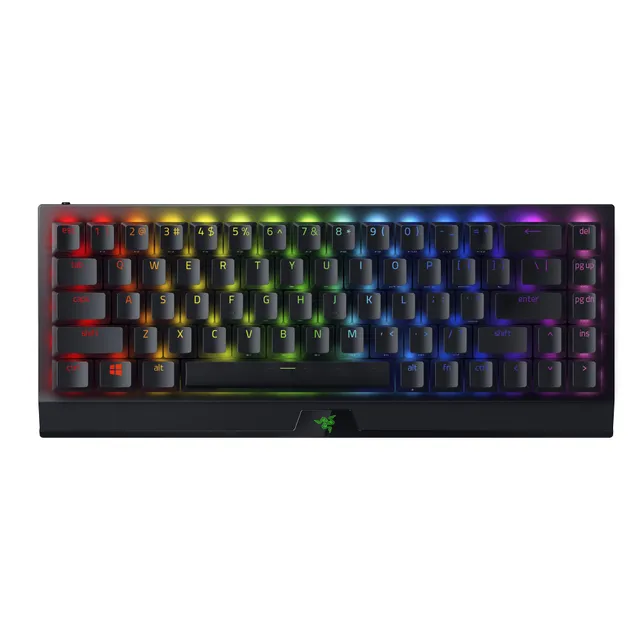
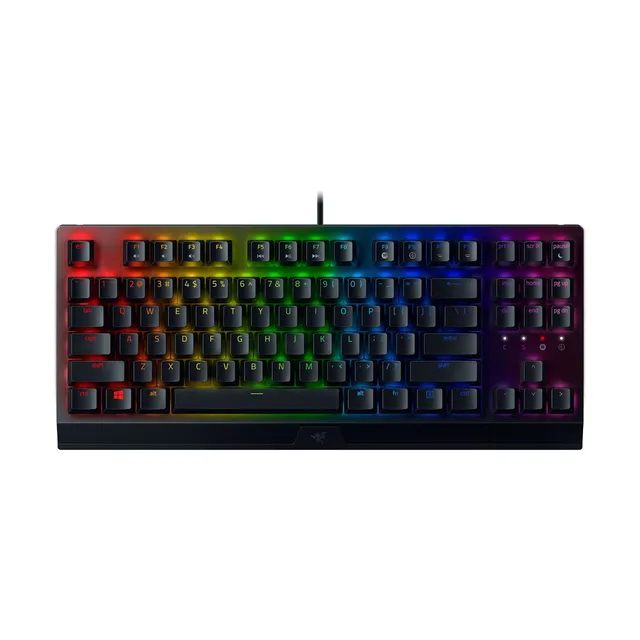
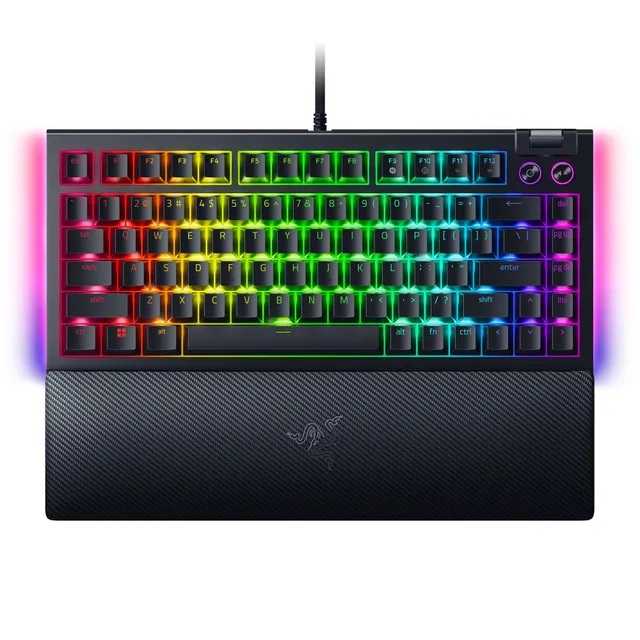
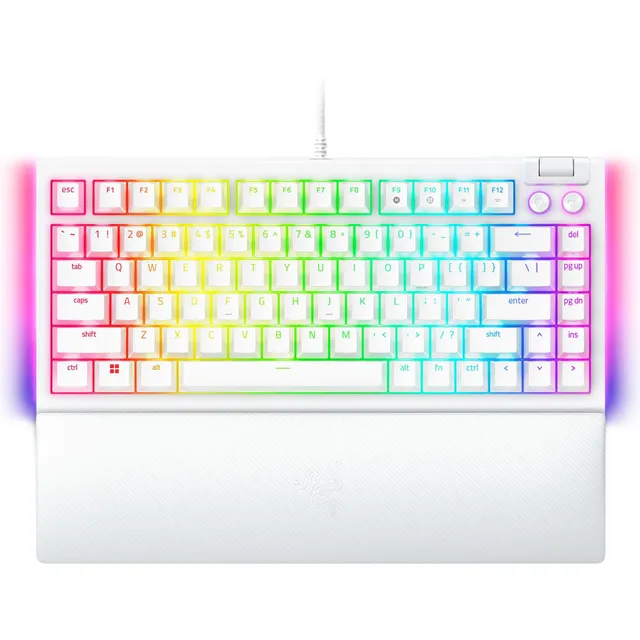
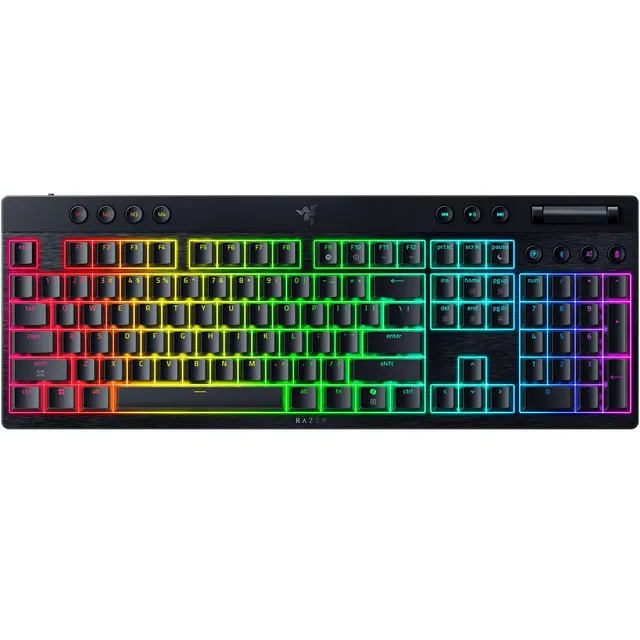
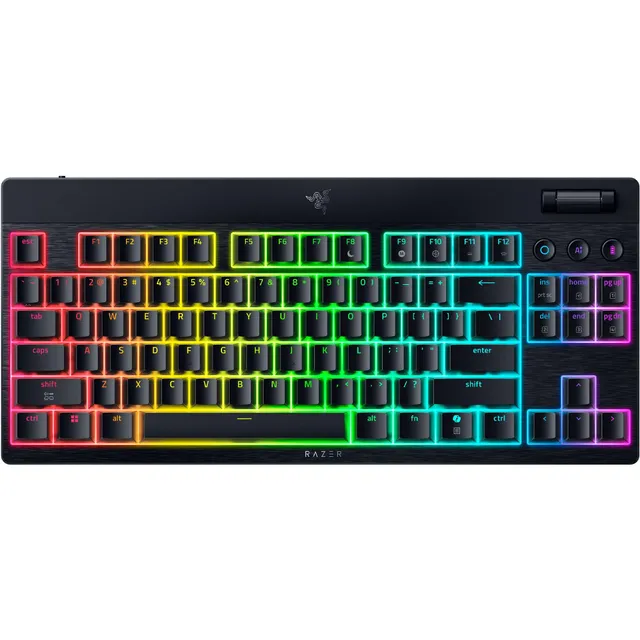
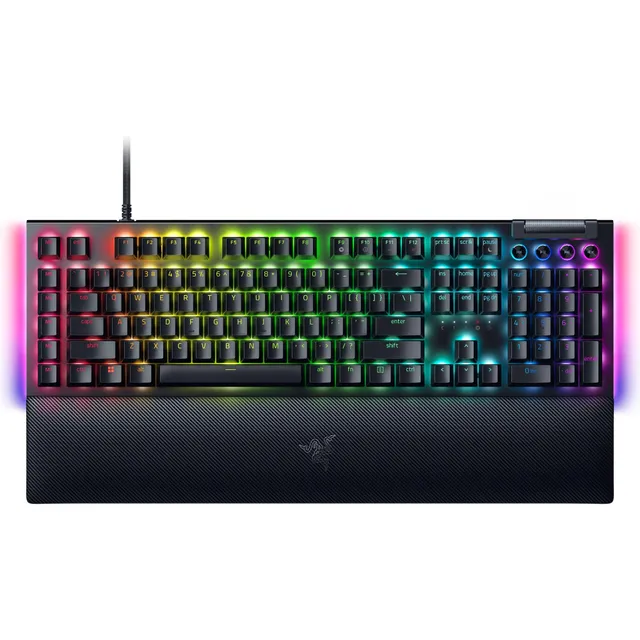
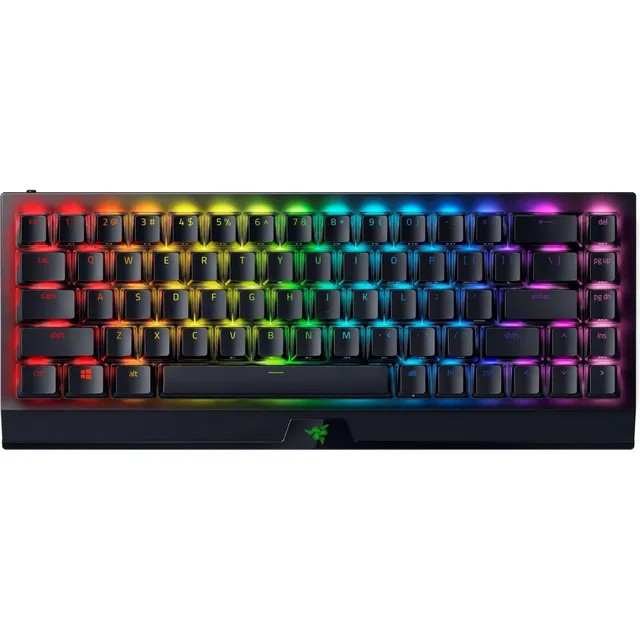
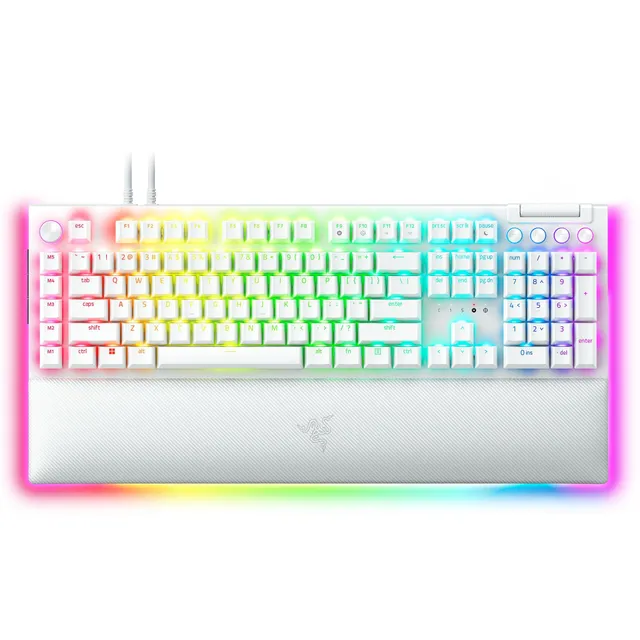
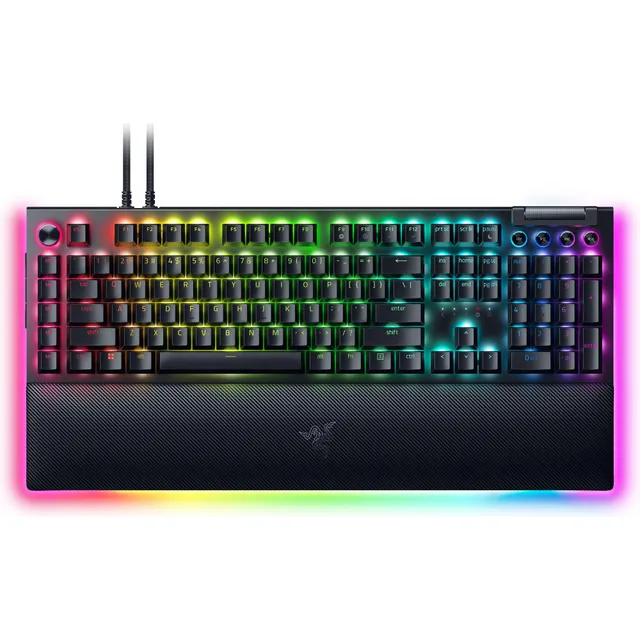
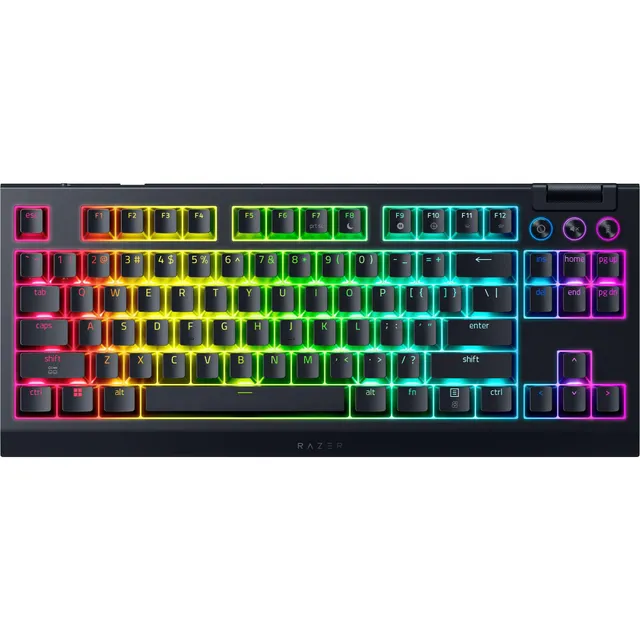
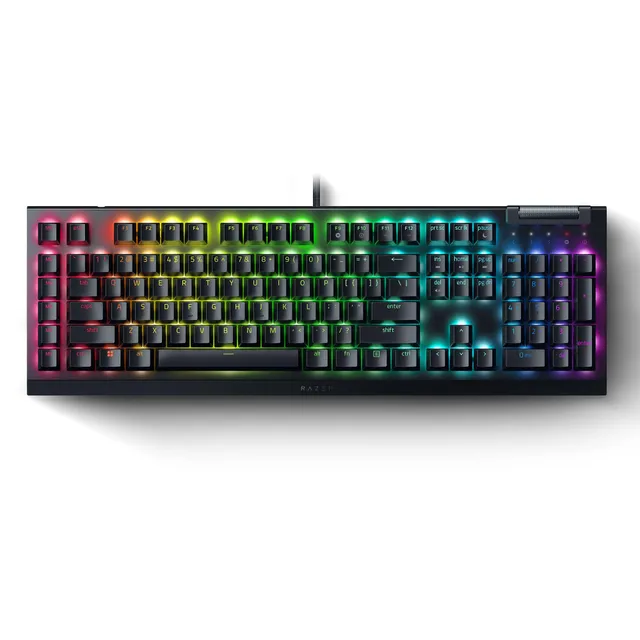
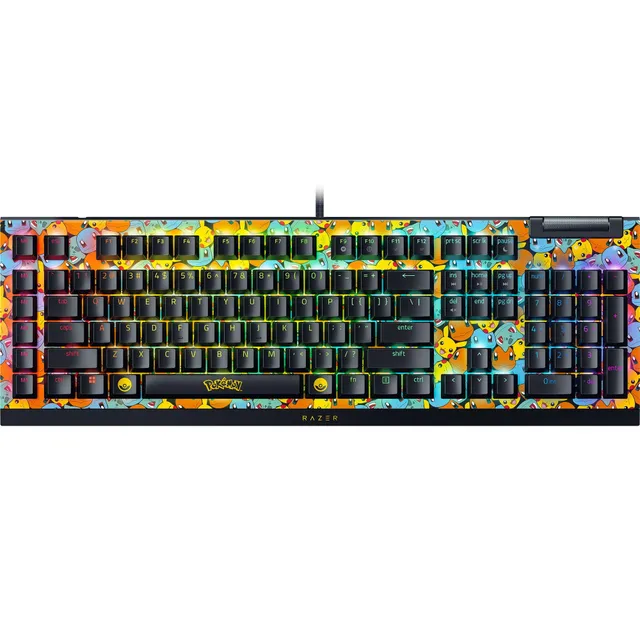
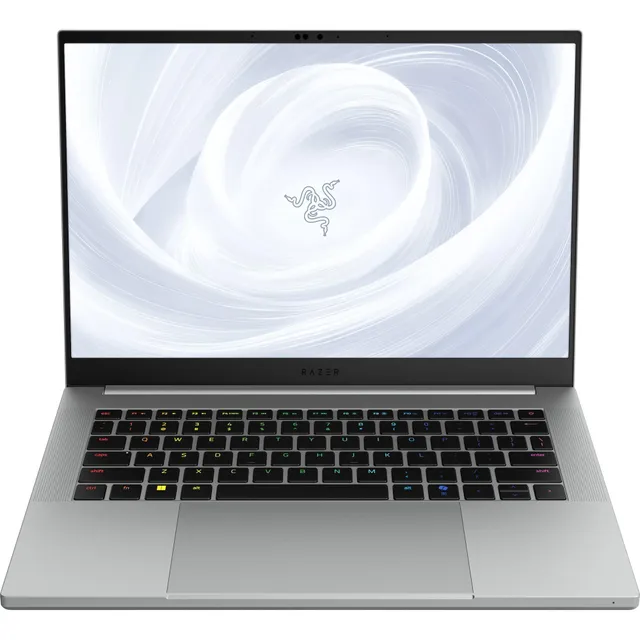
Welcome to PortSide Gear's Razer hub, your one-stop destination for high-performance gaming gear. With 279 products ranging from $9.99 to $100, we've got everything from precision mice and immersive headsets to customizable keyboards and streaming essentials. Whether you're a competitive gamer or just starting your setup, Razer's cutting-edge technology meets your needs.
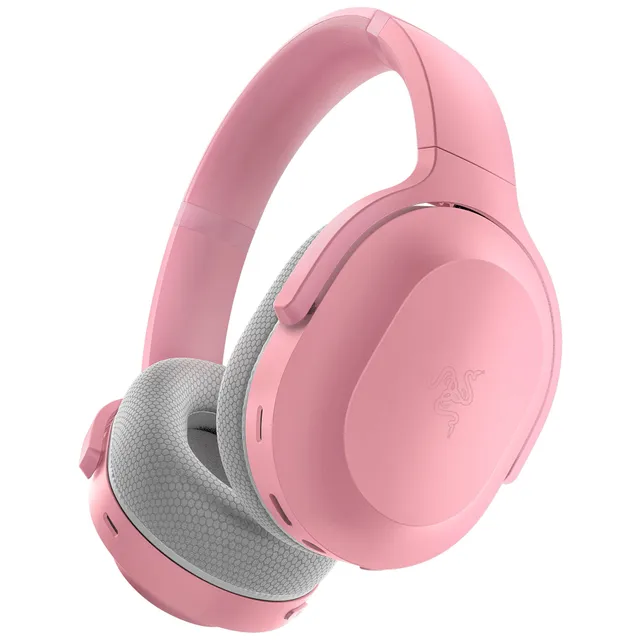
Explore our extensive collection, including the iconic DeathAdder and Viper mice, the versatile Kishi controllers, the crystal-clear Seiren mics, and the immersive Kraken headsets. With dedicated categories like Gaming Accessories, Mouse Mats, and more, you can easily filter to find the perfect gear. Ready to upgrade your battlestation? Dive in and discover why Razer is the global leader in gaming hardware.