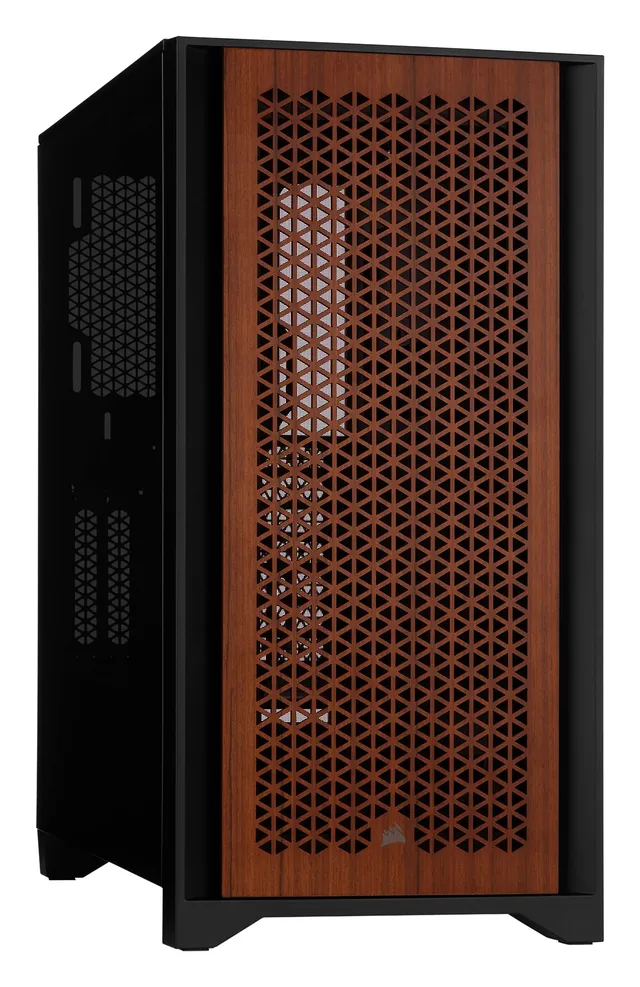
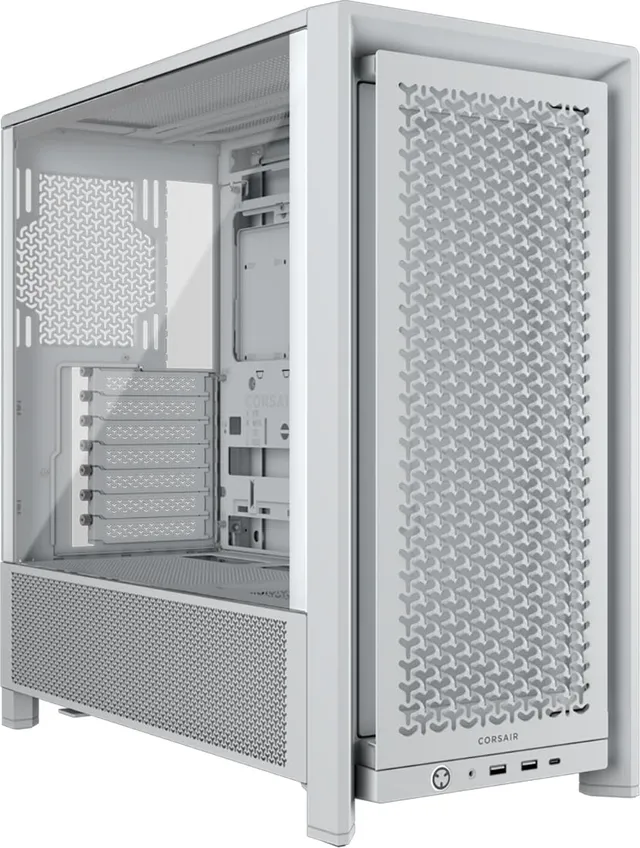
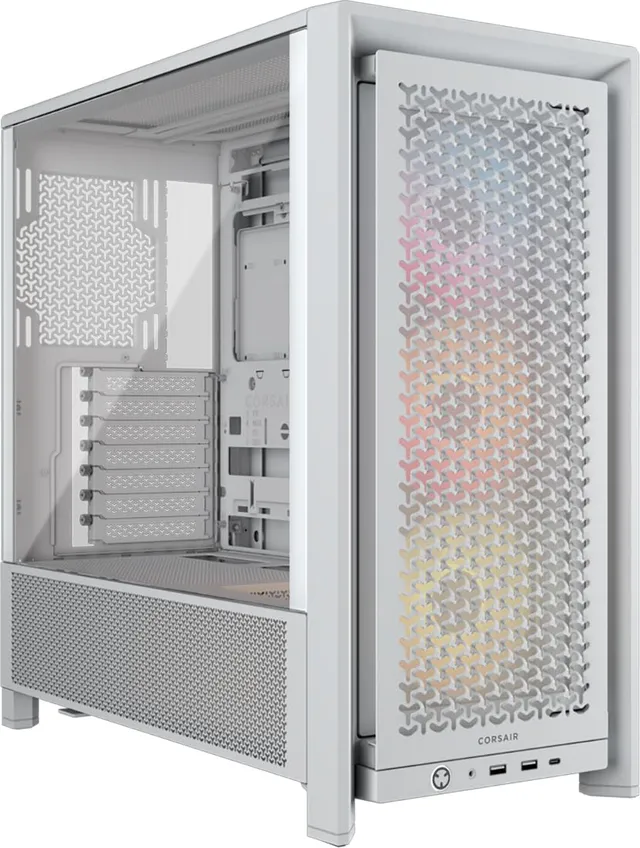
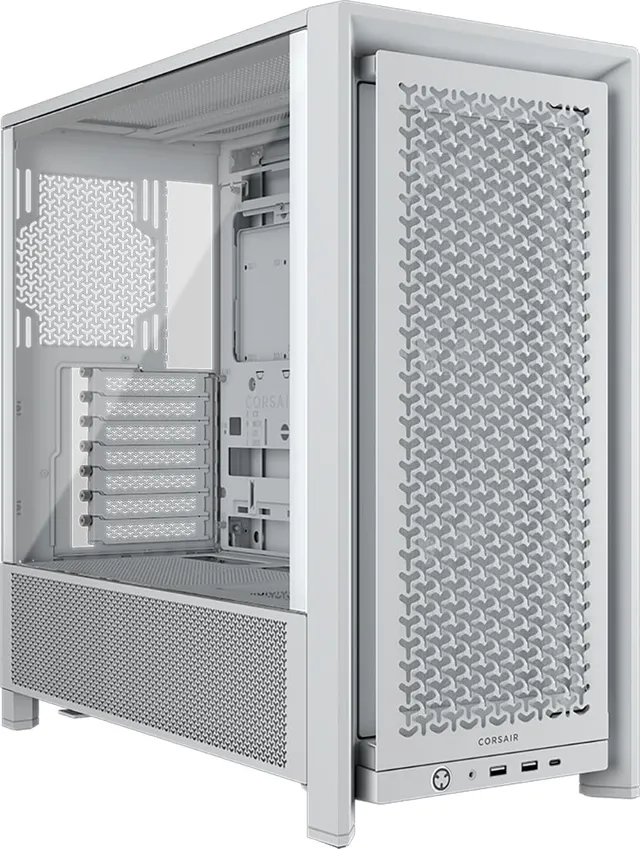
$20.00
1
Your cart is empty
Subtotal
We will hold your cart for 15:00.
Buy more, save more
Coupon discount
Shipping
Add 2 more items to unlock your free mystery gift.
Complimentary item.
Total
$20.00
We will hold your cart for 15:00.
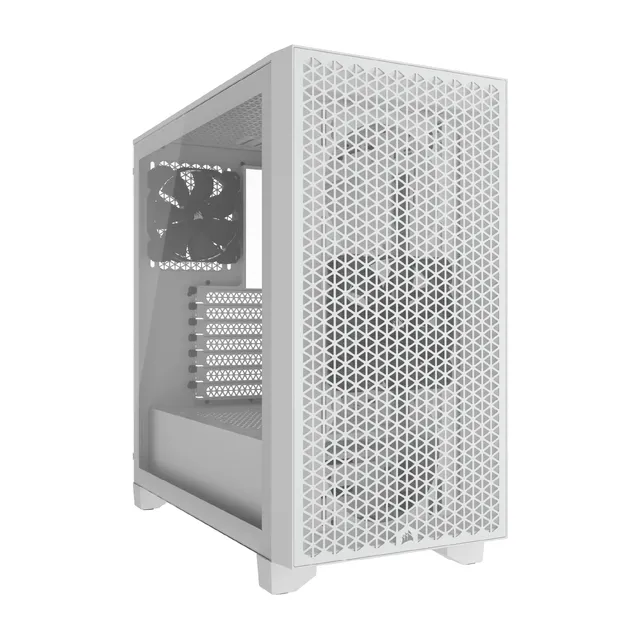
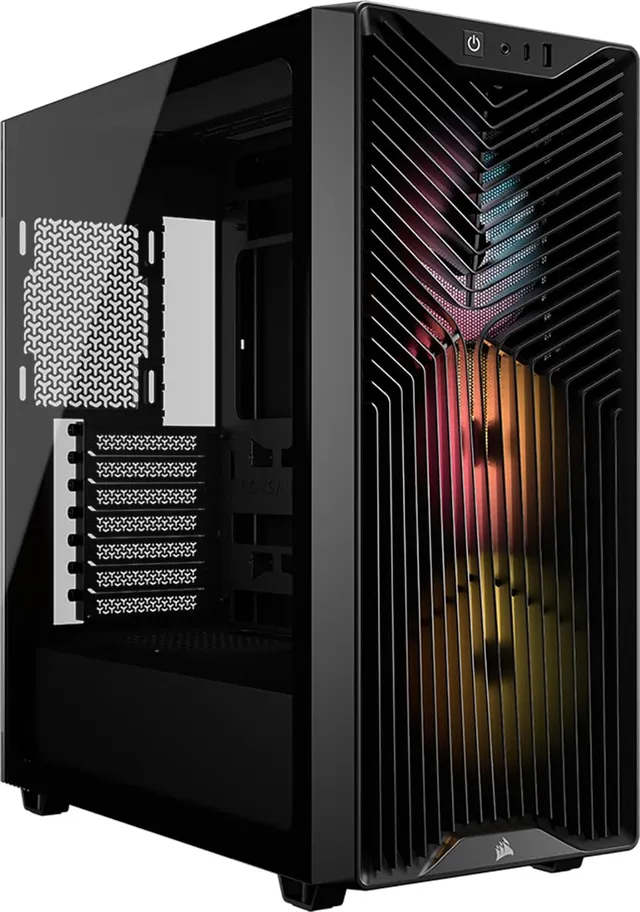
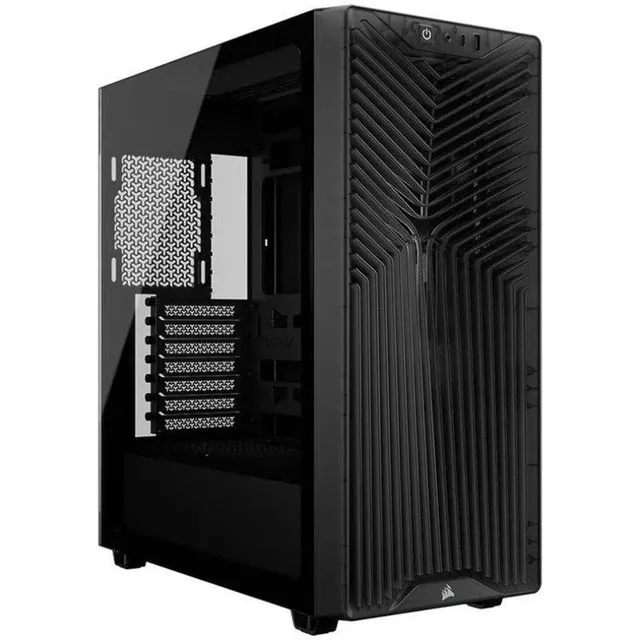
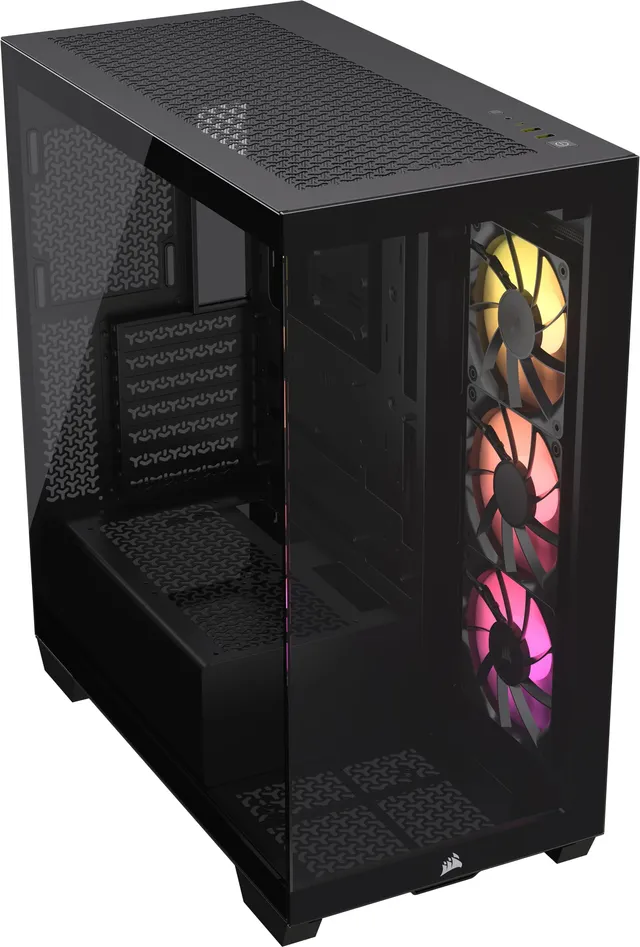
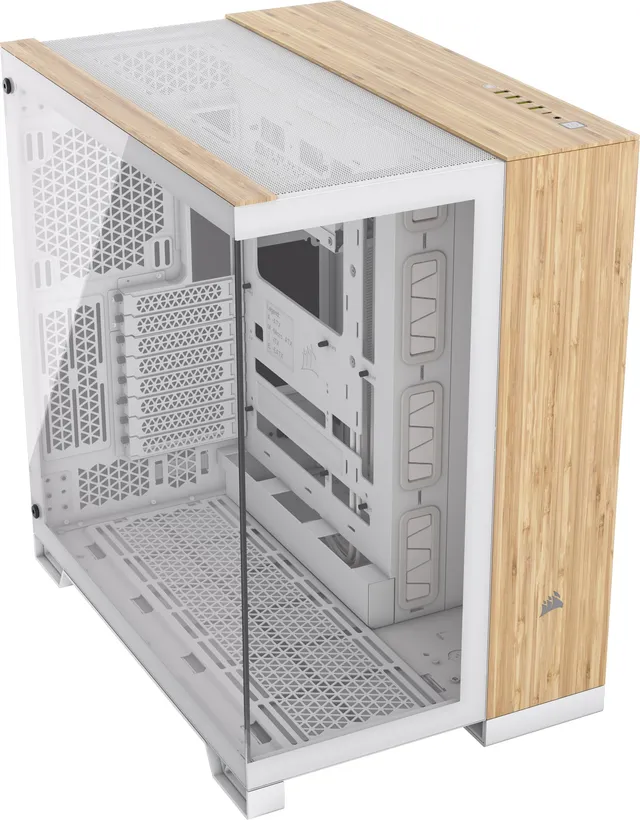
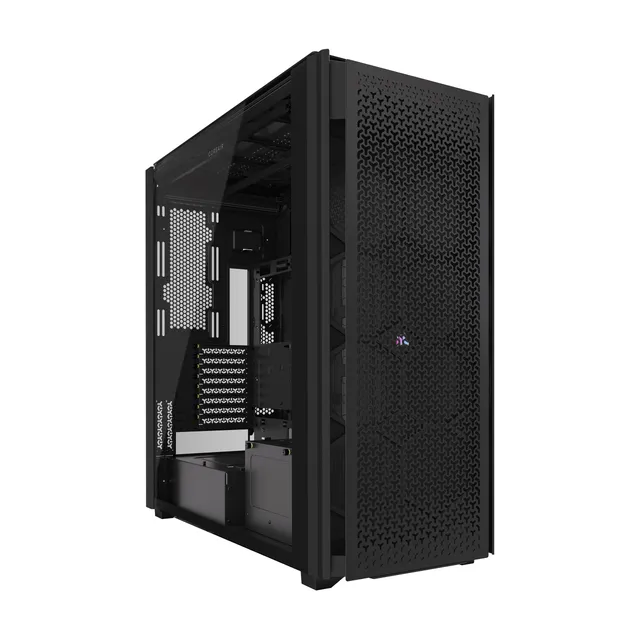
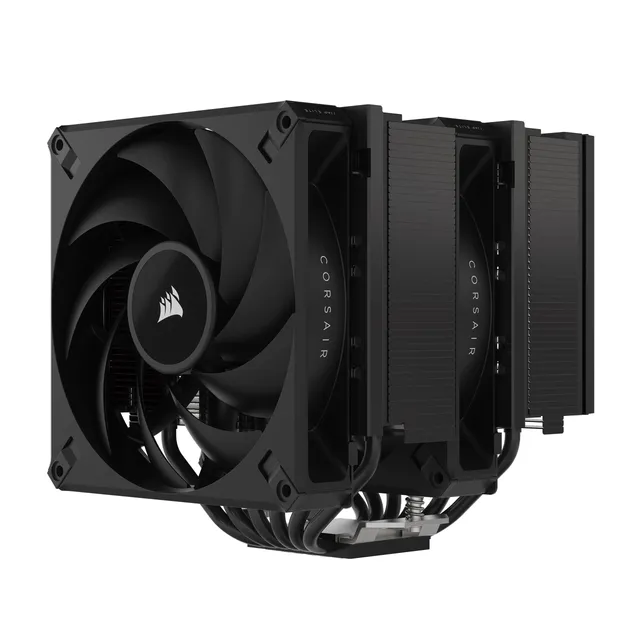
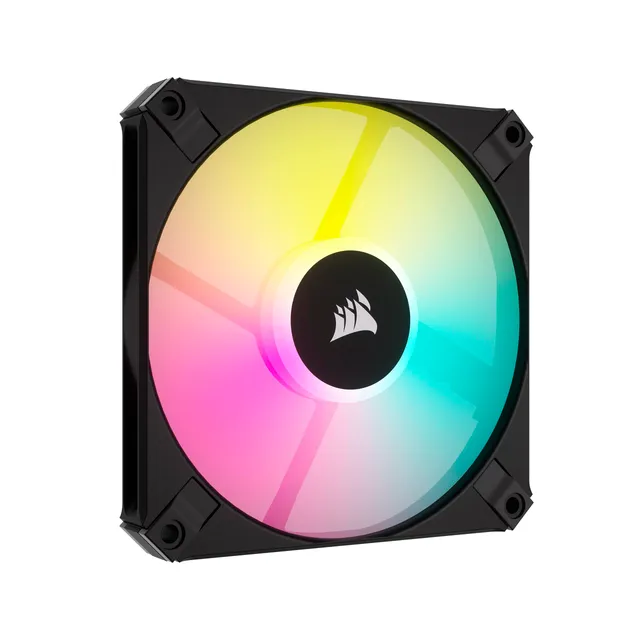
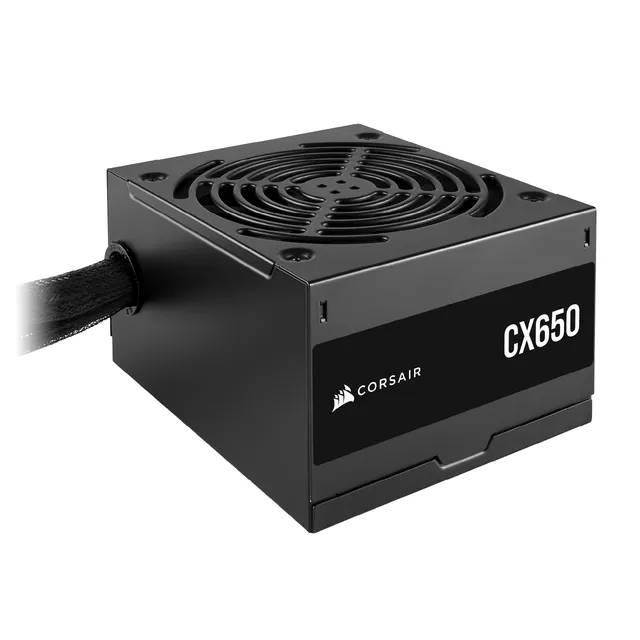
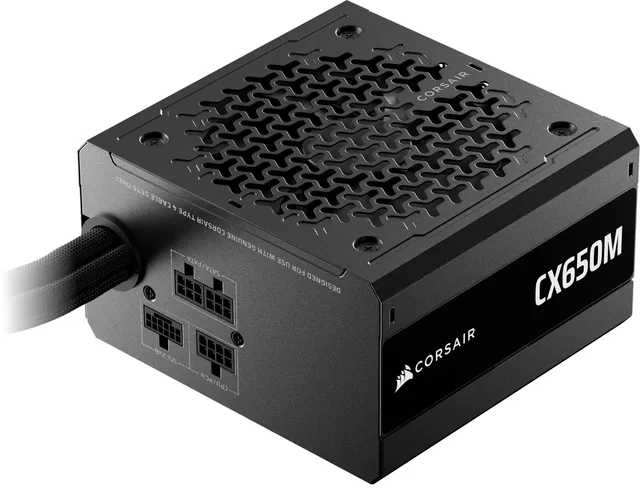
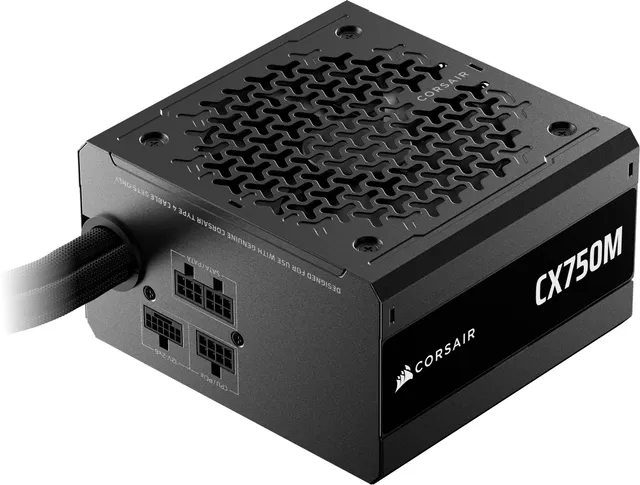
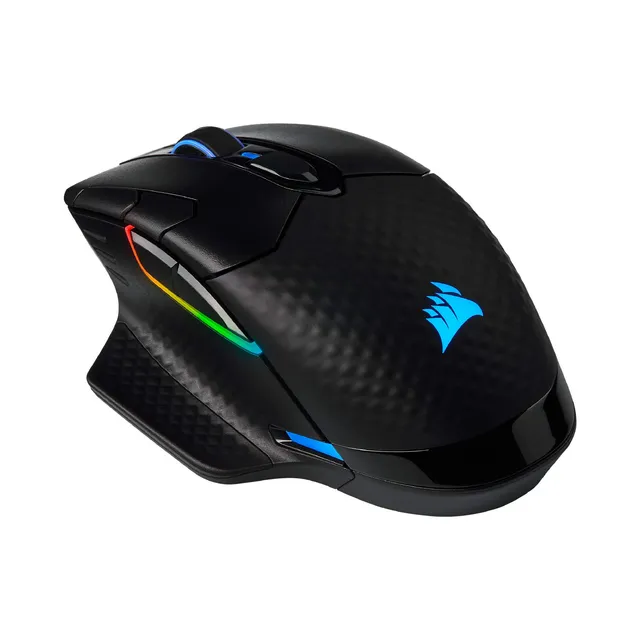
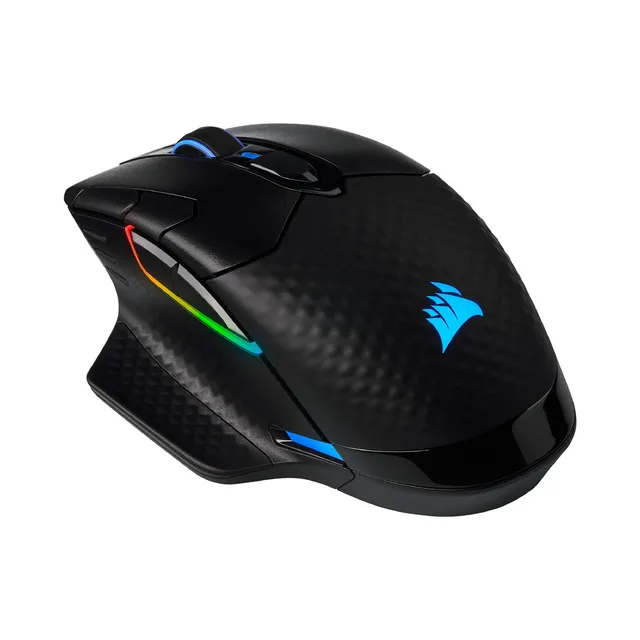
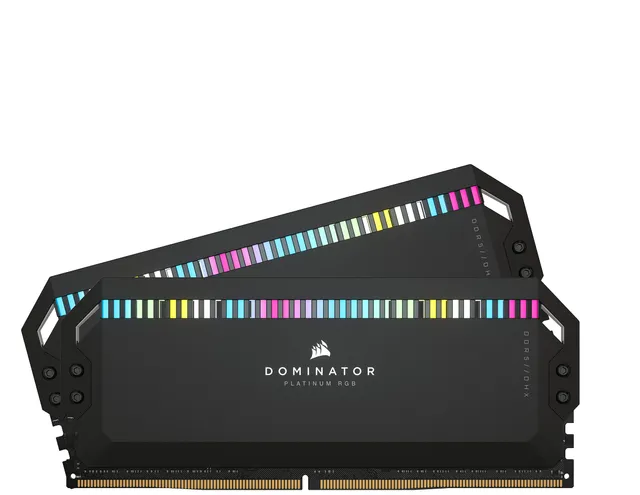
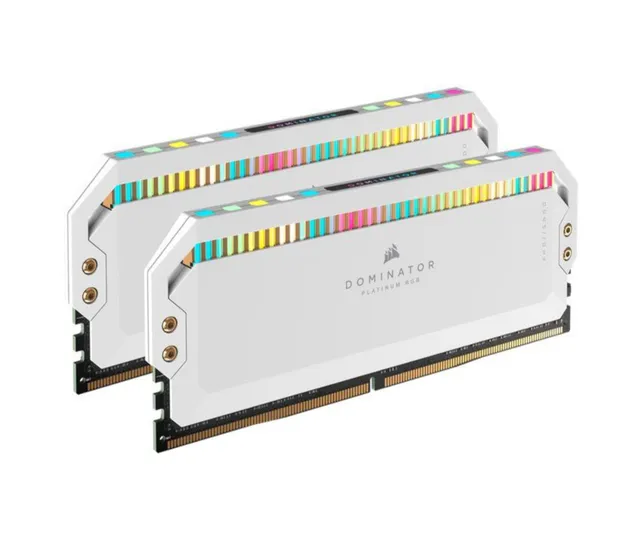
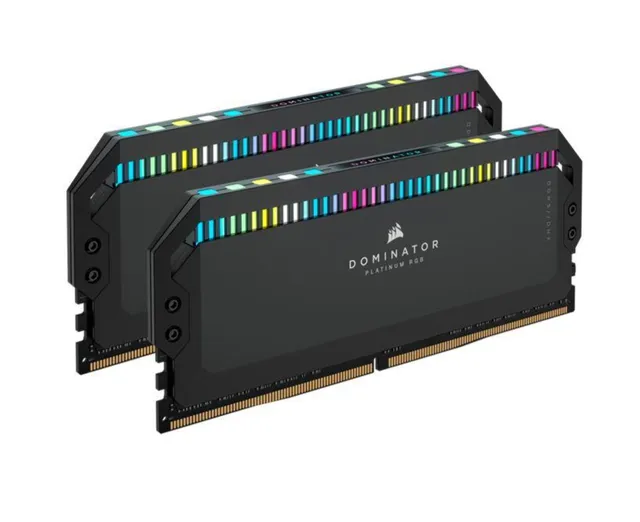
Welcome to the Corsair superstore at PortSide Gear. With 394 products ranging from $9.95 to $100, we carry everything from high-performance gaming peripherals to PC building accessories. Explore popular categories like Vengeance RAM, Hydro X cooling, SCUF controllers, and iCUE-compatible devices.
This hub connects you to all our Corsair categories and provides quick answers to common questions about iCUE setup, device syncing, and building a complete Corsair ecosystem. Use our guides to get the most out of your Corsair gear.