$20.00
1
Your cart is empty
Subtotal
We will hold your cart for 15:00.
Buy more, save more
Coupon discount
Shipping
Add 2 more items to unlock your free mystery gift.
Complimentary item.
Total
$20.00
We will hold your cart for 15:00.
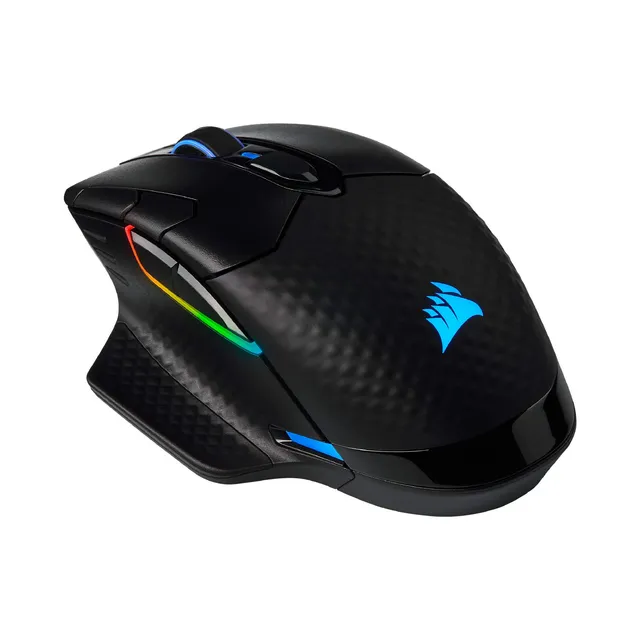
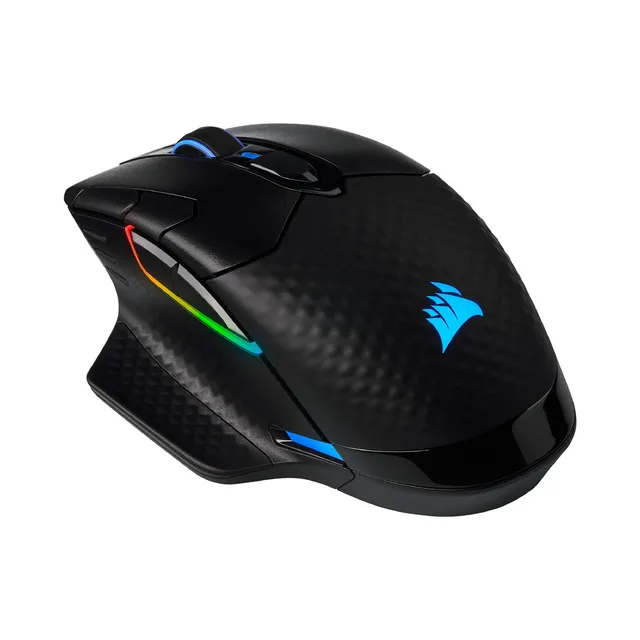
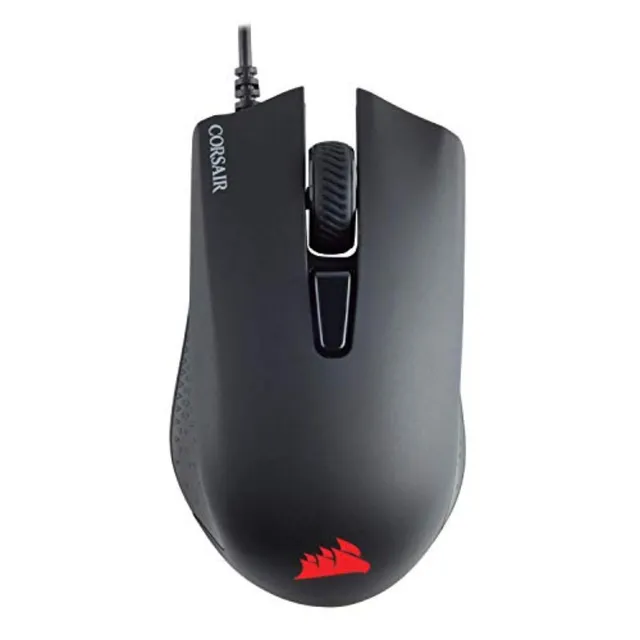
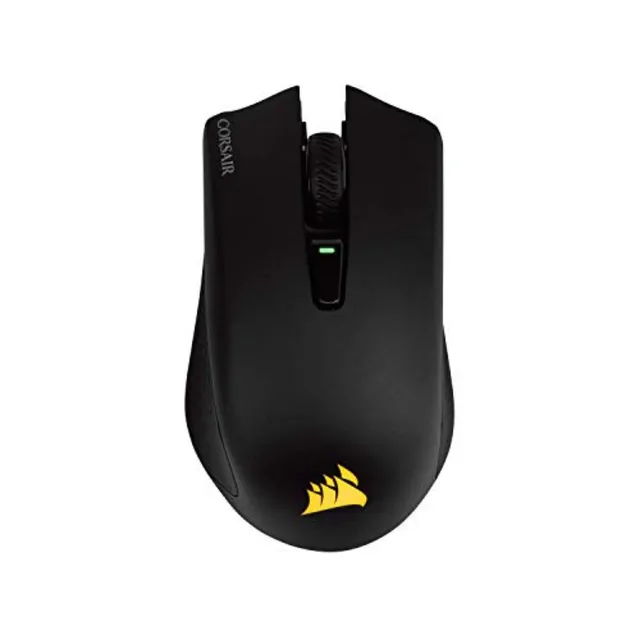
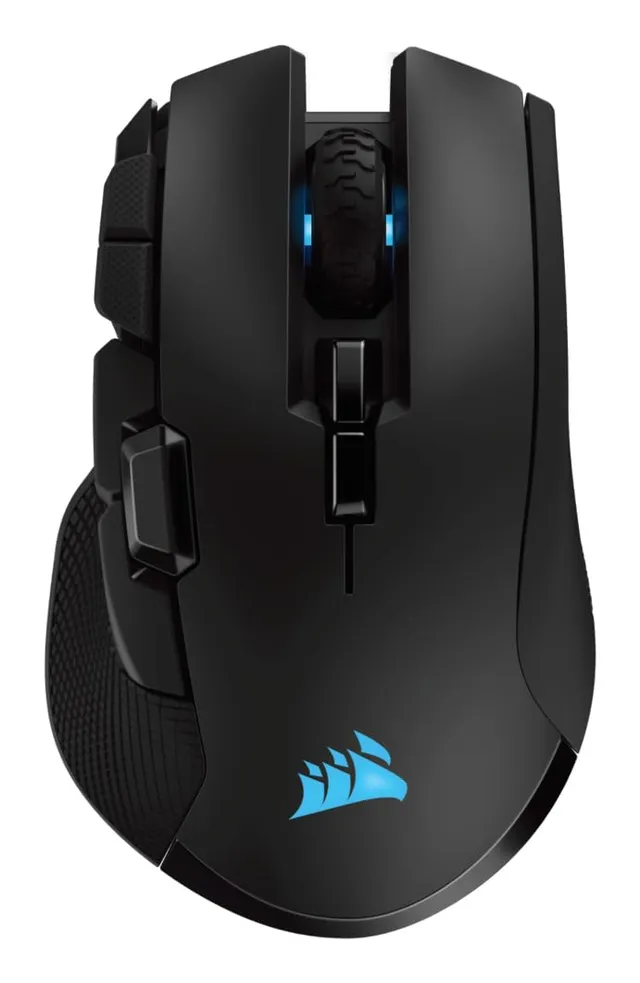
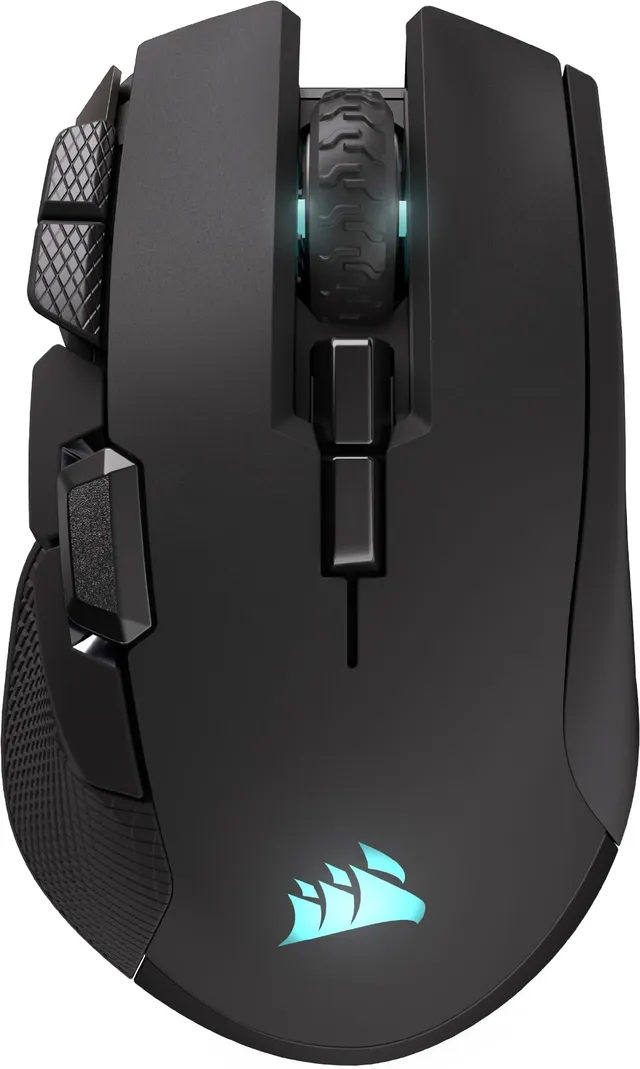
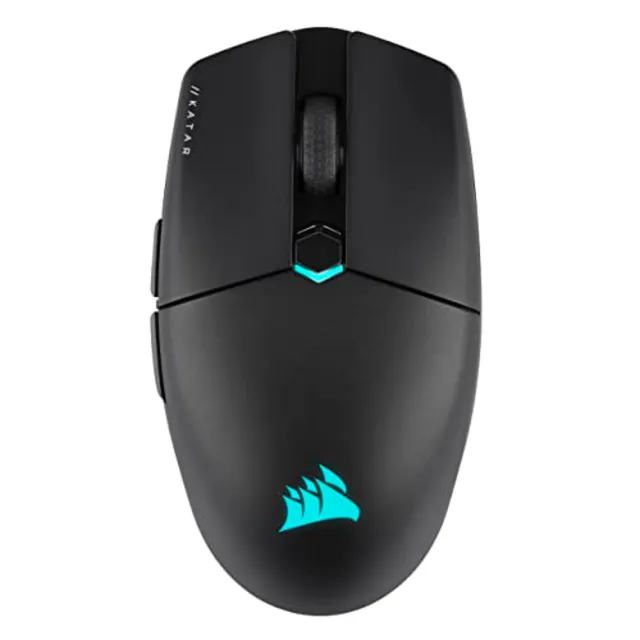
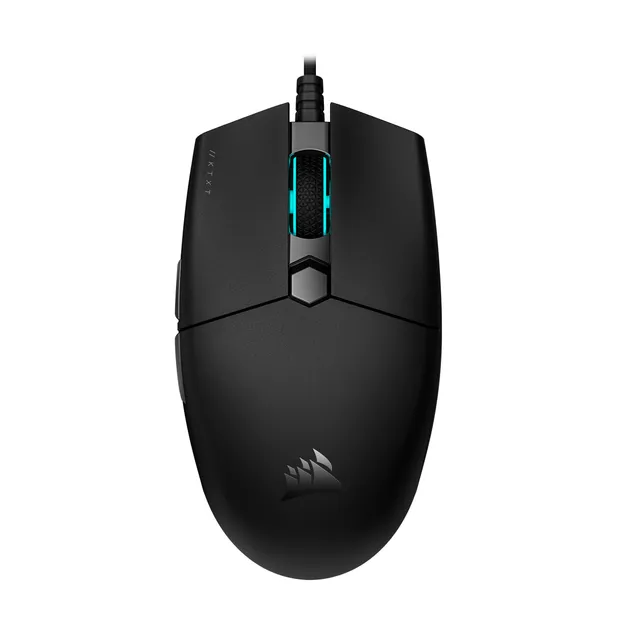
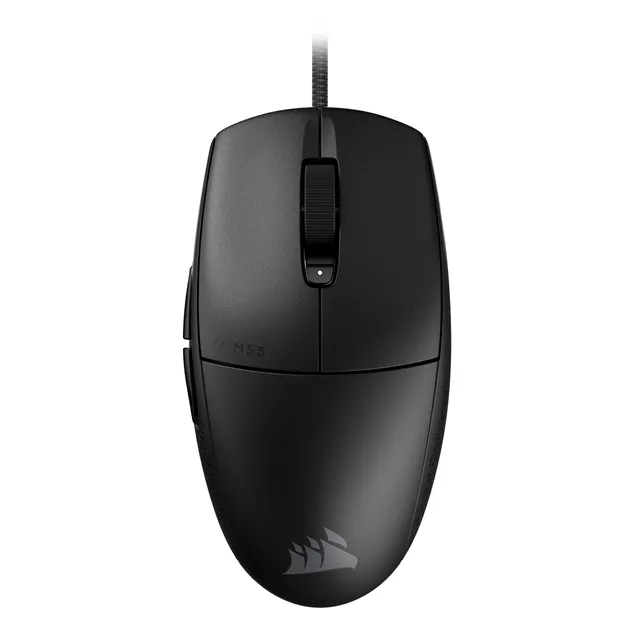
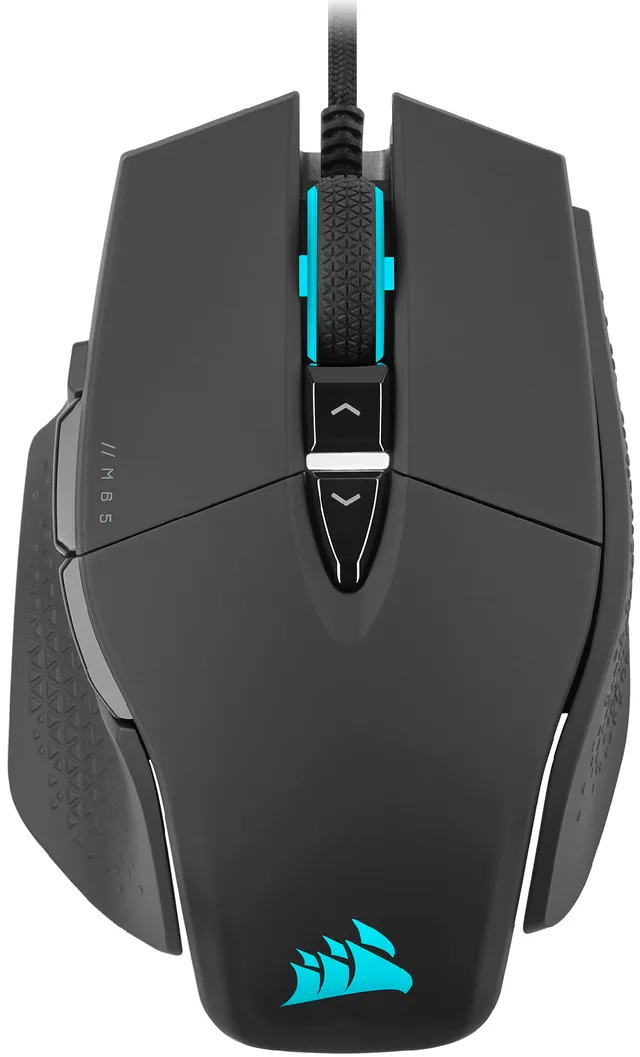
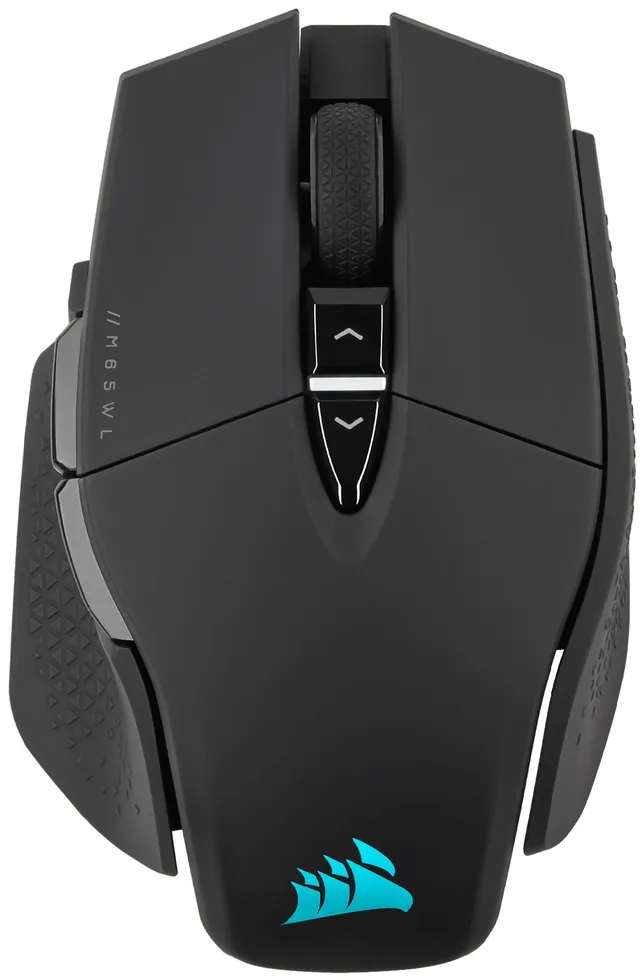
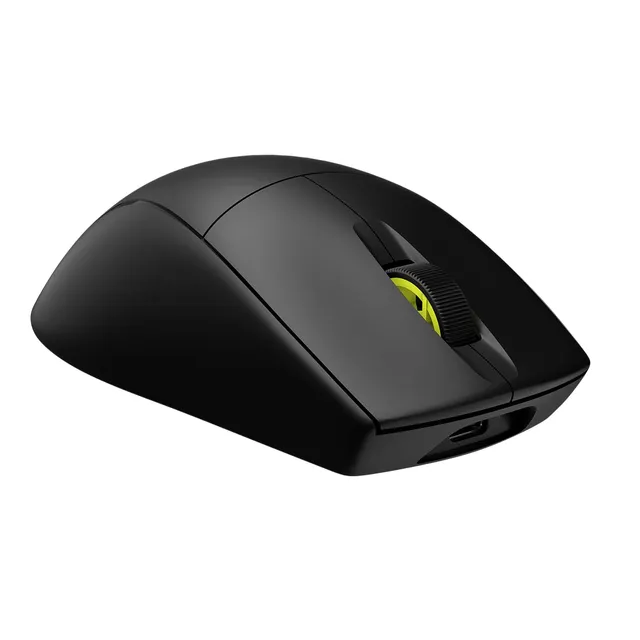
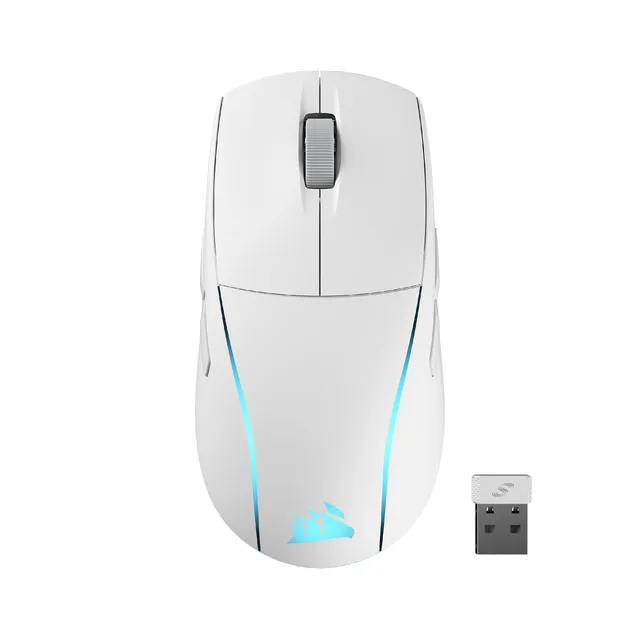
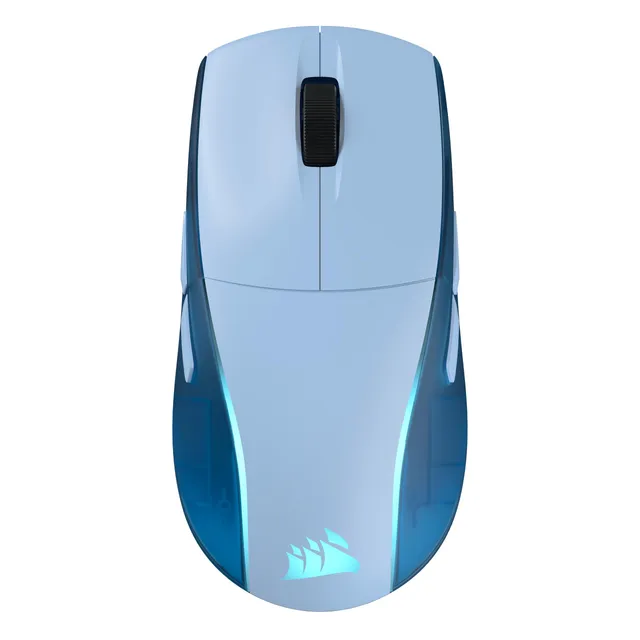
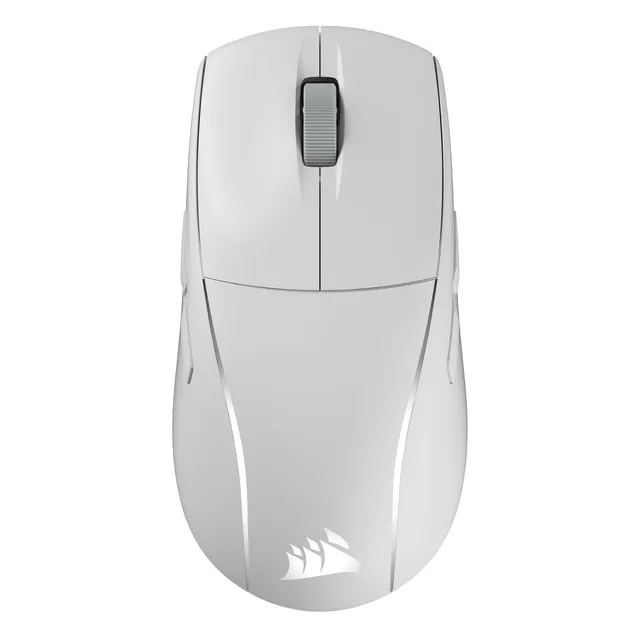
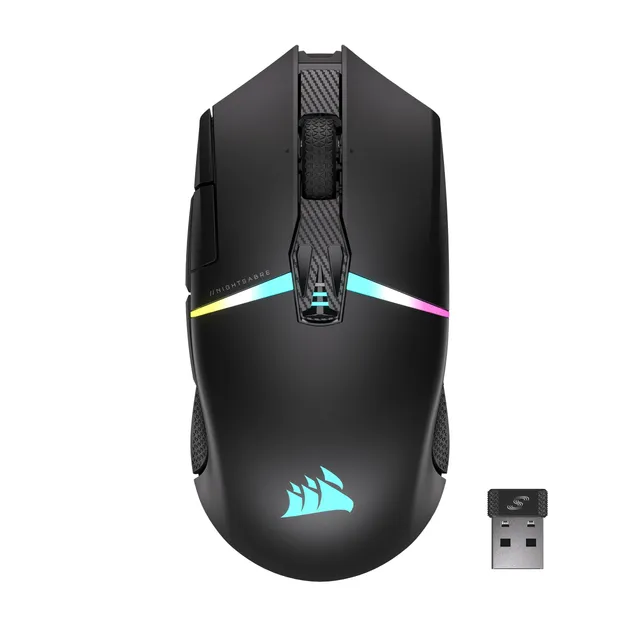
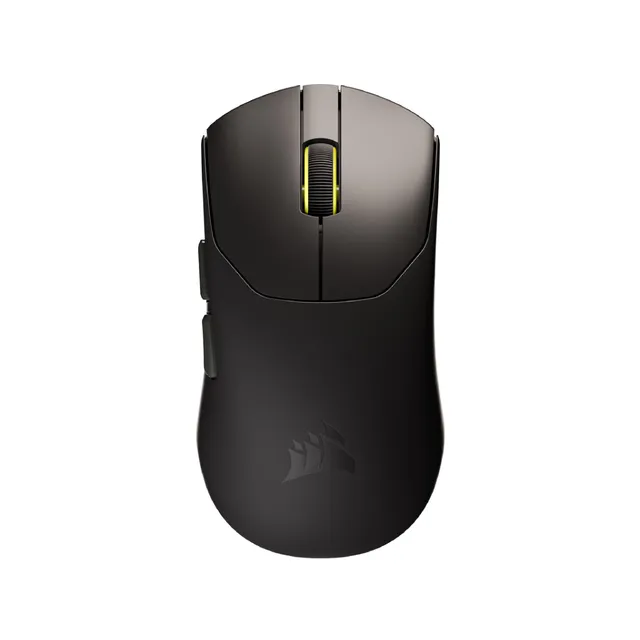
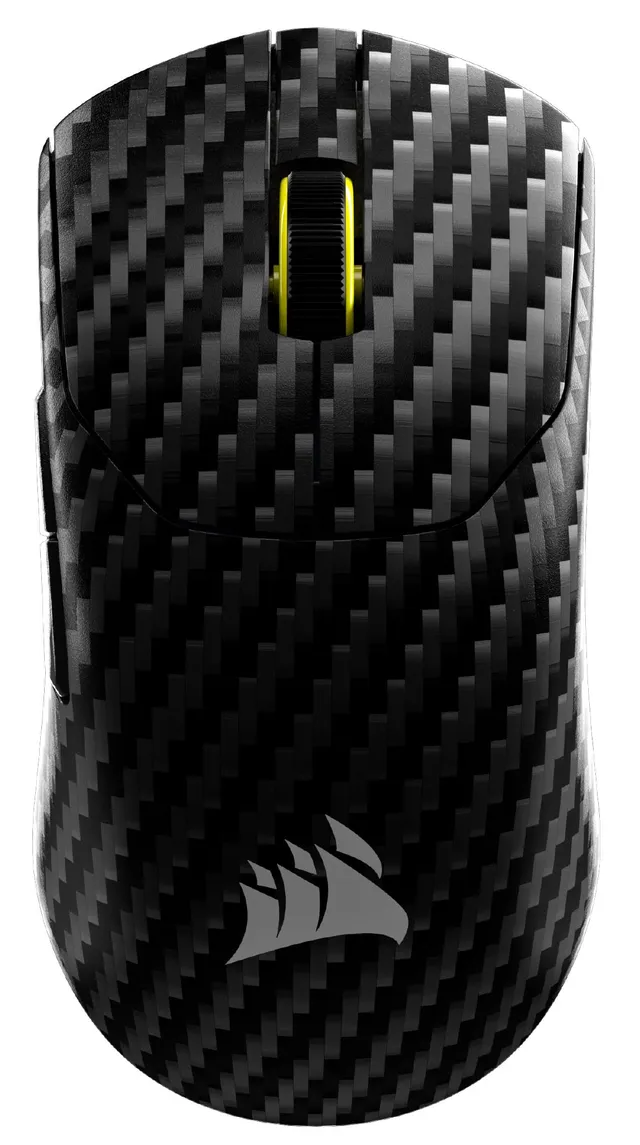
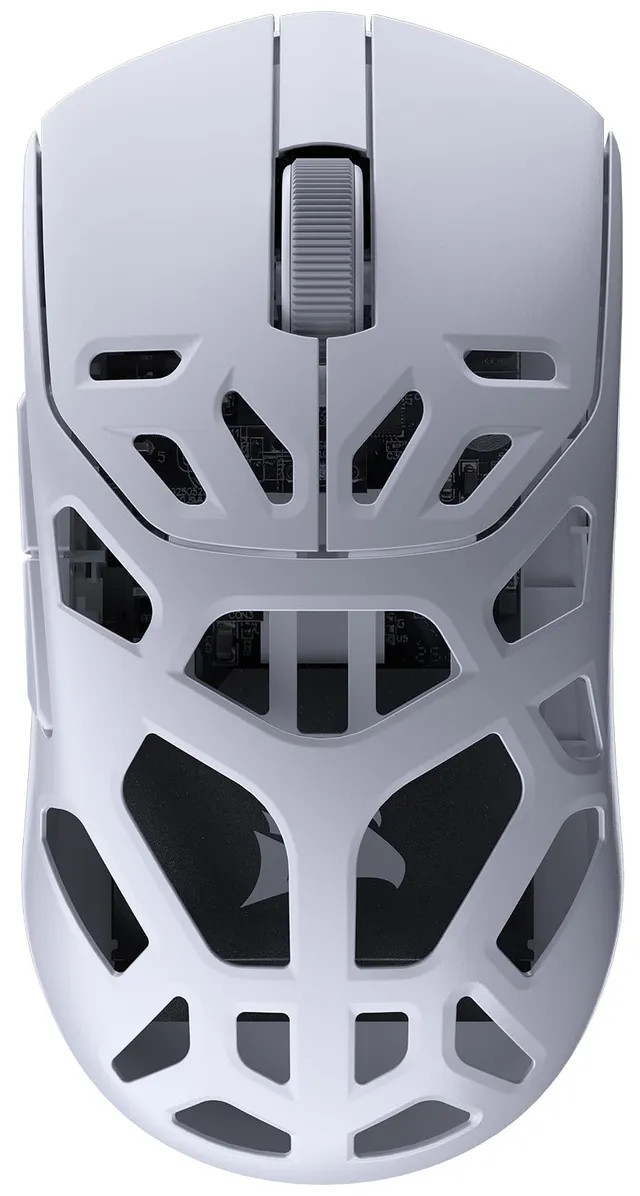
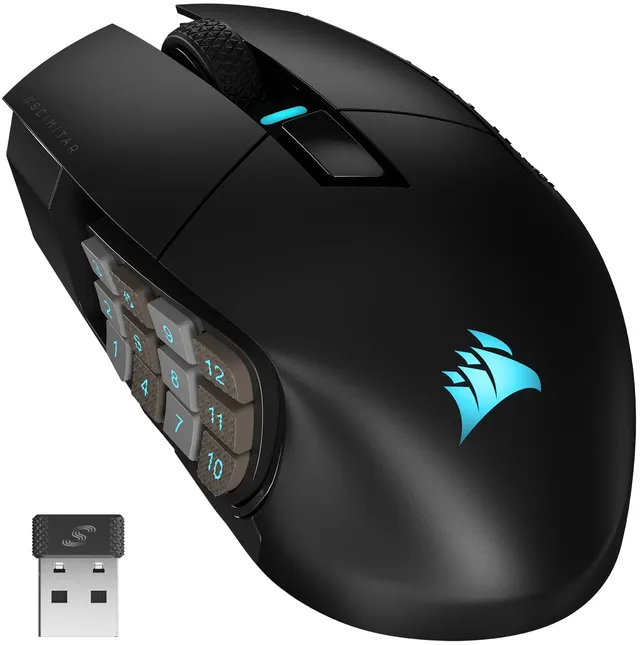
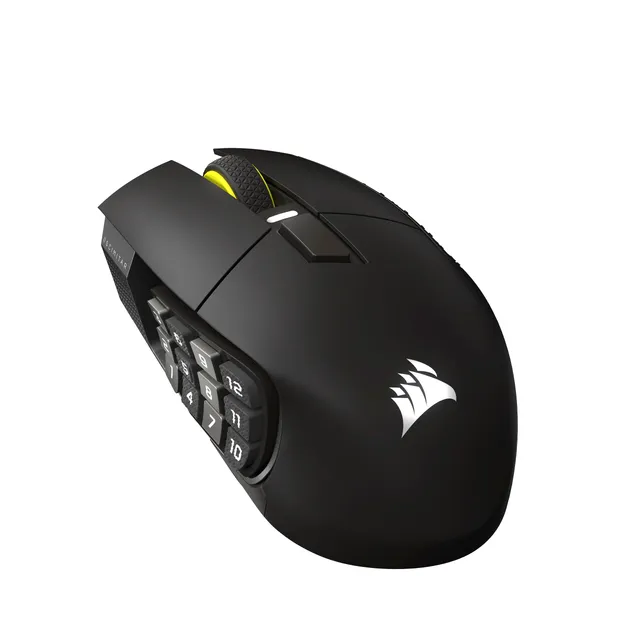
Welcome to the Corsair Gaming Mice collection. We've selected 36 mice to fit every hand size and play style, with prices starting at $9.99 and topping out at $67.5. From lightweight esports models to ergonomic MMO mice, this lineup covers your needs.
Our guides help you choose the perfect mouse, and our FAQs address common issues like changing DPI, troubleshooting tracking, and understanding sensor specifications. Get ready to elevate your aim.