$20.00
1
Your cart is empty
Subtotal
We will hold your cart for 15:00.
Buy more, save more
Coupon discount
Shipping
Add 2 more items to unlock your free mystery gift.
Complimentary item.
Total
$20.00
We will hold your cart for 15:00.
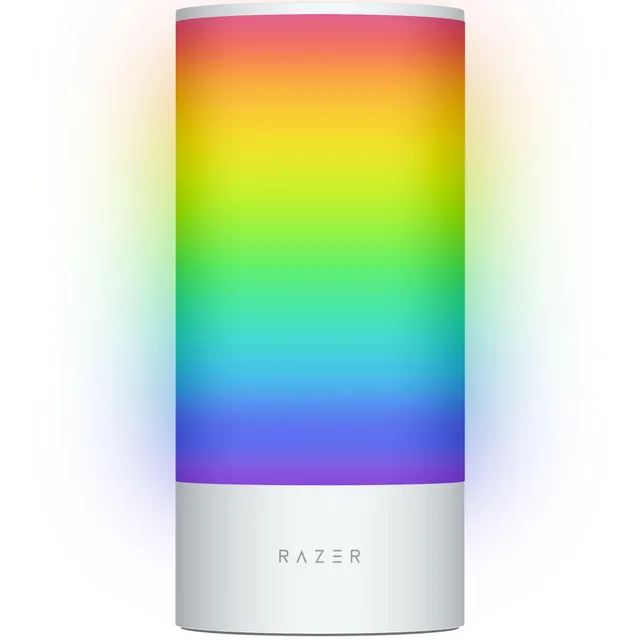
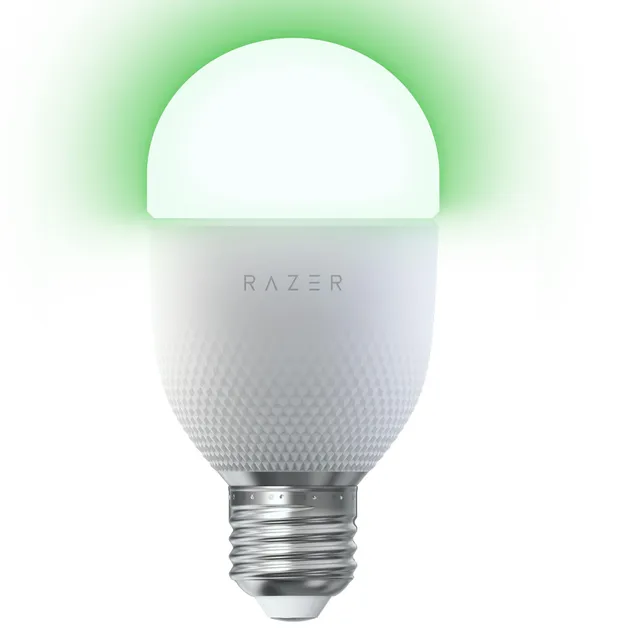
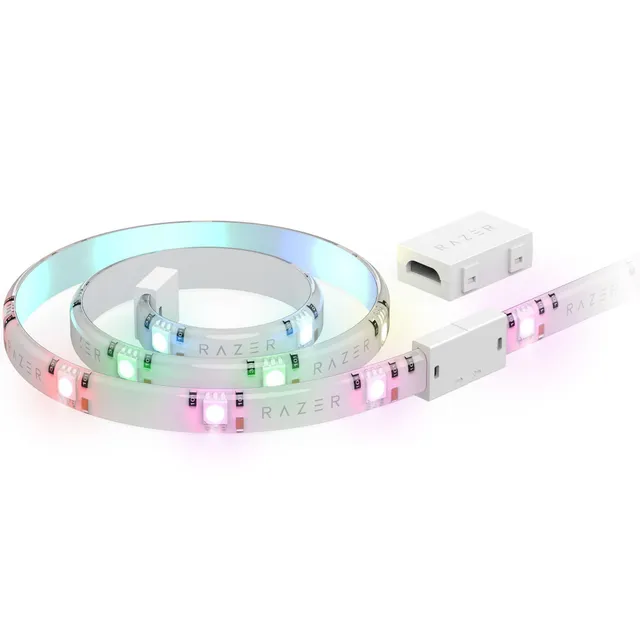
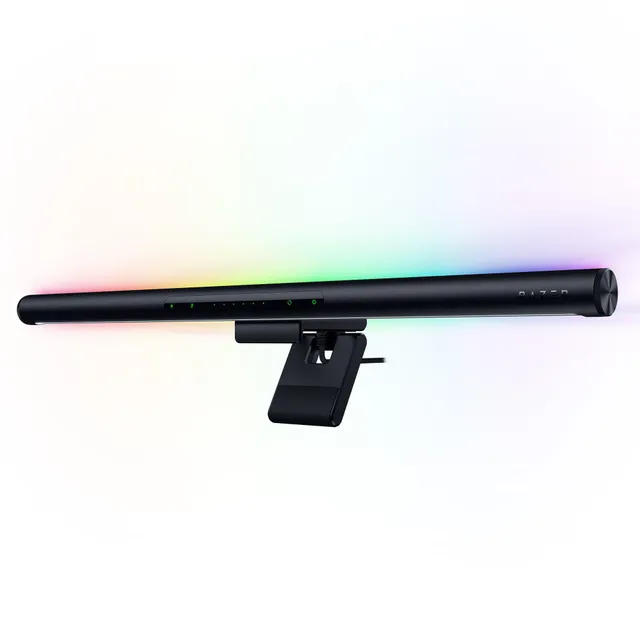
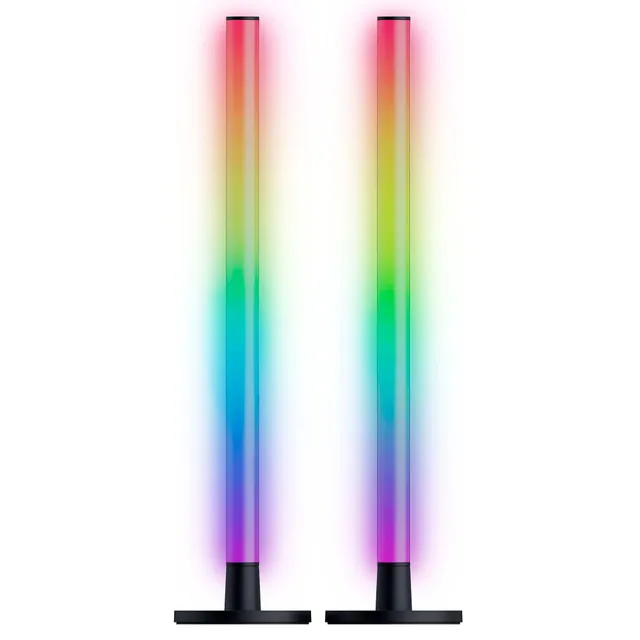
Welcome to the Razer Aether collection at PortSide Gear. We have five lighting products in the Aether line, ranging from $15 to $75.79. These items let you extend your Razer Chroma ecosystem, creating immersive ambient lighting for games, movies, or your whole room.
This page also covers common Razer lighting questions—like how to fix a keyboard that isn't lighting up and how to sync RGB with other devices. Use our guides to get your setup glowing perfectly.