$20.00
1
Your cart is empty
Subtotal
We will hold your cart for 15:00.
Buy more, save more
Coupon discount
Shipping
Add 2 more items to unlock your free mystery gift.
Complimentary item.
Total
$20.00
We will hold your cart for 15:00.
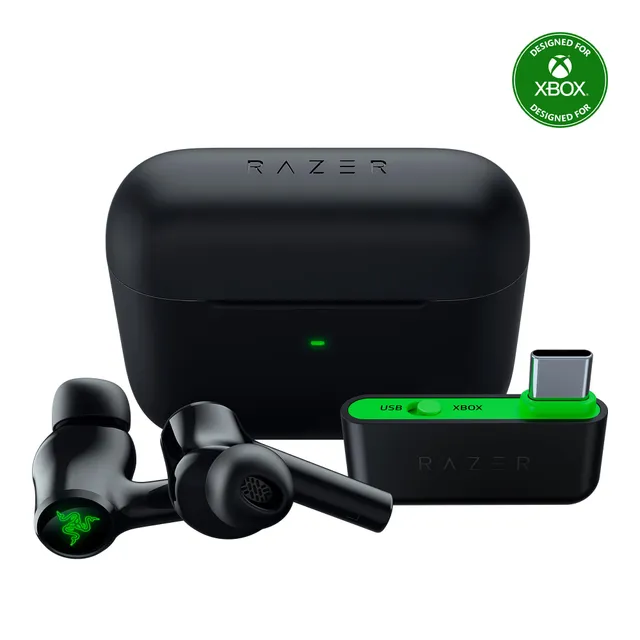
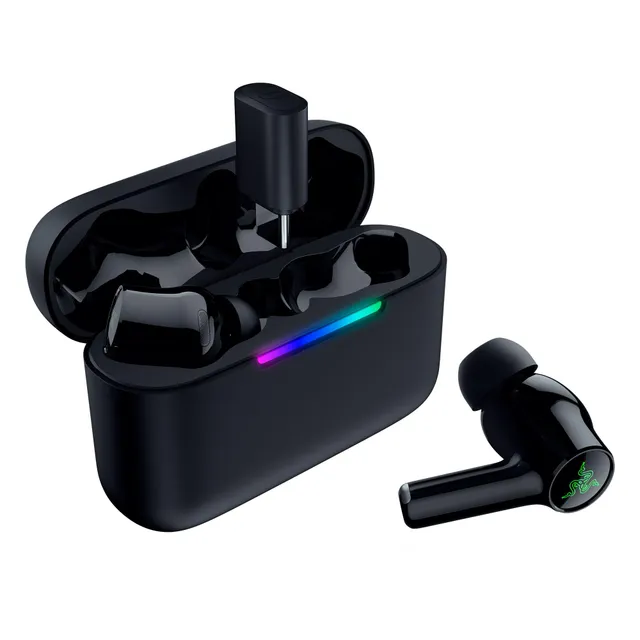
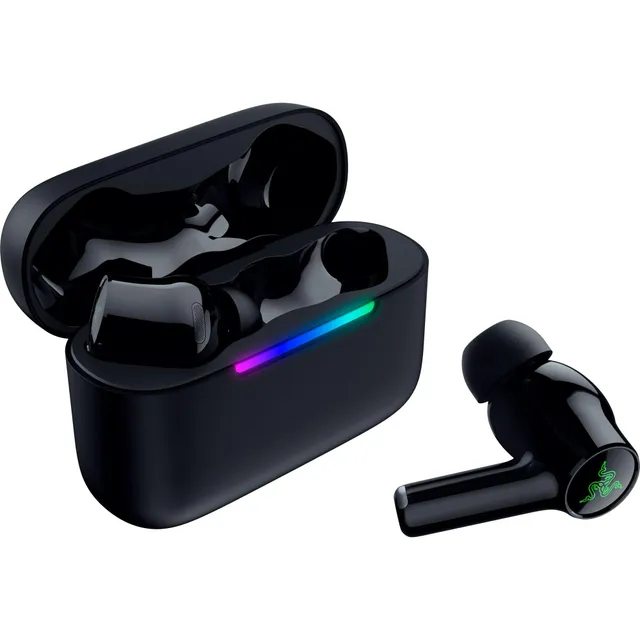
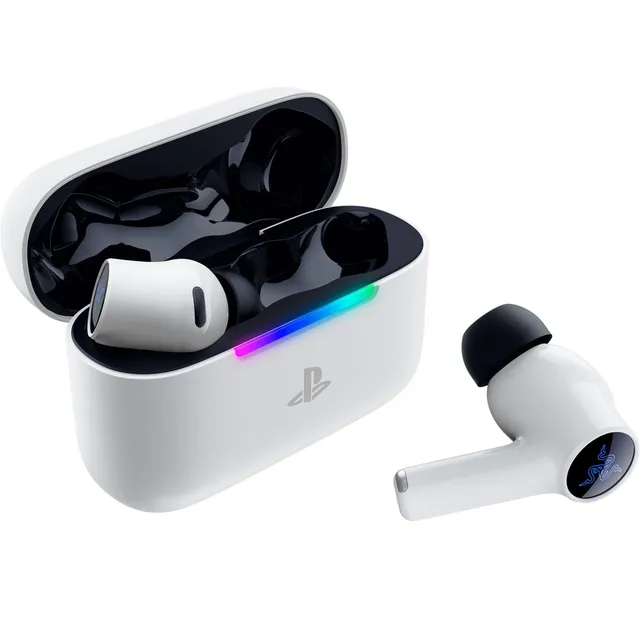
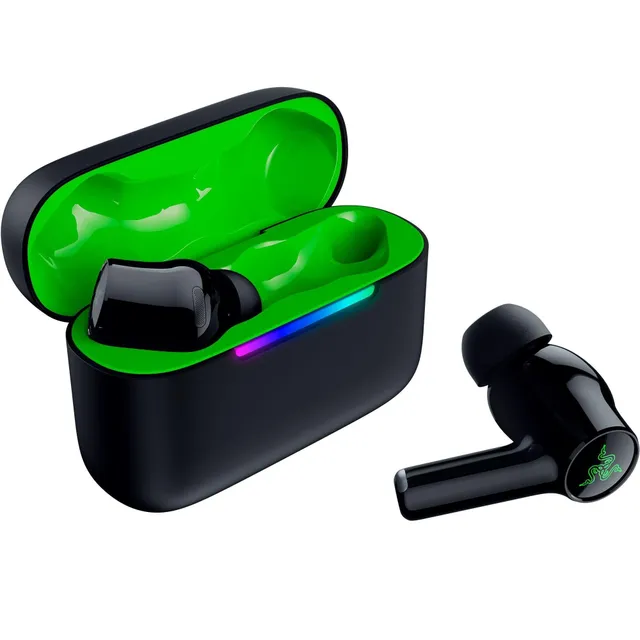
Welcome to the Razer Hammerhead collection. We've selected five audio products in this series, ranging from $49.50 to $77.24. Whether you need wired earbuds for gaming on the go or wireless headphones for immersive play, Hammerhead delivers punchy sound with Razer's signature style.
Explore our buying guide for tips on choosing between models, and check our FAQs for solutions to common issues like mic problems, echo, and headset connectivity.