$20.00
We will hold your cart for 15:00.
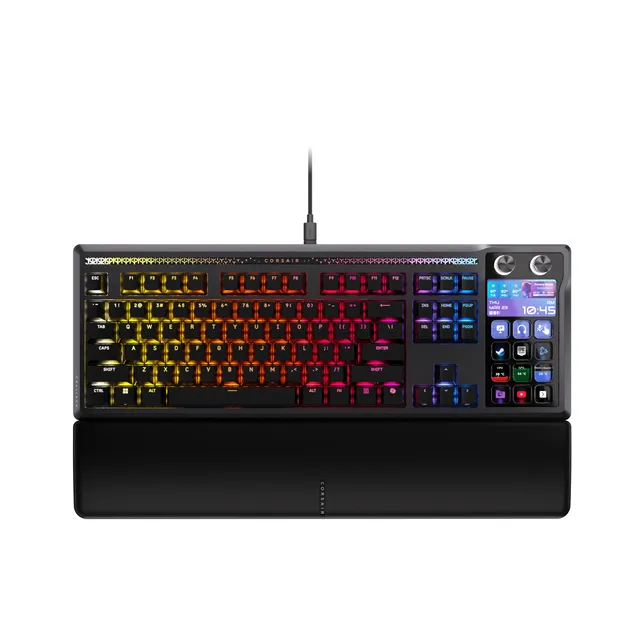
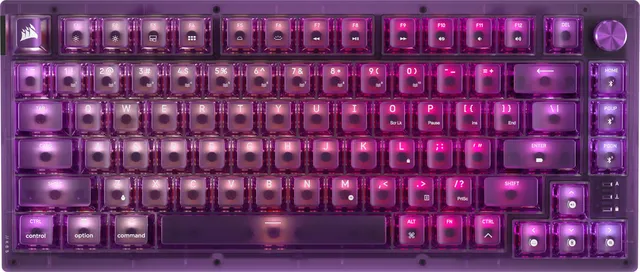
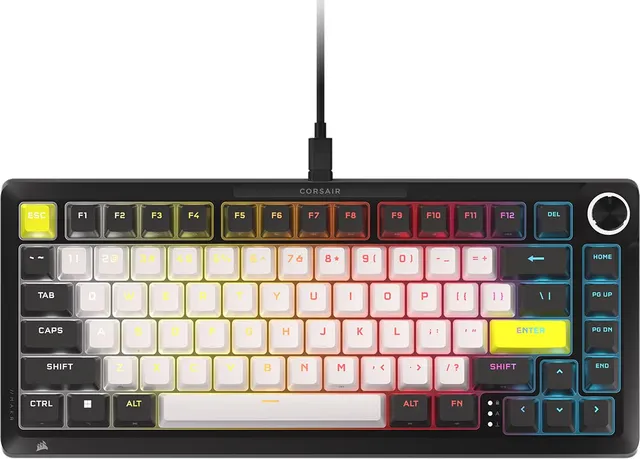
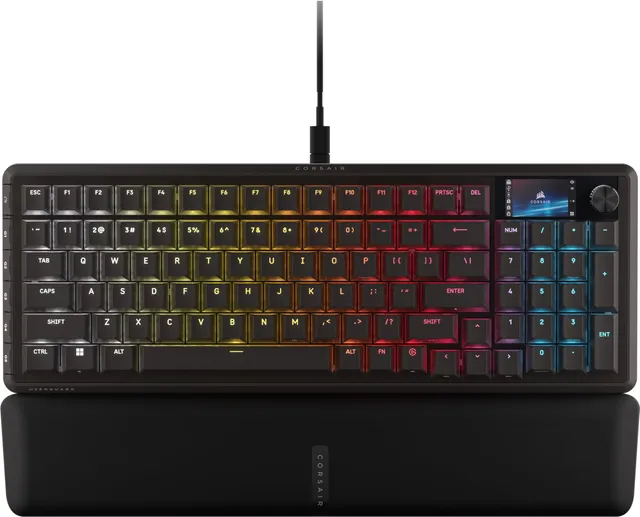
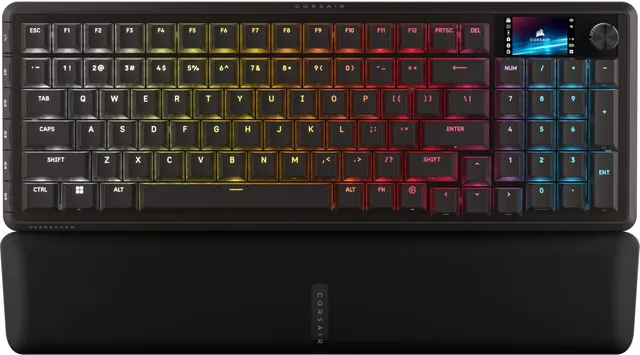
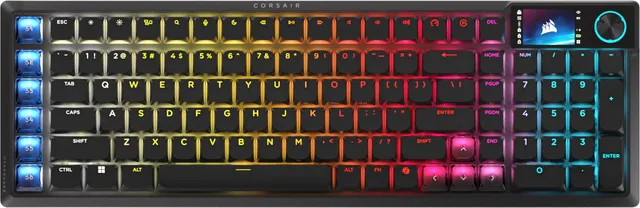
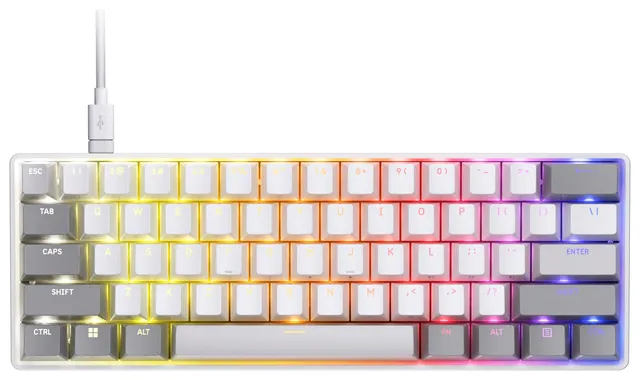
Welcome to the Corsair Gaming Keyboards collection. We have 13 keyboards ranging from $10 to $96.97, featuring mechanical and membrane options, RGB lighting, and wireless connectivity. Whether you need a tenkeyless for FPS or a full board with macro keys, we've got you covered.
Explore our switch comparisons, including Corsair OPX vs Cherry MX, and learn how to clean and customize your keyboard. Our FAQs answer common questions about lighting issues and switch preferences.
Switch Guide
Consider the switch type: OPX is linear and fast, Cherry MX Red is smooth, Brown has a bump, and Blue is clicky. Prices range from $10 for budget membranes to $96 for mechanical with RGB. Think about size: TKL saves desk space, full-size includes a numpad. Hot-swappable switches allow customization. Our guide covers lighting sync and wireless setups.
Both are linear switches. OPX has a faster 1ms response and 8,000Hz polling, while Cherry MX Red is classic and widely available. OPX is also more durable (100M presses). If you have top-tier Corsair gear, OPX integrates flawlessly.
Unplug and replug the keyboard, reinstall iCUE, and check the lighting layer. Try a different USB port. If using wireless, ensure it's charged. Reset the keyboard via the Esc key hold or iCUE.
Use a keycap puller to remove keycaps, then clean with a soft brush and compressed air. For sticky residue, use isopropyl alcohol. Never immerse the keyboard in water.
Orders over $45.00 ship free. Otherwise, shipping is $8.00.
Hassle-free returns
SSL encrypted checkout
100% genuine products
Docking stations and hubs from Razer, Corsair, Plugable & STM Goods — compare and connect with free shipping over $45.
Phone: +1 (206) 555-0148
Email: support@portsidegear.us
Address: 2815 Alaskan Way, Suite 300, Seattle, WA 98121, United States