$20.00
1
Your cart is empty
Subtotal
We will hold your cart for 15:00.
Buy more, save more
Coupon discount
Shipping
Add 2 more items to unlock your free mystery gift.
Complimentary item.
Total
$20.00
We will hold your cart for 15:00.
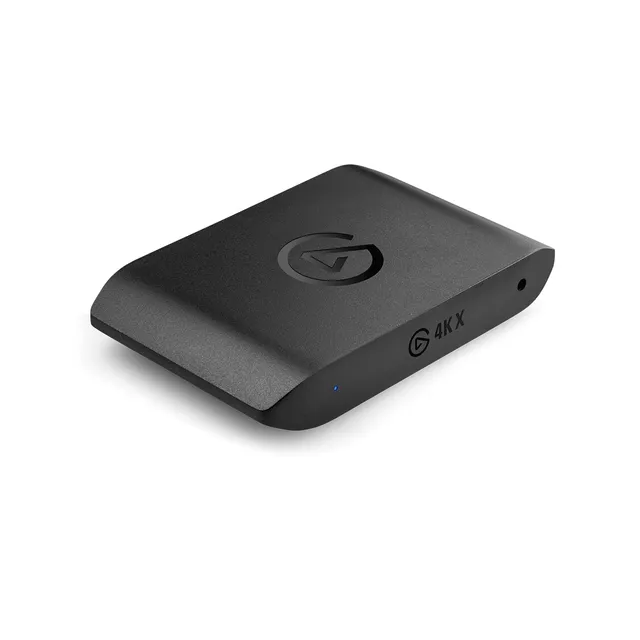
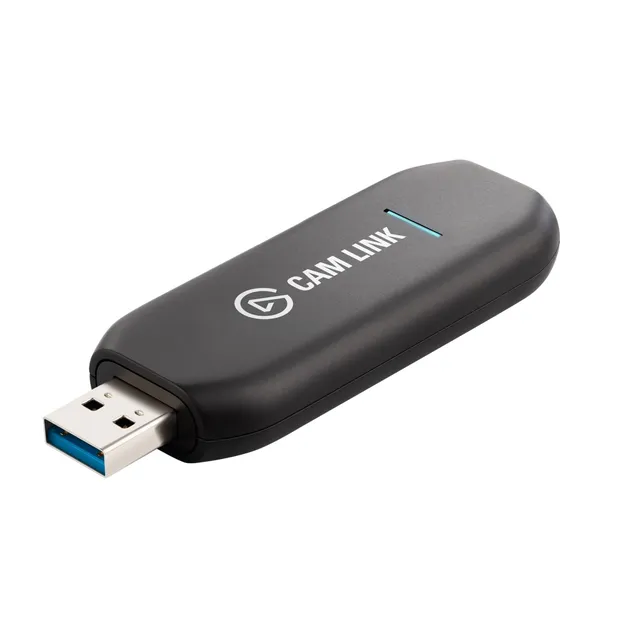
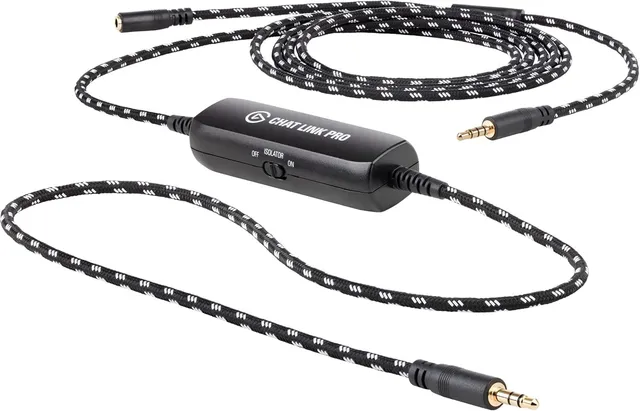
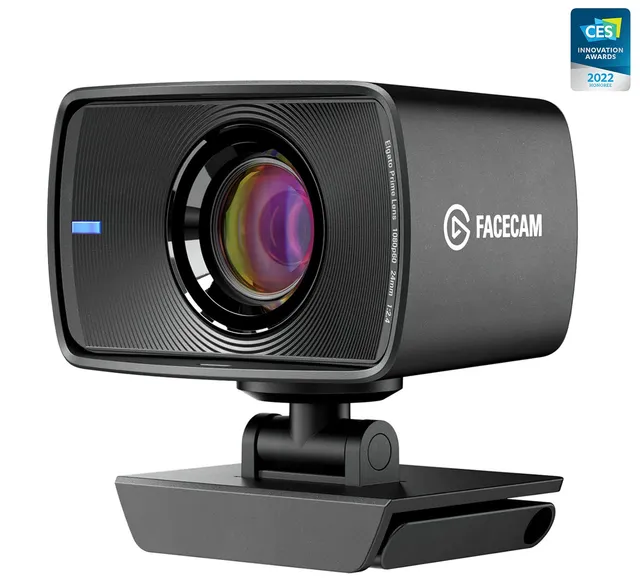
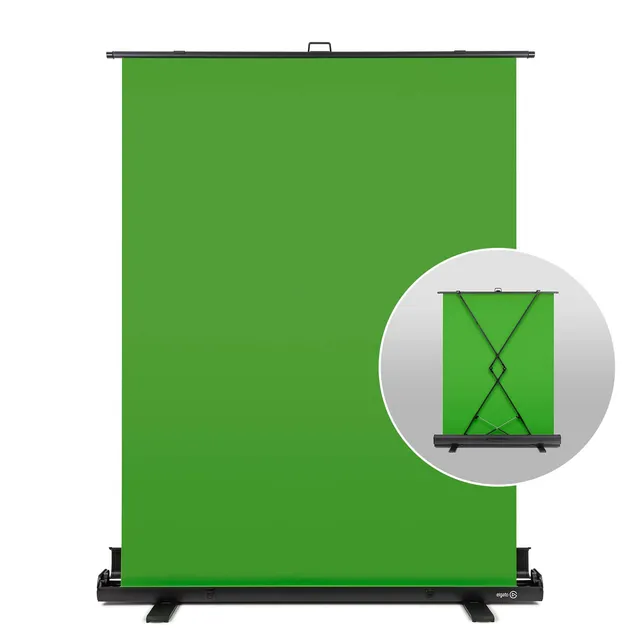
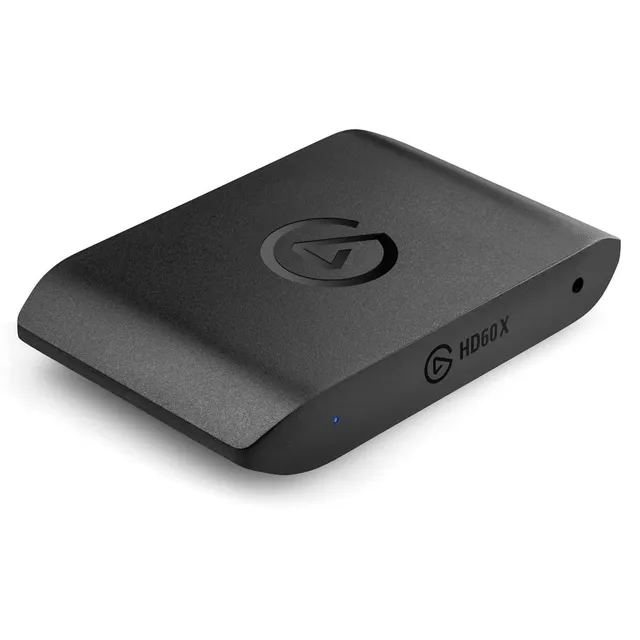
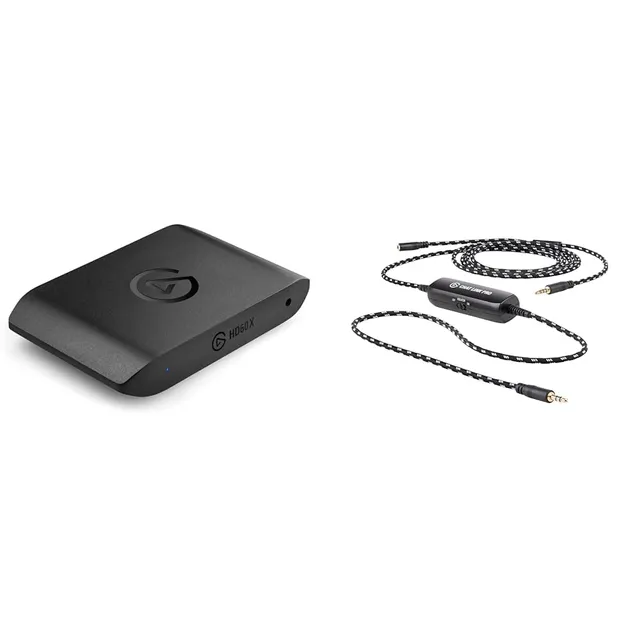
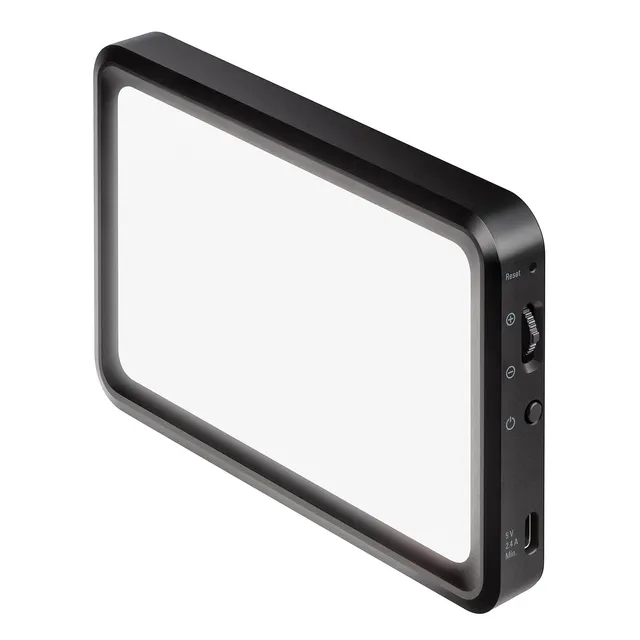
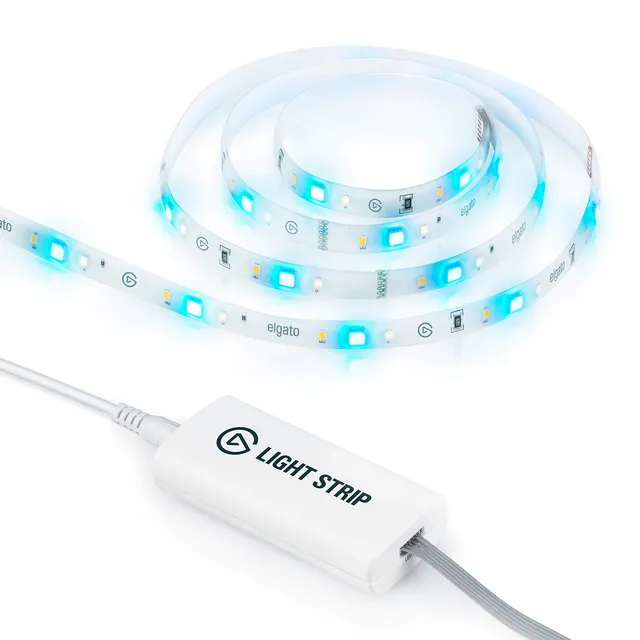
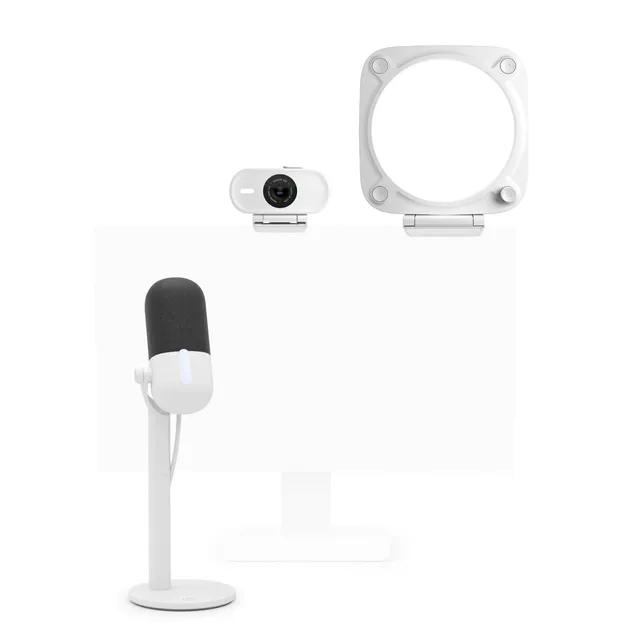
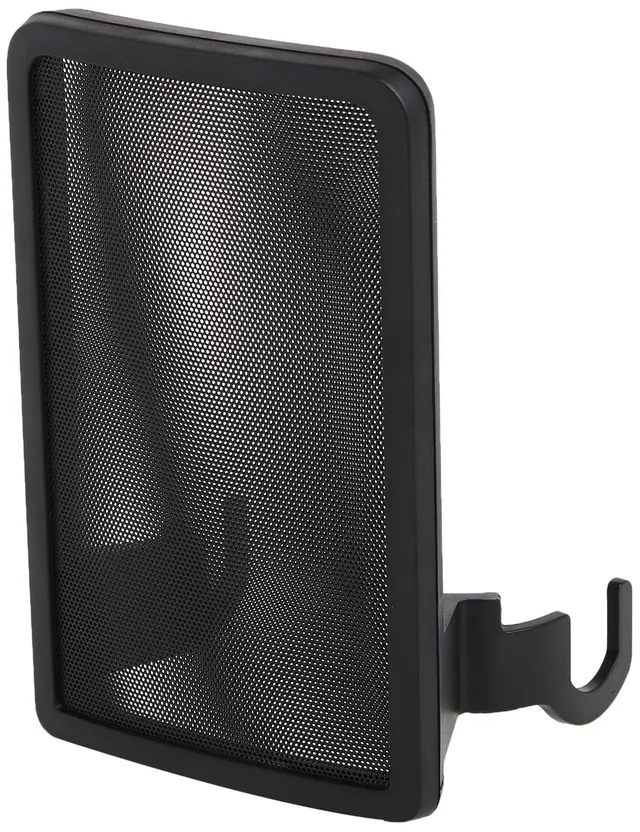
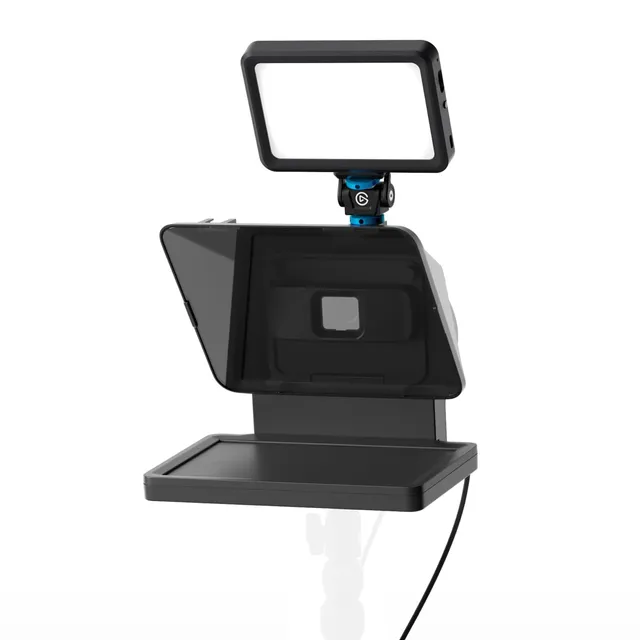
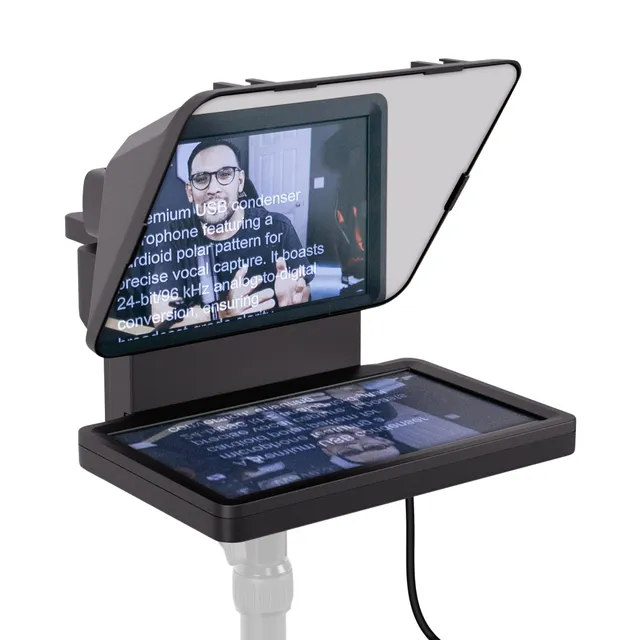
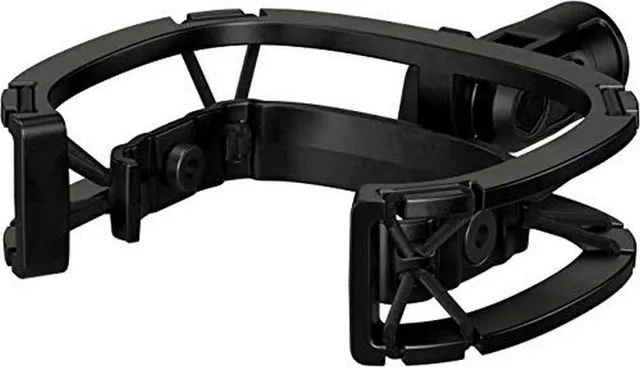
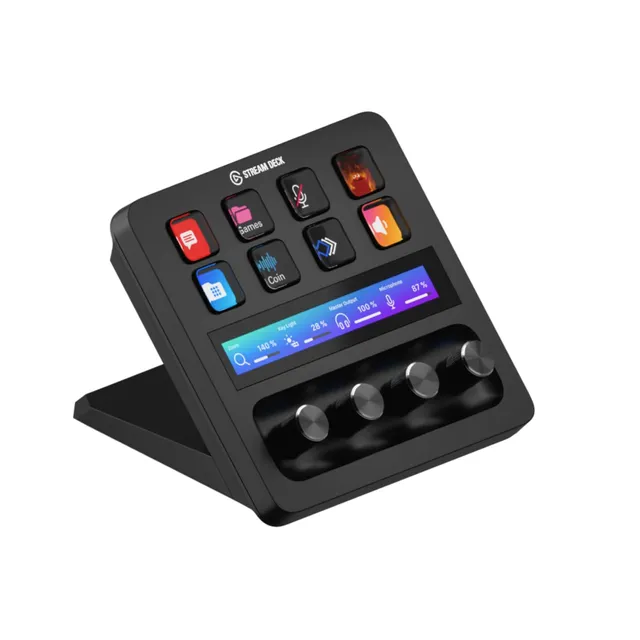
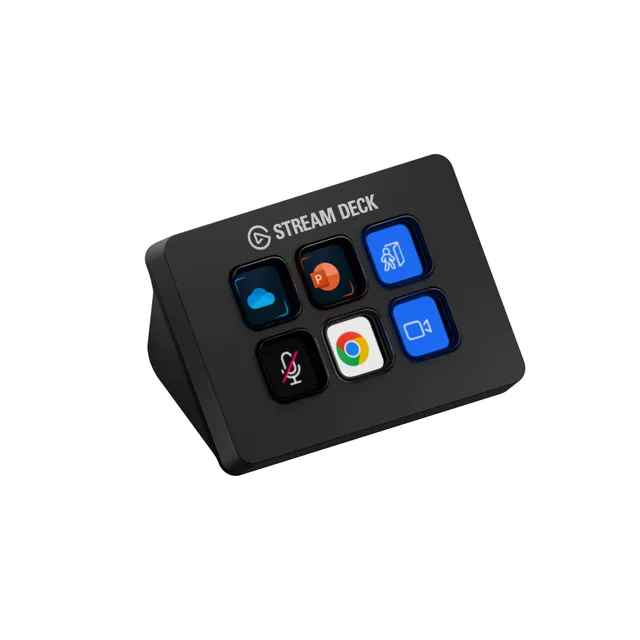
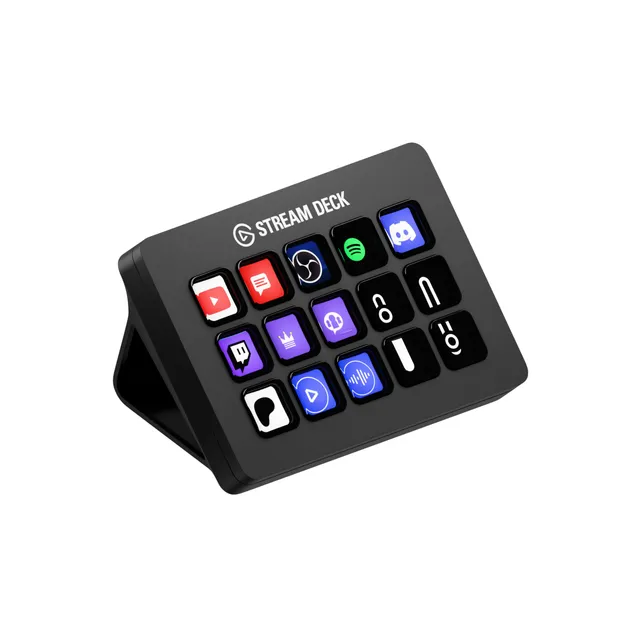
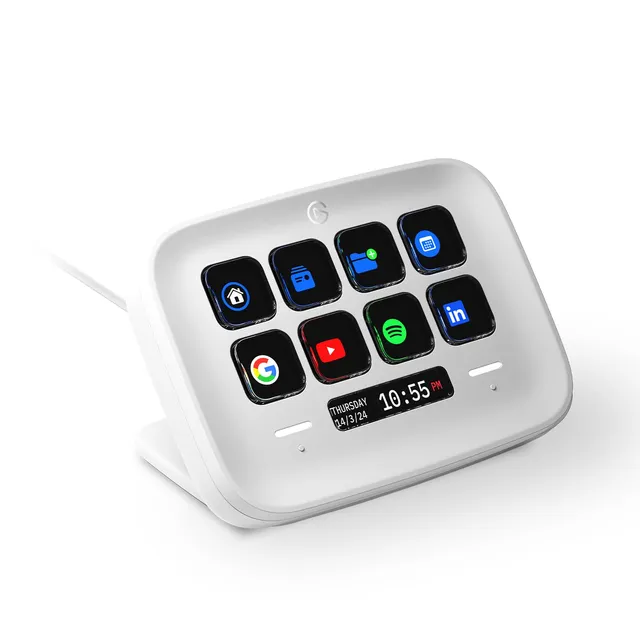
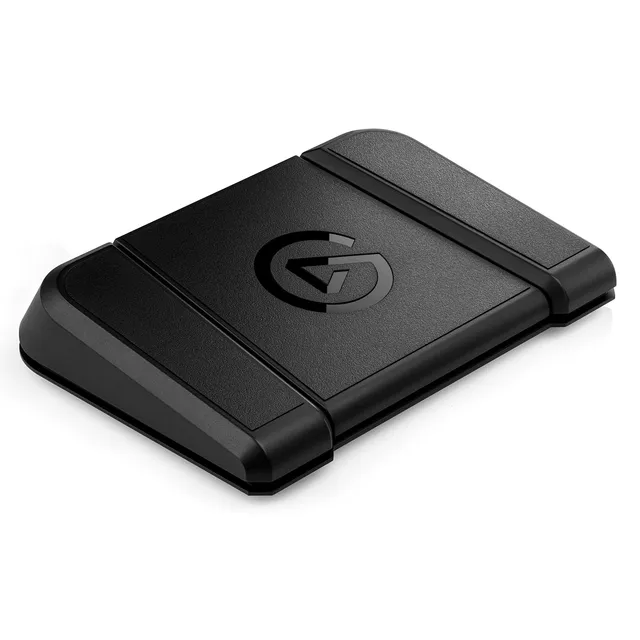
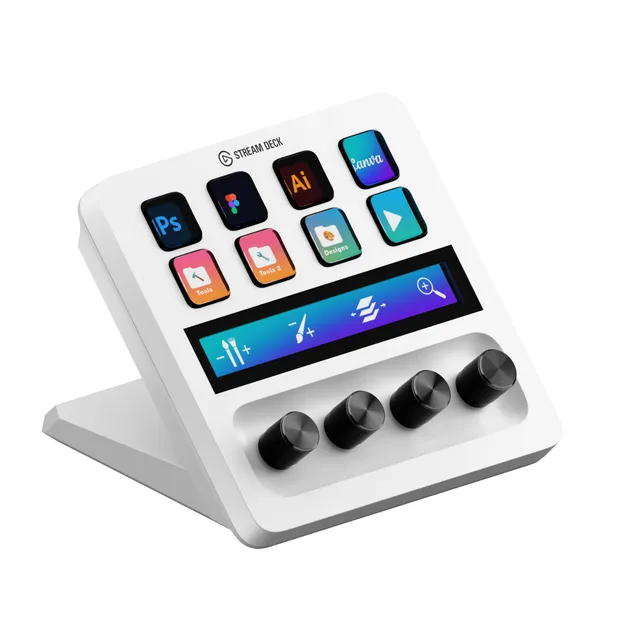
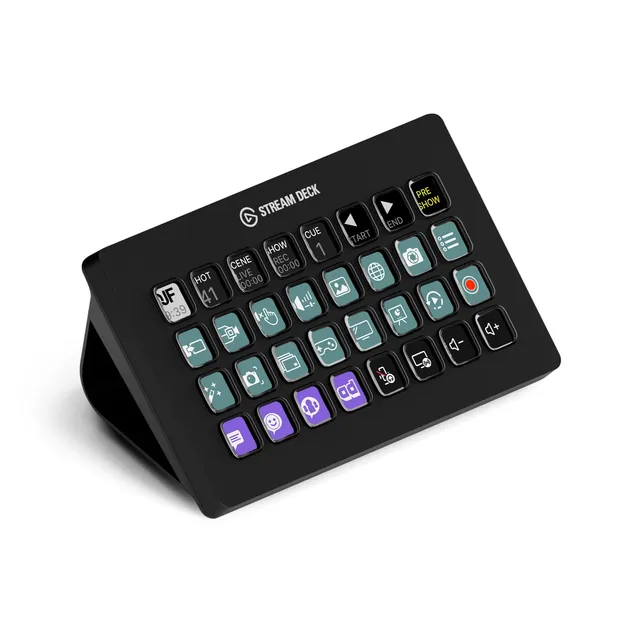
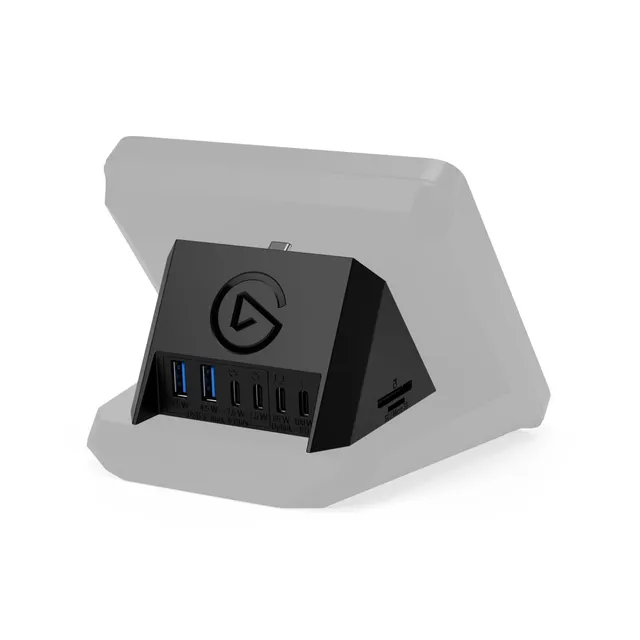
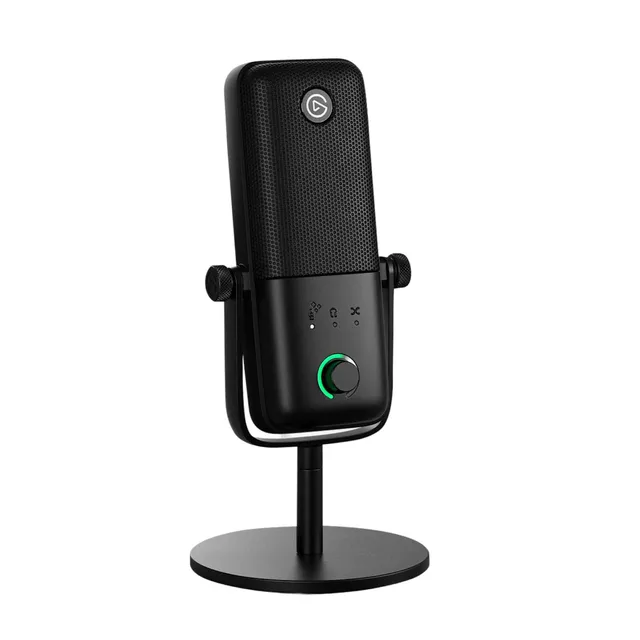
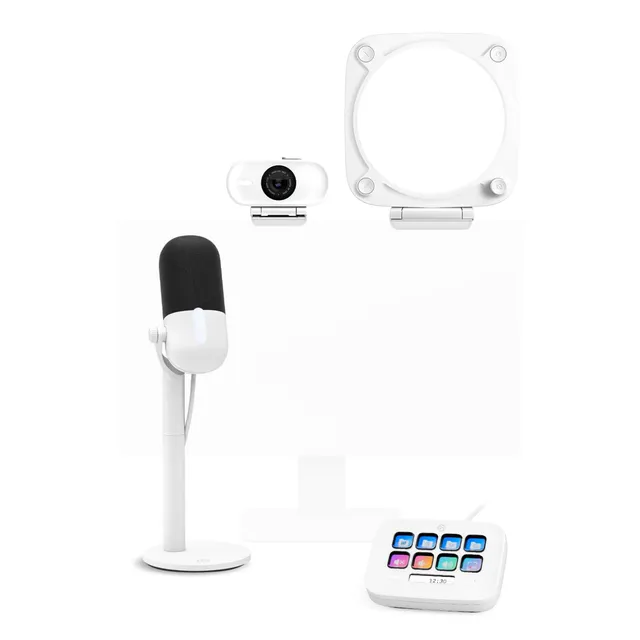
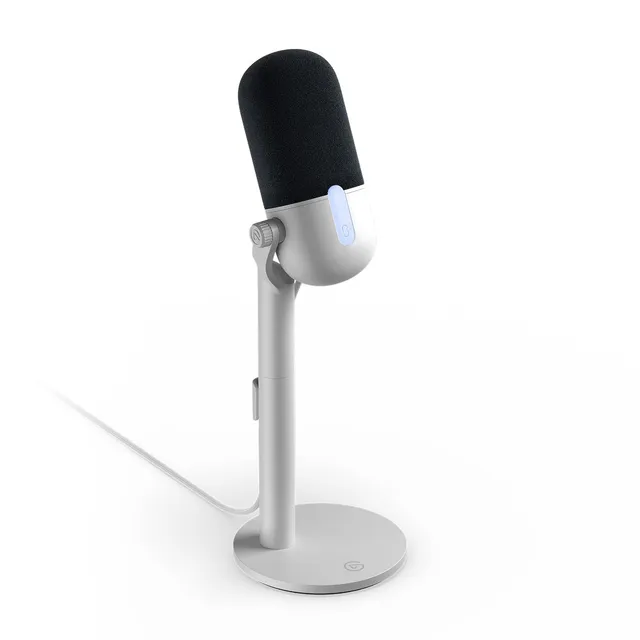
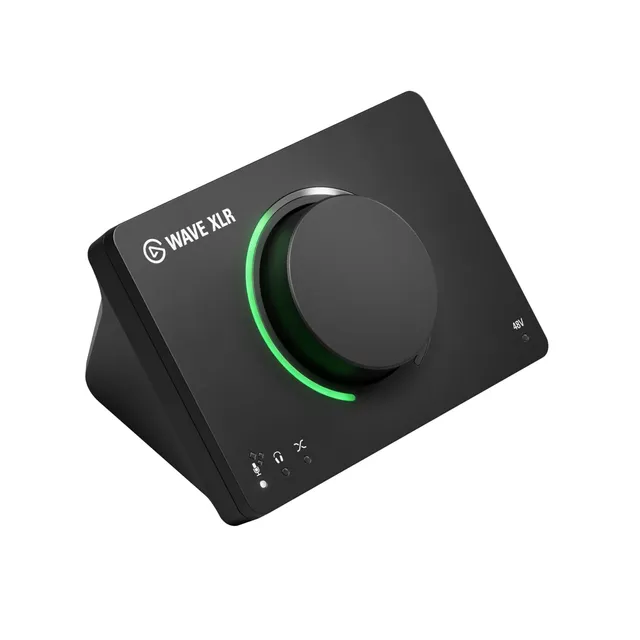
Welcome to the Corsair Streaming category. We've assembled 32 streaming essentials, including Elgato capture cards, Stream Decks, microphones, and key lights, all priced from $10 to $92.3. Whether you're starting your channel or upgrading your setup, you'll find the tools you need.
Our resources include step-by-step setup guides for OBS, Streamlabs, and Wave Link, plus troubleshooting tips for capture cards and audio sync. Let's make your streams look and sound professional.