$20.00
1
Your cart is empty
Subtotal
We will hold your cart for 15:00.
Buy more, save more
Coupon discount
Shipping
Add 2 more items to unlock your free mystery gift.
Complimentary item.
Total
$20.00
We will hold your cart for 15:00.
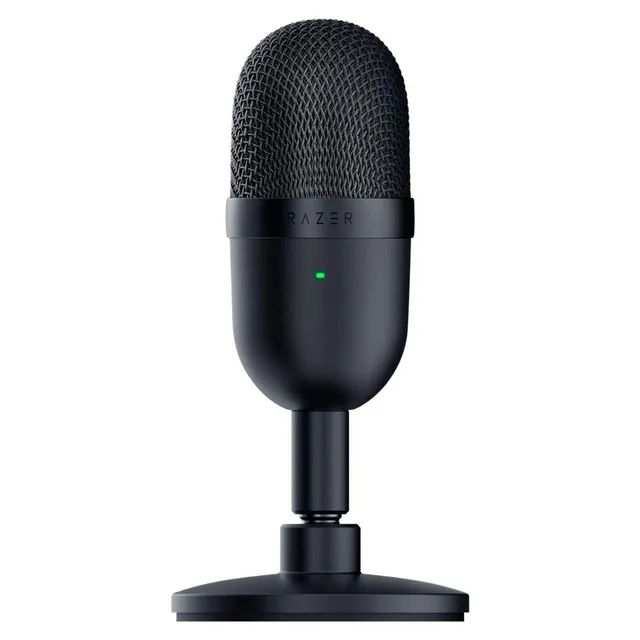
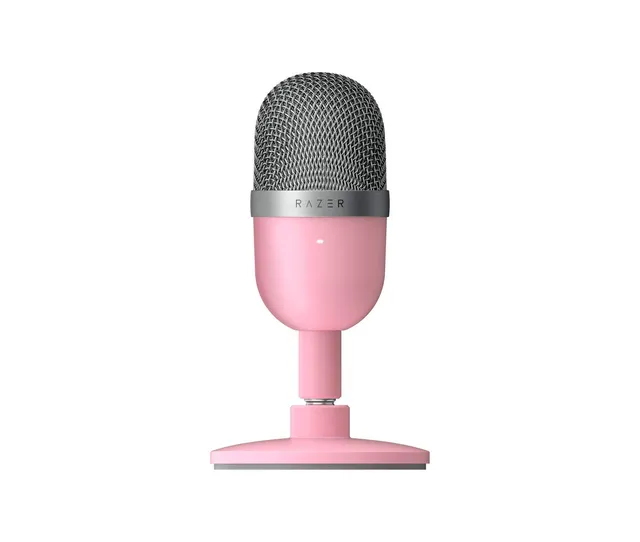
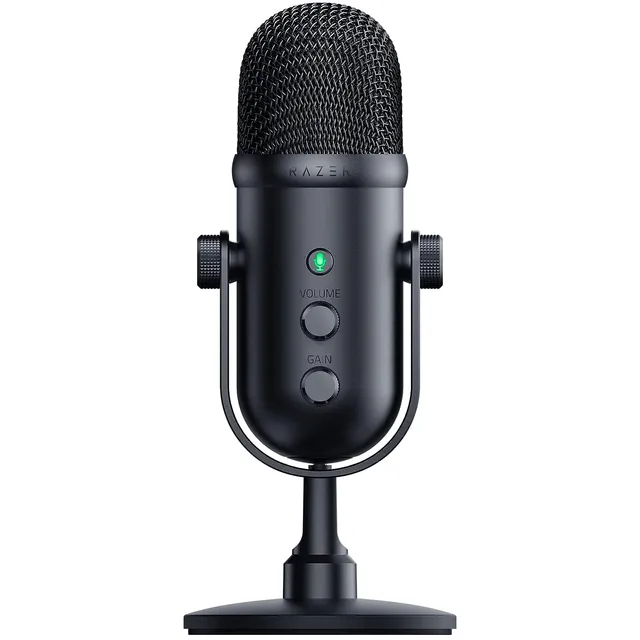
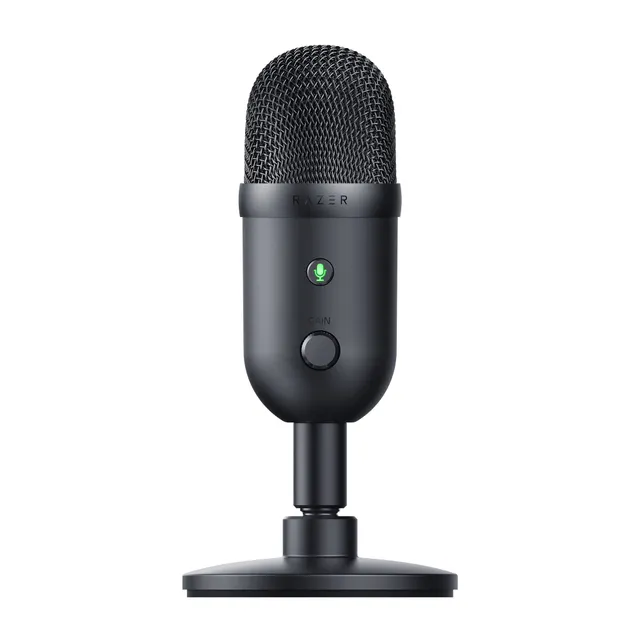
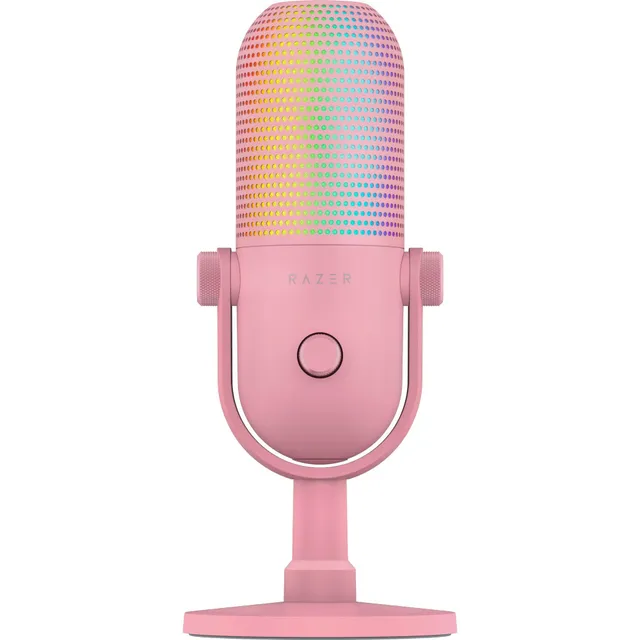
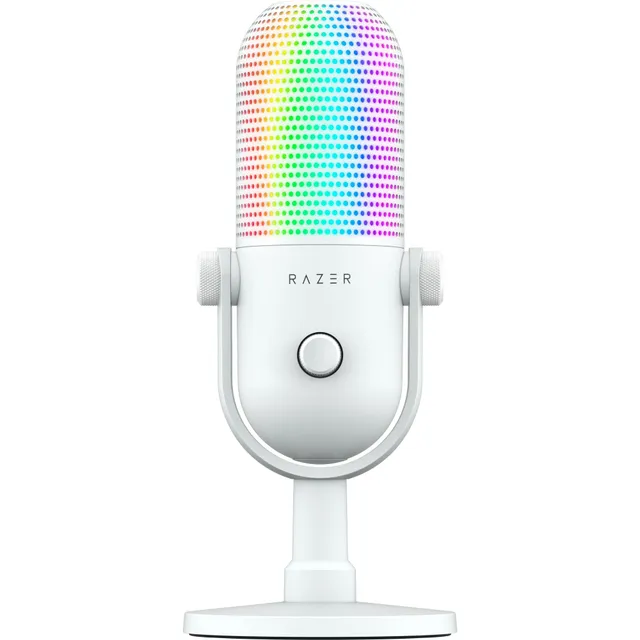
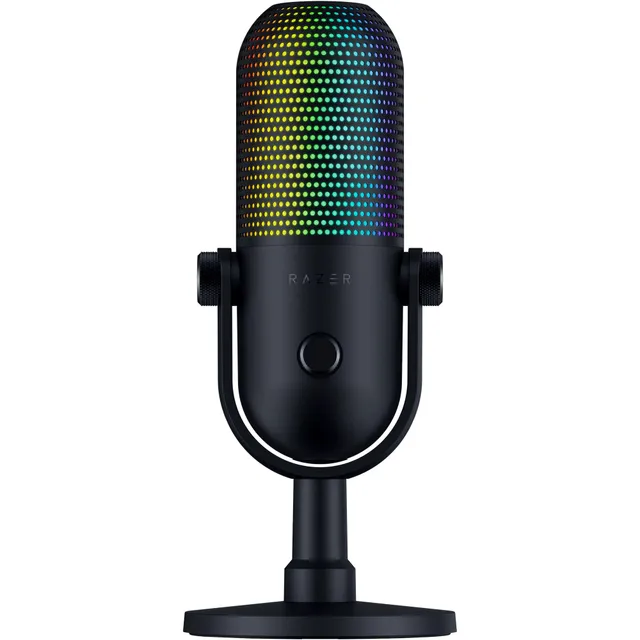
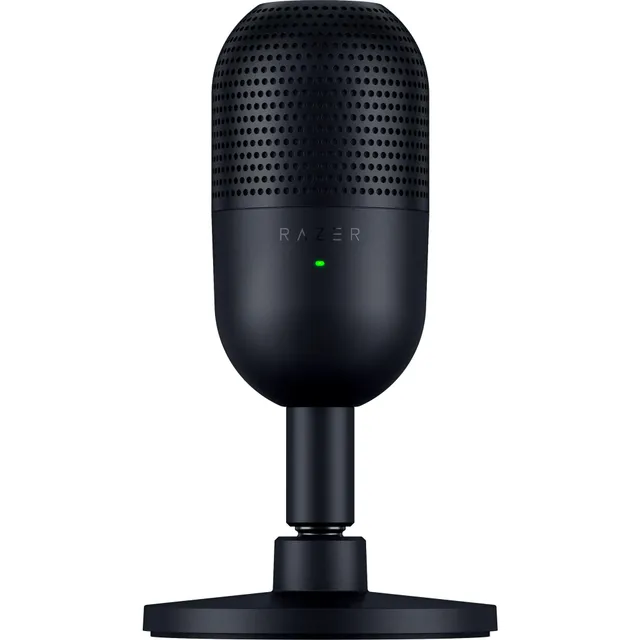
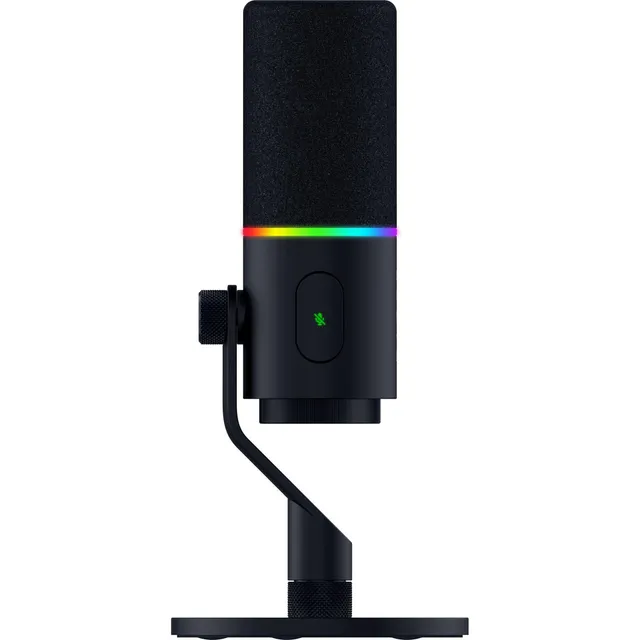
Upgrade your audio game with the Razer Seiren series, available at PortSide Gear. We have 9 microphones ranging from $17.44 to $90, so you can find the perfect mic for streaming, podcasting, or video calls. Each Seiren comes with features like built-in shock mounts, high-pass filters, and multiple pickup patterns.
Whether you need a simple USB mic or a high-quality XLR option, the Seiren lineup offers versatility and performance. Compare models to find one that matches your recording environment and budget.