$20.00
We will hold your cart for 15:00.
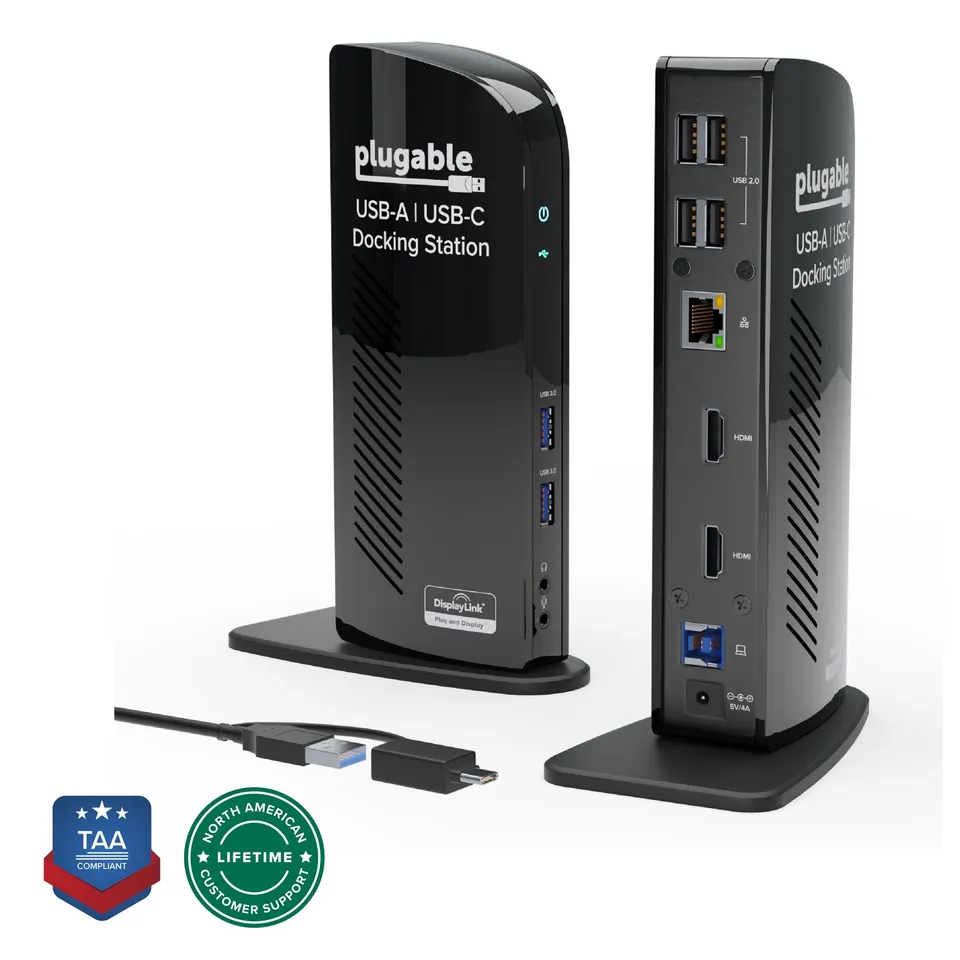
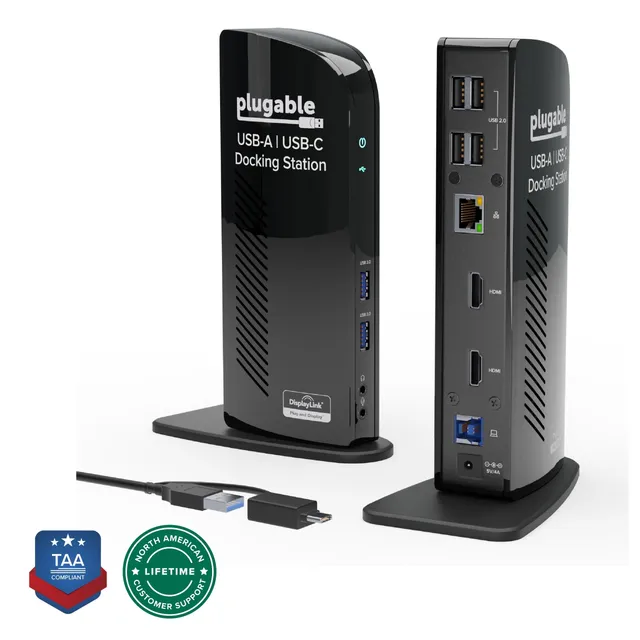
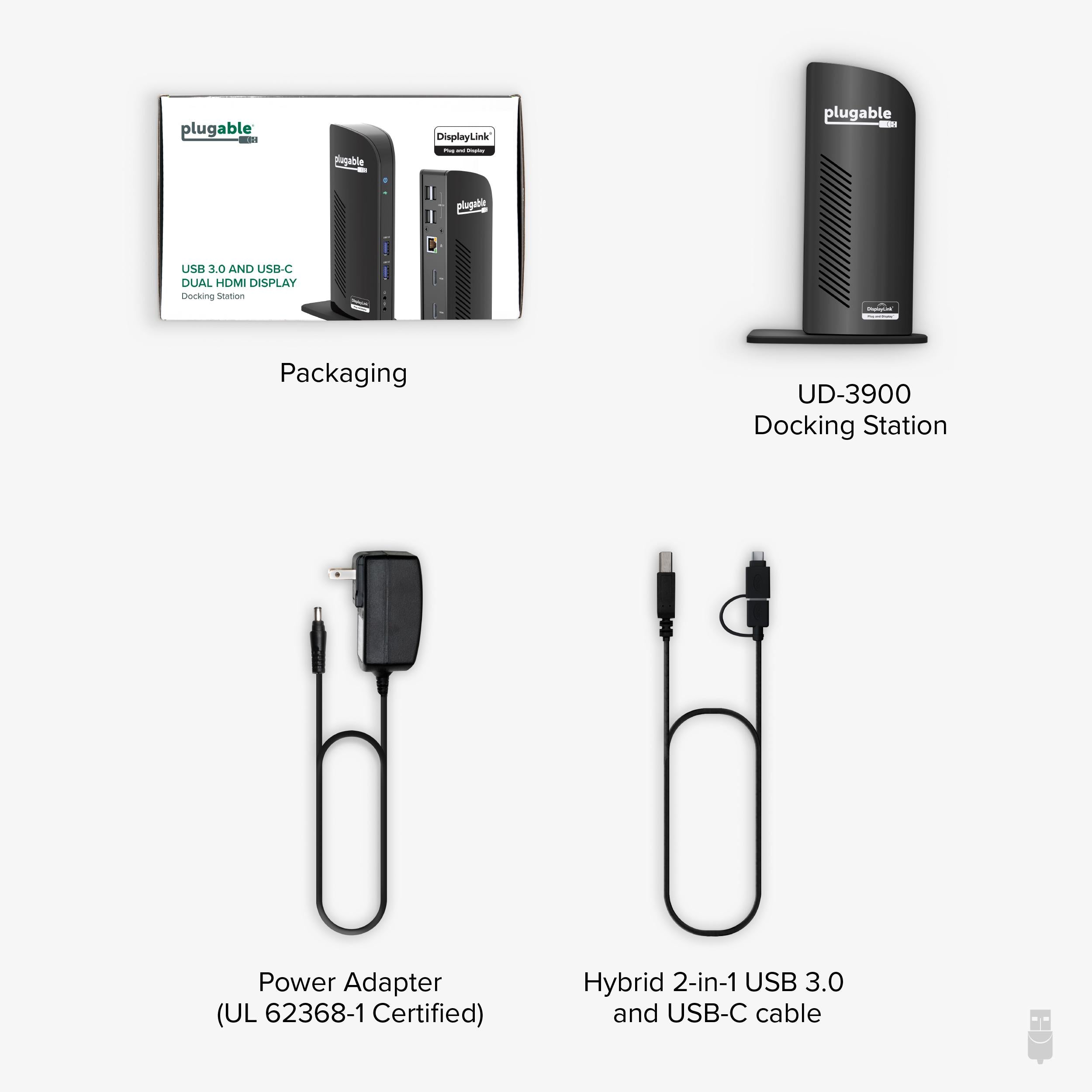
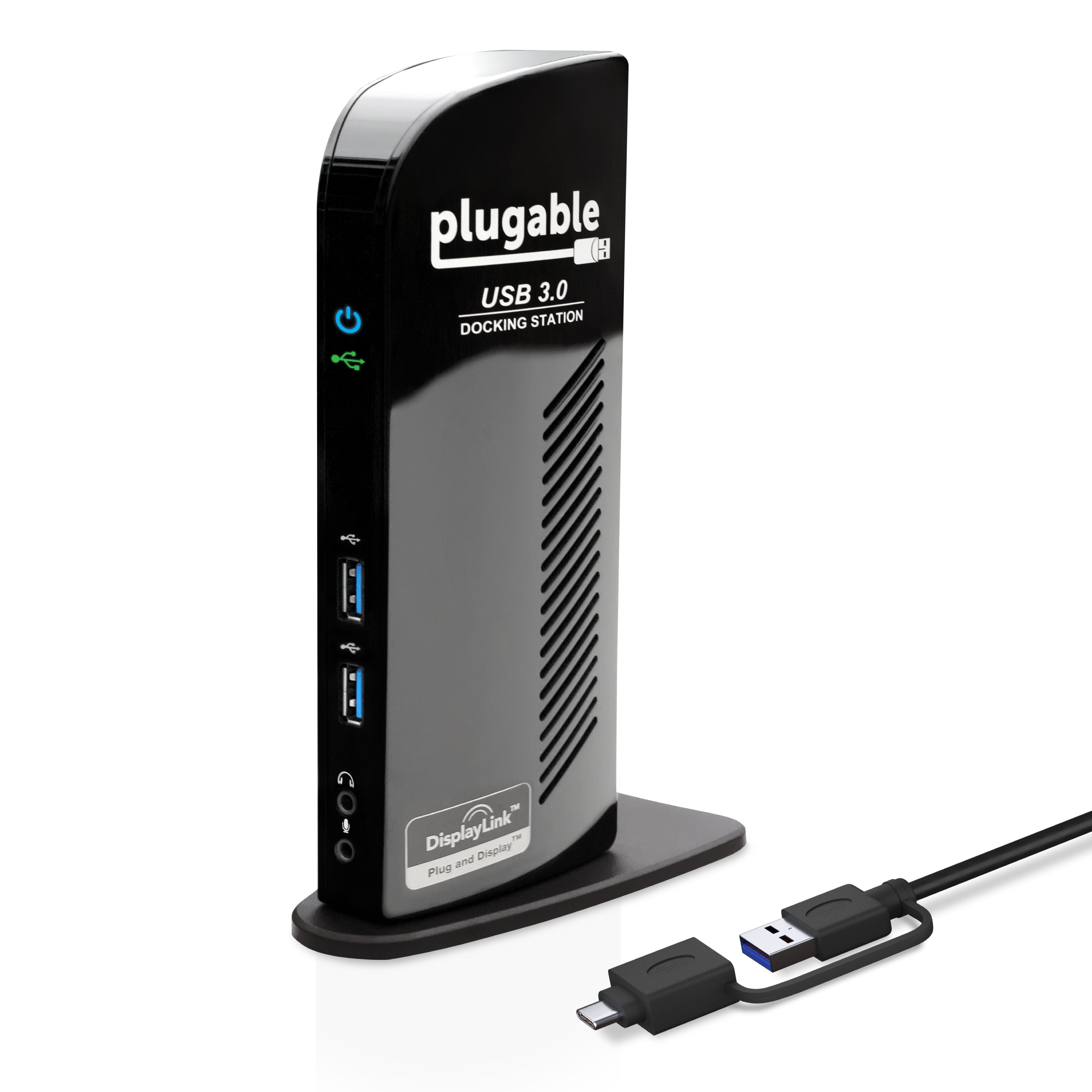
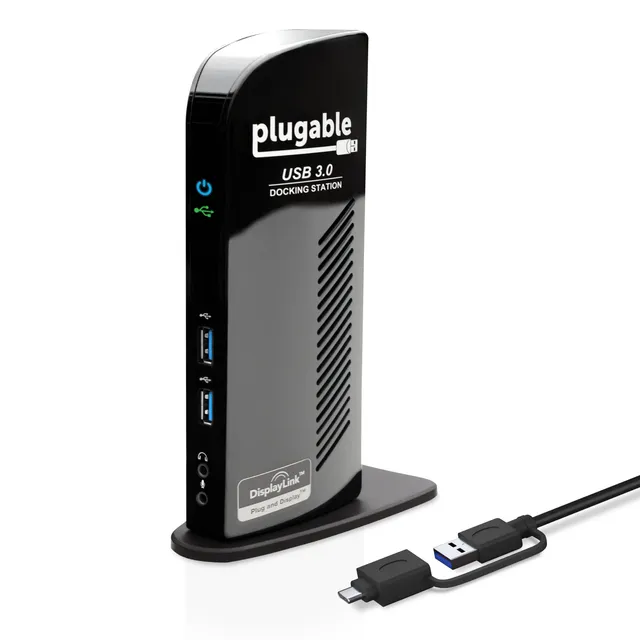
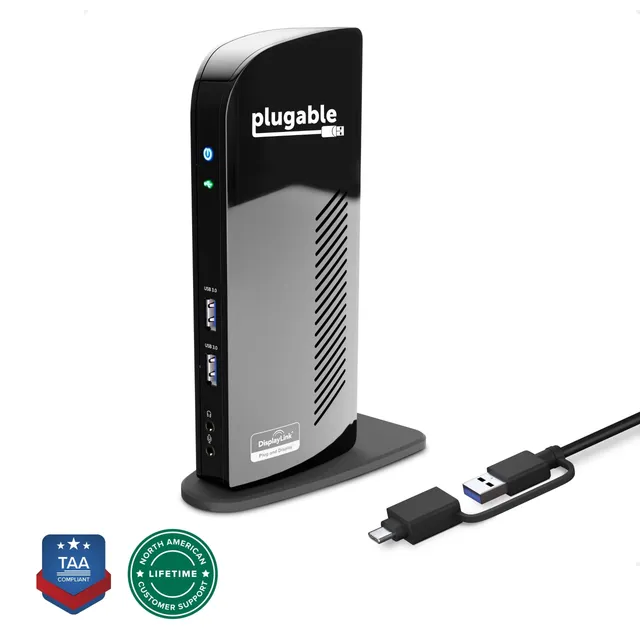
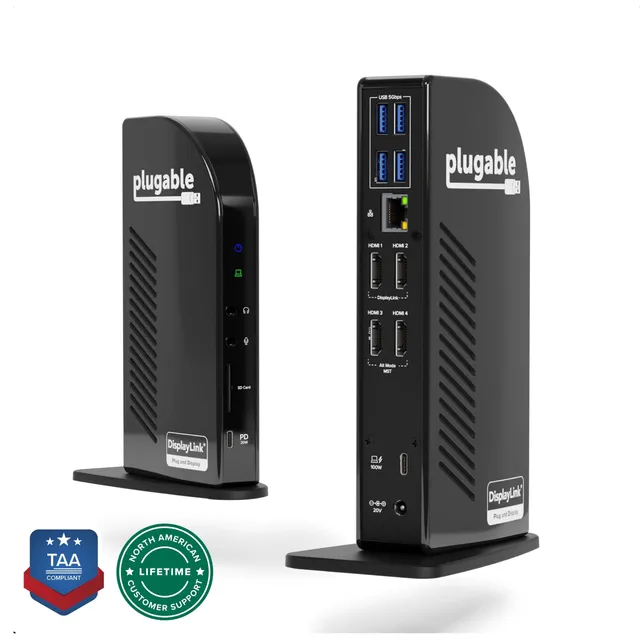
Plugable's UD-3900 dual monitor docking station connects two HDMI displays and up to ten accessories via a single USB cable, with TAA compliance for business use.
Categories : Series
SKU : POR-SER-873
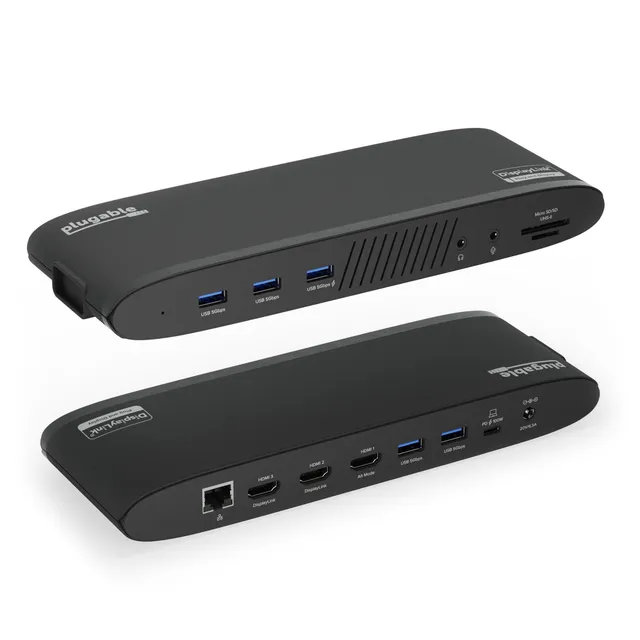
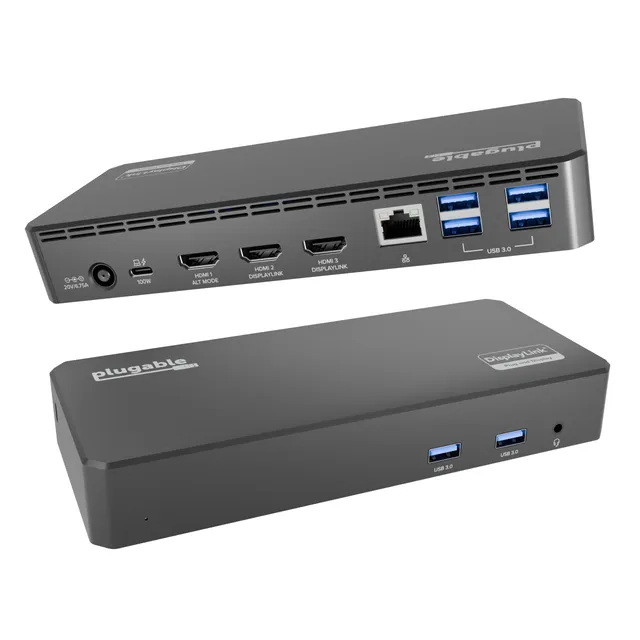
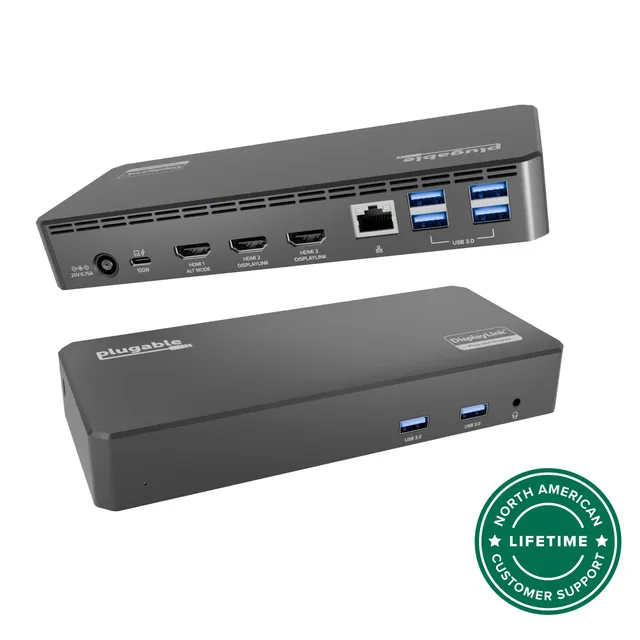
The Plugable UD-3900 is a TAA-compliant docking station that adds two HDMI displays and expands your laptop's connectivity to ten devices through one USB cable. Compatible with Windows, Mac, and Chromebook, it handles dual 1080p displays with ease, making it a versatile choice for offices, home setups, and IT deployments.
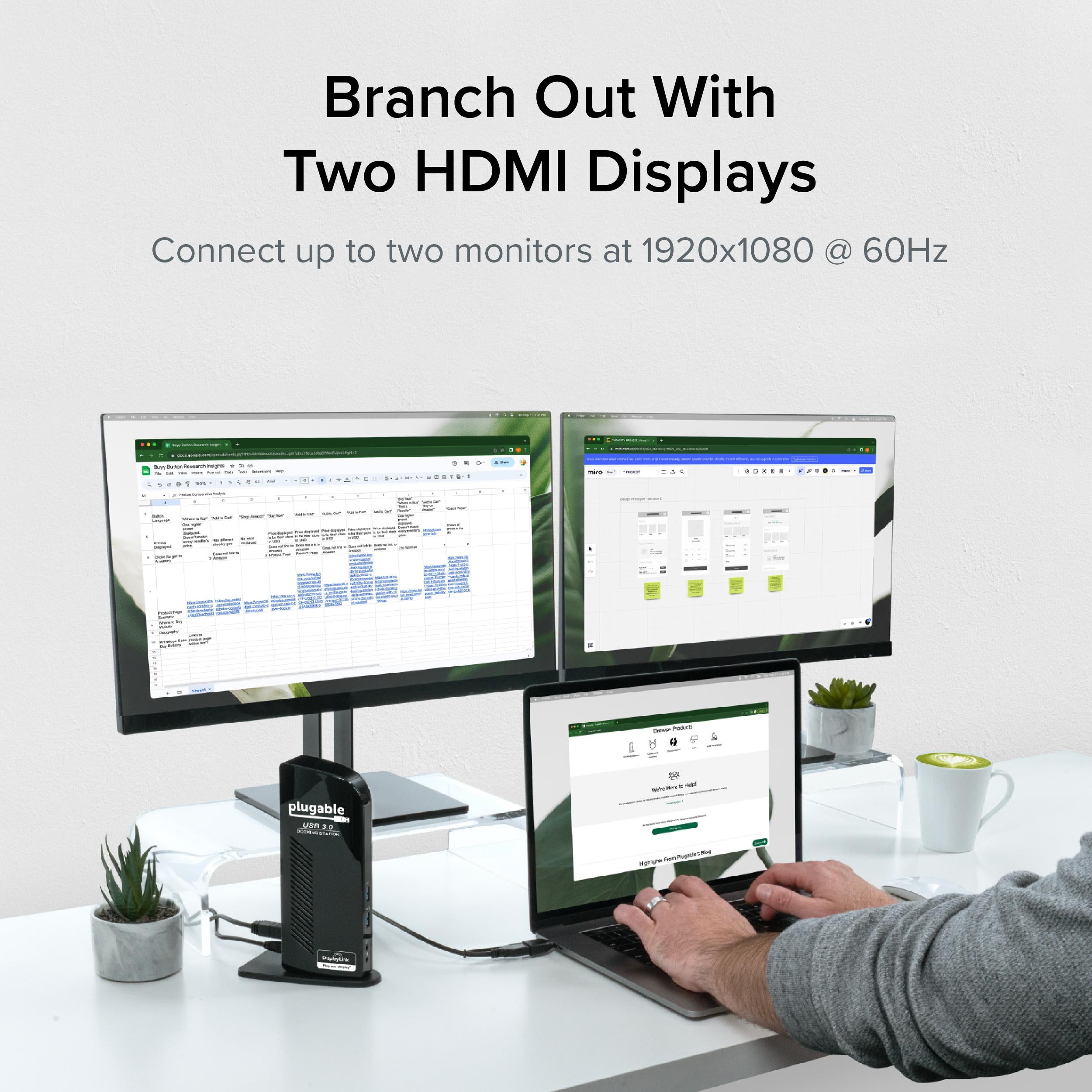
Connect two HDMI monitors to mirror or extend your desktop at resolutions up to 1920x1200. The UD-3900 uses DisplayLink technology for broad OS support, so you can use it with Windows, macOS, and ChromeOS without compatibility headaches. This is ideal for multitasking—spreadsheets on one screen, email on the other.
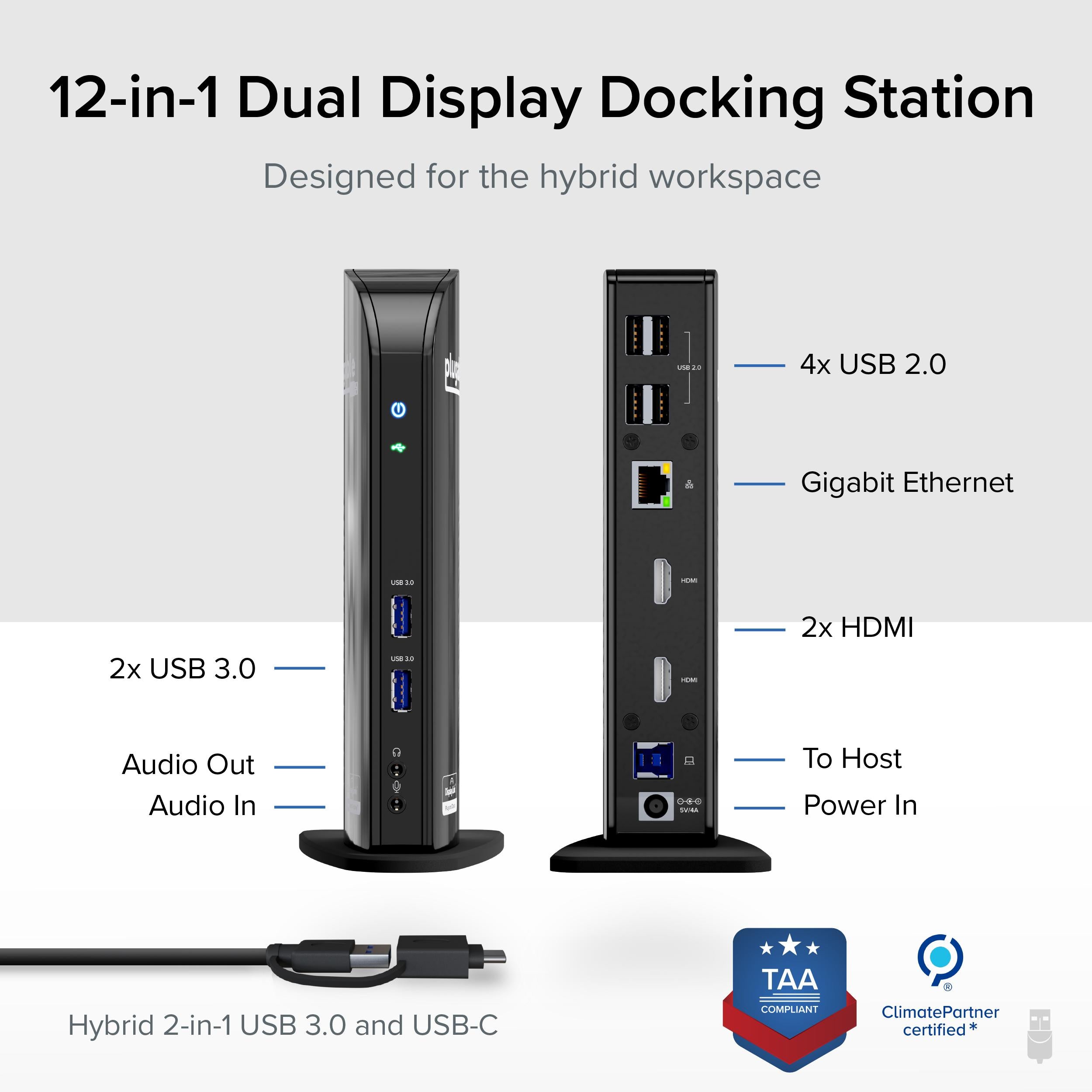
Beyond video, the dock offers multiple USB-A ports, Ethernet, audio, and more—so you can connect all your peripherals and network with a single cable to your laptop. That means less cable swapping and a cleaner desk.
TAA compliance makes the UD-3900 suitable for government and enterprise purchasing. It's a reliable workhorse for call centers, data entry, and administrative roles where dual monitors boost productivity.
- Dual HDMI outputs (up to 1920x1200)
- 10 accessory connections via USB
- DisplayLink support for Windows, Mac, ChromeOS
- TAA compliant
- Includes 3.5mm audio and Ethernet
Dual HDMI outputs for dual 1080p displays, boosting multitasking.
Connects up to ten accessories via a single USB cable.
TAA compliant for government and enterprise procurement.
Model: UD-3900
Chipset: DisplayLink
Compliance: TAA compliant
Connectivity: USB-A, Ethernet, 3.5mm audio
Product Type: Universal Dual Monitor Docking Station
Compatibility: Windows, macOS, ChromeOS
Video Outputs: 2x HDMI
Max Resolution: 1920x1200 @ 60Hz
Seller: PortSide Gear
MPN: UD-3900
Maximize your efficiency with dual monitors that keep your inbox, calendar, and reports all in view. The UD-3900's DisplayLink driver ensures consistent performance across updates, and its compact design fits neatly on any desk. Whether you're in a cubicle or a home office, this dock simplifies your setup with reliable connectivity for all your peripherals.
No, the UD-3900 supports up to 1920x1200 per display. For 4K, consider the Plugable UD-ULTC4K.
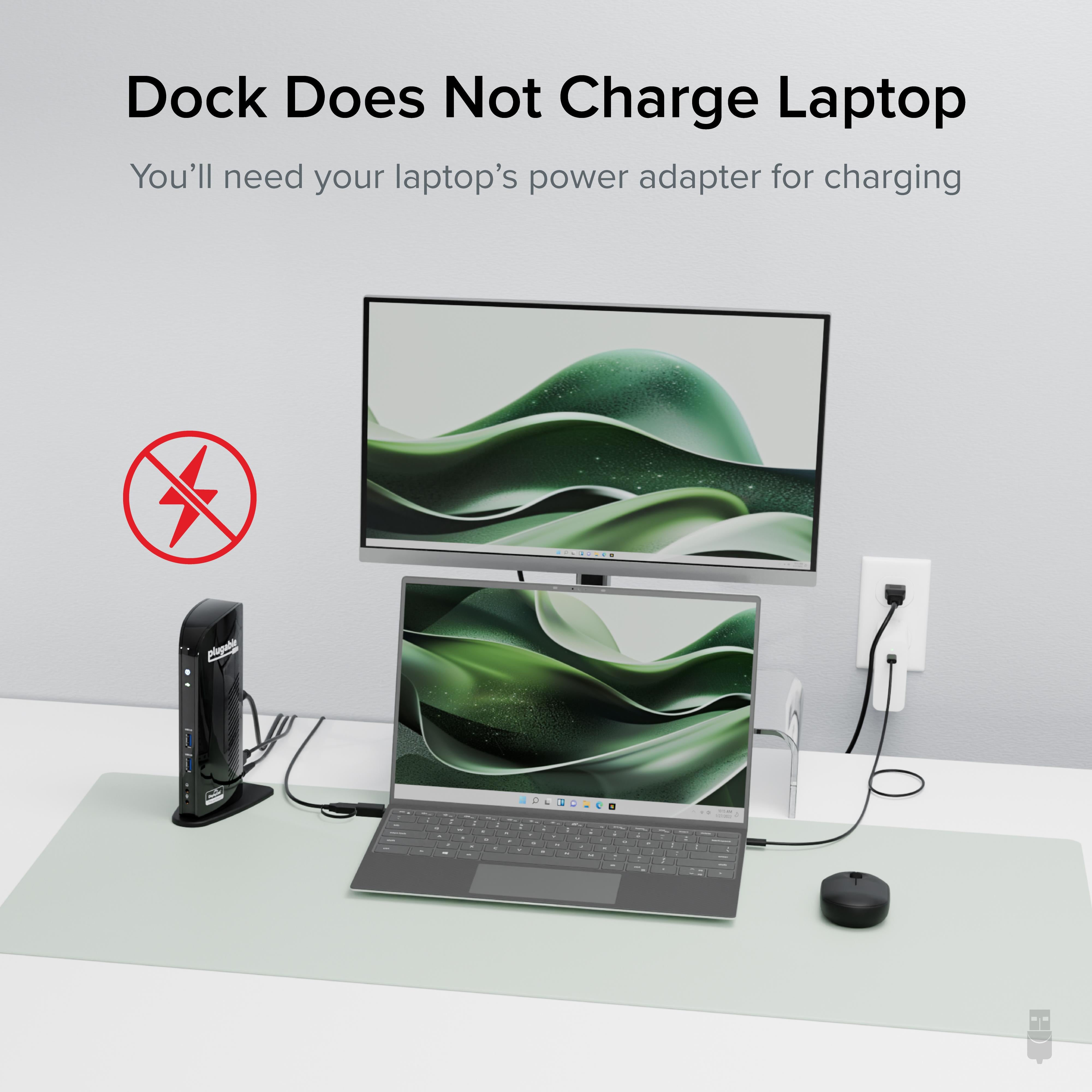
No, the UD-3900 does not provide laptop charging. It connects via USB-A or USB-C (with adapter) for data and display only.
Yes, you can use HDMI to DVI adapters or cables to connect DVI monitors, as long as the adapter supports the resolution and is compatible with the dock's output.
I use this dock with my ThinkPad and two external monitors. The setup was incredibly easy — just install the DisplayLink drivers and plug in the USB cable. I have a mouse, keyboard, and ethernet connected to the dock, and everything works simultaneously. Highly recommended.
The dock works well after initial driver installation, but that process was a bit more time-consuming than I expected. The instructions were clear, though. Once set up, it's been reliable for my daily work. I've had no issues with the dual monitors or the USB ports. Good value if you need a universal dock.
I was skeptical because it's a universal dock, but it works flawlessly with my MacBook Air. I can connect two 4K monitors (even though the spec says 1080p, it handled 4K at 30Hz fine), plus a bunch of USB devices. The dock doesn't charge my Mac, but I expected that. Great support from Plugable too.
The dock does its job, but it runs noticeably warm after a few hours of use. It hasn't caused any performance issues, but I'm a bit concerned about long-term reliability. Also, the USB ports on the back are a bit hard to reach. Otherwise, dual monitors and peripherals work fine.
It advertises ChromeOS compatibility, but my Chromebook wouldn't recognize the dock at all. I tried every troubleshooting step from the website and contacted support, but they couldn't fix it either. I had to return it. Maybe it works with other ChromeOS devices, but not mine. Disappointed.
As an IT manager, I've purchased several of these docks for our office. They've been incredibly reliable across different laptop brands (Dell, Lenovo, HP). The TAA compliance is a bonus for our government contracts. Setup is straightforward, and our employees appreciate the consistent experience. Highly recommended.
I needed a dock with a VGA port for an older projector, but this one only has HDMI and DVI. I had to use an adapter, which works but adds clutter. That said, the dock itself performs well. Two monitors, USB peripherals, and network all work flawlessly. If you don't need VGA, it's a great choice.
I switch between my work laptop (Windows) and personal Mac mini. This dock works with both without any driver conflicts. I just plug in the USB cable, and everything pops up. The dual monitors display correctly, and the ethernet connection is stable. Great investment for a mixed environment.
I use this dock for work and light gaming. The dual monitors work fine, but there's a slight lag in video when playing fast-paced games. It's not meant for gaming, so I didn't expect perfection, but I was hoping for a bit better. If you need it for productivity, it's fine.
I was hesitant to buy because I'd read mixed reviews, but I'm glad I did. The dock works perfectly with my ASUS laptop. The initial driver installation was smooth, and I've had zero issues since. It's a bit bulky, but that's acceptable for the functionality it provides. Great support from Plugable when I had questions.
Orders over $45.00 ship free. Otherwise, shipping is $8.00.
Hassle-free returns
SSL encrypted checkout
100% genuine products
Docking stations and hubs from Razer, Corsair, Plugable & STM Goods — compare and connect with free shipping over $45.
Phone: +1 (206) 555-0148
Email: support@portsidegear.us
Address: 2815 Alaskan Way, Suite 300, Seattle, WA 98121, United States