$20.00
We will hold your cart for 15:00.
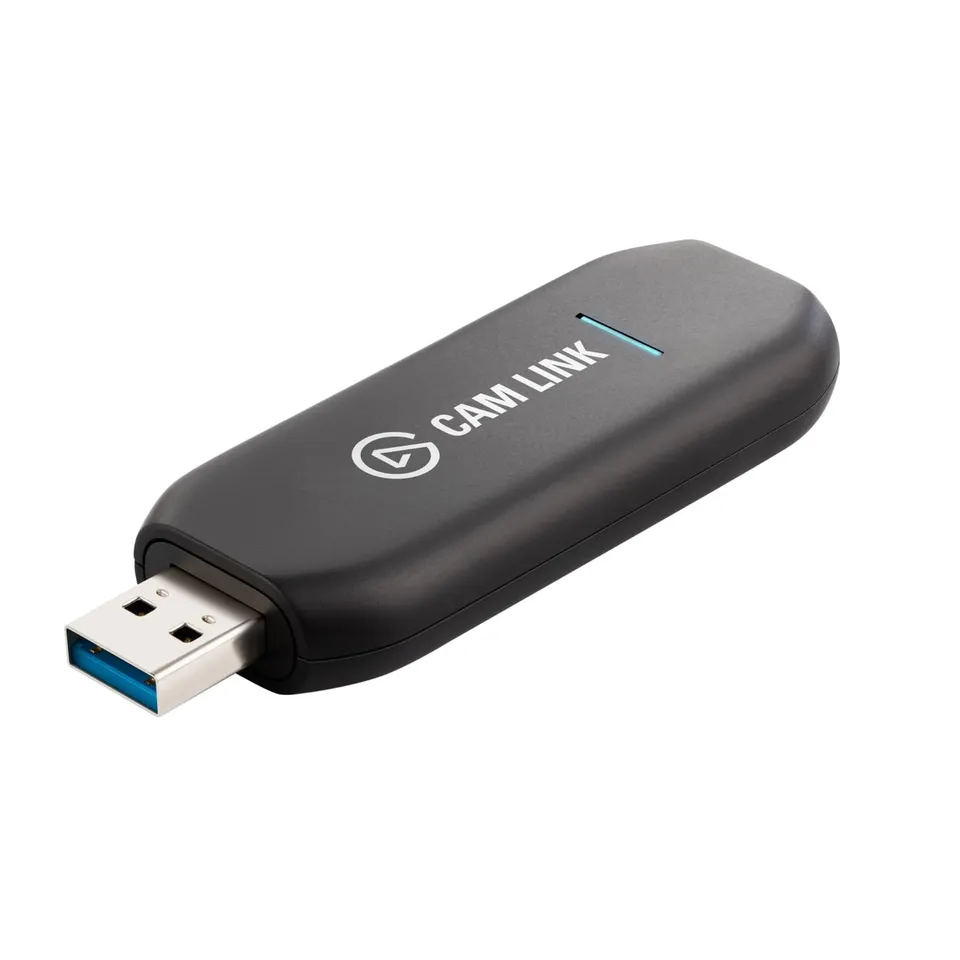
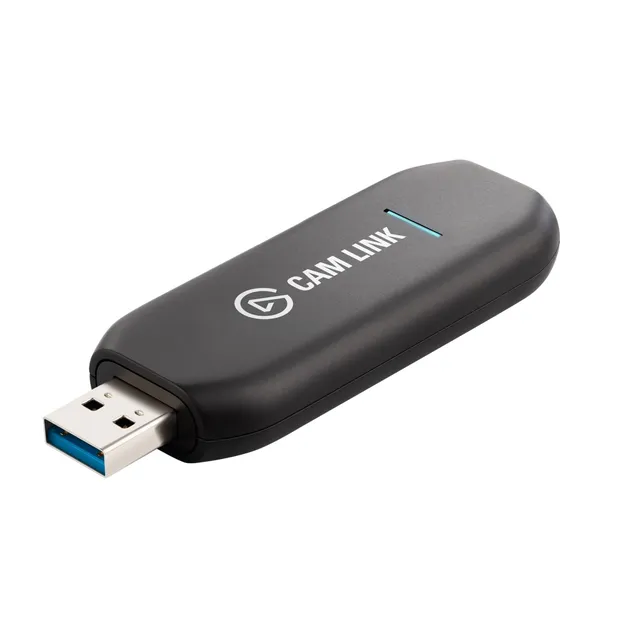
The Elgato Cam Link 4K turns your DSLR, mirrorless camera, or action cam into a high-quality webcam with 1080p60 or 4K30 capture over USB.
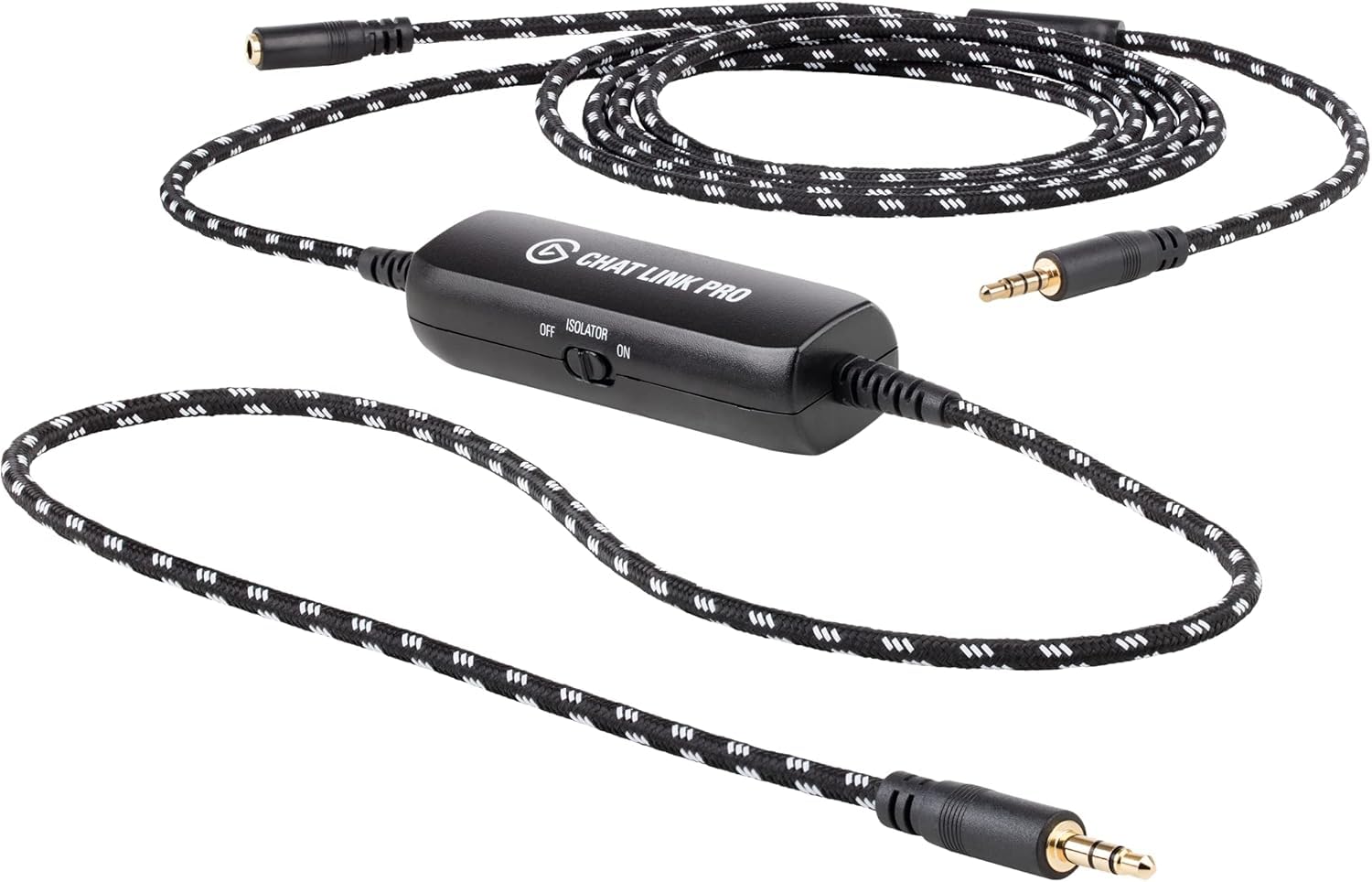
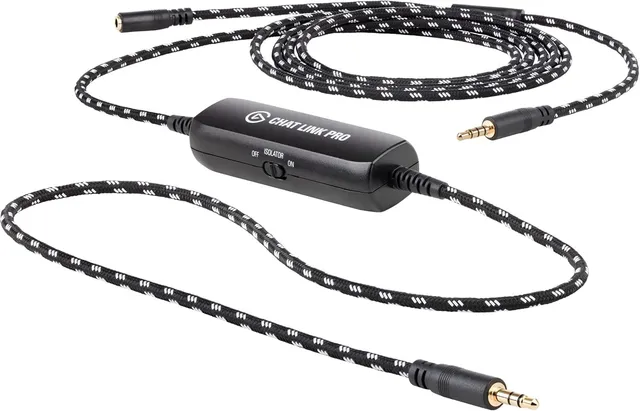
Pair withElgato Chat Link Pro Audio Adapter for PS5, PS4, Switch$10.00
Categories : Series
SKU : POR-SER-009
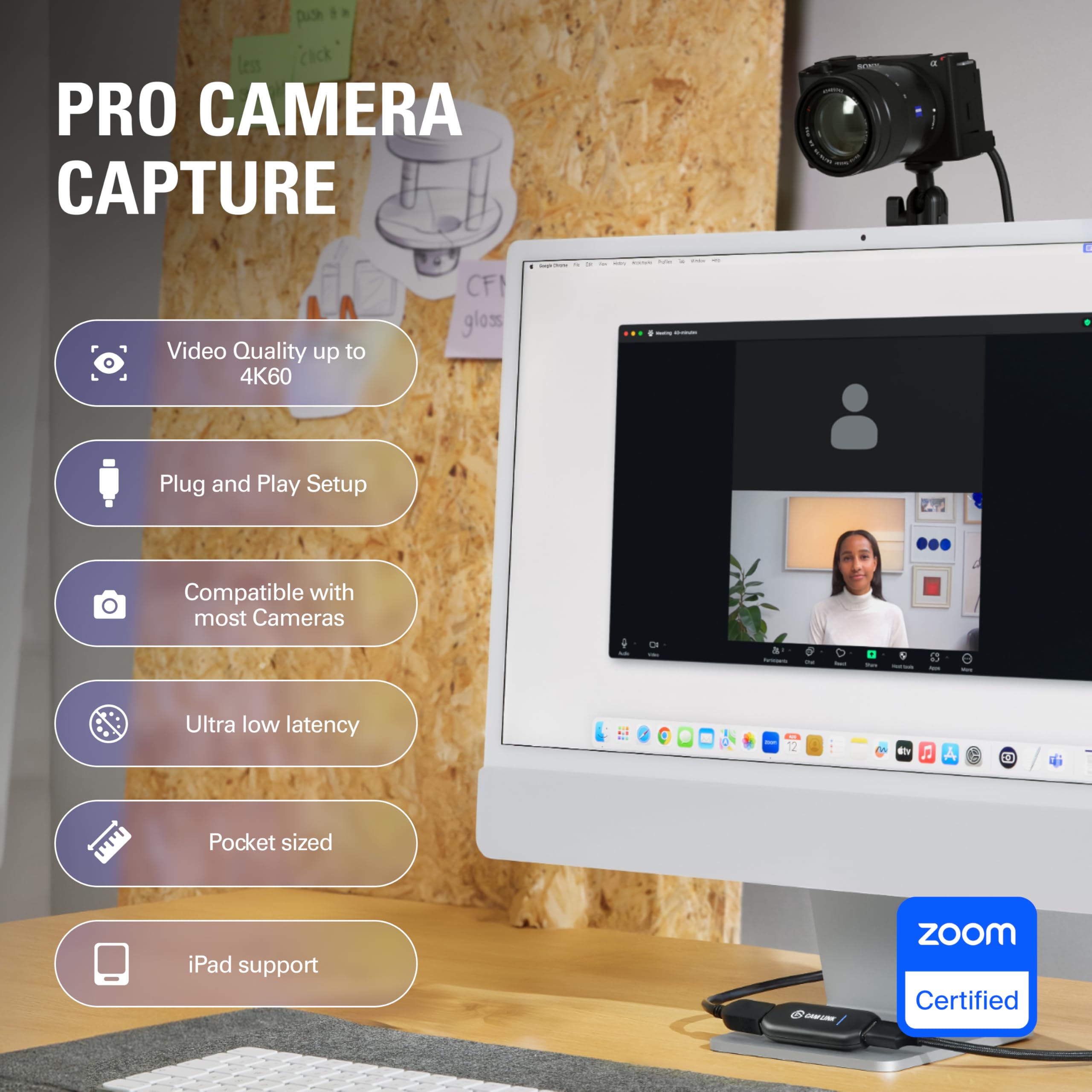
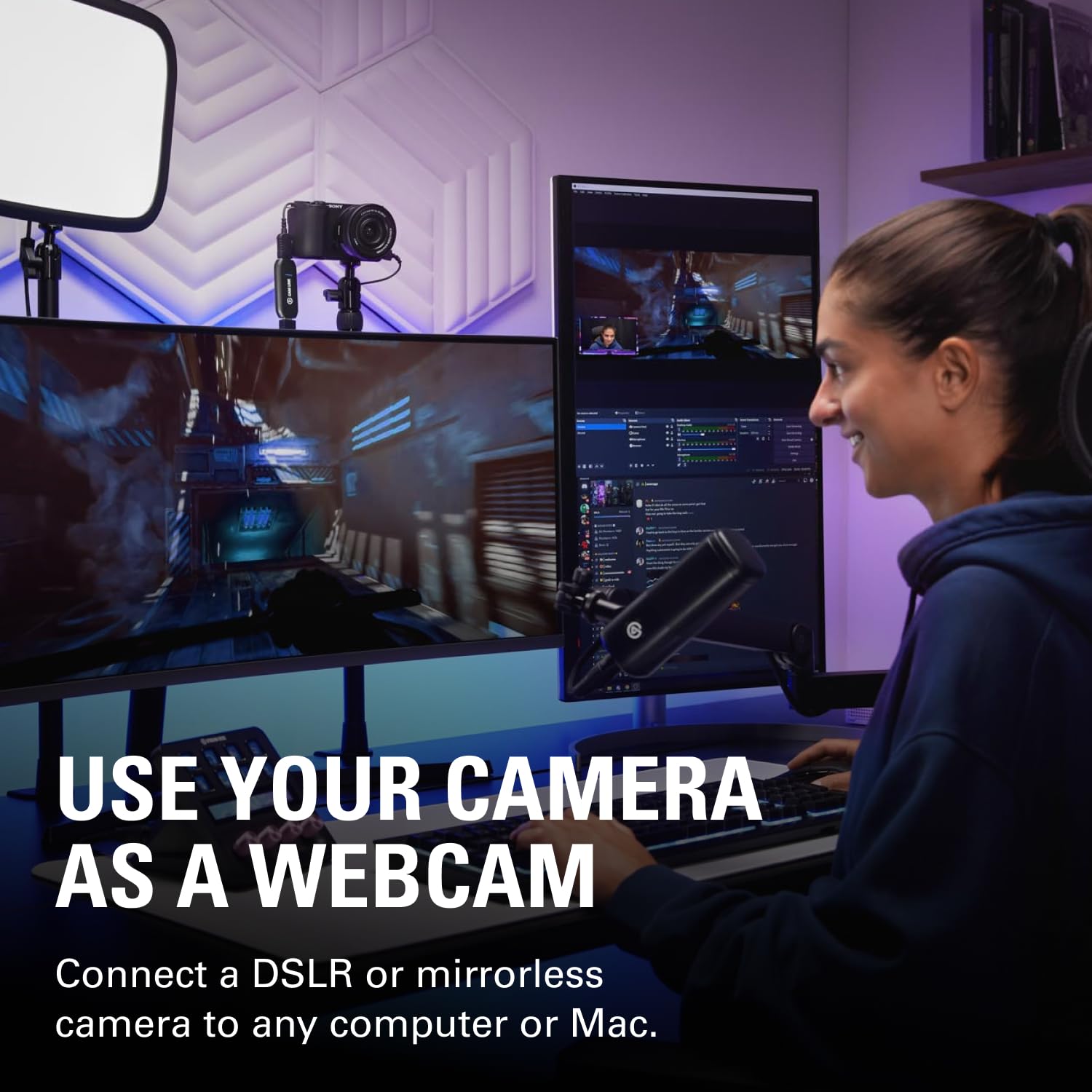
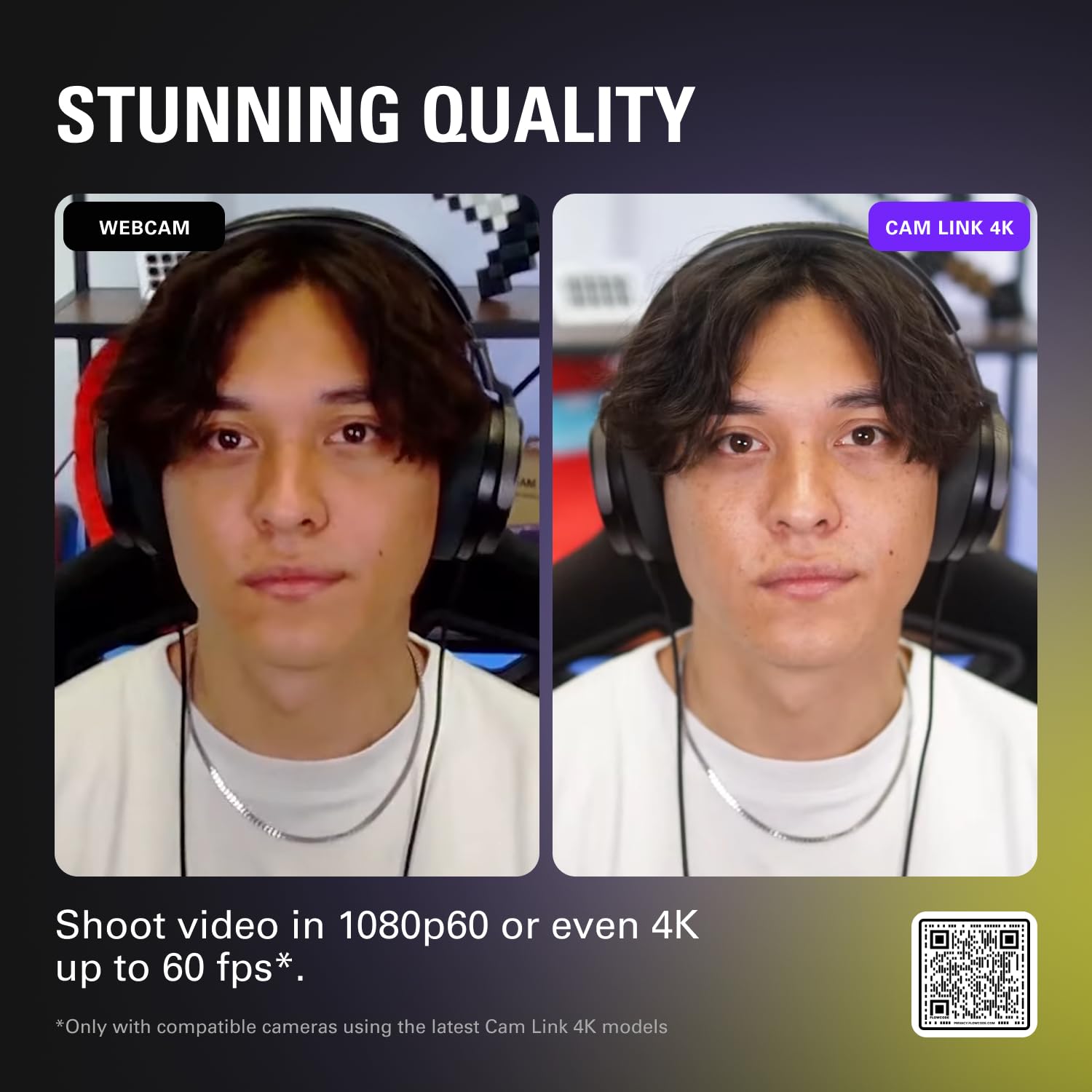
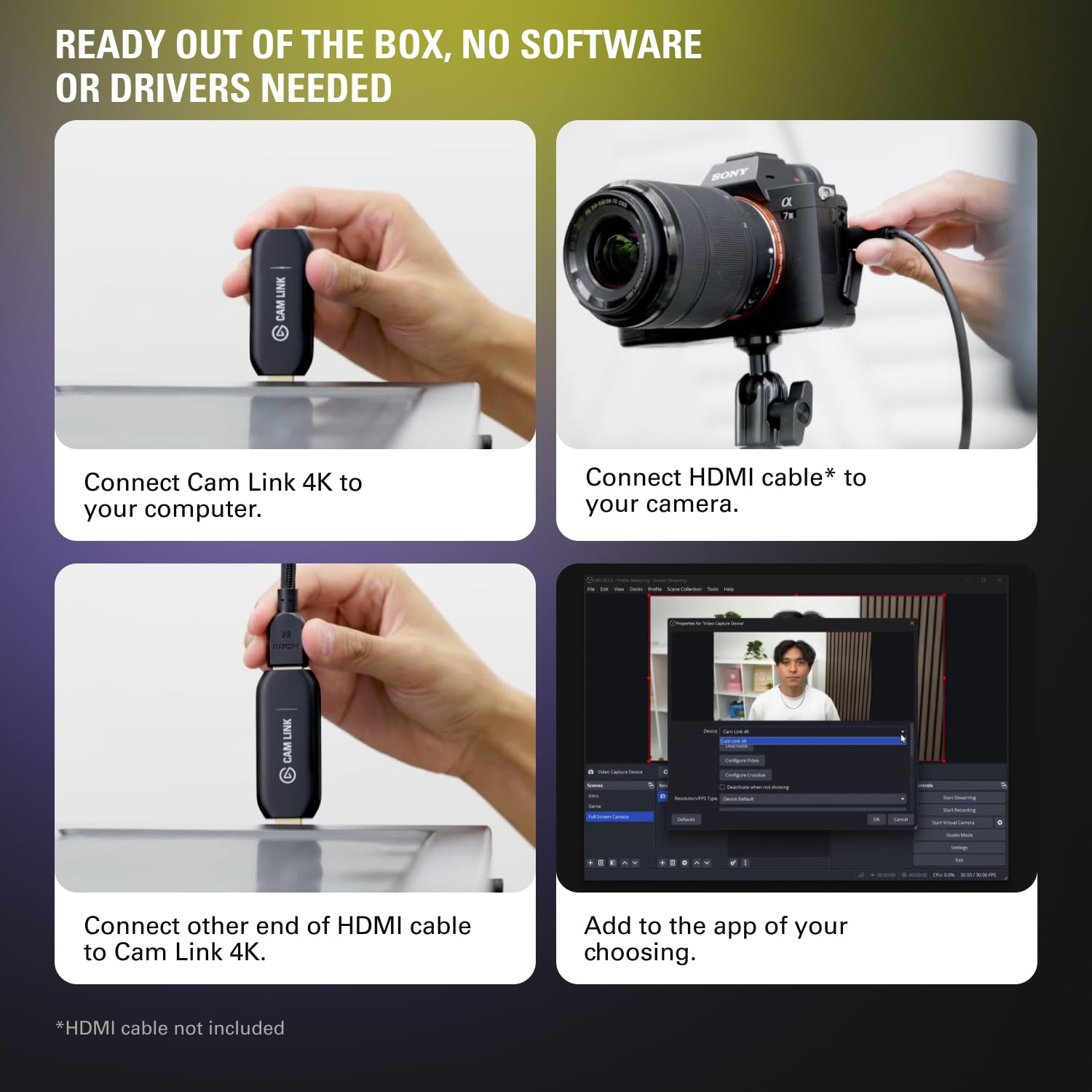
The Elgato Cam Link 4K is the essential tool for content creators and professionals who want to use their DSLR or mirrorless camera as a high-quality webcam. Simply connect your camera via HDMI, plug the Cam Link into a USB 3.0 port, and you're ready to stream, record, or video conference in stunning 1080p60 or 4K30. Its ultra-low latency ensures your audio and video stay in sync.
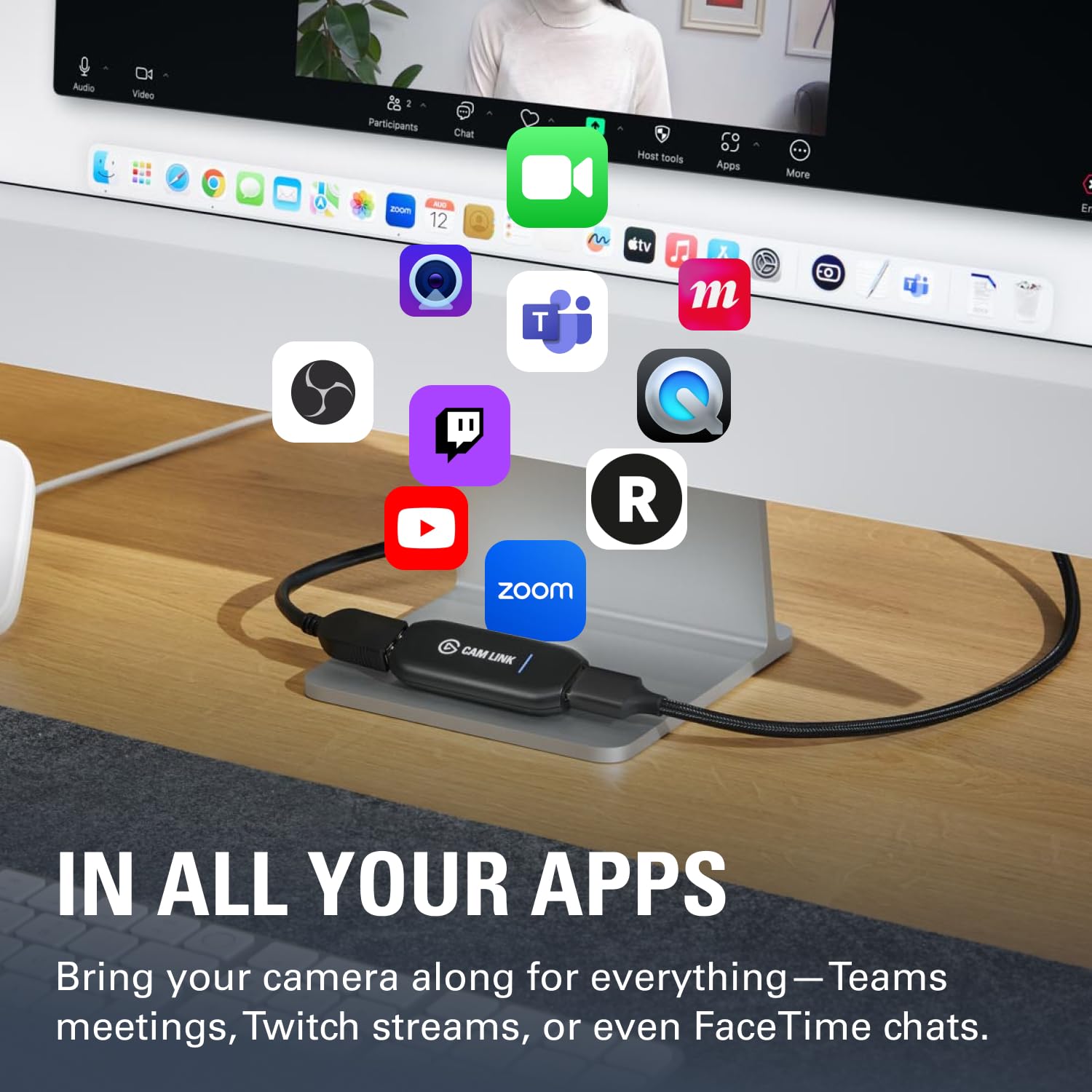
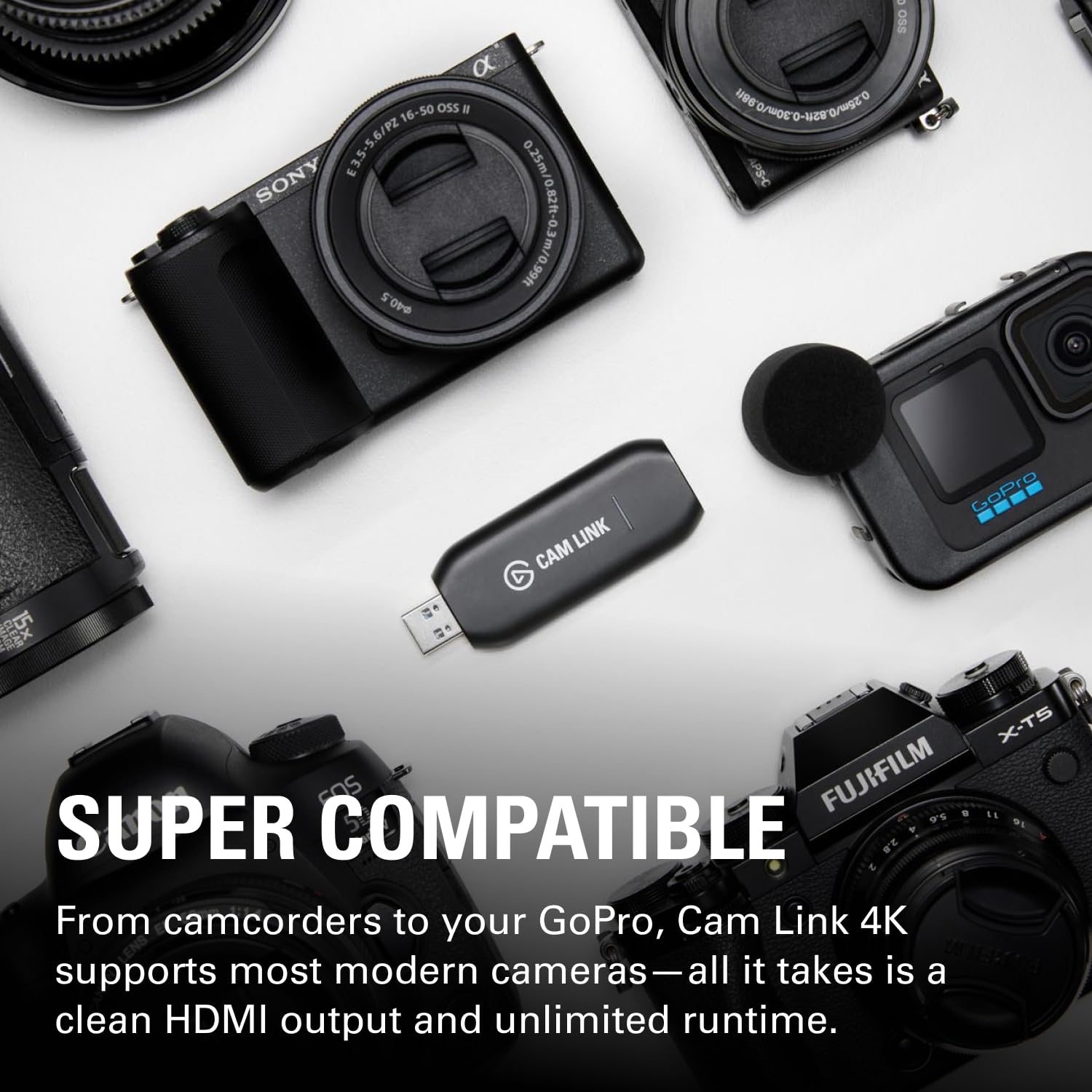
Whether you're streaming on OBS, joining Zoom meetings, or creating YouTube content, the Cam Link 4K elevates your video quality far beyond typical webcams. It works with a wide range of devices, including DSLRs, mirrorless cameras, camcorders, action cams, and even iPhones with HDMI output.
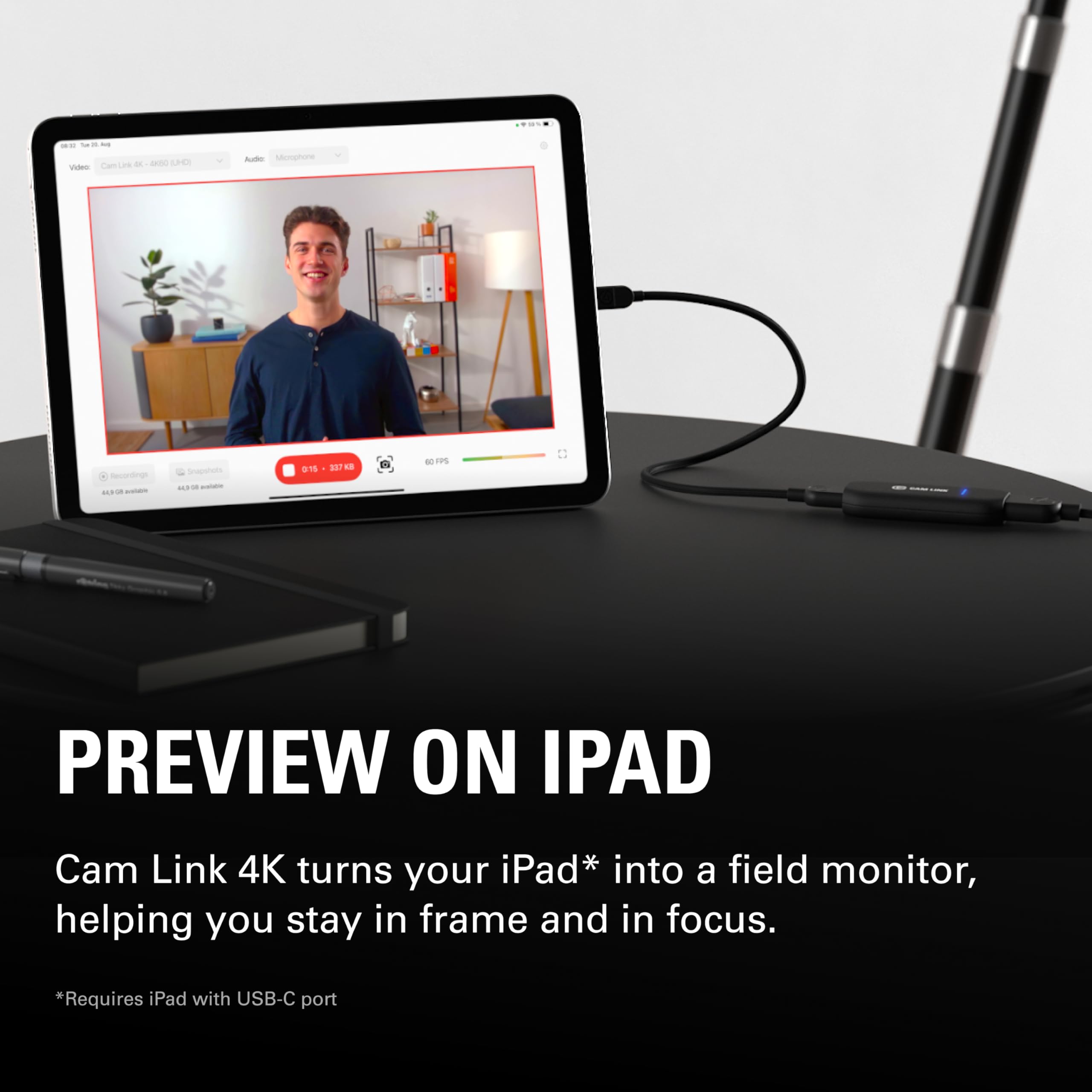
Use your iPad as a professional field monitor with the iPadOS app, or connect multiple cameras to your computer for multi-angle shots. The compact design makes it easy to carry, and its compatibility with PC, Mac, and iPad ensures flexibility.
Ultra-low latency keeps audio and video perfectly in sync.
Supports 1080p60 and 4K30 capture for crisp detail.
Compatible with DSLR, mirrorless, camcorders, and iPhones.
Input: HDMI (unencrypted)
Model: Cam Link 4K
Output: USB 3.0
Latency: Ultra-low
Connection: HDMI to USB
Dimensions: 71 x 26 x 12 mm / 2.8 x 1.0 x 0.5 in
Product Type: Capture Card
Compatibility: PC, Mac, iPad (USB-C)
Resolution Support: 1080p60, 4K30
Seller: PortSide Gear
MPN: Cam Link 4K
Maximize your streaming setup with the Cam Link 4K's compact design—it slots easily into any USB port, and its plug-and-play functionality means no external power needed. The included software, Camera Hub, lets you adjust settings and even use your iPad as a monitor. Elevate your content quality today.
The Cam Link 4K does not support HDCP-encrypted signals. To use your PS5, you may need to disable HDCP in the console's settings (under System > HDMI) to allow video capture.
No, the Cam Link 4K supports up to 4K30 and 1080p60. For 4K60, consider the Elgato Cam Link Pro or 4K60 Pro capture cards.
Yes, you can connect an iPhone with an HDMI adapter (Lightning Digital AV Adapter) to the Cam Link 4K and use it as a webcam, provided the iPhone app supports video output.
I've been using this to hook up my Sony mirrorless camera for live streaming and it just works flawlessly. Setup was a breeze, and the video quality is outstanding. No more soft webcam image – this is the real deal.
Works great for 1080p60, but make sure you're using a USB 3.0 port. When I first plugged it into a USB 2.0 port, I got a warning and it wouldn't work properly. Once I switched, it was smooth sailing.
I finally stopped using my old Logitech webcam and switched to my Canon DSLR with this Cam Link. The difference is night and day. My streams look professional now, and the latency is so low I don't even notice any delay.
I bought this specifically for 4K capture, but turns out you need a really fast computer and the HDMI output from my camera is 4K but it just wouldn't do 4K60, had to settle for 4K30 which is fine but not what I expected.
Plug and play! No drivers needed on Windows 10, just works with OBS. The video quality is rock solid, and I love the compact size. It's a simple product that does exactly what it promises.
I'm not a streamer but I use this for professional video calls and it's a huge upgrade. The 4K30 works well with my camera, and the image is crisp. It's a bit pricier than some other options, but worth it for the reliability.
After about an hour of streaming, my computer started getting hot and the capture card became unreliable, dropping frames. I tried different cables and ports but it still happens. Maybe I got a defective unit, but I'm disappointed.
I've used the older Elgato cards and this one is the best. The 1080p60 is flawless, and I love that it doesn't require external power. The build quality feels premium and it's been running cool even during long sessions.
No matter what you're using this for – streaming, recording, or video calls – it delivers top-notch quality. My viewers noticed the improvement immediately. It's a bit on the pricey side but you get what you pay for.
Initially had some issues with audio sync, but after updating the firmware, it's been stable. The setup is straightforward and the video is clear. Just be ready to tinker a bit if you have issues.
Orders over $45.00 ship free. Otherwise, shipping is $8.00.
Hassle-free returns
SSL encrypted checkout
100% genuine products
Docking stations and hubs from Razer, Corsair, Plugable & STM Goods — compare and connect with free shipping over $45.
Phone: +1 (206) 555-0148
Email: support@portsidegear.us
Address: 2815 Alaskan Way, Suite 300, Seattle, WA 98121, United States