$20.00
We will hold your cart for 15:00.
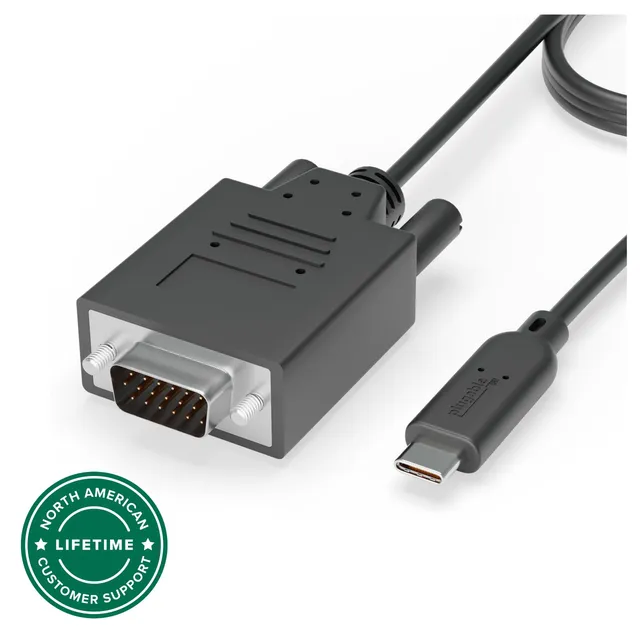
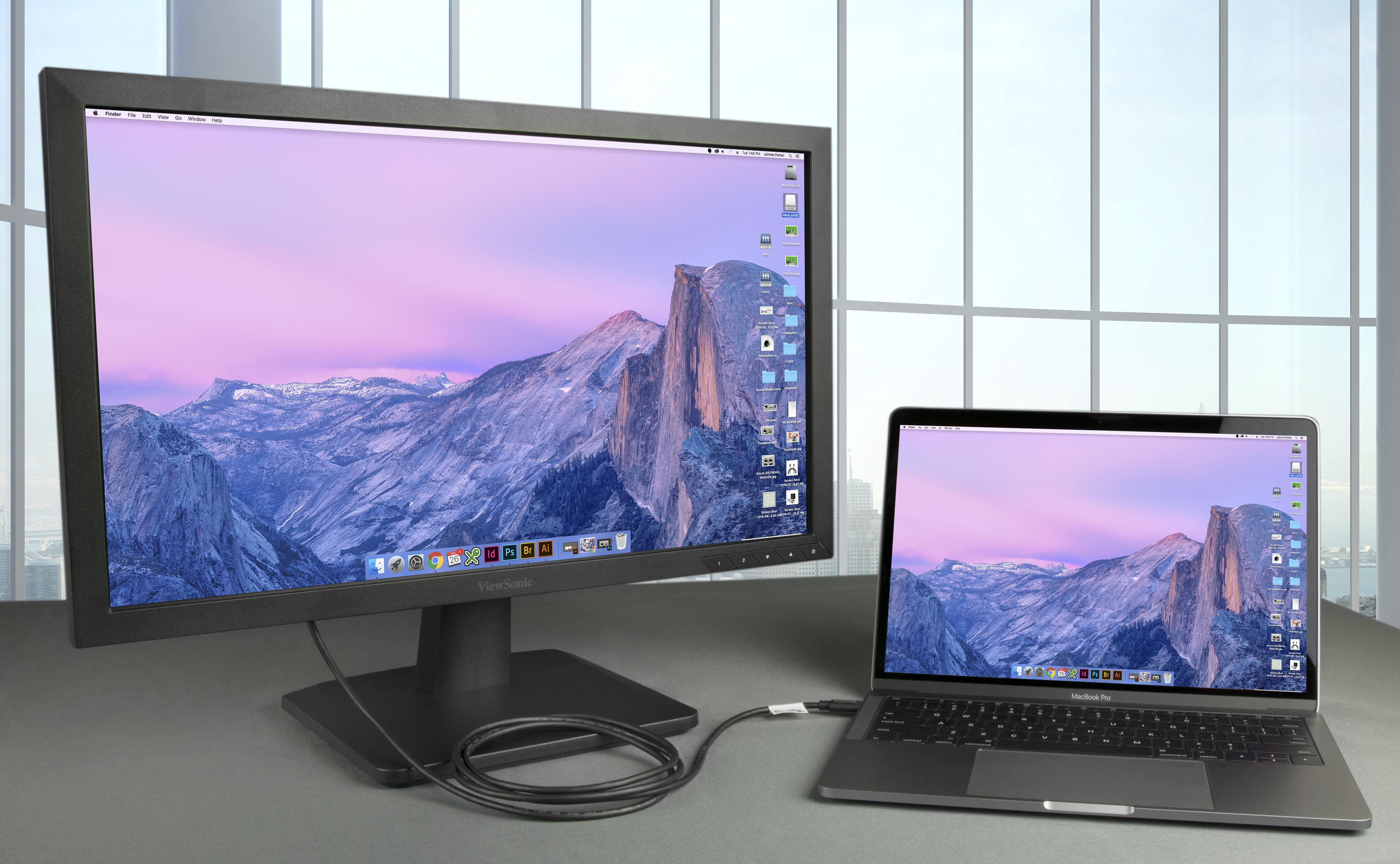
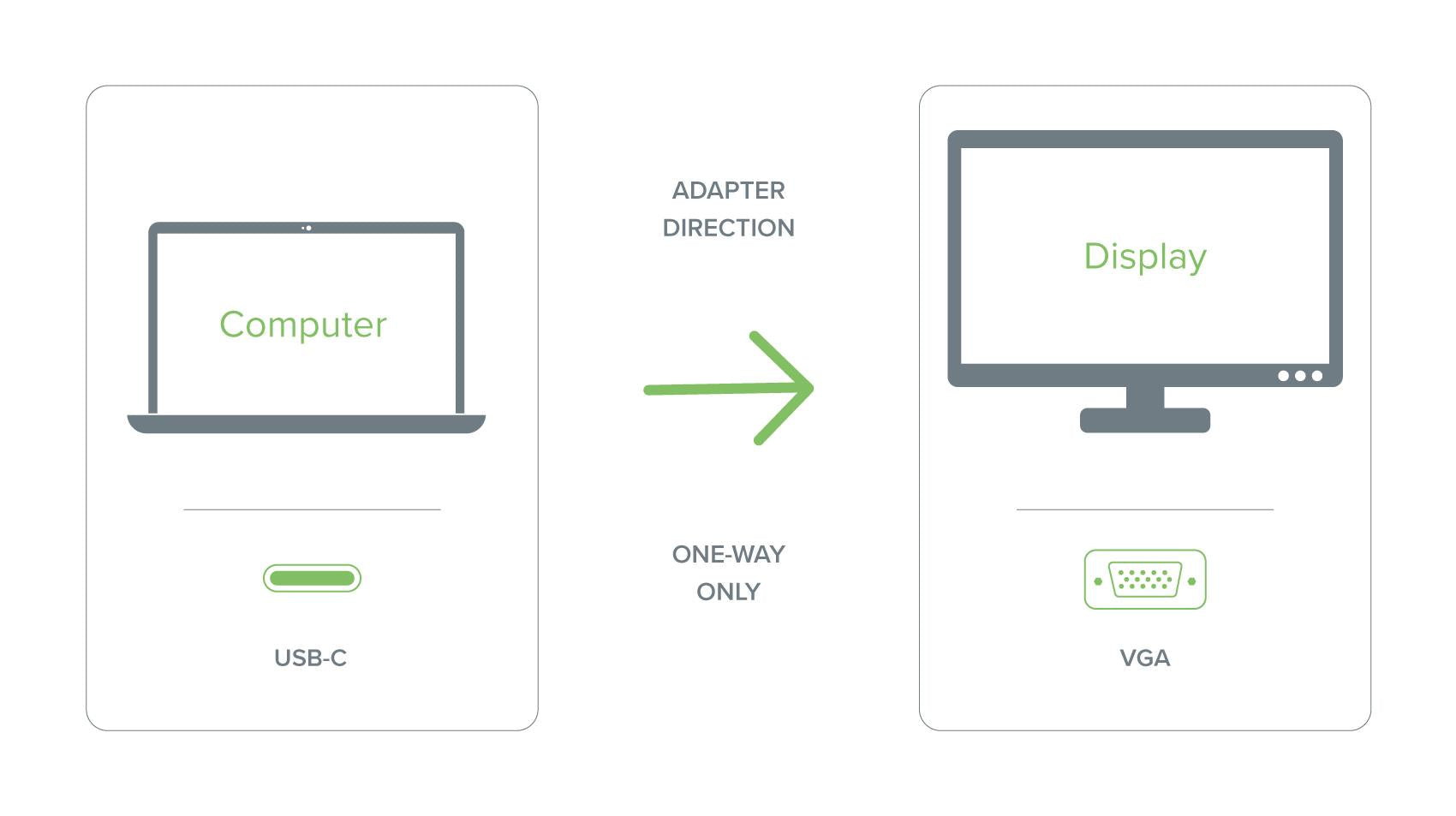
Connect your USB-C laptop, tablet, or phone to a VGA monitor or projector with this Plugable USB-C to VGA cable, supporting 1080p output.
Categories : Series
SKU : POR-SER-769
The Plugable USB-C to VGA Cable is a simple, reliable solution for connecting modern USB-C devices to VGA displays, projectors, and monitors. With support for resolutions up to 1920x1080, this cable is ideal for presentations, extending your laptop display, or mirroring your screen in a conference room. No drivers needed—just plug and play.
Designed for maximum compatibility, this cable works with a wide range of USB-C hosts, including laptops, tablets, and phones that support DisplayPort Alt Mode. It's perfect for ChromeOS, macOS, Windows, Linux, iPadOS, and Android devices, making it a versatile tool for office and on-the-go use.
Whether you're delivering a slideshow or streaming a video, the cable delivers crisp 1080p resolution. It supports aspect ratio 16:9 and standard VGA refresh rates, ensuring your content looks sharp on older displays that lack HDMI or DisplayPort inputs.
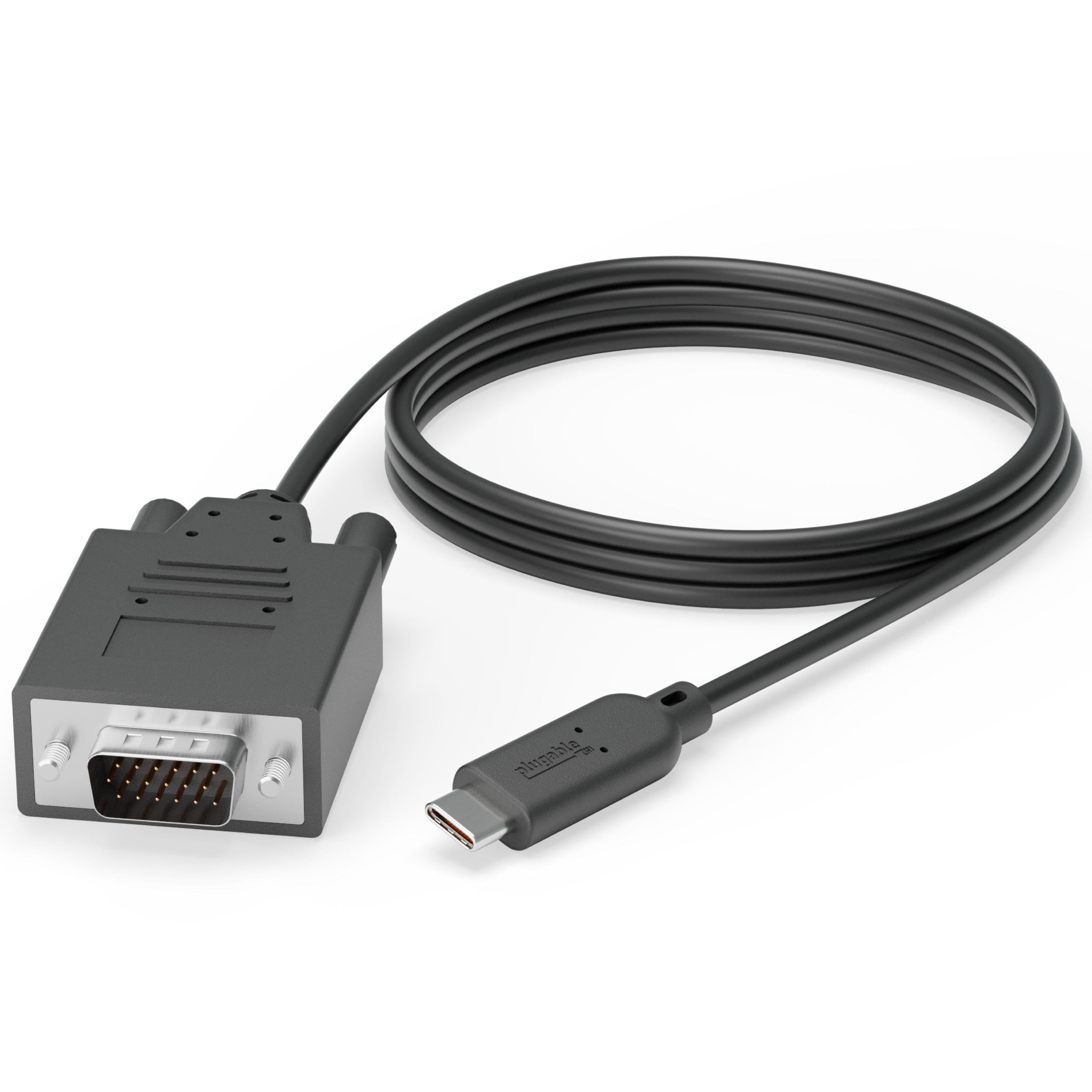
The 6-foot cable gives you plenty of reach to connect your device to projectors or wall-mounted screens without being tethered too closely. The connectors are gold-plated for corrosion resistance, and the cable is shielded to minimize interference.
This cable is compatible with any USB-C device that supports video output via DisplayPort Alt Mode. For iPhones and iPads with USB-C, it works with iOS 17 and later. For Android phones with USB-C, check that your phone doesn't require a special adapter (see FAQ).
The cable is completely passive, so there's no software to install and no external power source required. Just connect and go—it's that simple.
Carry this lightweight cable in your bag and be ready for any meeting or classroom setup.
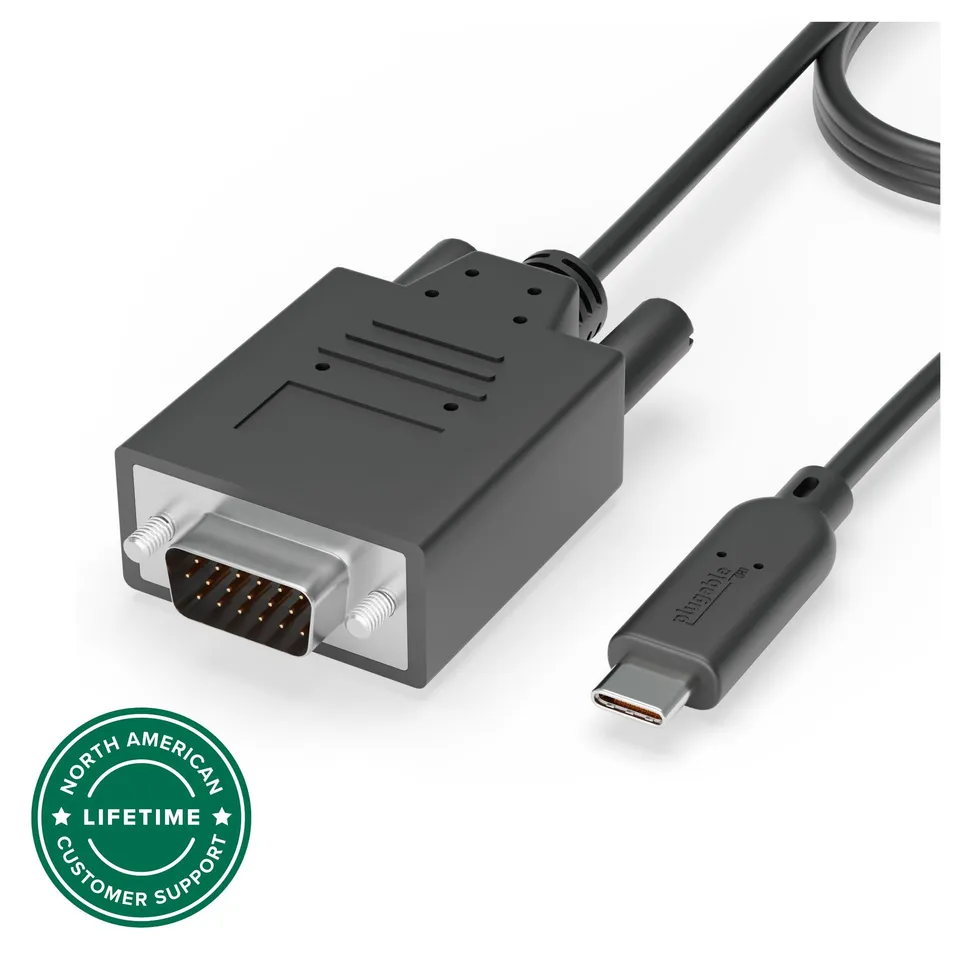
1080p VGA output – Displays sharp, high-resolution video on VGA monitors and projectors, ideal for presentations and extended desktops.
Plug-and-play without drivers – No software or drivers required; works with any USB-C device that supports DisplayPort Alt Mode.
6-foot durable cable – Provides ample reach and flexibility, with gold-plated connectors for reliable signal transmission.
Model: USBC-VGA-CABLE
Length: 6 feet (1.8 meters)
Connector: USB-C male to VGA male
Product Type: USB-C to VGA Cable
Compatibility: USB-C devices with DisplayPort Alt Mode (laptops, tablets, phones)
Cable Shielding: Yes
OS Compatibility: ChromeOS, macOS 10.12+, Windows, Linux, iPadOS, iOS 17+, Android
Resolution Support: Up to 1920x1080
Seller: PortSide Gear
MPN: USBC-VGA-CABLE
The Plugable USB-C to VGA cable is a must-have for anyone who frequently presents in older conference rooms. Its plug-and-play nature means no IT support is needed—you can walk into a meeting, connect, and present within seconds. The cable's flexible strain relief at both ends prevents fraying, ensuring it lasts through countless trips in your bag. Additionally, the cable's slim profile makes it easy to pack alongside your laptop charger. For educators and business professionals alike, this cable bridges the gap between modern USB-C devices and legacy VGA infrastructure.
First, confirm your device's USB-C port supports DisplayPort Alt Mode. Some devices, like certain phones, may require a special adapter. Also, check that the projector is set to the correct input channel. If using an adapter, ensure it supports video output.
Generally, Samsung phones with USB-C support DisplayPort Alt Mode, so the cable should work. However, some Samsung models may need to enable 'DeX' or 'Screen mirroring' in settings. If the phone doesn't support Alt Mode, this cable won't work.
Check that your device's USB-C port supports video output. If it does, try reconnecting the cable and ensure the VGA connector is fully seated. Also, test the cable with another device if possible. The cable is passive, so it should be detected immediately.
Yes, iPads with USB-C (iPad Pro, iPad Air 4th gen and later) support video output via DisplayPort Alt Mode. The cable works with iPadOS 17 and later, allowing you to mirror your screen to VGA displays.
I use this with my MacBook to connect to projectors at work. It always works, plug and play. Length is perfect.
Connected to my Android phone and used it to present on an old monitor. Surprised it worked. Picture is clear. No issues.
Fine for occasional presentations, but the cable is a bit stiff and the connector doesn't always fit snugly into my laptop. Video quality is acceptable.
I have an older VGA monitor and a new laptop with only USB-C. This cable connects them without any fuss. Plugged in, it detected the monitor instantly. Sharp image at 1080p.
With more laptops dropping VGA, this cable is a lifesaver for using old projectors. It's long enough and built well. No driver needed on Windows. Slight color difference from VGA, but that's the nature of it.
I'm a teacher, and this cable lets me hook up my iPad Pro to the classroom projector. It's durable, the right length, and allows me to mirror everything wirelessly if I want to.
Mostly works, but occasionally the display flickers if I move the cable. Might be because of a loose connection. Not a big issue, but annoying.
My old desktop monitor only has VGA, and my new motherboard doesn't. This cable solved that. The picture is sharp, and it was easy to set up. Worth the price.
I used to carry a dongle and a separate VGA cable. This is a single cable, so it's less to lose. Works great with my ThinkPad. Plug and play on Windows. Highly recommend.
Worked fine at first, then the display started cutting out. Tried other ports and devices, but the cable seems to be the issue. Not worth the hassle. Returning.
Orders over $45.00 ship free. Otherwise, shipping is $8.00.
Hassle-free returns
SSL encrypted checkout
100% genuine products
Docking stations and hubs from Razer, Corsair, Plugable & STM Goods — compare and connect with free shipping over $45.
Phone: +1 (206) 555-0148
Email: support@portsidegear.us
Address: 2815 Alaskan Way, Suite 300, Seattle, WA 98121, United States