$20.00
We will hold your cart for 15:00.
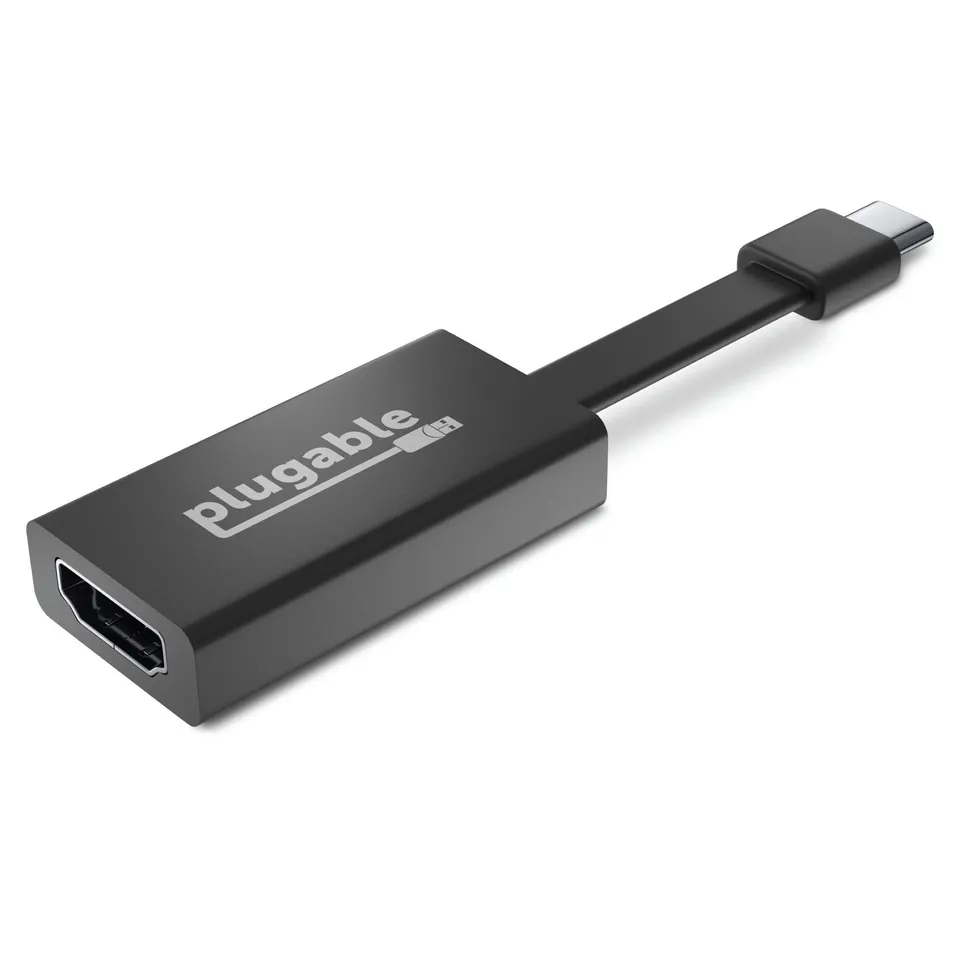
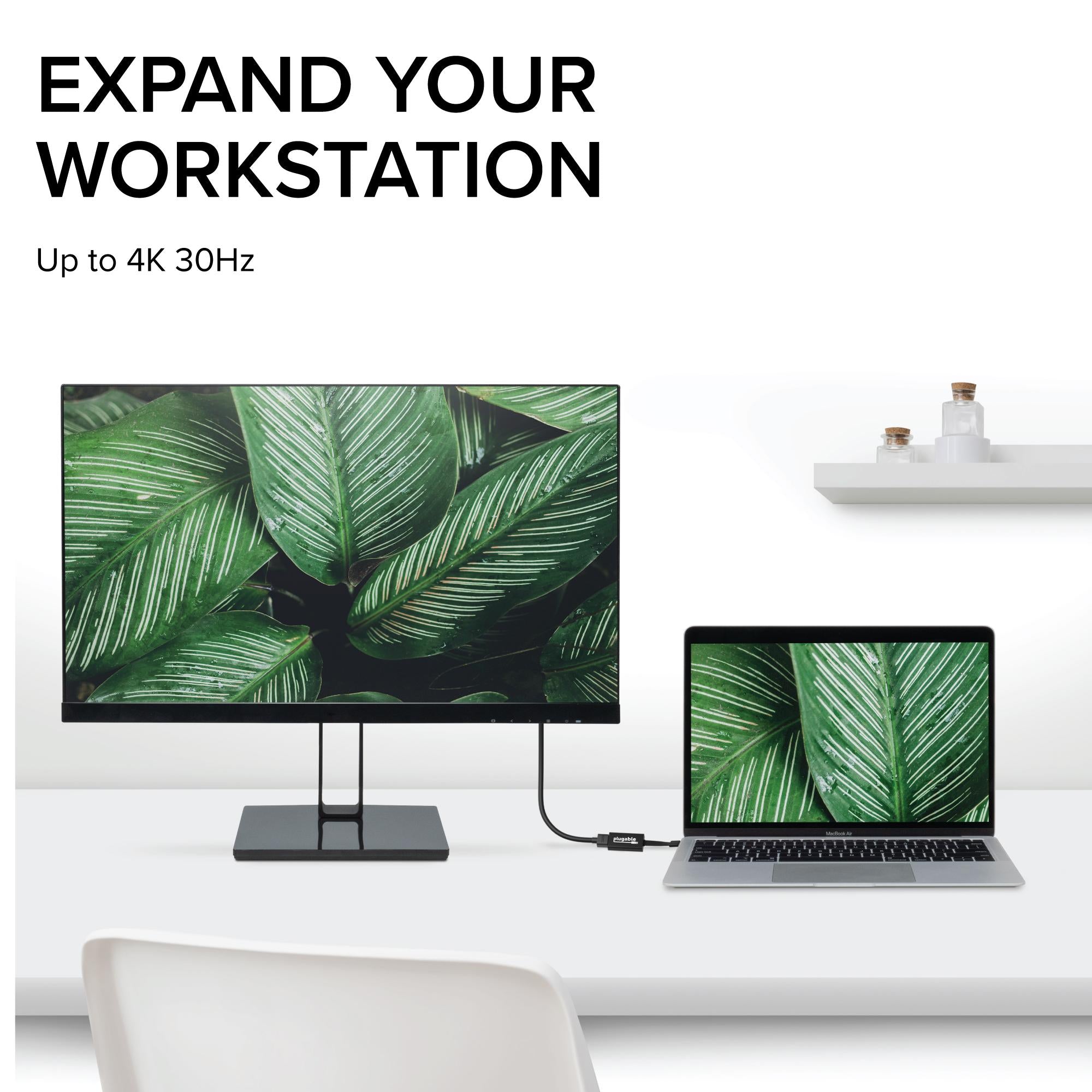
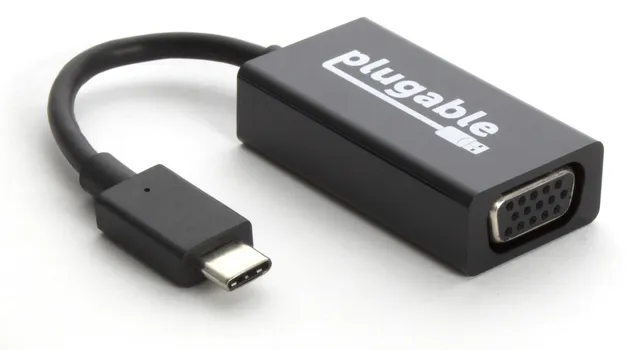
Connect your USB-C device to an HDMI display with support for 4K 30Hz, perfect for presentations and extended displays.
Categories : Series
SKU : POR-SER-806
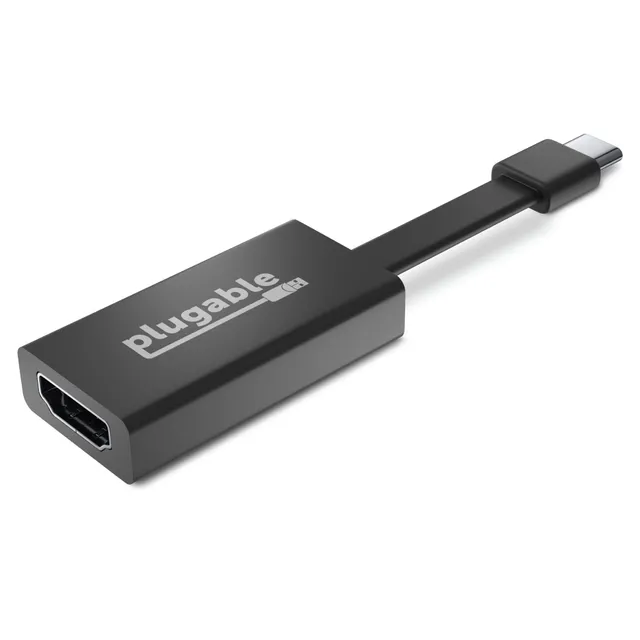
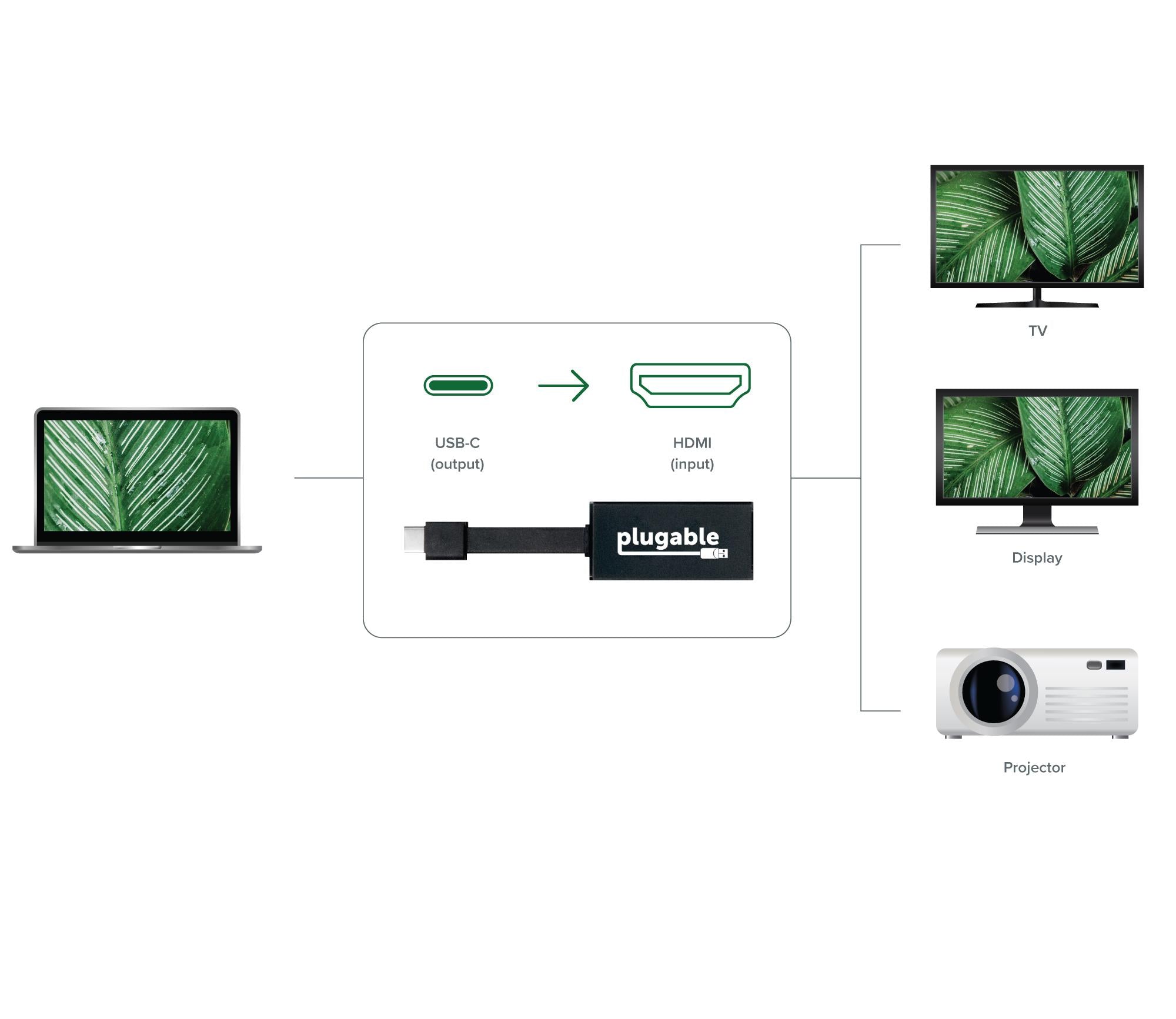
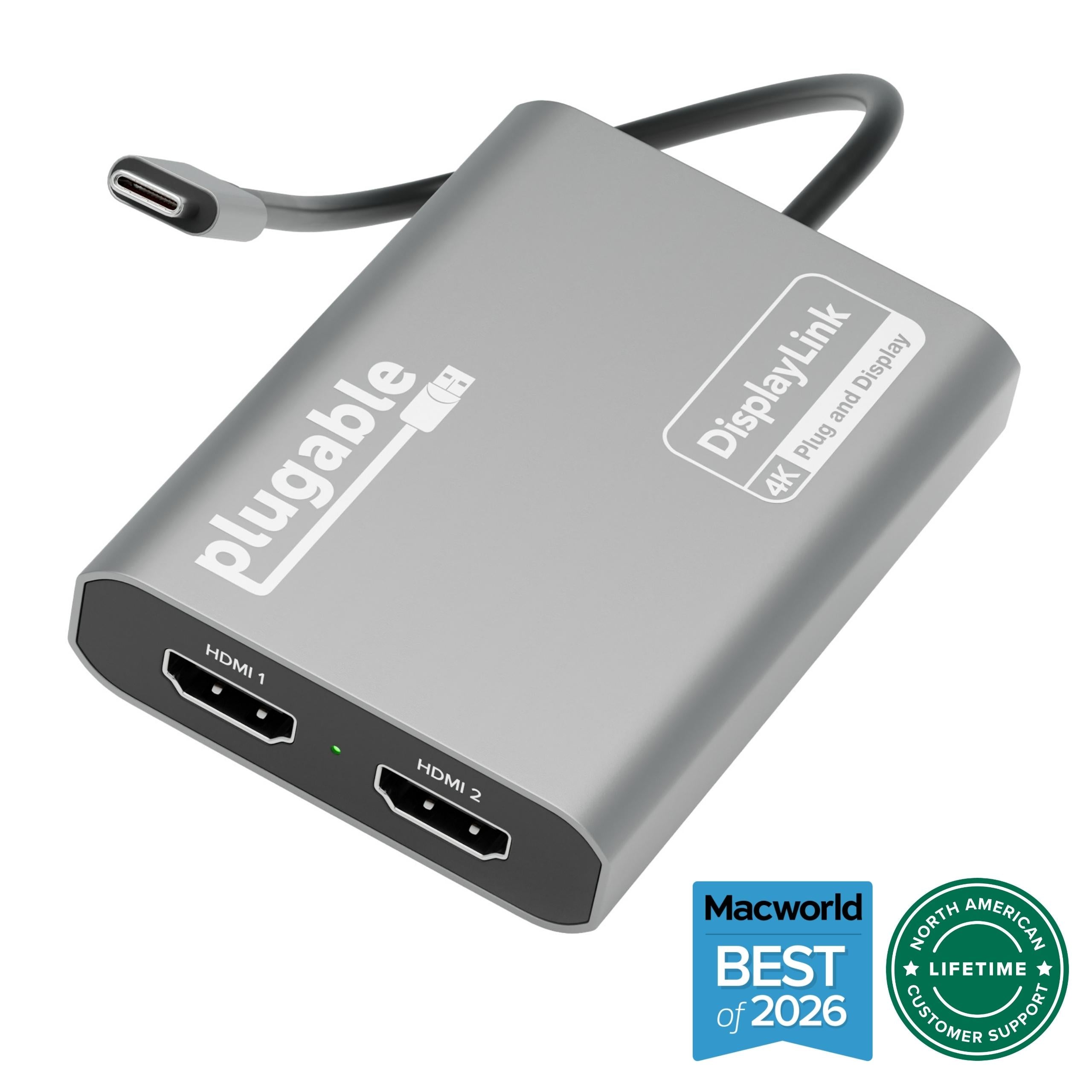
Connect your USB-C enabled laptop, tablet, or desktop to an HDMI monitor or TV with the Plugable USBC-THDMI adapter. Supporting resolutions up to 4K 30Hz, this adapter uses the USB-C DisplayPort Alternate Mode for a direct, high-quality connection. It's plug-and-play, with no drivers or external power required.
Experience sharp, vibrant visuals on your external display. The adapter supports 4K @ 30Hz, along with 1080p and 1440p, making it ideal for work presentations, movie streaming, or extending your desktop.
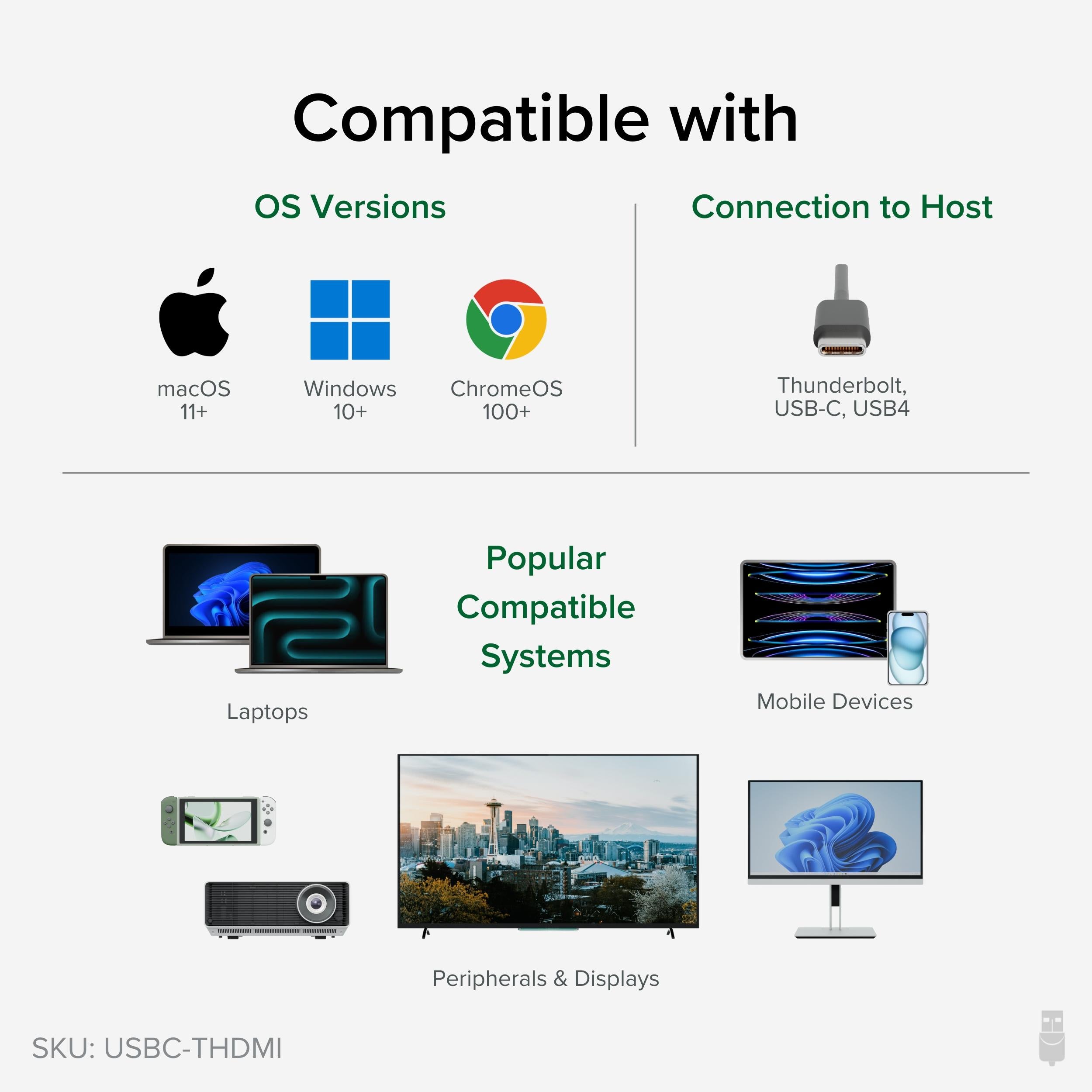
Works with any device with USB-C DisplayPort Alt Mode, including laptops, tablets, and smartphones. Compatible with iPadOS (iOS 17+), Android devices, ChromeOS, and more.
No drivers or software installations needed. Just plug the USB-C connector into your device and the HDMI cable into the adapter, and you're ready to go.
Supports up to 4K @ 30Hz for crisp, high-resolution display output
Works with any USB-C device that supports DisplayPort Alt Mode, including iPhone/iPad
Plug-and-play design with no drivers or external power needed
Model: USBC-THDMI
Weight: 0.3 oz (9g)
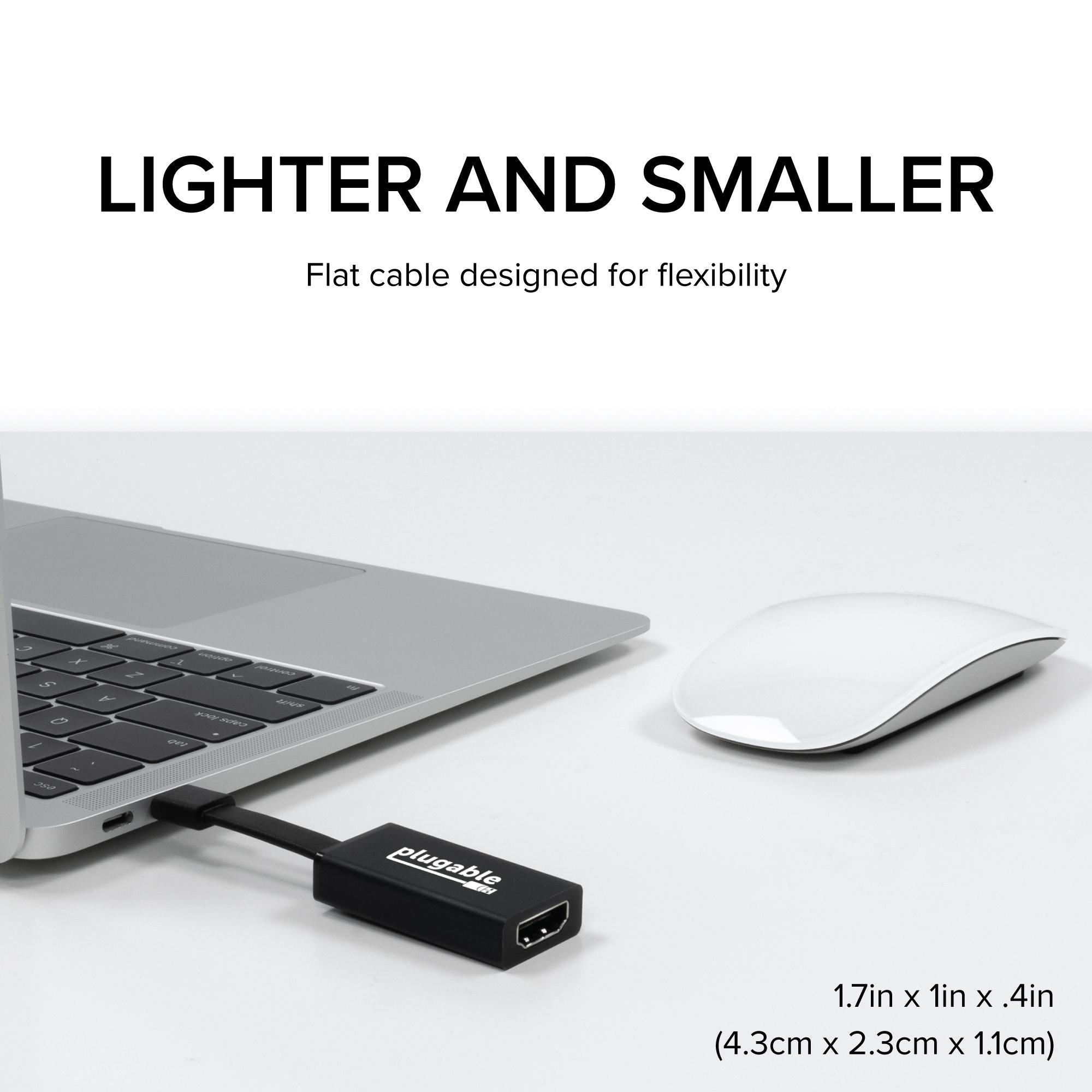
Dimensions: 2.0 x 0.8 x 0.5 inches (51mm x 20mm x 13mm)
Connector In: USB-C
Product Type: USB-C to HDMI Adapter
Video Output: HDMI 1.4
Compatibility: Devices with USB-C DisplayPort Alt Mode: laptops, tablets, phones
Connector Out: HDMI (Female)
Package Contents: USB-C to HDMI adapter, user manual
Operating Systems: iPadOS 17+, Android, ChromeOS, Windows, macOS
Maximum Resolution: 4K @ 30Hz
Supported Resolutions: 1080p, 1440p, 4K
Seller: PortSide Gear
MPN: USBC-THDMI
This adapter is a must-have for professionals who need to share screens in meetings or enjoy media on a bigger screen. Its lightweight, pocket-sized design makes it a great travel companion. Compatible with USB-C, Thunderbolt 3/4, and USB4 ports.
Yes, if your iPhone or iPad has a USB-C port (iPhone 15 series or later, iPad Pro/ Air with USB-C), and the device supports DisplayPort Alt Mode, you can connect to an HDMI display.
First, ensure your laptop's USB-C port supports DisplayPort Alt Mode. Some USB-C ports are data-only or charging-only. Also, check that your HDMI cable is working and the monitor is set to the correct input.
No, this adapter supports up to 4K @ 30Hz. For 4K @ 60Hz, consider our USB-C to HDMI 2.0 adapter models.
Plug the adapter into your iPad's USB-C port, then connect an HDMI cable from the adapter to your display. Your iPad should automatically mirror or extend to the display. If not, go to Settings > Display & Brightness to adjust.
I use this adapter to connect my laptop to a projector for work. It's plug-and-play, and the 4K resolution is crisp. The adapter is compact and fits easily in my bag. Highly recommended for anyone who needs to present regularly.
It does the job reliably – my USB-C device easily connects to HDMI monitors. The only downside is that the adapter is a bit larger than expected, but it's not a dealbreaker. Video quality is excellent.
I've tried several USB-C to HDMI adapters, and this one is the best. It supports 4K@30Hz perfectly, and the build quality feels premium. The connection is stable, no flickering. I especially like that it doesn't get hot after hours of use. Five stars!
The adapter works fine for 1080p, but my laptop only outputs 4K at 30Hz through it. I thought that was the spec, so it's okay. If you have a device that supports 4K@60Hz, this might not be for you. Otherwise, it's fine.
I use this to connect my phone to my TV for streaming. It works without any setup – just plug in and play. The video quality is good, though I don't have a 4K TV. It's a reliable adapter.
Great adapter.
I needed a simple way to connect my company laptop to a monitor for dual-screen work. This adapter does that seamlessly. The image is sharp and there's no lag. It's become an essential part of my daily setup. I recommend it to all my colleagues.
It works great with my laptop, but when I tried it with my Samsung phone, it didn't output video. I think it's because my phone doesn't support video over USB-C. The adapter itself is quality, so it's not a fault.
It does what it needs to do, but I feel like you can get cheaper alternatives that work just as well. The build is solid, but I expected a bit more for the price. Still, it's a plugable, so it's trustworthy.
No hassle, no drivers, just plug and play. I plugged my USB-C laptop into an HDMI monitor and it worked instantly. The picture quality is great at 4K. This is exactly what I was looking for.
Orders over $45.00 ship free. Otherwise, shipping is $8.00.
Hassle-free returns
SSL encrypted checkout
100% genuine products
Docking stations and hubs from Razer, Corsair, Plugable & STM Goods — compare and connect with free shipping over $45.
Phone: +1 (206) 555-0148
Email: support@portsidegear.us
Address: 2815 Alaskan Way, Suite 300, Seattle, WA 98121, United States