$20.00
We will hold your cart for 15:00.
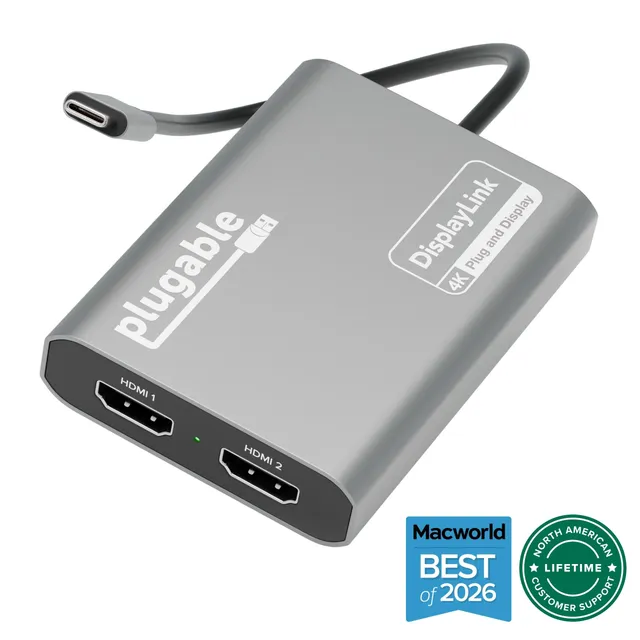
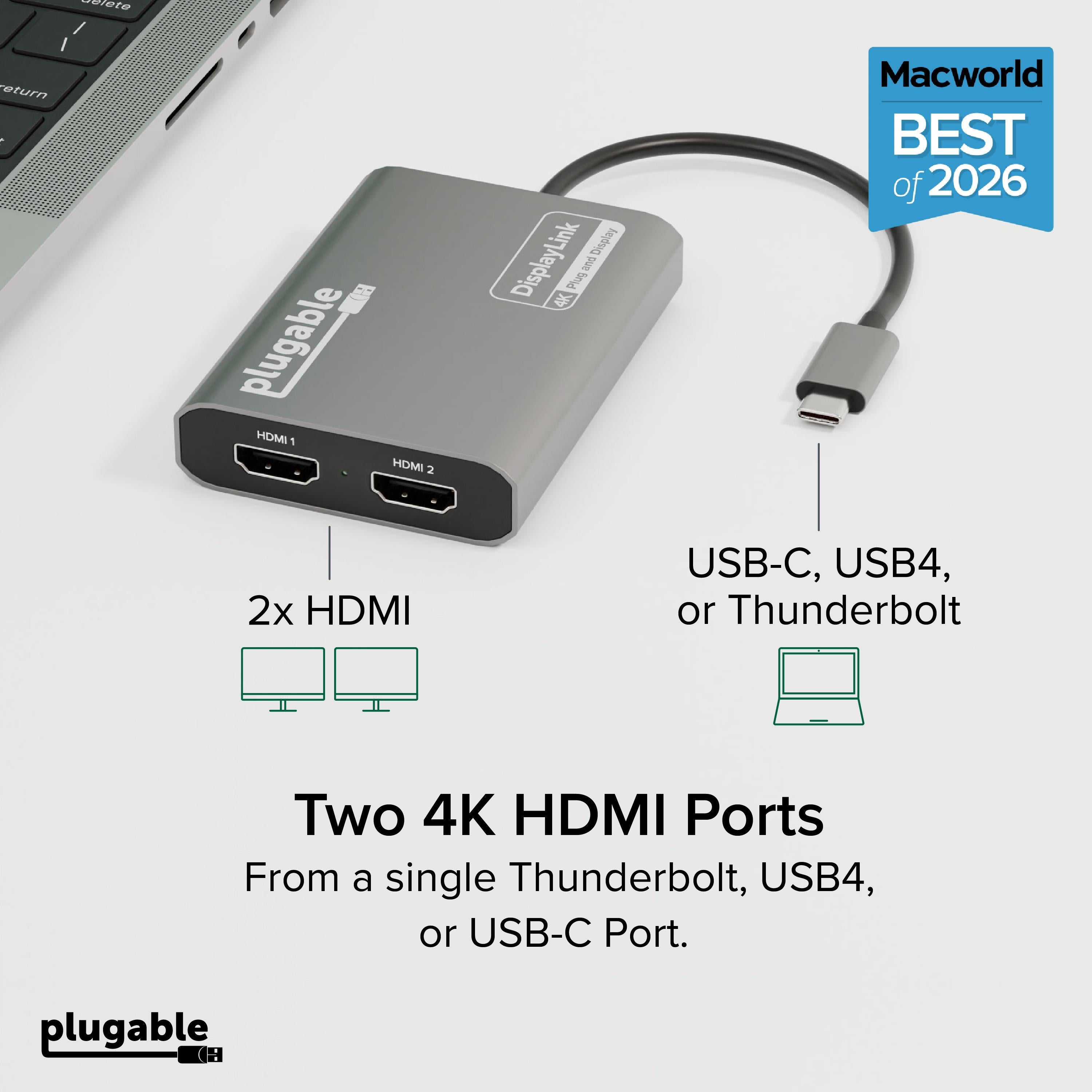
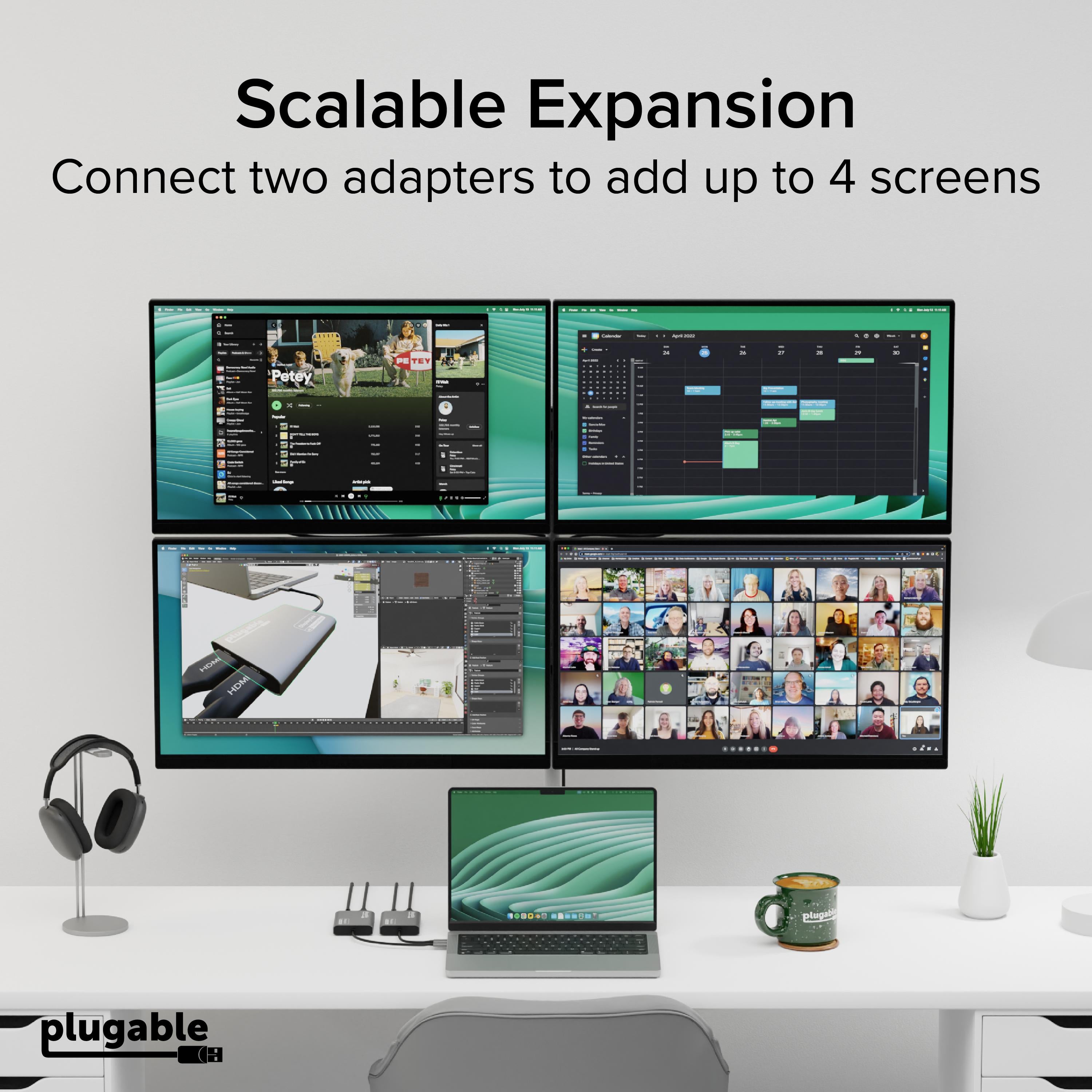
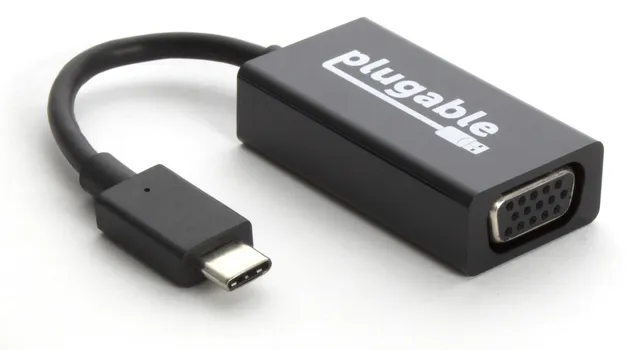
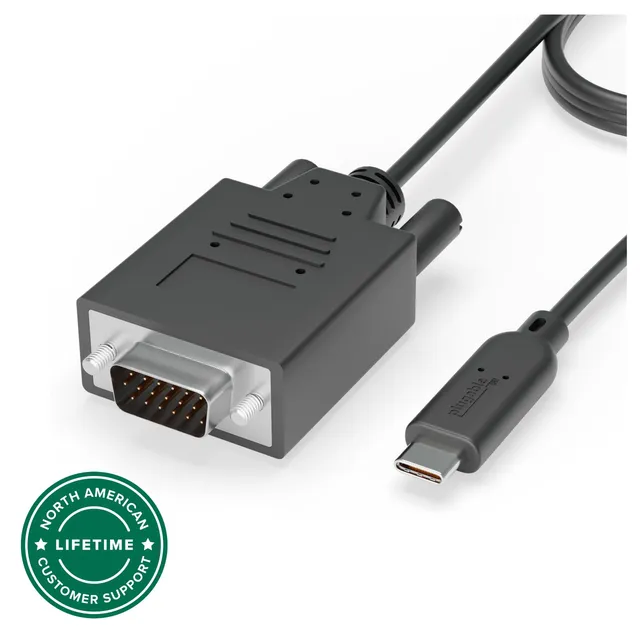
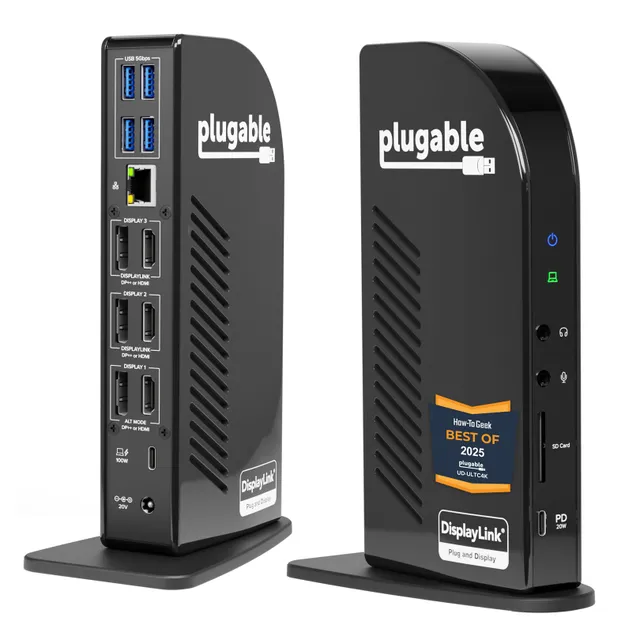
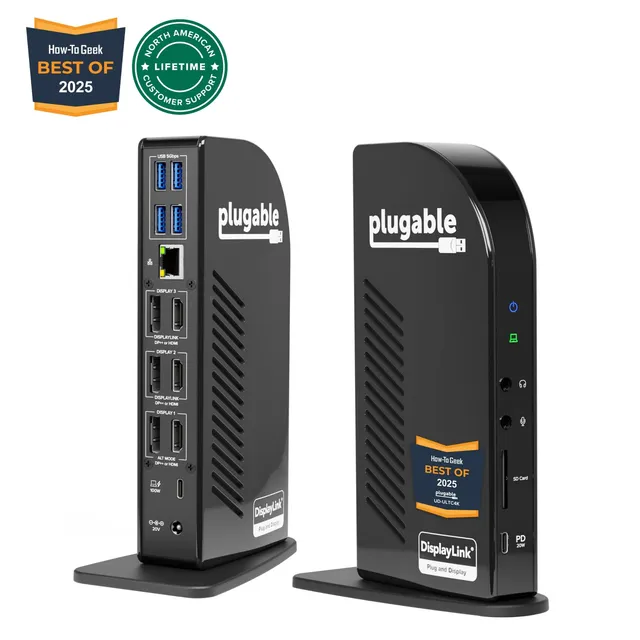
The Plugable USBC-6950M adds two 4K 60Hz HDMI displays over a single USB-C port using DisplayLink technology—ideal for Mac, Windows, and ChromeOS multi-monitor setups.
Categories : Series
SKU : POR-SER-745
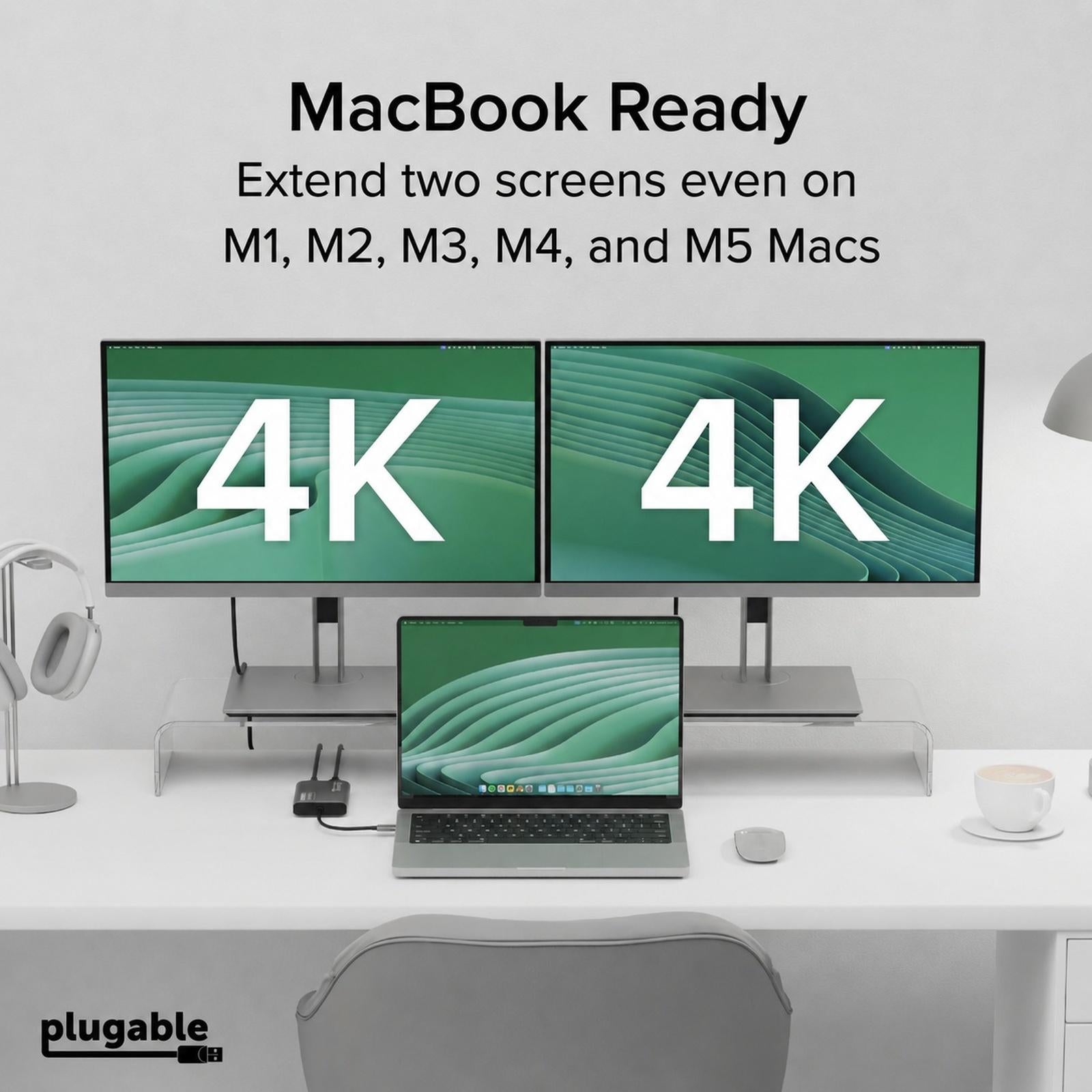
The Plugable USBC-6950M is a powerful USB-C to HDMI adapter that lets you add two 4K 60Hz HDMI displays to your MacBook (M1 through M5), Windows laptop, or ChromeOS device from a single USB-C port. Using proven DisplayLink technology (DL-6950 chipset), it extends your workspace beyond native display limits, making it a practical solution for multitasking, hybrid work, creative projects, and productivity-focused desk setups.
This adapter is perfect for professionals who need more screen real estate. With dual HDMI outputs, you can connect two 4K monitors or a combination of 4K and lower-resolution displays. The DisplayLink chip compresses and transmits video over USB-C, allowing you to add displays even if your laptop's native graphics only support one external monitor. It's a game-changer for MacBook users who want multi-monitor setups without buying a premium dock.
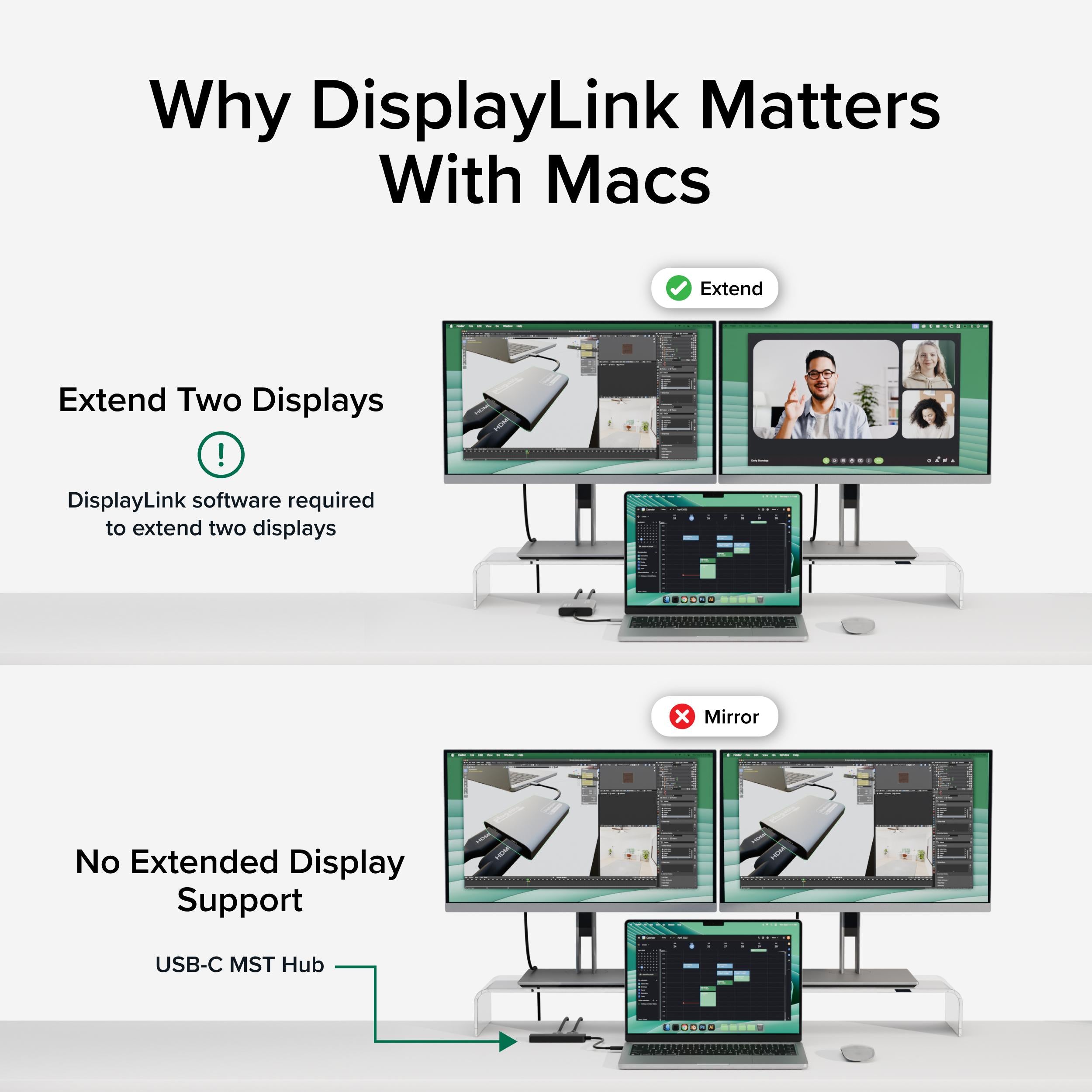
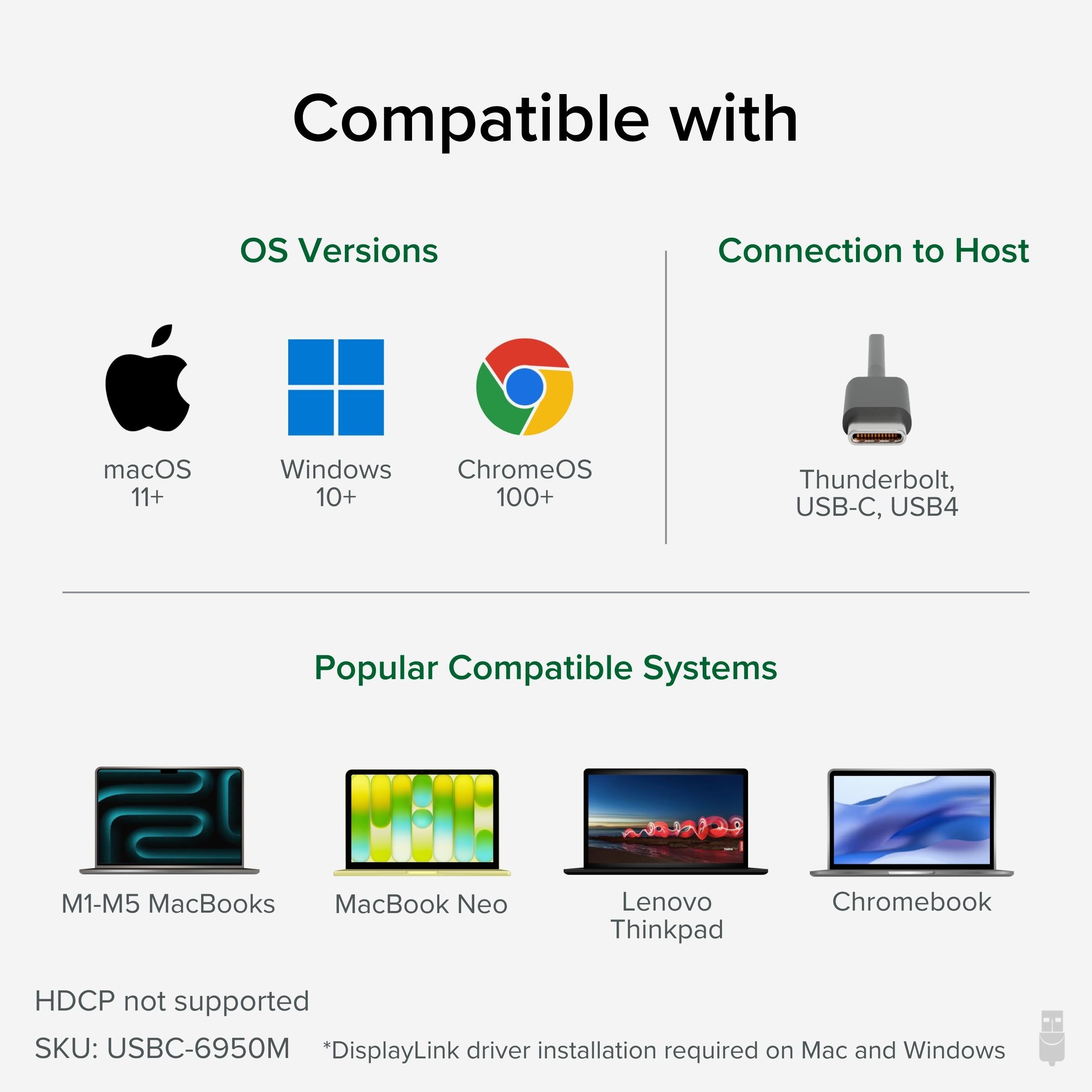
Works with macOS (including Apple Silicon M1/M2/M3/M4 and M5), Windows, and ChromeOS 100+. A DisplayLink driver is required and can be downloaded from the Plugable website. Setup is straightforward: install the driver, connect the adapter to your USB-C port, and then attach your HDMI displays. The adapter also supports features like screen mirroring, extended desktop, and rotation.
Enjoy sharp, smooth visuals at 4K@60Hz on both displays (when connected to a high-bandwidth USB-C port). The USBC-6950M is ideal for applications like web development, data analysis, video editing, and any workflow that benefits from extra screens. Note that DisplayLink displays rely on USB bandwidth, so performance may vary with system load, but for productivity tasks, it's excellent.
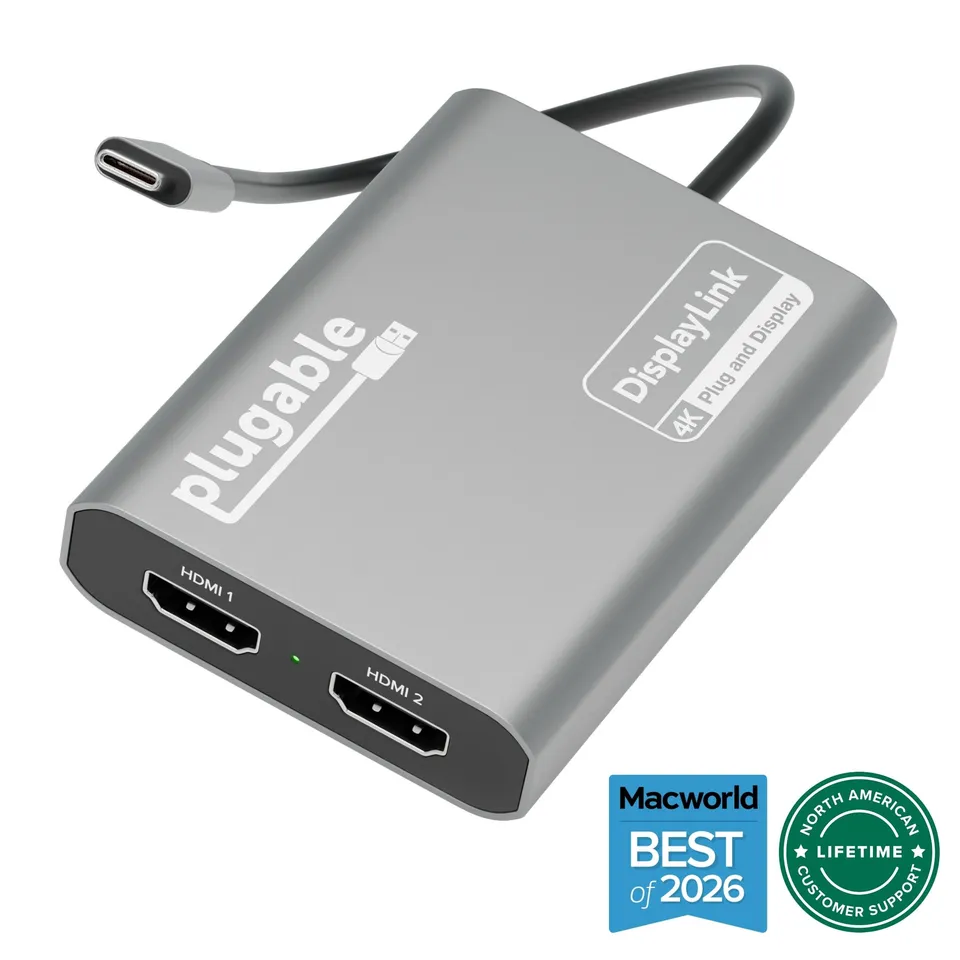
Dual 4K 60Hz output: Connect two HDMI monitors at full 4K resolution for an expansive workspace.
Works with Apple Silicon: Specifically designed for MacBook M1/M2/M3/M4/M5, as well as Windows and ChromeOS.
Simple USB-C setup: One cable adds multiple displays using reliable DisplayLink technology.
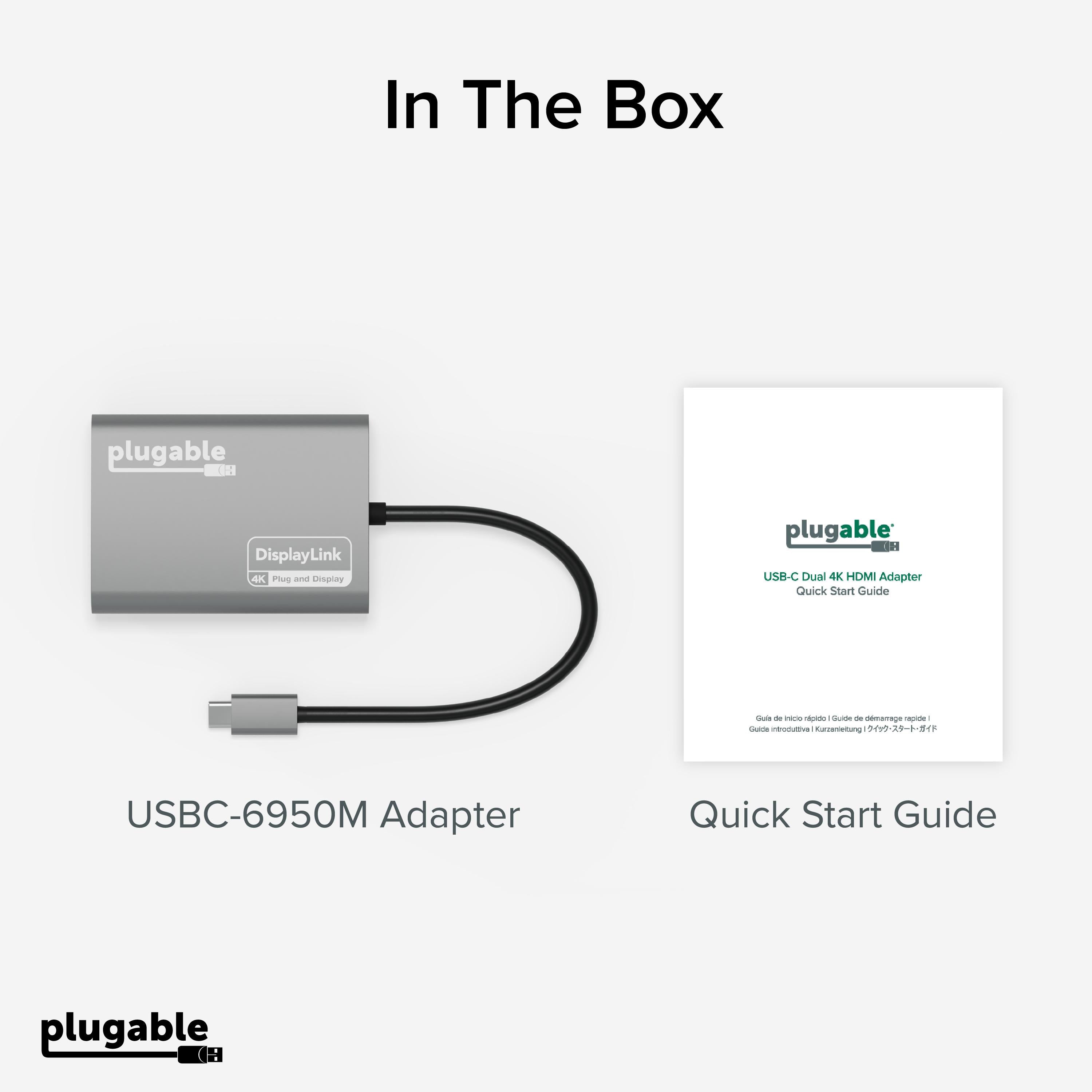
Model: USBC-6950M
Chipset: DisplayLink DL-6950
Product Type: USB-C to Dual HDMI Adapter
Compatibility: macOS, Windows, ChromeOS 100+
Video Outputs: 2× HDMI
Host Interface: USB-C (Thunderbolt 3/4 compatible)
Driver Required: Yes (DisplayLink)
Maximum Resolution: 3840×2160 @ 60Hz (per port)
Seller: PortSide Gear
MPN: USBC-6950M
your laptop's built-in display supports only one external monitor? With Plugable USBC-6950M, you can break free from those limitations. It's a reliable, high-performance adapter that scales with your needs, whether you're editing video, analyzing data, or simply managing multiple windows. Upgrade your workspace today.
Download the latest DisplayLink driver from plugable.com and install it. Connect the adapter to your MacBook's USB-C or Thunderbolt port, then connect your HDMI monitors. Grant the necessary permissions (Screen Recording) when prompted. Reboot if needed, and your displays should be recognized.
On macOS, go to System Preferences > Displays and ensure 'Arrangement' is set to 'Extended Desktop' rather than 'Mirror Displays.' You may need to adjust settings for each DisplayLink display. On Windows, right-click the desktop and choose 'Display settings' to configure multi-display modes.
Yes, it supports content protection (HDCP). However, streaming services like Netflix may limit 4K playback on external displays due to HDCP version requirements. Generally, 1080p playback works fine, but 4K may require a direct connection to a display with HDCP 2.2.
Yes, DisplayLink drivers are required for all macOS versions. Plugable regularly updates drivers to support new macOS releases, including Tahoe. Ensure you download the latest version from our website.
I was skeptical about DisplayLink, but this adapter worked flawlessly out of the box on my M3 MacBook Pro. Both 4K monitors run at 60Hz, and the picture quality is crisp. No lag for my productivity work. Absolutely recommended.
Finally a simple solution to add two monitors to my MacBook Air. Installed drivers, plugged in, and both displays came up immediately. Works great for spreadsheets and coding.
Does its job perfectly once you install the drivers. The adapter is well-built and supports dual 4K at 60Hz without any flicker. Initial setup took a few minutes, but after that, it's been smooth sailing.
I use this to connect two 4K monitors to my Windows laptop. For productivity, it's fine, but there's a slight lag when moving windows occasionally. Not a deal-breaker, but if you're gaming, this isn't for you.
Like other DisplayLink adapters, you need to install the software first and allow screen recording permissions. Once that's done, it works, but it took a bit of fiddling. Performance is okay, but the setup is a hassle.
The adapter has a small fan that occasionally spins up and is audible. Not a huge issue, but annoying in a quiet room. Video output is stable and sharp.
Both of my monitors would randomly disconnect and reconnect, which was very frustrating. I tried different cables and ports, but the issue persisted. Returned it for a refund.
Orders over $45.00 ship free. Otherwise, shipping is $8.00.
Hassle-free returns
SSL encrypted checkout
100% genuine products
Docking stations and hubs from Razer, Corsair, Plugable & STM Goods — compare and connect with free shipping over $45.
Phone: +1 (206) 555-0148
Email: support@portsidegear.us
Address: 2815 Alaskan Way, Suite 300, Seattle, WA 98121, United States