$20.00
We will hold your cart for 15:00.
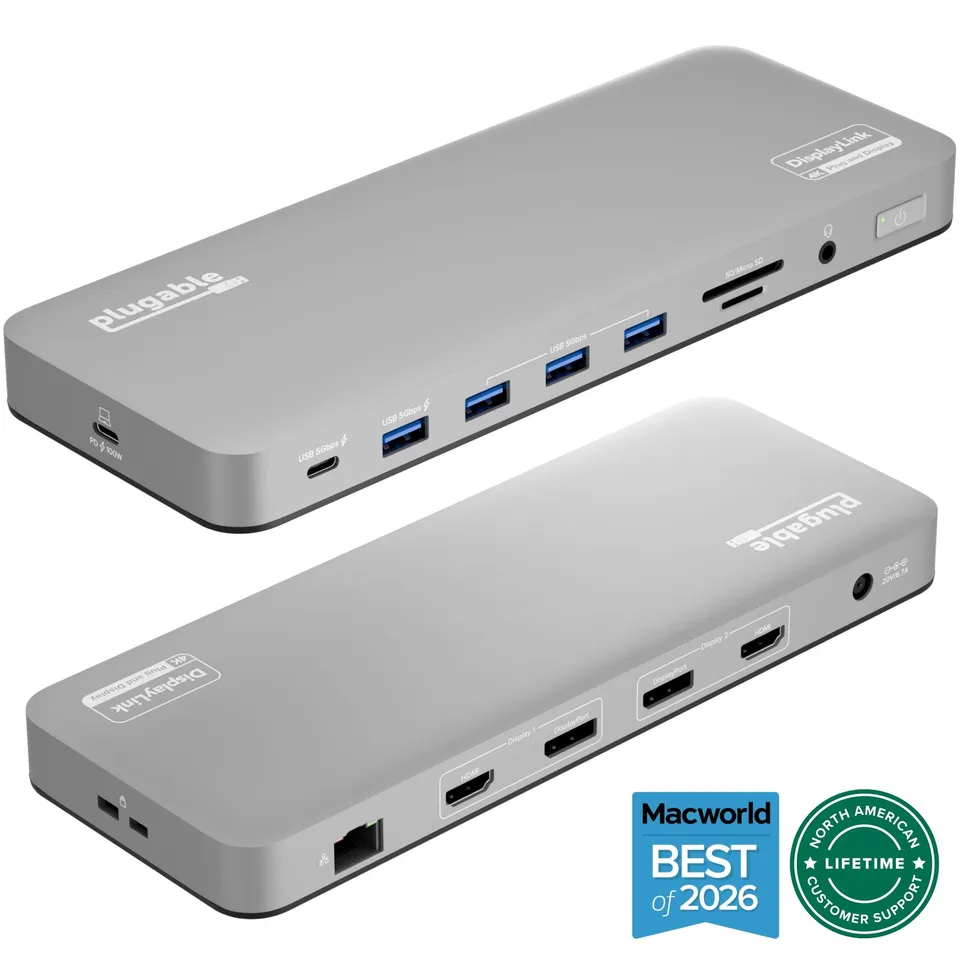
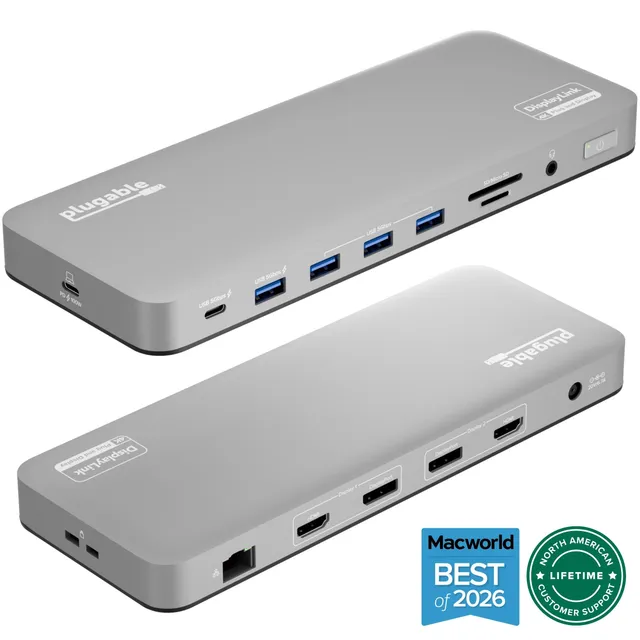
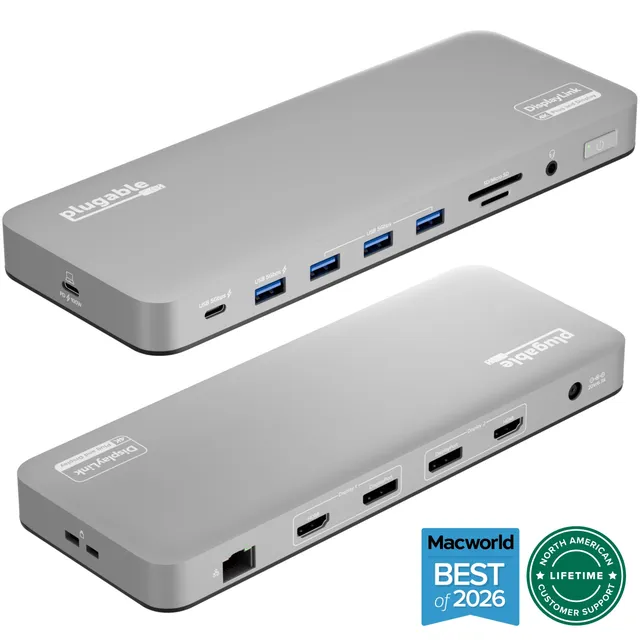
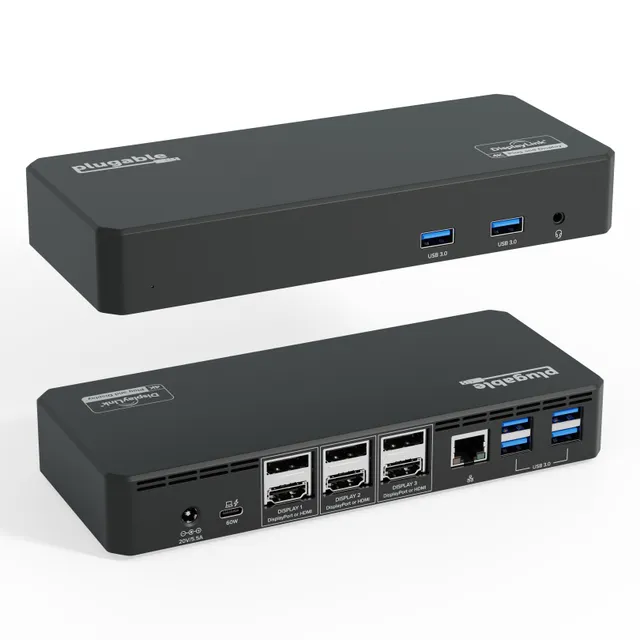
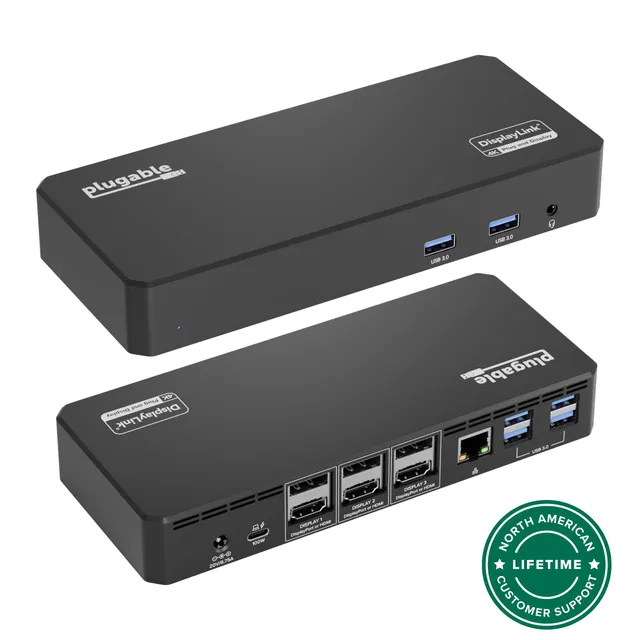
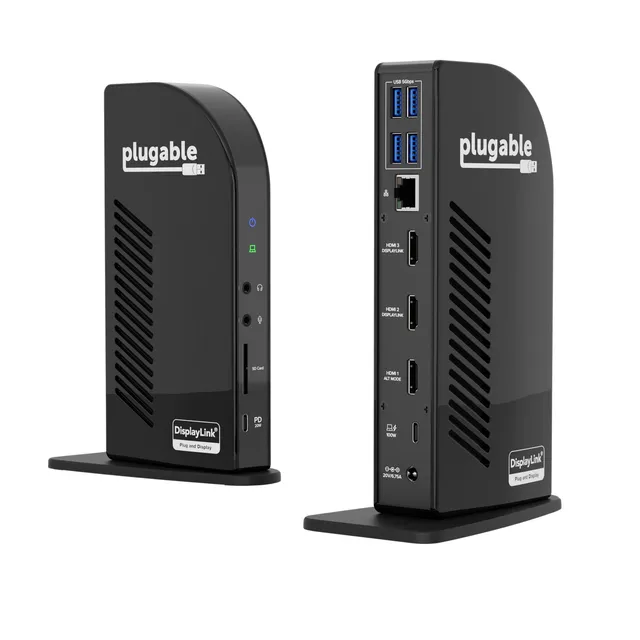
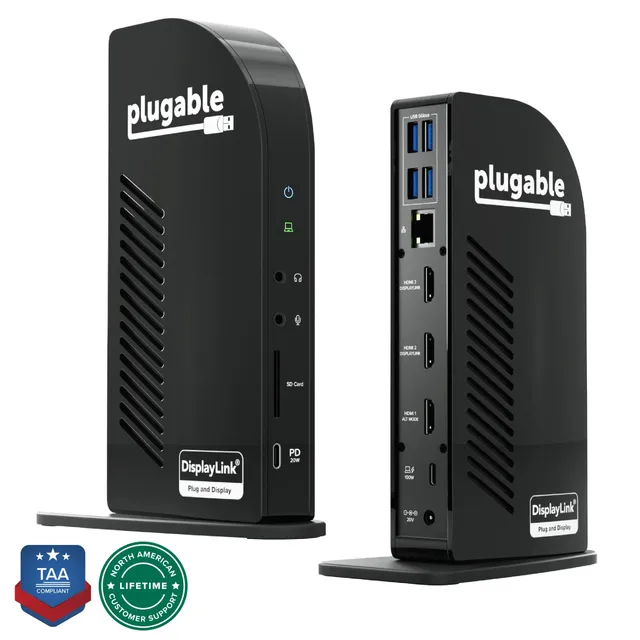
The Plugable UD-6950PDH USB-C docking station for Mac adds dual 4K monitor support, 100W laptop charging, and a full suite of ports via a single cable.
Categories : Series
SKU : POR-SER-719
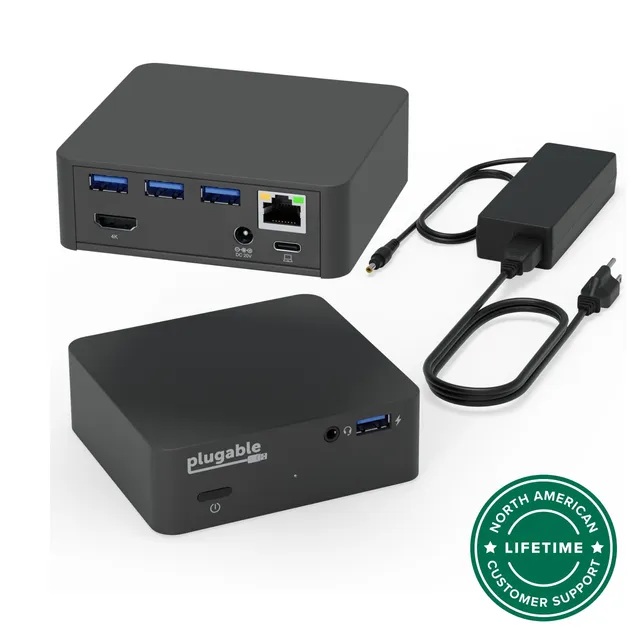
The Plugable UD-6950PDH is a USB-C docking station designed to turn your MacBook into a powerful desktop workstation. With dual 4K display support, 100W laptop charging, and a comprehensive set of ports, this dock streamlines your desk setup and boosts productivity. Whether you're a creative professional, developer, or business user working from home or in the office, the UD-6950PDH delivers a seamless, one-cable docking experience.
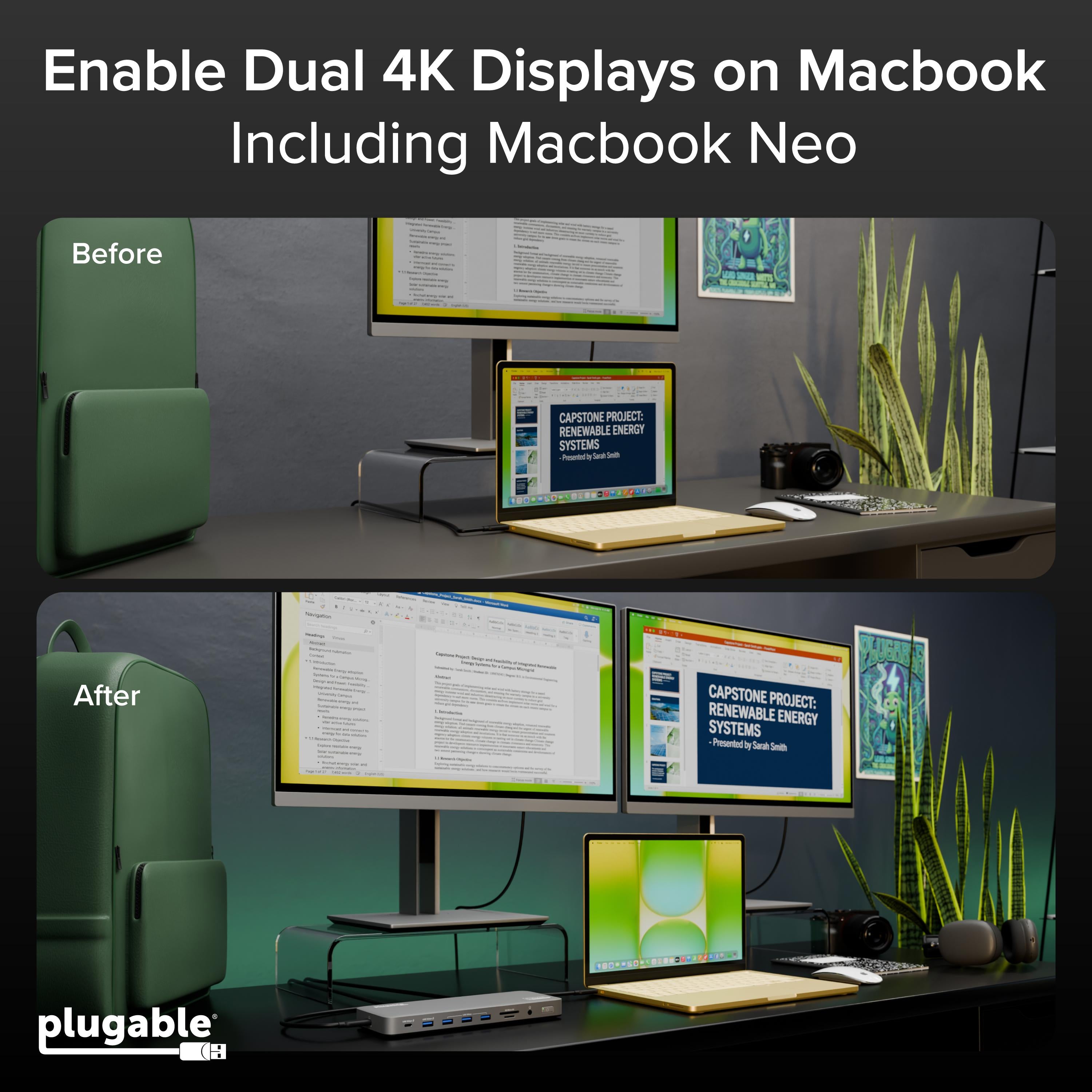
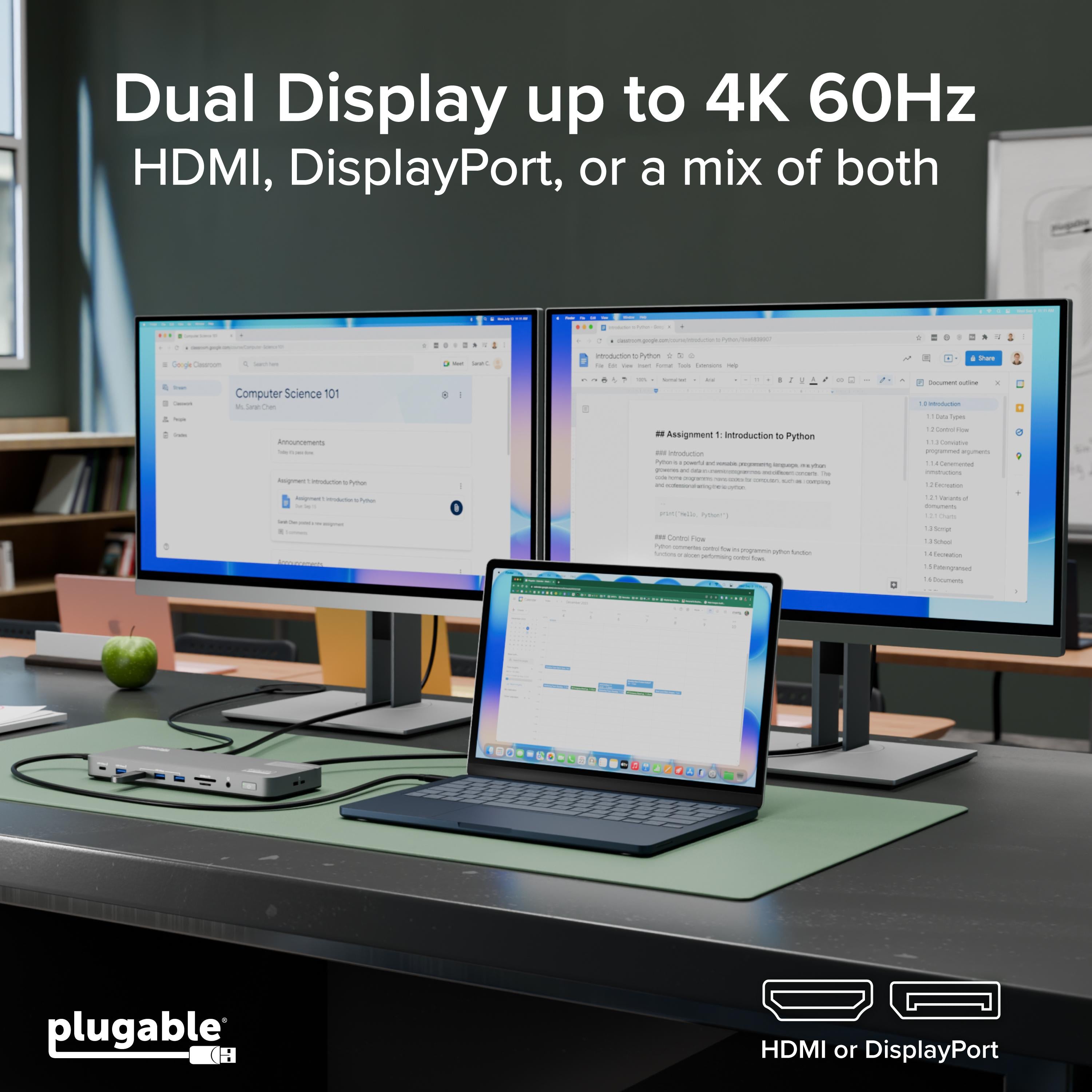
Connect two 4K displays via DisplayPort or HDMI and enjoy crisp, detailed visuals perfect for multitasking, video editing, or financial modeling. The dock uses DisplayLink technology to ensure broad compatibility with Macs, including M1, M2, and Intel models.
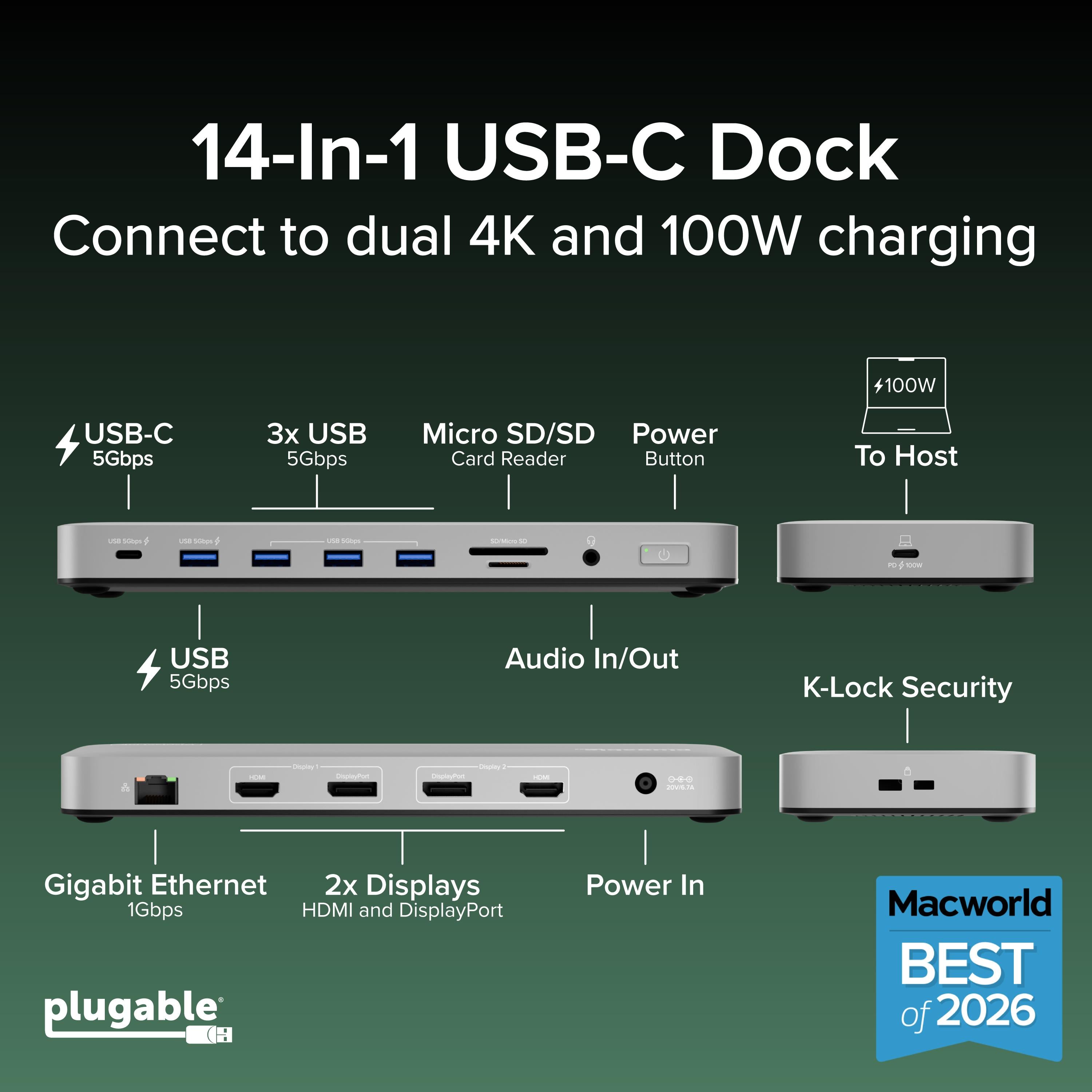
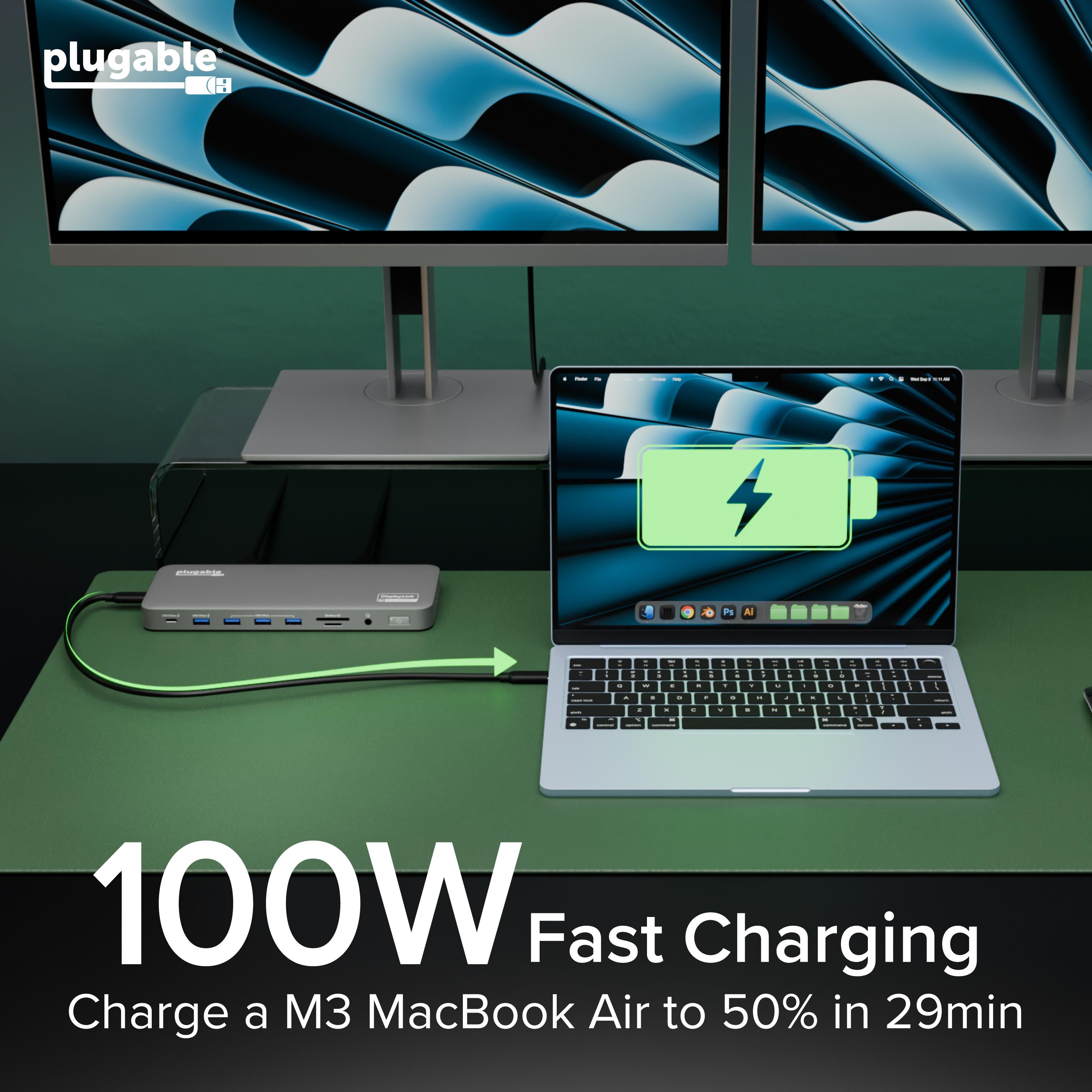
Deliver up to 100W of power delivery to your laptop, while the dock's multiple USB ports, Ethernet, and audio jacks keep all your peripherals connected. Say goodbye to a tangle of cables.
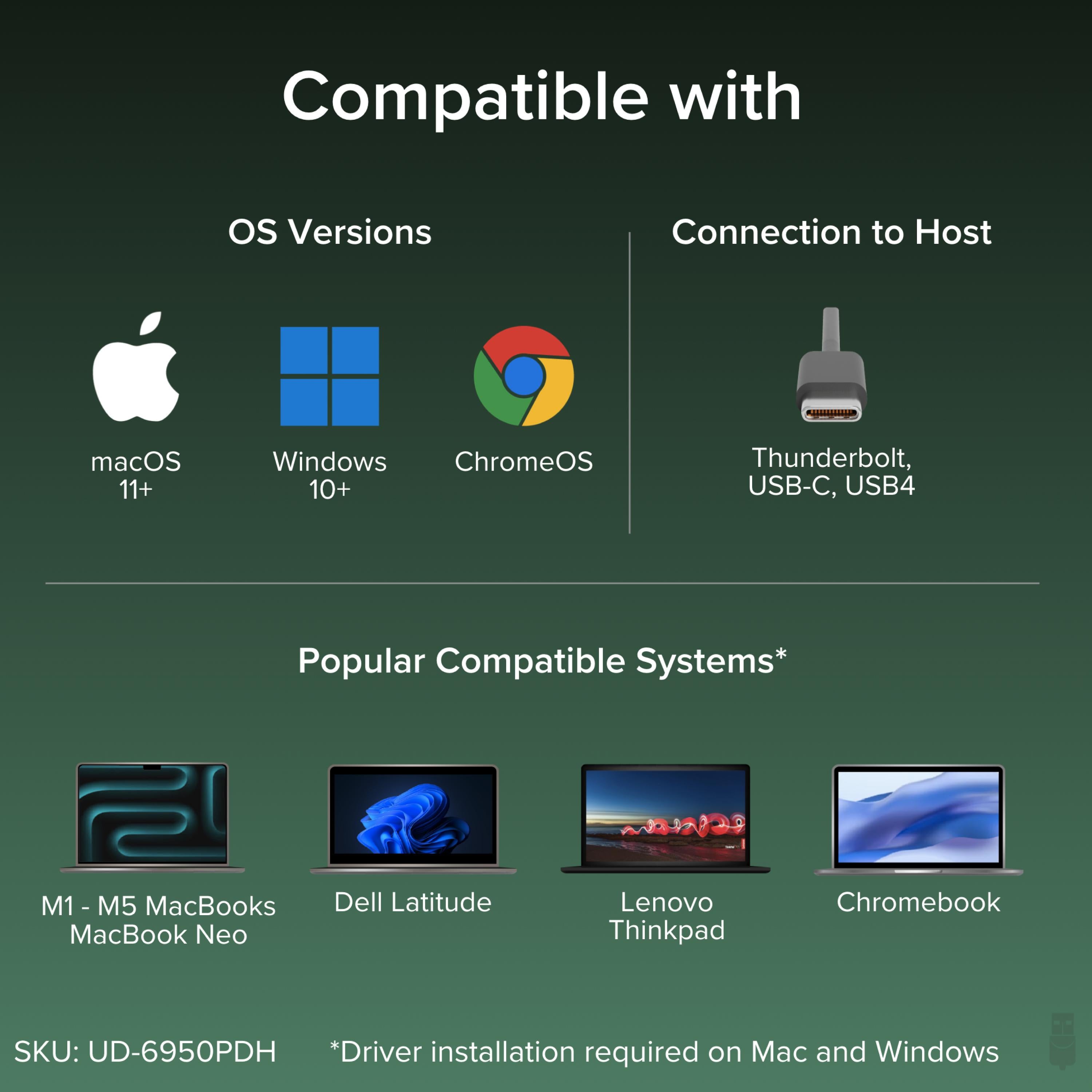
Install the DisplayLink driver on your Mac, and you're ready to go. The dock is compatible with macOS, and even ChromeOS, making it a versatile choice for mixed-environment teams.
With a single USB-C connection, you gain dual monitors, wired internet, fast file transfers, and a clutter-free desk. The UD-6950PDH is the ultimate upgrade for any Mac user seeking a more capable workspace.
Dual 4K monitor support via DisplayLink for expansive, high-resolution workspaces on Mac and ChromeOS
100W laptop charging powers demanding MacBook Pro models while running multiple peripherals
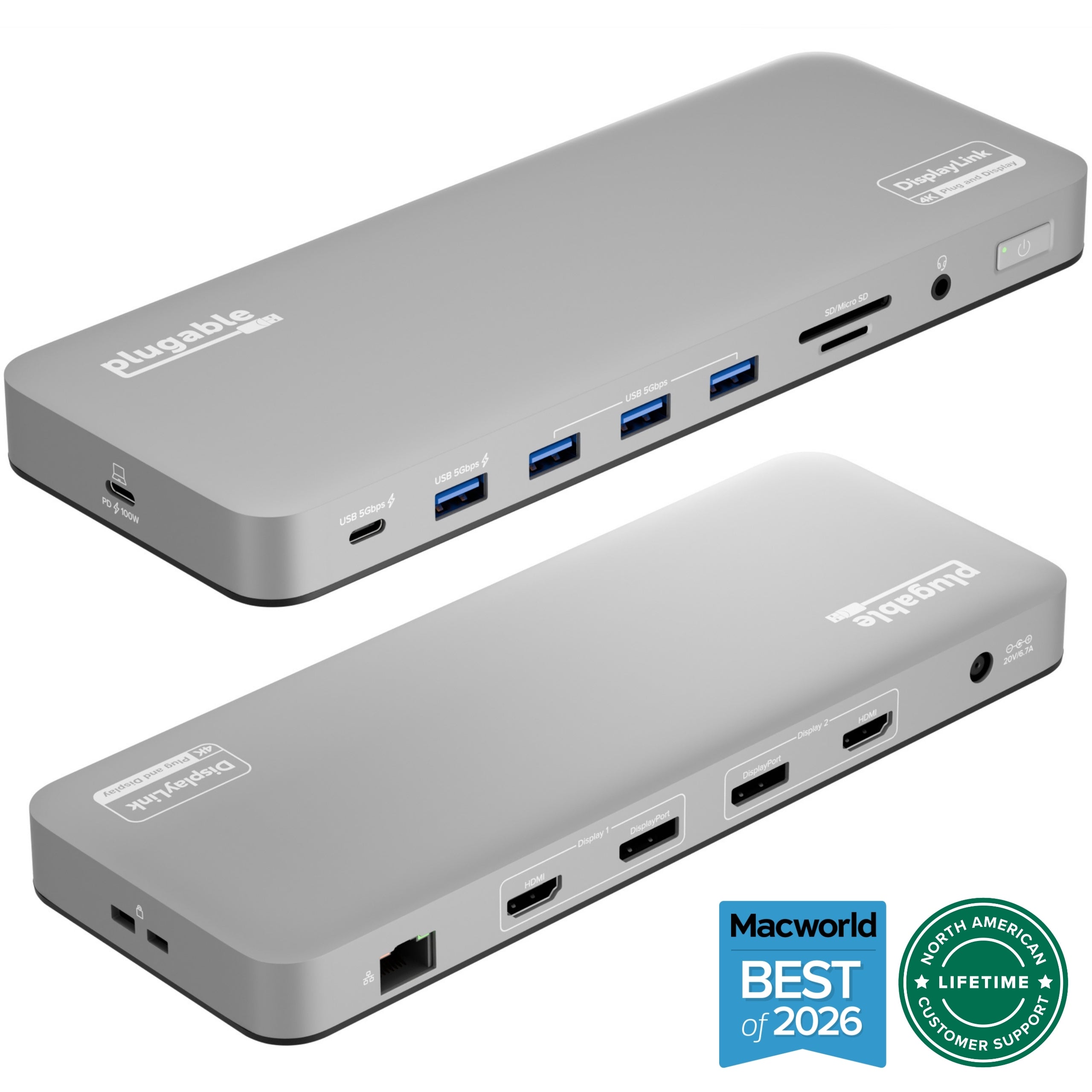
One-cable connection with 7-in-1 port hub including USB, Ethernet, and audio for a clean, organized desk
Model: UD-6950PDH
Ports: 2x USB-A 3.0, 2x USB-A 2.0, 1x USB-C (data), Gigabit Ethernet, 3.5mm audio in/out
Weight: 1.2 lbs
Dimensions: 8.7 x 3.5 x 1.1 inches
Product Type: USB-C Docking Station
Video Output: 2x DisplayPort, 2x HDMI
Compatibility: macOS, ChromeOS, Windows (with drivers)
Power Delivery: 100W
Number of Displays: 2
Max Display Resolution: 3840x2160 @ 60Hz
Seller: PortSide Gear
MPN: UD-6950PDH
The UD-6950PDH is also a boon for IT departments standardizing on Mac hardware. Its DisplayLink silicon works across multiple macOS versions, reducing support tickets. The included 100W power adapter ensures your MacBook charges at full speed, even under heavy load. With a rugged aluminum chassis and a 2-year warranty, this dock is built for the demands of a professional workplace.
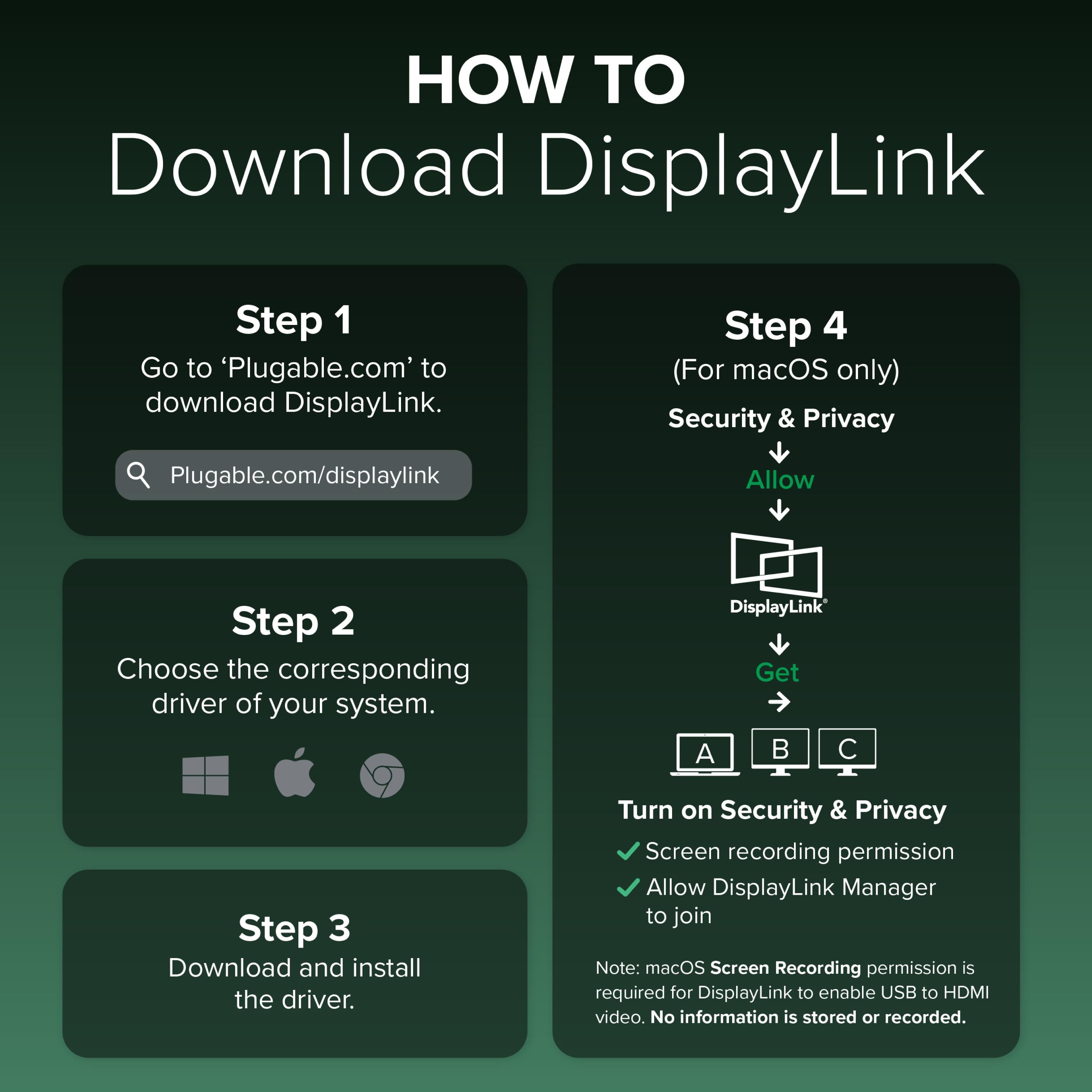
Install the DisplayLink driver from Plugable's website, connect your monitors to the dock's DisplayPort/HDMI ports, then connect the dock's USB-C cable to your Mac. The drivers will enable video output on both monitors. Ensure your Mac's OS is up to date for best compatibility.
Check that the second monitor is powered on and connected securely to the dock. Verify that the DisplayLink driver is installed and running, and that your Mac's display settings show the monitor. If using adapters, ensure they are DisplayLink-compatible. Try plugging the monitor directly into the dock to test.
Yes, the UD-6950PDH works with M1, M2, and M3 Macs via DisplayLink technology. Simply install the DisplayLink driver, and you can enjoy dual 4K displays on supported models.
Yes, to use the video outputs and some other features on macOS, you must install the DisplayLink driver from the official Plugable website. The driver is free and regularly updated for compatibility.
I bought this dock for my MacBook Pro M1, and it works flawlessly. Both 4K monitors run at 60Hz without any issues, and the 100W charging keeps my laptop powered even under load. The USB ports are ample. Highly recommend!
Overall, this is a great dock. The dual 4K support is excellent, and the charging works well. However, I had to update the firmware to get the monitors to wake from sleep reliably. After that, it's been stable. Worth the price.
As a graphic designer, I need accurate colors and smooth performance. This dock delivers that. Setup was easy, and all my peripherals are connected. The 100W charging is a huge plus – I no longer need the MacBook's charger. Excellent product.
The dock functions well with my MacBook Air, but I had to use the provided cable to get dual 4K. Other Thunderbolt cables didn't work. It's not a huge issue, but something to be aware of. The speed is good, though.
I've tried several USB-C docks for my MacBook, and this is the first one that truly supports dual 4K at 60Hz. The build quality is top-notch, and the 100W charging is excellent. I've had no issues with display connectivity or power. Five stars!
This dock is reliable and does everything promised. However, I feel the price is a bit high compared to other docks with similar features. If you need dual 4K on a Mac, though, it's worth it. I've been using it for two weeks without problems.
I was hesitant to spend the money, but this dock has been worth every cent. The dual 4K support is flawless, and I love that it charges my MacBook at full speed. The ports are well-placed, and the design is sleek. Highly recommended for any MacBook owner.
The dock works perfectly for my dual 4K setup. The only downside is that the internal fan can be audible when under heavy load. It's not too loud, but noticeable. Otherwise, it's a great product.
Orders over $45.00 ship free. Otherwise, shipping is $8.00.
Hassle-free returns
SSL encrypted checkout
100% genuine products
Docking stations and hubs from Razer, Corsair, Plugable & STM Goods — compare and connect with free shipping over $45.
Phone: +1 (206) 555-0148
Email: support@portsidegear.us
Address: 2815 Alaskan Way, Suite 300, Seattle, WA 98121, United States