$20.00
We will hold your cart for 15:00.
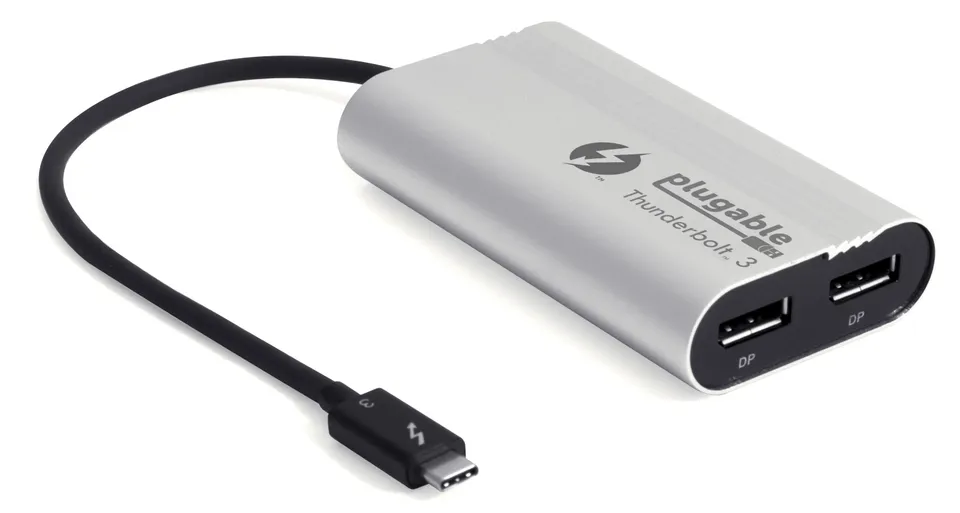
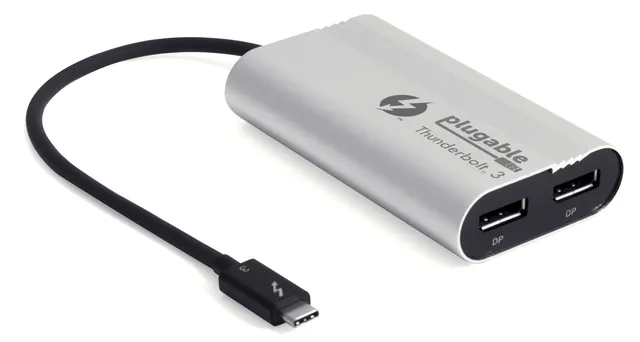
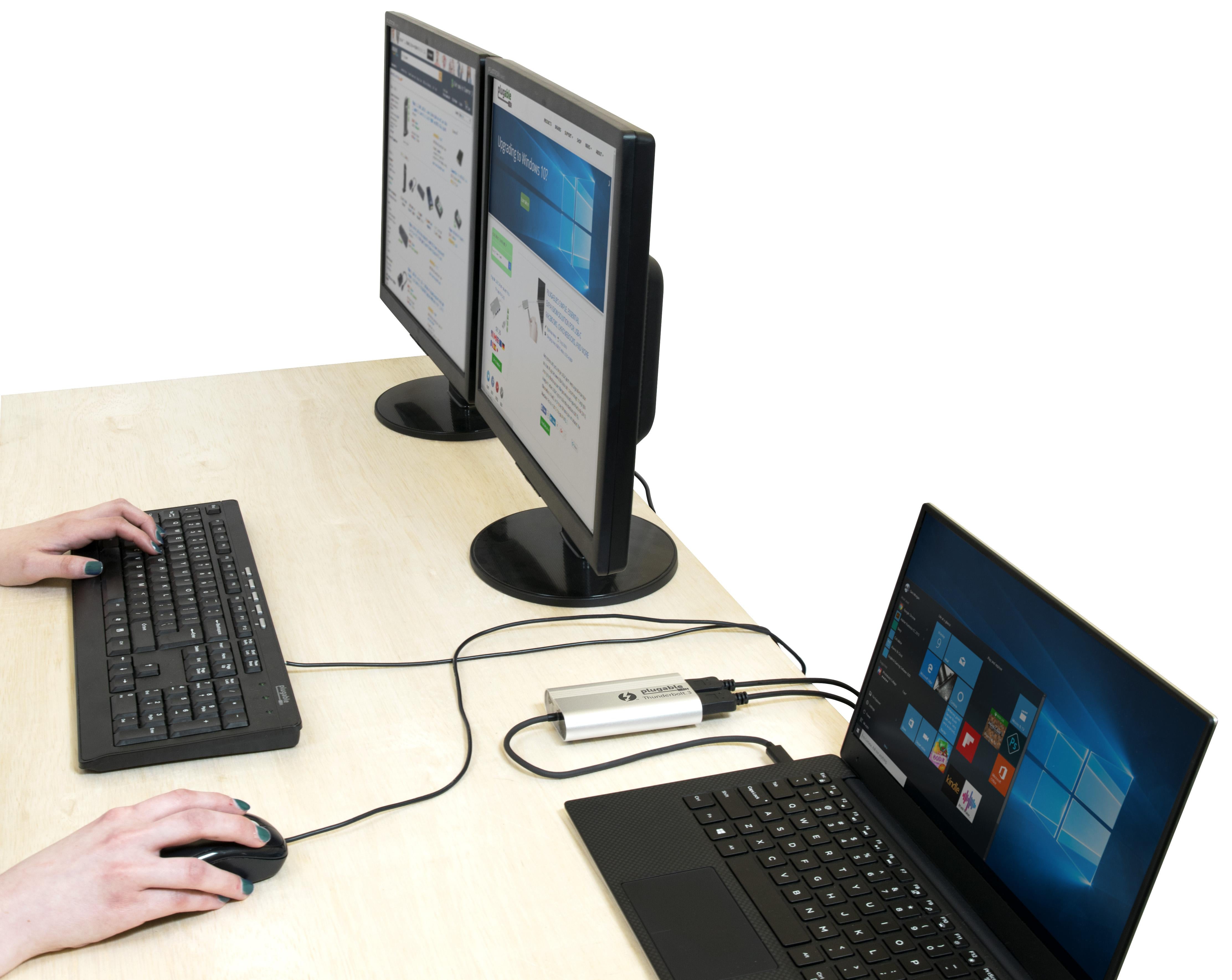
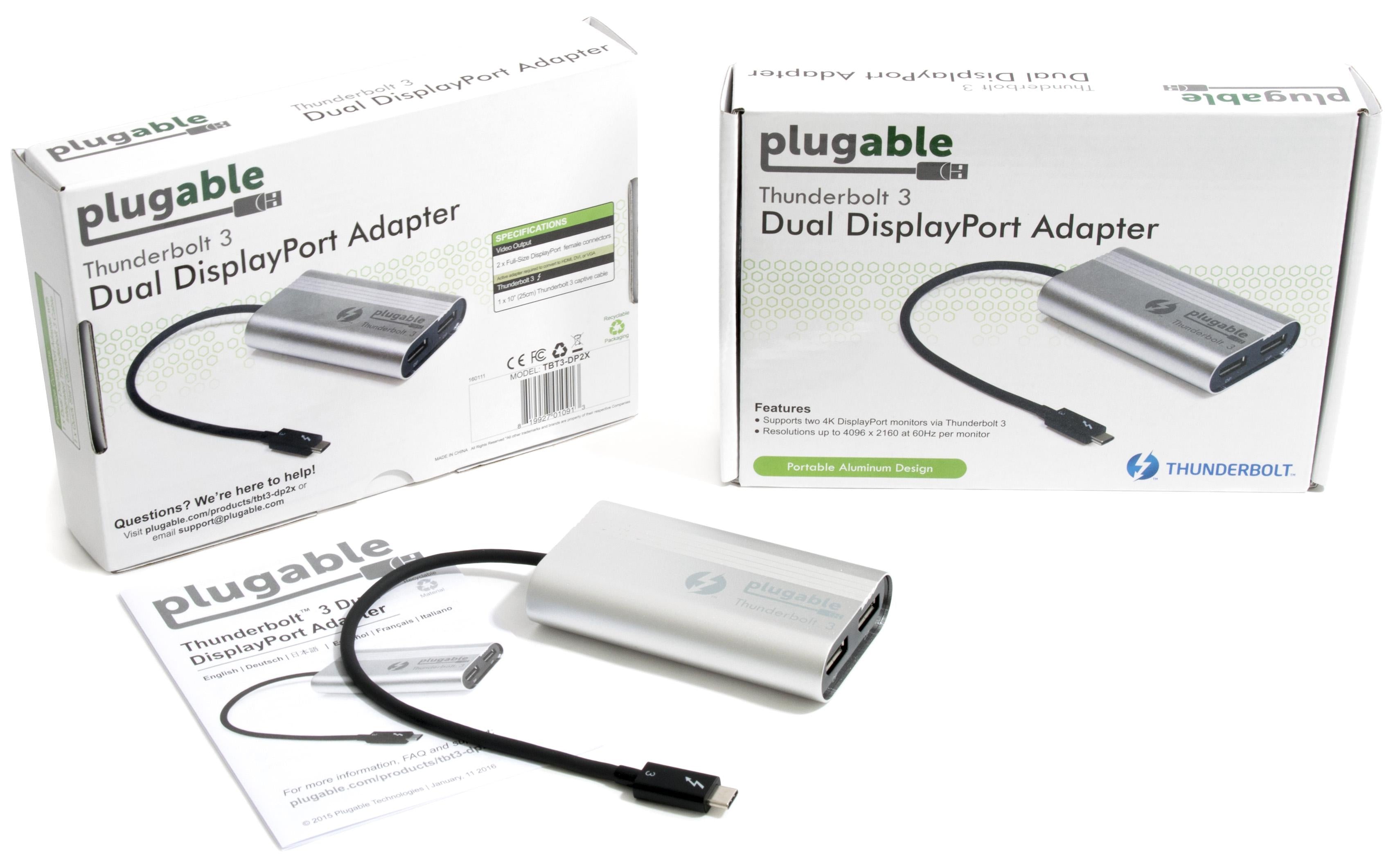
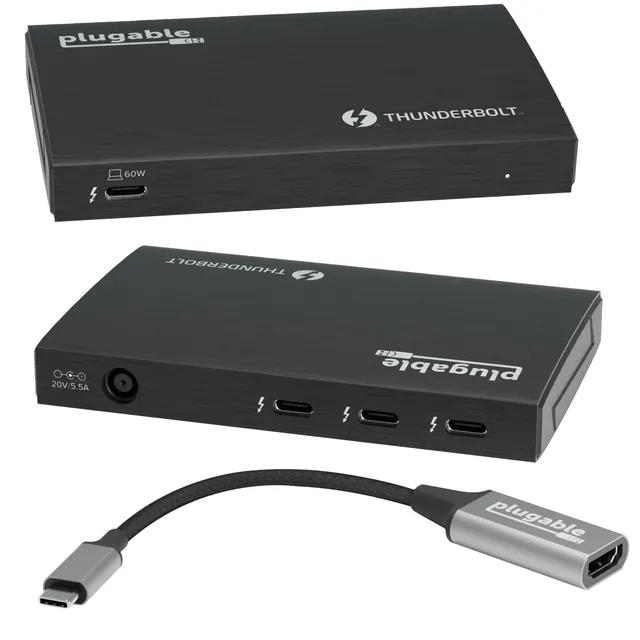
The Plugable Thunderbolt 3 Dual DisplayPort Adapter (TBT3-DP2X) connects two 4K displays at 60Hz with native GPU performance on Windows systems.
Categories : Series
SKU : POR-SER-763
The Plugable TBT3-DP2X harnesses the 40Gbps bandwidth of Intel Thunderbolt 3 to drive two additional displays with native graphics performance. Connect two 4K monitors at 60Hz, or a single 5K display, with crisp, low-latency output that taps directly into your system's GPU—no extra processing overhead. Designed for Windows laptops and desktops with Thunderbolt 3, this adapter is ideal for video editors, developers, and financial analysts who need expansive workspaces.
Note: This adapter is optimized for Windows; Mac compatibility is limited (see FAQ). With the TBT3-DP2X, you can extend your desktop across multiple screens, mirror to a conference room display, or keep your code on one monitor and documentation on another. The adapter's tiny enclosure is bus-powered, so no external power is needed.
Supports two 4K displays at 60Hz or one 5K display via dual DisplayPort 1.4
Uses the host system's GPU for high-performance, low-latency output without extra processing load
Bus-powered and portable—ideal for desks and on-the-go setups
Model: TBT3-DP2X
Power: Bus-powered
OS Support: Windows 10 and later
Product Type: Thunderbolt 3 Dual DisplayPort Adapter
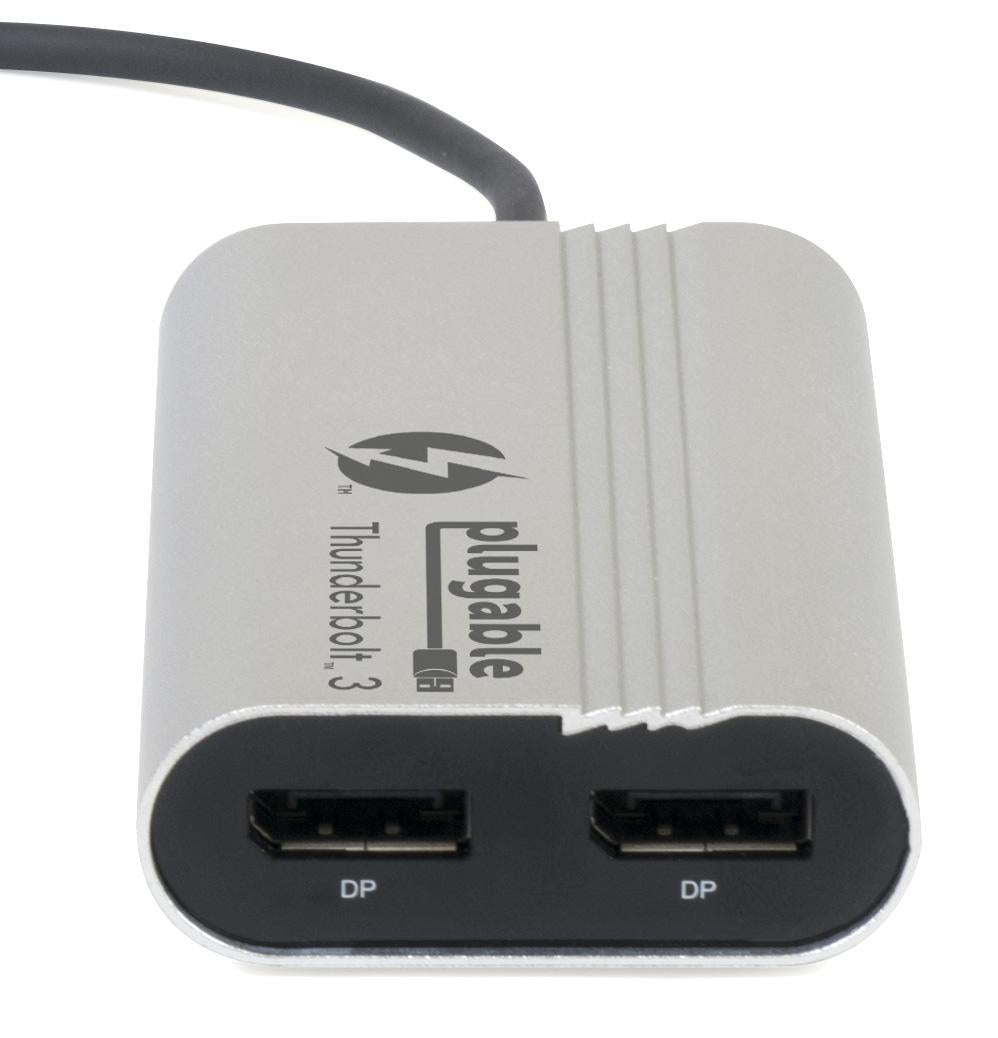
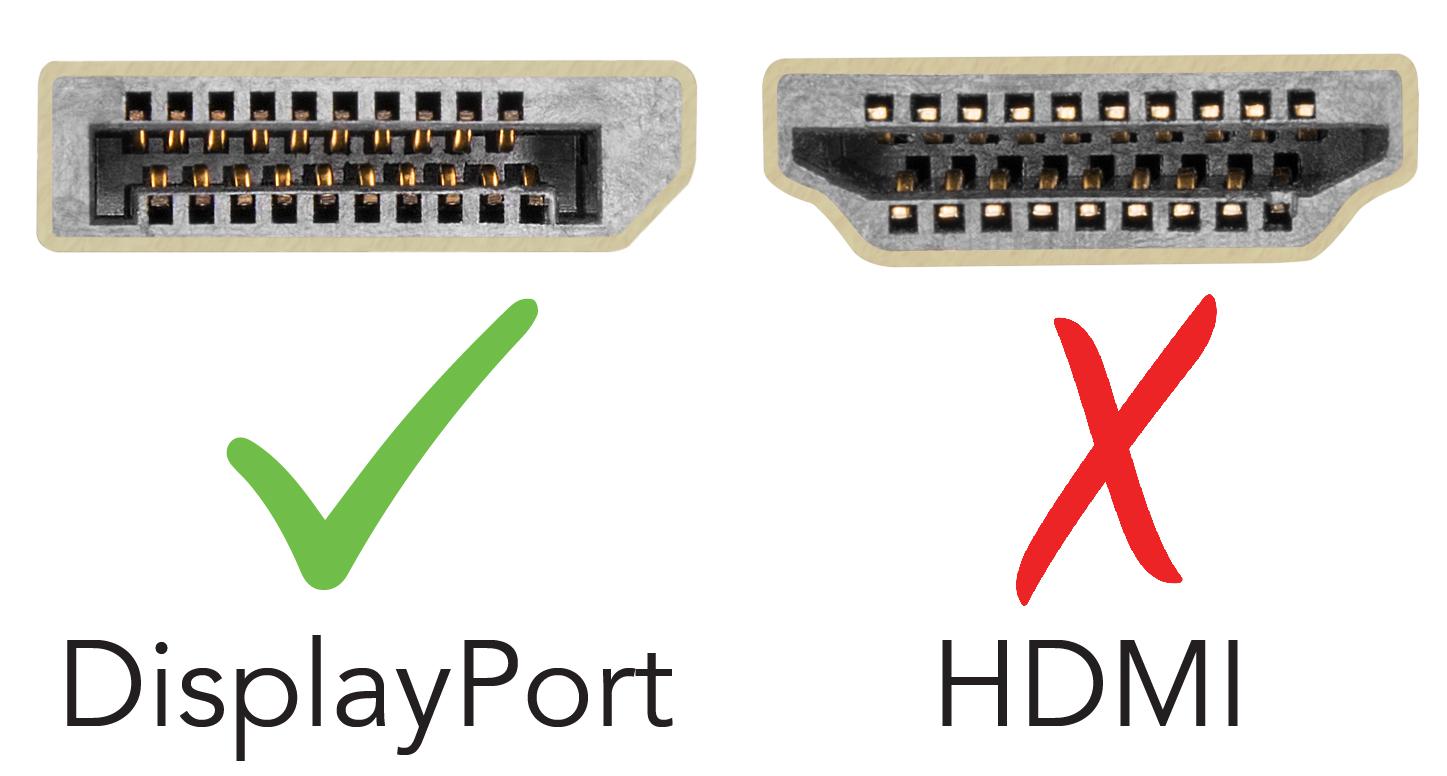
Video Output: 2x DisplayPort 1.4
Compatibility: Windows-based systems with Thunderbolt 3 (not for Macs)
Host Interface: Thunderbolt 3 (40 Gbps)
Max Resolution: 2x 4K @ 60Hz or 1x 5K @ 60Hz
Seller: PortSide Gear
MPN: TBT3-DP2X
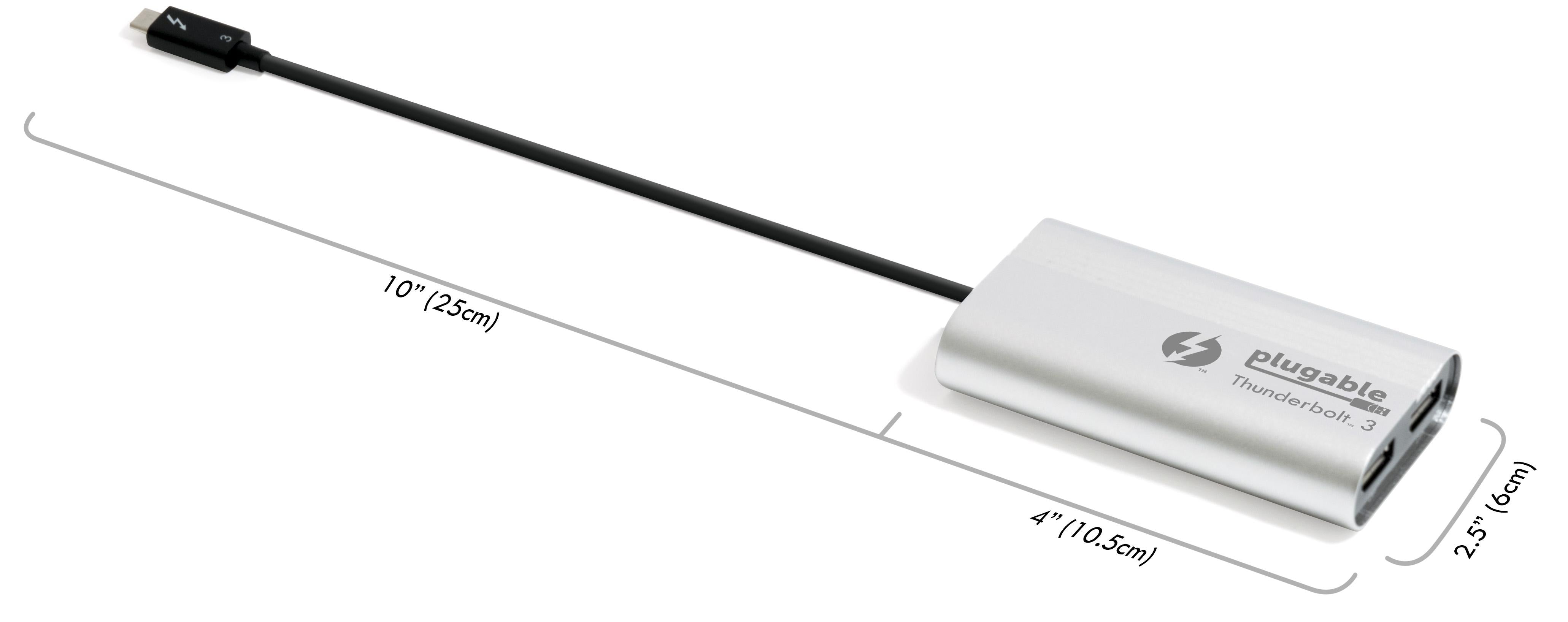
The adapter's metal housing dissipates heat effectively even during extended multi-display use. For professionals who live in spreadsheets or design software, the ability to drag windows across virtual desktops without frame drops is a game-changer. Its compact size (about the width of a USB stick) means you can leave it plugged in without blocking adjacent ports.
This adapter is designed for Windows systems and does not work with Macs due to differences in Thunderbolt display output implementation. For Mac compatibility, look for adapters explicitly supporting macOS.
As mentioned, the TBT3-DP2X is not compatible with macOS. If you're using it on a Mac with Boot Camp, it may work in Windows mode, but support is not guaranteed by Plugable.
First, install Thunderbolt 3 drivers from your PC manufacturer. Connect the adapter to a Thunderbolt 3 port, install the DisplayPort cables to your monitors, and Windows should recognize the displays. If not, check the Thunderbolt Control Center app to approve the device.
I was skeptical if this would really support two 4K monitors at 60Hz on my Windows laptop. But it does! Setup was simple – just plugged it in, and both monitors were recognized. The picture is crisp, no lag. This is exactly what I needed for my productivity setup.
This adapter works great most of the time. I use dual 1440p monitors and it handles them fine. Occasionally, when I connect a third monitor, it gets confused and one display doesn't come on. Replugging fixes it. But overall, it's a solid product.
I have a ThinkPad X1 Carbon with Thunderbolt 3. I plugged this in and it drove two 4K monitors at 60Hz without any hassle. The build quality is excellent, the cable is long enough. This is a must-have for anyone with a Thunderbolt 3 laptop and dual 4K monitors.
I was using a single monitor before, and now I have two. This adapter made it so easy. Works perfectly with my HP Spectre. The video output is crisp. I didn't need to install any drivers. It just worked. I'm very happy.
Used it with my MacBook Pro (via Thunderbolt 3) and dual Dell U2720Q monitors. Both ran at 4K 60Hz without issues. It runs a bit warm, but that's probably normal. I wish it had a beefier cable, but it's fine.
On my Windows machine, it works great for dual 4K. But when I tried to use it with a Mac, the refresh rate dropped to 30Hz unless I used a specific setup. I mainly use it with my PC, so it's okay, but the compatibility could be better.
This adapter worked for a few weeks, then after a Windows update, it stopped being recognized. I tried reinstalling drivers, but nothing. I've seen other people have similar issues. It's a shame, because it was great when it worked.
I have a Dell Latitude with two 4K monitors. This adapter handles them flawlessly. The colors are vibrant, and there's no flickering. I also like that it doesn't require a separate power source. Highly recommended.
It's a great adapter, very reliable. But I feel it's a bit overpriced for what it is. Still, it solves the problem of not having enough video ports on my laptop, so I'll keep it.
Orders over $45.00 ship free. Otherwise, shipping is $8.00.
Hassle-free returns
SSL encrypted checkout
100% genuine products
Docking stations and hubs from Razer, Corsair, Plugable & STM Goods — compare and connect with free shipping over $45.
Phone: +1 (206) 555-0148
Email: support@portsidegear.us
Address: 2815 Alaskan Way, Suite 300, Seattle, WA 98121, United States