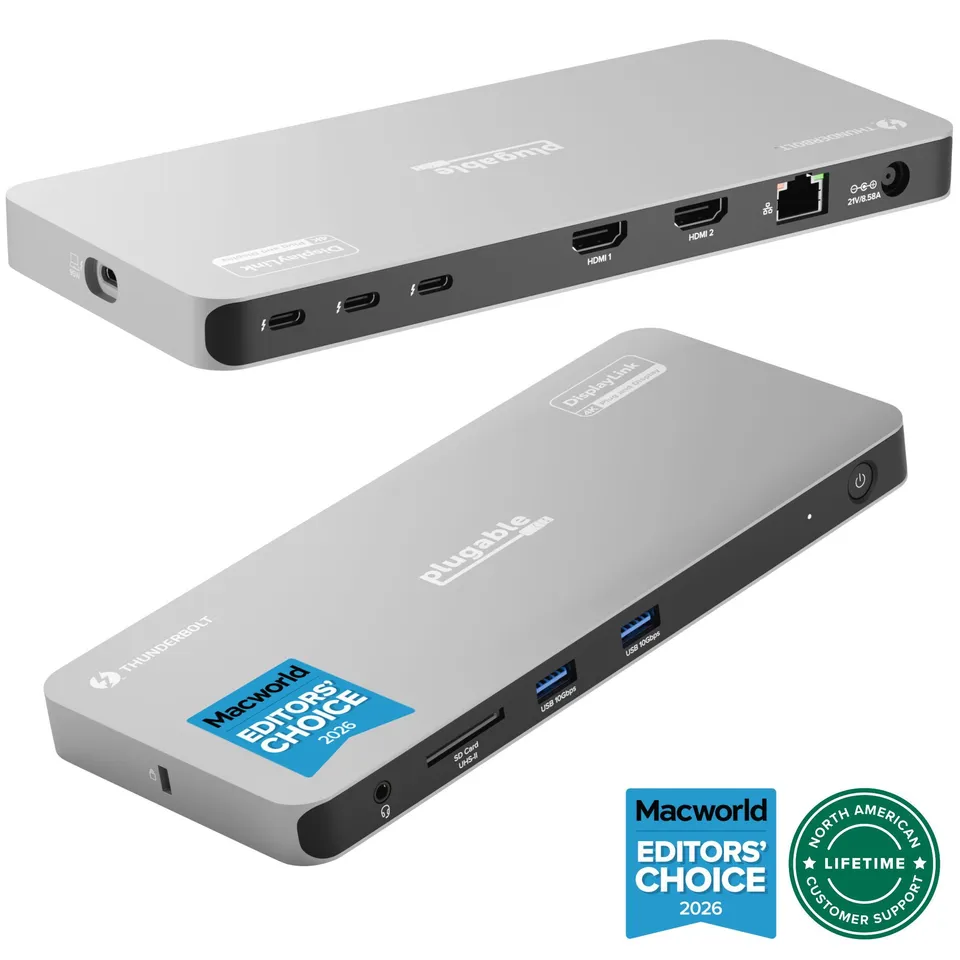
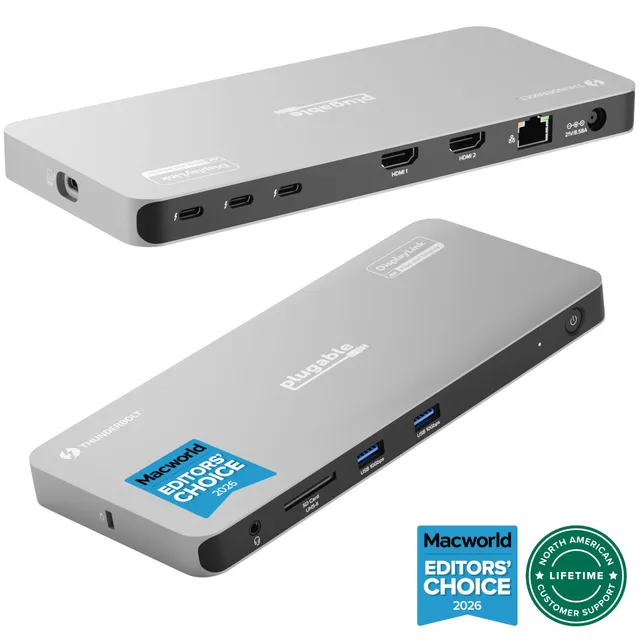
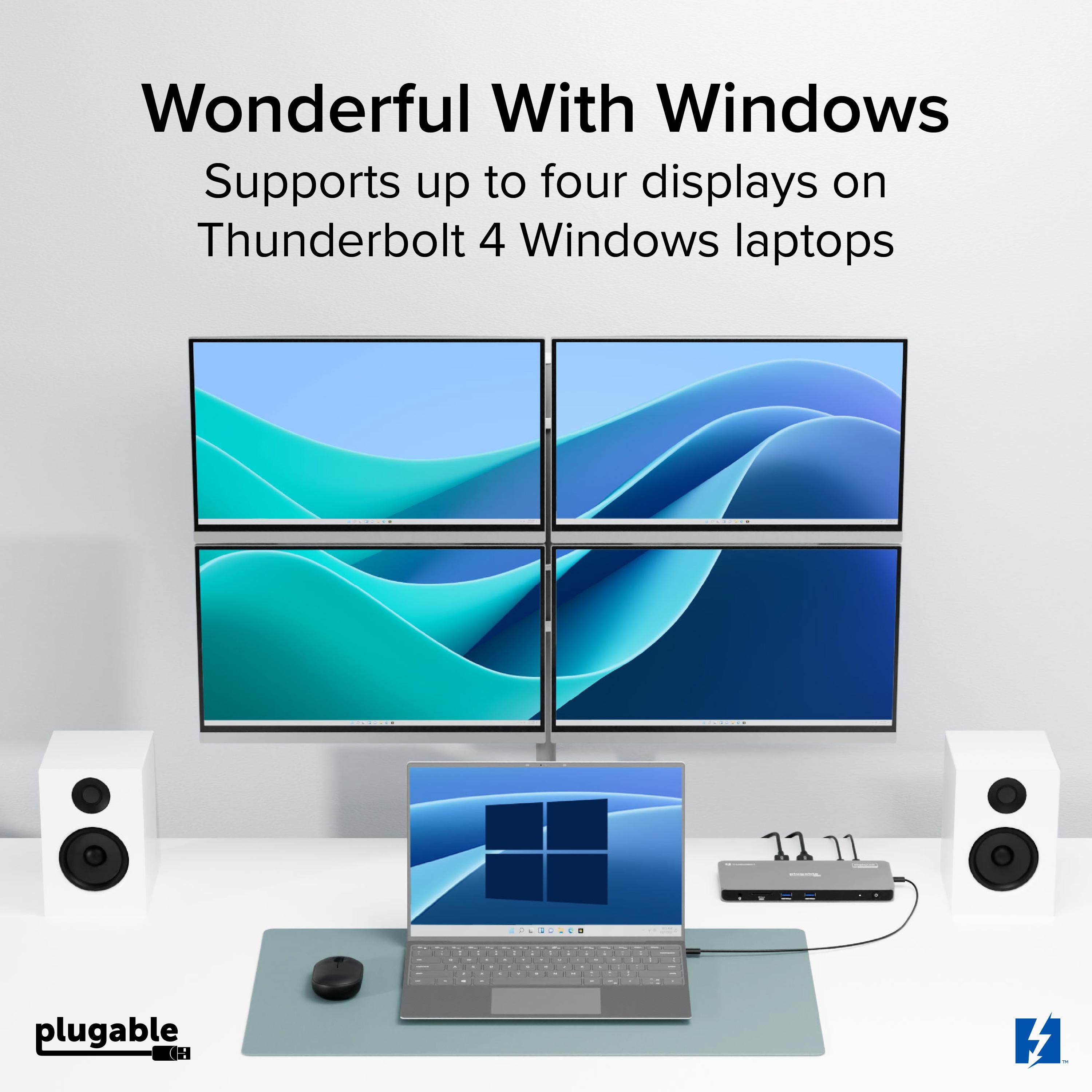
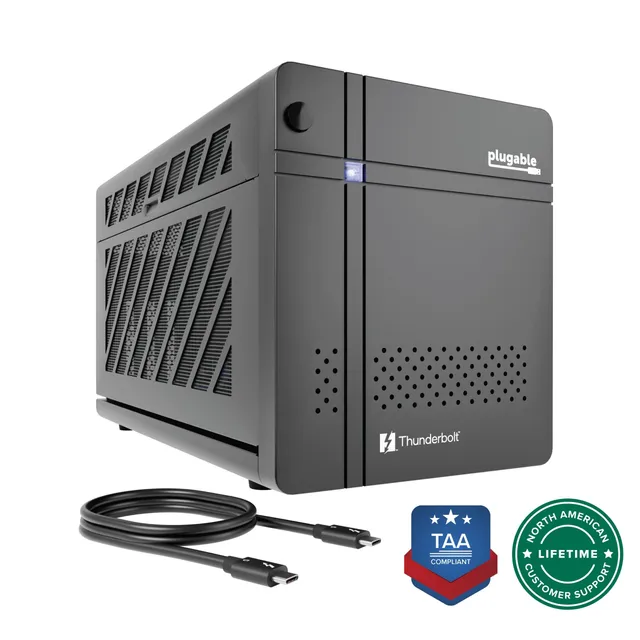
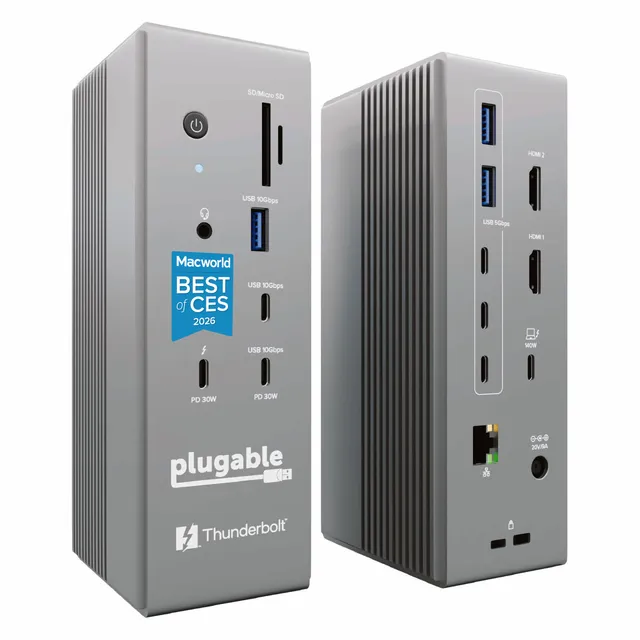
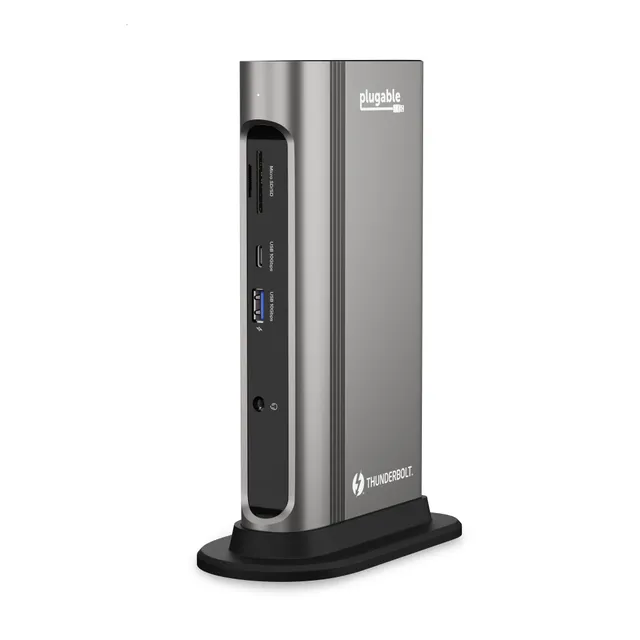
Plugable's Thunderbolt 4 dock drives up to four 4K displays (or one 8K) with 100W Power Delivery, transforming your laptop into a powerful workstation.
In Stock
-
1
+
Get it in 3–5 business days.
23 people are viewing this item.28 sold today.Only 4 left in stock.
Plugable Thunderbolt 4 Quad Display Docking Station
The Plugable Thunderbolt 4 Quad Display Docking Station is the ultimate productivity hub for professionals who need a powerful multi-monitor setup. Supporting up to four 4K displays (or a single 8K), this dock turns your PC, Mac, or ChromeOS laptop into a powerhouse for video editing, financial analysis, software development, and creative design. With 100W host charging (96W certified), it keeps your laptop fully powered while you work.
Experience Four-Display Productivity
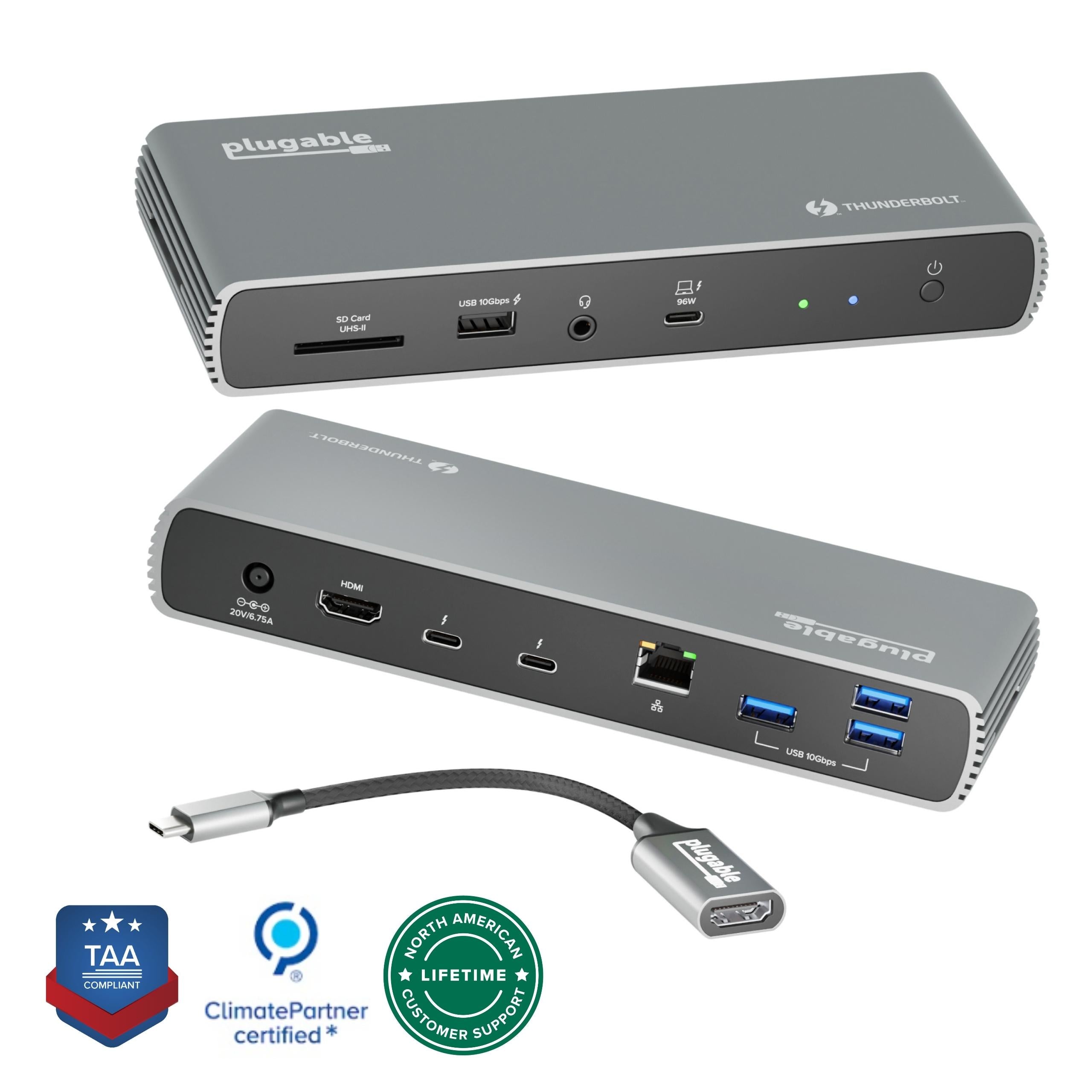
Quad 4K Displays: Drive four monitors simultaneously via two HDMI ports and two Thunderbolt ports—all at 4K resolution for crisp, detailed visuals.
Massive Connectivity: Connect all your peripherals—keyboards, mice, external drives, and more—through a single Thunderbolt 4 cable.
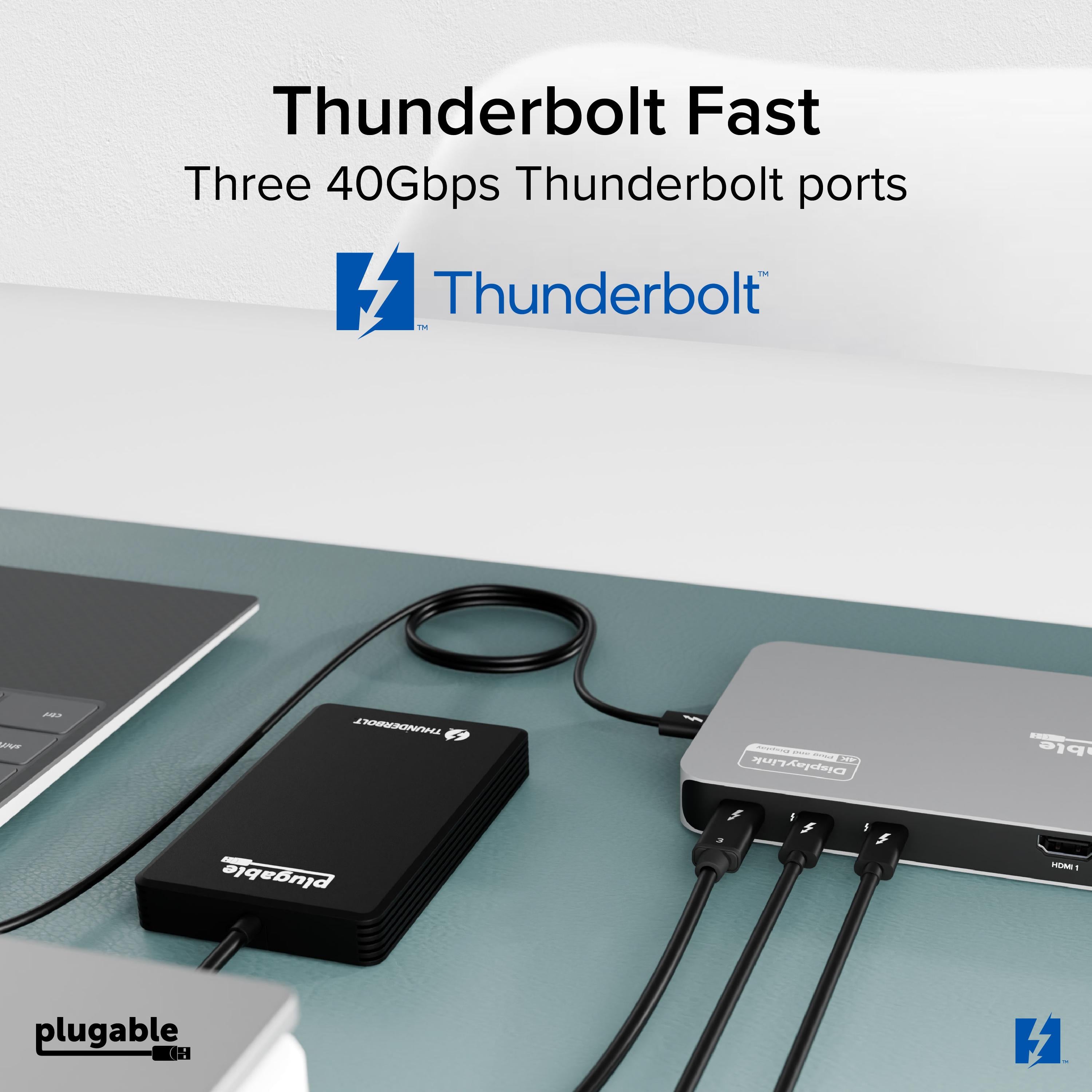
Ultra-Fast Data Transfers: Thunderbolt 4 delivers 40Gbps bandwidth for speedy file transfers and seamless daisy-chaining.
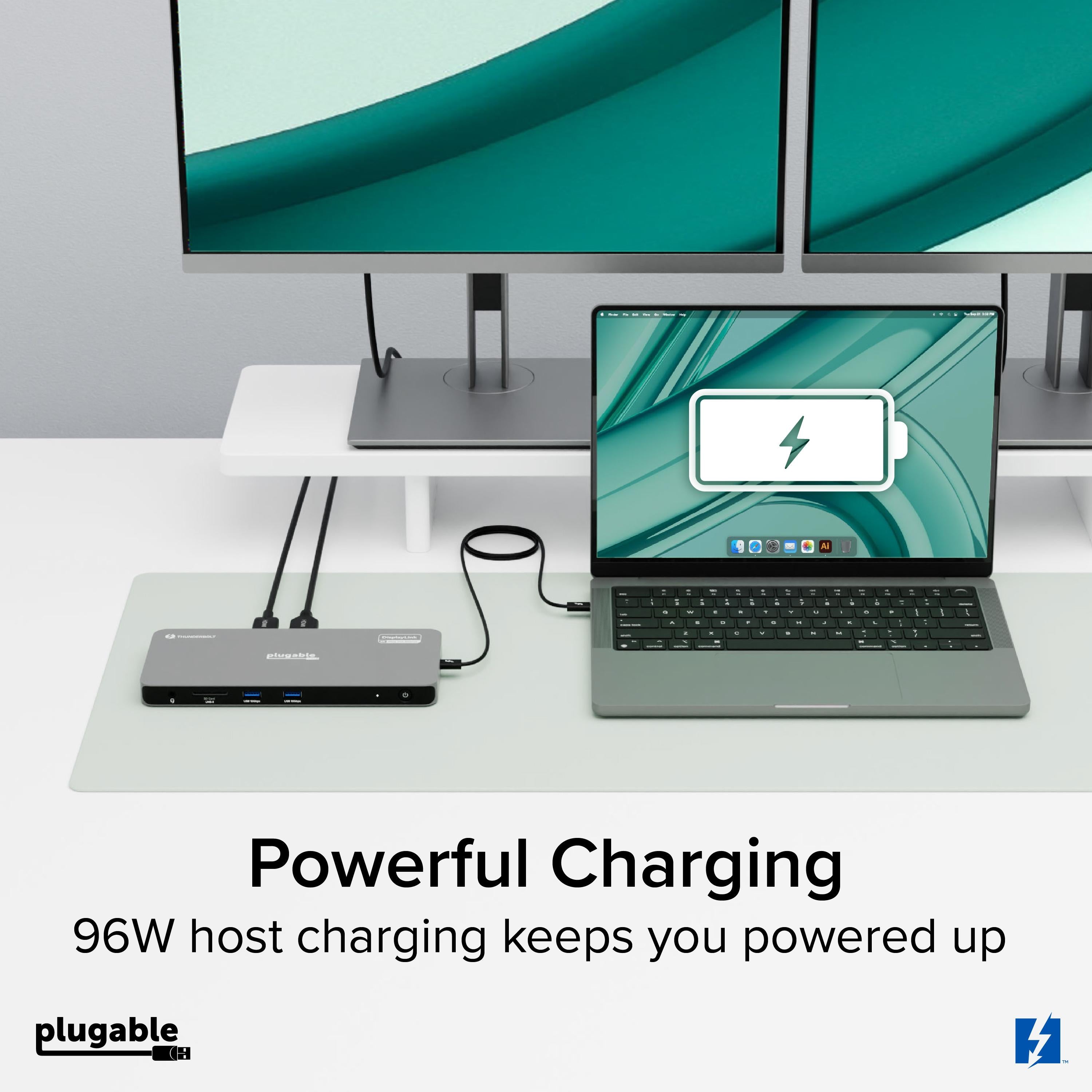
100W Host Charging: Keep your laptop charged with up to 100W Power Delivery (96W certified), so you can leave your charger at home.
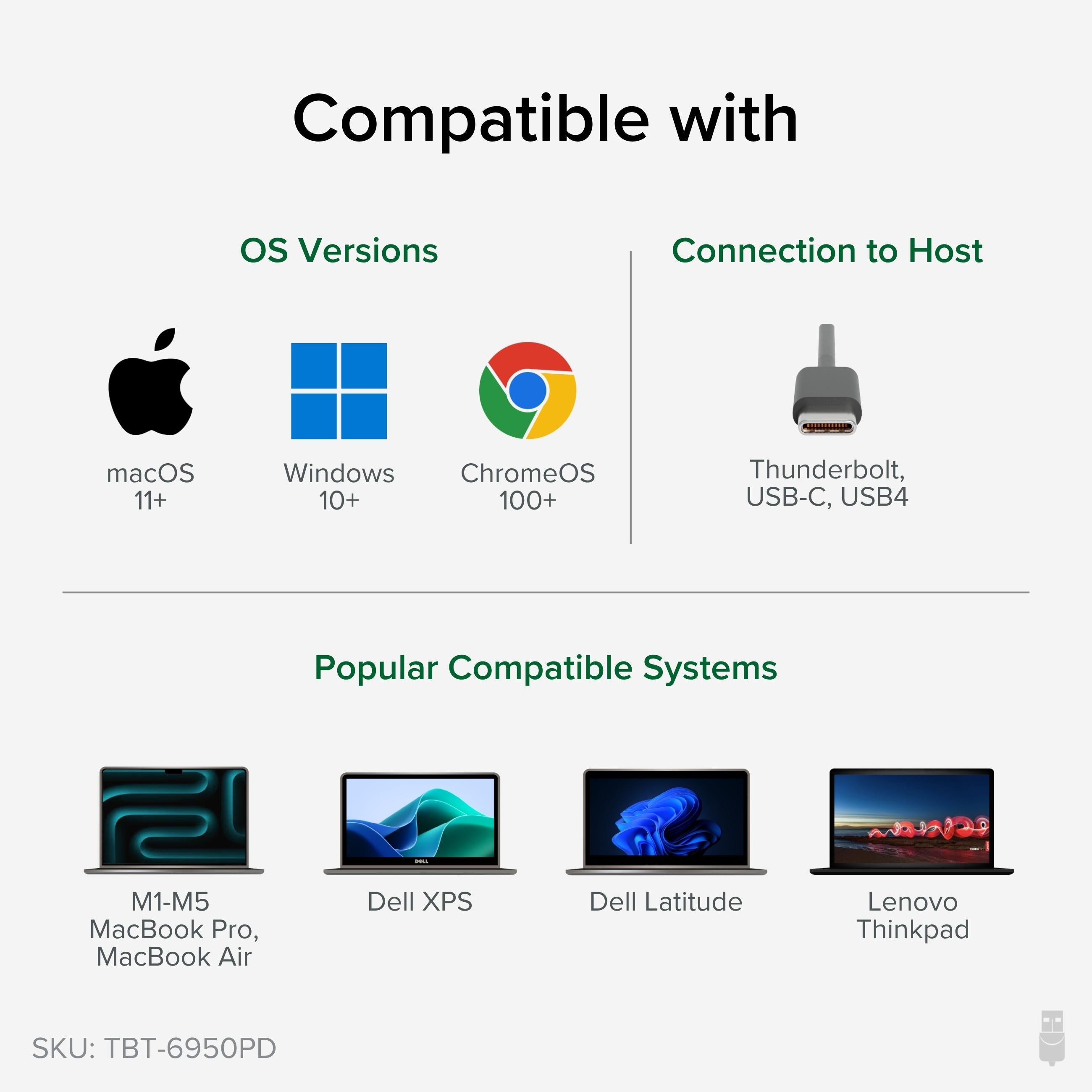
Wide Compatibility: Works with Thunderbolt 4 and Thunderbolt 3 (with adapter) PCs, Macs, and Chromebooks, with support for DisplayLink for additional display flexibility.
Set Up Your Ultimate Workspace
Whether you're a financial analyst tracking multiple markets, a developer coding on multiple screens, or a content creator editing 4K video, this dock provides the display and connectivity you need. Its sleek aluminum design complements any desk, and its plug-and-play setup means you can be productive in minutes.
Features
Quad 4K display support: Connect four monitors for massive workspace expansion.
100W Power Delivery: Charges your laptop at full speed via one cable.
Universal compatibility: Works with Thunderbolt 4/3 PCs, Macs, and Chromebooks.
Weight: 1.5 lbs
Dimensions: 8.5 x 3.5 x 1.2 inches
Product Type: Thunderbolt 4 Docking Station
Compatibility: Windows, macOS, ChromeOS
Data Transfer: 40Gbps
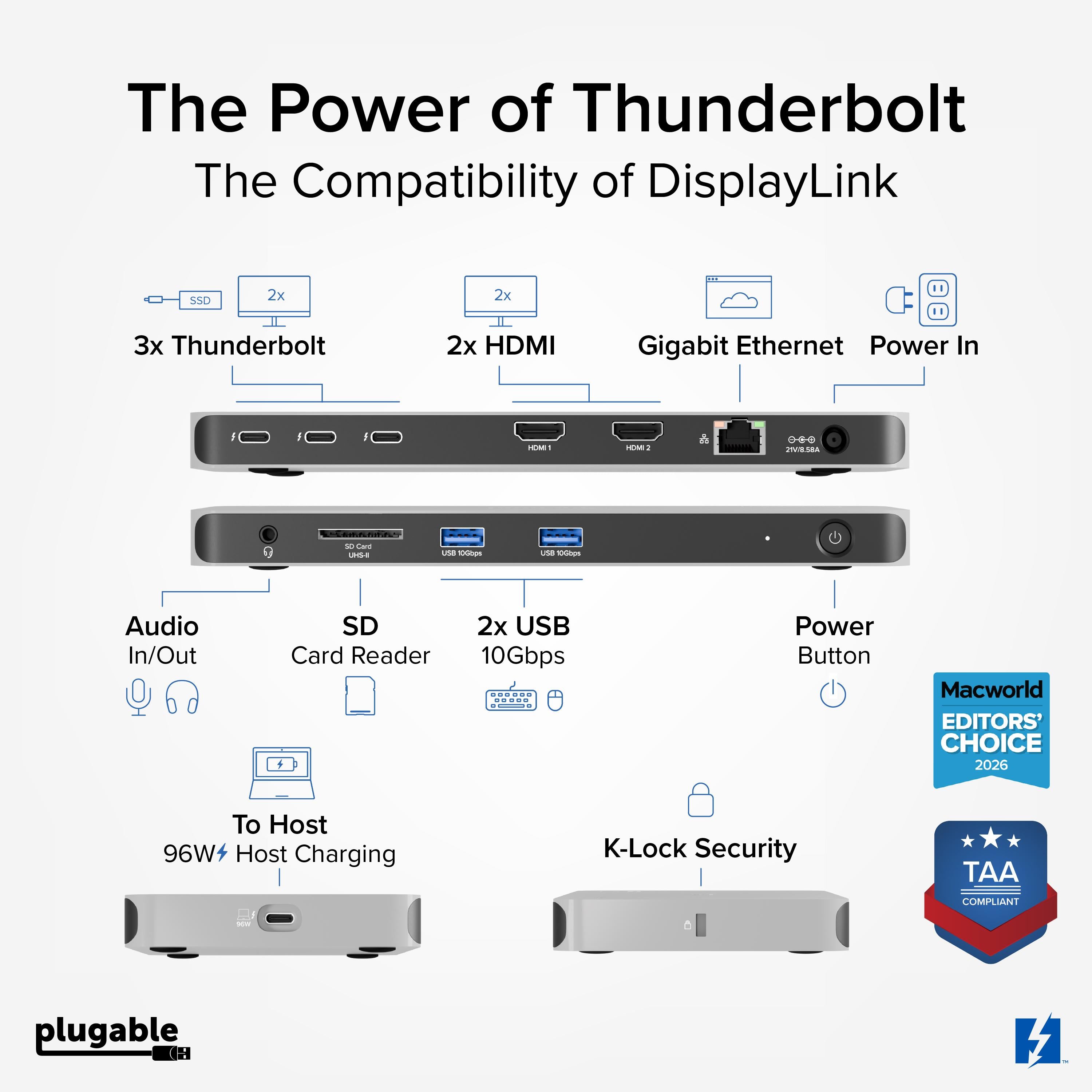
Video Outputs: 2x HDMI, 2x Thunderbolt
Power Delivery: 100W (96W certified)
Host Connection: Thunderbolt 4 (compatible with Thunderbolt 3 with adapter)
Max Display Resolution: 4K per display (or 8K single), 4x 4K total
Seller: PortSide Gear
Product Details
Maximize your productivity with the Plugable Thunderbolt 4 dock's ability to daisy-chain additional Thunderbolt devices, saving desk space and reducing cable clutter. The dock's VESA-mounted design allows you to attach it to the back of a monitor for a clean, organized workspace. With a built-in SD card reader, Gigabit Ethernet, and multiple USB ports, it's a complete connectivity solution. Backed by Plugable's 3-year warranty and reliable technical support, this dock is built to handle the demands of professional work.
Frequently Asked Questions
How do I set up four monitors with the Plugable Thunderbolt 4 dock?
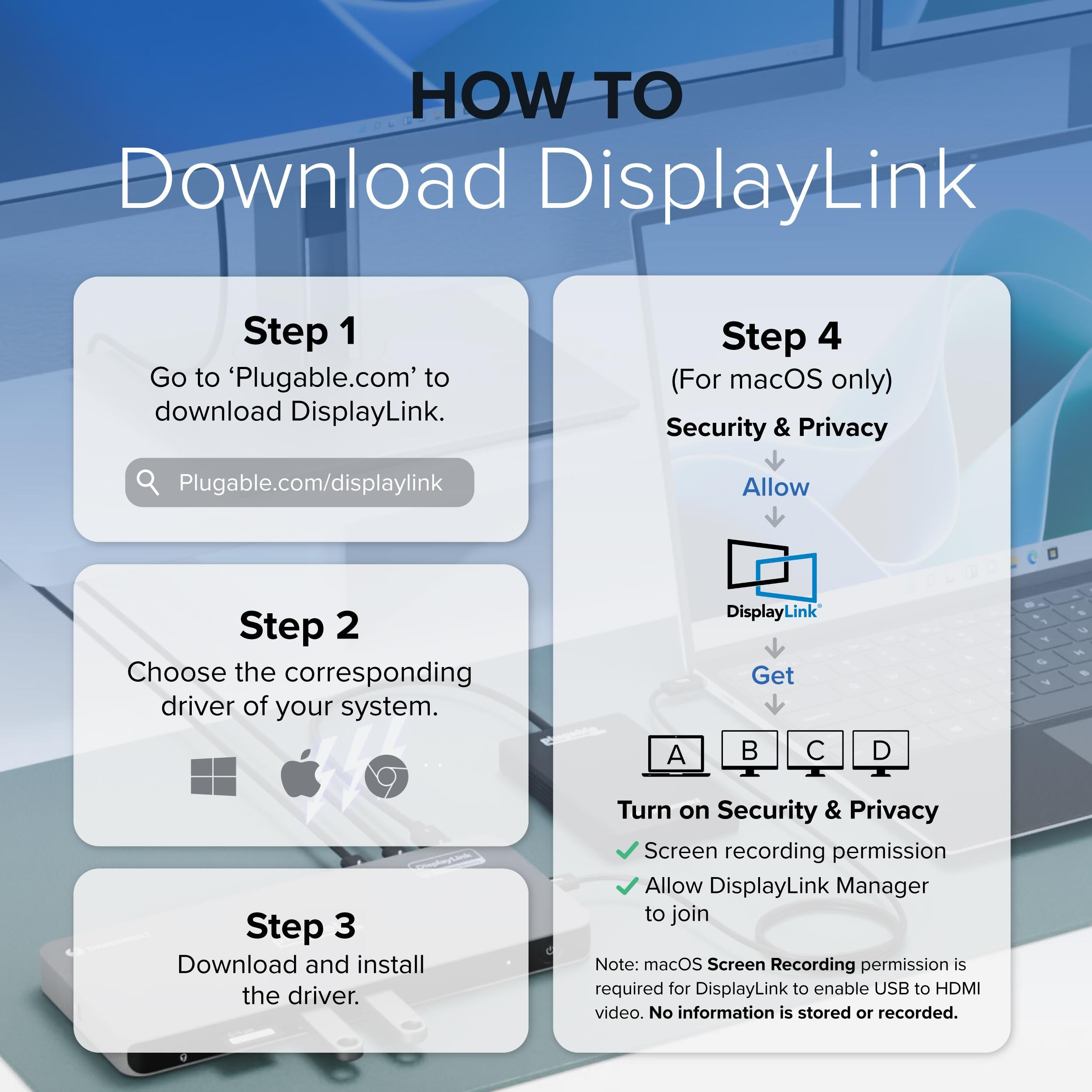
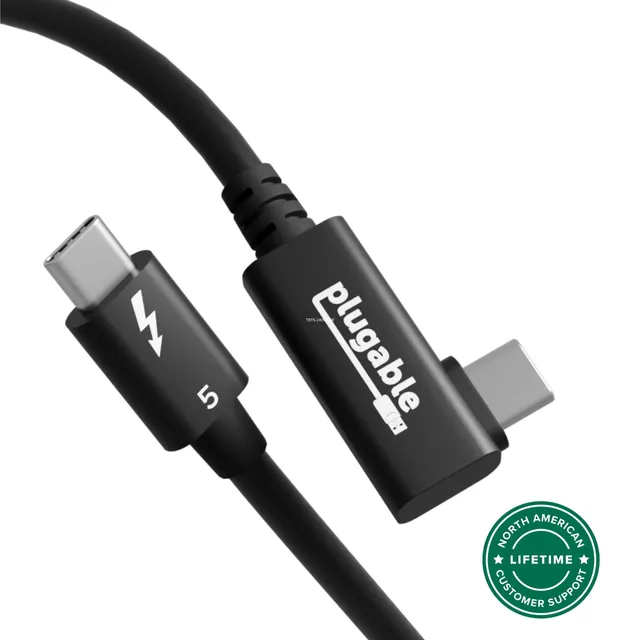
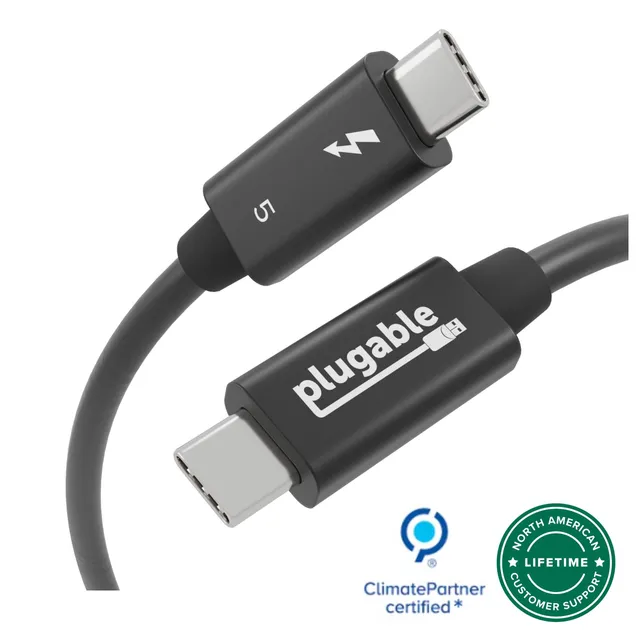
Connect the dock to your laptop via the included Thunderbolt 4 cable. Then, plug your monitors into the two HDMI ports and use Thunderbolt-to-DisplayPort adapters (or compatible Thunderbolt monitors) for the two Thunderbolt ports. Ensure your host supports the configuration (Windows and Mac typically require DisplayLink driver for 4 displays).
Does the dock support MacBook Pro M2?
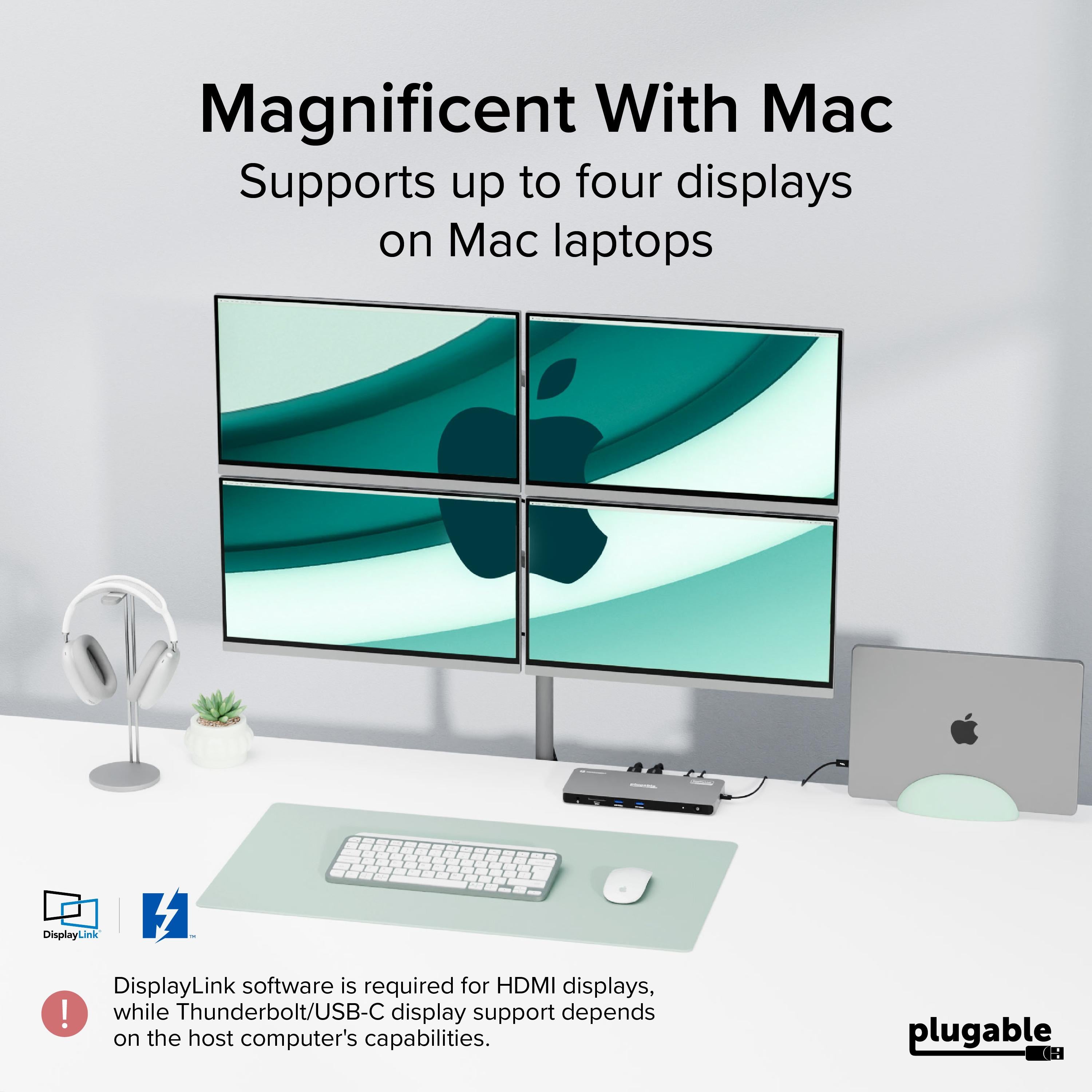
Yes, it works with MacBooks with Thunderbolt 4 (M2, M1 Pro, etc.). For four monitors on Mac, you may need to install the DisplayLink driver.
Why are my four monitors not working?
First, ensure all cables are securely connected and your monitors are set to the correct input. On Windows, check Device Manager for the Thunderbolt controller. Also, verify that your host supports the total display count. If using macOS, install the latest DisplayLink driver.
4.3★★★★★★★★★★(4)
5 ★2
4 ★1
3 ★1
2 ★0
1 ★0
Customer Reviews
4
★★★★★★★★★★5.0
a**k
Verified
Monster dock for professionals
I upgraded from a TB3 dock and the difference is night and day. I run 4 monitors on my MacBook Pro without any flicker or lag. The 100W charging keeps my laptop fully powered even under heavy load. It's a bit pricey, but for a productivity setup, it's worth every cent.
★★★★★★★★★★4.0
z*s
Verified
Excellent dock, but fan noise
The dock works flawlessly with my Windows laptop. I have four 4K monitors connected and everything runs smoothly. The only downside is the internal fan is audible when pushing lots of graphics. It's not too loud, but noticeable in a quiet room.
★★★★★★★★★★5.0
u****c
Verified
Powerhouse
Just amazing.
★★★★★★★★★★3.0
k***n
Verified
Great performance, but not plug-and-play on Mac
I'm using this with a MacBook Pro M2 and had to install a driver to get all four displays working. Initially it only saw two. After installing the driver, it worked. But if you're expecting out-of-the-box experience, it might disappoint. Still, once set up, it's superb.