$20.00
We will hold your cart for 15:00.
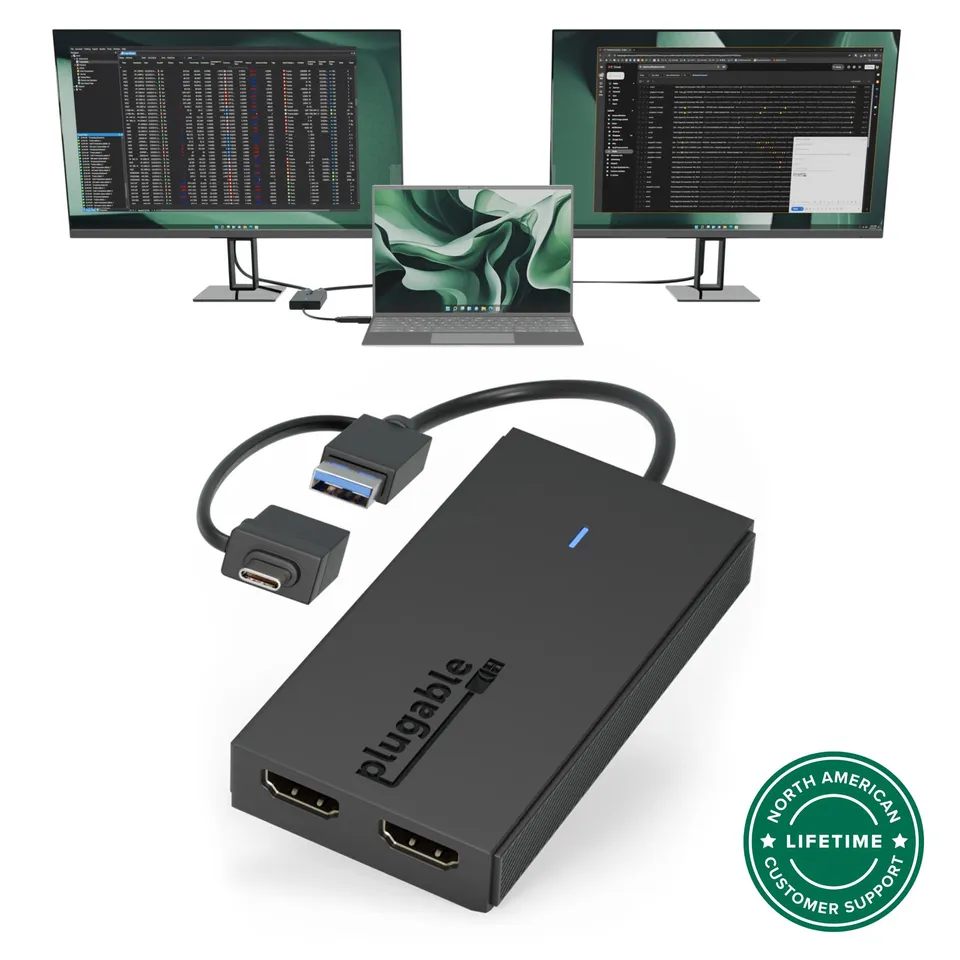
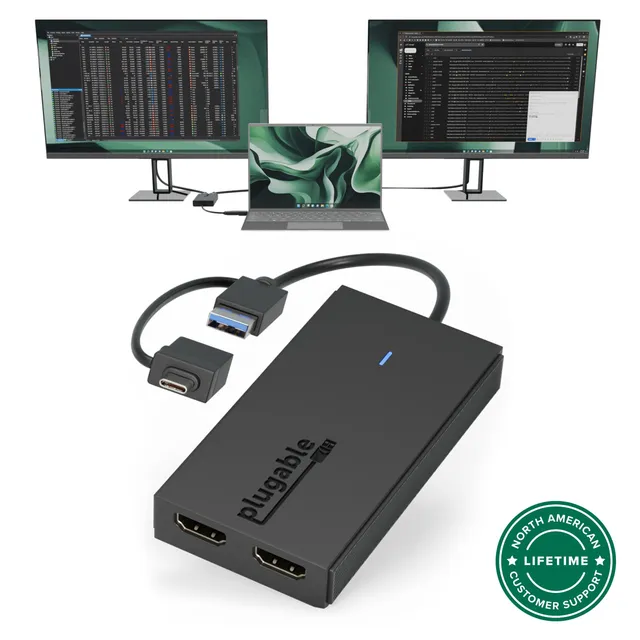
Add two full-HD 1080p monitors to your laptop or desktop through a single USB-C or USB 3.0 port with the Plugable UGA-HDMI-2S dual HDMI adapter.
Pair withPlugable USB-C or USB 3.0 to HDMI Adapter (UGA-HDMI-S)$17.48
Categories : Series
SKU : POR-SER-770
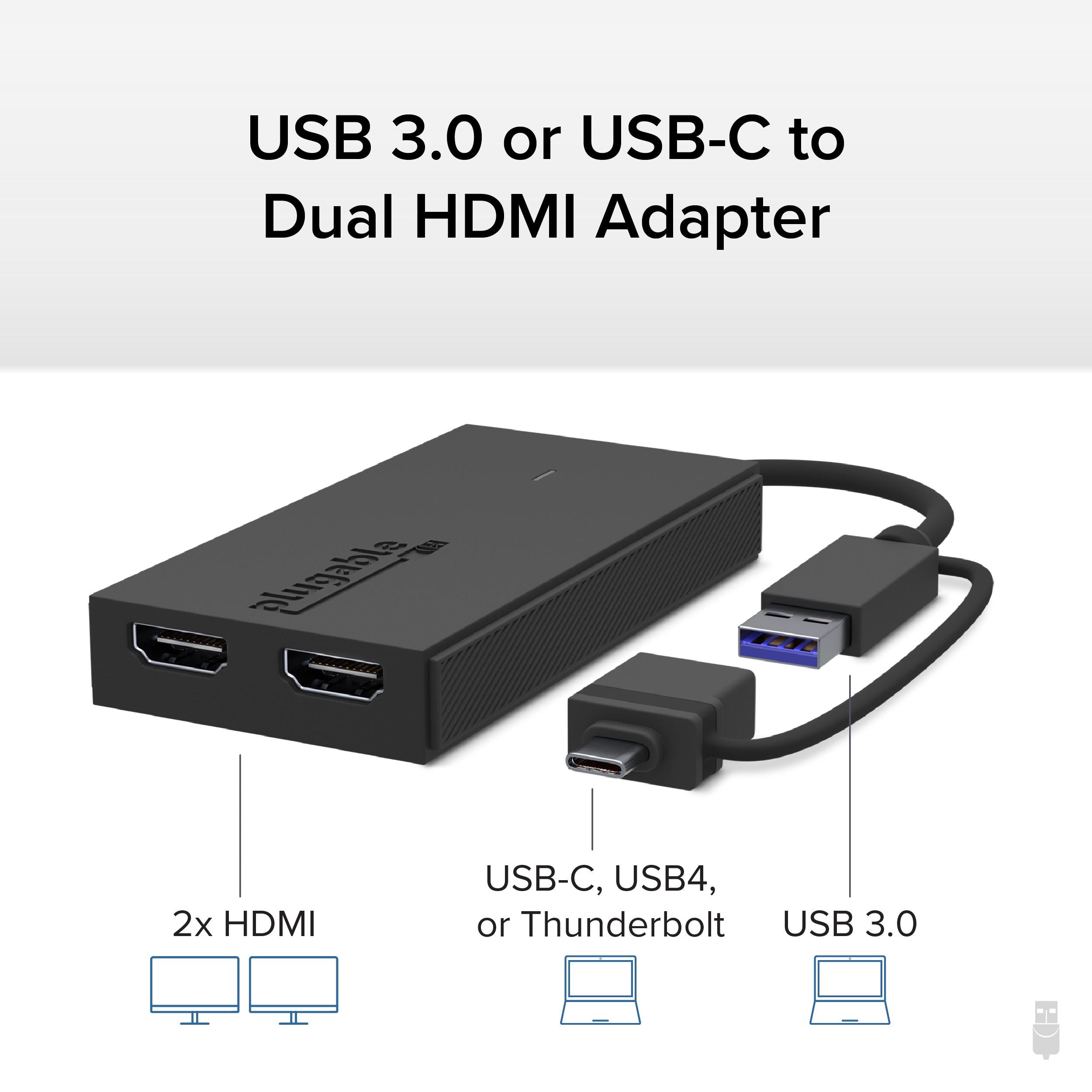
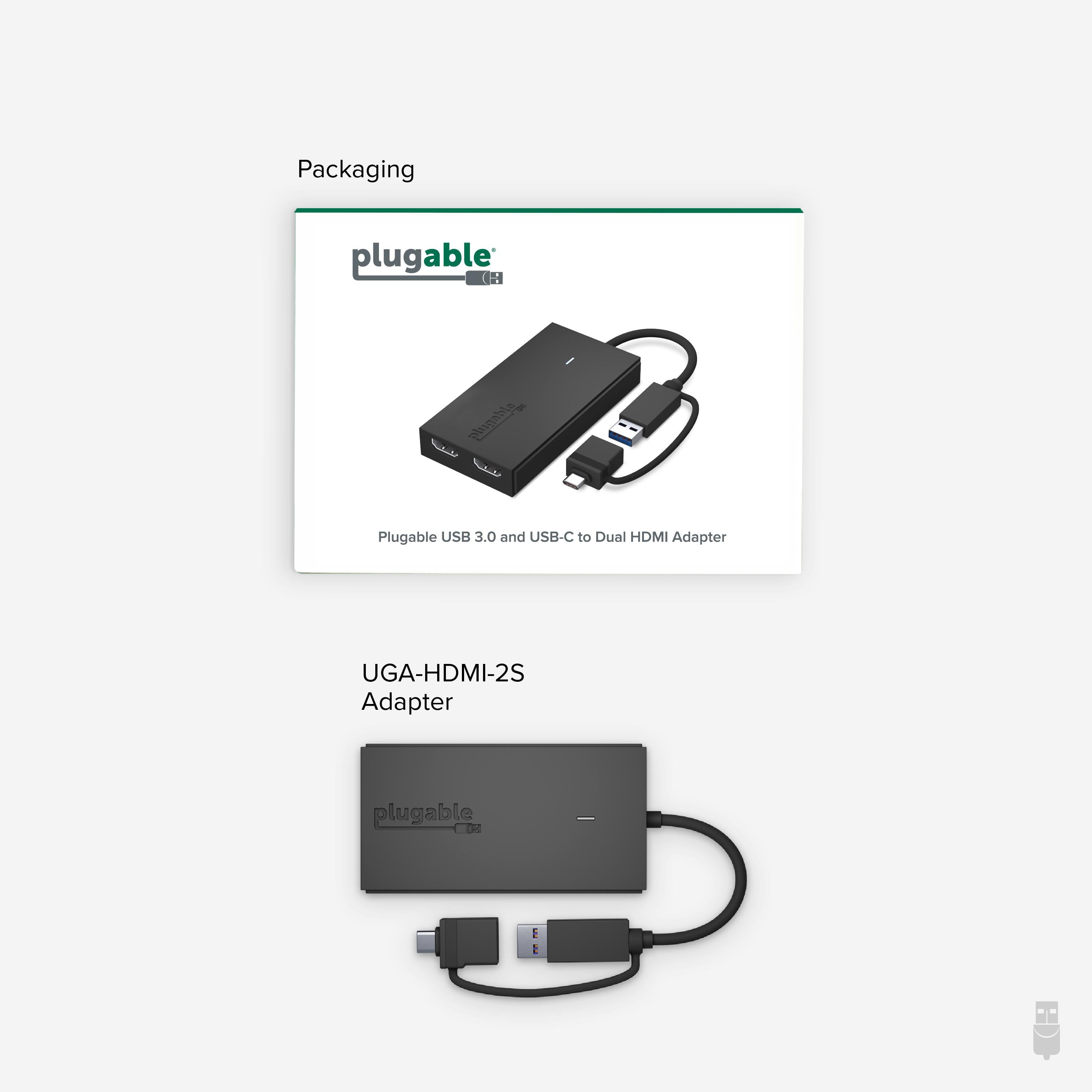
The Plugable UGA-HDMI-2S dual HDMI adapter transforms your computer's USB-C or USB 3.0 port into two HDMI video outputs. With support for two 1920x1080 displays at 60Hz, it's the ideal tool for boosting productivity with spreadsheets, documents, and web apps. The hybrid cable includes USB-C, USB 3.0, USB4, Thunderbolt 3, and Thunderbolt 4 compatibility, ensuring broad host support.
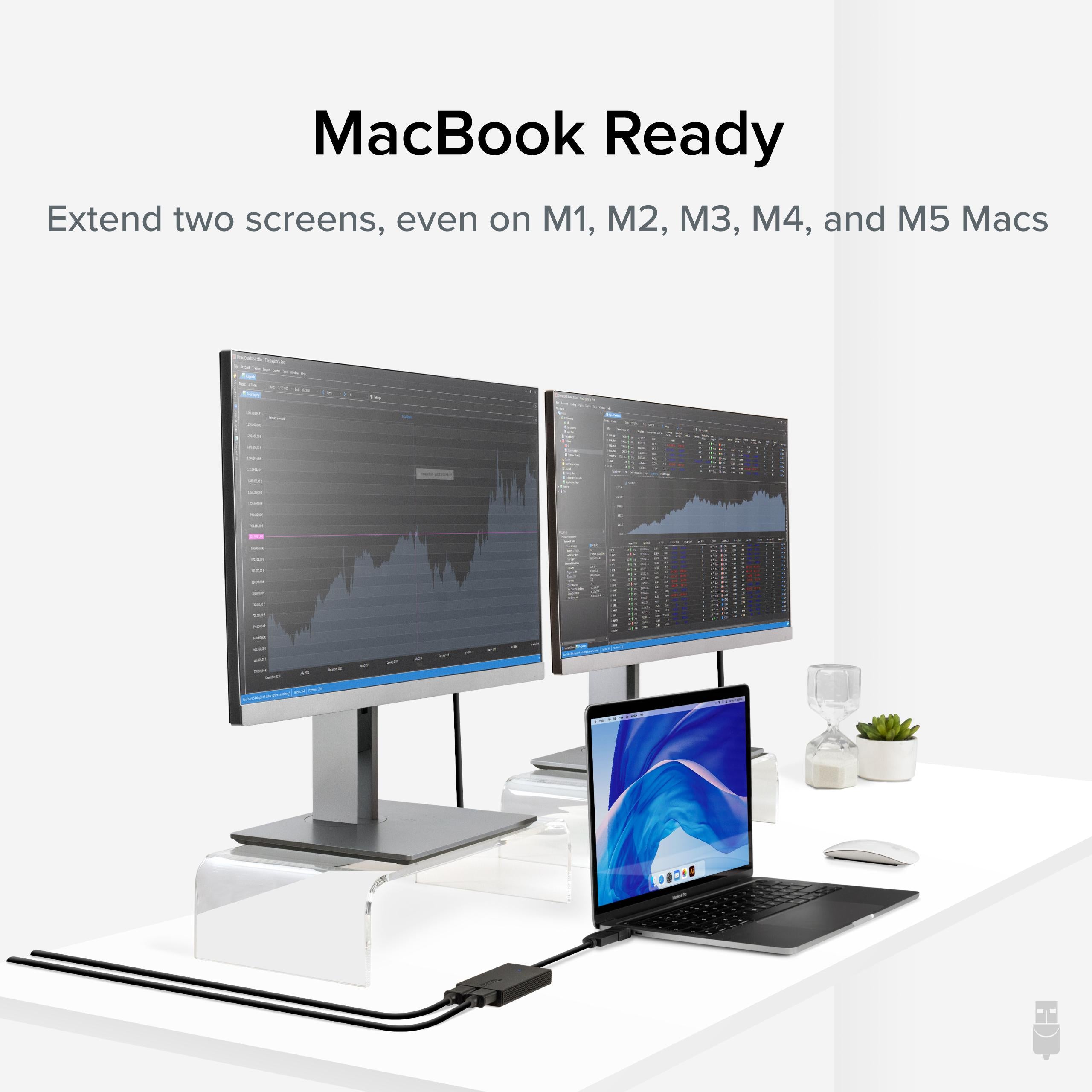
Designed for dual-display productivity, this adapter lets you set up two extra monitors in extended or mirrored mode. Whether you're a financial analyst tracking multiple data streams or a coder with debug windows everywhere, the UGA-HDMI-2S delivers sharp 1080p visuals at a silky 60Hz.
The built-in cable works with both USB-C and USB-A ports, and supports USB4 and Thunderbolt 4, so you can use it with the latest MacBooks, Ultrabooks, and desktop PCs. No matter which port your computer has, this adapter is ready.
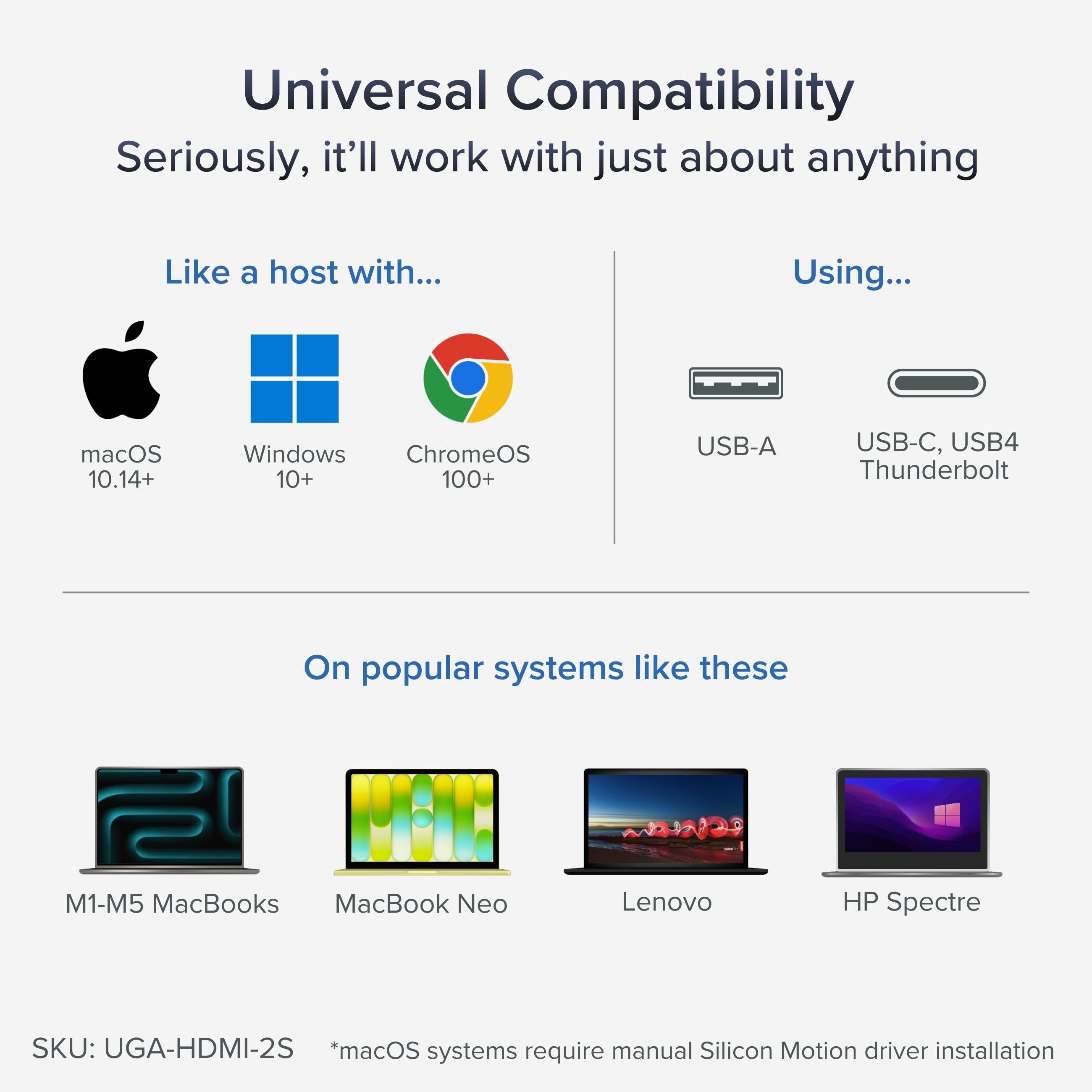
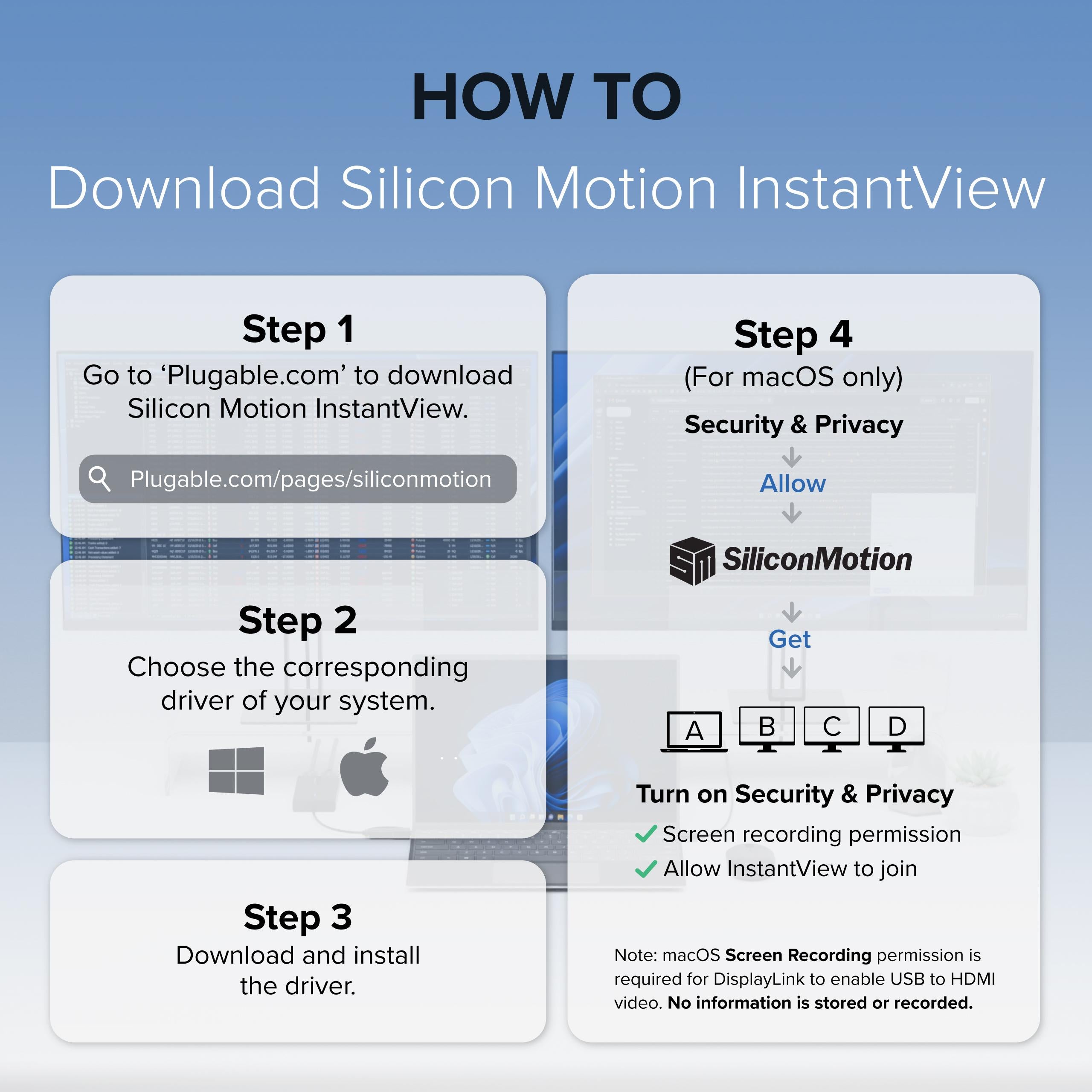
At the heart of the UGA-HDMI-2S is a Silicon Motion chipset that provides stable, driver-based operation on Windows, macOS 10.14+, and ChromeOS. After a quick driver install, you're ready to extend your desktop.
If you need a simple way to add multiple monitors without opening your PC, this adapter is your answer. It's especially useful for IT managers deploying standardized hardware across teams. The adapter is truly plug-and-play after driver installation, reducing setup time.
Upgrade your multitasking capabilities with the Plugable UGA-HDMI-2S.
Dual HDMI outputs at 1080p/60Hz – Add two monitors to your setup for enhanced multitasking in extended or mirrored mode.
Hybrid USB-C/USB 3.0 cable – Works with USB4 and Thunderbolt 3/4, ensuring wide compatibility with modern laptops.
Silicon Motion chipset – Reliable, driver-based performance on Windows, macOS 10.14+, and ChromeOS, with simple installation.
Model: UGA-HDMI-2S
Chipset: Silicon Motion
Dimensions: Approx. 2.5 x 1.5 x 0.5 inches
Cable Length: Built-in 6-inch cable
Product Type: USB to Dual HDMI Adapter
Video Outputs: 2x HDMI
Host Connection: USB-C (with USB 3.0, USB4, Thunderbolt 3/4 support)
OS Compatibility: Windows, macOS 10.14+, ChromeOS, iOS (limited)
Maximum Resolution: 1920x1080 @ 60Hz per display
Seller: PortSide Gear
MPN: UGA-HDMI-2S
The UGA-HDMI-2S is an efficient way to transform your laptop into a multi-display workstation without splurging on a full docking station. Its hybrid cable eliminates the need for separate USB-C and USB-A versions, making it a flexible addition to any tech bag. The adapter also supports audio over HDMI, so you can connect speakers or a TV and get sound without extra cables. For remote workers who need code, video calls, and documentation visible simultaneously, this adapter delivers a clutter-free solution that keeps your desk tidy and your workflow fluid.
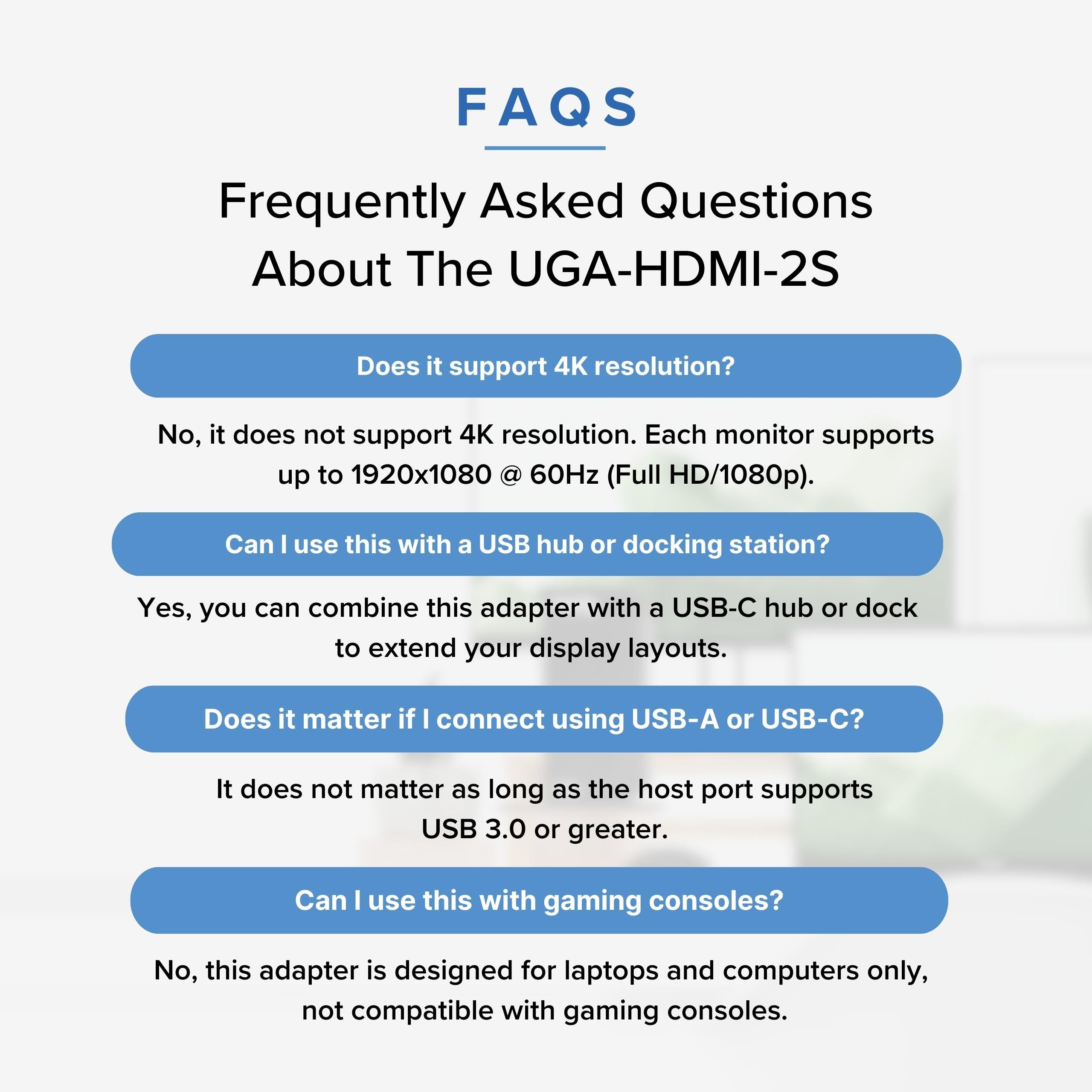
No, the UGA-HDMI-2S is designed for a maximum resolution of 1920x1080 (Full HD) per display at 60Hz. For 4K support, consider models like the Plugable UGA-4KDP or UD-6950 dock.
That's expected because the adapter's maximum resolution is 1080p per output. If you need higher resolutions, you would need a different adapter that supports 4K, such as the UGA-4KDP.
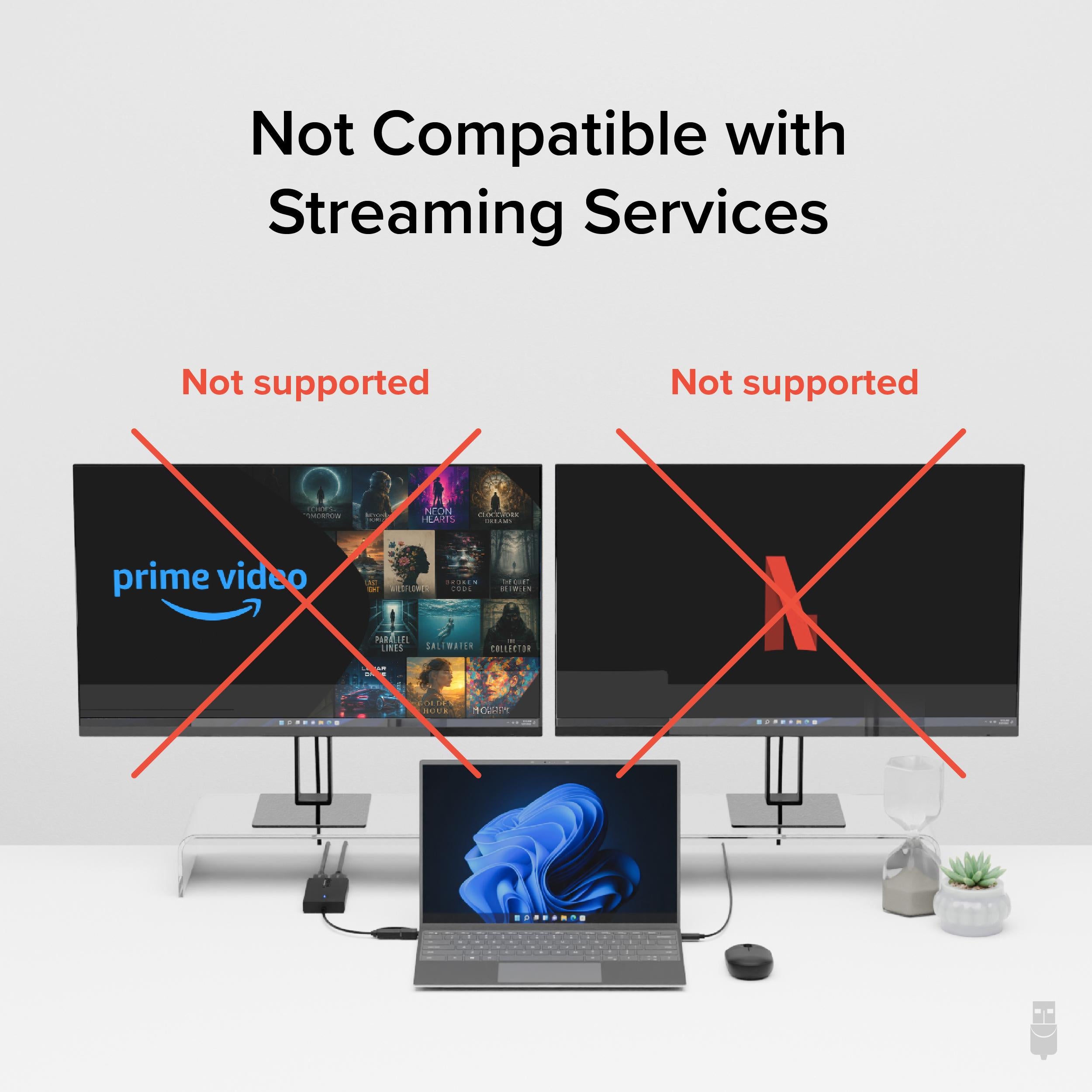
The adapter is designed for productivity tasks, not gaming. It may introduce some latency and won't support high refresh rates beyond 60Hz. For gaming, a direct GPU connection is recommended.
Ensure you have installed the latest DisplayLink driver (if using a DisplayLink-based adapter) or Silicon Motion driver. For macOS, you may need to enable screen mirroring or extended desktop in System Preferences after installation.
This adapter let me add two extra monitors to my laptop, so now I have three screens. Setup was a bit involved, but the instructions were clear. Works perfectly with Windows.
Once the drivers are installed, it's smooth. The dual HDMI output is great for my home office. It gets a little warm, but no issues. Nice that it works with both USB-C and USB 3.0.
Both monitors show 1080p, which is what I expected. The image is clear, but you can't set different resolutions independently? That's a limitation. It's fine for what I need though.
Plugable's drivers are easy to install. I had a question about using it with my Mac, and their support responded quickly. It works on macOS with DisplayLink driver, but I use it mainly on Windows.
I was skeptical because it's USB powered, but it runs two 1080p monitors without lag. Occasional screen tears during video, but fine for productivity. The aluminum body feels premium.
After installing the driver, my laptop would randomly freeze when using both monitors. I tried updating the driver and even a different computer, but still happened. Not reliable for me. Returning.
Plugged in via USB-C, it instantly recognized both monitors. I'm using two 24-inch Dell monitors for my trading platform. No need to reboot or install anything on Windows 10. Highly recommended.
Orders over $45.00 ship free. Otherwise, shipping is $8.00.
Hassle-free returns
SSL encrypted checkout
100% genuine products
Docking stations and hubs from Razer, Corsair, Plugable & STM Goods — compare and connect with free shipping over $45.
Phone: +1 (206) 555-0148
Email: support@portsidegear.us
Address: 2815 Alaskan Way, Suite 300, Seattle, WA 98121, United States