$20.00
We will hold your cart for 15:00.
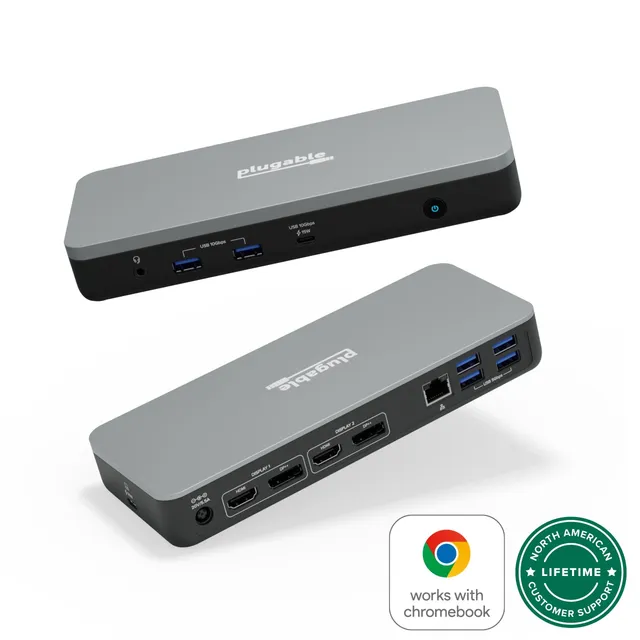
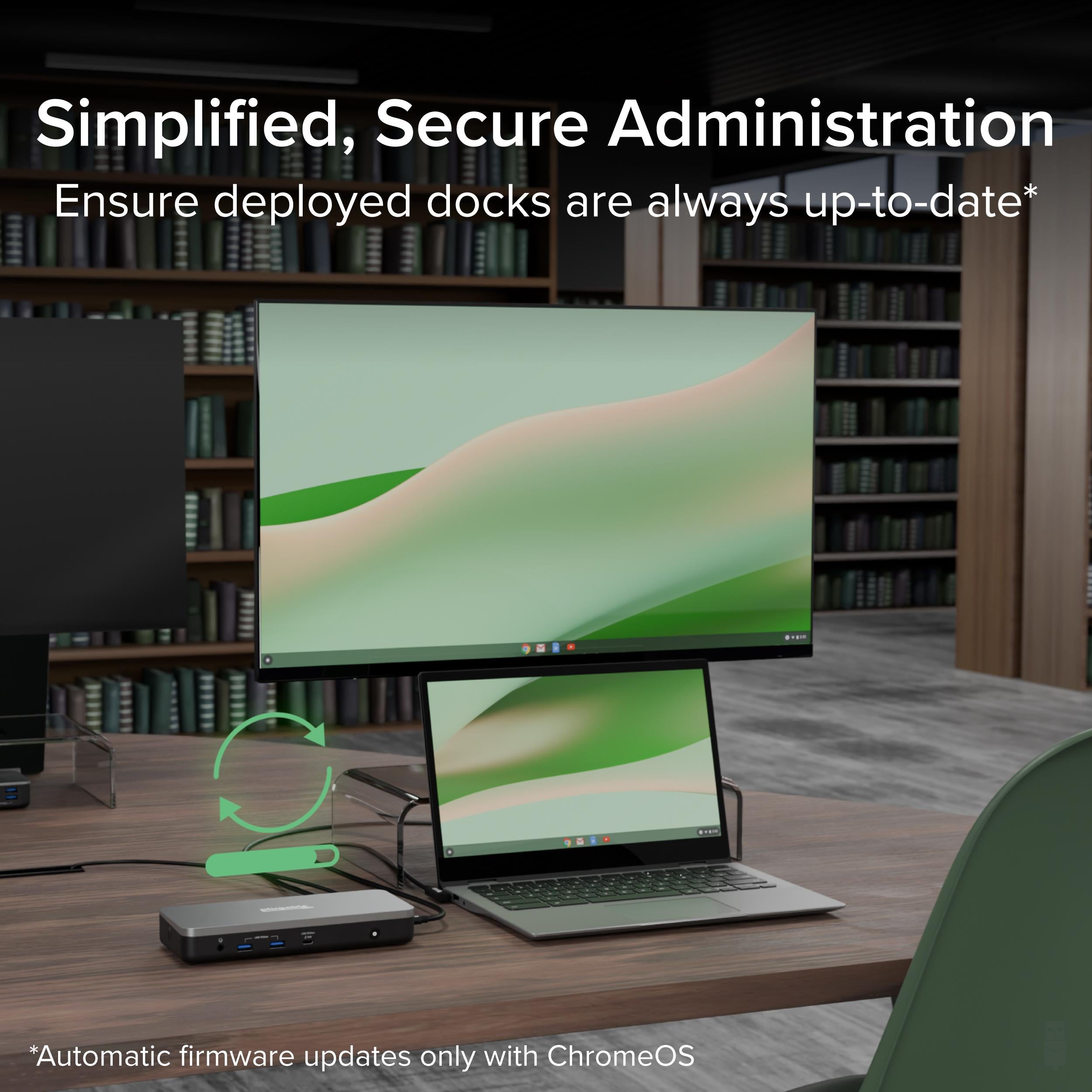
Certified for Chromebook, this Plugable USB-C docking station drives dual 4K60 displays and charges your host while adding Ethernet, audio, and high-speed USB ports.
Categories : Series
SKU : POR-SER-781
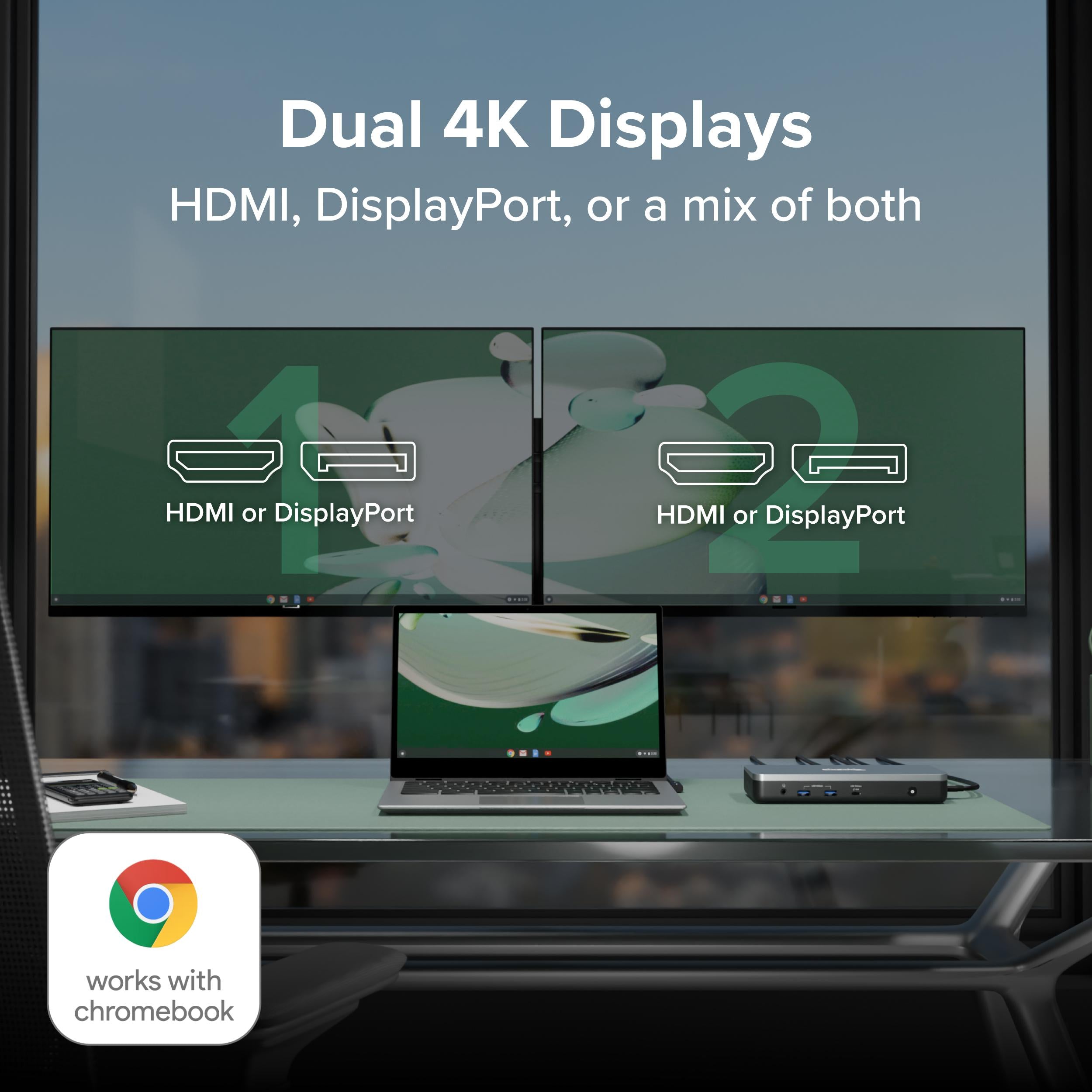
The Plugable USB-C Dual Monitor Docking Station is Chromebook-certified, delivering a secure, high-productivity desk setup for ChromeOS users. With two HDMI and two DisplayPort outputs, you can extend two monitors at up to 4K 60Hz, turning a lightweight Chromebook into a true workstation. The integrated 60W host charging keeps your laptop topped up, while gigabit Ethernet, a combo audio jack, and a versatile USB port selection cover all your peripheral needs.
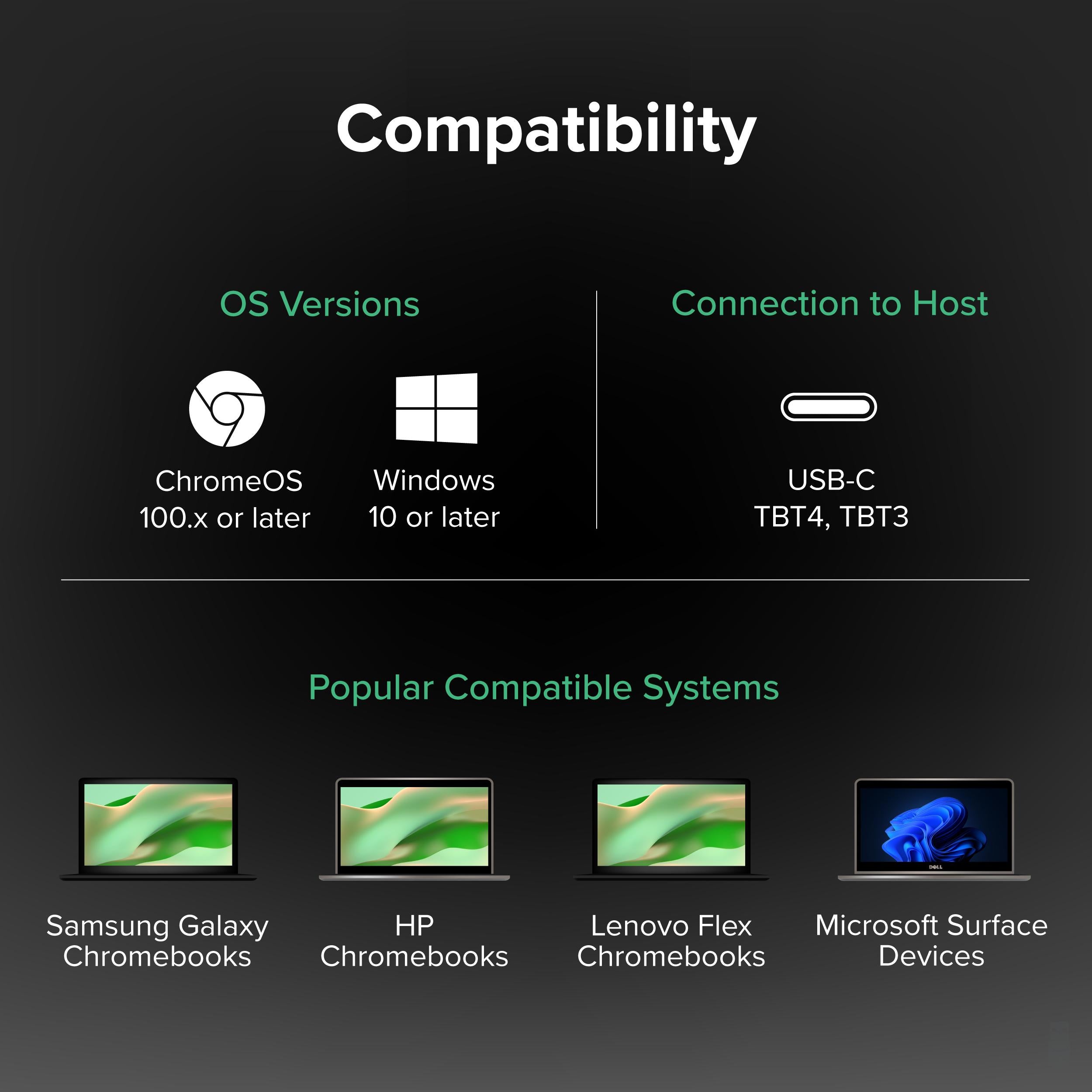
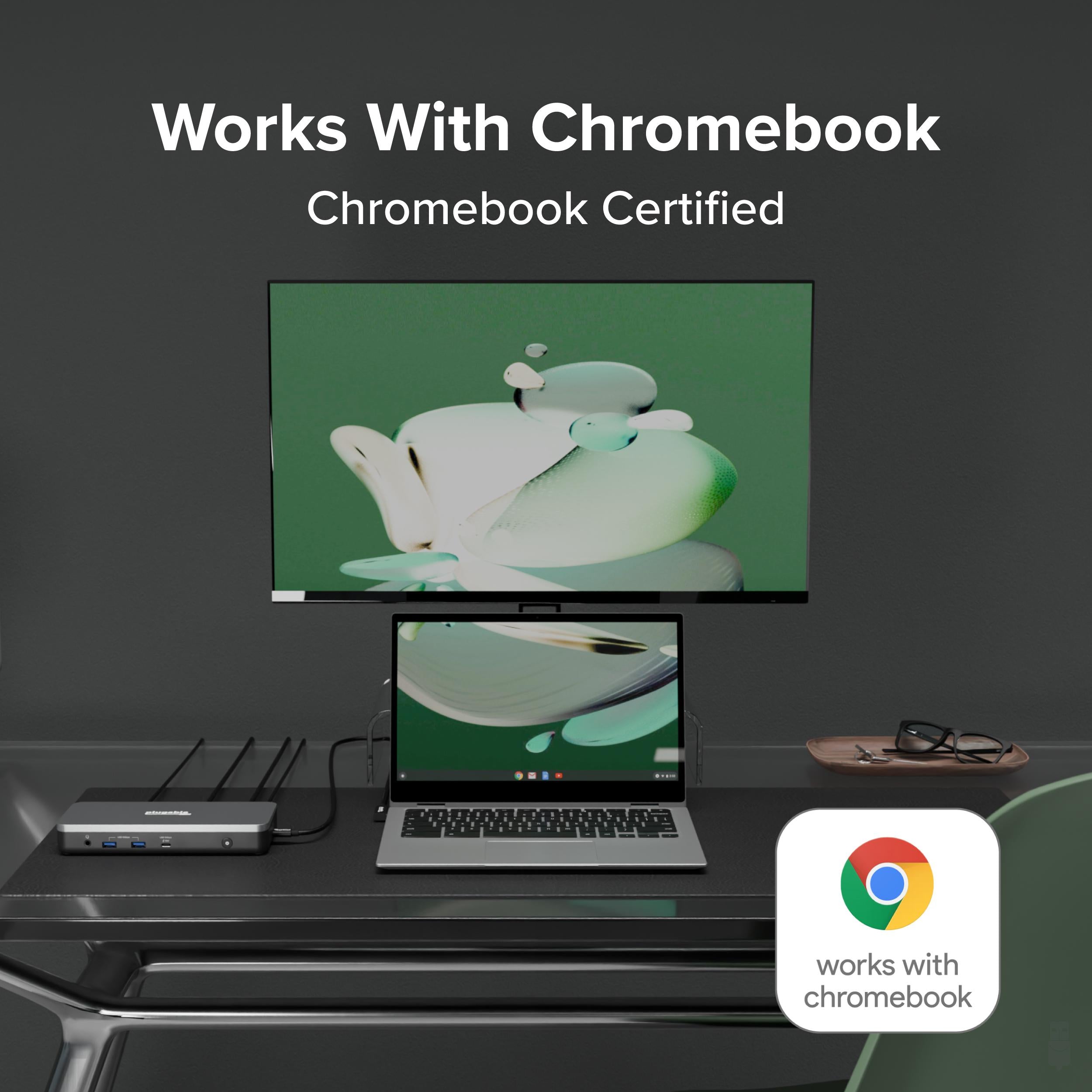
This dock is built for ChromeOS v100 or later, earning the "Works With Chromebook" badge through rigorous Google testing. That means you get reliable, driverless performance with your Chromebook—just plug in and go. Beyond dual 4K60, it supports single-display setups at 1080p or 1440p, so you can match the resolution to your monitors.
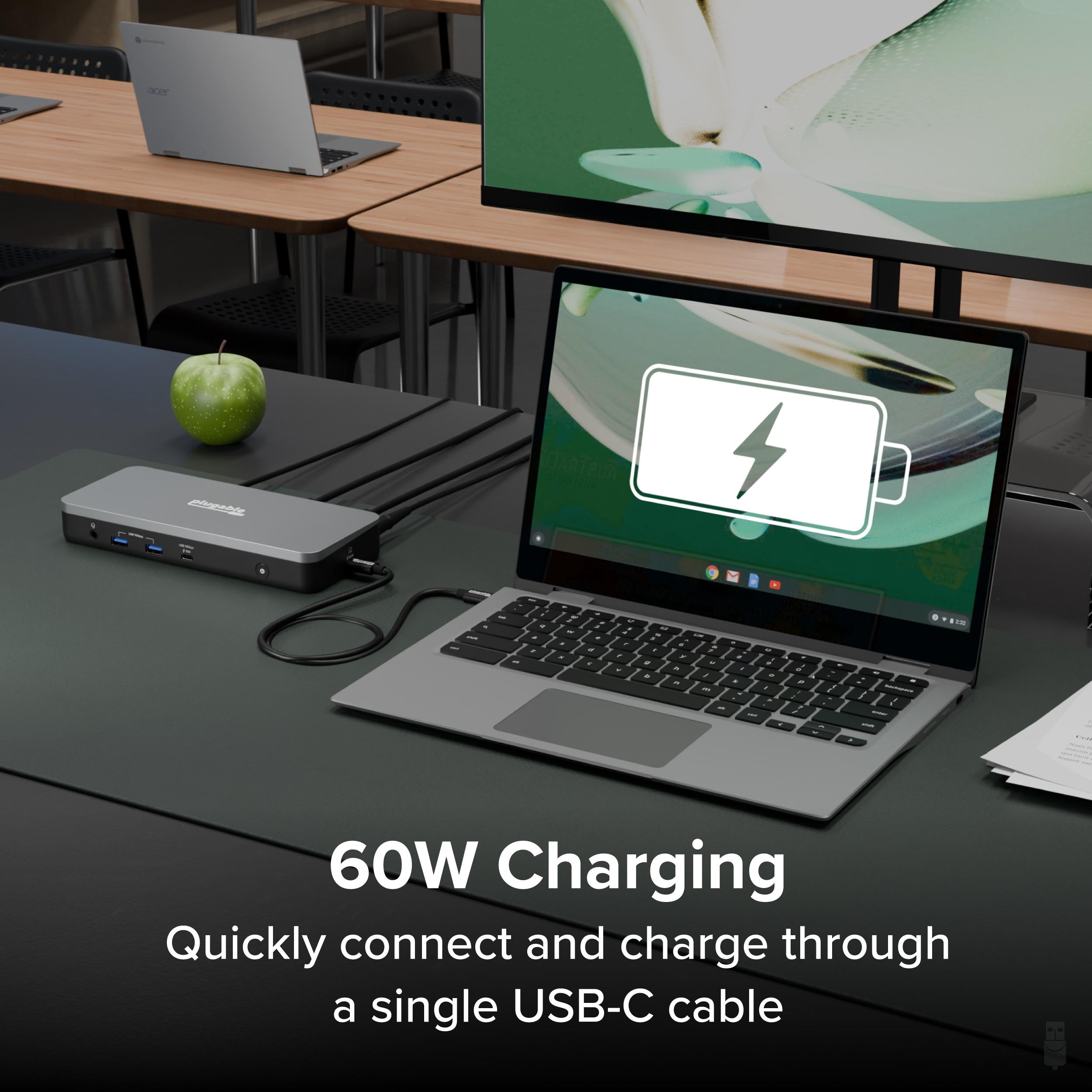
Keep your Chromebook powered during long work sessions. The dock delivers up to 60W to the host laptop, so you can leave your charger behind and rely on a single USB-C connection for video, data, and power.
Designed for Chromebooks, but also works with other USB-C laptops that support DisplayPort Alt Mode and USB Power Delivery (check your device specifications). The package includes the docking station and a 60W power adapter. Note: USB-C cables for connecting your laptop are not included.
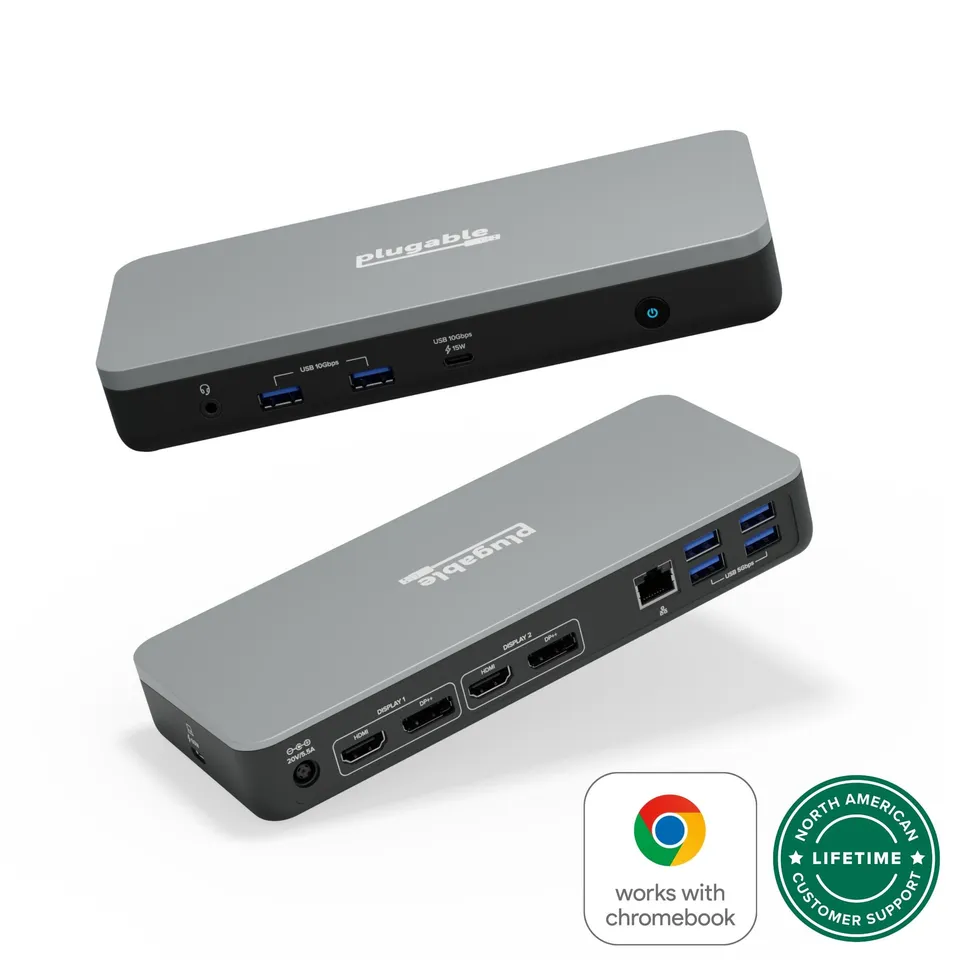
Chromebook-certified (Works with Chromebook) ensures driverless, secure compatibility
Dual monitor support with 4K60 via HDMI or DisplayPort for a high-resolution workspace
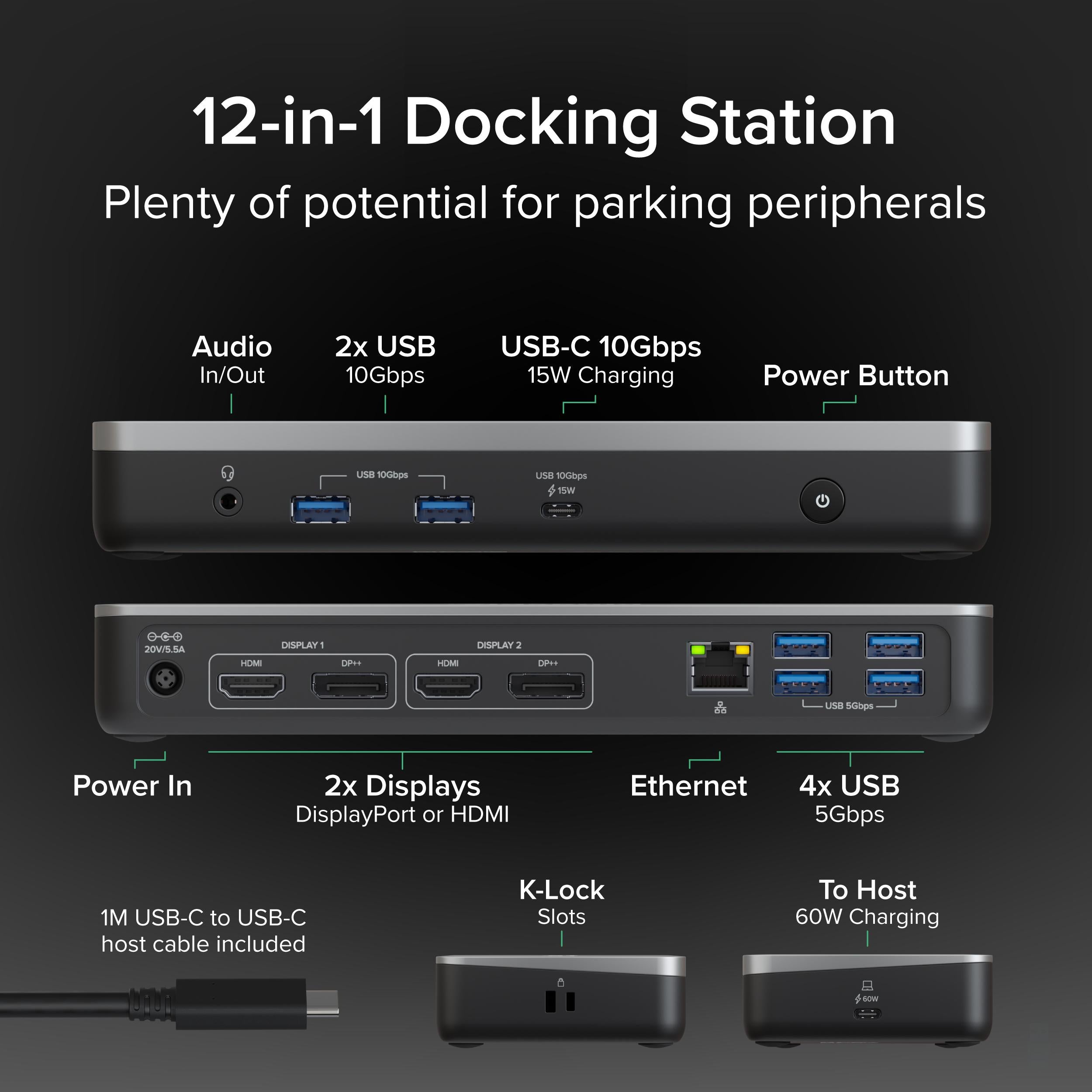
60W host charging plus 7 USB ports, Ethernet, and audio—all from one USB-C connection
Audio: 3.5mm Combo
Model: USB-C Dual Monitor Docking Station
Ethernet: Gigabit
USB Ports: 4x USB 5Gbps, 2x USB 10Gbps, 1x USB-C 10Gbps
Product Type: Docking Station
Compatibility: ChromeOS v100 or later
Host Charging: 60W
Power Adapter: Included (60W)
Video Outputs: 2x HDMI, 2x DisplayPort
Max Resolution: 4K @ 60Hz (dual or single)
System Requirement: USB-C port with DisplayPort Alt Mode and Power Delivery
Seller: PortSide Gear
MPN: USB-C Dual Monitor Docking Station
Upgrade your desk with a clean, single-cable solution that reduces clutter and keeps your Chromebook powered. The compact aluminum design dissipates heat effectively, and the integrated cable management keeps your workspace tidy. With plug-and-play simplicity, you can move between conference rooms or home offices without reconfiguring your setup—just connect the USB-C cable and all your peripherals are ready to go.
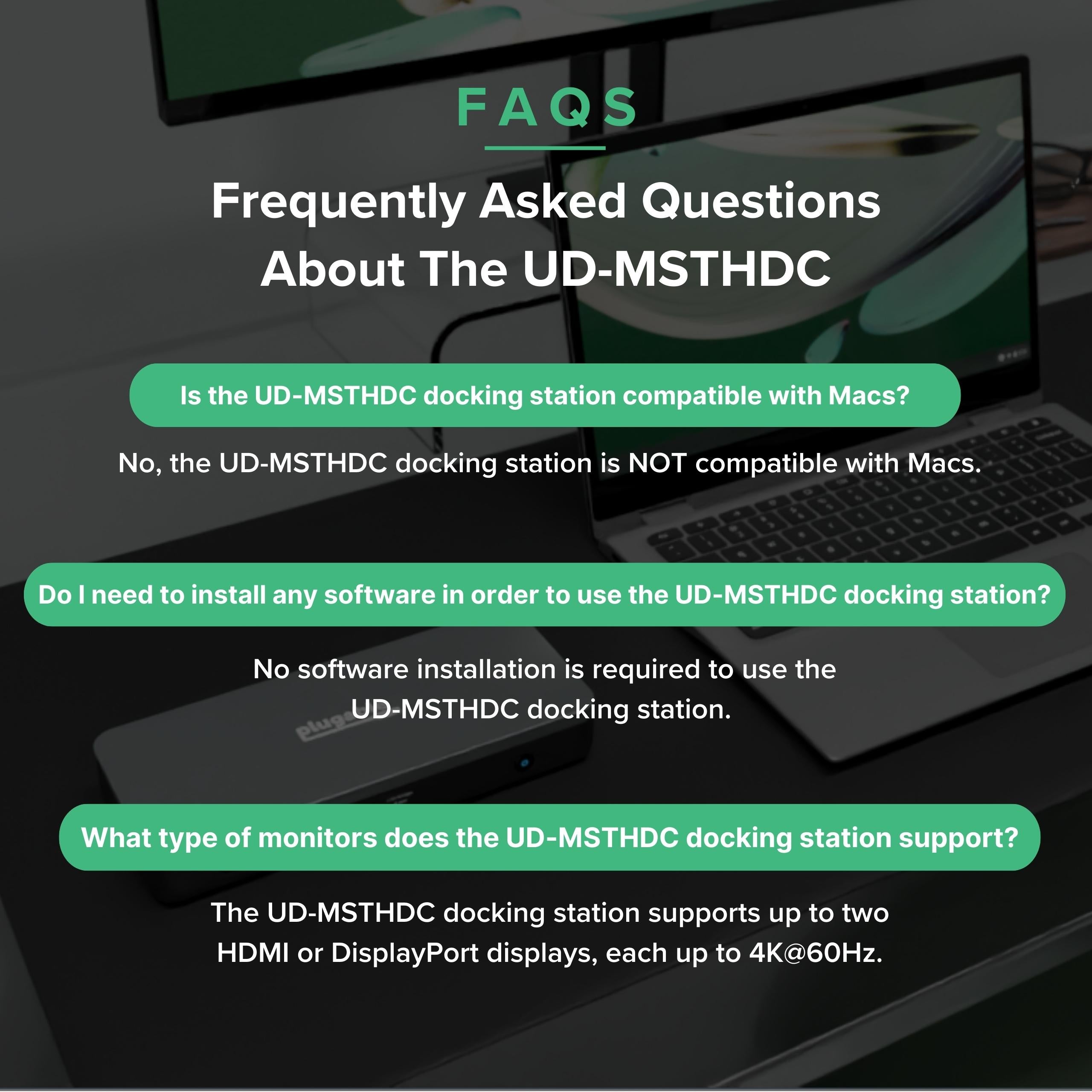
The dock is specifically certified for Chromebooks, but it may work with Macs that support USB-C DisplayPort Alt Mode and Power Delivery. However, video and charging functionality depend on your Mac model; Apple Silicon Macs may require additional drivers for MST, so compatibility is not guaranteed.
The host port is the USB-C port labeled 'Host' on the dock. Connect your laptop to this port using a USB-C cable that supports video and power delivery.
Your Chromebook must support USB-C DisplayPort Alt Mode and have sufficient GPU capabilities. Most recent Chromebooks support dual 4K, but check your device specs to confirm.
For Chromebooks, yes—the dock is designed to work without additional drivers, thanks to the Works with Chromebook certification. Just plug in and the displays and ports should activate automatically.
First, ensure both monitors are connected to the dock via HDMI/DP ports and that your Chromebook supports dual displays. Also, check that each monitor is set to the correct input source. If only one works, try swapping ports or cables to isolate the issue.
I was skeptical about using a docking station with a Chromebook, but this one works flawlessly. It drives two 4K monitors at 60Hz, charges my Chromebook, and provides extra USB and Ethernet ports. Setup was plug-and-play. Highly recommended.
This dock does everything it promises. Dual 4K monitors look great, and the 60W charging is enough for my laptop. However, the Ethernet port sometimes drops the connection if the cable is nudged. Also, the dock gets a bit warm after extended use. But it's a solid product.
I love that I can connect my laptop to two monitors, keyboard, mouse, and ethernet with a single USB-C cable. The 4K displays are crisp, and the charging is consistent. It took a minute to set up, but once it worked, it's been seamless.
I bought this dock for my Chromebook, but it had trouble detecting both monitors at the same time. Sometimes one monitor would go blank or flicker. I followed all the troubleshooting steps, but couldn't resolve it. I ended up returning it. Maybe mine was defective, but it didn't work for me.
This dock made my WFH setup so much better. I now have dual monitors and all my peripherals connected with just one cable. The 60W charging keeps my laptop at full power even under heavy load. The build quality is solid, and it looks professional on my desk. Definitely worth the investment.
I've used this dock with both a Windows laptop and a Chromebook. It works great with both, though the setup process is slightly easier on Windows. The dual 4K output is impressive, and the USB ports are fast. My only complaint is the included power adapter is bulky, but that's typical for docks.
Orders over $45.00 ship free. Otherwise, shipping is $8.00.
Hassle-free returns
SSL encrypted checkout
100% genuine products
Docking stations and hubs from Razer, Corsair, Plugable & STM Goods — compare and connect with free shipping over $45.
Phone: +1 (206) 555-0148
Email: support@portsidegear.us
Address: 2815 Alaskan Way, Suite 300, Seattle, WA 98121, United States