$20.00
We will hold your cart for 15:00.
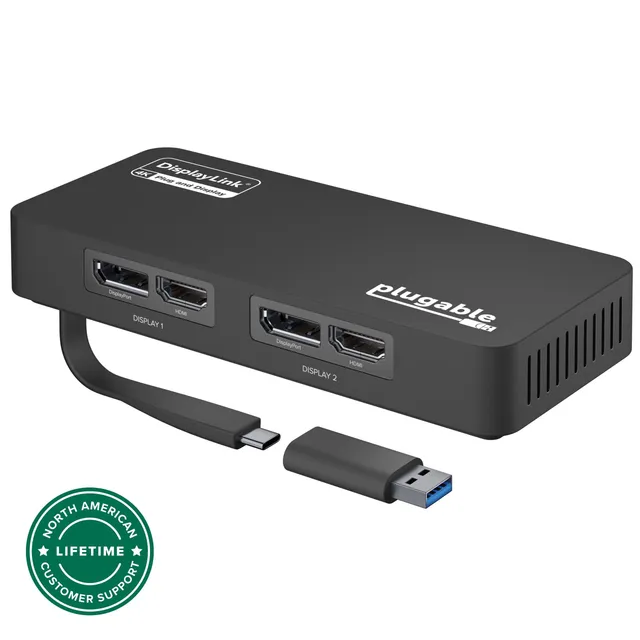
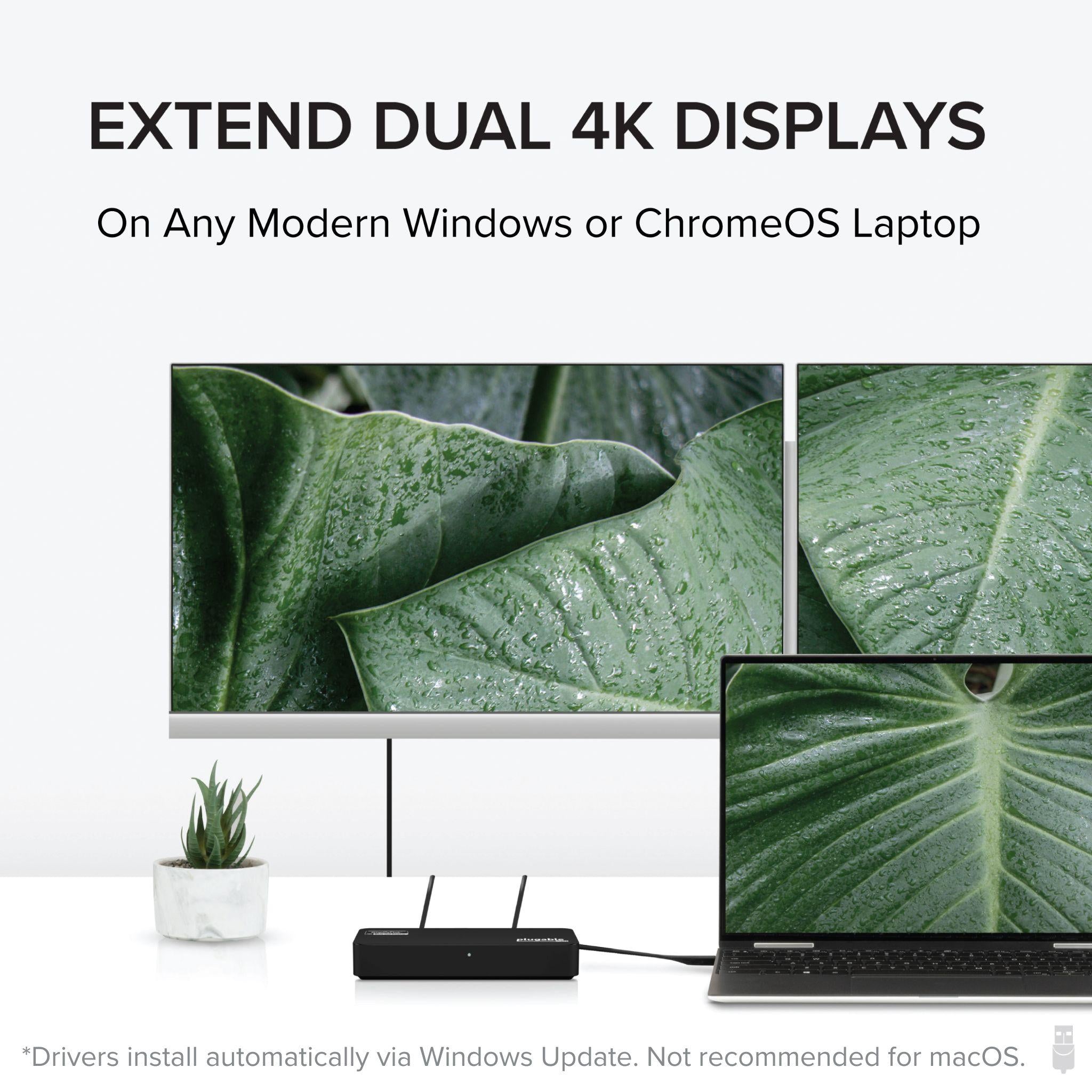
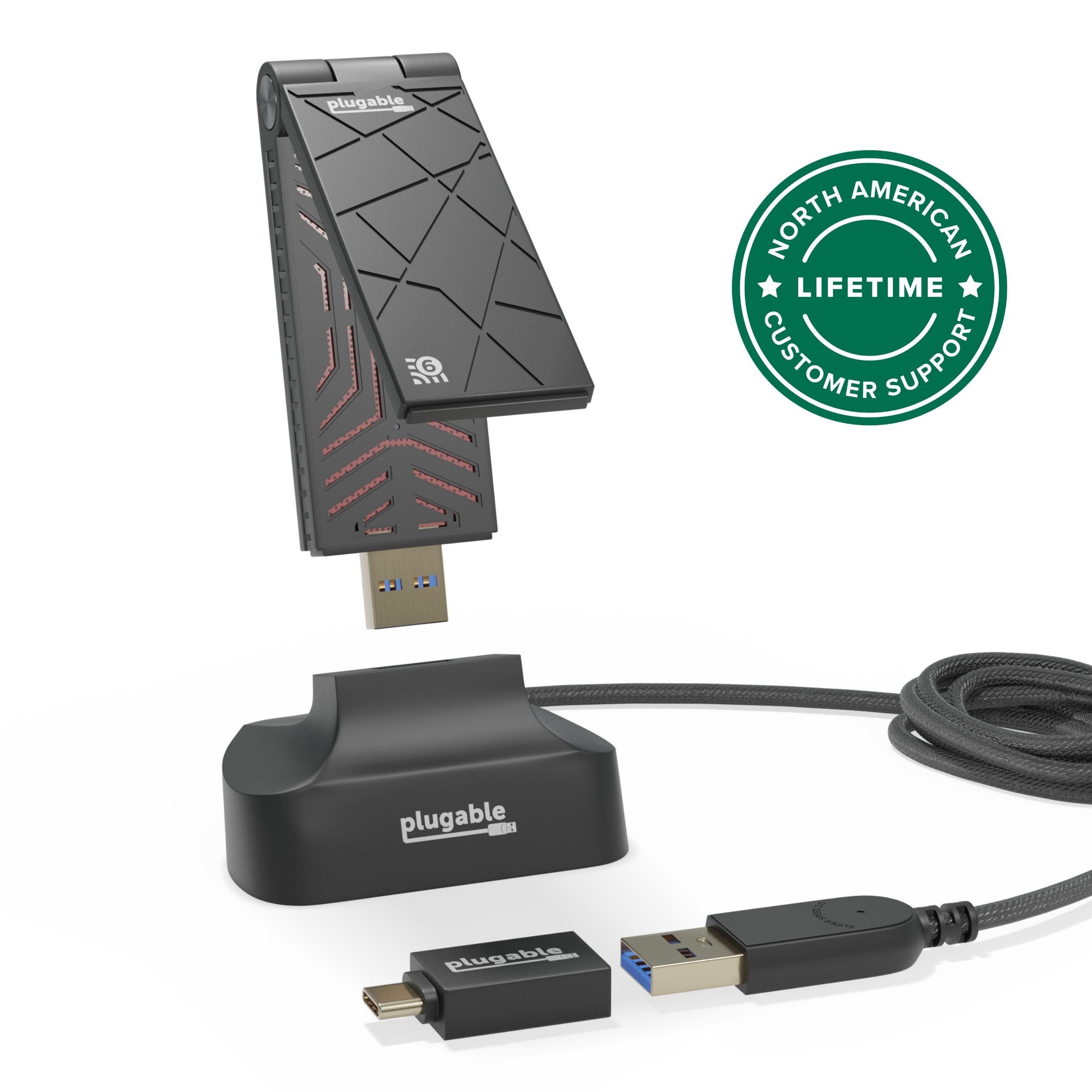
The Plugable USBC-6950U adds two 4K60 displays via HDMI or DisplayPort, ideal for productivity on Windows and ChromeOS using DisplayLink.
Categories : Series
SKU : POR-SER-857
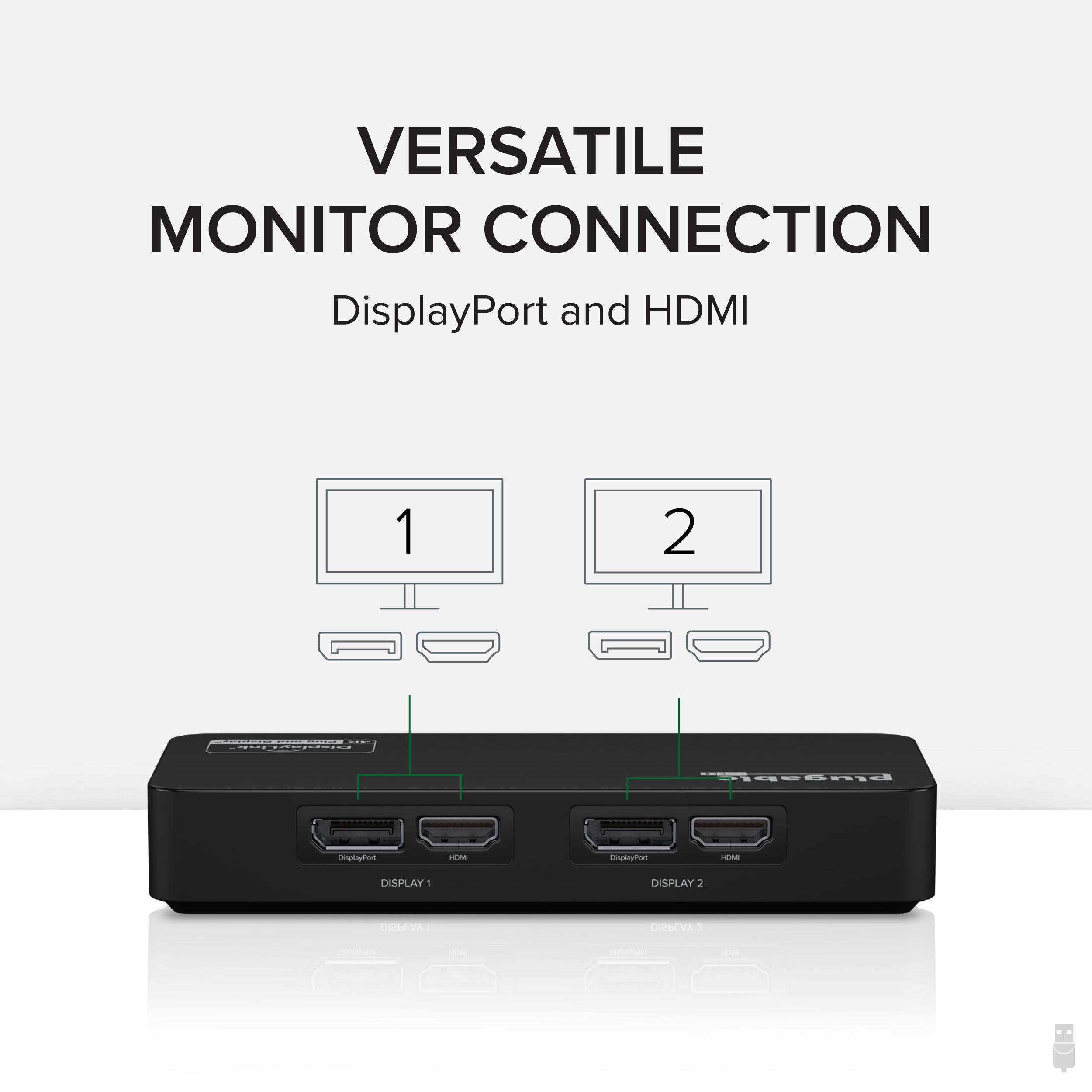
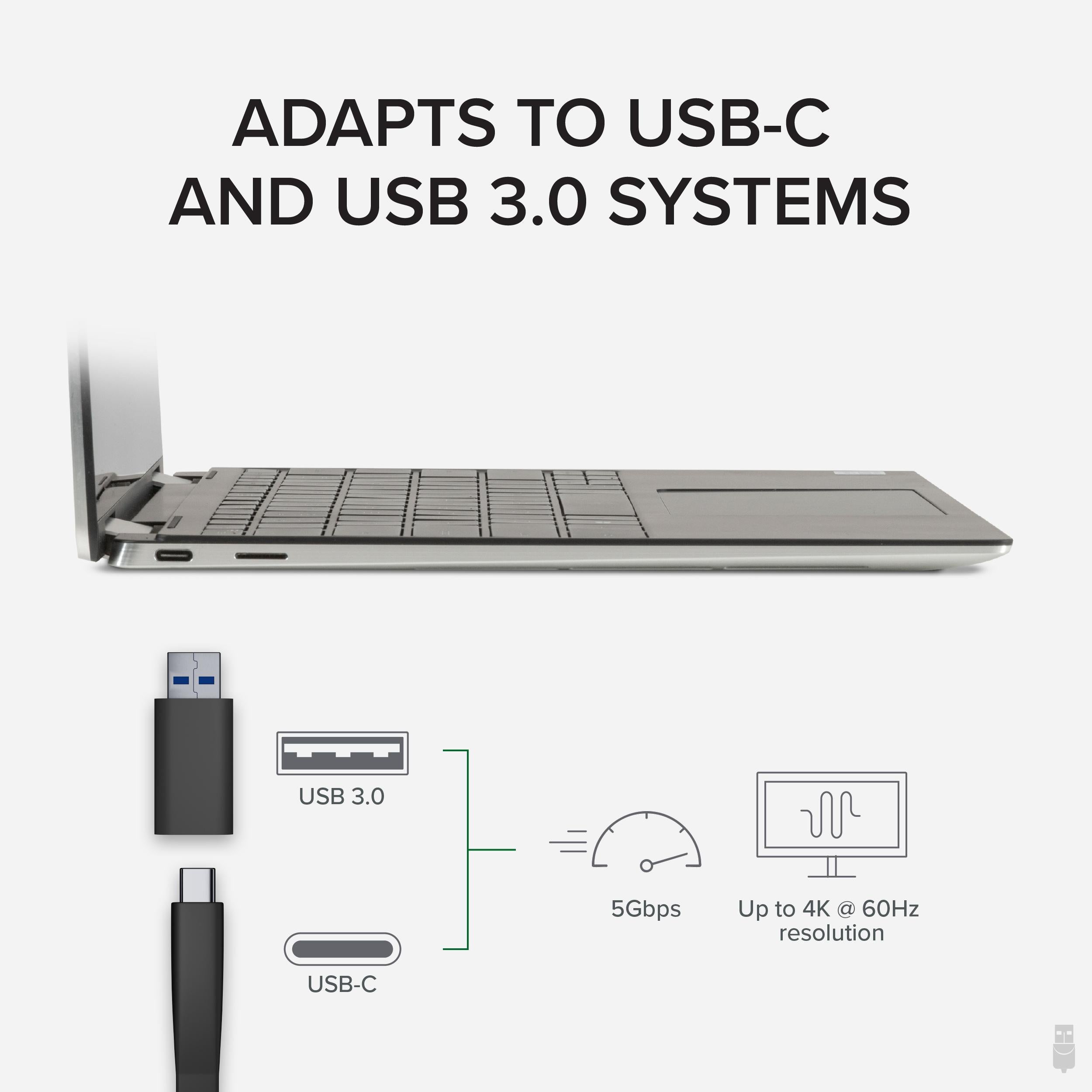
The Plugable USB 3.0 and USB-C Dual Display Adapter (USBC-6950U) allows you to connect up to two additional displays with resolutions up to 3840x2160 at 60Hz each. Designed for productivity and business use, this adapter is ideal for extending your desktop workspace with HDMI 2.0 or DisplayPort 1.2 connections. Powered by the DisplayLink DL-6950 chipset, it supports popular resolutions such as 1440p, 1080p, and lower, all at 60Hz refresh rates. To achieve 4K at 60Hz, connected monitors must support DisplayPort 1.2 or HDMI 2.0 (and use a high-quality cable).
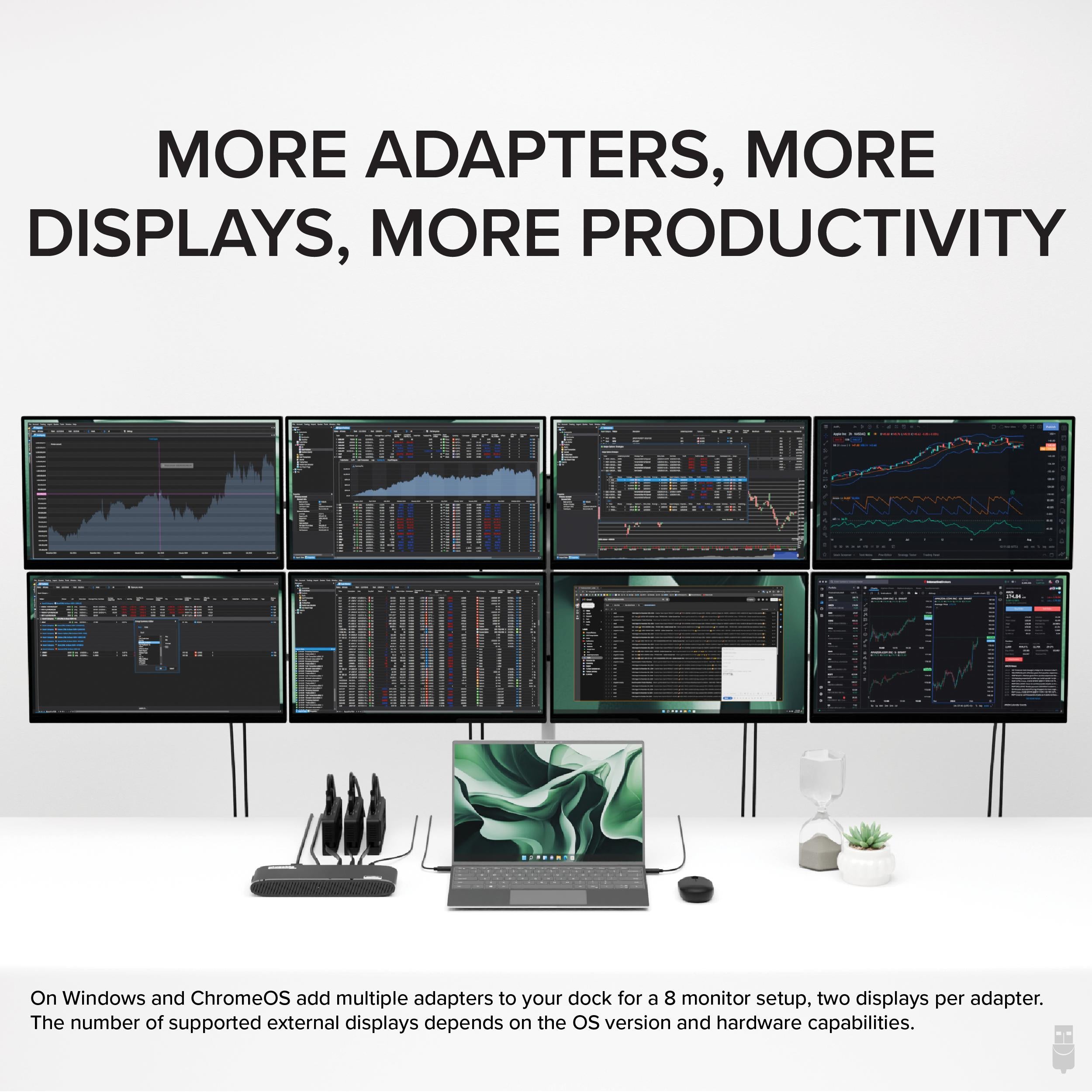
Dual your screen real estate with two 4K displays at 60Hz, perfect for financial analysts, video editors, coders, and anyone who thrives in a multi-monitor workflow. The adapter uses DisplayLink technology, which works over USB without needing a dedicated GPU video output.
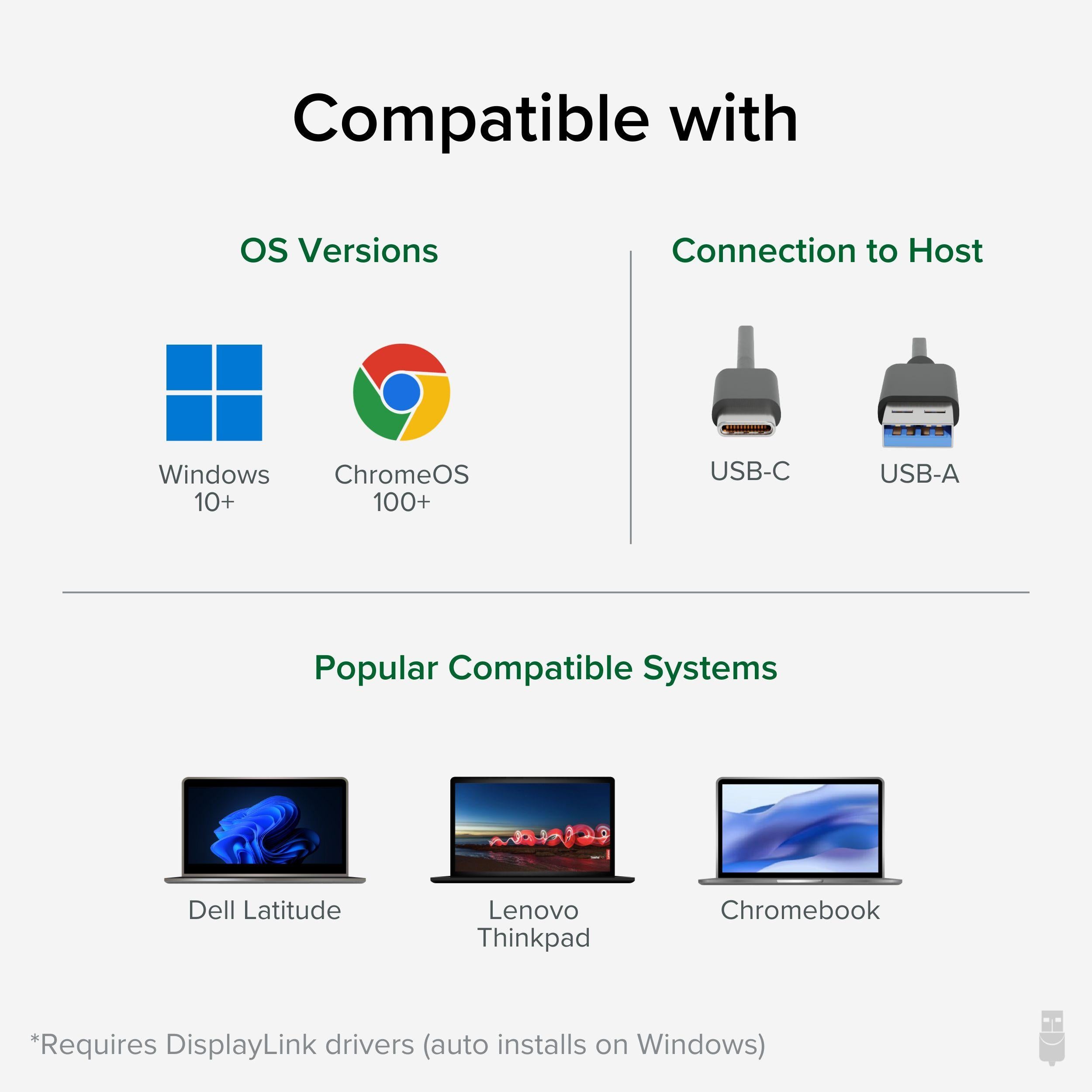
Compatible with Windows 10/11 and ChromeOS 100 or later. For ChromeOS, the DisplayLink driver is built-in for supported models. On Windows, download the driver from DisplayLink's website for optimal performance. Note: macOS is NOT supported.
Connect to your laptop via USB 3.0 (Type-A) or USB-C, and output to any combination of HDMI or DisplayPort monitors. The adapter supports dual displays even if your laptop only has one USB port, thanks to the built-in chipset.
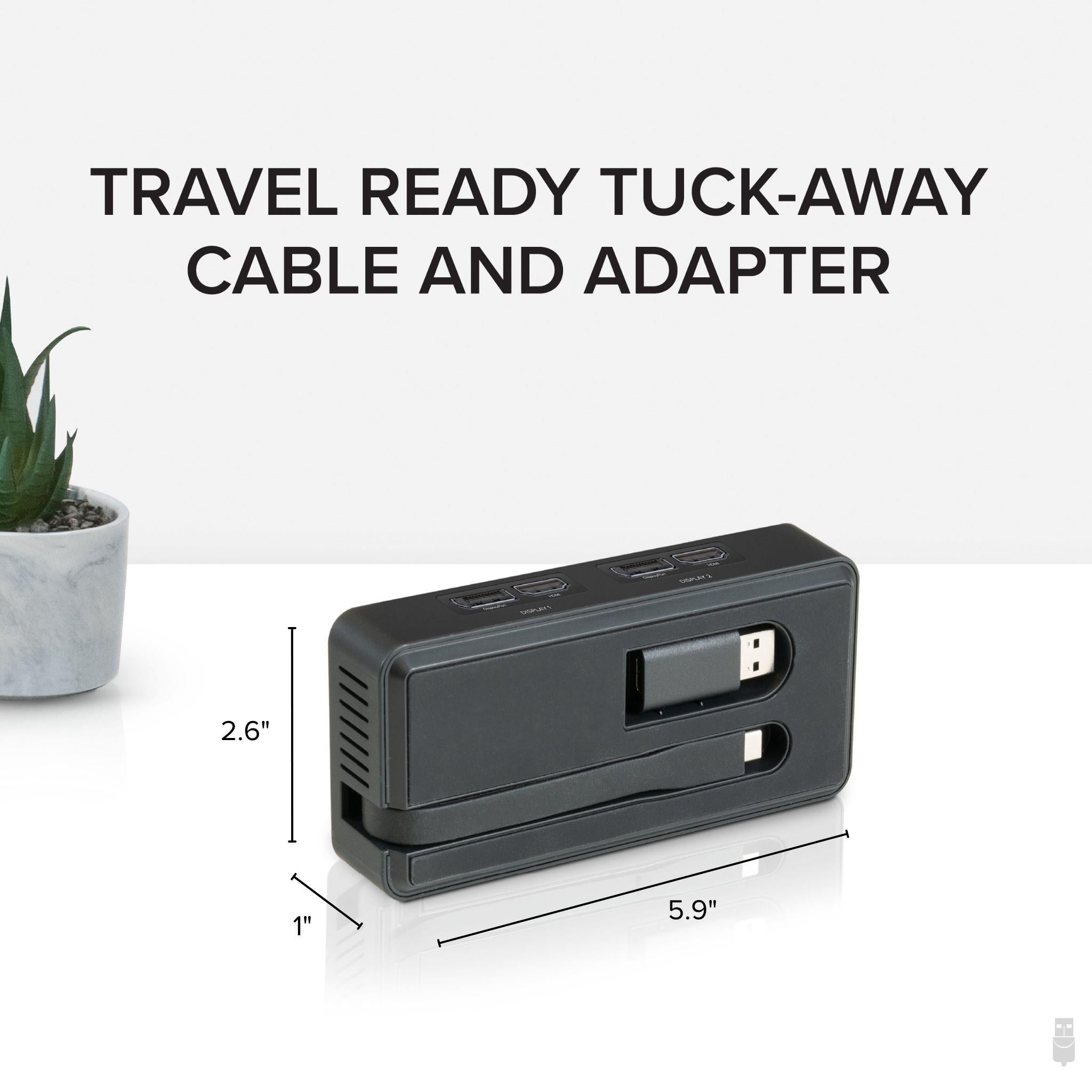
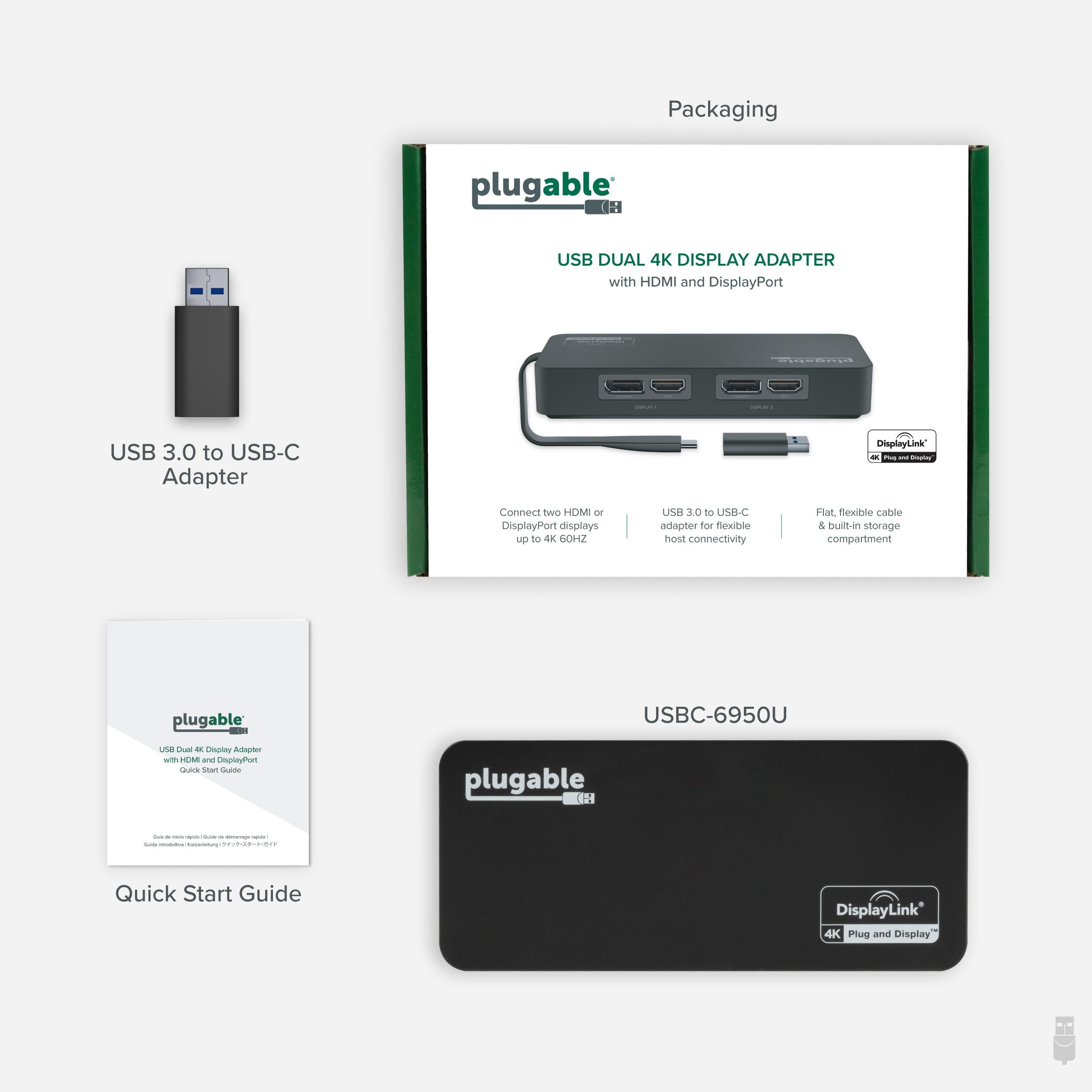
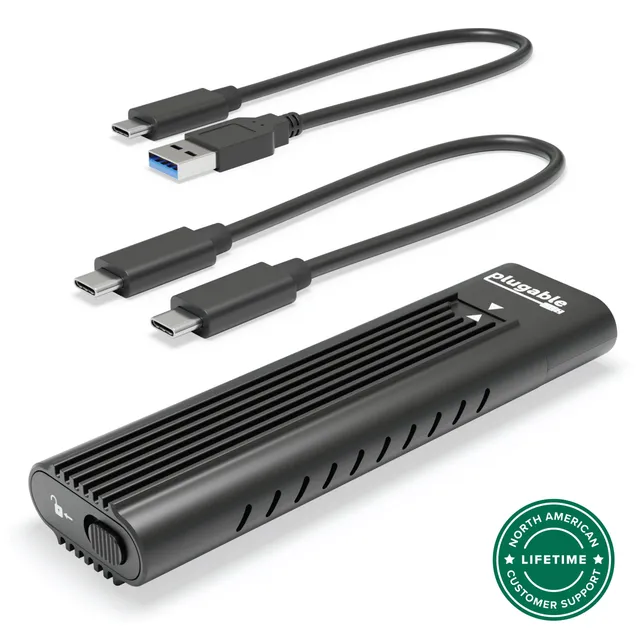
The package includes the adapter, a USB 3.0 cable, a USB-C cable, and a quick start guide. The adapter measures approximately 4.3 x 2.5 x 0.6 inches and weighs just 3.2 ounces, making it easy to carry.
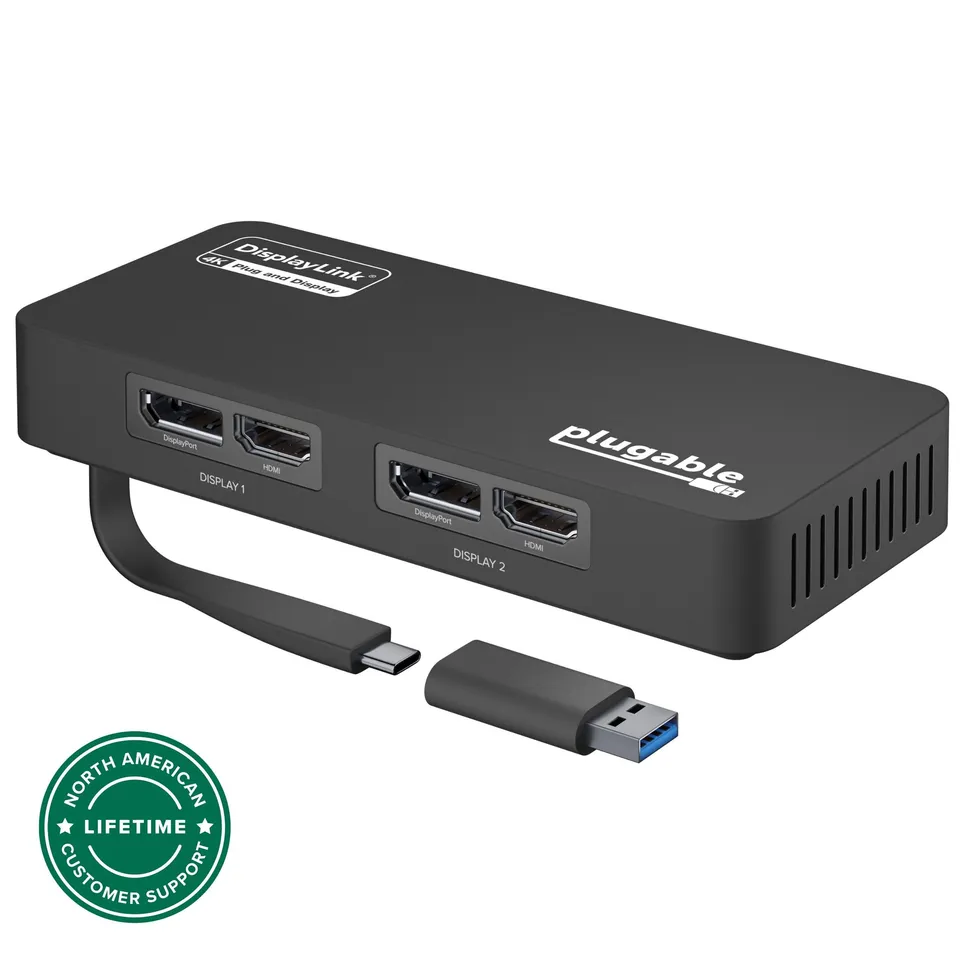
Dual 4K60 display output via HDMI or DisplayPort for ultimate productivity
Works over USB 3.0 or USB-C, adding displays to laptops without extra video outputs
Plug-and-play with Windows and ChromeOS (driver download for Windows)
Model: USBC-6950U
Weight: 3.2 oz (91 g)
Chipset: DisplayLink DL-6950
Dimensions: 4.3 x 2.5 x 0.6 inches (109 x 64 x 15 mm)
Product Type: USB Dual Display Adapter
Compatibility: Windows 10/11, ChromeOS 100+ (macOS not supported)
Video Outputs: 2x HDMI 2.0 or DisplayPort 1.2 (via included adapters)
Host Interface: USB 3.0 Type-A or USB-C
Max Resolution: 3840x2160 @ 60Hz per port
Seller: PortSide Gear
MPN: USBC-6950U
This adapter is a game-changer for professionals using laptops with limited video outputs. With dual 4K60 support, you can spread out your applications across three screens (including the laptop's built-in display) for a truly immersive workflow. The aluminum casing is durable and helps dissipate heat during long sessions. And because it's powered by DisplayLink, you can rely on consistent performance across a wide range of laptops, even those with integrated graphics.
No, this adapter is not compatible with macOS. It is designed for Windows and ChromeOS only.
Yes, you'll need to download and install the DisplayLink driver from the official DisplayLink website for Windows 11. The driver is regularly updated for stability.
Yes, ChromeOS 100 or later includes support for DisplayLink. Simply plug in and follow the on-screen prompts to install the driver (if needed).
The package includes the adapter, a USB 3.0 cable, and a USB-C cable. You'll need to provide your own HDMI or DisplayPort cables for the monitors.
I'm using this adapter with my ThinkPad on Windows 10, and it let me add two 4K monitors without any issues. Installation was straightforward—just installed the DisplayLink driver and plugged in. Now I have a three-screen setup for work. Highly recommended for productivity boost.
The adapter works great for driving two 4K displays, but the DisplayLink software can be a bit resource-heavy. I notice a slight CPU usage increase. Still, it's a solid solution if you need to add monitors to a laptop that doesn't have enough video outputs.
I got this for my Chromebook to connect two external monitors. It works flawlessly with ChromeOS. Plug-and-play, no extra drivers needed. Now I have a full workstation. Excellent product!
The adapter mostly works, but I've had occasional dropouts where one monitor goes black for a few seconds. It might be my laptop's USB port, but it's annoying. I hope a future driver update fixes it.
This adapter is perfect if you want a clean setup without a big dock. It's compact, and the two ports are enough for my dual monitors. Both run at 4K60, and the image is sharp. I've been using it daily for months without problems.
I compared this with more expensive docks, and this adapter does the job for less money. The DisplayLink driver is a bit tricky to set up initially, but after that, it's smooth sailing. Great budget option for dual monitors.
Orders over $45.00 ship free. Otherwise, shipping is $8.00.
Hassle-free returns
SSL encrypted checkout
100% genuine products
Docking stations and hubs from Razer, Corsair, Plugable & STM Goods — compare and connect with free shipping over $45.
Phone: +1 (206) 555-0148
Email: support@portsidegear.us
Address: 2815 Alaskan Way, Suite 300, Seattle, WA 98121, United States