$20.00
We will hold your cart for 15:00.
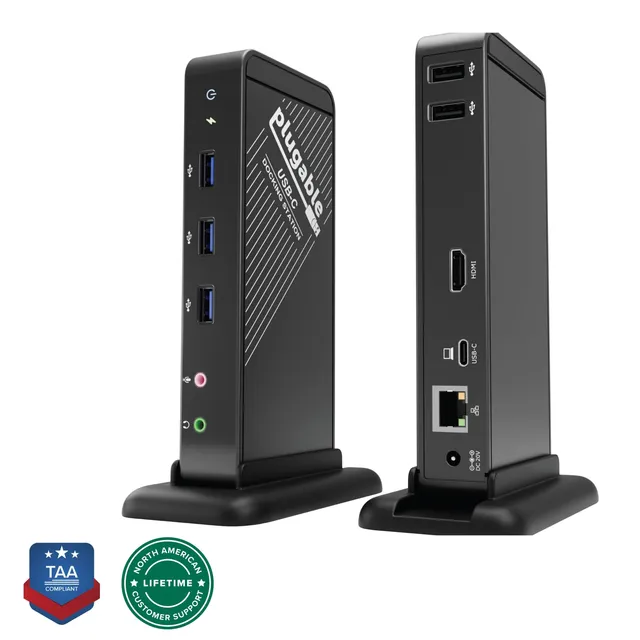
Plugable's UD-7400PD docking station drives up to five external displays via USB-C and DisplayLink, with HDMI 2.1 for 8K support and 140W laptop charging.
Pair withPlugable USB-C 5-in-1 Hub for MacBook Pro/Air (AMS-5IN1E)$14.98
Categories : Series
SKU : POR-SER-736
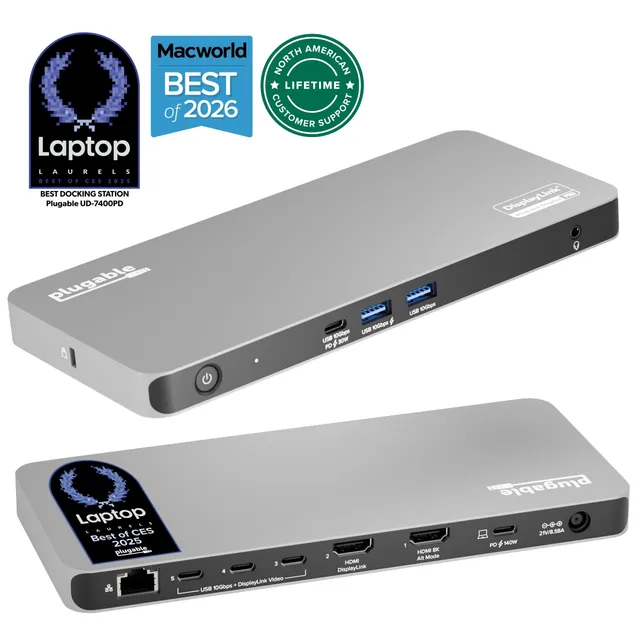
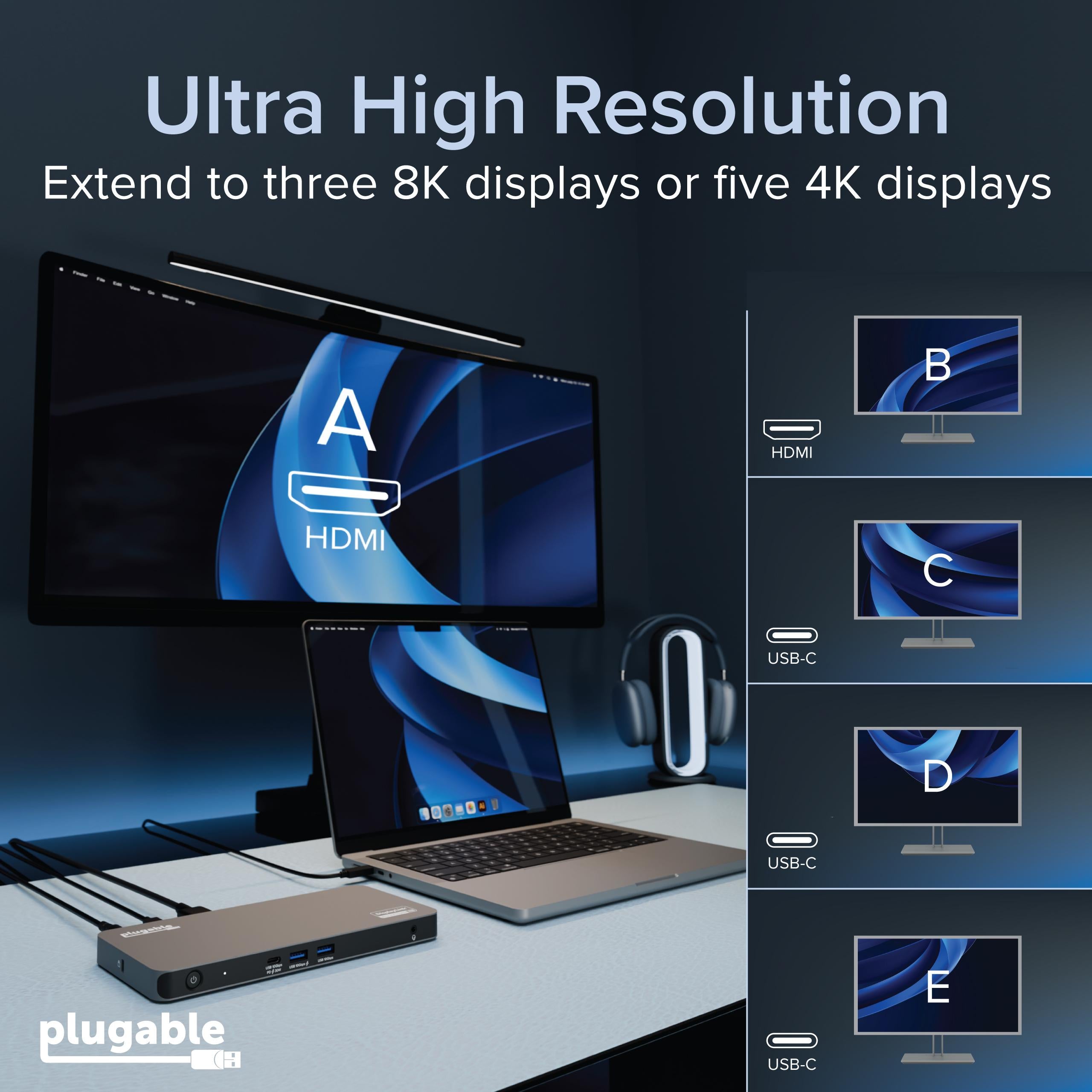
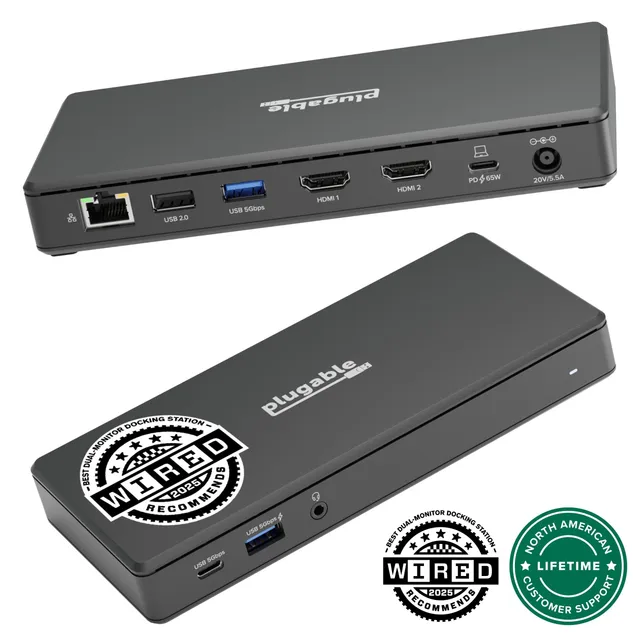
The Plugable UD-7400PD is a powerful USB-C docking station that lets you connect up to five external monitors to a single USB-C port on Windows, macOS, or ChromeOS. Recognized as Macworld's Editor's Choice "Best DisplayLink Dock for 5 Displays," this dock combines USB-C and DisplayLink technologies to deliver exceptional productivity for creative professionals, financial analysts, and anyone who needs massive screen real estate.
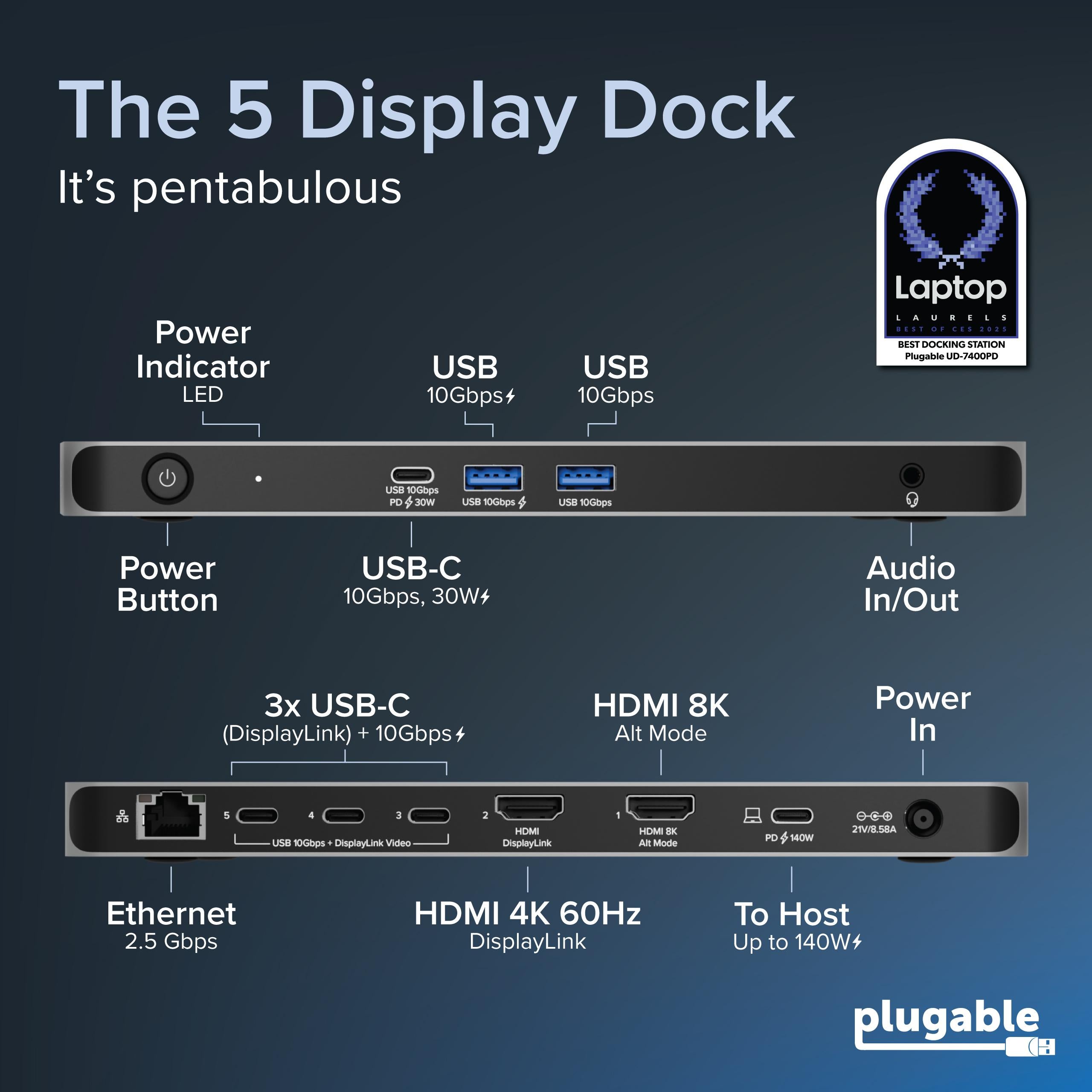
Connect five monitors simultaneously using the dock's combination of HDMI 2.1 (one port, up to 8K@30Hz), HDMI 2.0 (one port, 4K@60Hz), and DisplayPort connections (three ports, 4K@60Hz). This flexibility lets you mix and match monitors to create the perfect multi-monitor setup.
DisplayLink uses a compression technique to drive video output over USB, allowing you to use any monitor with this dock. The UD-7400PD works with both Intel and Apple Silicon Macs, providing a smooth, low-latency experience for productivity apps.
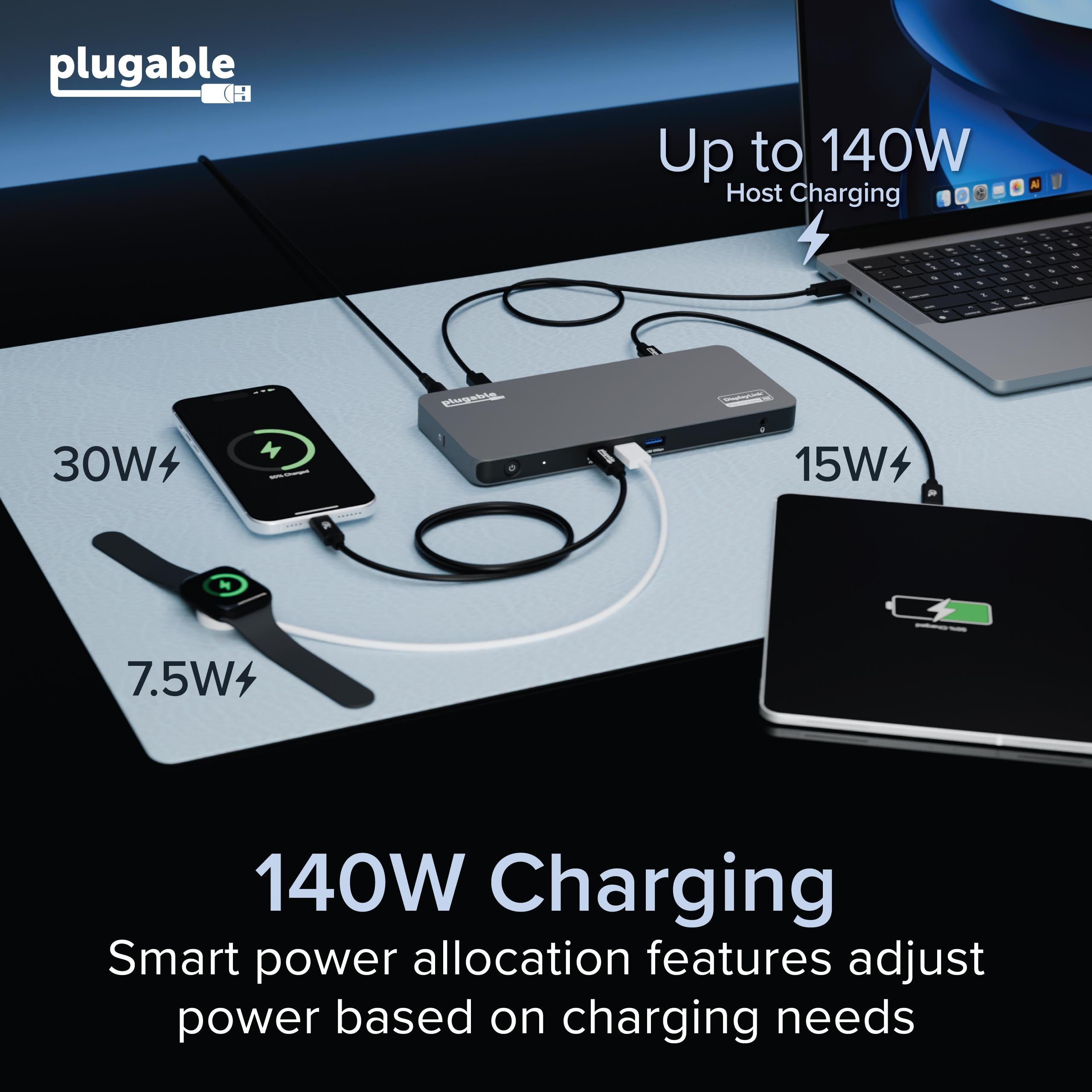
The dock delivers up to 140W of power to your laptop via USB-C, keeping even high-power laptops like the 16-inch MacBook Pro charged during heavy use. (Note: Some laptops may limit charging to their own standard.)
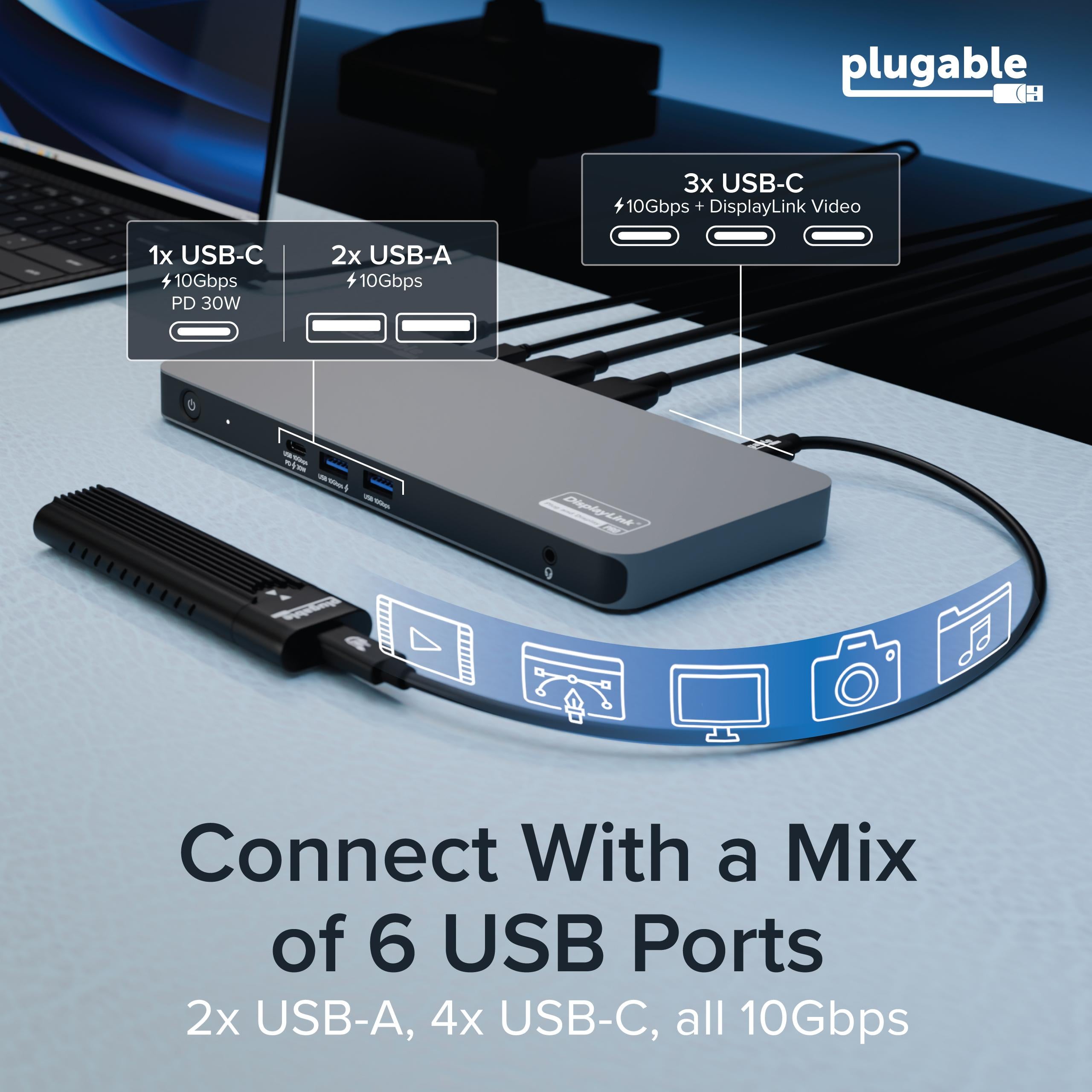
Aside from video outputs, the dock includes USB 3.2 Gen 2 ports (10Gbps), USB-C ports, Gigabit Ethernet, an SD card reader, and audio jacks, making it a complete I/O hub.
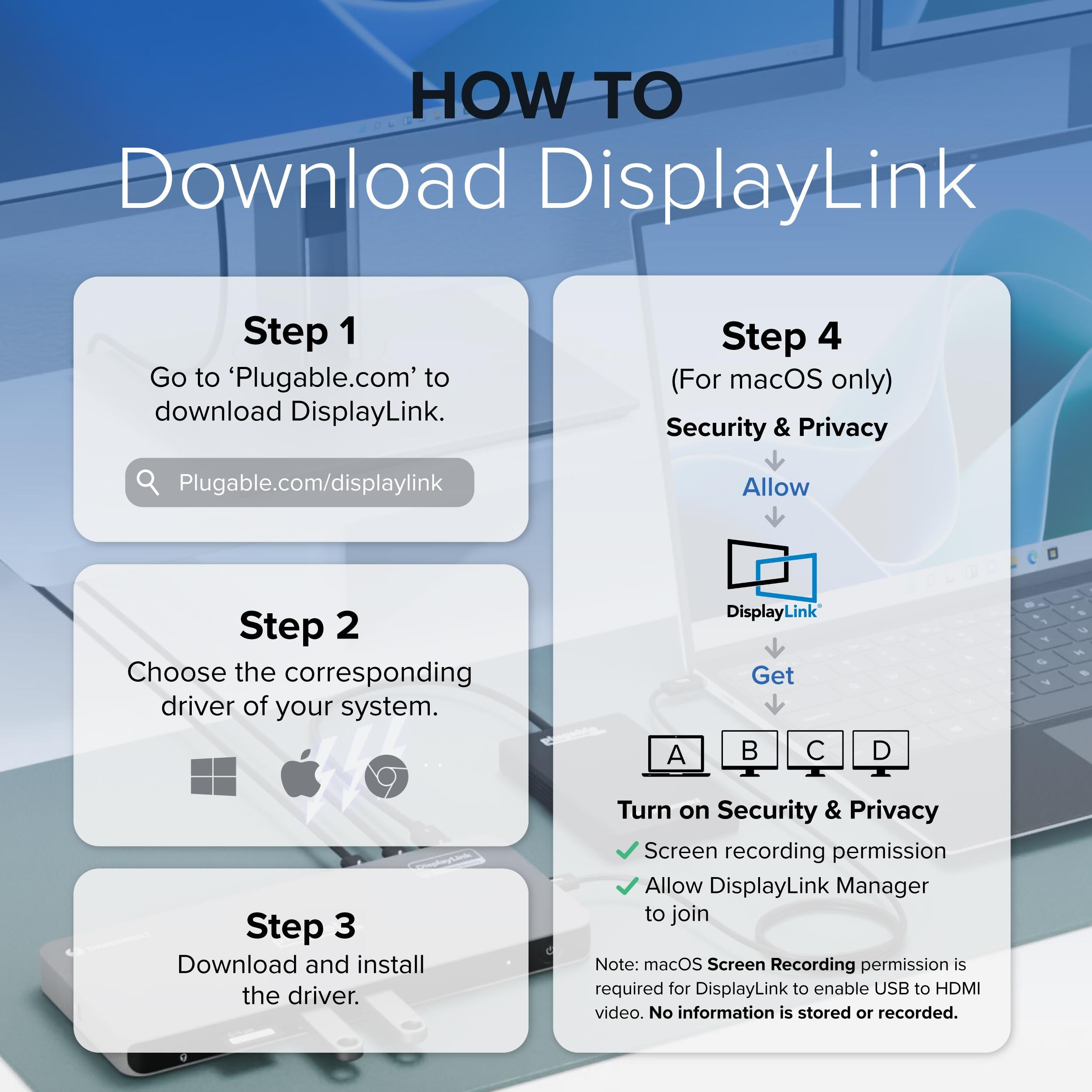
Install the appropriate DisplayLink drivers for your OS, connect the dock via a single USB-C cable, and you're ready to go. The dock is plug-and-play after driver installation, and it supports firmware updates for improved performance.
Award-winning performance, comprehensive port selection, and reliable support make the UD-7400PD a top choice for multi-display professionals.
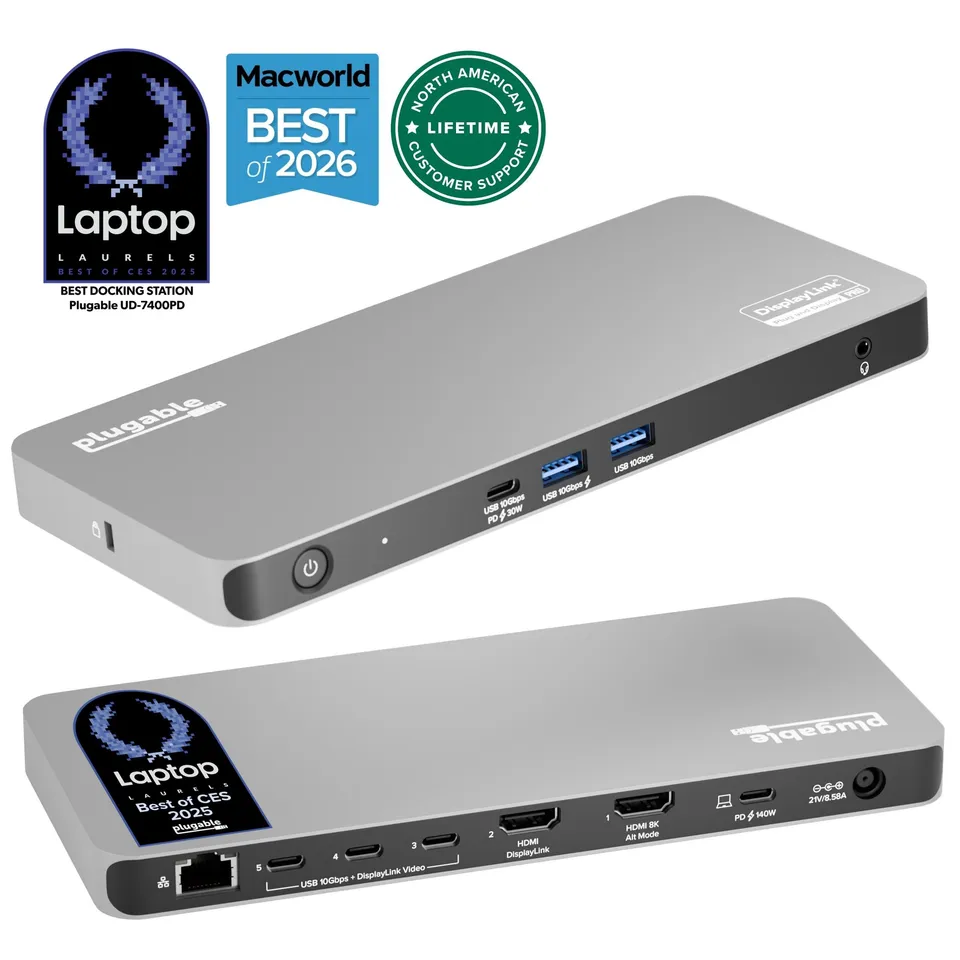
5-display output with 4K@60Hz on multiple ports and 8K via HDMI 2.1.
140W USB-C power delivery charges high-performance laptops.
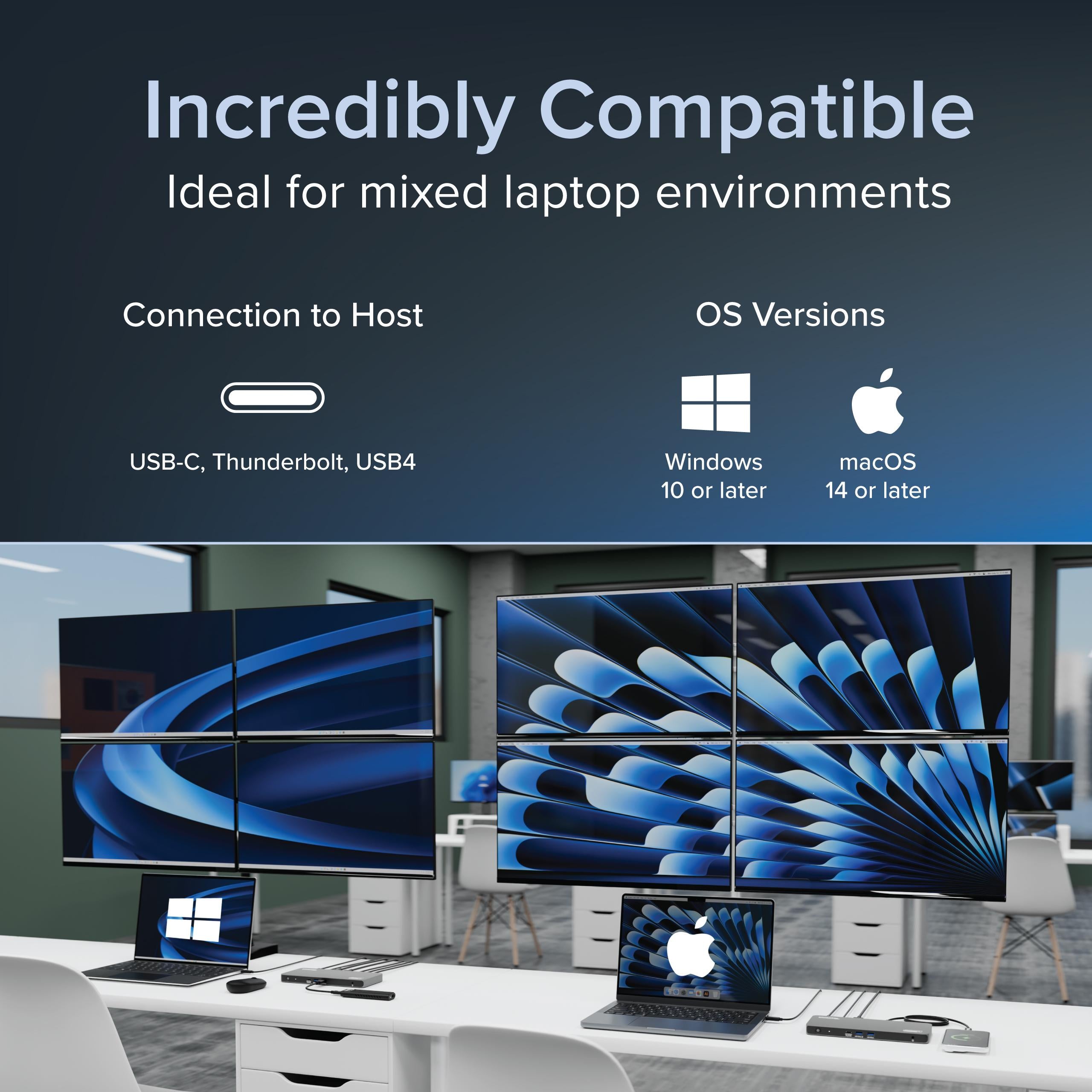
Broad compatibility with Windows, macOS, and ChromeOS over USB-C.
Audio: 3.5mm combo jack
Color: Black
Model: UD-7400PD
Charging: 140W USB-C Power Delivery
USB Ports: Multiple USB 3.2 Gen 2 (10Gbps) and USB-C ports
Networking: Gigabit Ethernet
Technology: DisplayLink DL-6950
Card Reader: SD/microSD slot
Max Displays: 5
Power Supply: Included (external)
Product Type: USB-C Docking Station
Compatibility: Windows, macOS (with drivers), ChromeOS
Video Outputs: 1x HDMI 2.1 (up to 8K@30Hz), 1x HDMI 2.0 (4K@60Hz), 3x DisplayPort (4K@60Hz)
Seller: PortSide Gear
MPN: UD-7400PD
Imagine having five screens for real-time data monitoring, code debugging, or video editing timelines. The UD-7400PD makes this possible with a single cable, and its 140W power delivery ensures your laptop stays charged even under load. Whether you're in finance, creative, or tech, this dock transforms your laptop into a full desktop command center.
Install the DisplayLink drivers, connect the dock to your laptop via USB-C, then connect each monitor to the available HDMI and DisplayPort ports. Ensure each monitor is set to the correct input. If you only get three displays, check that your laptop supports more than three outputs and that all cables are high-quality.
Some hosts limit the number of external displays, especially on macOS. Also, if one of the ports is not working, try a different monitor or cable. Ensure the DisplayLink driver is updated. For Windows, check your graphics card's output limits.
Yes, the HDMI 2.1 port supports 8K at 30Hz. However, your computer and cable must support 8K output. Some hosts may cap at 4K due to bandwidth. For 8K, use a high-quality HDMI 2.1 cable.
I'm a day trader, and I need multiple monitors to track markets. This dock is a beast – I'm running five 27-inch 4K monitors from my ThinkPad, and it's flawless. The HDMI 2.1 supports 8K if needed, and the 140W charging keeps my laptop fully powered. Setup was a bit involved (installing DisplayLink drivers), but once done, it's rock solid. Worth every penny.
This dock does exactly what it promises: five displays. However, I noticed that on my older laptop, the CPU usage spiked when displaying multiple 4K screens. On my new machine, it's fine. The build quality is excellent, and the 140W charging is a big plus. Just be aware of your laptop's capabilities.
I've been using this dock for a CAD workstation. Connecting four 27-inch monitors simultaneously is amazing, and the 5th is used as a secondary. Video is crisp, and the 140W power delivery means my laptop never runs low. It's a hefty dock, but that's expected for its capabilities. Plugable knocked it out of the park.
It works, but there are a few quirks. Sometimes the displays don't wake from sleep, and I have to replug the dock. Also, the driver software needs to be updated regularly. When it works, it's fantastic, but the occasional hiccups are annoying. If you need many displays, it's still worth it.
As a video editor, I have a lot of windows open. This dock lets me spread everything across four monitors, and the 5th is for a reference monitor via HDMI 2.1. The 8K support is future-proof. The 140W charging is great – I can run my powerful laptop at full tilt. Set up was straightforward, and it's been rock solid.
The dock performs well – I'm using three displays, and the support is top-notch. However, it's one of the most expensive docks I've bought. The 140W charging is great, and the build is sturdy. If you only need a couple of displays, you might not need this much power, but if you're a power user, it's a good investment.
Orders over $45.00 ship free. Otherwise, shipping is $8.00.
Hassle-free returns
SSL encrypted checkout
100% genuine products
Docking stations and hubs from Razer, Corsair, Plugable & STM Goods — compare and connect with free shipping over $45.
Phone: +1 (206) 555-0148
Email: support@portsidegear.us
Address: 2815 Alaskan Way, Suite 300, Seattle, WA 98121, United States