$20.00
We will hold your cart for 15:00.
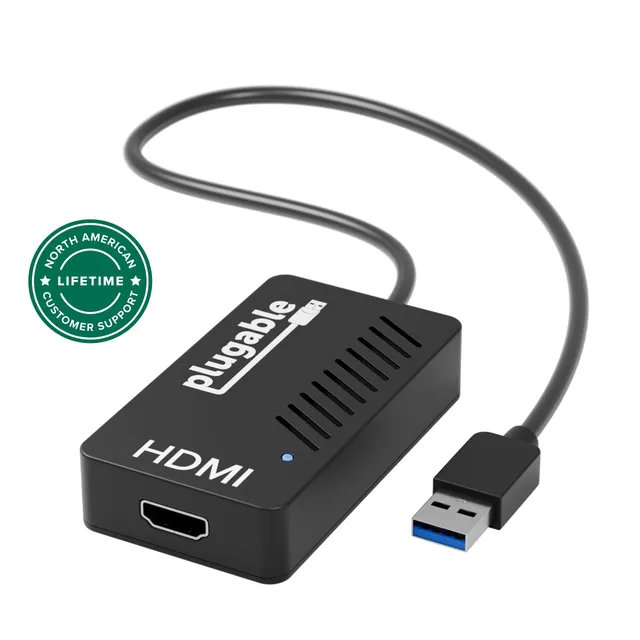
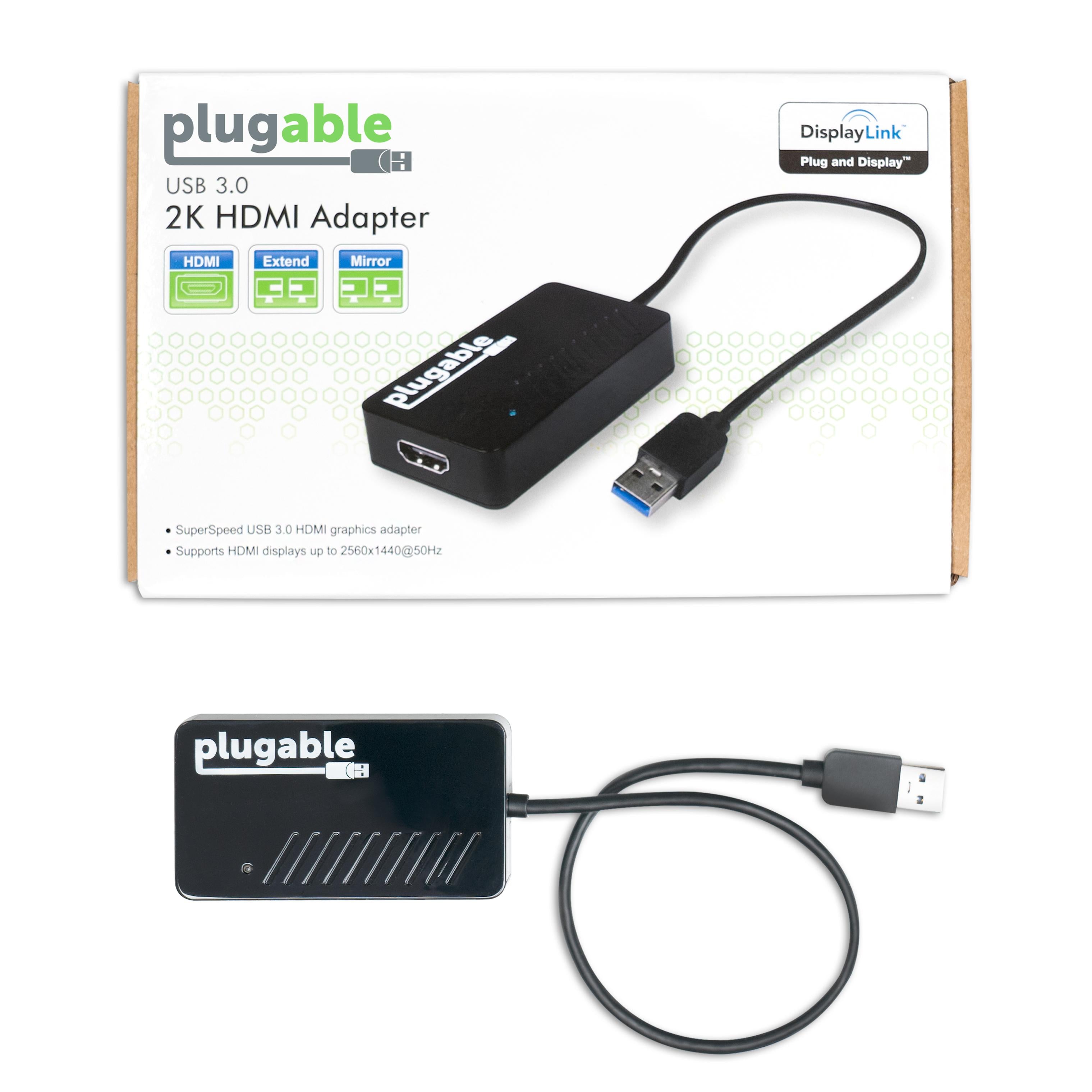
The Plugable USB 3.0 to 2K HDMI adapter adds an HDMI display up to 2560×1440@50Hz, using DisplayLink for multi-monitor productivity on Windows and macOS.
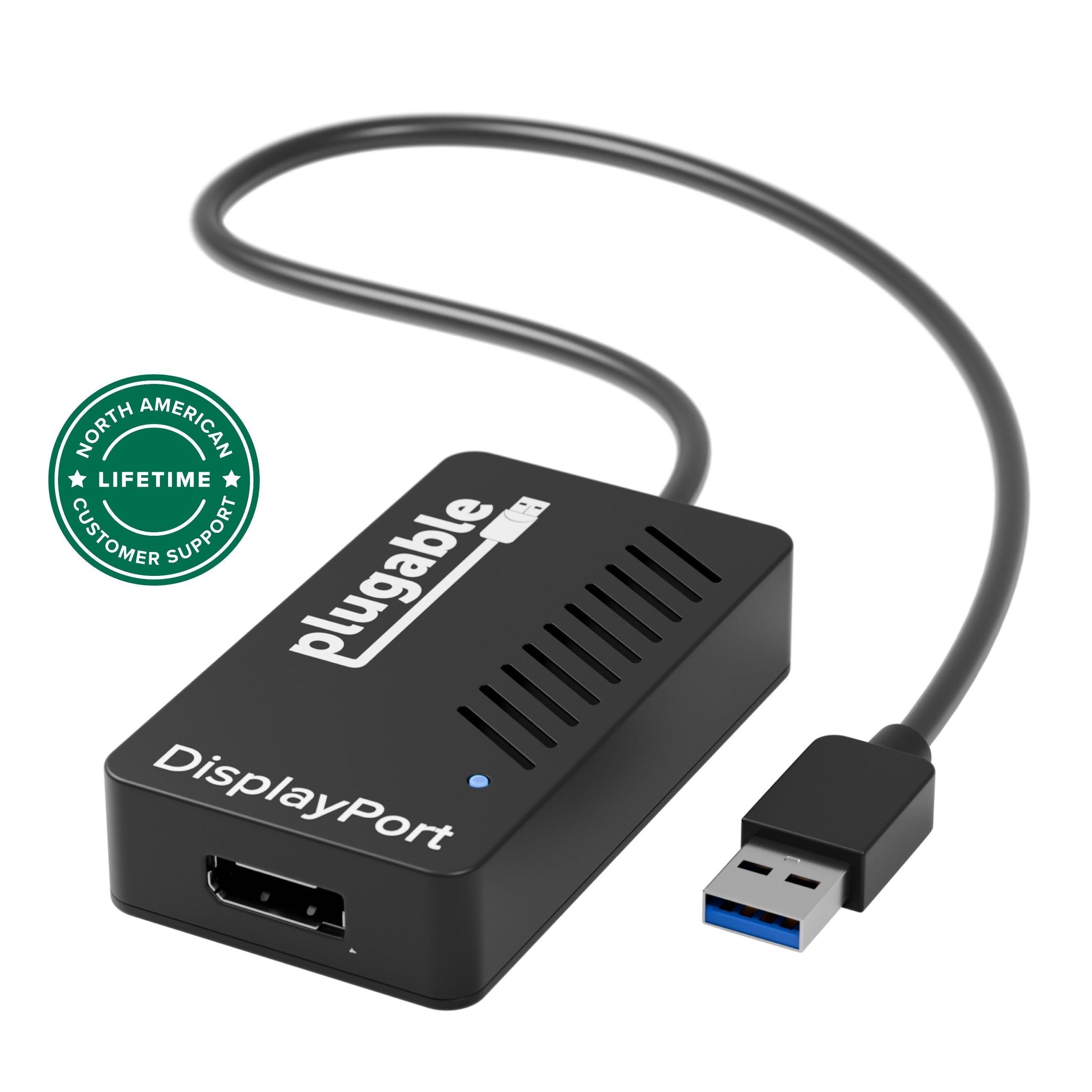
Pair withPlugable USB 3.0 to 4K DisplayPort Adapter (UGA-4KDP)$39.98
Categories : Series
SKU : POR-SER-742
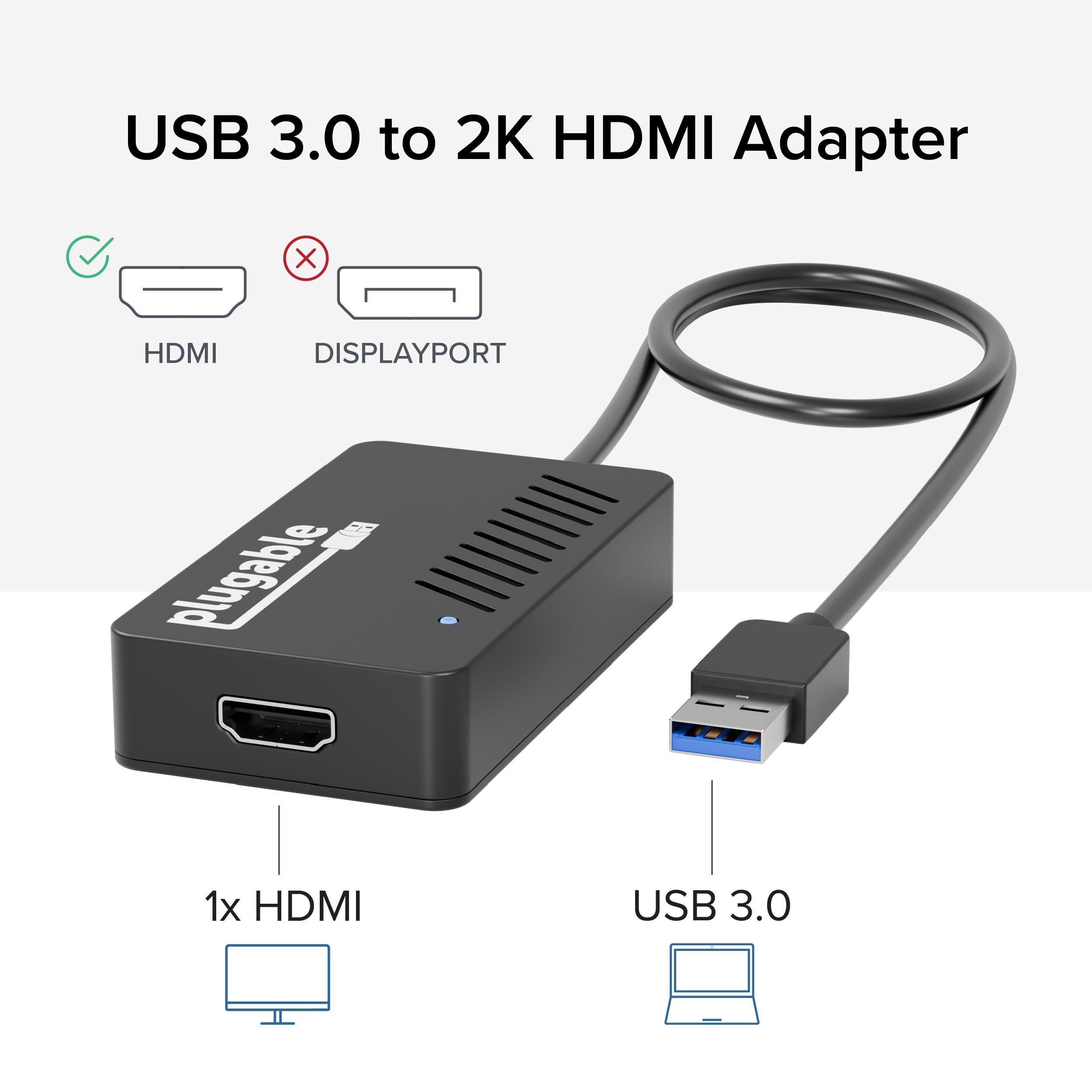
The Plugable USB 3.0 to 2K HDMI Adapter (UGA-2KHDMI) lets you connect an additional HDMI display to your Windows or Mac system via USB 3.0. Featuring the DisplayLink DL-3500 chipset, it supports resolutions up to 2560×1440 @ 50Hz (lower resolutions at 60Hz), giving you extra screen space for multitasking, coding, design work, or trading dashboards. This adapter is a solid choice for professionals who want to expand their desktop without investing in a new graphics card or a premium Thunderbolt dock.
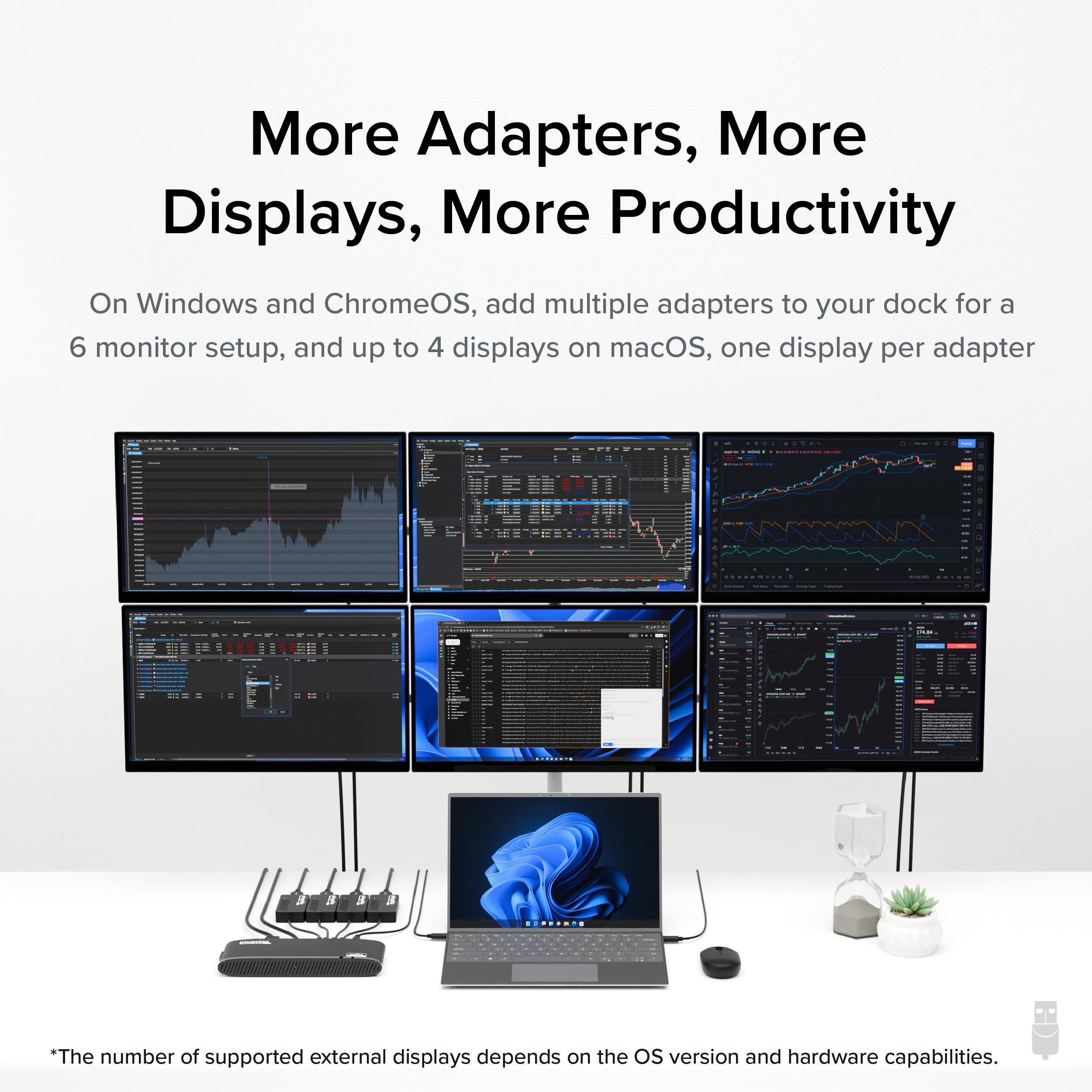
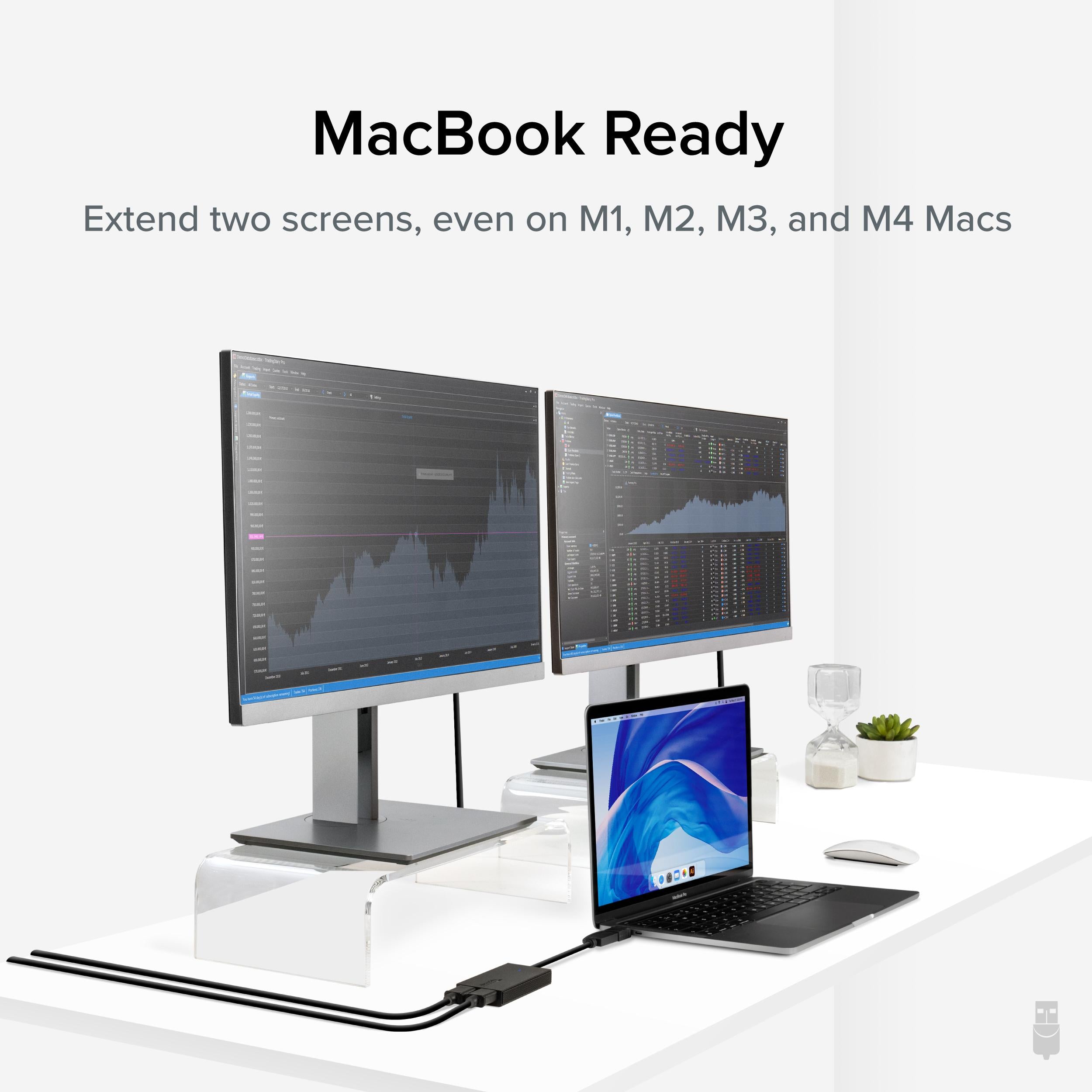
With the Plugable UGA-2KHDMI, you can add a second, third, or even fourth HDMI monitor to your setup (system resources permitting). It's especially useful for laptops with limited video outputs. Simply plug it into a USB 3.0 port (or USB-C with an adapter), install the DisplayLink driver, and you're ready to extend or mirror your display. Audio also passes through the HDMI connection, so you can connect speakers or a TV with sound.
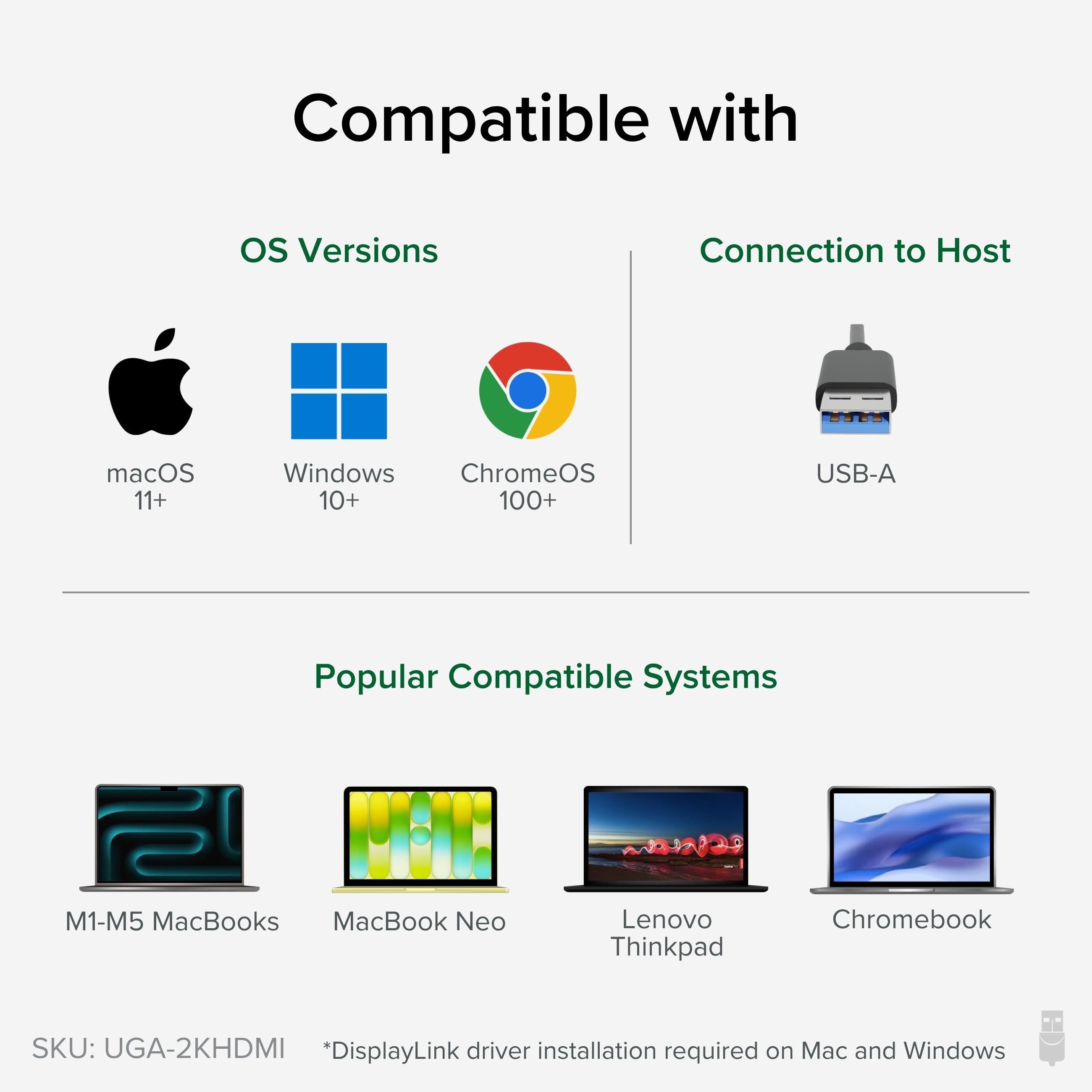
Drivers are available for Windows 11/10/8.1/7 (with automatic installation via Windows Update) and macOS for Intel and Apple Silicon M1/M2/M3 Macs (macOS 11 Big Sur or later). It also works with ChromeOS 100 or later. Note that DisplayLink technology compresses video data over USB, so performance is best for productivity applications rather than high-frame-rate gaming. For 2K at 50Hz, you'll enjoy crisp text and smooth video playback.
Plugable is known for reliable, well-supported connectivity gear. This adapter includes a one-year warranty and access to responsive support. It's a practical, cost-effective way to achieve a multi-monitor setup without the complexity of docking stations.
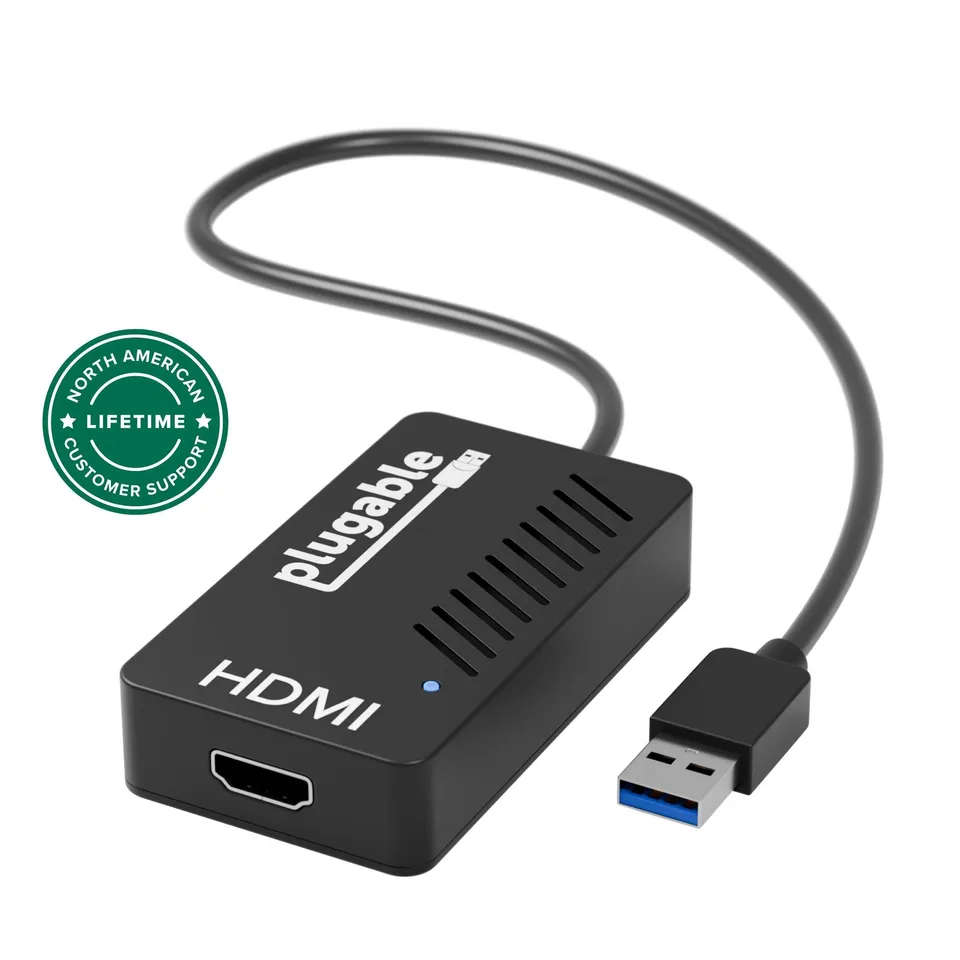
2K HDMI output: Connect a display up to 2560×1440 for detailed, spacious workspace.
USB 3.0 plug-and-play: Easy setup with DisplayLink drivers for Windows, Mac, and ChromeOS.
Audio enabled: Transmit sound along with video over a single HDMI cable—perfect for presentations or media.
Model: UGA-2KHDMI
Chipset: DisplayLink DL-3500
Product Type: USB 3.0 to HDMI Adapter
Video Output: HDMI (with audio)
Compatibility: Windows 11/10/8.1/7, macOS 11+, ChromeOS 100+
Host Interface: USB 3.0 (backward compatible with USB 2.0)
Driver Required: Yes (DisplayLink)
Maximum Resolution: 2560×1440 @ 50Hz (1080p @ 60Hz)
Seller: PortSide Gear
MPN: UGA-2KHDMI
Turn a single USB port into a full HD display connection with audio—ideal for trading desks, home offices, or any workspace where extra screen real estate boosts efficiency. The Plugable UGA-2KHDMI is a dependable, straightforward solution from a brand you can trust.
The maximum resolution is 2560×1440 at 50Hz. At lower resolutions like 1920×1080, you can run at 60Hz. This makes it great for productivity tasks, but not ideal for 4K displays.
First, ensure your display or TV supports HDMI audio and that the volume isn't muted. On Windows, set the HDMI output as the default playback device. On macOS, go to System Preferences > Sound and select the DisplayLink audio device. You may also need to update the DisplayLink driver.
Yes, you can use multiple adapters to add several monitors, but each adapter requires sufficient USB bandwidth and system resources. For best performance, use USB 3.0 ports and close unnecessary applications. You may also want to check your computer's ability to handle multiple displays.
Yes, it supports Apple M1/M2/M3 Macs on macOS 11 or later. Download the DisplayLink driver for Mac and install it, then connect the adapter. Ensure you grant the necessary permissions (Screen Recording) for the driver to function.
I needed a way to connect two extra monitors to my laptop, and this adapter worked perfectly. It's easy to set up, and the video quality is crisp. Audio also passes through, which is a bonus. Highly recommend.
Works well for productivity tasks like writing and browsing. There's a slight delay when moving windows, but it's not annoying. For the price, it's a great solution for Multi-Monitor setups.
I use this with my MacBook Air to connect to a 27-inch monitor. It was plug-and-play after installing the driver. The display is sharp, and I can even watch videos without any issues. Very happy.
The adapter functions fine, but I couldn't get it to work with my 4K monitor at 2K. It only showed 1080p. That might be my monitor's issue. For a second monitor at 1080p, it's fine.
I've used several Plugable adapters, and this one is just as reliable. It adds a 1440p monitor to my setup without any problems. The audio works, too. The software is a bit heavy, but overall, it's good.
I struggled to get this working with macOS. The driver installed, but the screen would flicker and sometimes go black. It might be my OS version, but it was frustrating. Eventually I gave up and returned it.
I now have three monitors for my work, and this adapter made it possible. Setup was easy, and everything runs smoothly. I can run spreadsheets, email, and browser all at once. Great product!
Orders over $45.00 ship free. Otherwise, shipping is $8.00.
Hassle-free returns
SSL encrypted checkout
100% genuine products
Docking stations and hubs from Razer, Corsair, Plugable & STM Goods — compare and connect with free shipping over $45.
Phone: +1 (206) 555-0148
Email: support@portsidegear.us
Address: 2815 Alaskan Way, Suite 300, Seattle, WA 98121, United States