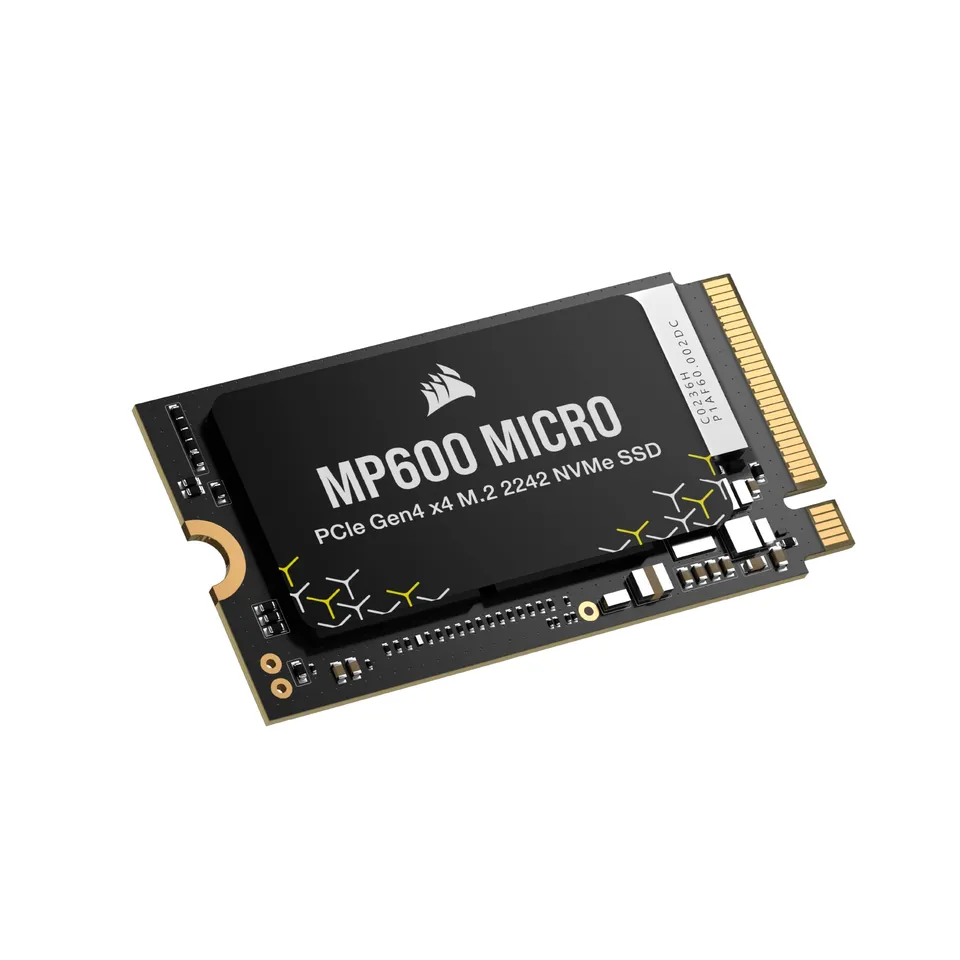
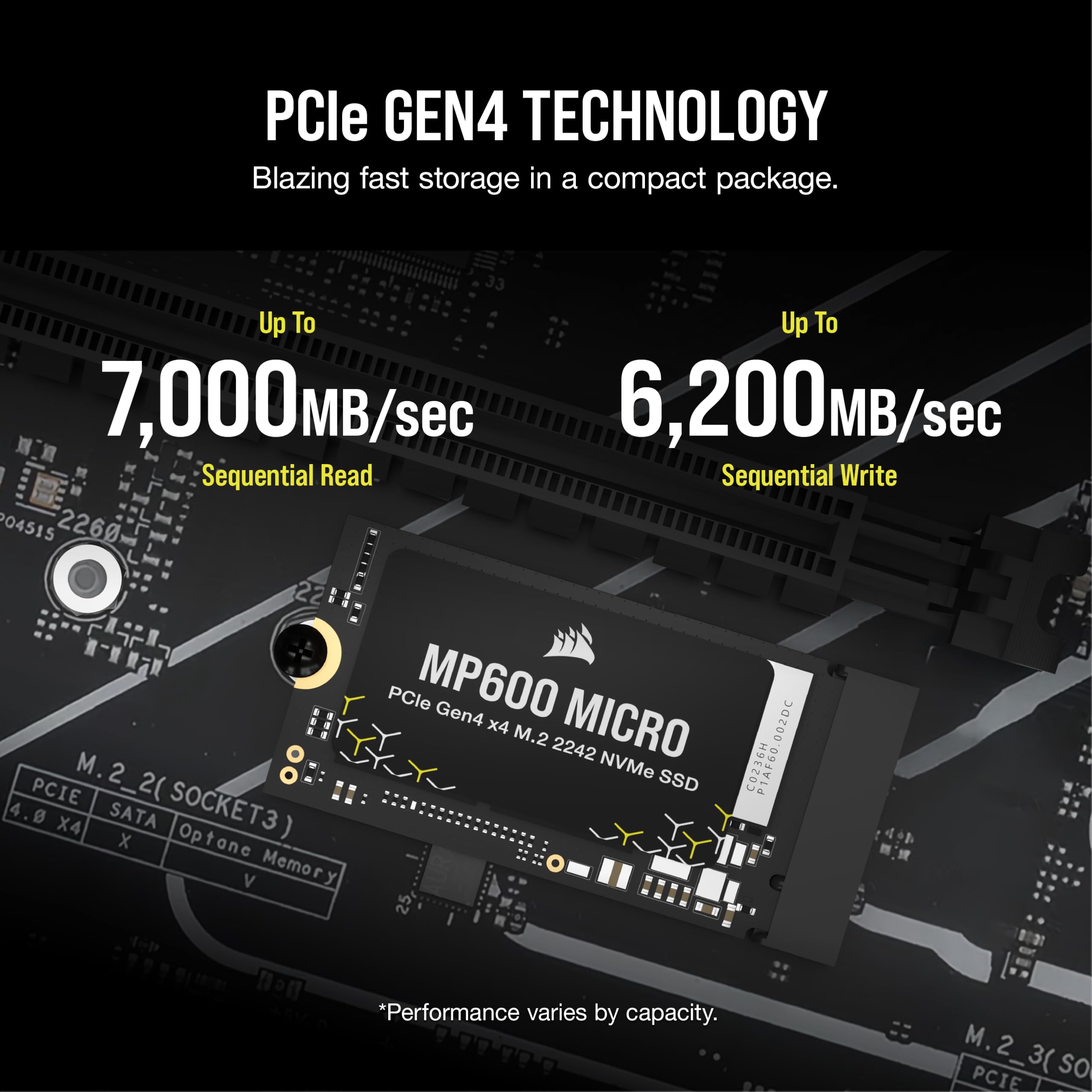
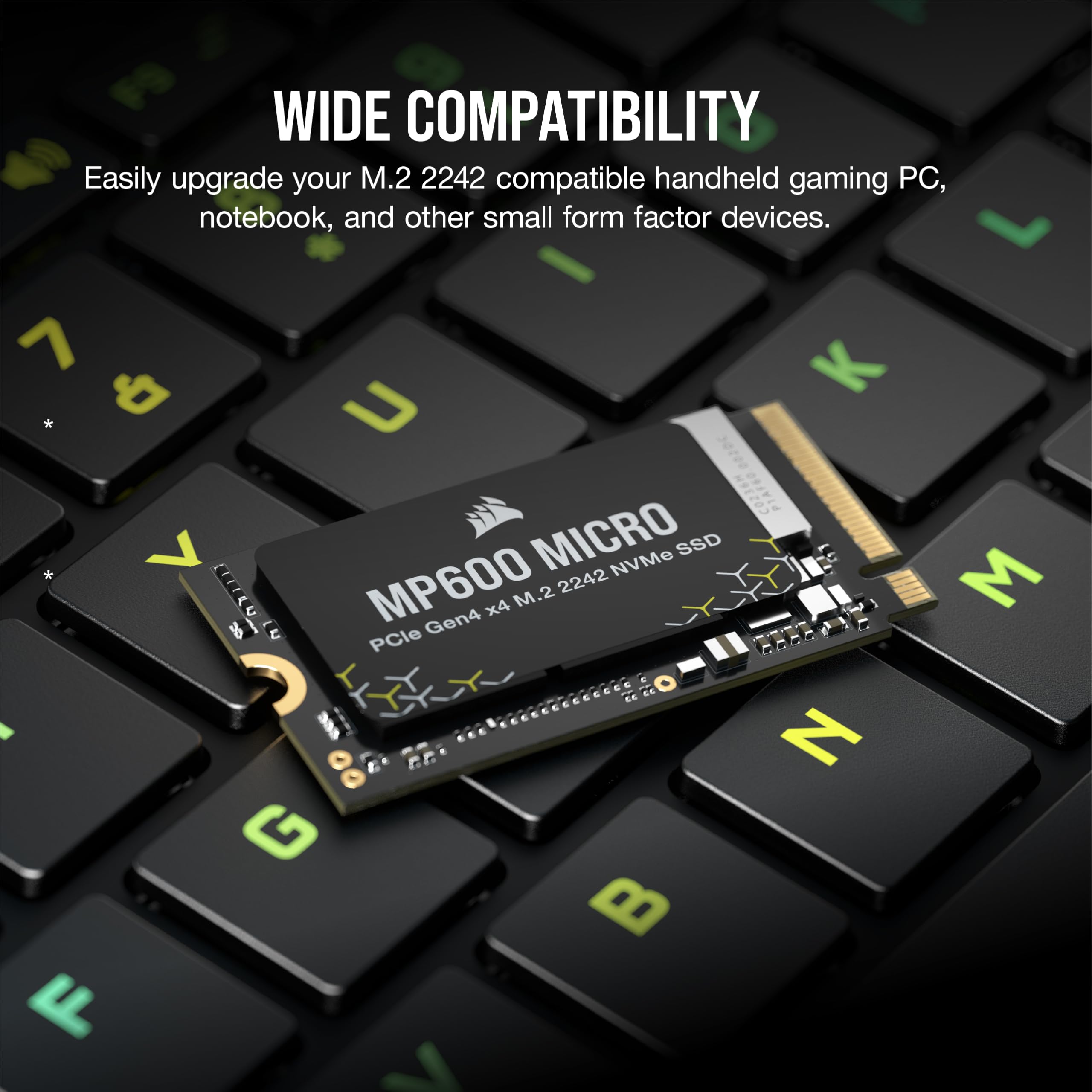
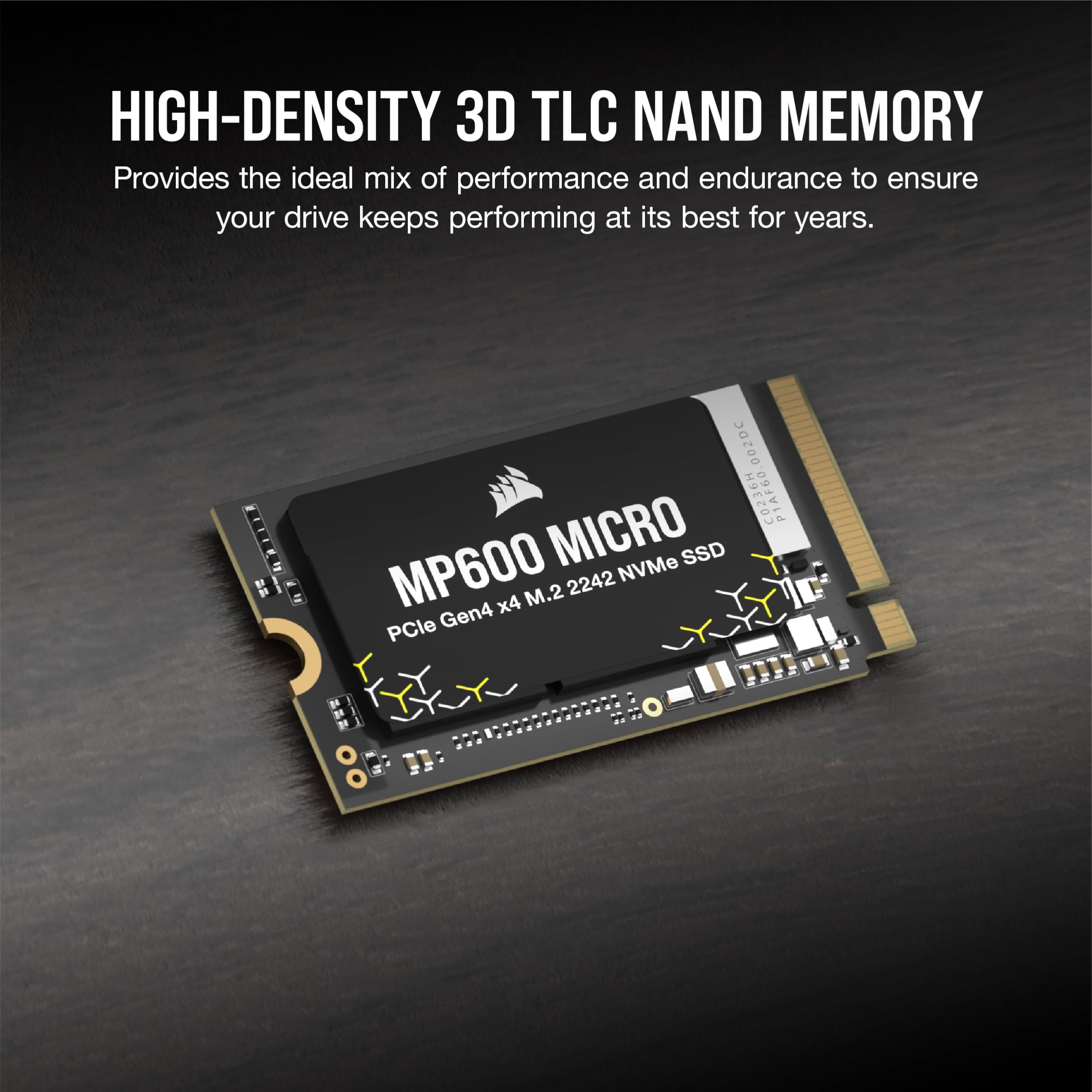
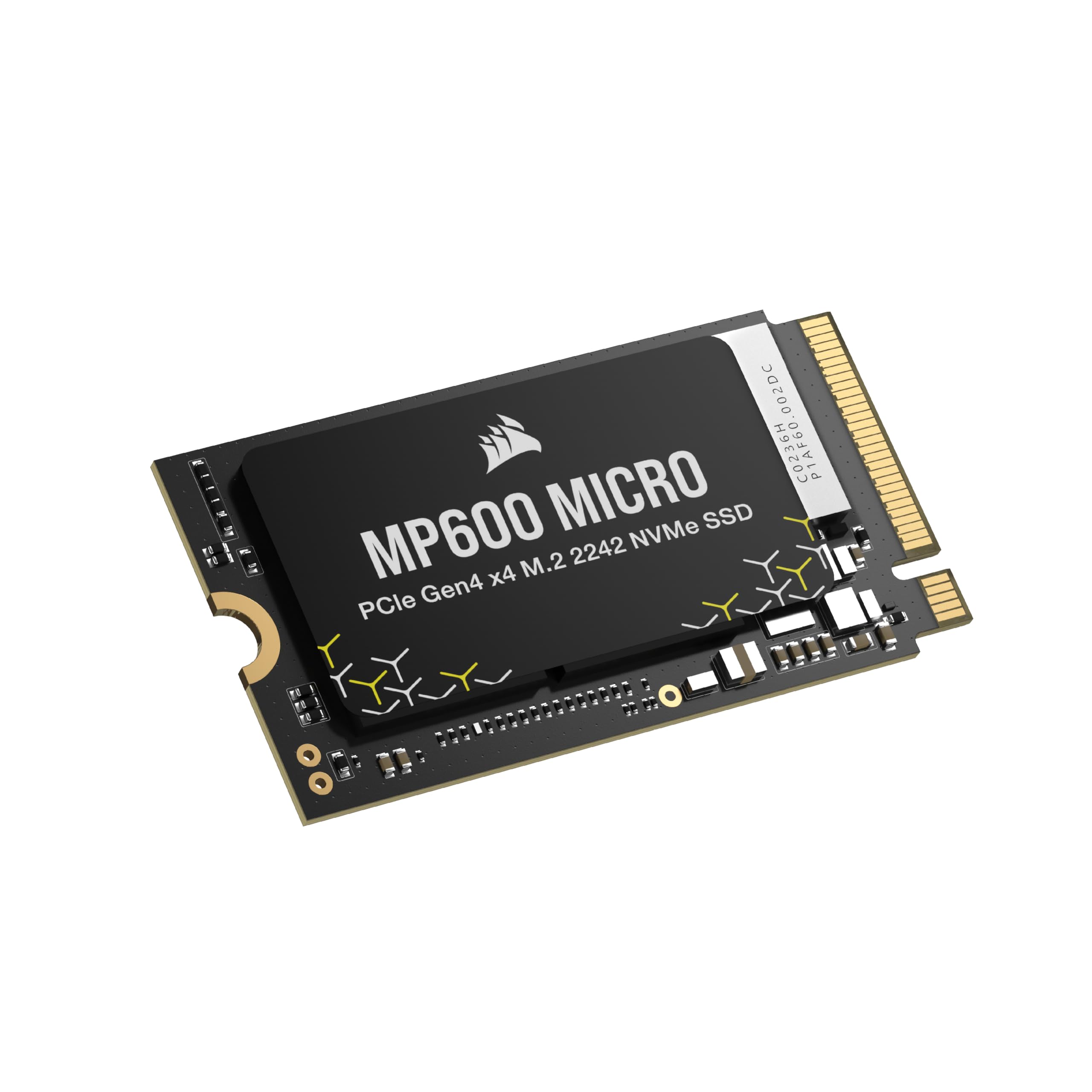
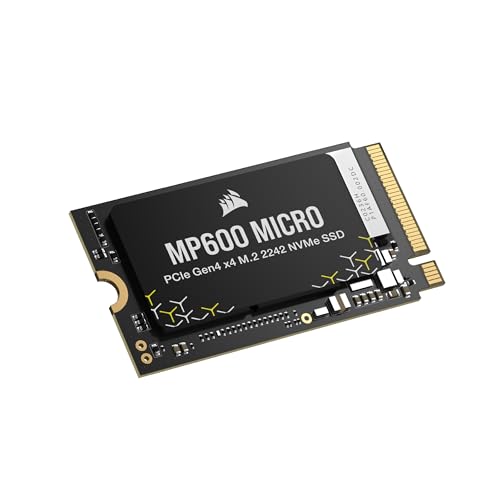
The Corsair MP600 Micro 1TB M.2 NVMe PCIe Gen4 SSD combines high-capacity storage with the compact M.2 2242 form factor, making it the perfect upgrade for thin laptops and handheld gaming devices like the Lenovo Legion Go. With sequential read speeds up to 7,000MB/s and write speeds up to 6,200MB/s, you'll enjoy faster boot times, quicker game loads, and snappier file transfers. High-density 3D TLC NAND flash memory provides a balance of performance and endurance. The drive is also backward compatible with PCIe Gen3 systems (at reduced speeds).
Installing the Corsair MP600 Micro in Your Lenovo Legion Go
Upgrading your Legion Go's storage is a straightforward process. First, power off the device and remove the back cover carefully. Locate the M.2 slot (2242 size) and gently remove any existing drive. Insert the MP600 Micro at a slight angle, then press down and secure it with the screw. Replace the back cover and boot up. You may need to initialize the drive via your OS and clone your current data if you're replacing your main drive.
Why the M.2 2242 Form Factor Matters
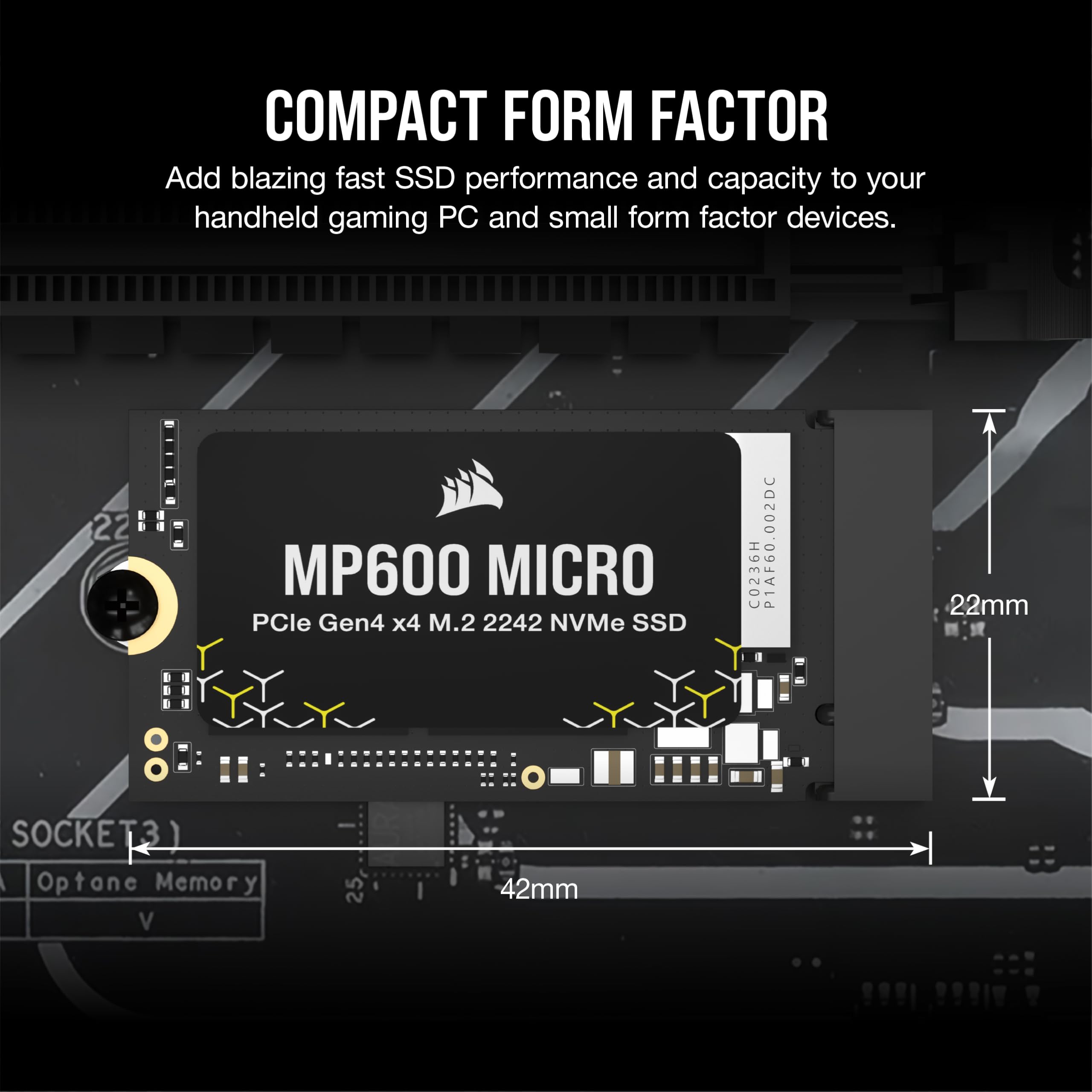
The M.2 2242 size is deliberately short (42mm) to fit into compact devices like the Legion Go. It's longer than the common 2230 size but offers higher capacity and often better performance. This makes the MP600 Micro an ideal choice for handhelds that support 2242 drives, providing larger storage arrays without sacrificing speed.
Performance That Keeps Up
Utilizing PCIe Gen4 technology, the MP600 Micro achieves remarkable speeds. In real-world usage, you'll notice instant resume from sleep, faster game texture loading, and improved file copying. The high-density TLC NAND also ensures long-term durability, so your drive remains reliable over years of use.