$20.00
1
Your cart is empty
Subtotal
We will hold your cart for 15:00.
Buy more, save more
Coupon discount
Shipping
Add 2 more items to unlock your free mystery gift.
Complimentary item.
Total
$20.00
We will hold your cart for 15:00.
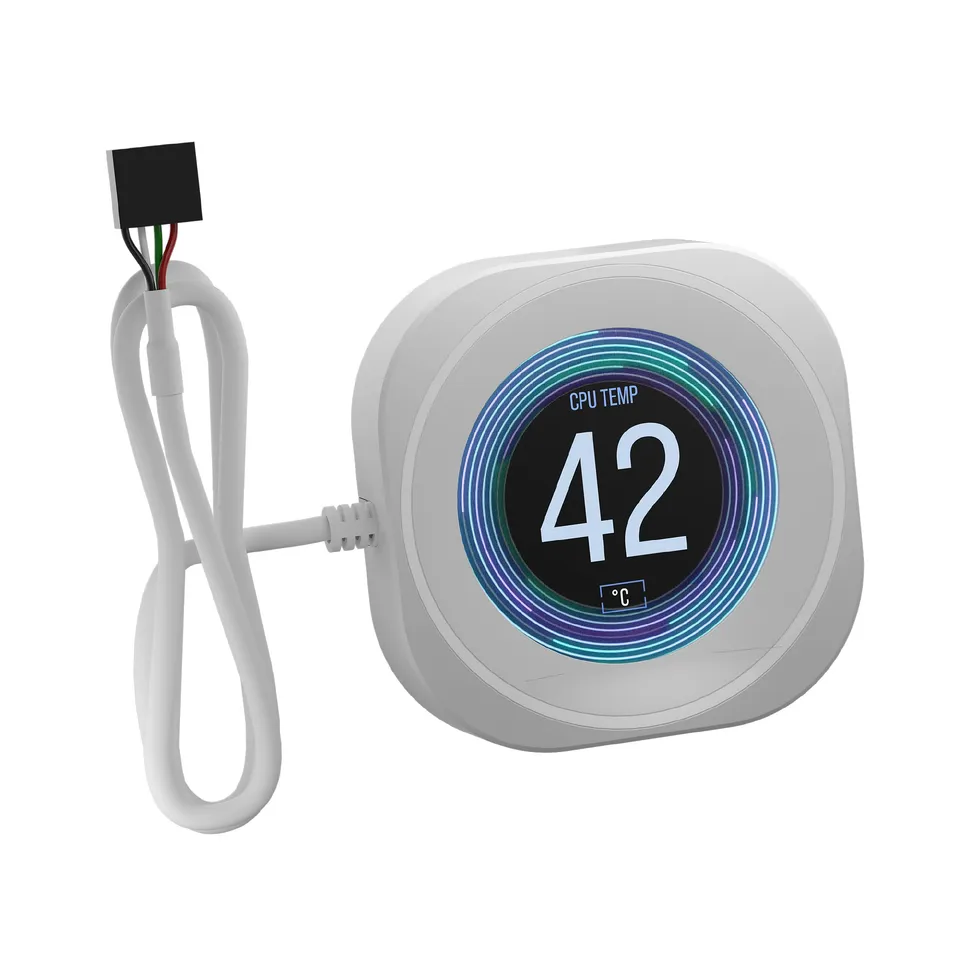
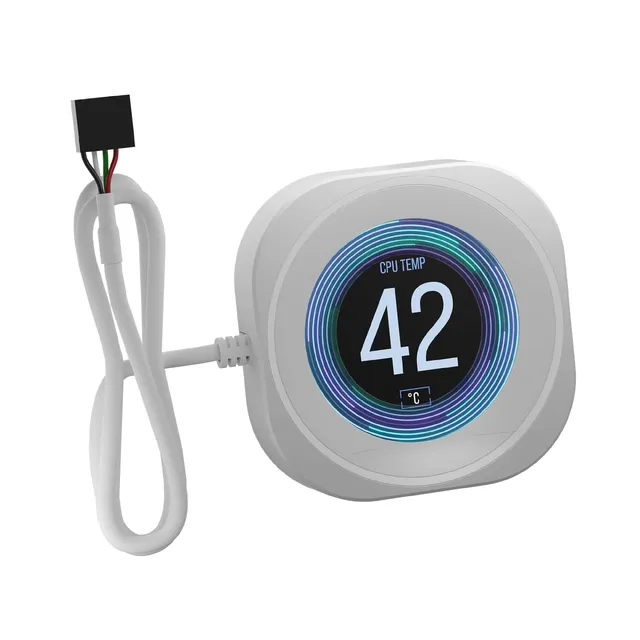
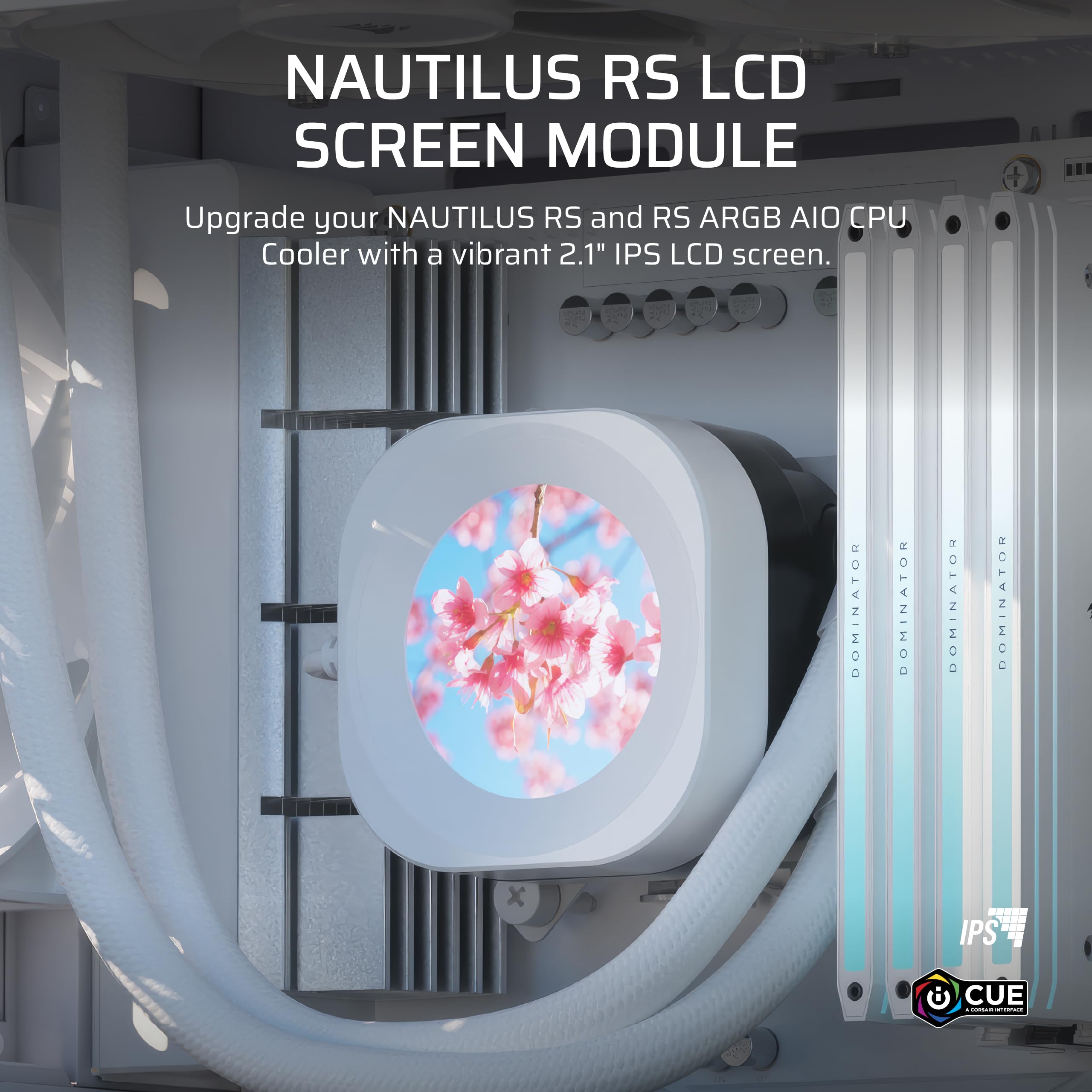
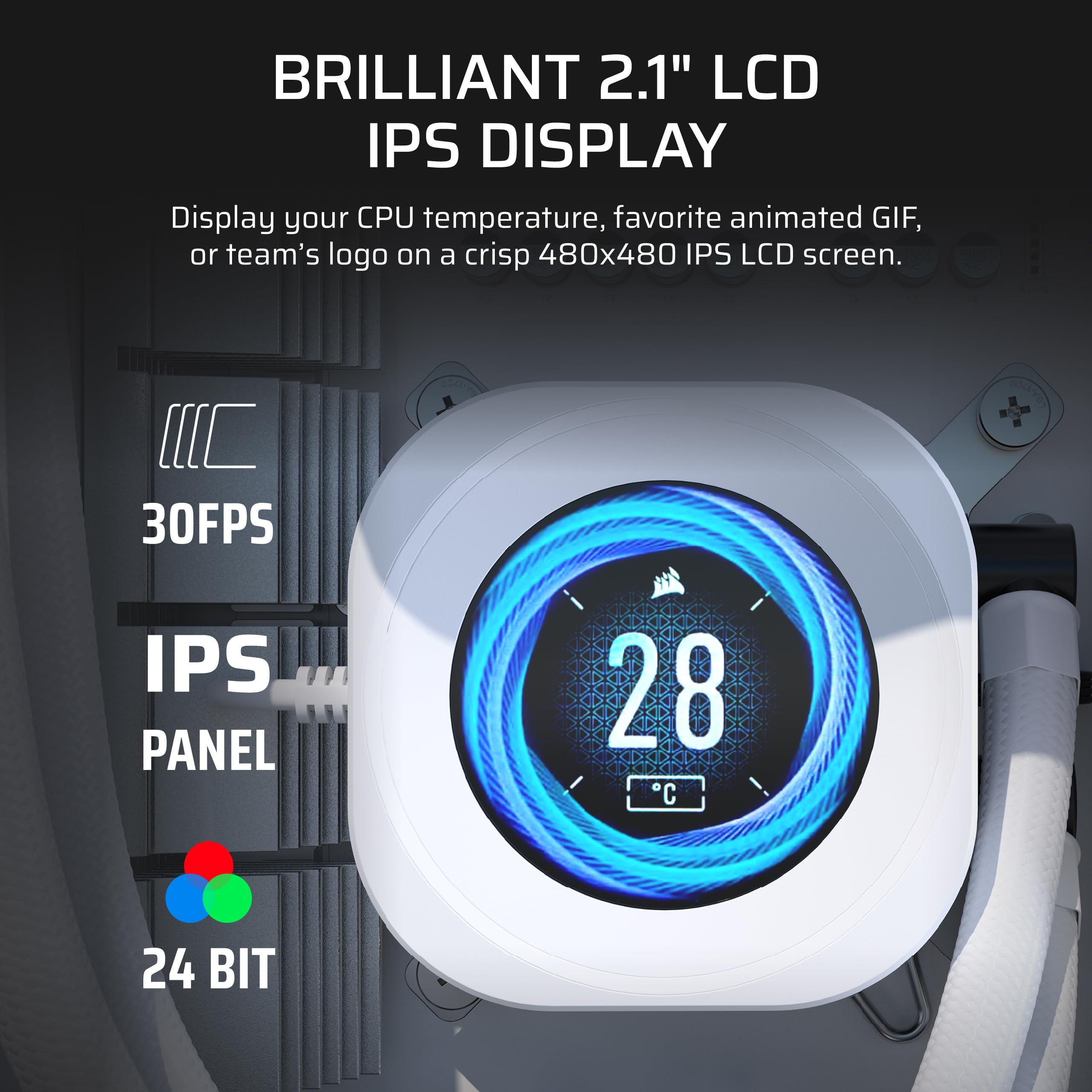
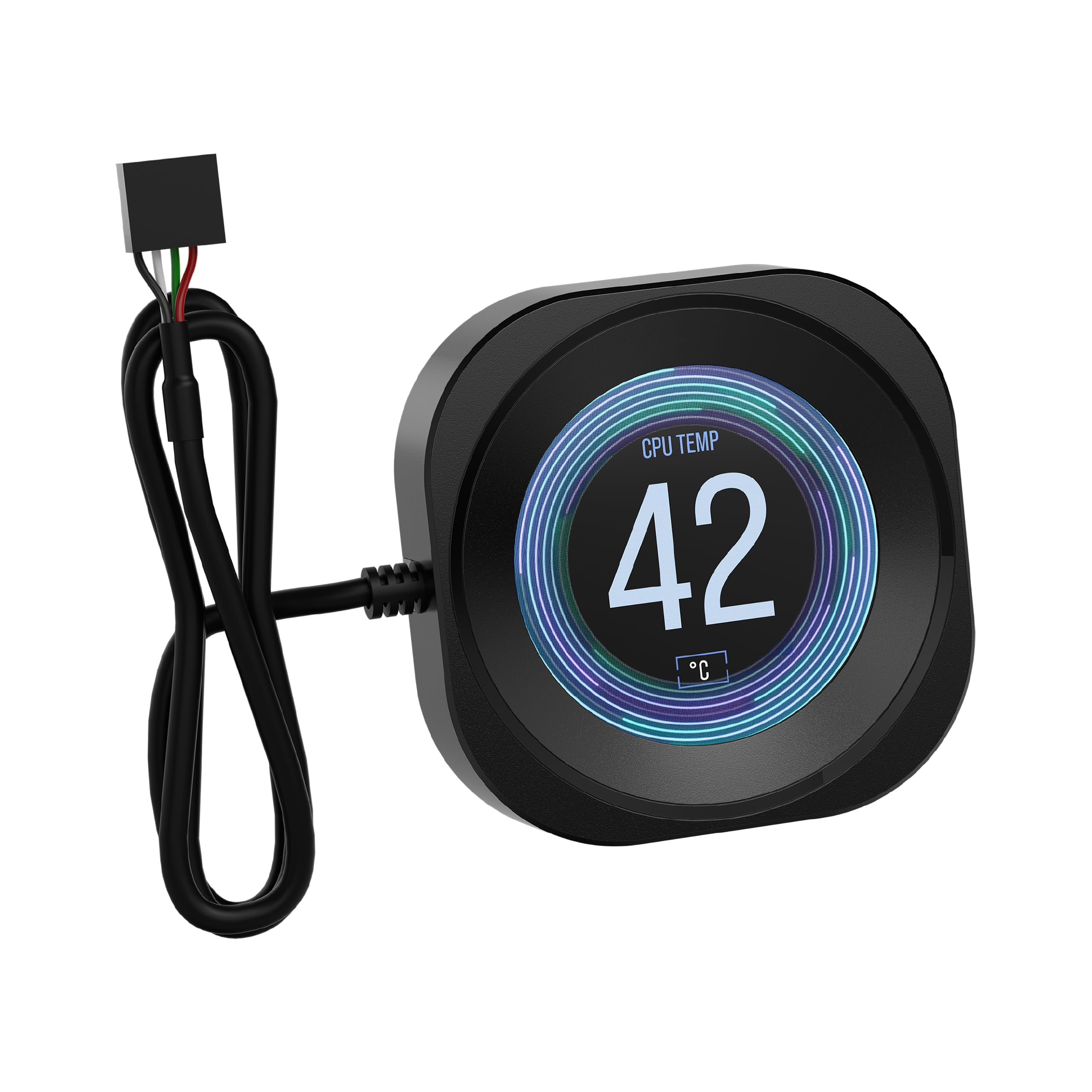
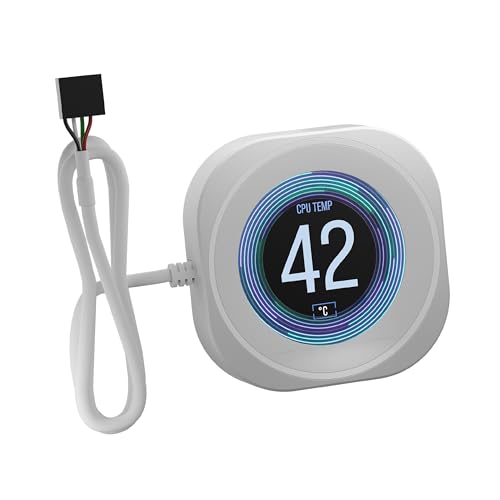
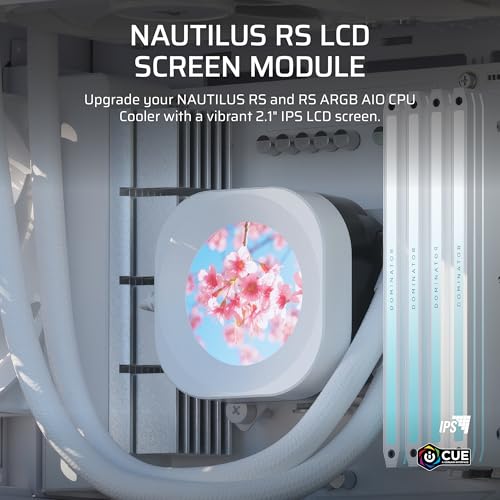
The CORSAIR Nautilus RS LCD Module adds a 2.1" IPS screen with 480x480 resolution to Nautilus RS and RS ARGB AIO coolers, enabling iCUE-driven visuals and system monitoring.
Color
Categories : Series
SKU : POR-SER-373
Share This:
The CORSAIR Nautilus RS LCD Module is a drop-in upgrade for your Nautilus RS or Nautilus RS ARGB AIO CPU cooler. This 2.1-inch IPS screen features a 480x480 resolution and ultra-bright 600cd/m² backlight, letting you display CPU temperatures, animated GIFs, memes, or your team logo. Installation is tool-free—simply snap the module onto the cooler pump.
Transform your cooler into a dynamic display. With 24-bit true color depth and over 16.7 million colors, the LCD screen brings your system to life. Use CORSAIR iCUE software to choose from a wide range of display options, from system metrics to custom images.
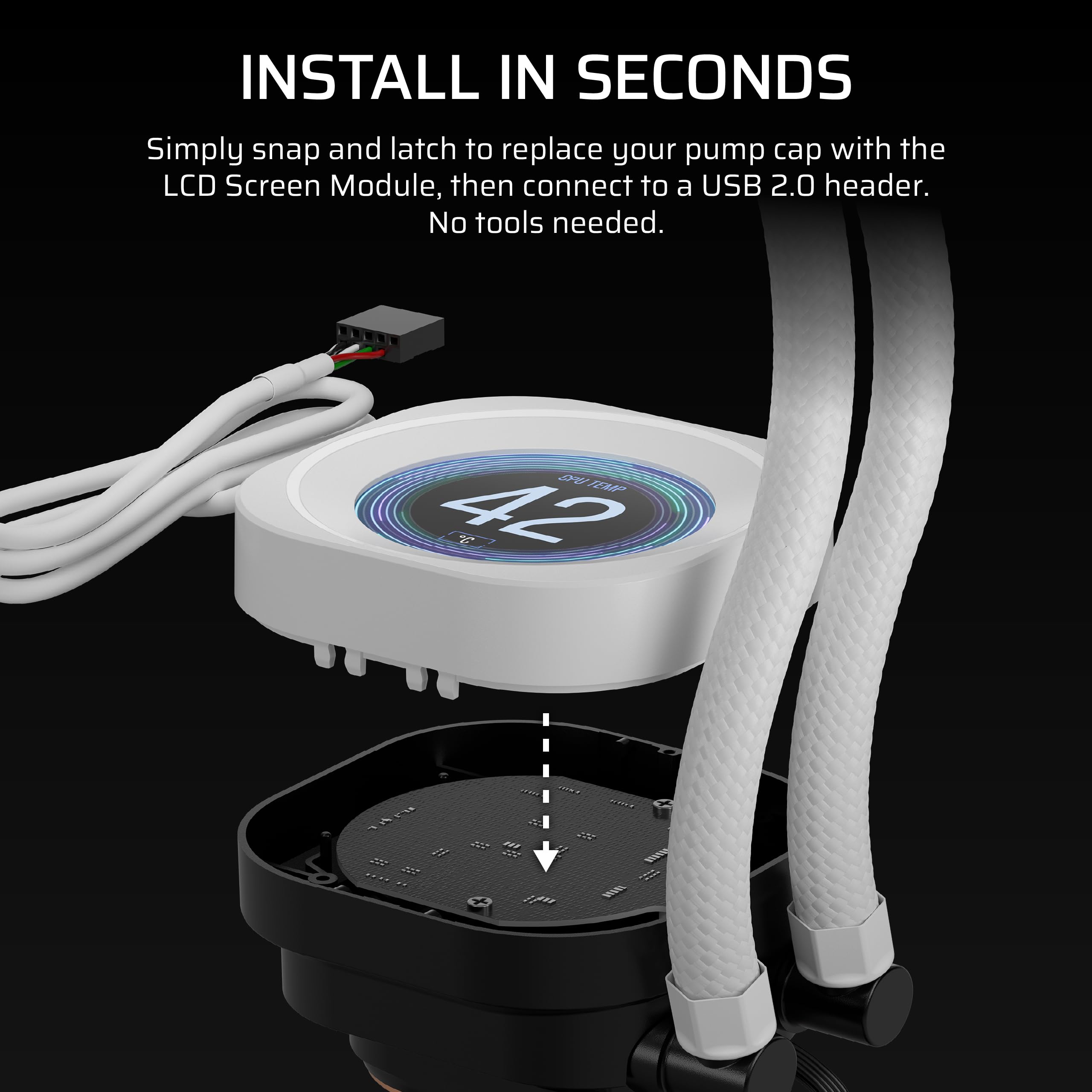
No tools required. The module snaps in place with a simple latch design, and there are no visible wires to clutter your build. It's designed to be a seamless addition to your Nautilus RS cooler.
Choose between black or white to match your system's aesthetic. The premium finish blends seamlessly with your cooler and PC theme.
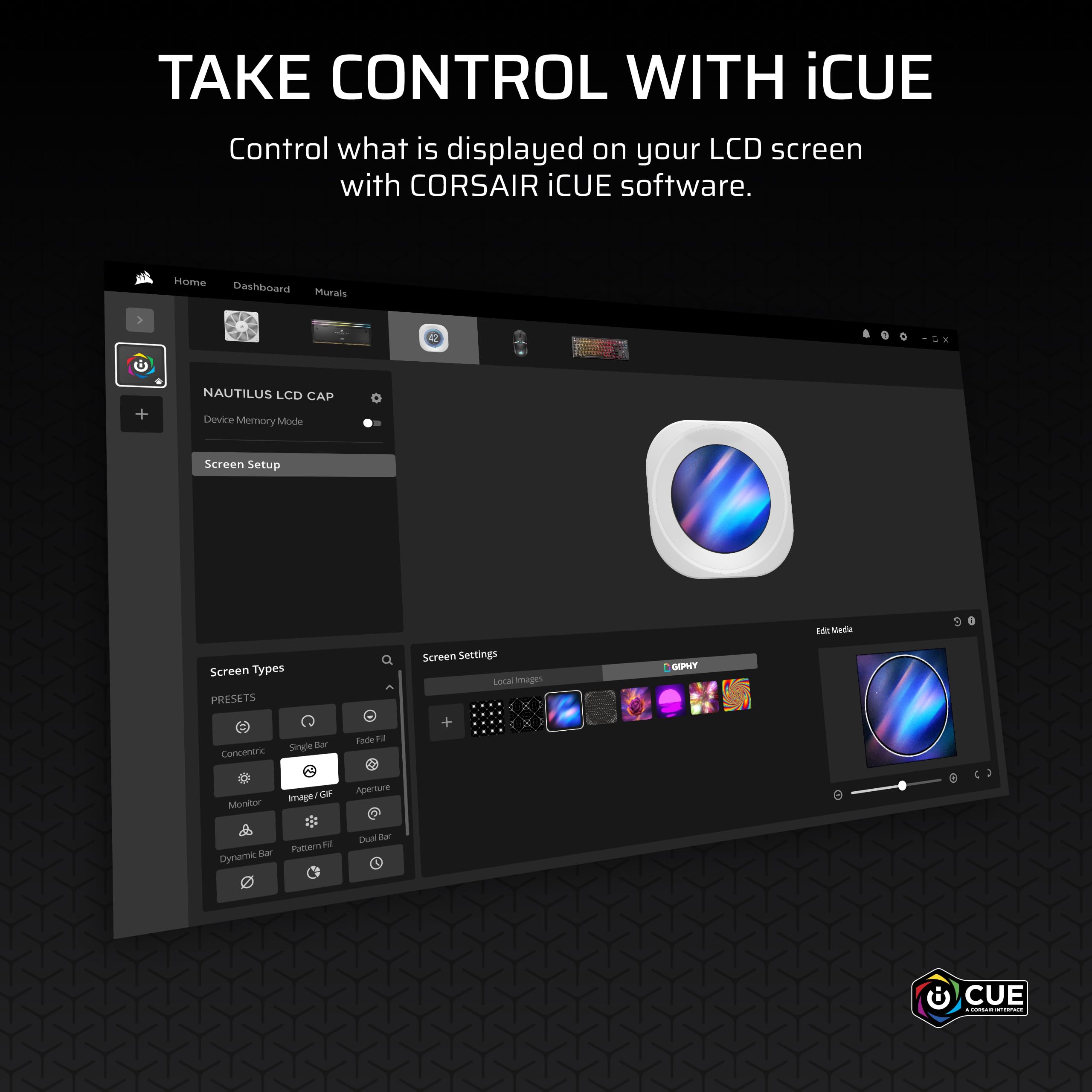
iCUE software gives you complete control over the screen, allowing you to display CPU temperature, fan speeds, images, GIFs, and more. Sync with other iCUE devices for a fully integrated lighting and display ecosystem.
2.1" IPS screen with 600cd/m² brightness delivers vivid, sharp visuals
Tool-free snap-on installation adds a display in seconds
Customizable via iCUE to show temps, GIFs, or images
Color: White
Model: Nautilus RS LCD Module
Mounting: Tool-free snap and latch
Brightness: 600 cd/m²
Resolution: 480x480
Color Depth: 24-bit, over 16.7 million colors
Screen Size: 2.1 inches
Product Type: LCD Upgrade Module
Compatibility: Nautilus RS and Nautilus RS ARGB AIO CPU coolers
Seller: PortSide Gear
MPN: Nautilus RS LCD Module
Upgrade your Nautilus RS cooler in minutes with this drop-in LCD module. The high-contrast screen is visible even in brightly lit rooms, and with iCUE you can set it to rotate through different data screens or show your latest Twitch alerts. It's a simple, effective way to add both style and function to your PC build.
To install, simply align the LCD module with the pump housing of your Nautilus RS or RS ARGB cooler and press until it clicks into place. No tools are needed. Ensure the pump is powered and connected to an internal USB header for iCUE functionality.
Yes, iCUE allows you to upload and display animated GIFs, as well as images and system stats. Just select the GIF file in iCUE's screen configuration and it will play continuously.
No, this module is specifically designed for Nautilus RS and Nautilus RS ARGB coolers. It is not compatible with other CORSAIR AIO models.
The module connects to the cooler's existing wiring, so no additional cables are visible. The cooler should already have a USB header connection for iCUE to control the screen.
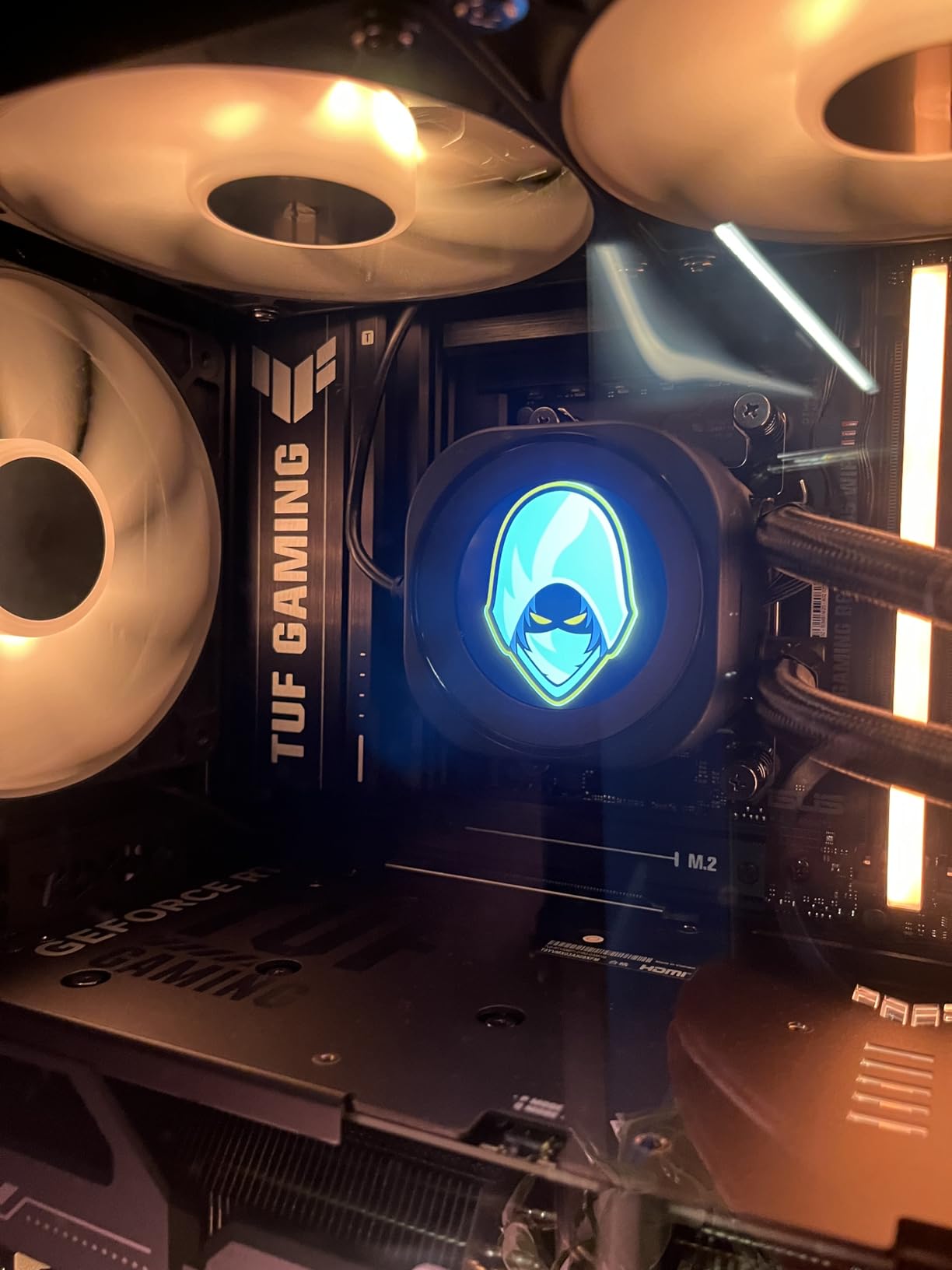
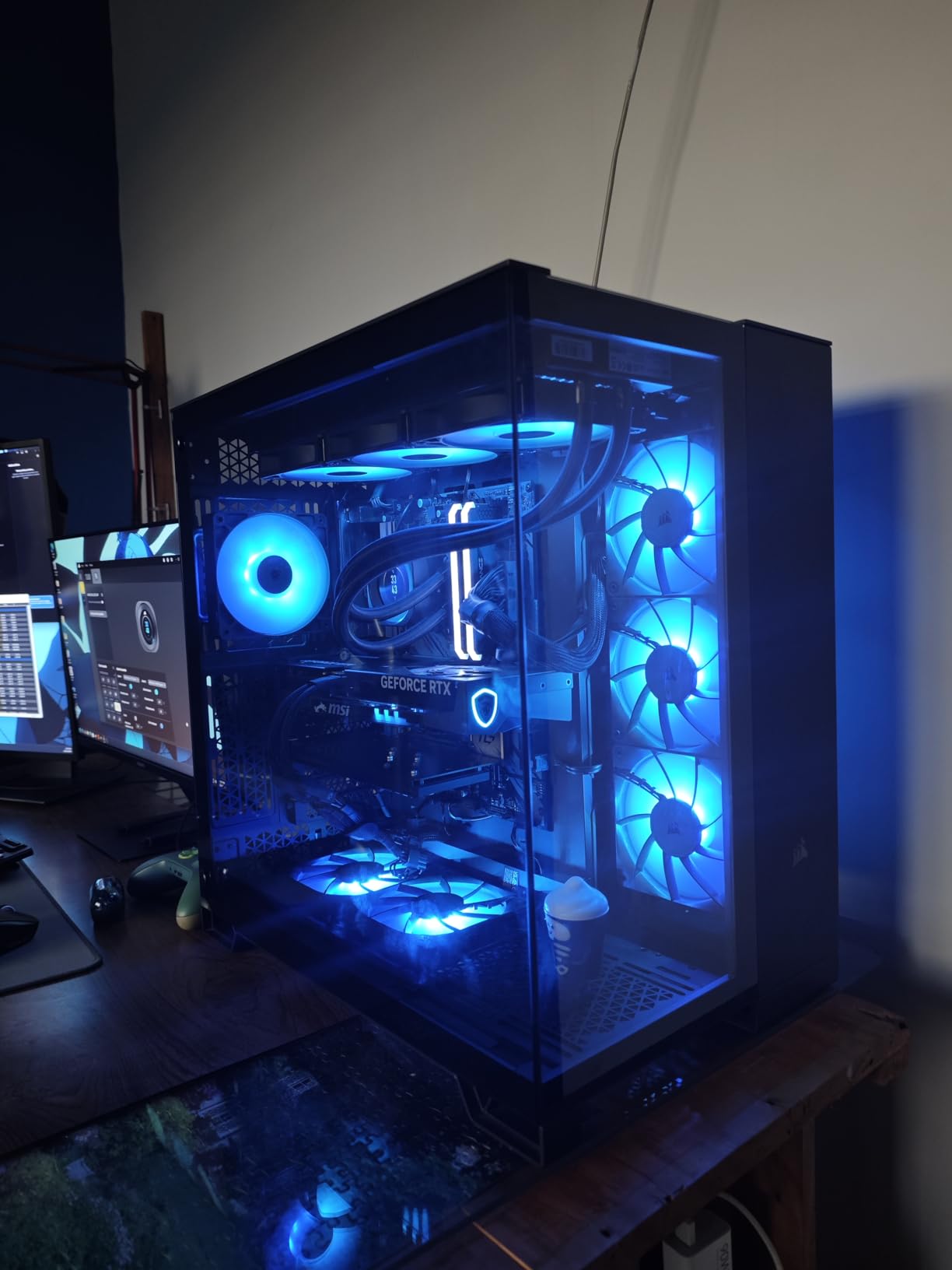
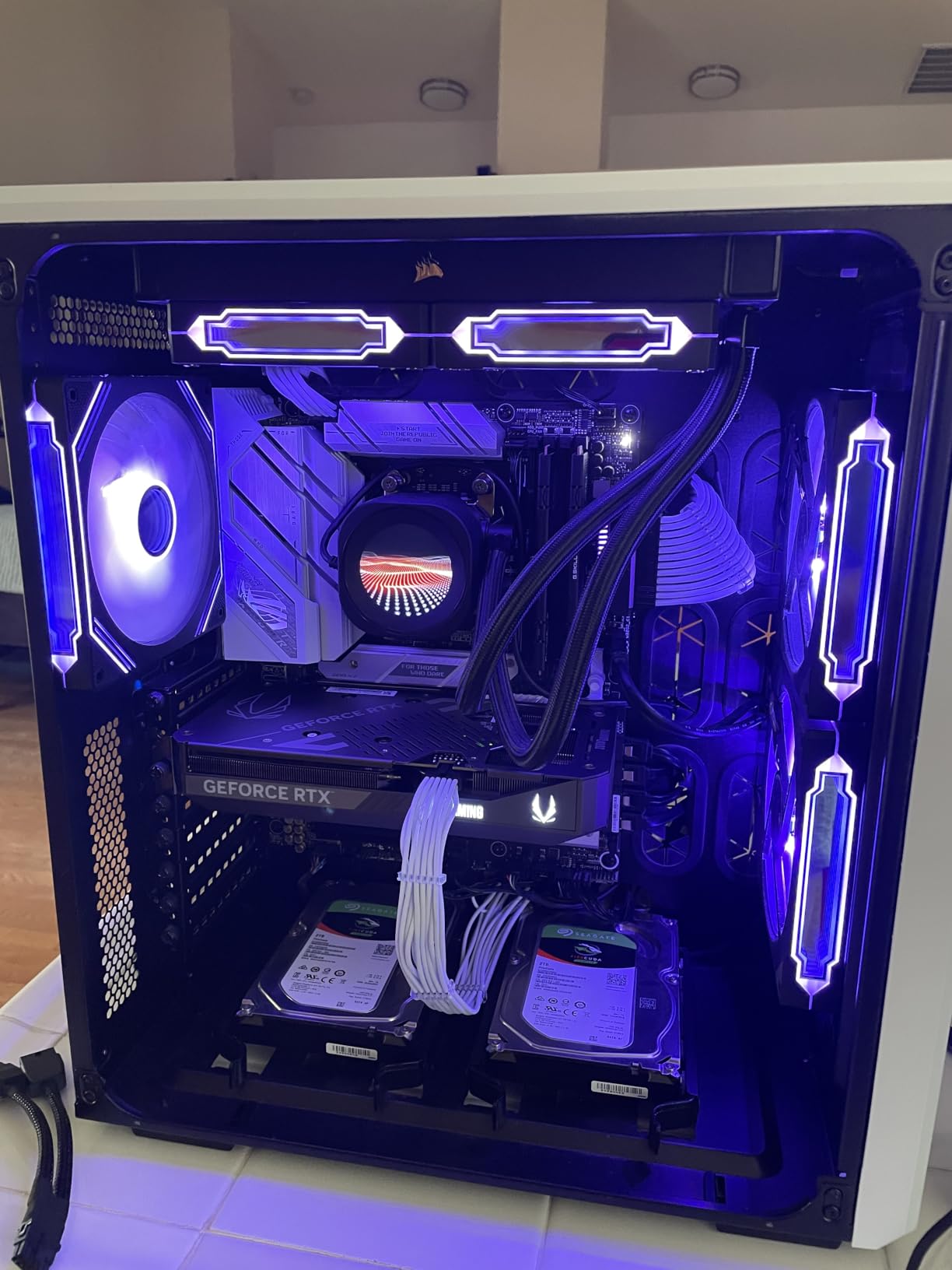
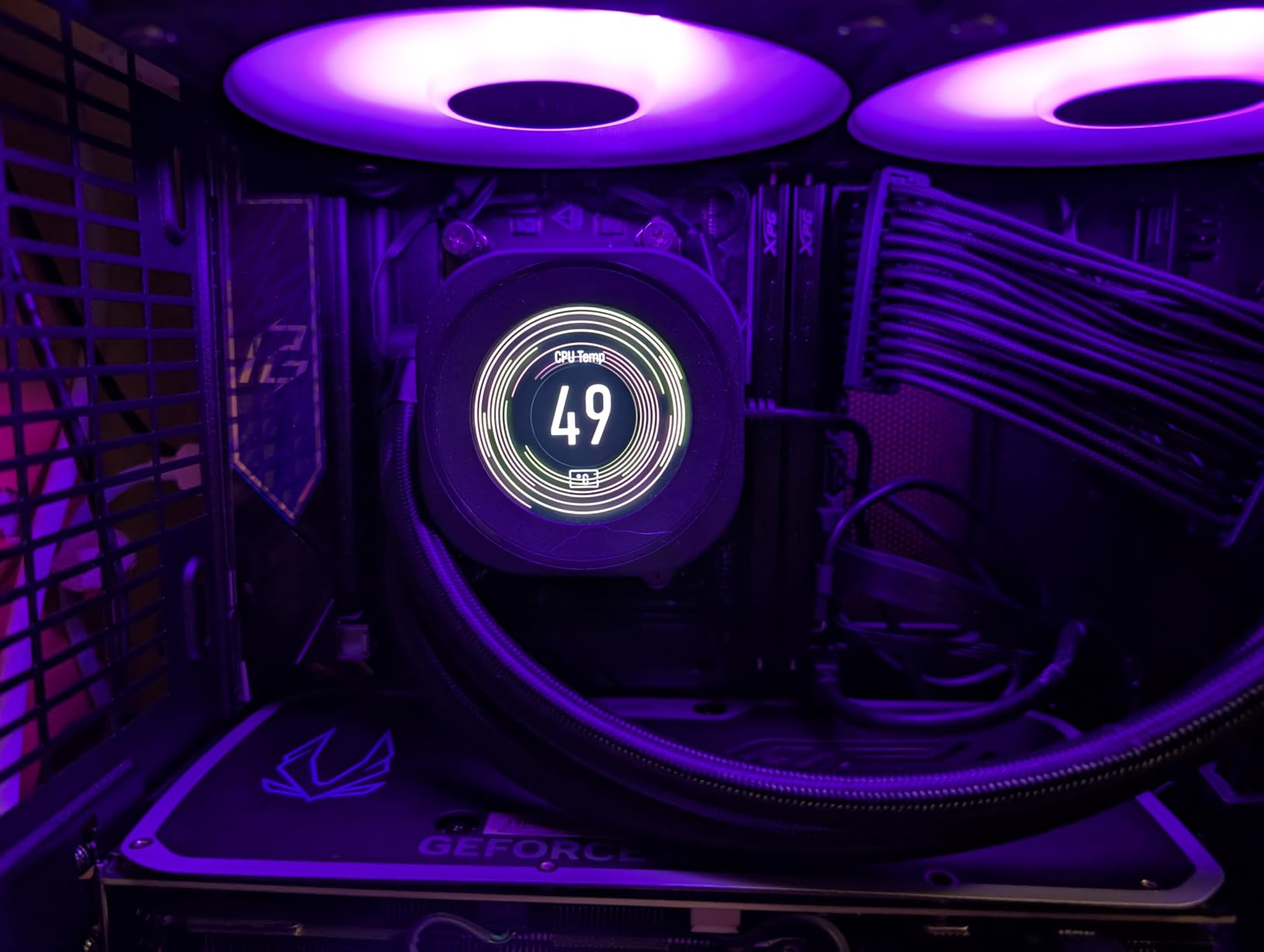
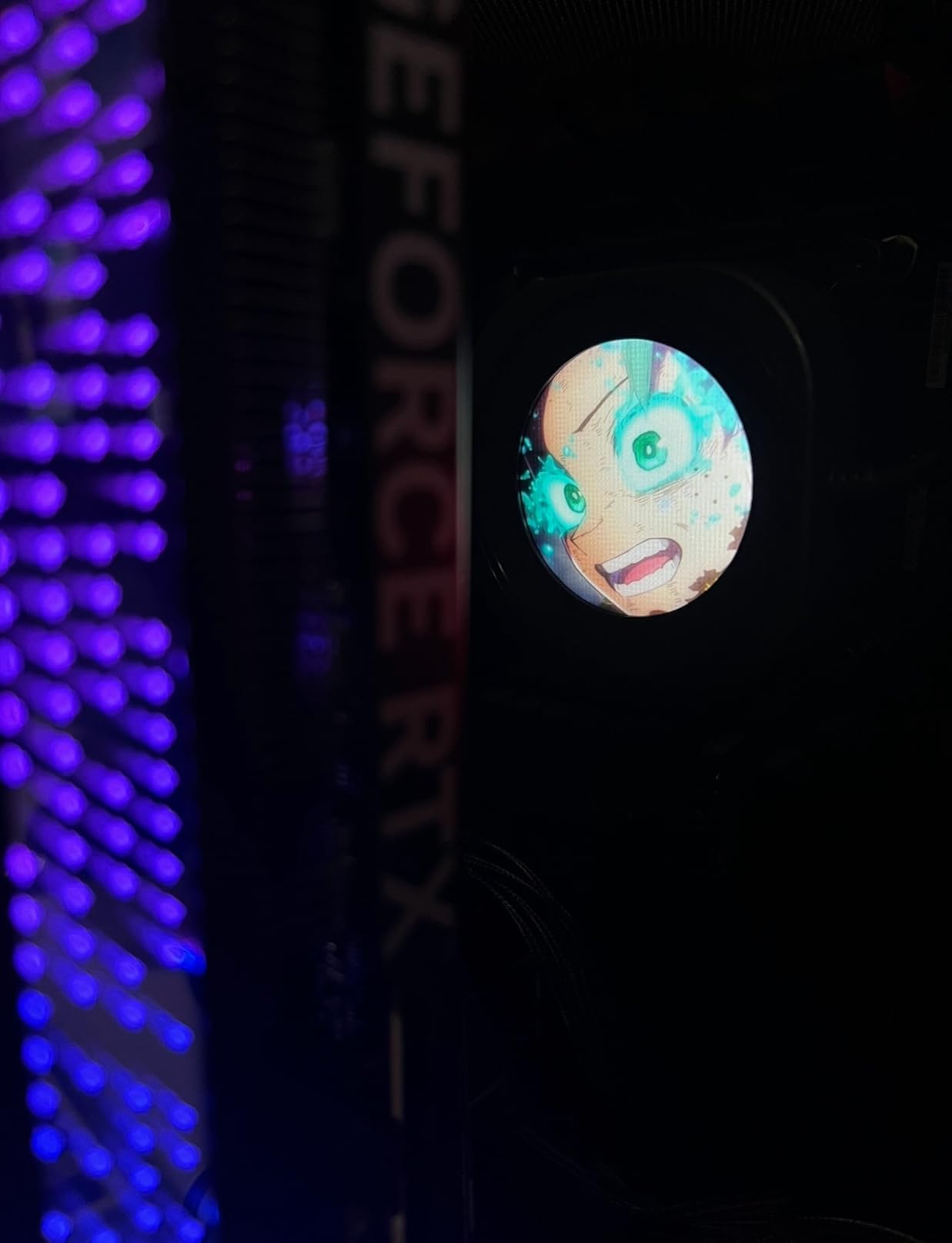
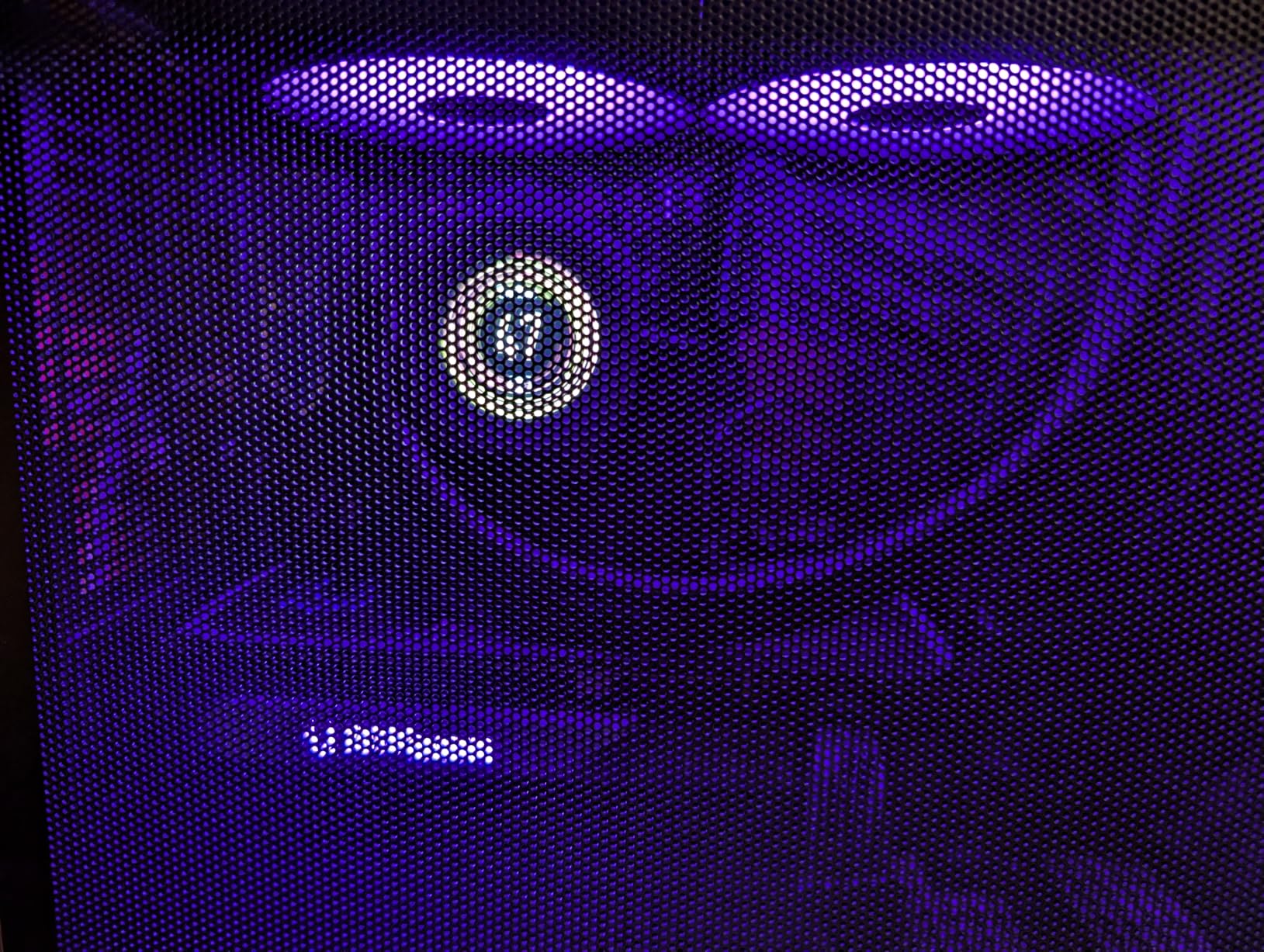
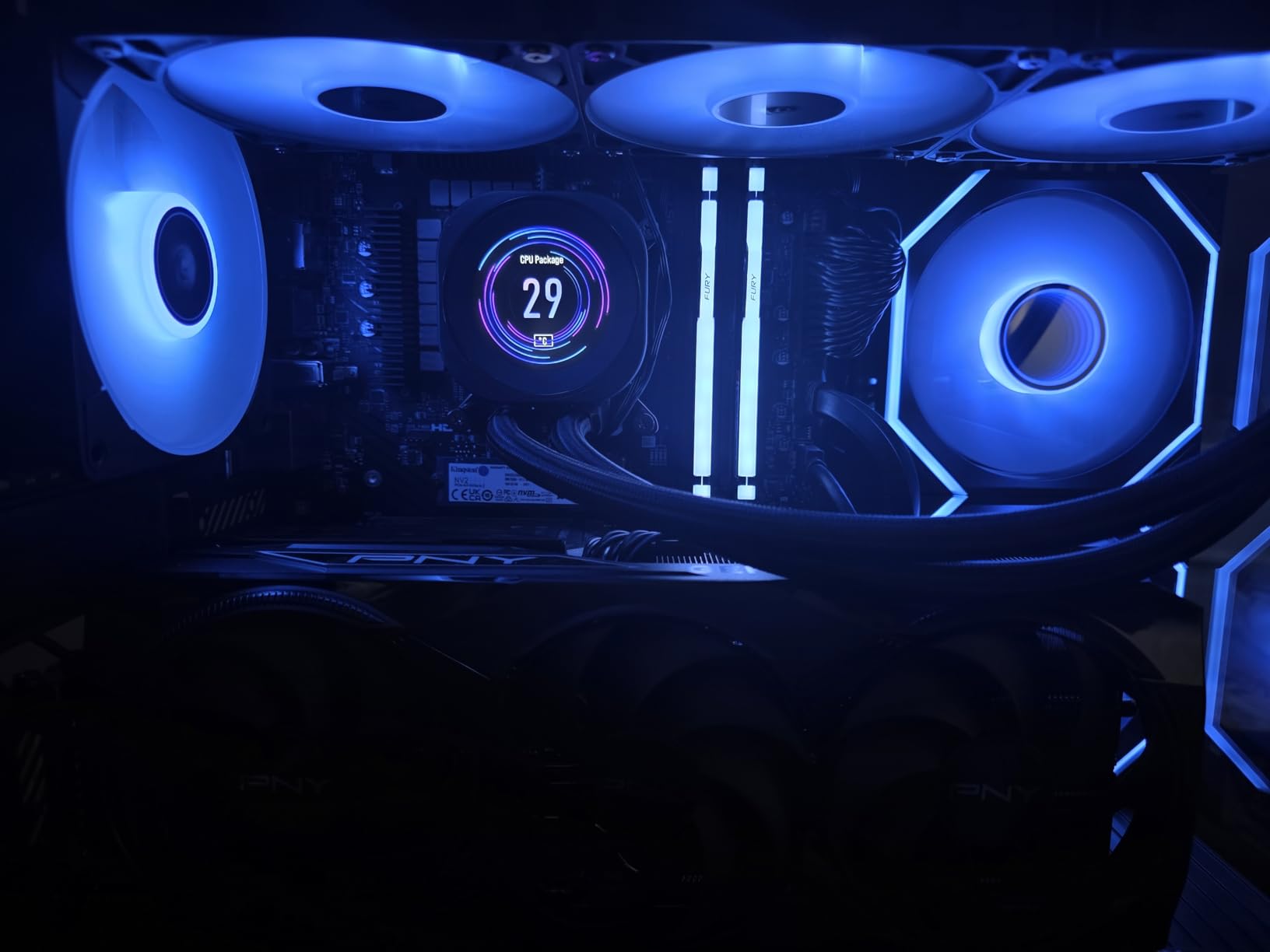
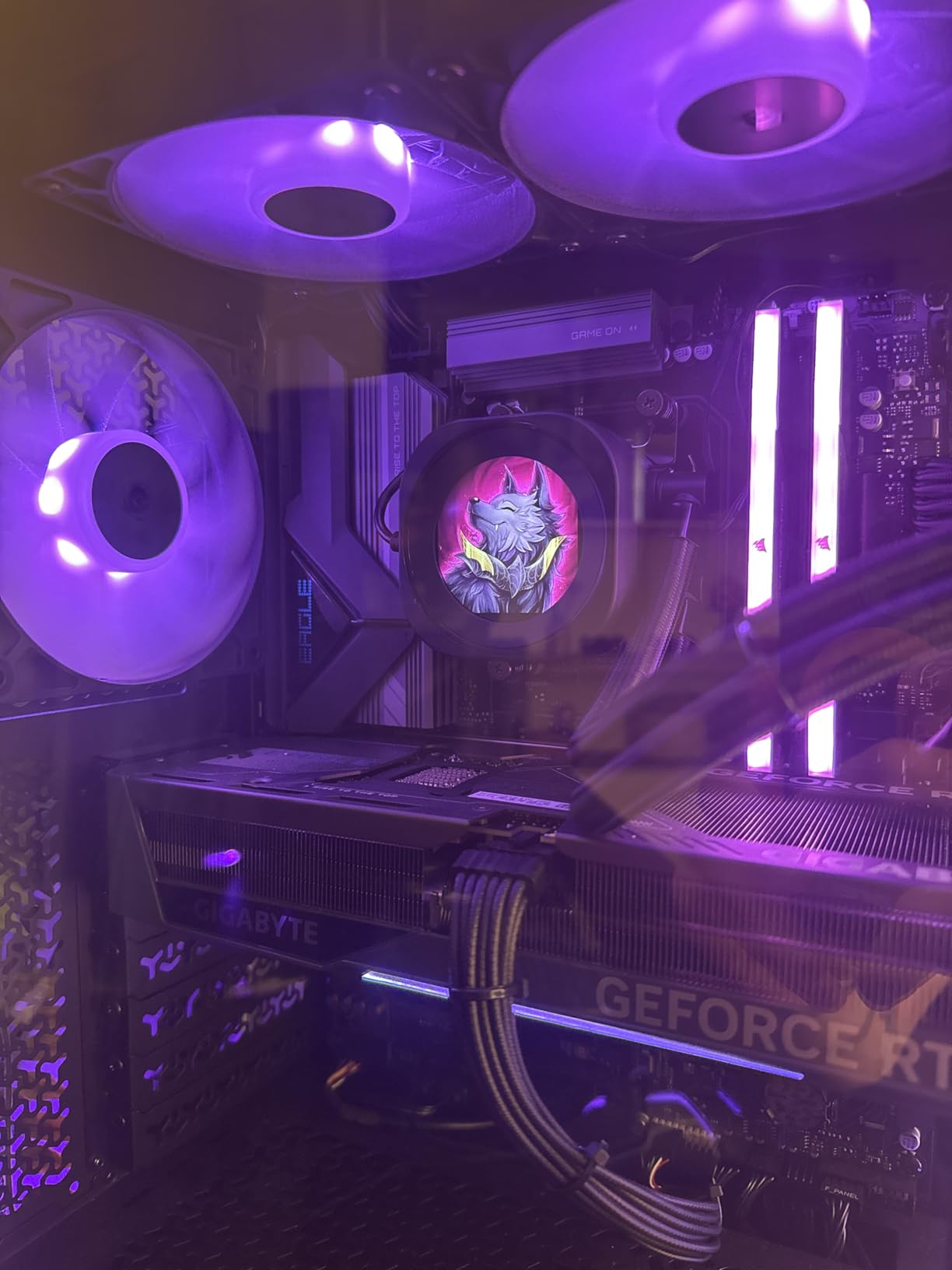
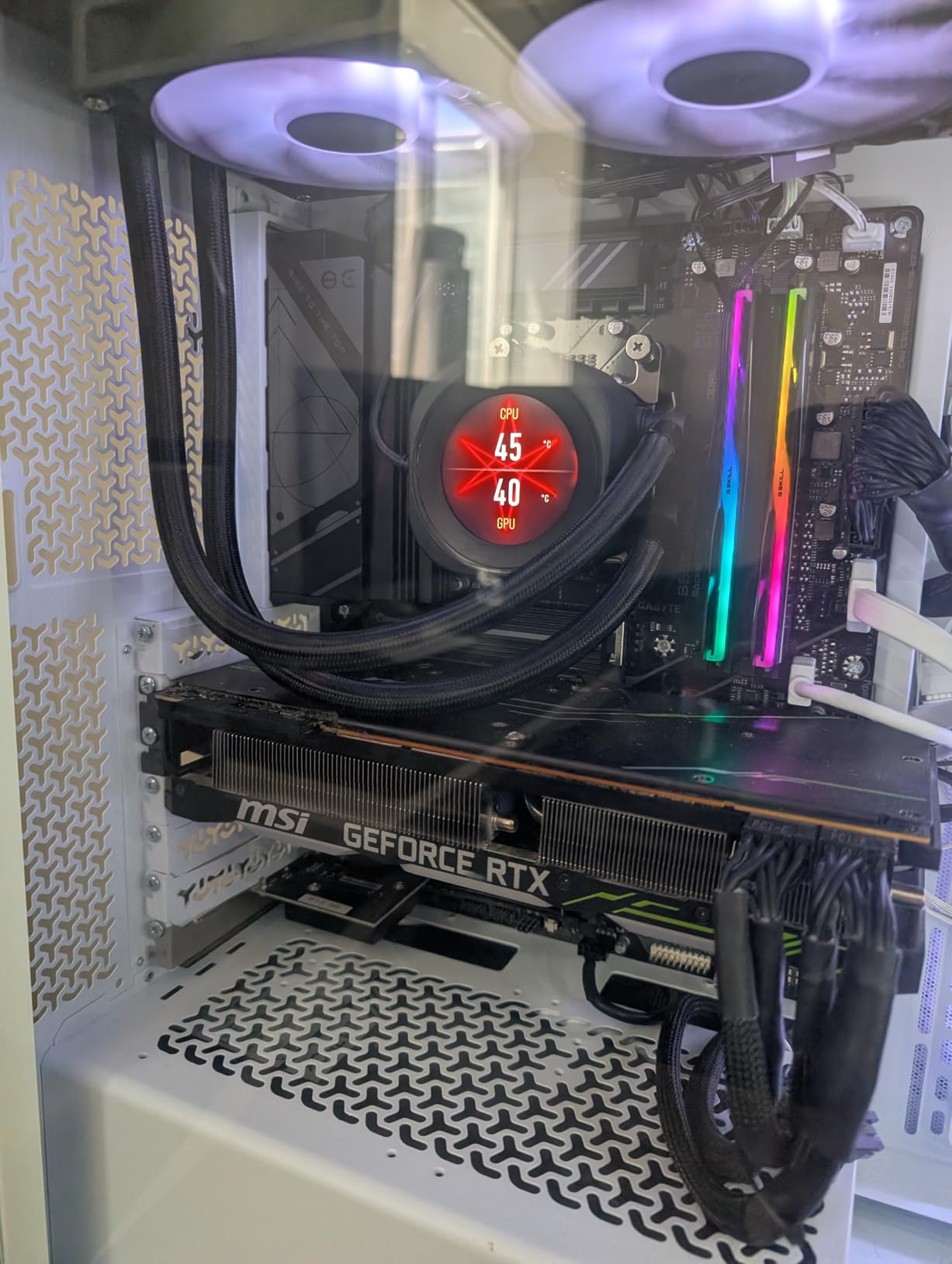
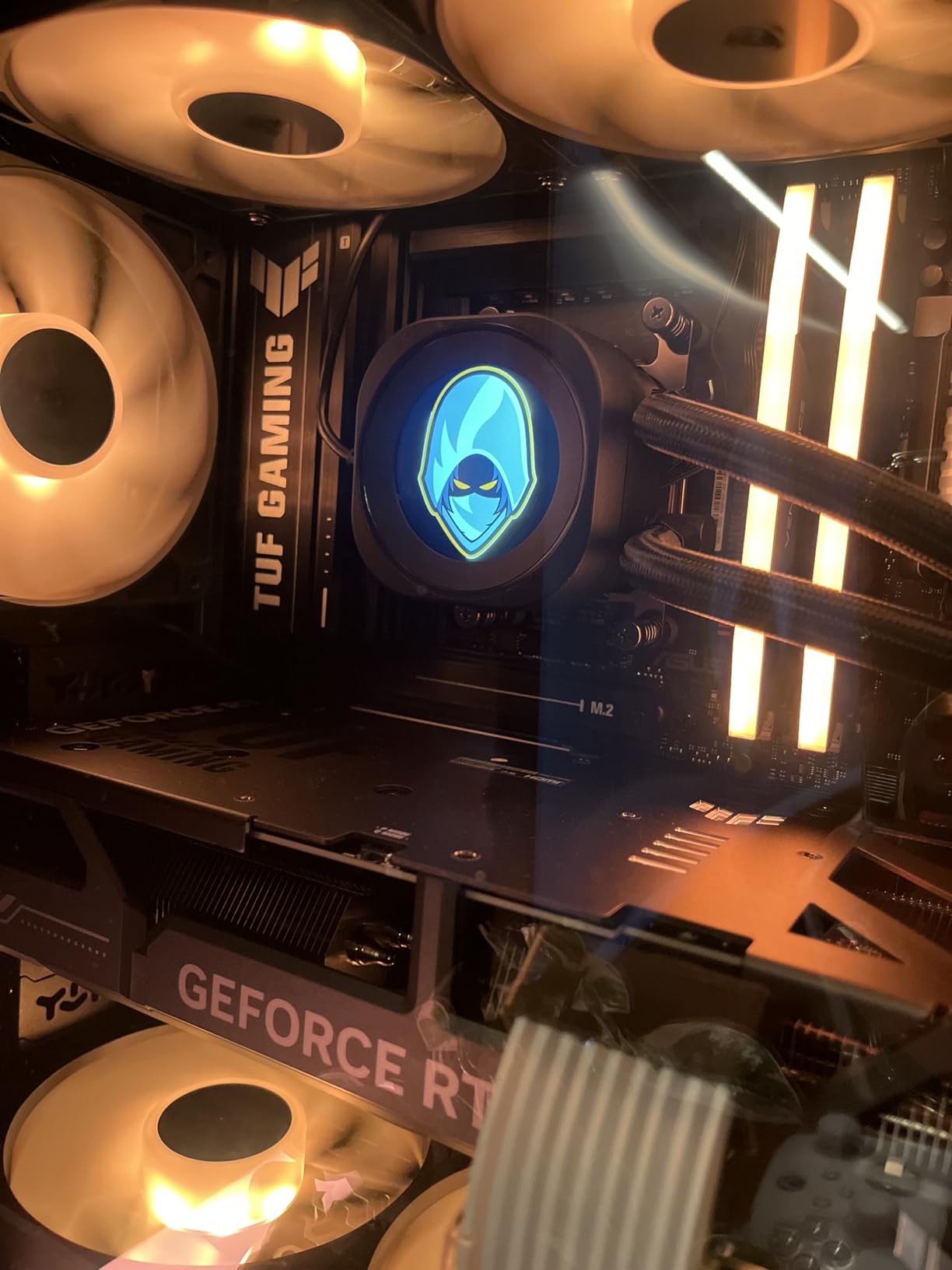
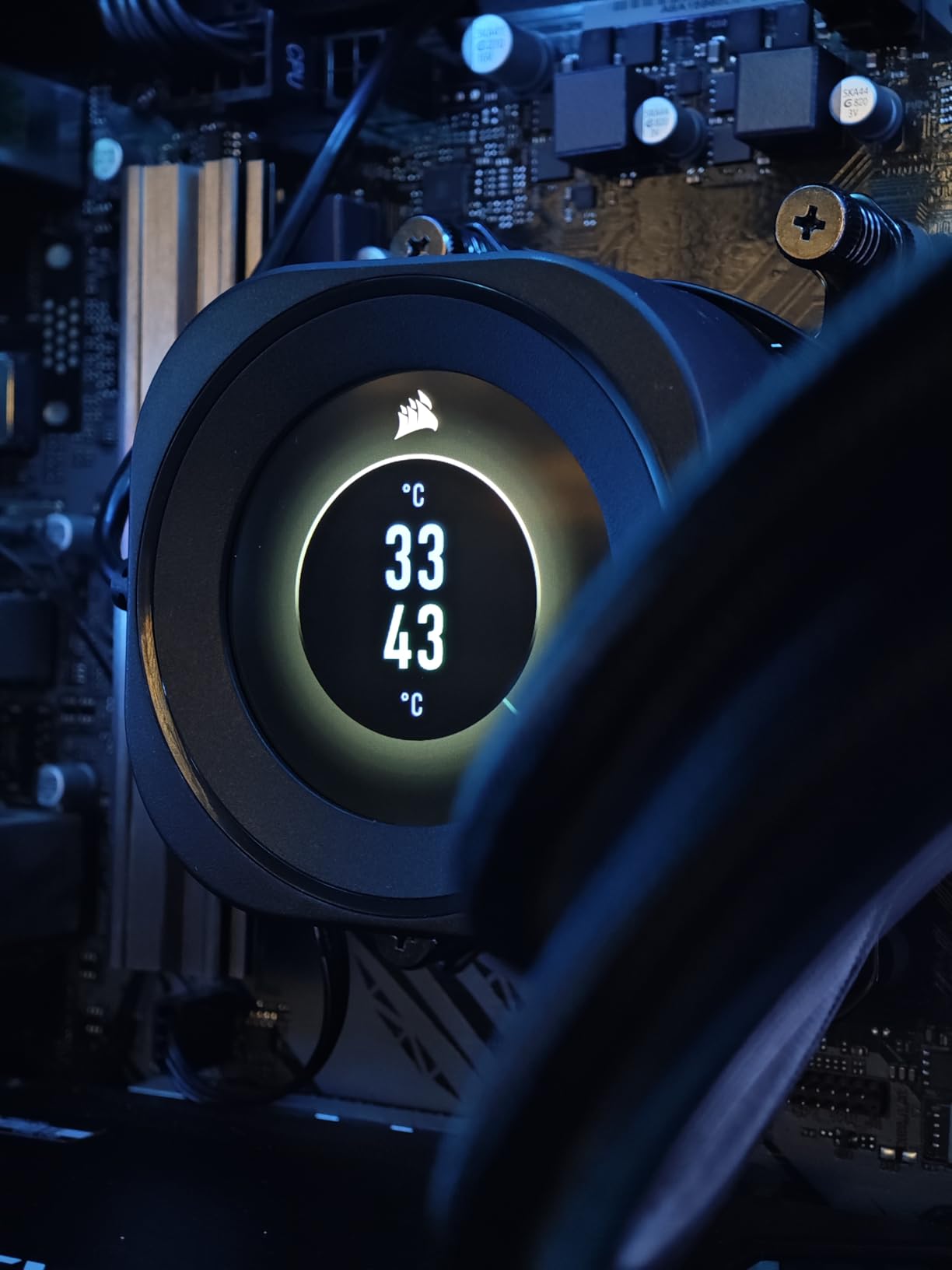
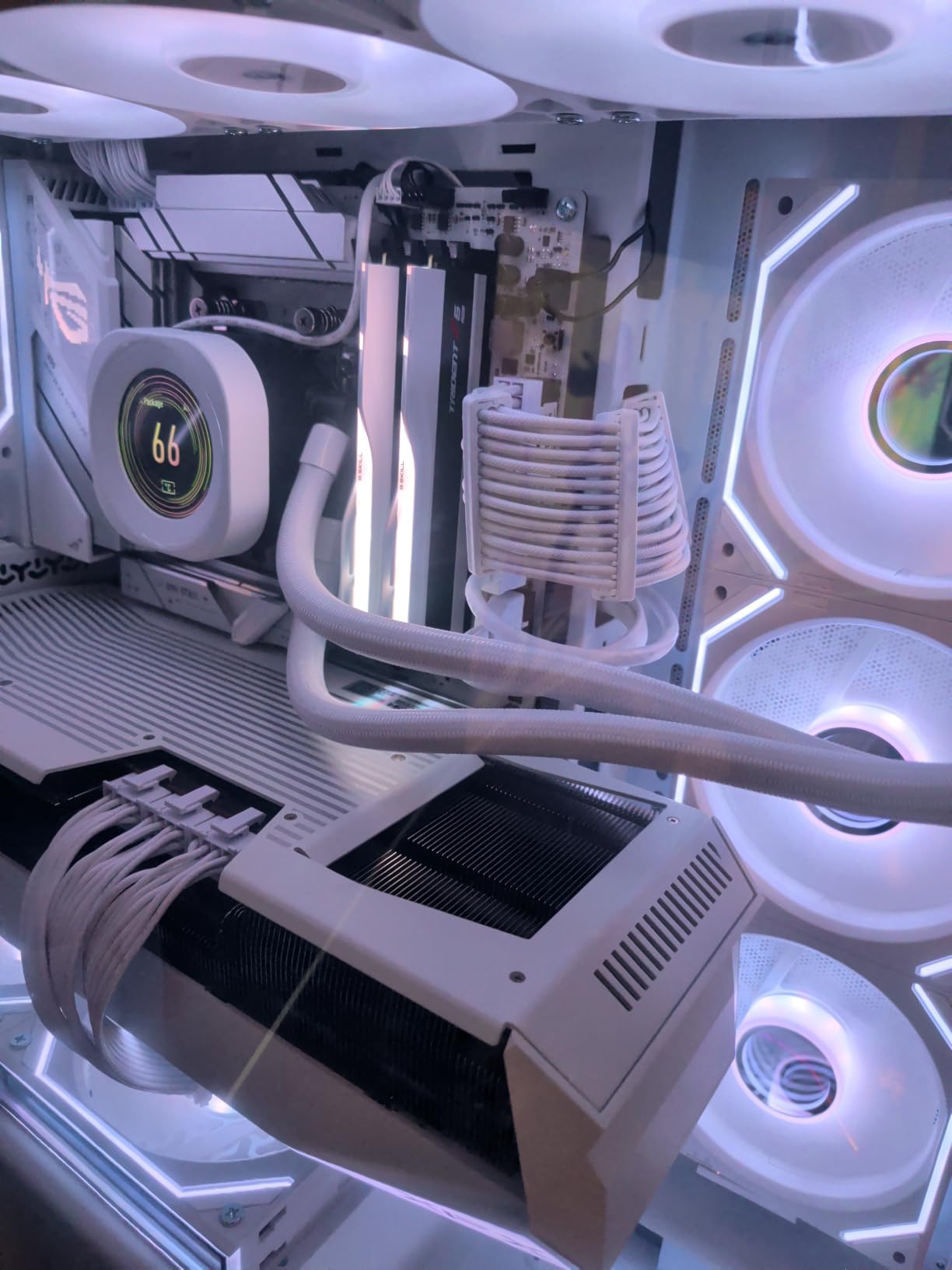
The screen is super crisp and colors pop. Installing it was a breeze – just popped off the old cap and clicked this one on. iCUE recognized it immediately. Now my temps and gifs are always on display. Highly recommended!
Works as advertised. The screen is vibrant and the customization in iCUE is deep. However, it's a bit expensive for what it is. If you already have a Nautilus RS, it's a nice upgrade, but wait for a sale if you're on the fence.
Perfect addition to my white build. The screen is bright and the 480x480 resolution makes everything look sharp. iCUE integration is seamless, and I love monitoring my stats at a glance.
The hardware is great – the screen is clear and bright. But iCUE kept crashing on me and sometimes the screen wouldn't turn on after boot. After updating everything, it works most of the time, but I still get occasional glitches. For the price, I expected more polish.
This little screen is awesome. I love that I can put my CPU temp and gifs on it. The white bezel matches my setup. Setup took five minutes. A must-have for any Nautilus RS owner!
The screen itself is fantastic – nice colors and smooth animations. But iCUE can be a bit buggy at times. Once you get everything set up, it's fine. Just be prepared to fiddle a bit if you're not already familiar with iCUE.
I upgraded from the standard pump cap and it's a game changer. The IPS screen is so clear, and having my system stats right there is super convenient. The white finish is exactly as pictured. Worth every penny!
Love it! So cool to see my gifs and temps. Easy install.
Great quality screen, but I wish the bezel was thinner. It looks slightly chunky on my build. But performance and customization are top-notch. I'd definitely recommend it.
I was hesitant because of the price, but I'm glad I got it. The screen is gorgeous, and I can upload any gif or image I want. The monitoring tools are really useful. iCUE gives you endless customization options. This is exactly what my build needed.
It does what it says: adds a screen to the pump. But the screen is small, and the resolution, while decent, isn't mind-blowing. Also, iCUE is a resource hog. I ended up using a static image instead of animations. If you're not into customizing, you might skip this.
As someone who likes to keep an eye on temps and fan speeds, this is ideal. The screen is clear and bright, and the matte finish reduces glare. iCUE allows you to create custom layouts. The white color matches my all-white setup flawlessly. Very happy with this purchase.