$20.00
1
Your cart is empty
Subtotal
We will hold your cart for 15:00.
Buy more, save more
Coupon discount
Shipping
Add 2 more items to unlock your free mystery gift.
Complimentary item.
Total
$20.00
We will hold your cart for 15:00.
Laptops are great until you need to plug in more than one thing. Then you're standing in front of the same question: should you spend $144 on a real docking station, or will a $20 USB hub do the trick?
At PortSide Gear, we sell both. And the honest answer is that it depends entirely on what you're plugging in. This guide compares the two extremes — Plugable's premium UD-3900C dock and the value-focused Plugable USB 2.0 2-Port Hub — so you can buy the one that actually fits your desk.
Prices are current as of August 21, 2026.
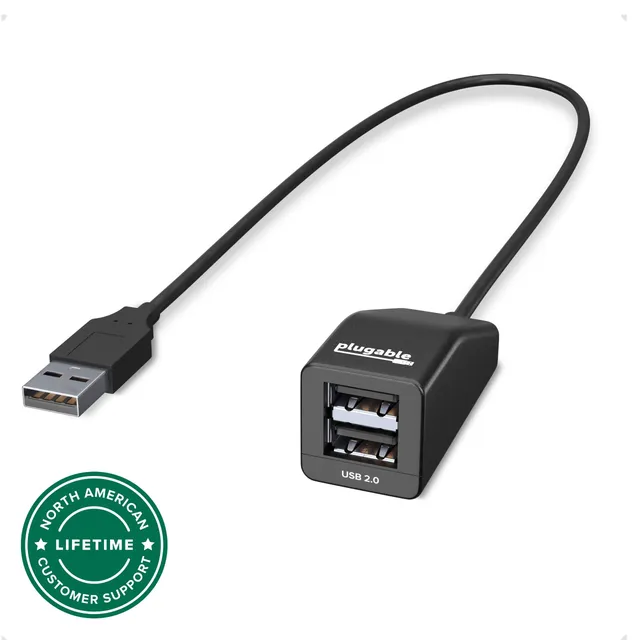
The Plugable USB 2.0 2-Port Hub is the kind of accessory you can throw in a bag and forget about. It runs at USB 2.0 speeds, which is plenty for a mouse, a keyboard, a flash drive, and a headset dongle. It doesn't need a power supply, drivers, or setup. Plug it in and it works.
What it won't do:
If your laptop has a single USB-A port and you just need to connect a mouse and a flash drive, this is all you need.
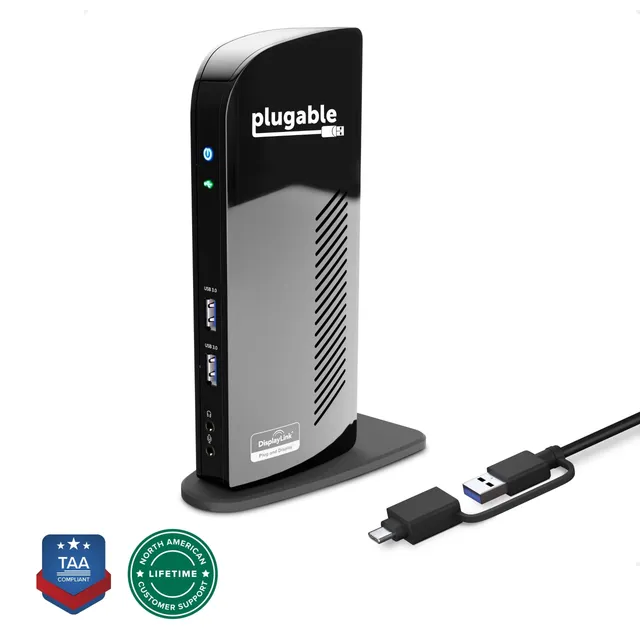
The Plugable UD-3900C is a full docking station. It connects to your laptop through a single USB-C or USB 3.0 cable, then gives you two HDMI outputs, multiple USB-A ports, Gigabit Ethernet, and a 3.5mm audio jack. The dock's DisplayLink chip lets it drive two monitors from laptops that normally can't push video over a data-only USB port.
That's where the premium price goes. A cheap adapter only works if your laptop's USB-C port supports DisplayPort Alternate Mode. The UD-3900C doesn't depend on that. With the DisplayLink driver installed, it turns the video signal into data and then back into display output on the other end.
You do have to install a driver. It takes five minutes and usually just works, but it's not as grab-and-go as a dumb USB hub.
| Feature | UD-3900C Dock | USB 2.0 Hub |
|---|---|---|
| Price | $143.94 | $20.34 |
| Video output | Dual HDMI via DisplayLink | None |
| USB ports | Multiple USB-A | Two USB-A |
| Ethernet | Yes | No |
| Audio jack | Yes | No |
| Power | External AC adapter | Bus-powered |
| Driver required | DisplayLink driver | No |
| Best for | Multi-monitor desk with one cable | Simple USB expansion on the go |
Save your money and buy the $20 hub if any of these sound like you:
In those situations, the hub does everything you need for $20.34. The dock would add cost and driver setup without adding a single useful feature.
Buy the UD-3900C if you need any of these:
If you're doing any kind of spreadsheet, design, or video work on a laptop, the dual-screen upgrade alone is usually worth the $143.94. Sticking with a $20 hub when you need two monitors is a false economy: you'll buy a second adapter later, then a third when the first one gets lost.
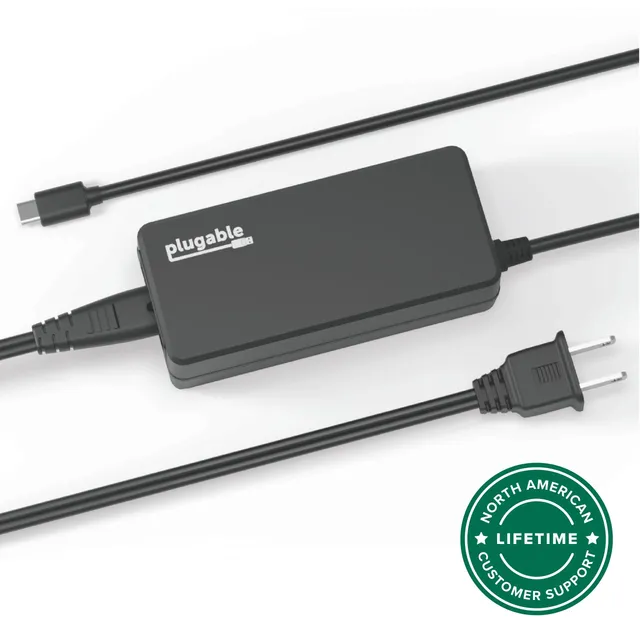
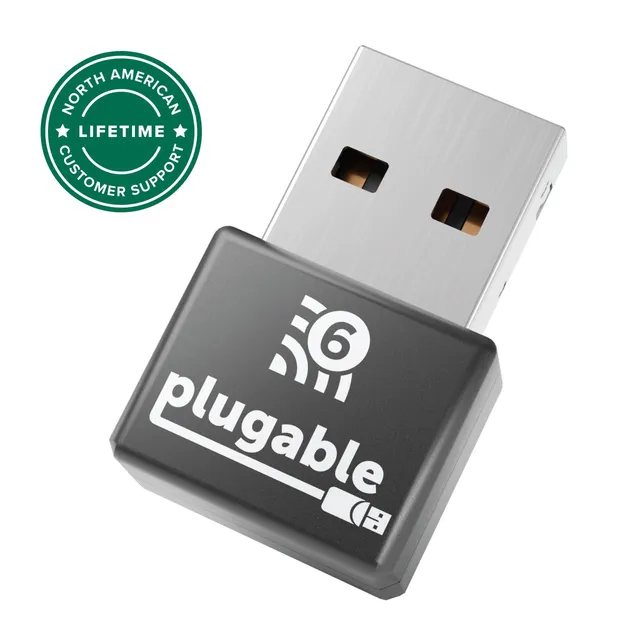
If you're not ready to spend $144 on a dock, you can cover the most common gaps with a few Plugable pieces. The hub gives you ports; the charger keeps your laptop alive; the Wi-Fi adapter gives you a better connection than a flaky internal card.
Total: $116.22. That's still less than the dock, but you're giving up dual monitors unless your laptop already supports video over USB-C. If you're sure you only need one screen, this setup is a smart way to spend less.
Buy the USB 2.0 hub if your monitor situation is already solved. It's the value pick, and it's enough for a mouse, flash drive, and keyboard.
Buy the UD-3900C dock if you want two monitors and one cable. It's the premium pick because it replaces a bag of adapters and works with laptops that other docks simply ignore.
There's no universal right answer. There's only the right level of spending for the desk you actually use.
No. A USB 2.0 hub only carries data, not video. You need a dock with DisplayLink or a laptop with video output over USB-C.
Yes. Plugable supports Windows, macOS, and ChromeOS with DisplayLink drivers. It includes cables for USB-C and older USB 3.0 laptops, so it's a good fit for mixed households.
A simple adapter only works if the laptop's USB-C port can send video. The UD-3900C uses DisplayLink to send video over regular USB, so it works with far more laptops. You also get USB ports, Ethernet, and audio in the same dock.