$20.00
1
Your cart is empty
Subtotal
We will hold your cart for 15:00.
Buy more, save more
Coupon discount
Shipping
Add 2 more items to unlock your free mystery gift.
Complimentary item.
Total
$20.00
We will hold your cart for 15:00.
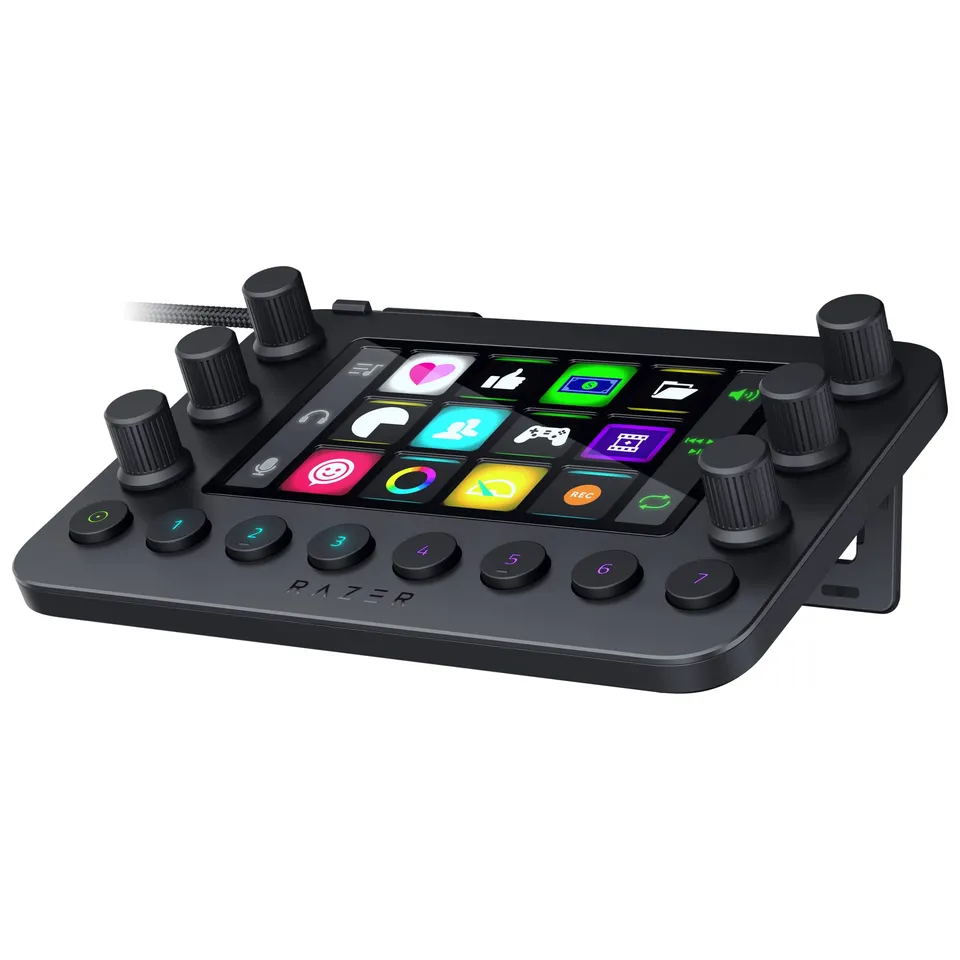
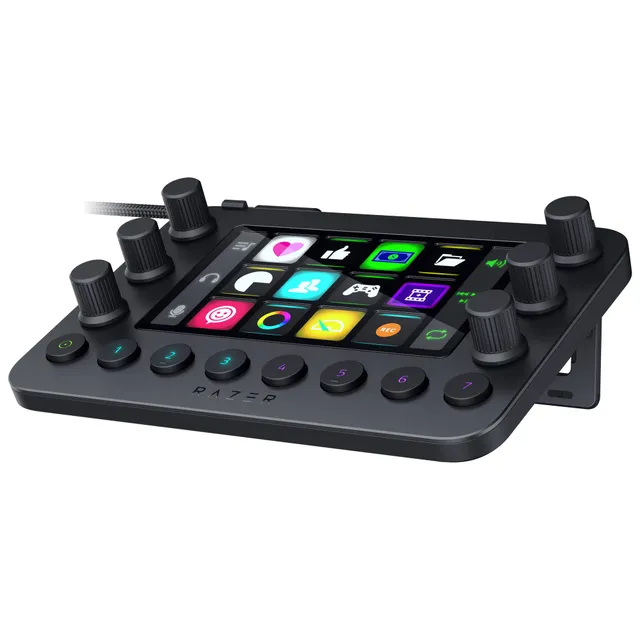
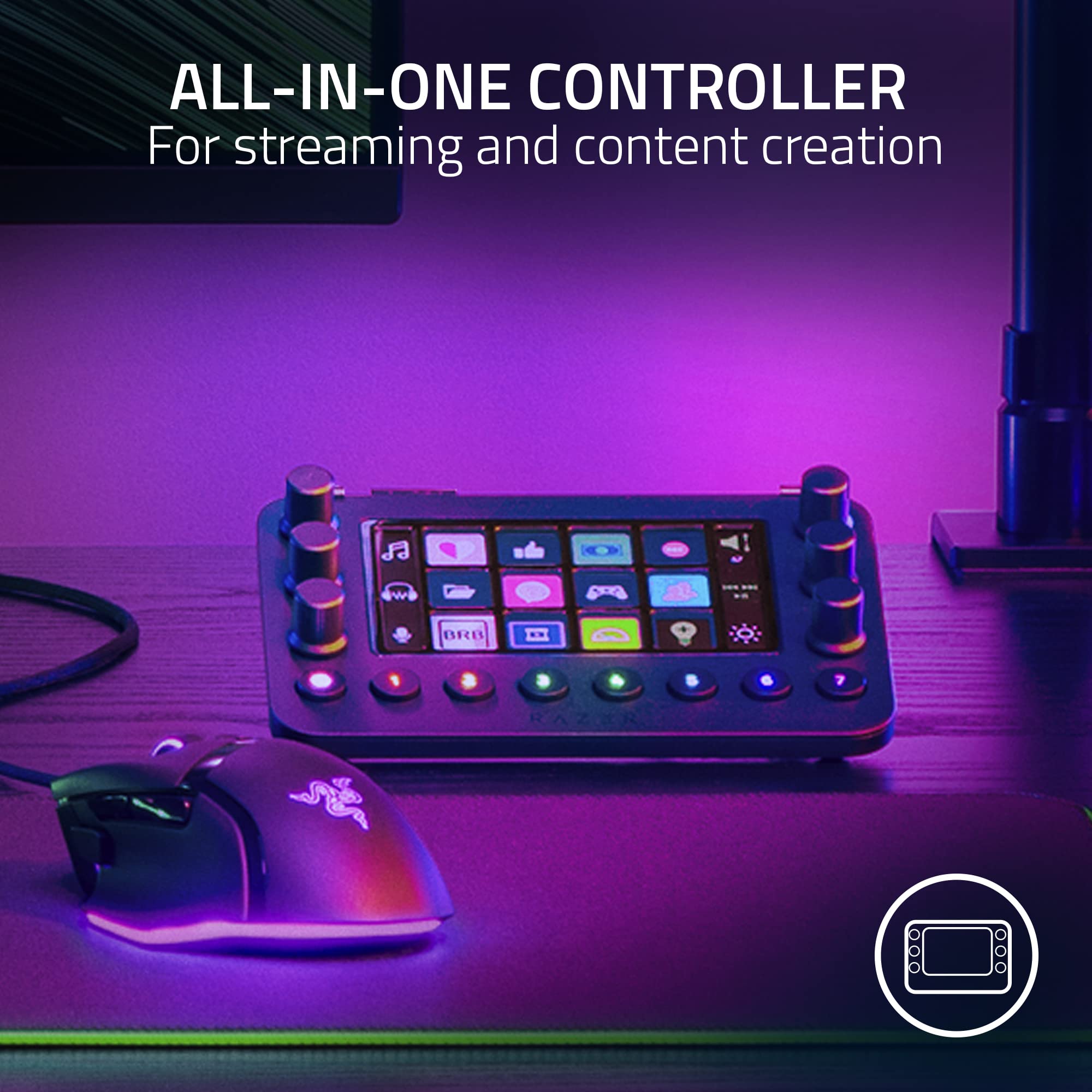
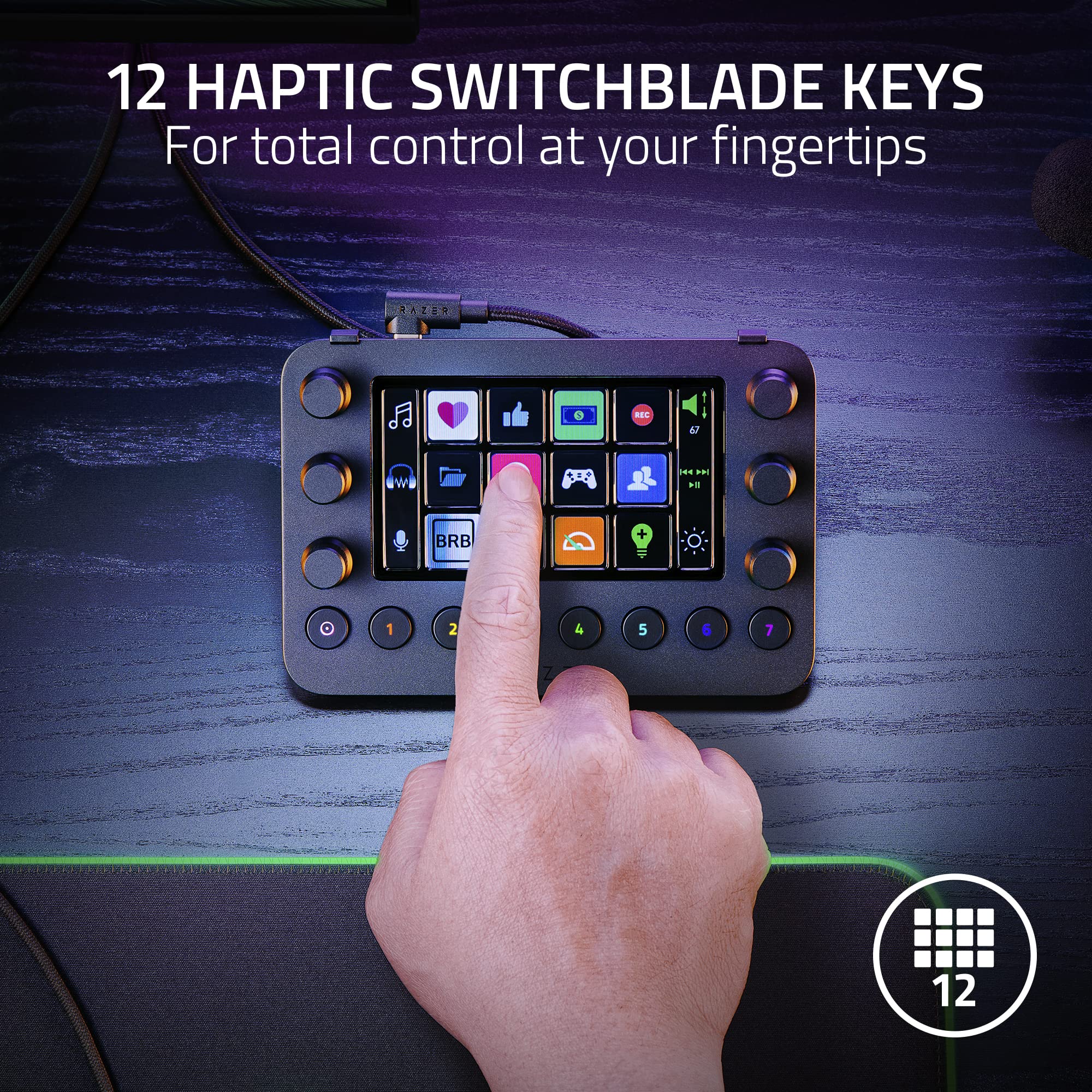
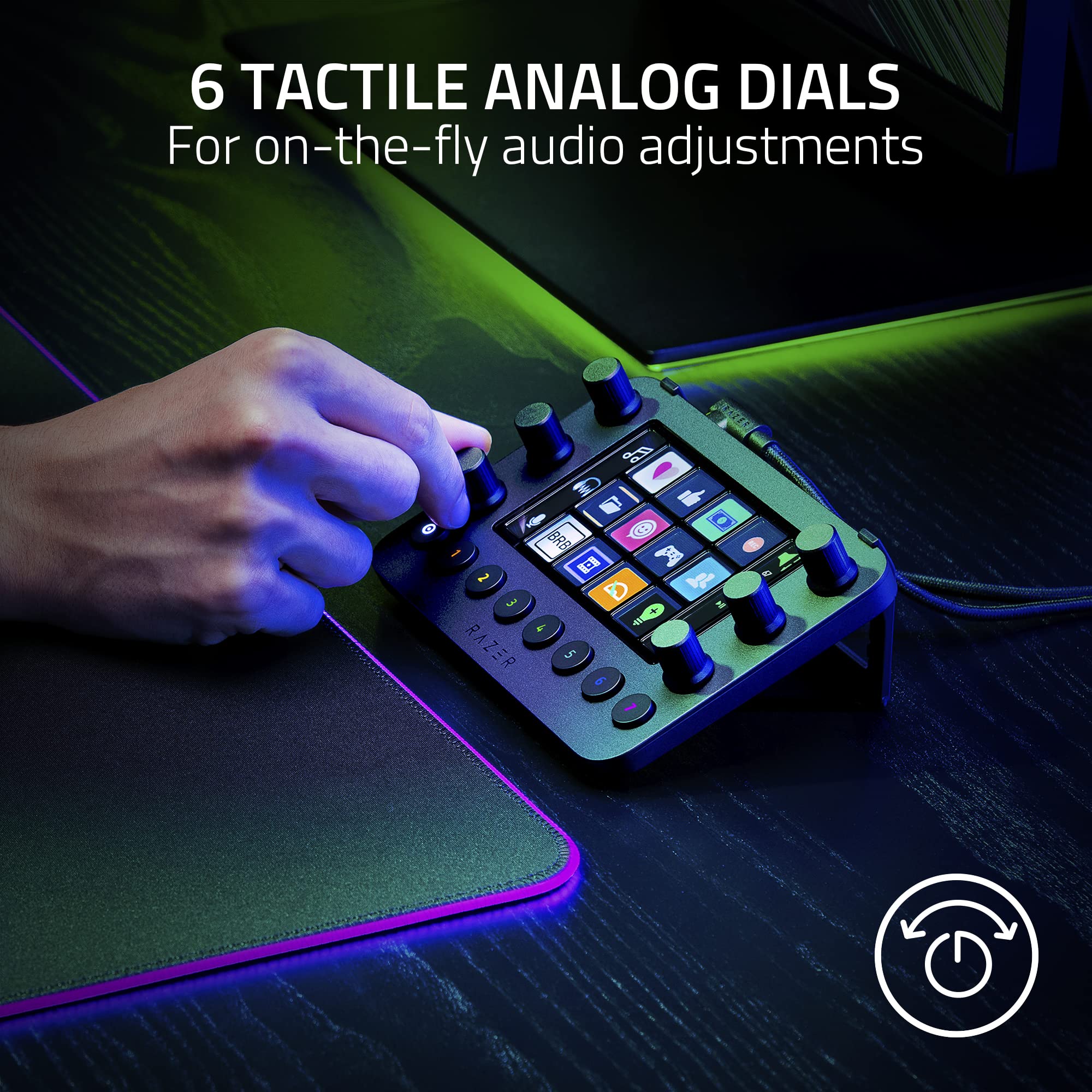
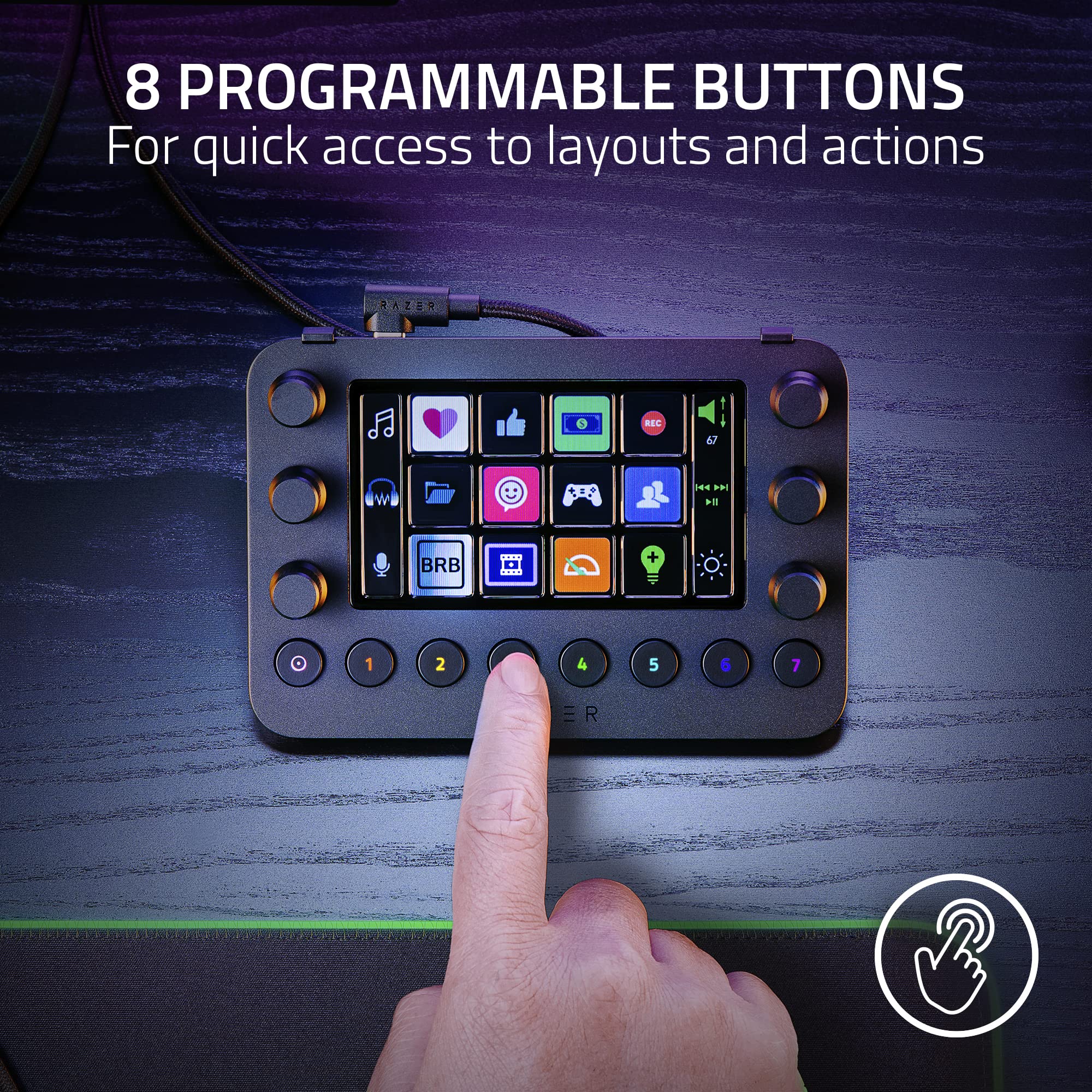
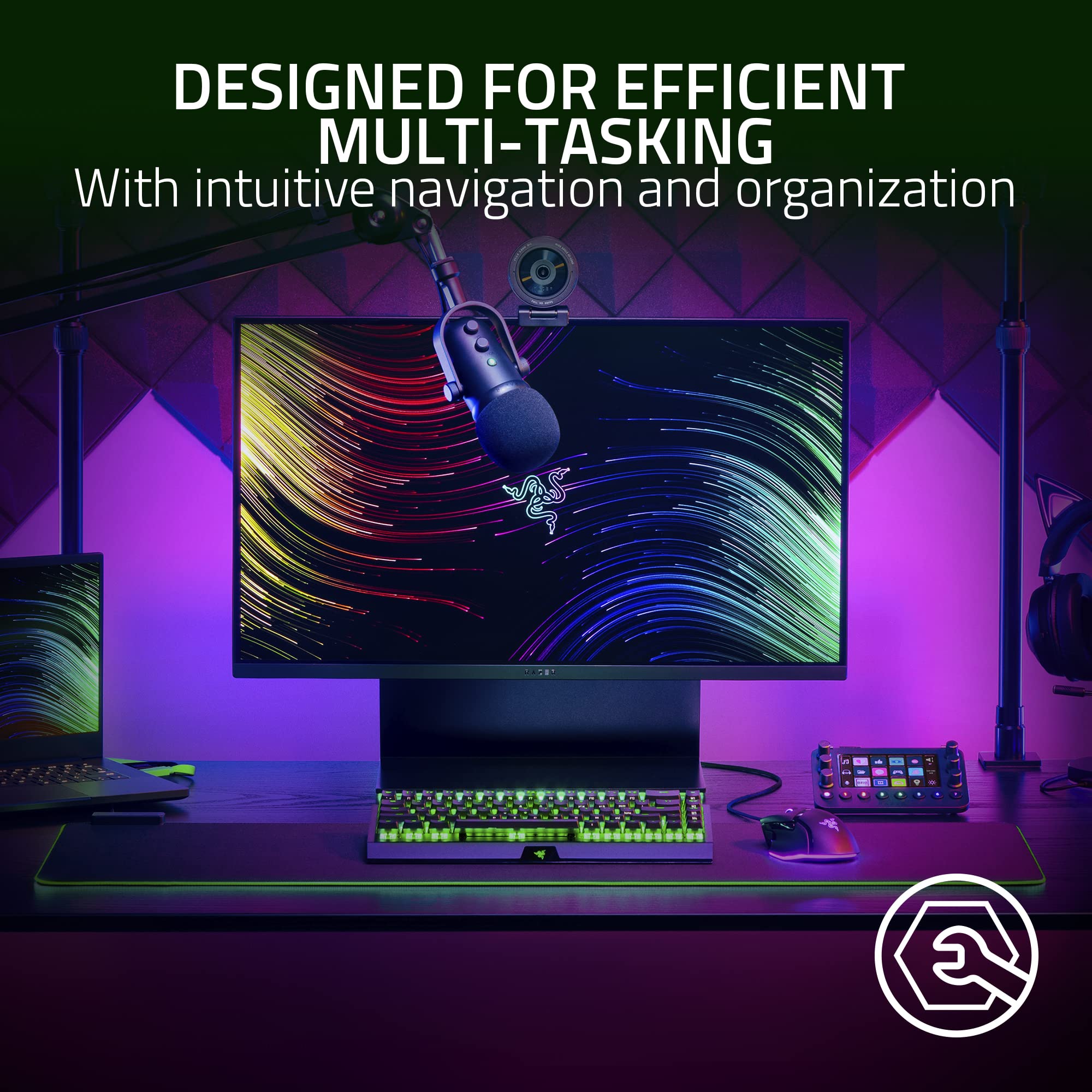
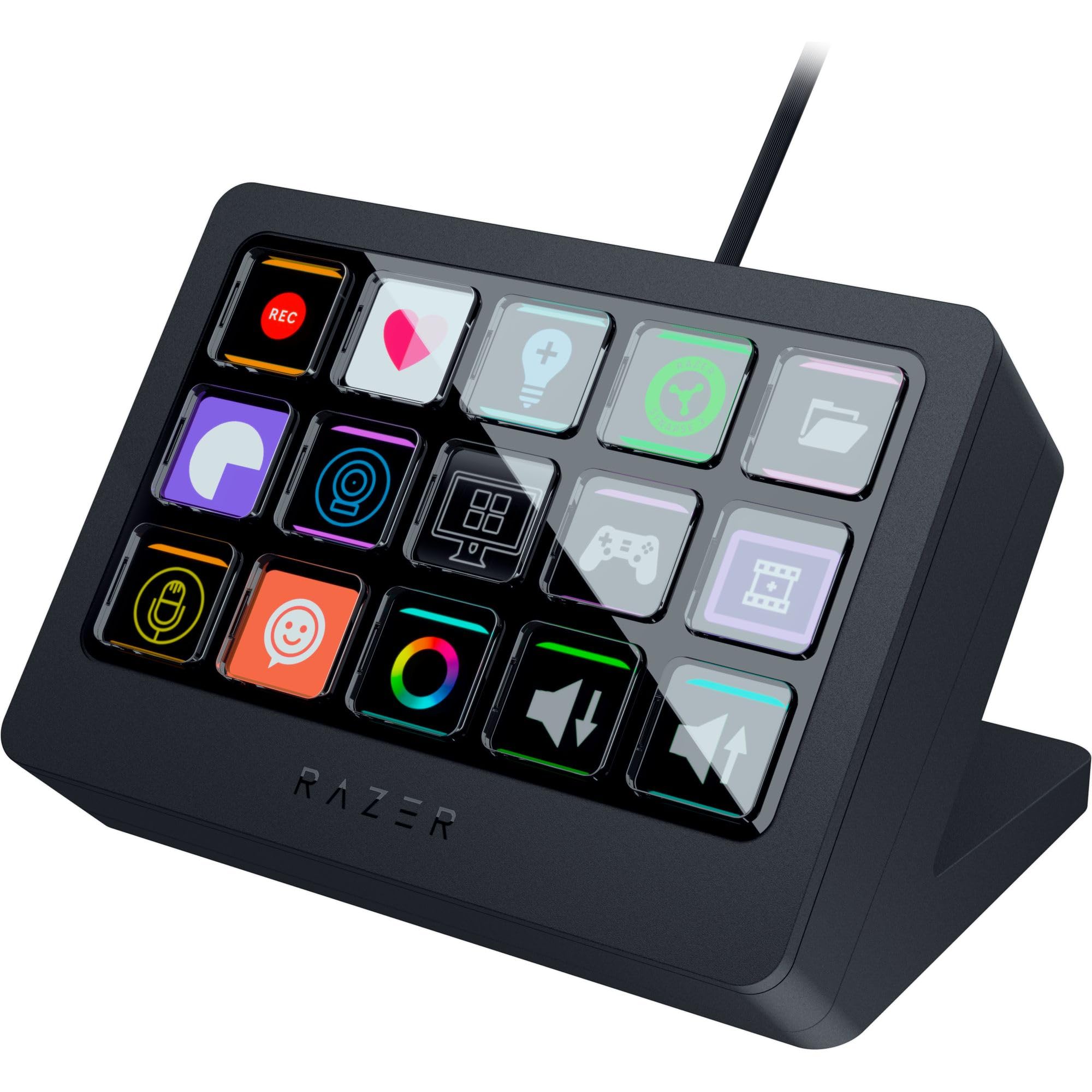
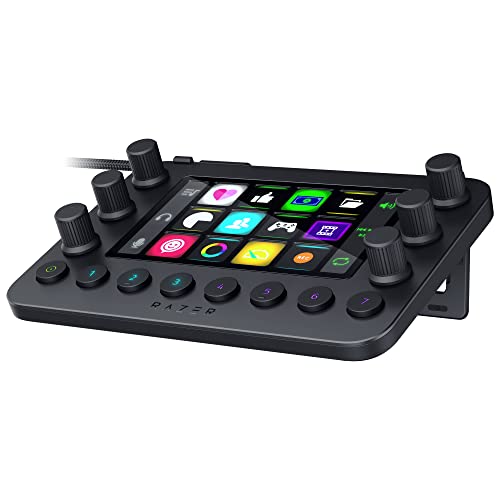
The Razer Stream Controller is an all-in-one keypad for streaming on PC and Mac, featuring 12 haptic Switchblade keys, 6 analog dials, and program shortcuts.
Style
Categories : Series
SKU : POR-SER-237
Share This:
The Razer Stream Controller is a broadcast deck that centralizes your streaming controls. With 12 haptic Switchblade keys, 6 tactile analog dials, and 8 programmable buttons, you can manage scenes, audio, and macros with ease. The dynamic LCD touchscreen displays contextual icons, and the controller integrates seamlessly with OBS Studio, Streamlabs, and other software. Dynamic Mode automatically switches profiles based on the active app, streamlining your workflow.
Setting up the Stream Controller OBS plugin is simple. Install the controller software and connect via USB. In OBS, download the Razer Stream Controller plugin to unlock full control over scenes, sources, and audio. The plugin adds a dock for real-time feedback.
Group commands into dedicated layouts—one for streaming, another for video editing. Each layout can have up to 8 pages, and haptic feedback intensity is adjustable. The analog dials are perfect for fine-tuning audio levels or scrubbing timelines.
Designed for PC and Mac, it works with leading software including Twitch, Discord, Spotify, Adobe Creative Cloud apps, and Final Cut Pro. The included USB-C cable ensures a stable connection.
12 haptic Switchblade keys with customizable icons and touch feedback
6 tactile analog dials for precise audio and media control
Dynamic Mode auto-switches profiles based on active app
Keys: 12 haptic Switchblade keys
Dials: 6 tactile analog dials
Weight: 245 g
Display: Dynamic LCD touchscreen
Dimensions: 164 mm x 100 mm x 30 mm
Connectivity: USB-C
Product Type: Stream Controller
Compatibility: PC, Mac, OBS Studio, Streamlabs, Discord, Adobe apps, Final Cut Pro
Programmable Buttons: 8
Seller: PortSide Gear
Razer's Stream Controller is designed to reduce setup time so you can focus on engaging your audience. Its compact footprint fits neatly on any desk, and the included software lets you back up and share profiles. With support for over 200 actions, it adapts to any creator's workflow. Whether you're compiling a scene list or adjusting mic gain, the Stream Controller brings tactile control to every task.
Download the plugin from the Razer website, install it, and restart OBS. Then, add the Razer Stream Controller dock to your layout.
Yes, the controller supports Adobe Lightroom Classic, Photoshop, Premiere Pro, After Effects, and Illustrator through custom profiles.
Yes, it is compatible with both Windows and macOS.
Yes, each key's haptic feedback intensity can be customized in the Razer Stream Controller software.
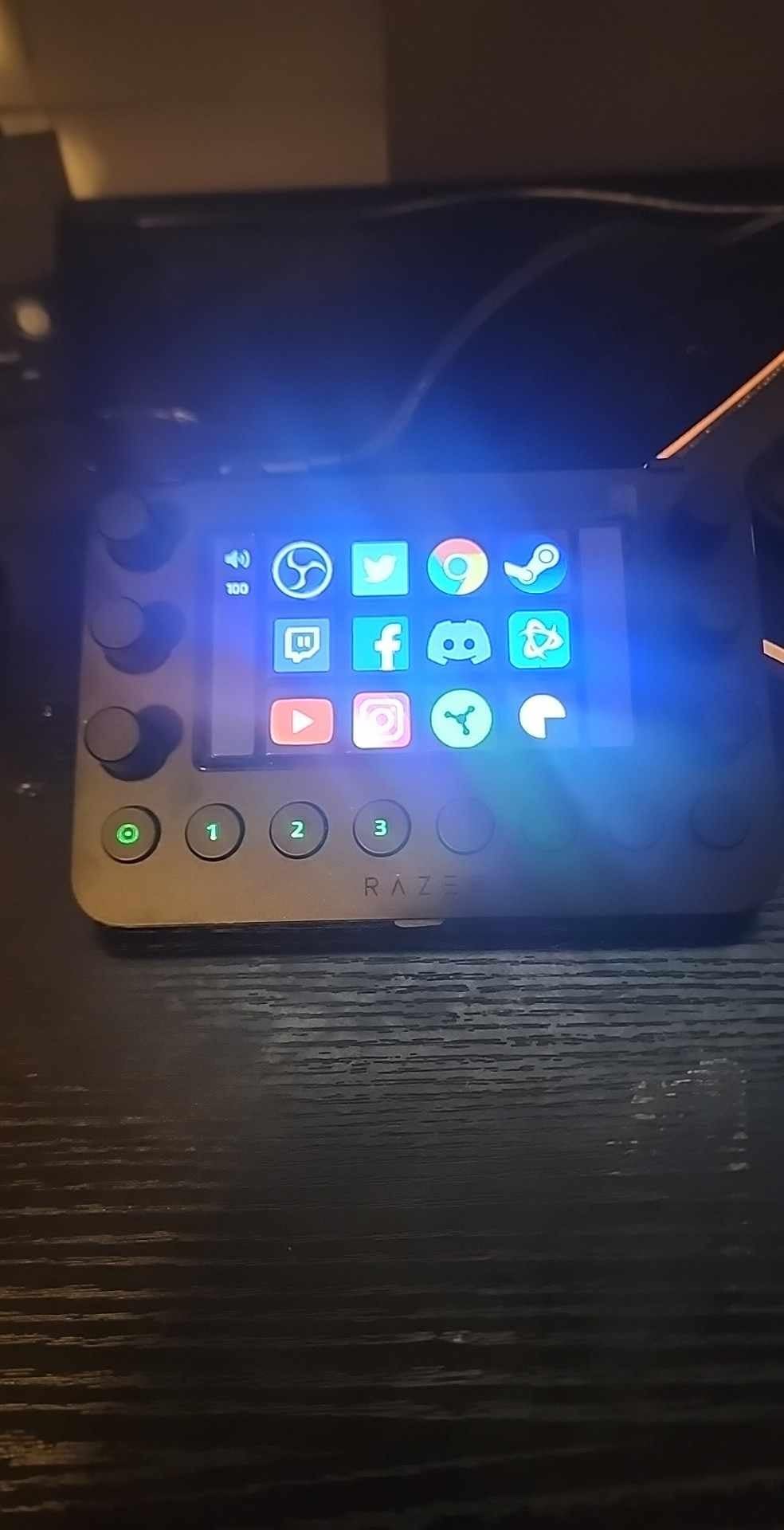
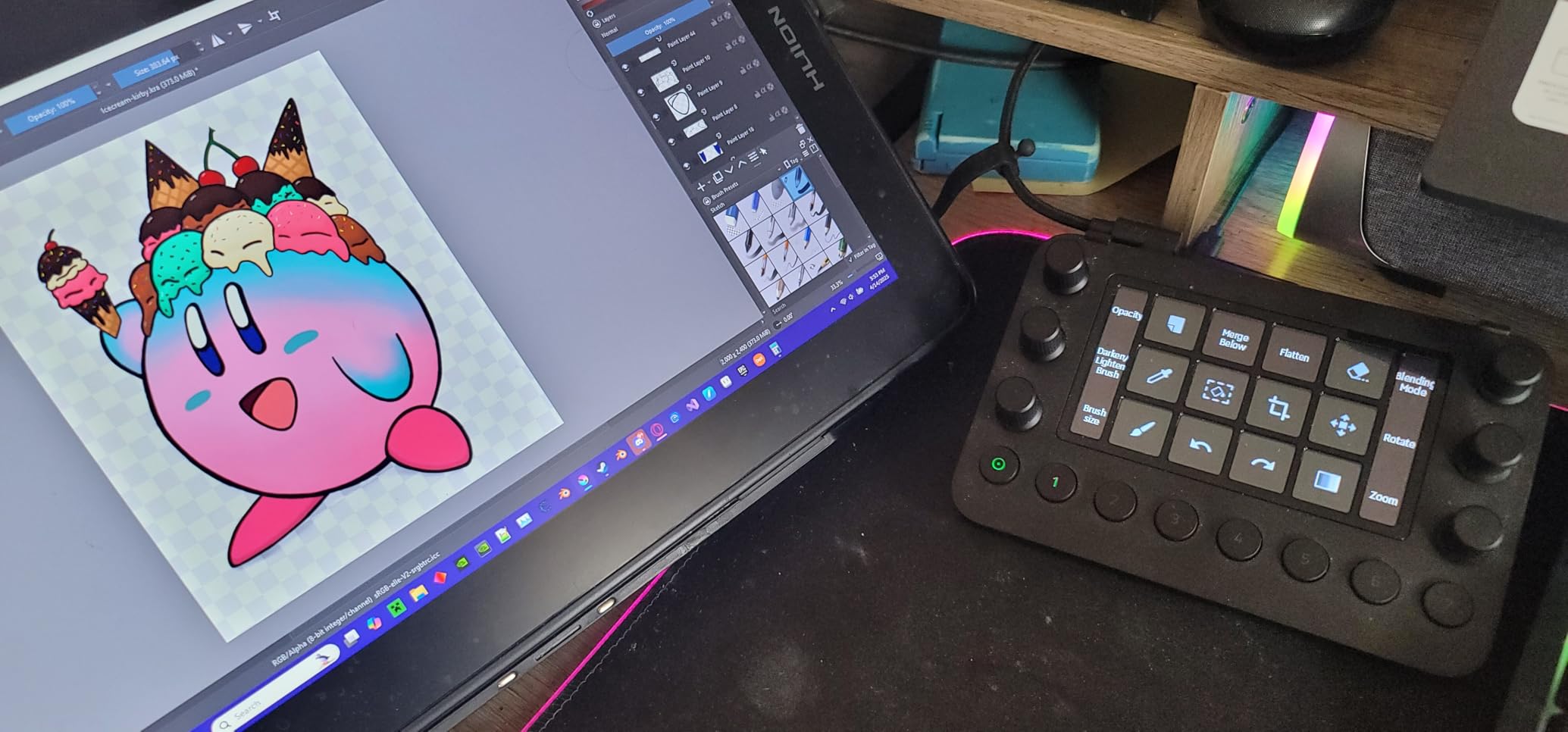
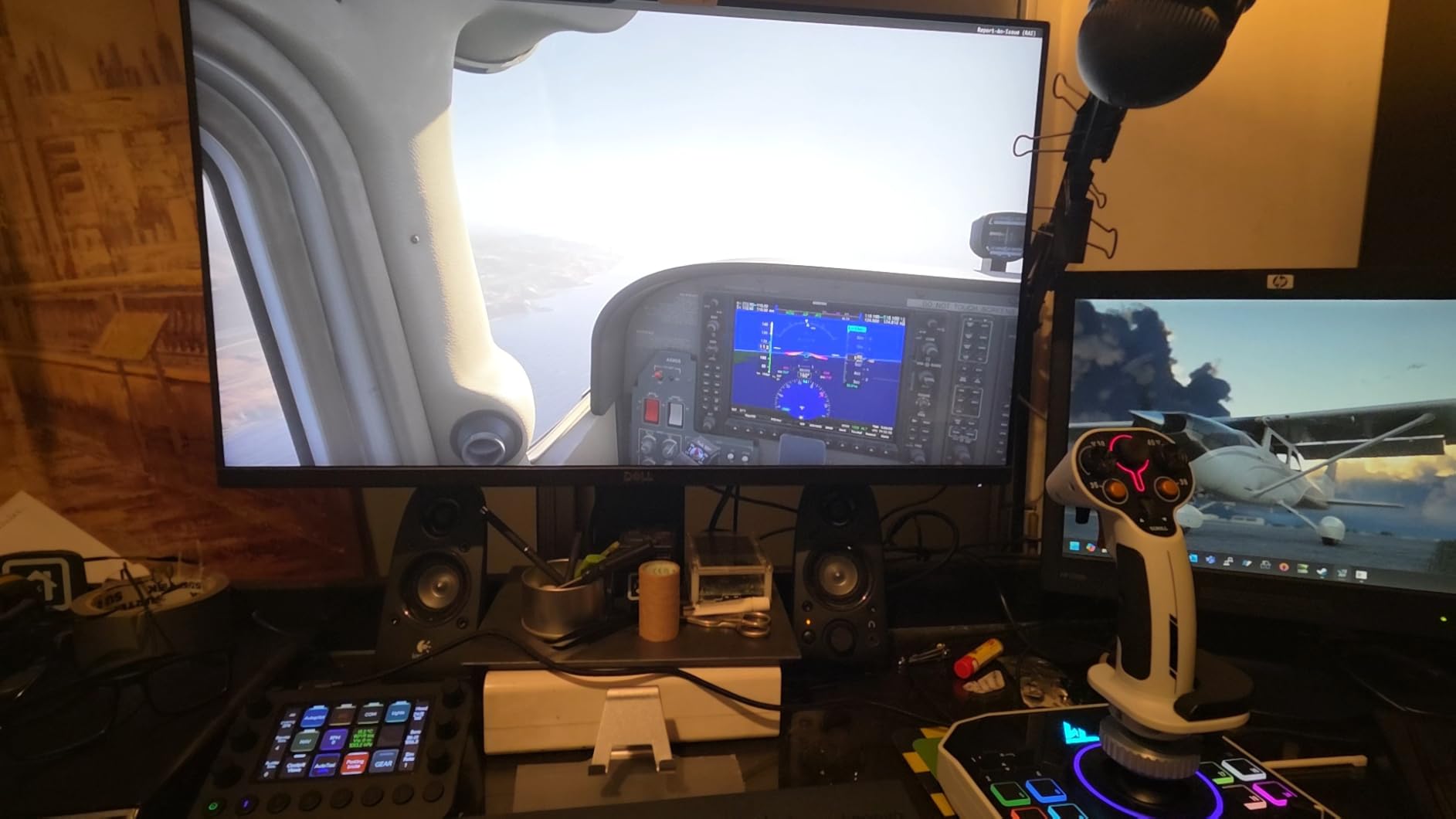
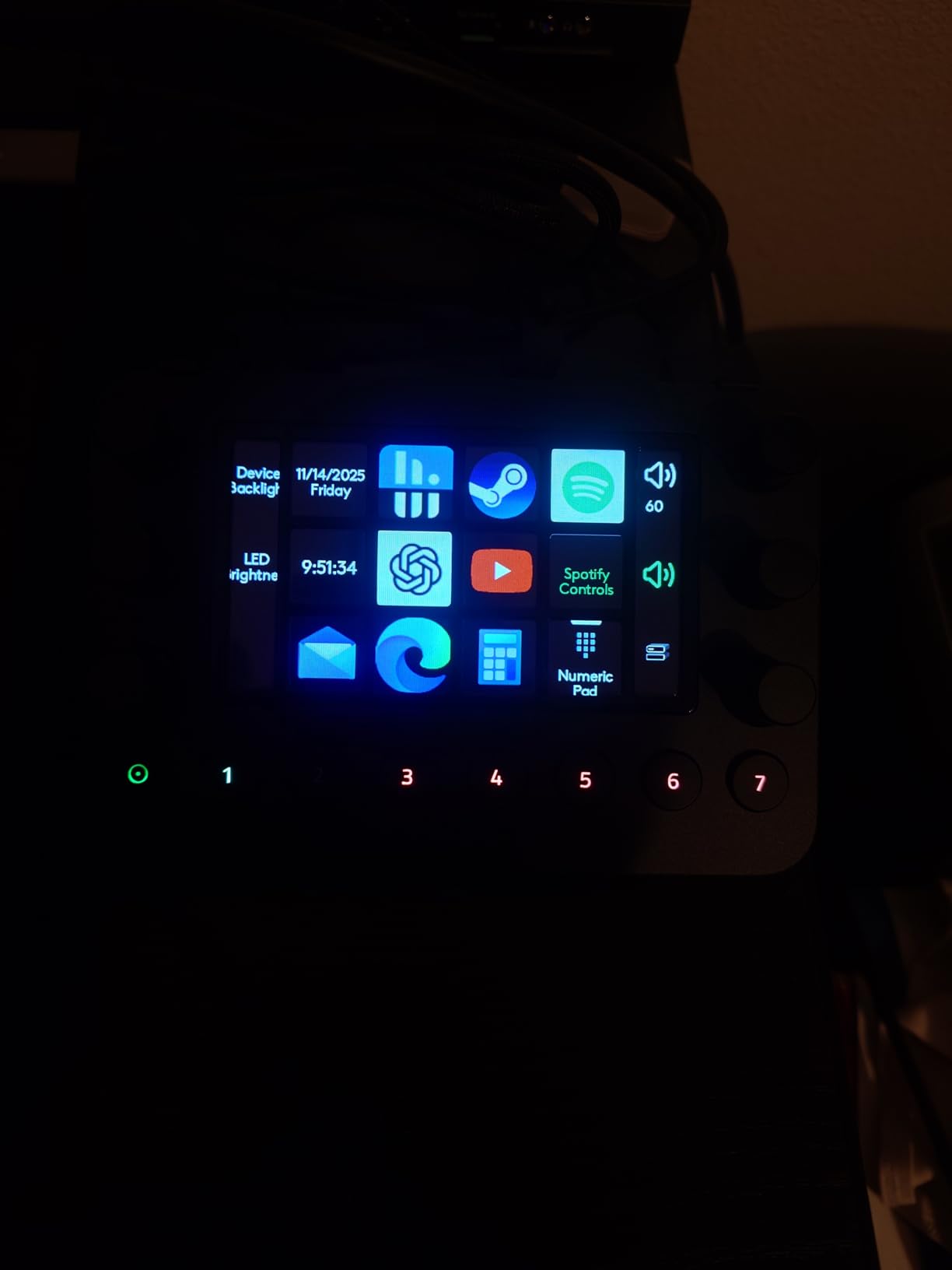
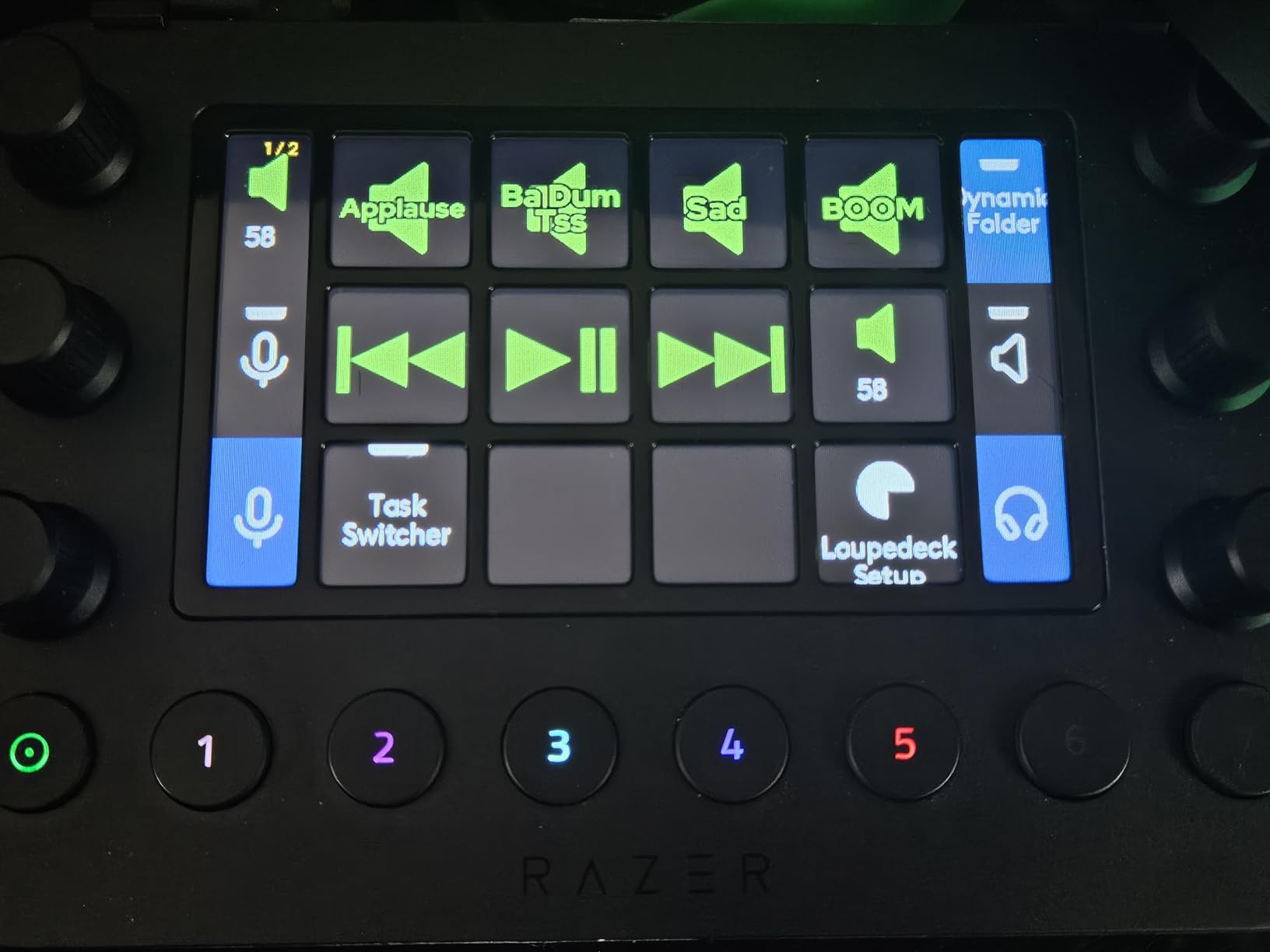
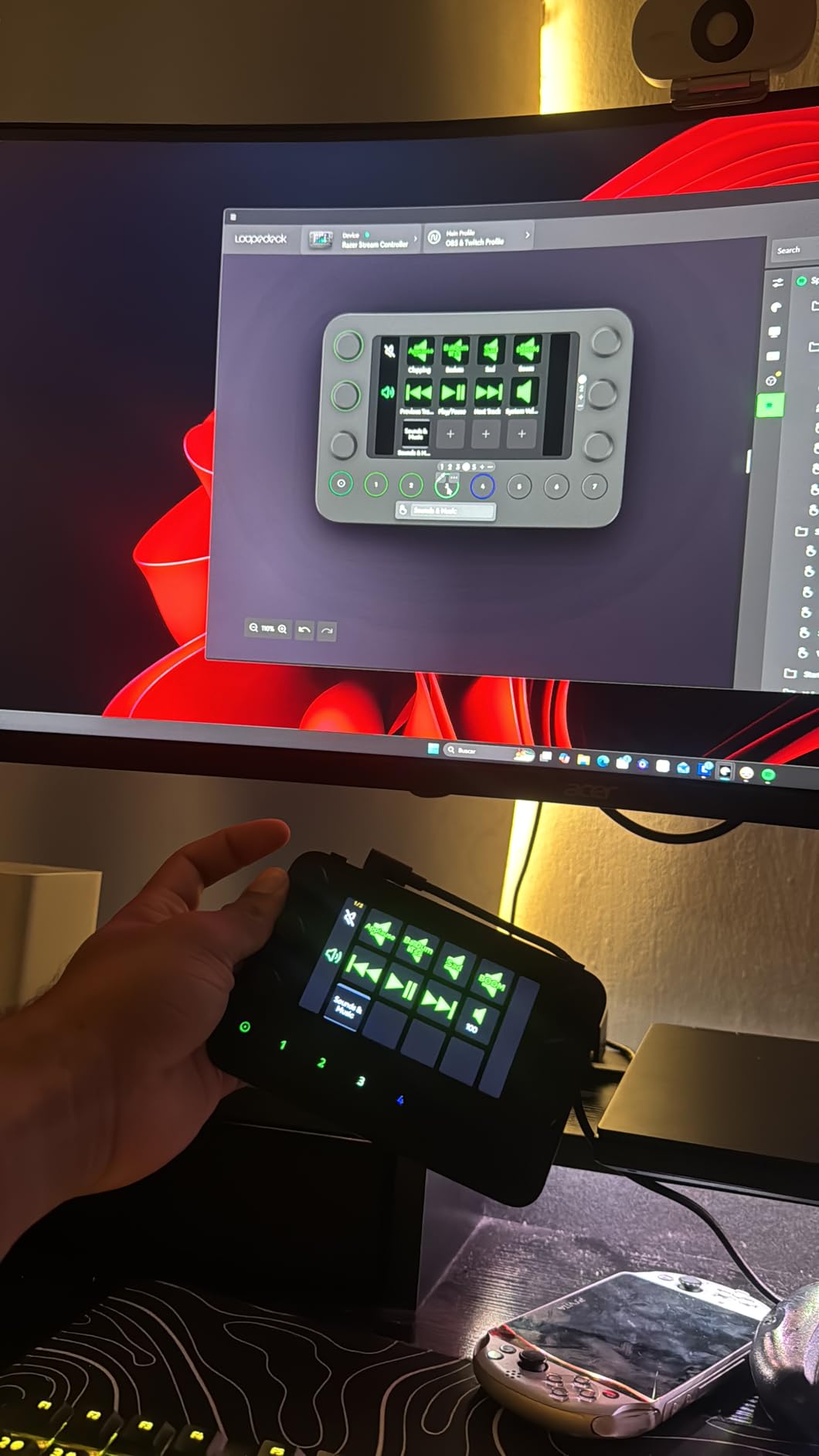
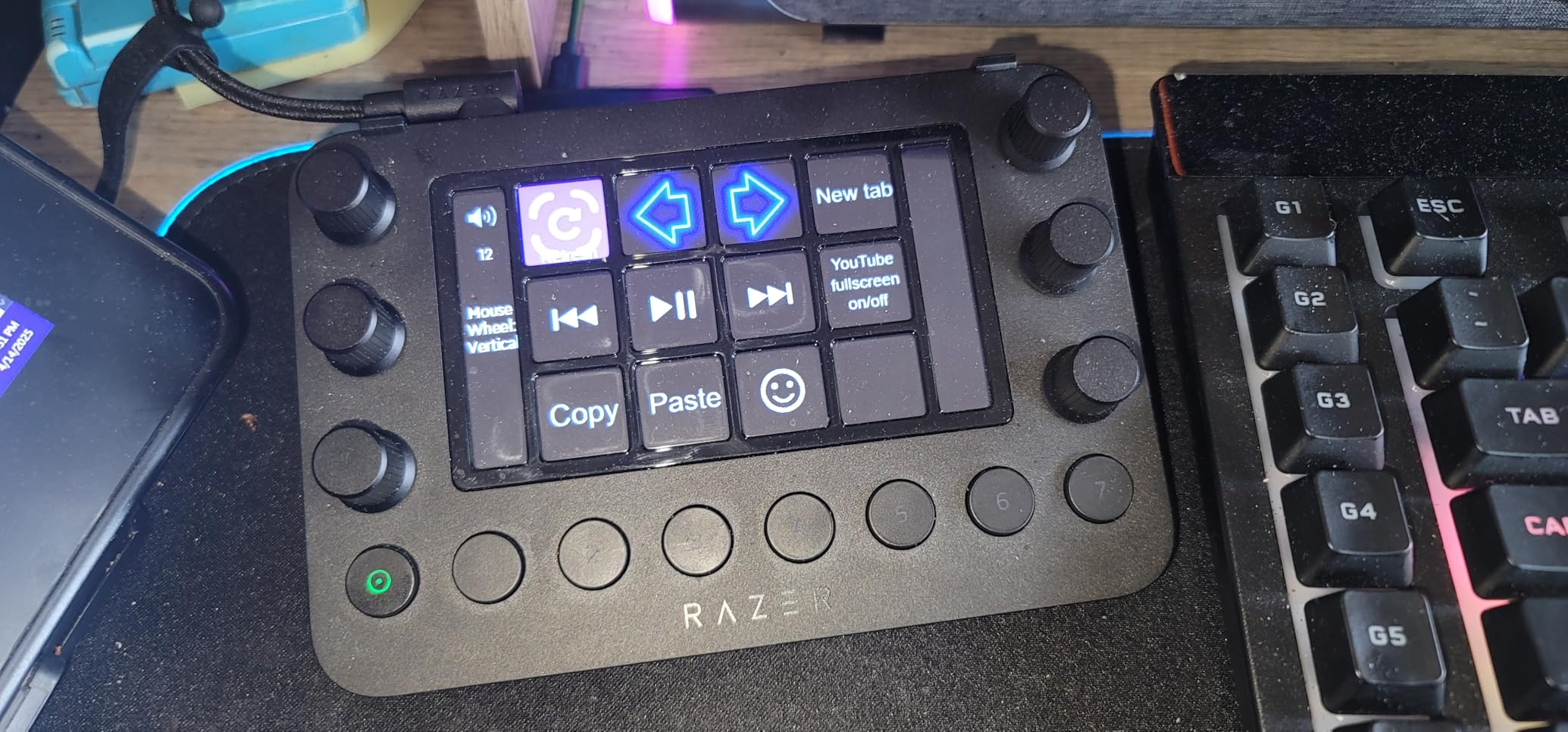
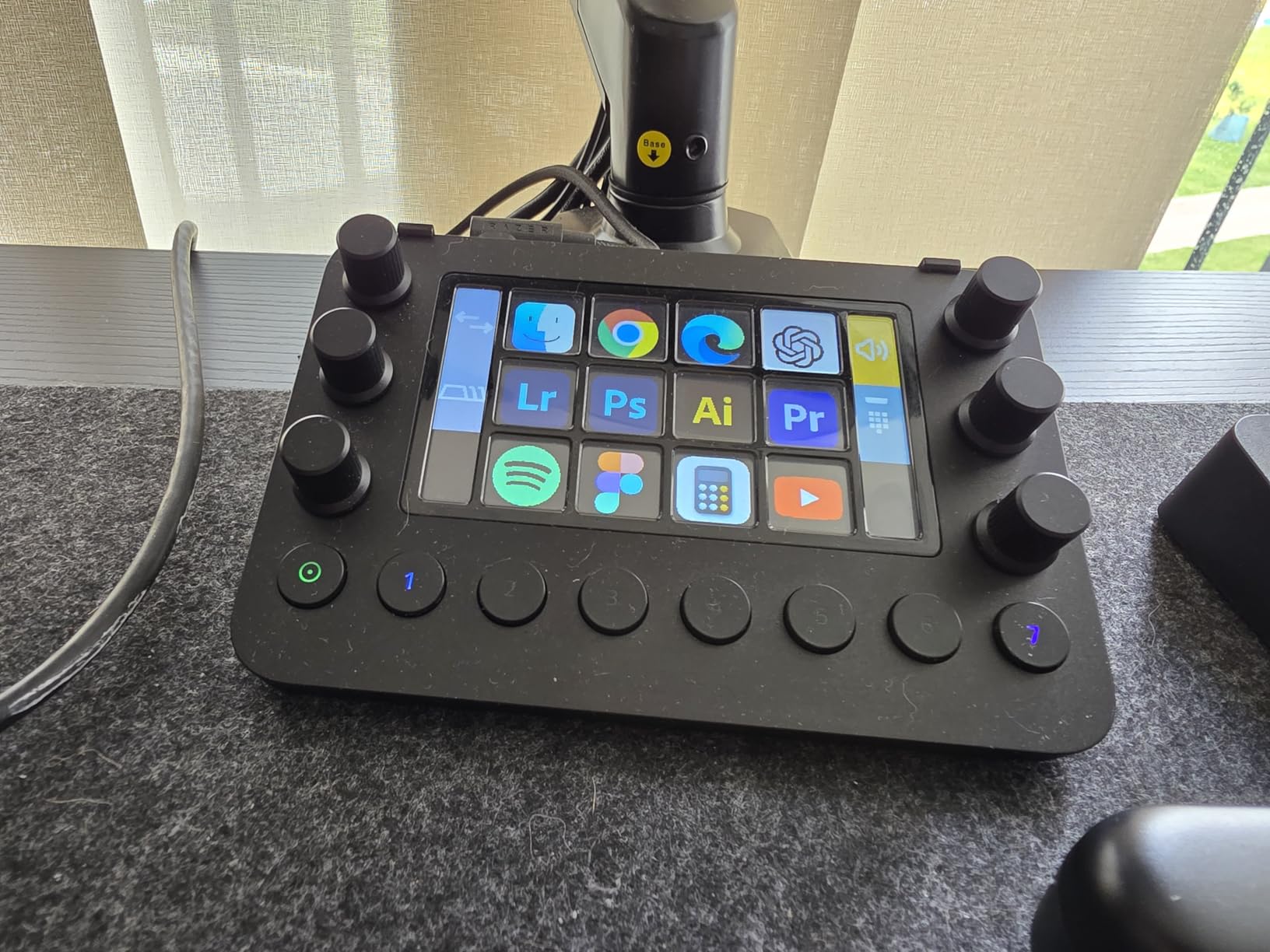
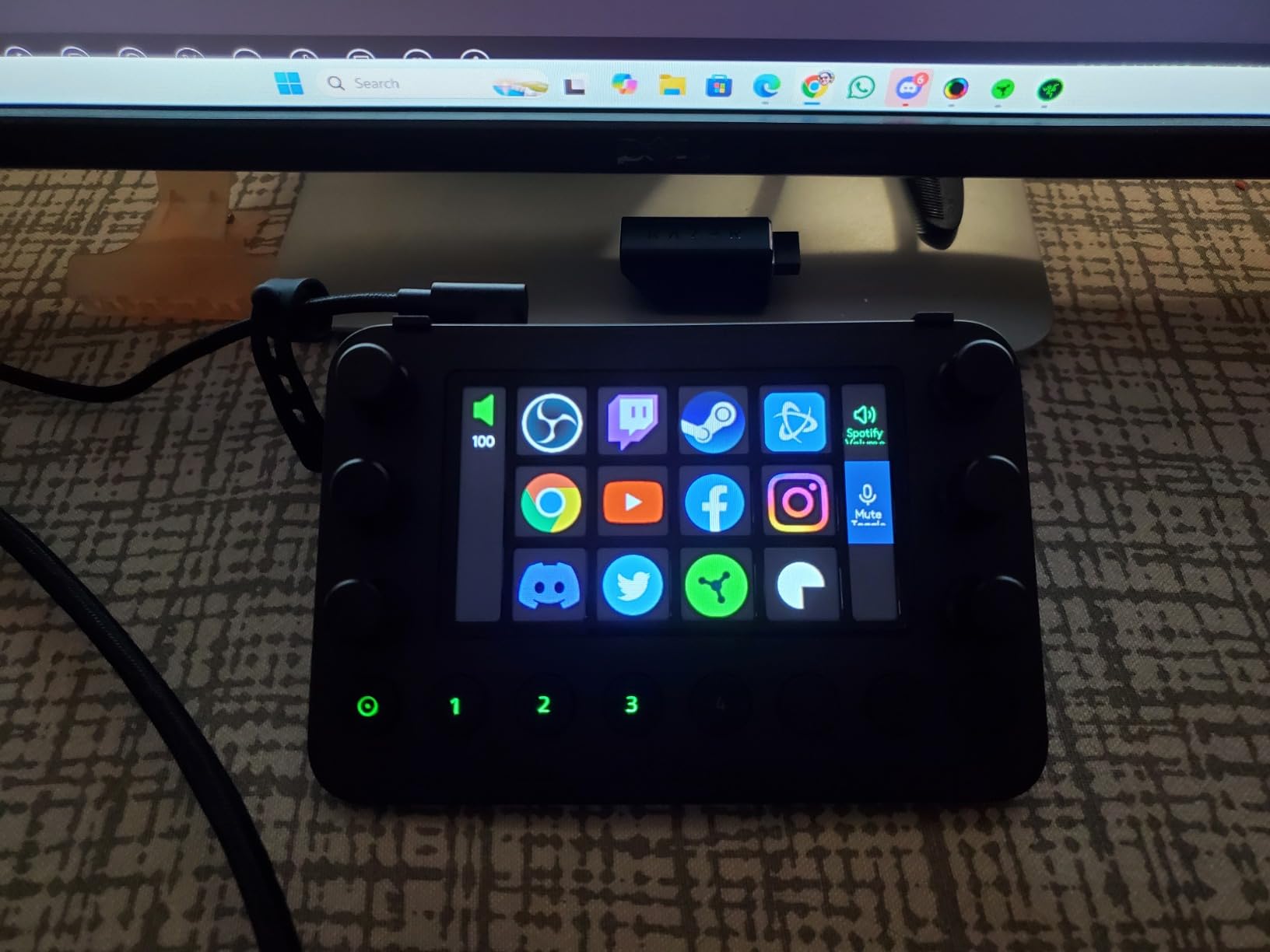

I upgraded from a stream deck and this is worlds better. The haptic keys feel satisfying and the dials are perfect for adjusting audio on the fly. Setting up profiles is easy. My streams look more professional.
The hardware is solid, but you need to configure everything with the software. Once you do, it's awesome. The dials are smooth and the keys are responsive. Just wish it had more buttons.
I use this for every stream. The 12 keys are programmable, but the 6 dials are the real highlight. I use them for audio levels, scene transitions, and zoom. The haptic feedback is subtle but useful. Worth every penny.
It's a good controller, but the software is not intuitive. I spent an hour trying to set up basic shortcuts. Once I got it, it works fine. But I wish it was more plug-and-play.
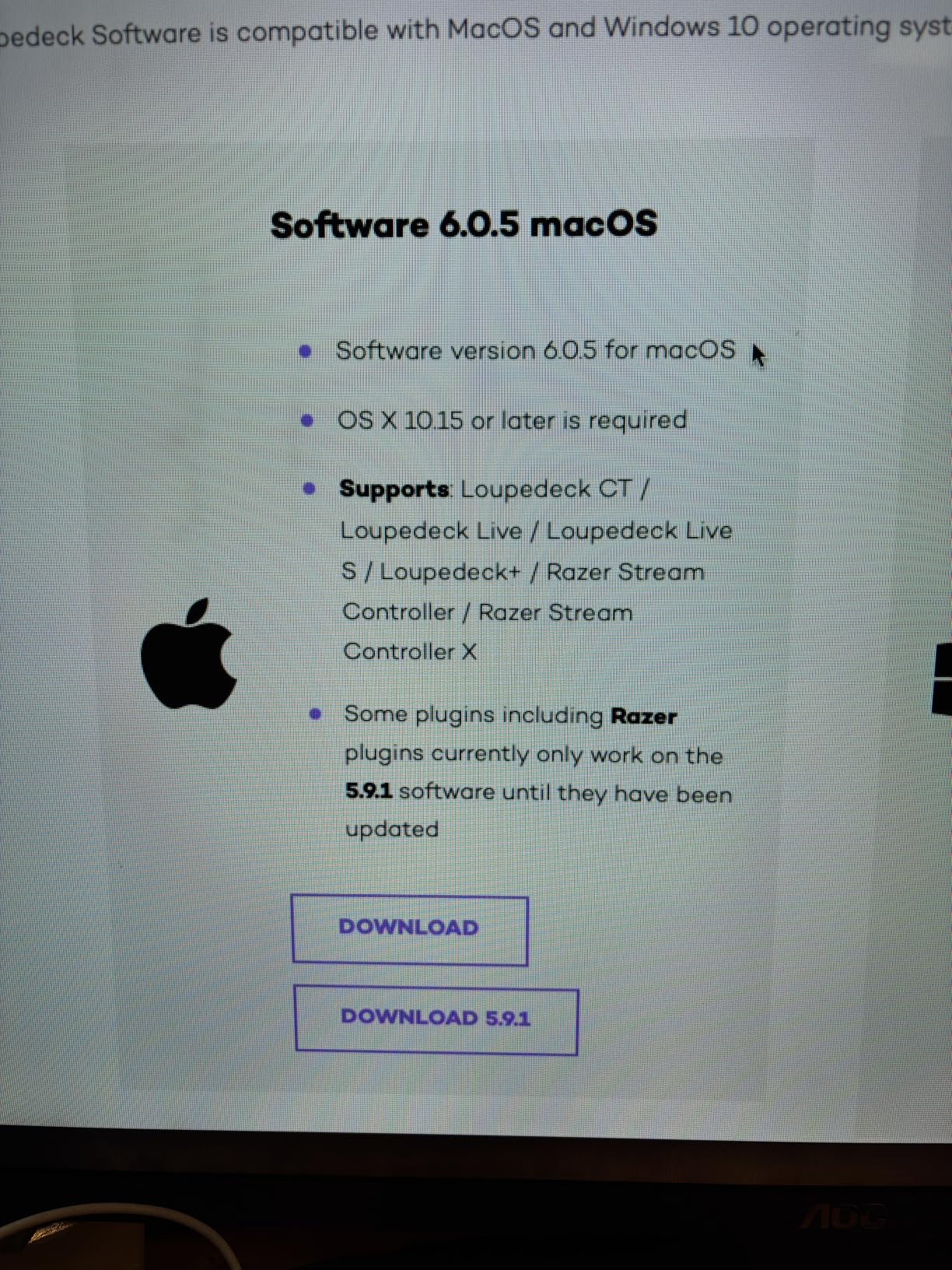
I couldn't get it to work on my Mac. The app kept crashing, and the device wasn't recognized. I returned it and got a different brand.
The dials are perfect for adjusting my mic volume, game volume, and music without leaving my game. The haptic keys are great for toggling mute and scene changes. It's become an essential part of my setup.
It's solid, but you pay for the Razer name. The build quality is good, and the touchscreen is nice. The dials are smooth. But you can get similar functionality with a cheaper device.
The controller is great for streaming, but I wish you could have more than a few profiles. I use different configurations for different games. Otherwise, it's perfect.
Easy to set up and very useful.
It works well, but it's not as revolutionary as I hoped. The dials are the best feature. The keys are small and you need to look at them to press the right button. It's good, but not a must-have.
I've tried many stream controls, and this one has the best haptic feedback and a great build. The touchscreen is responsive, and the integration with software is deep. It's pricey, but worth it for a serious streamer.