$20.00
1
Your cart is empty
Subtotal
We will hold your cart for 15:00.
Buy more, save more
Coupon discount
Shipping
Add 2 more items to unlock your free mystery gift.
Complimentary item.
Total
$20.00
We will hold your cart for 15:00.
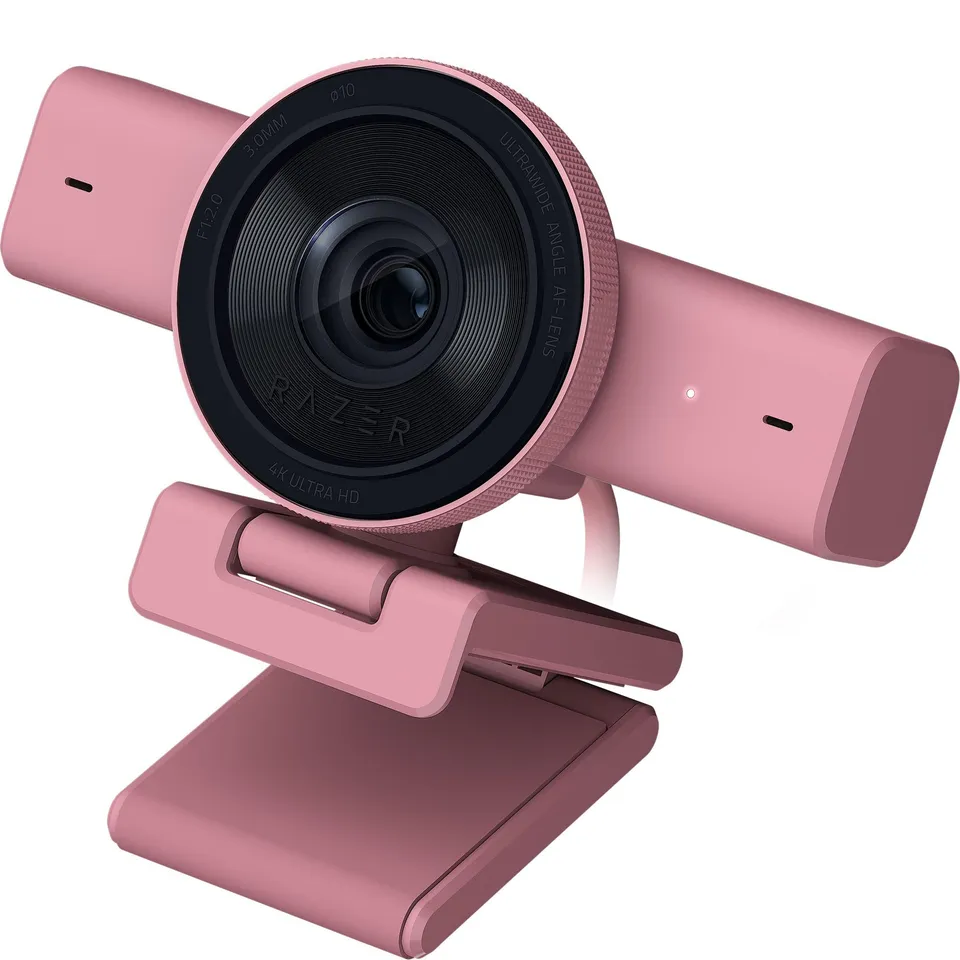
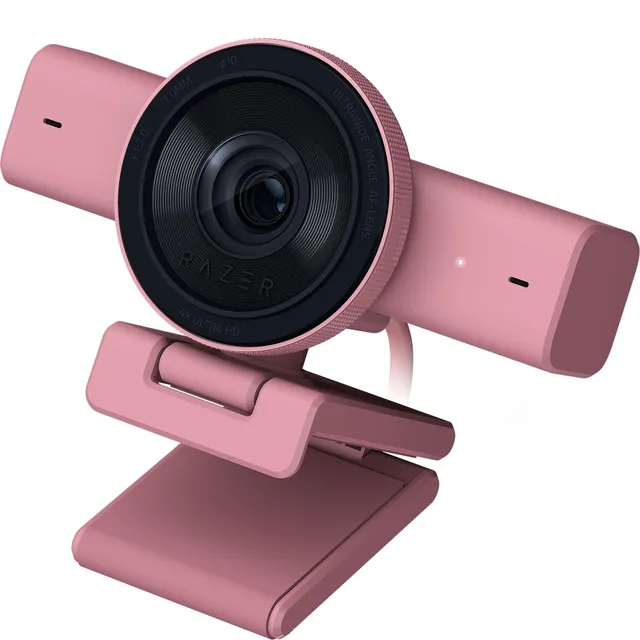
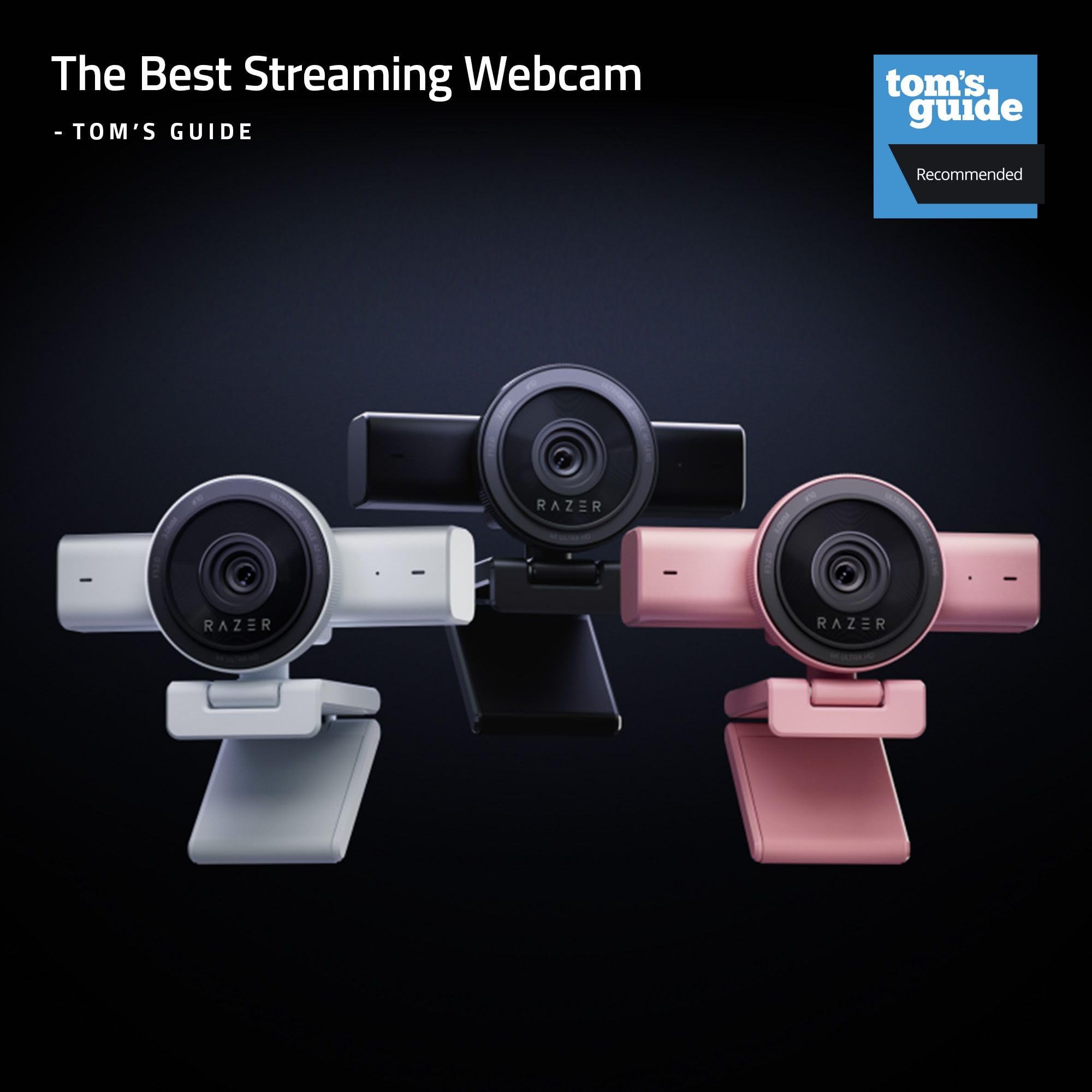
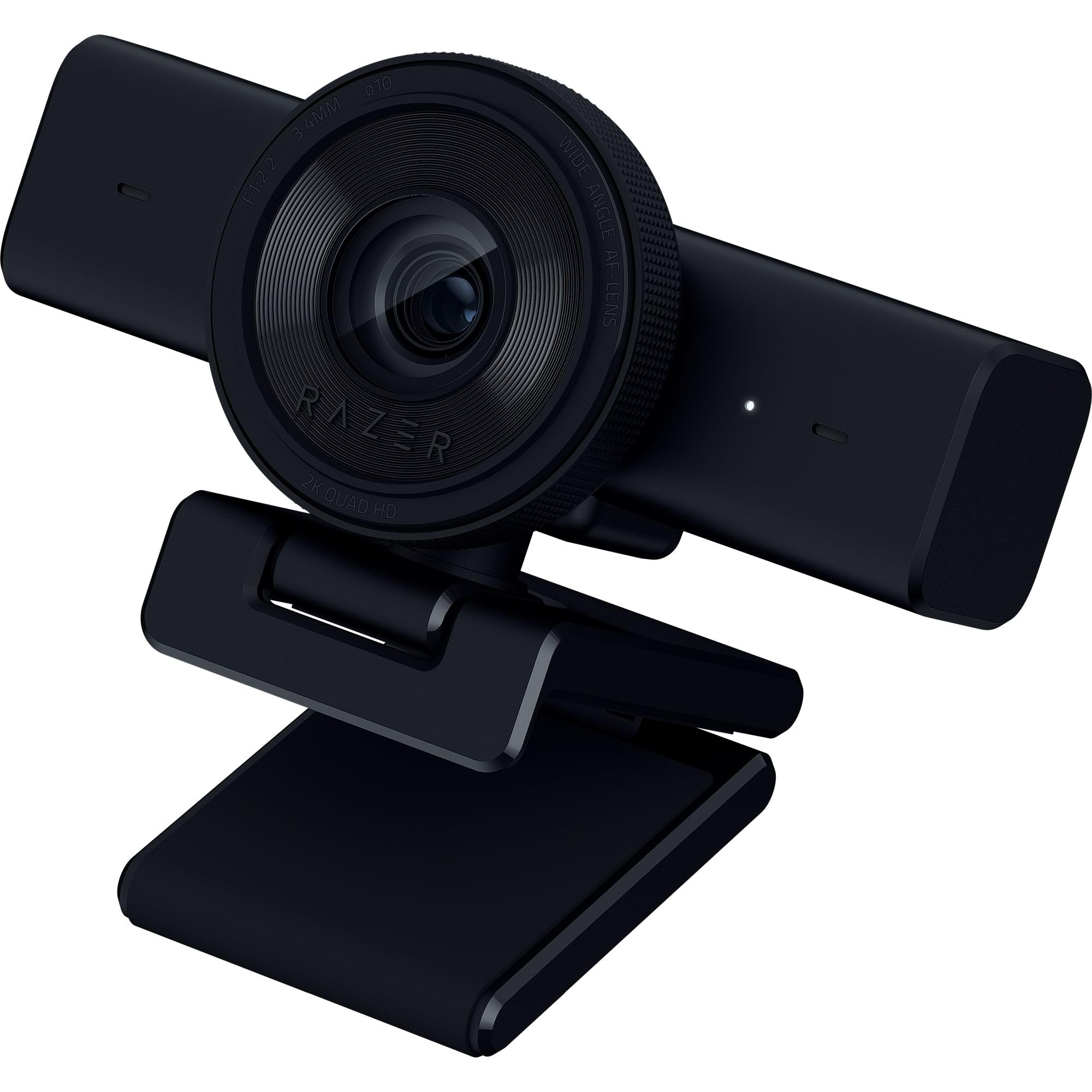
The Razer Kiyo V2 is a 4K 30FPS webcam with AI-powered auto-framing, built-in microphone, and ultrawide angle lens, designed for professional streaming and video conferencing.
Color
Categories : Series
SKU : POR-SER-369
Share This:
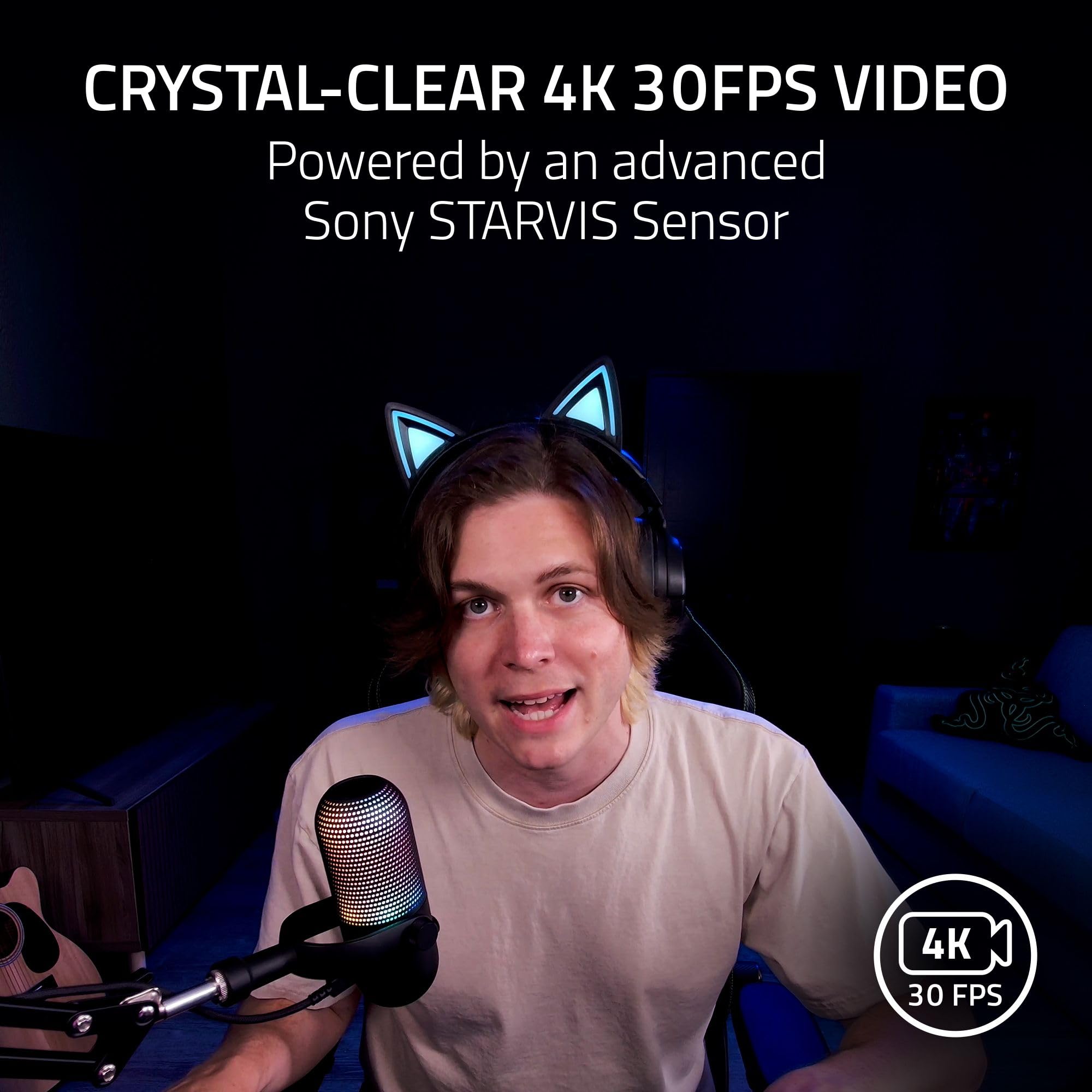
The Razer Kiyo V2 is a 4K streaming webcam engineered for content creators and professionals who demand crystal-clear video. With a high-performance Sony STARVIS sensor, it captures sharp, vibrant 4K at 30fps, ensuring your audience sees every detail. Available in a stylish Pink finish, this webcam is as versatile as it is good-looking.
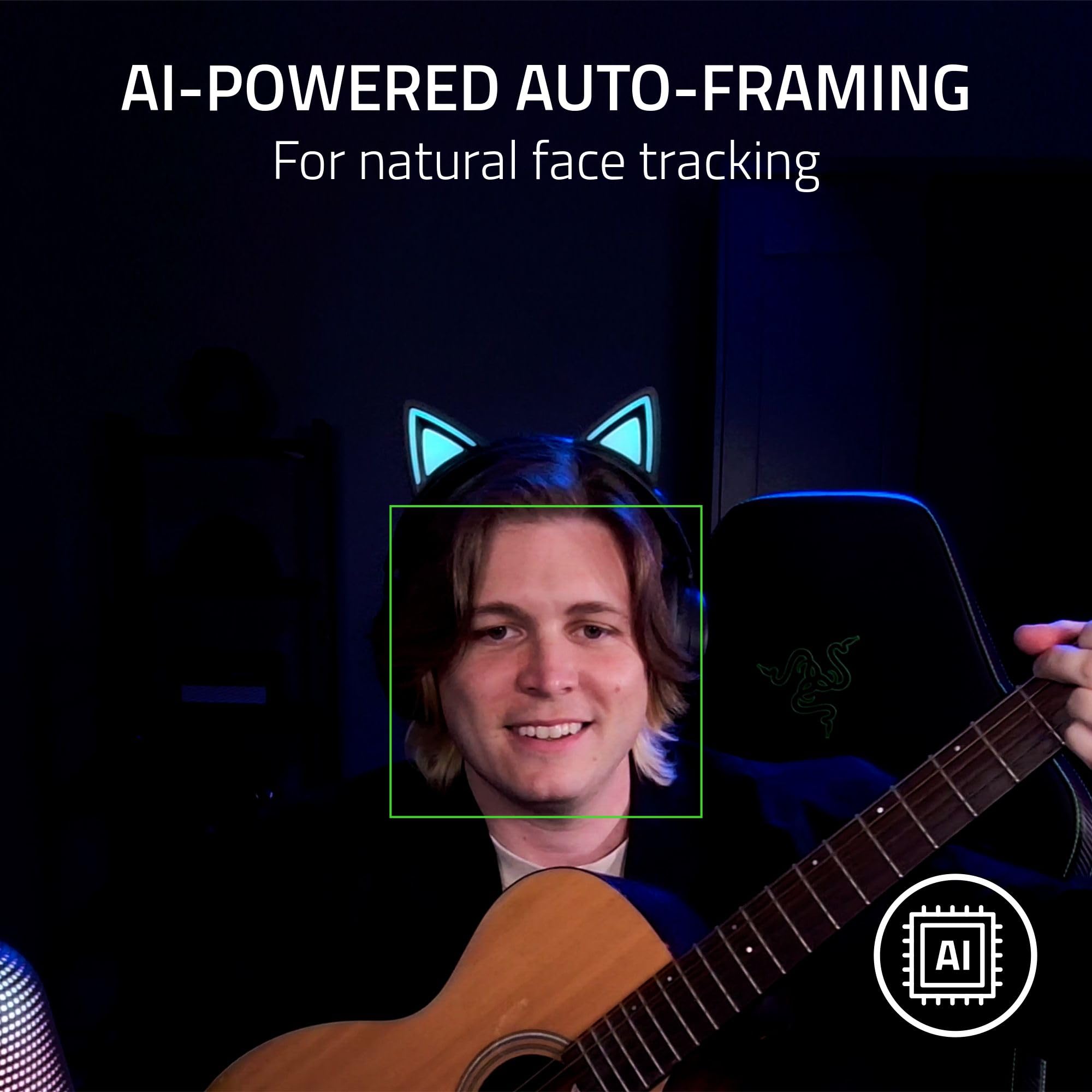
The Kiyo V2's AI auto-framing automatically tracks your face and keeps you centered, even when you move around. This feature is perfect for dynamic streams or video calls where you're not always seated. With intelligent pan, tilt, and zoom effects, you'll always be in the spotlight.
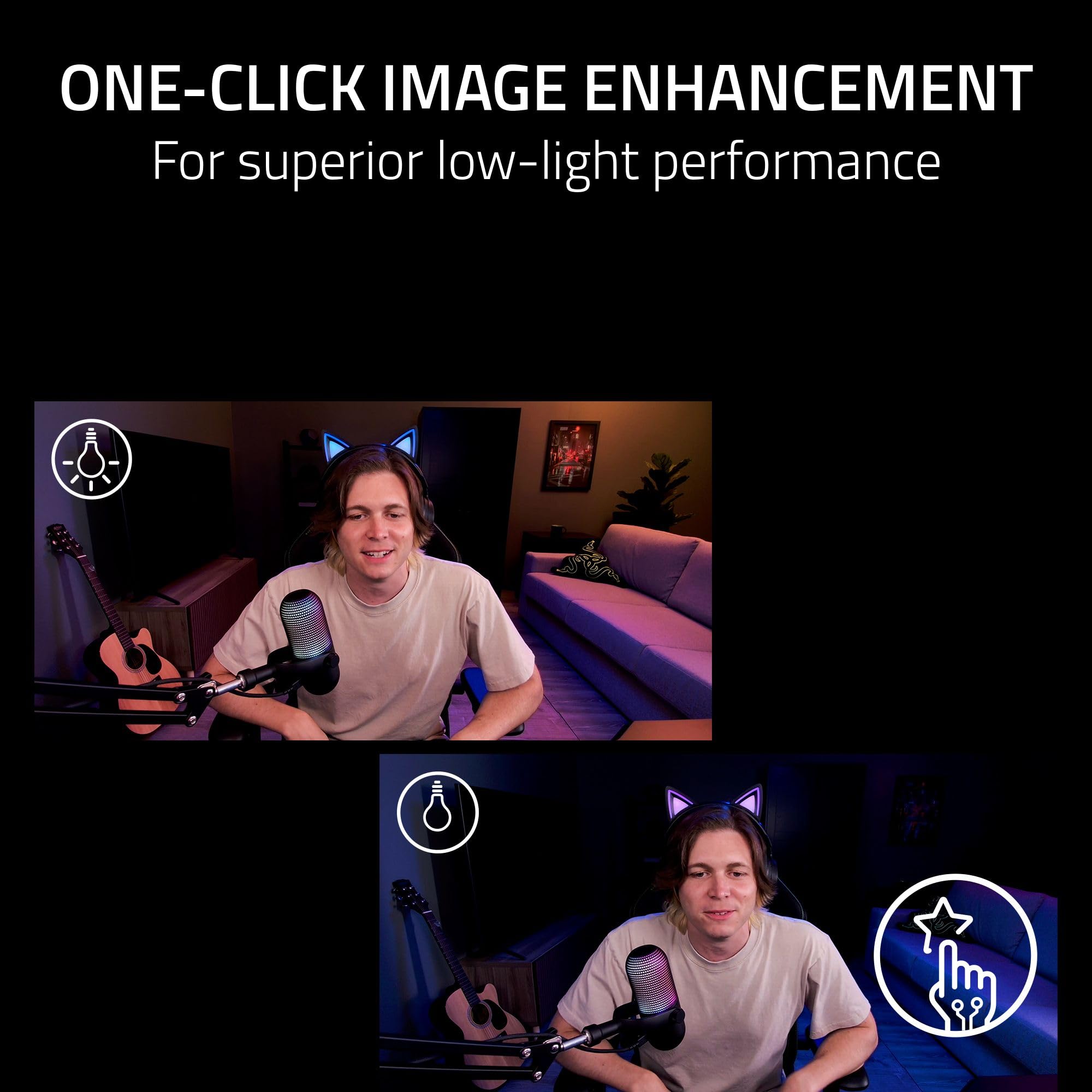
From RGB-lit battlestations to backlit setups, the Kiyo V2 automatically adjusts exposure, white balance, and noise reduction to make you look crisp and professional. No more fiddling with settings—just plug and look great.
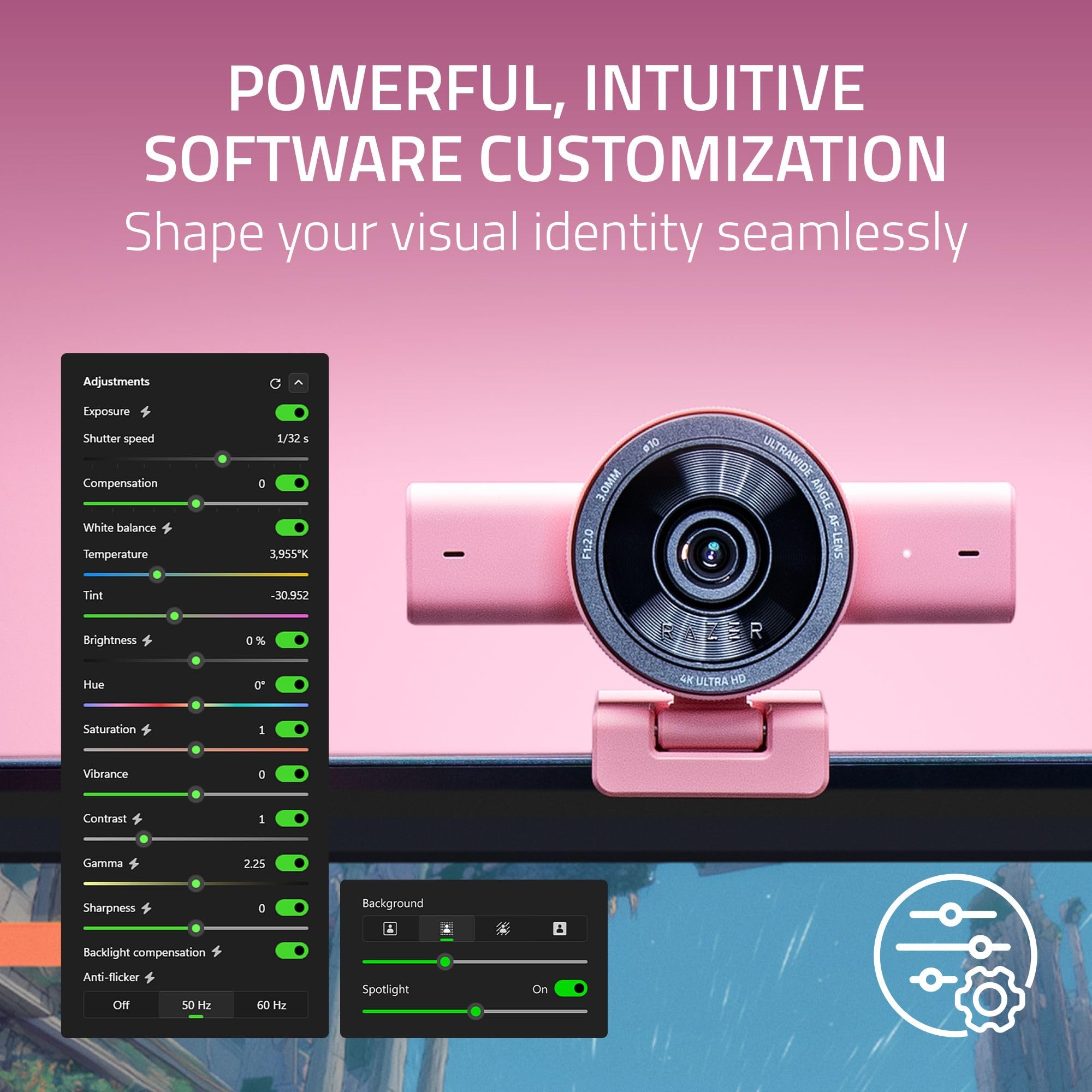
Take full control of your video with Razer Synapse, offering advanced settings like ISO and shutter speed for pros who want manual control. The intuitive interface makes it easy for beginners to fine-tune their image.
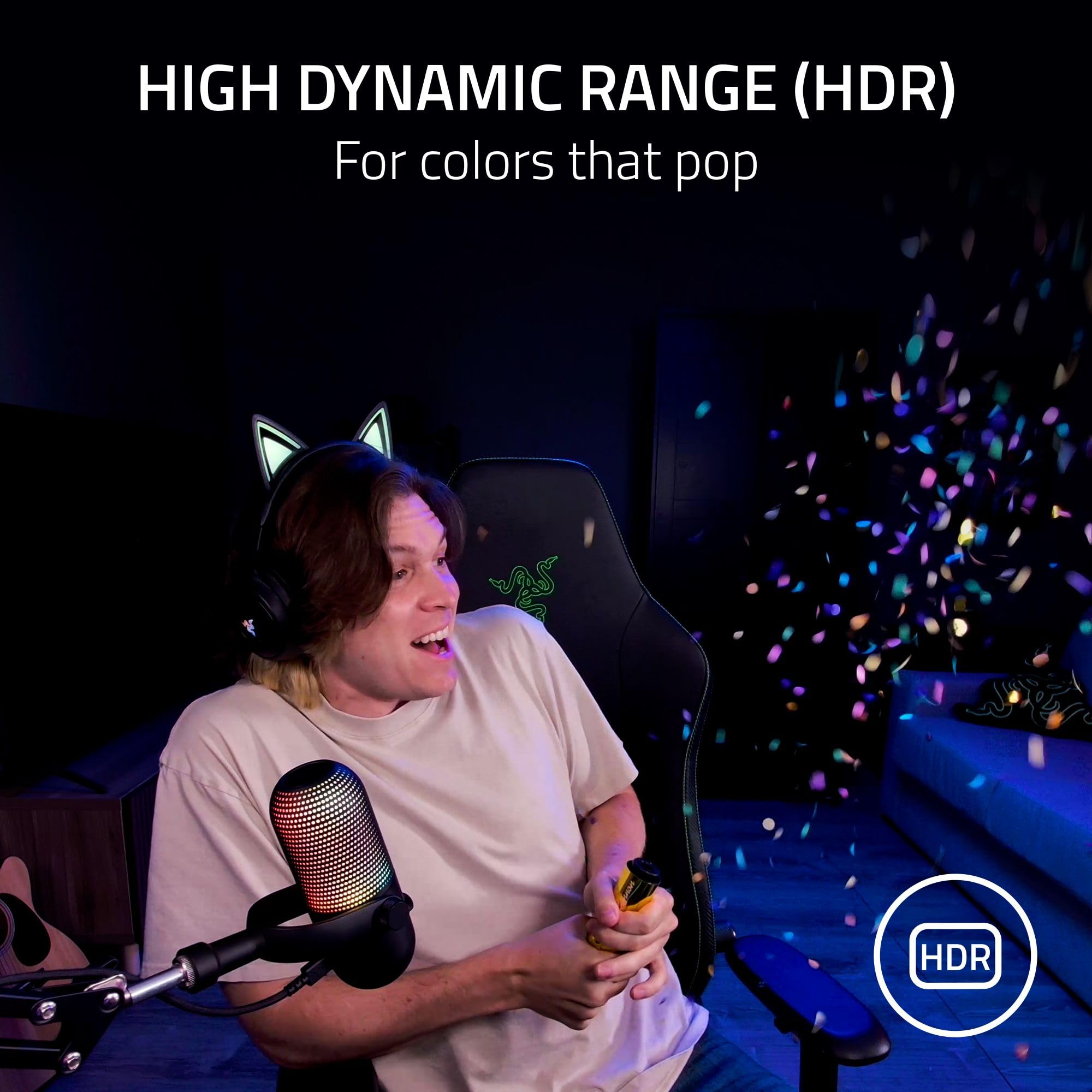
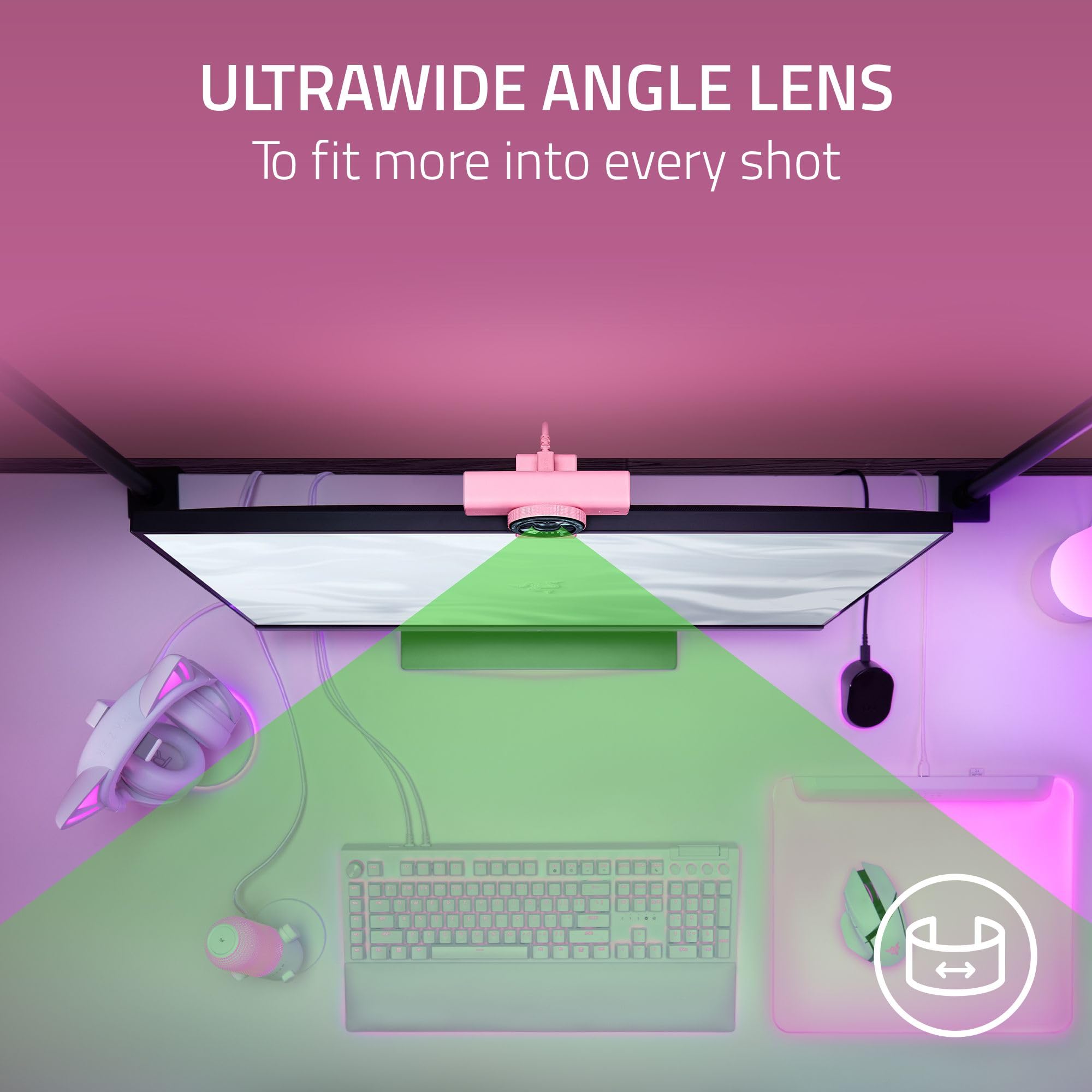
With HDR support, the Kiyo V2 brings richer colors and enhanced contrast to your content. The ultrawide angle lens lets you zoom in for a close-up or pull out to show off your entire setup, all without warping or distortion.
The built-in pivoting mount allows for smooth tilt and swivel adjustments, and the standard tripod thread gives you even more flexibility for achieving the perfect angle.
Sony STARVIS sensor delivers sharp 4K 30FPS video with vibrant colors
AI-powered auto-framing keeps you centered and in focus during movement
One-click image enhancement ensures you look great even in low-light setups
Lens: Ultrawide angle, no distortion
Color: Pink
Model: Kiyo V2
Sensor: Sony STARVIS sensor
Features: AI auto-framing, HDR, one-click image enhancement, built-in microphone, privacy cover
Mounting: Pivoting mount with tripod thread
Software: Razer Synapse with ISO and shutter speed controls
Product Type: Streaming Webcam
Video Resolution: 4K at 30FPS, 1080p at 60FPS
Seller: PortSide Gear
MPN: Kiyo V2
The Razer Kiyo V2 isn't just for streamers—it's a versatile tool for remote work and online learning. The built-in microphone ensures clear audio without needing an external mic, while the privacy cover offers peace of mind when the camera isn't in use. With its compact, lightweight design, the Kiyo V2 is easy to pack for travel, making it the perfect companion for professionals on the go.
AI auto-framing is enabled by default when using the webcam with Razer Synapse. You can adjust the feature in the Synapse software by selecting the camera tab and toggling 'Auto-framing'. You can also choose between 'Standard' and 'Dynamic' tracking modes.
Ensure you have the latest Razer Synapse version and that the Kiyo V2 is selected as the active camera. Also, make sure the webcam is positioned at a suitable height and distance, with your face clearly visible. If issues persist, try updating the firmware.
Yes, the Kiyo V2 works as a plug-and-play UVC webcam, but you'll lose access to advanced features like auto-framing and manual image controls. We recommend installing Razer Synapse for the full experience.
Absolutely. The Kiyo V2 is compatible with OBS, Xsplit, Discord, Zoom, Teams, and any application that supports standard UVC webcams. Simply select it in your software's video settings.
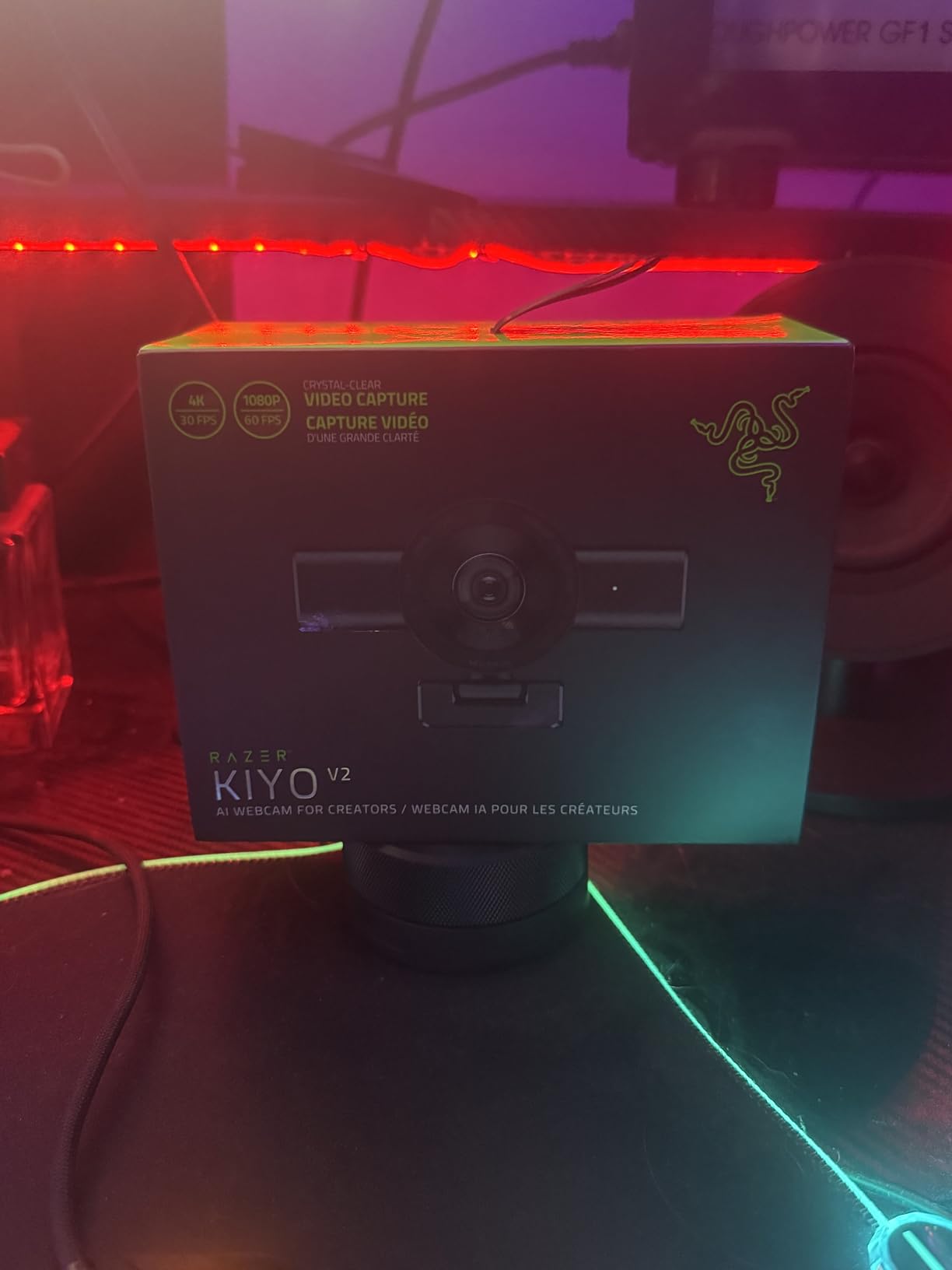
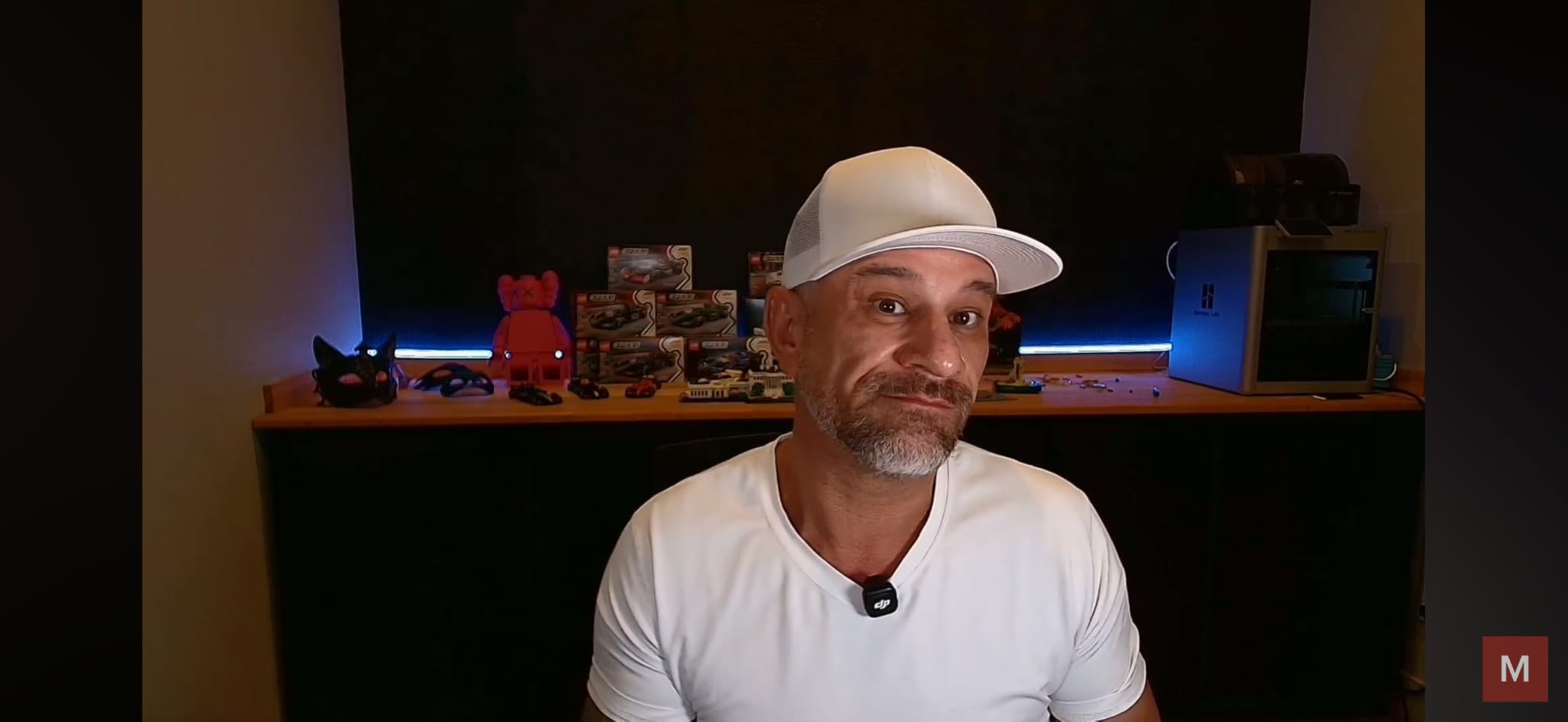
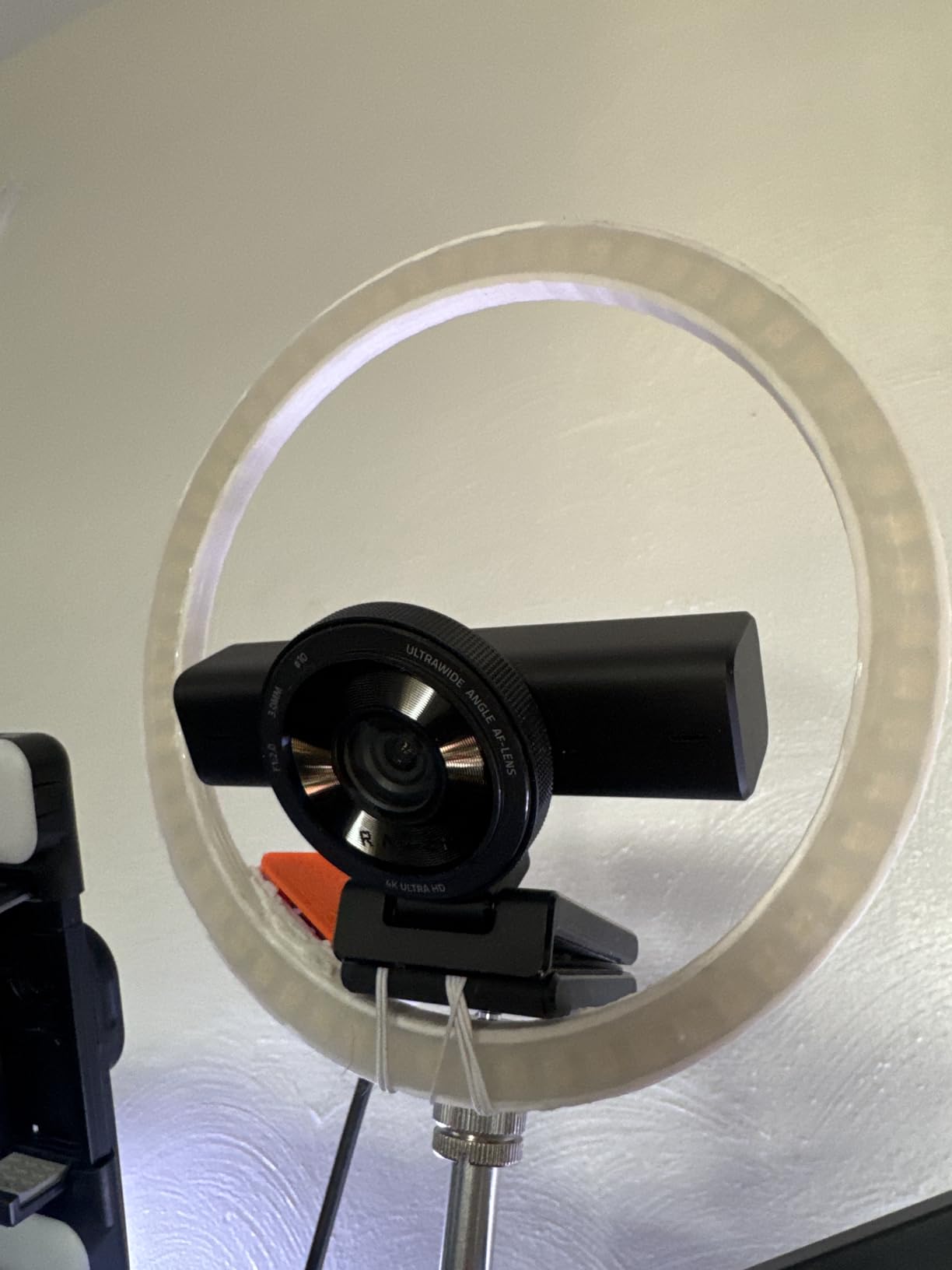
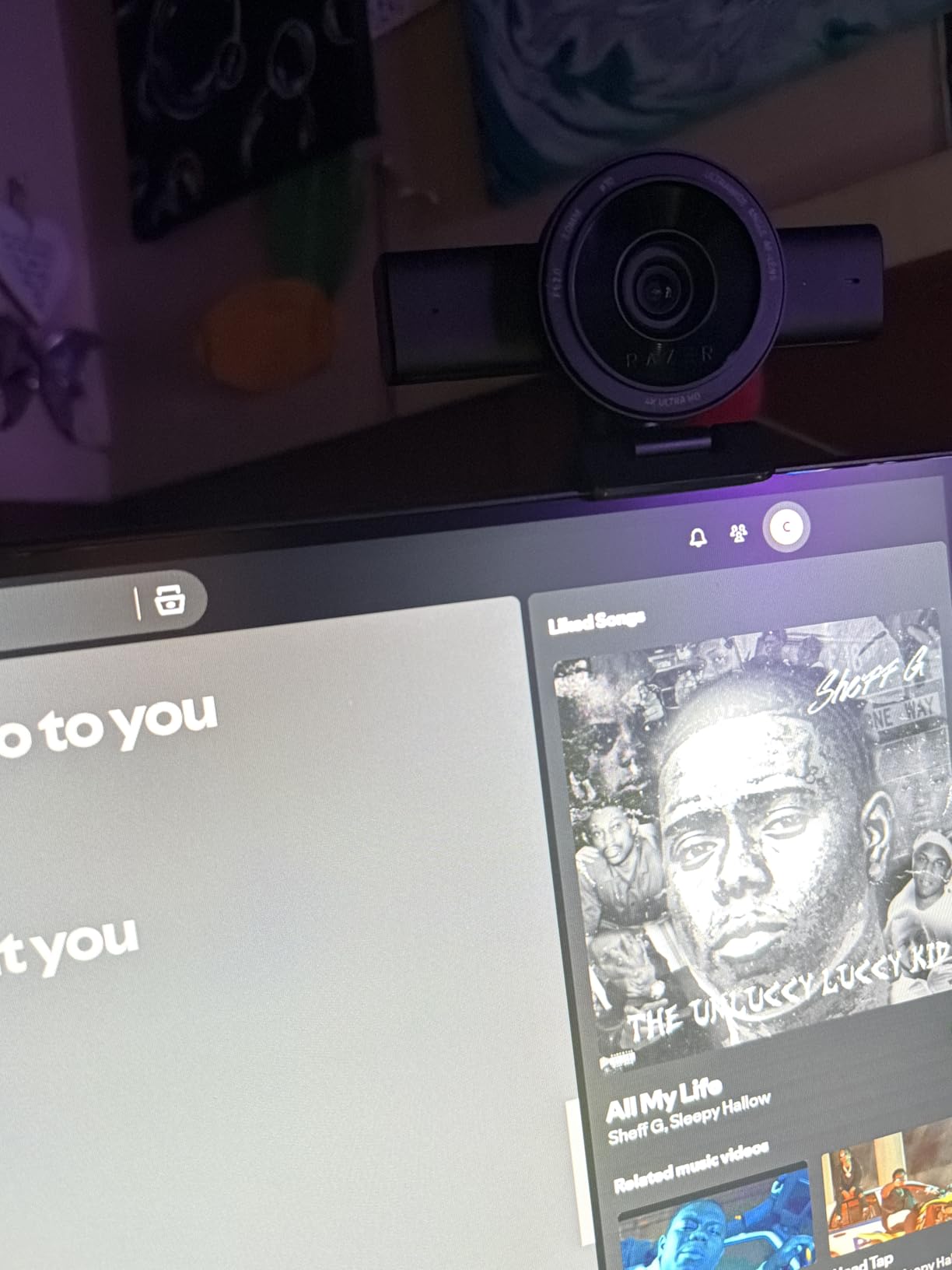
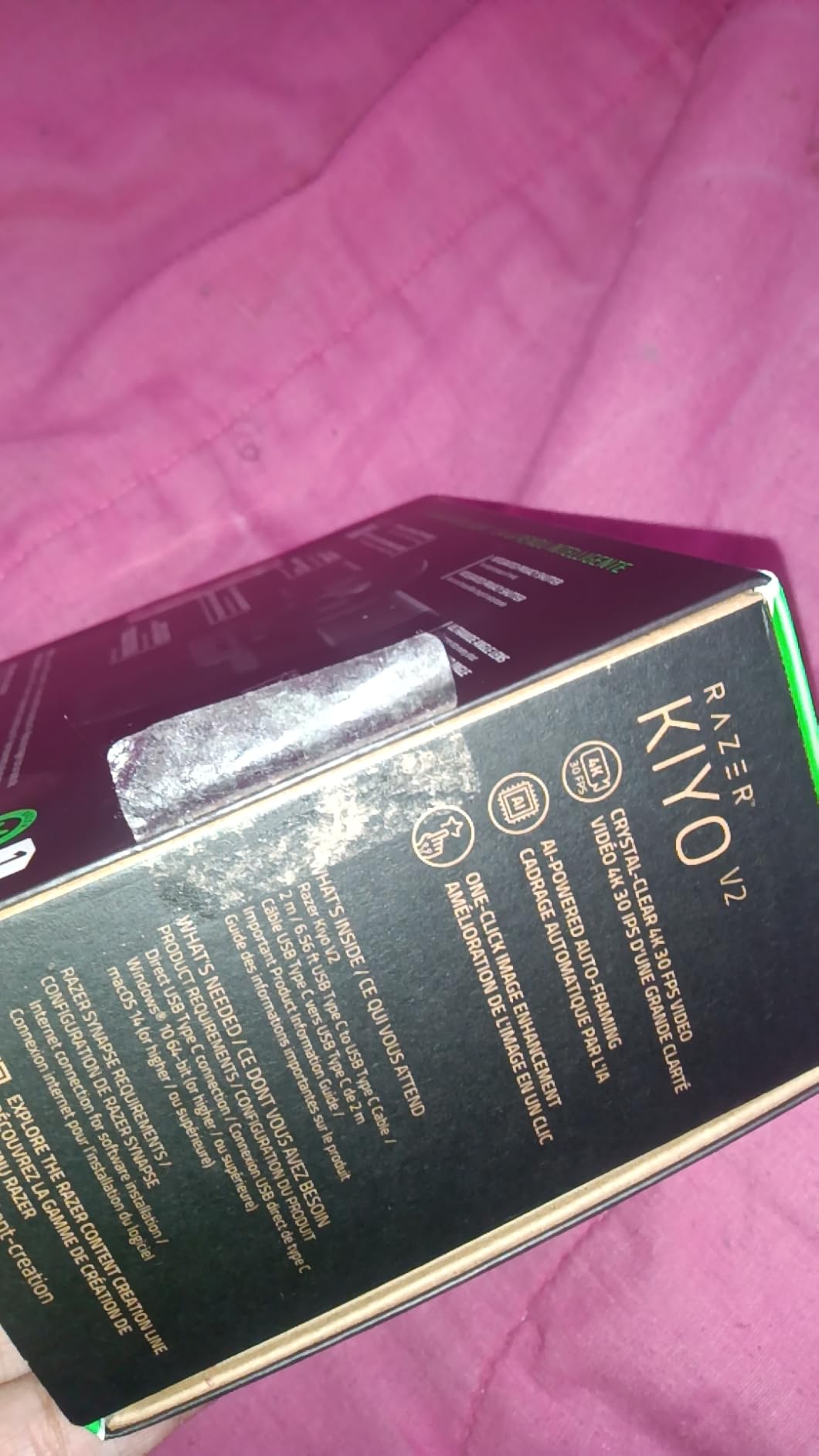
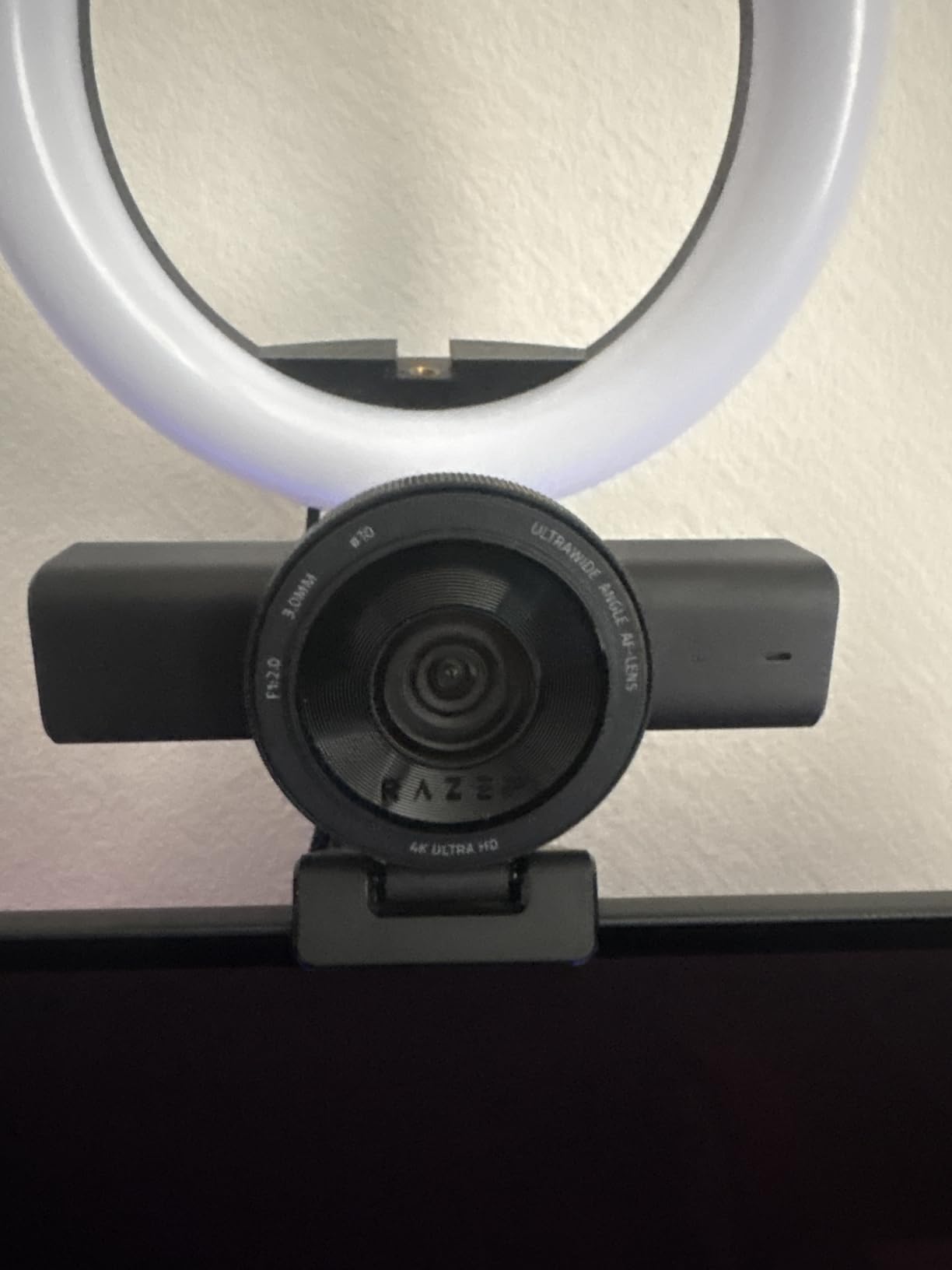
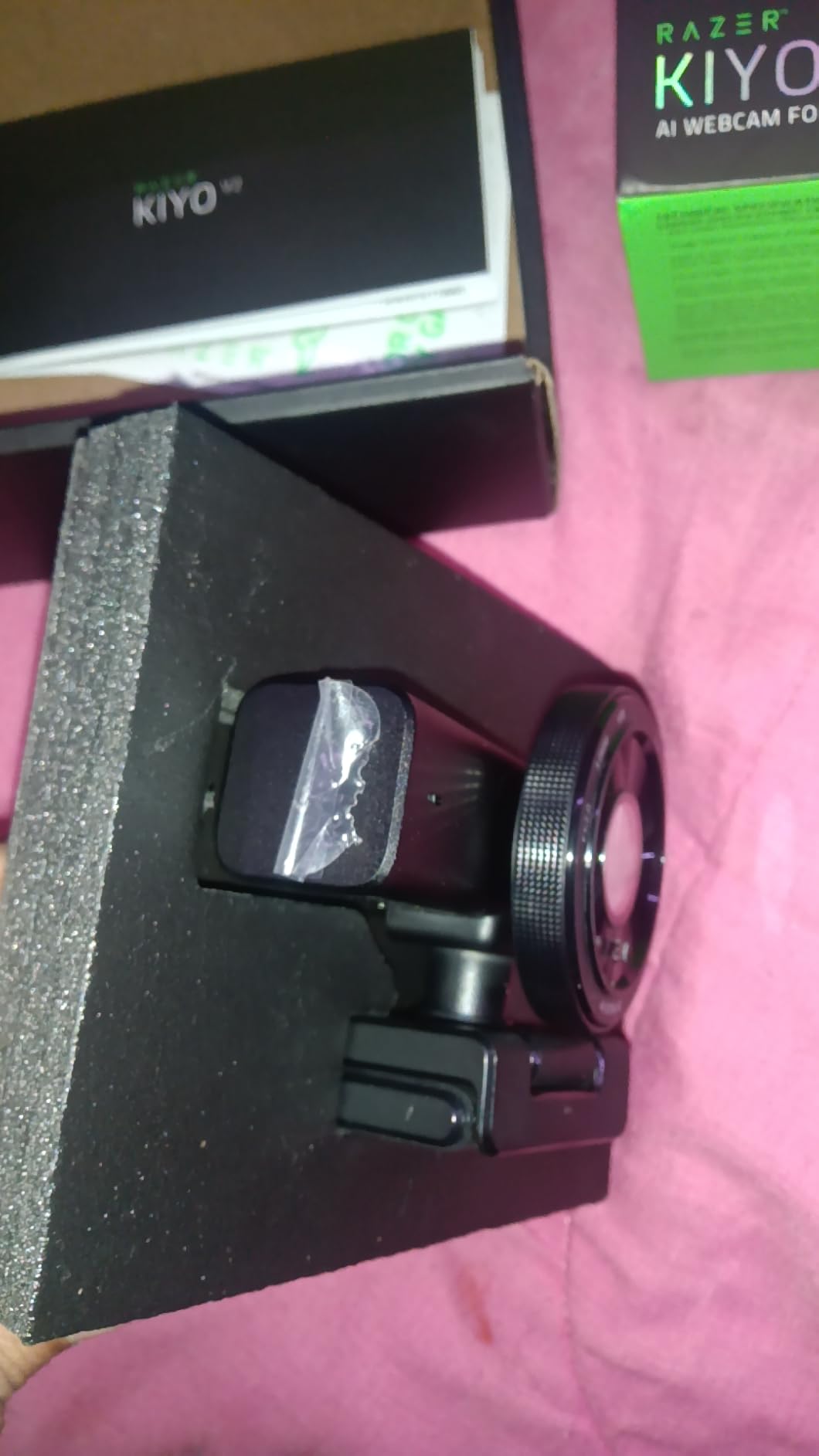
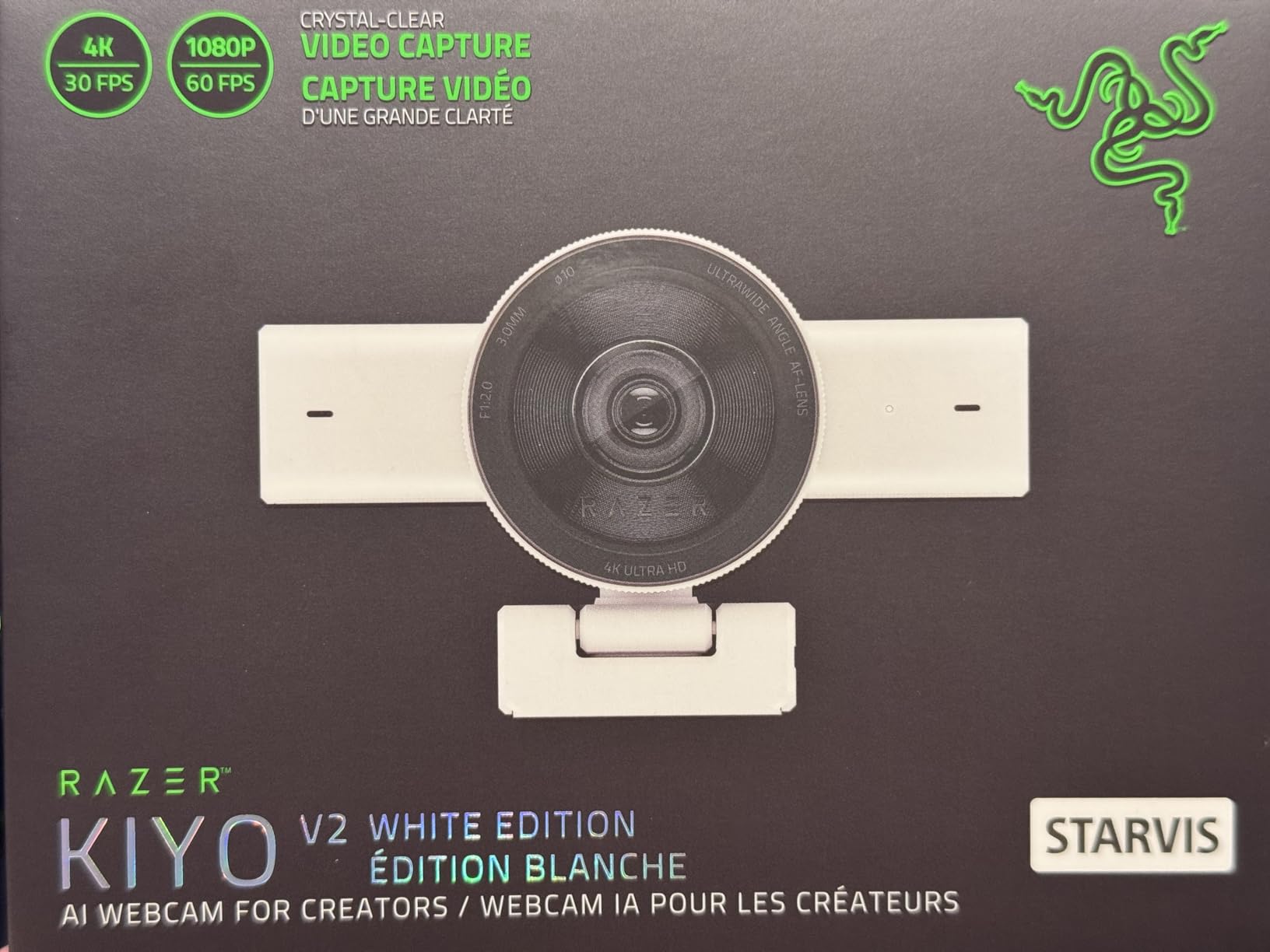
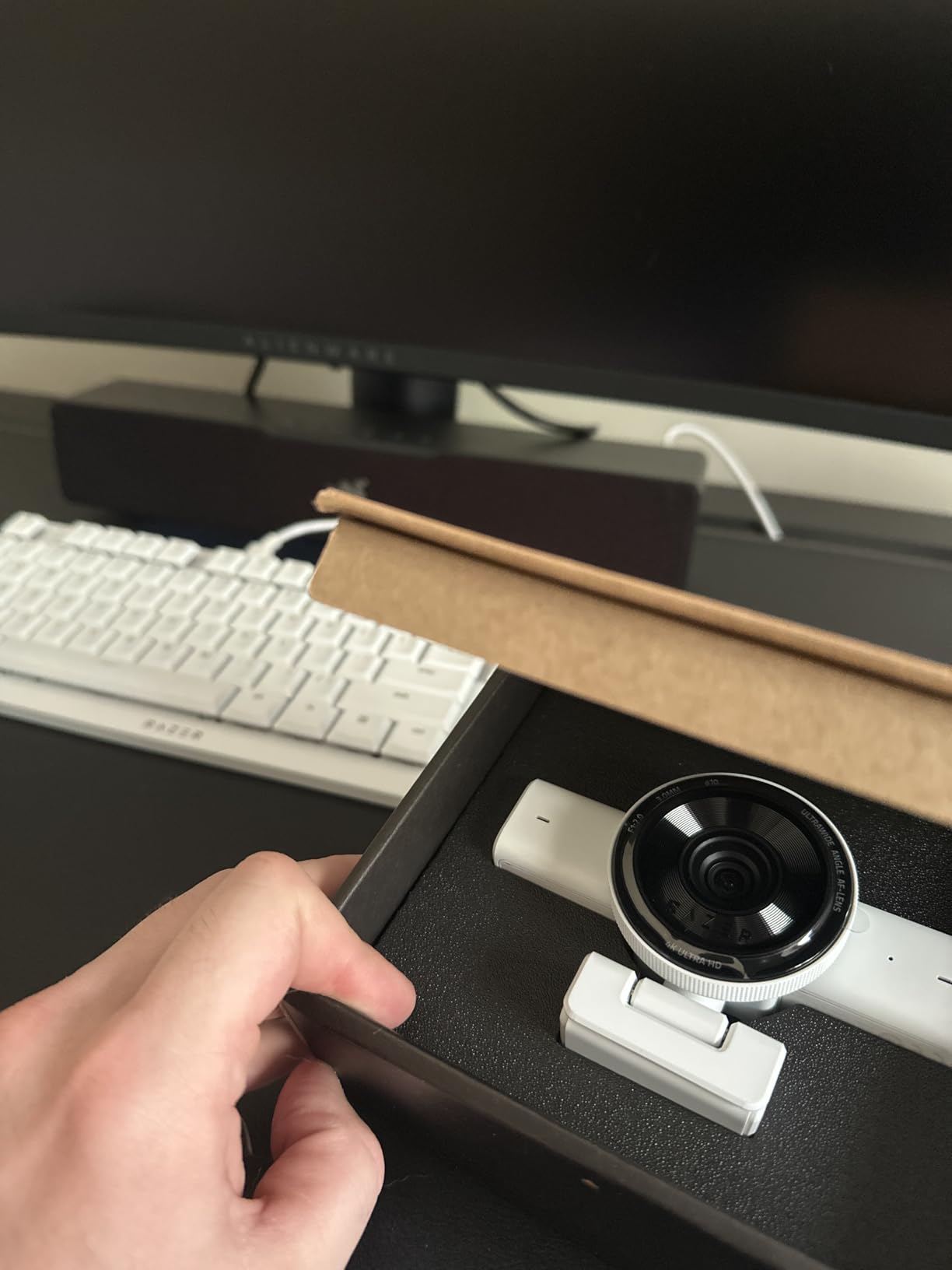
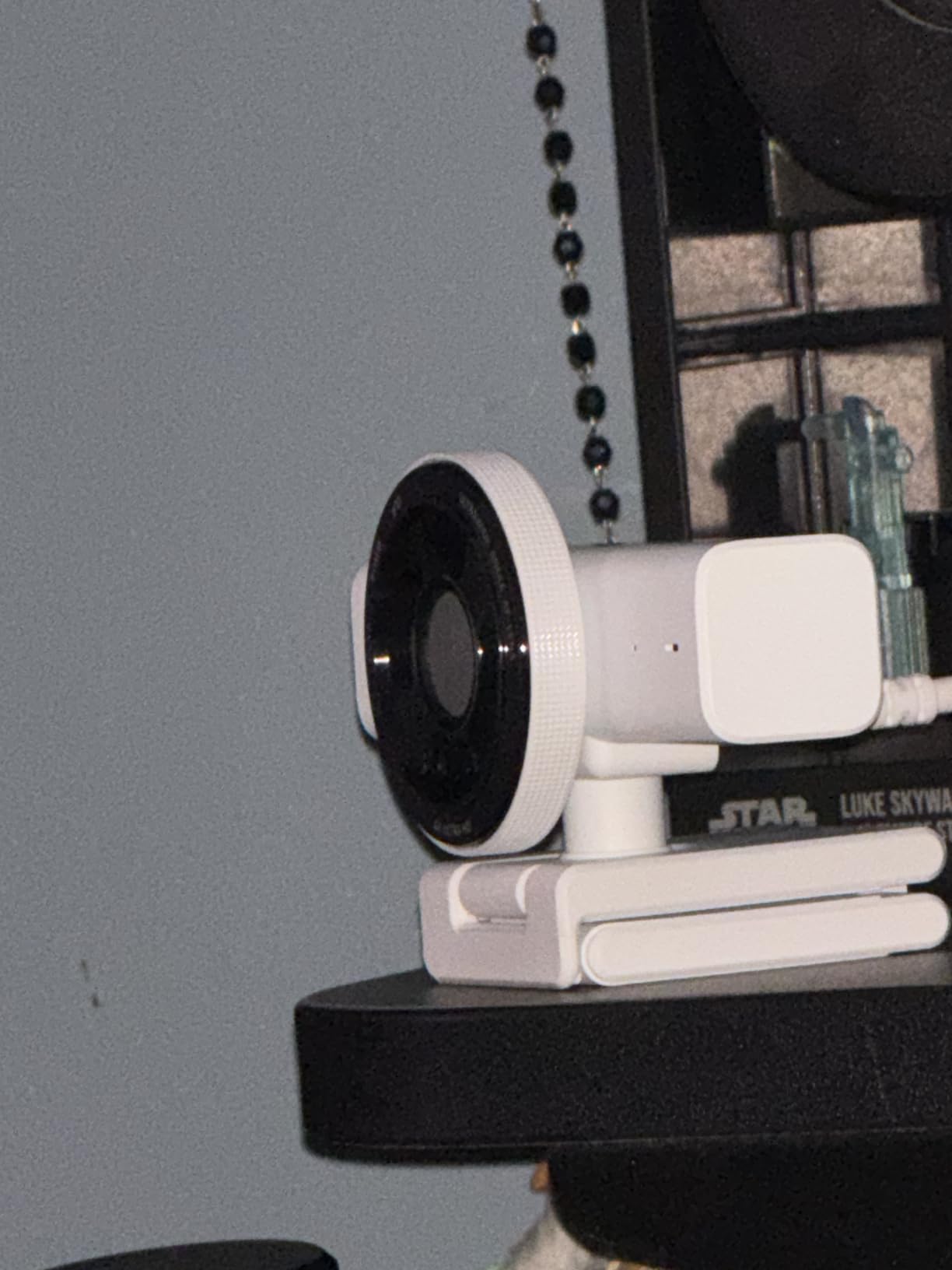
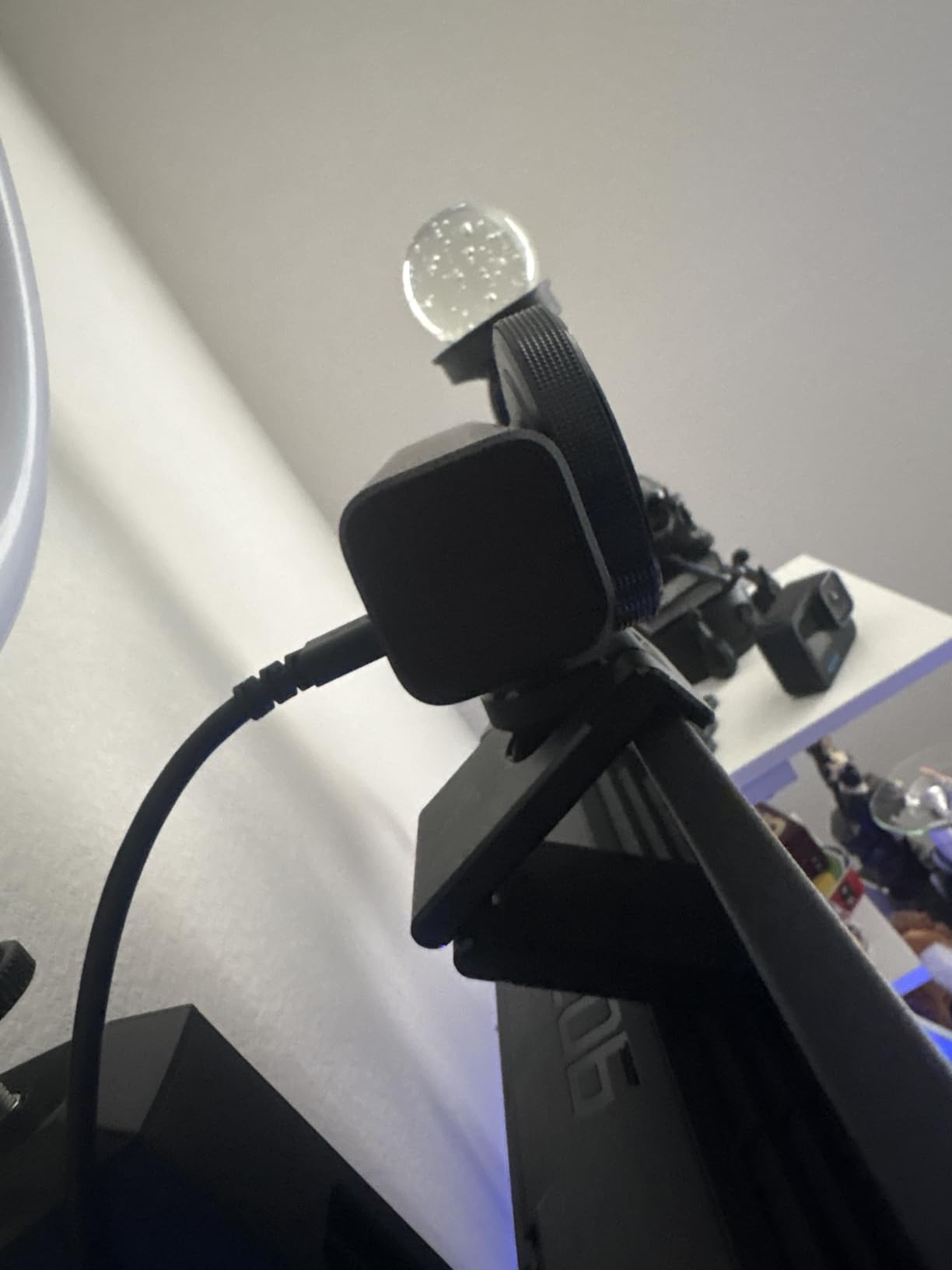
I bought this for streaming, and the 4K image is gorgeous. The auto-framing keeps me centered, and the mic is decent too.
The color is exactly as shown, and the video quality is excellent. The AI framing works well, though it zooms in a bit too much for my taste. The built-in mic is okay, but I use a dedicated one anyway.
I needed a webcam for my online classes and YouTube videos, and this one delivers. The 4K quality is sharp, and the auto-framing makes sure I never accidentally drift out of frame. It also performs well in low light compared to my old camera. It's a bit pricey, but you get what you pay for.
The hardware is solid, but the Razer Synapse software is buggy and sometimes makes the camera disconnect. Once it works, the image is great. But it's frustrating when it doesn't work out of the box.
I bought this to match my setup, and it's adorable. The 4K video is bright and clear, and the auto-framing is perfect for when I move around during meetings. The mic is surprisingly good for video calls. Definitely a great pick.
The video quality is top-notch, and the AI framing is handy. However, the plastic feels a bit cheap for the price. It also gets a bit warm after long sessions. But overall, it's a reliable webcam.
I've been using this for my Twitch streams and it's fantastic. The 4K resolution makes my streams look professional, and the auto-framing means I don't have to worry about staying perfectly in the center. The built-in mic is decent, but I use a condenser mic anyway. The pink color is a nice touch. Highly recommend.
The video was great initially, but then the camera started showing a black screen. Tried different cables and computers, but it's dead. Poor quality control.
This webcam is a big step up from my 1080p one. The image is much sharper, and the auto-framing is a cool feature. It works well with Zoom and Teams. The only minor thing is it doesn't have a privacy cover, but that's easy to work around.
I'm blown away by the quality of this webcam. The 4K picture is crisp, and the colors are accurate. The auto-framing is smooth and keeps me in the shot even when I move around. It's also super easy to set up – just plug and play. This is now a permanent part of my home office.
The video quality is great, but the built-in microphone picks up a lot of background noise, so I have to use a separate mic. Also, the webcam is a bit large and heavy, so it can tilt my monitor if not balanced well. But for the price, it's decent.