$20.00
1
Your cart is empty
Subtotal
We will hold your cart for 15:00.
Buy more, save more
Coupon discount
Shipping
Add 2 more items to unlock your free mystery gift.
Complimentary item.
Total
$20.00
We will hold your cart for 15:00.
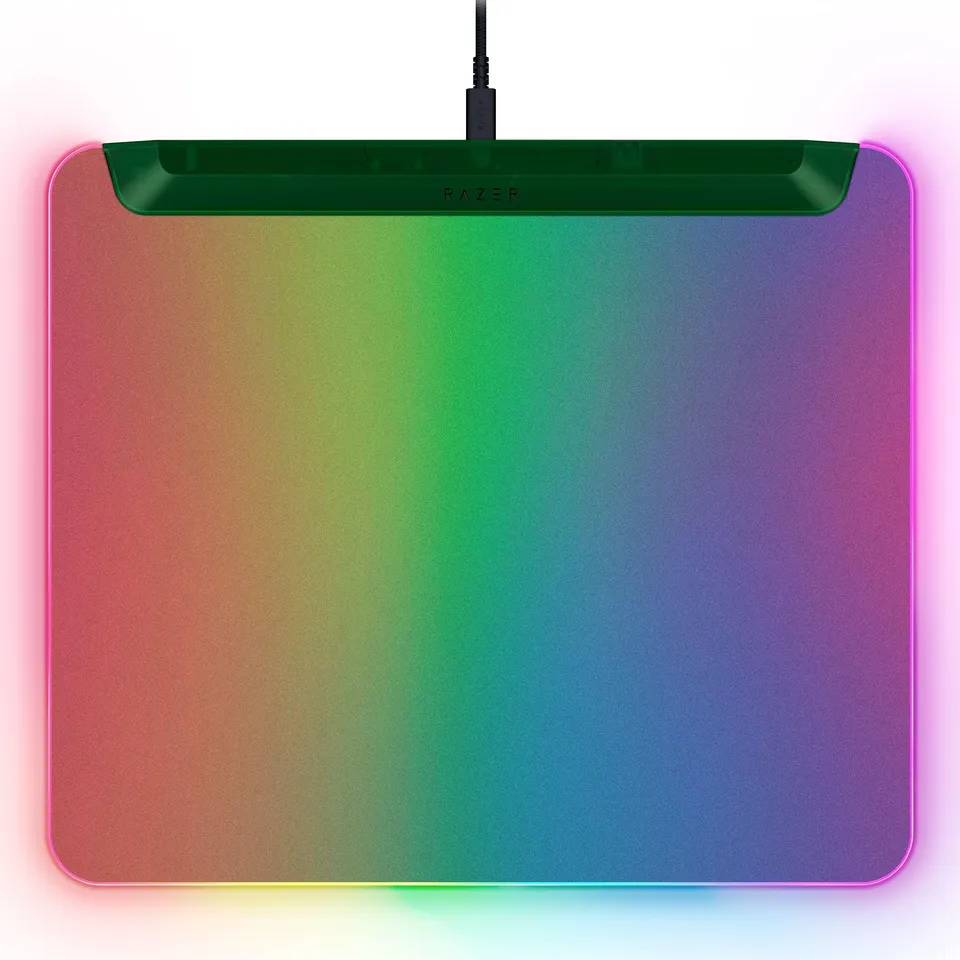
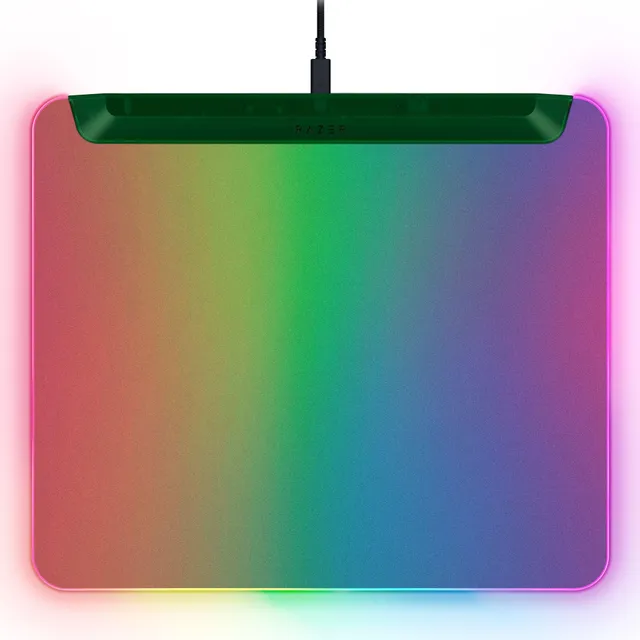
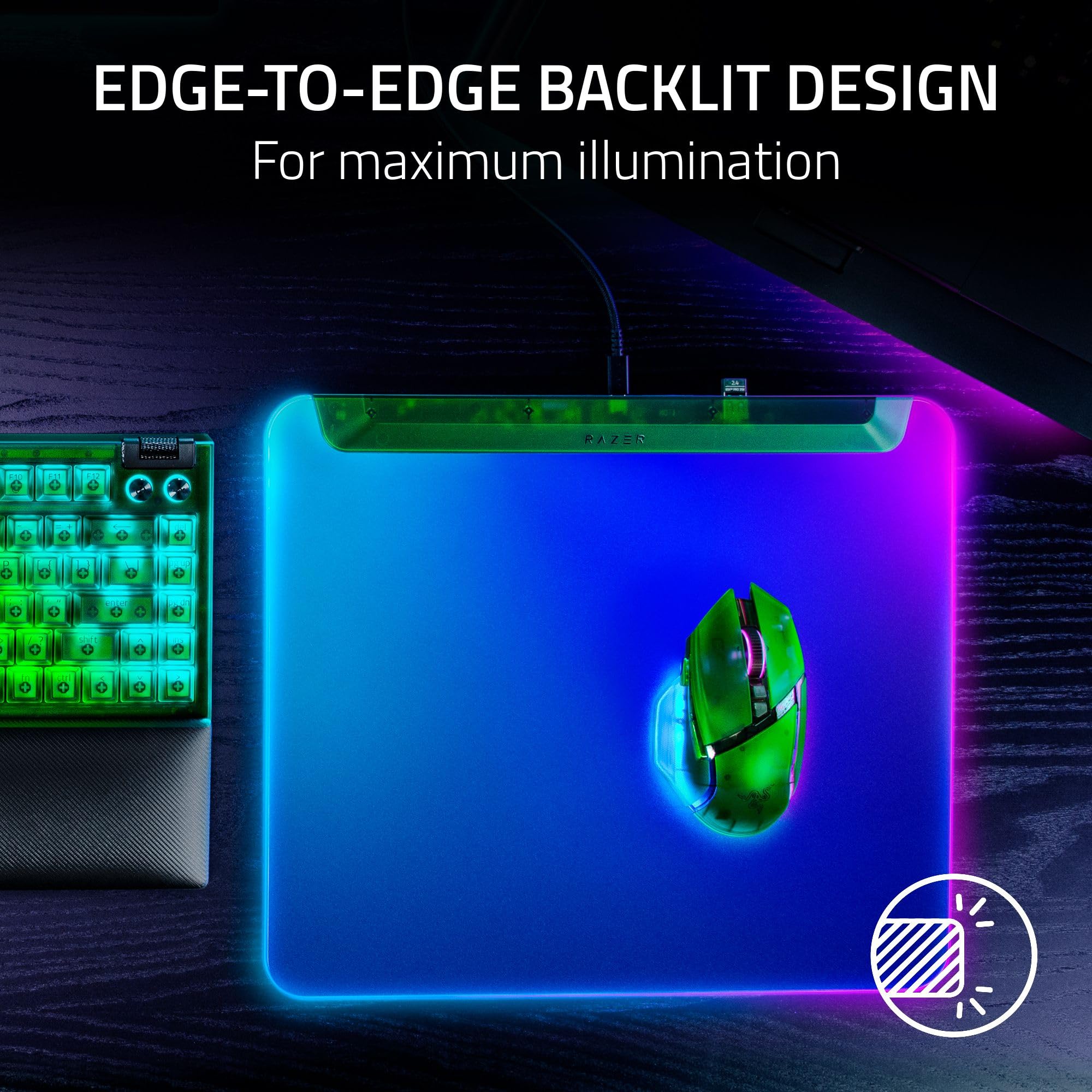
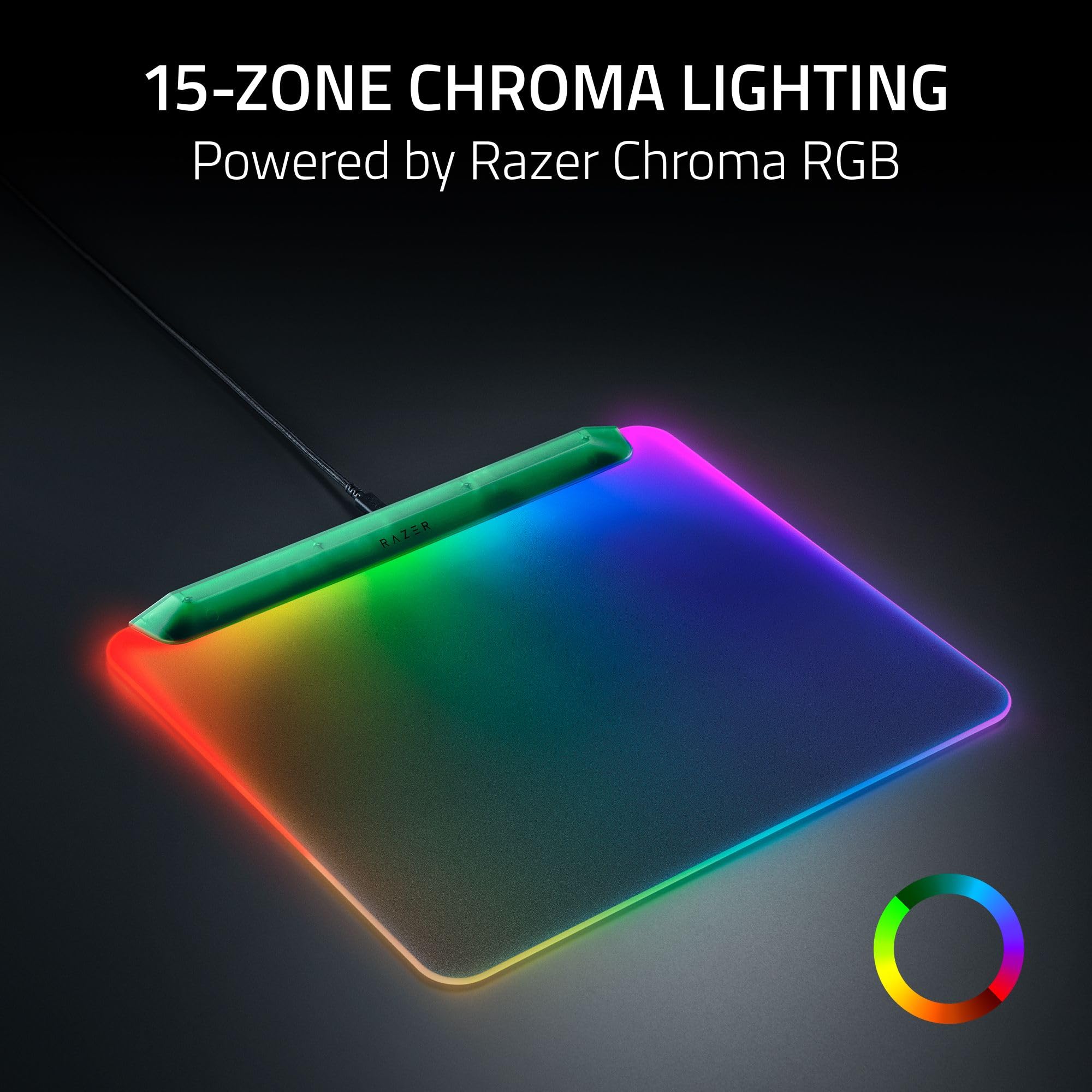
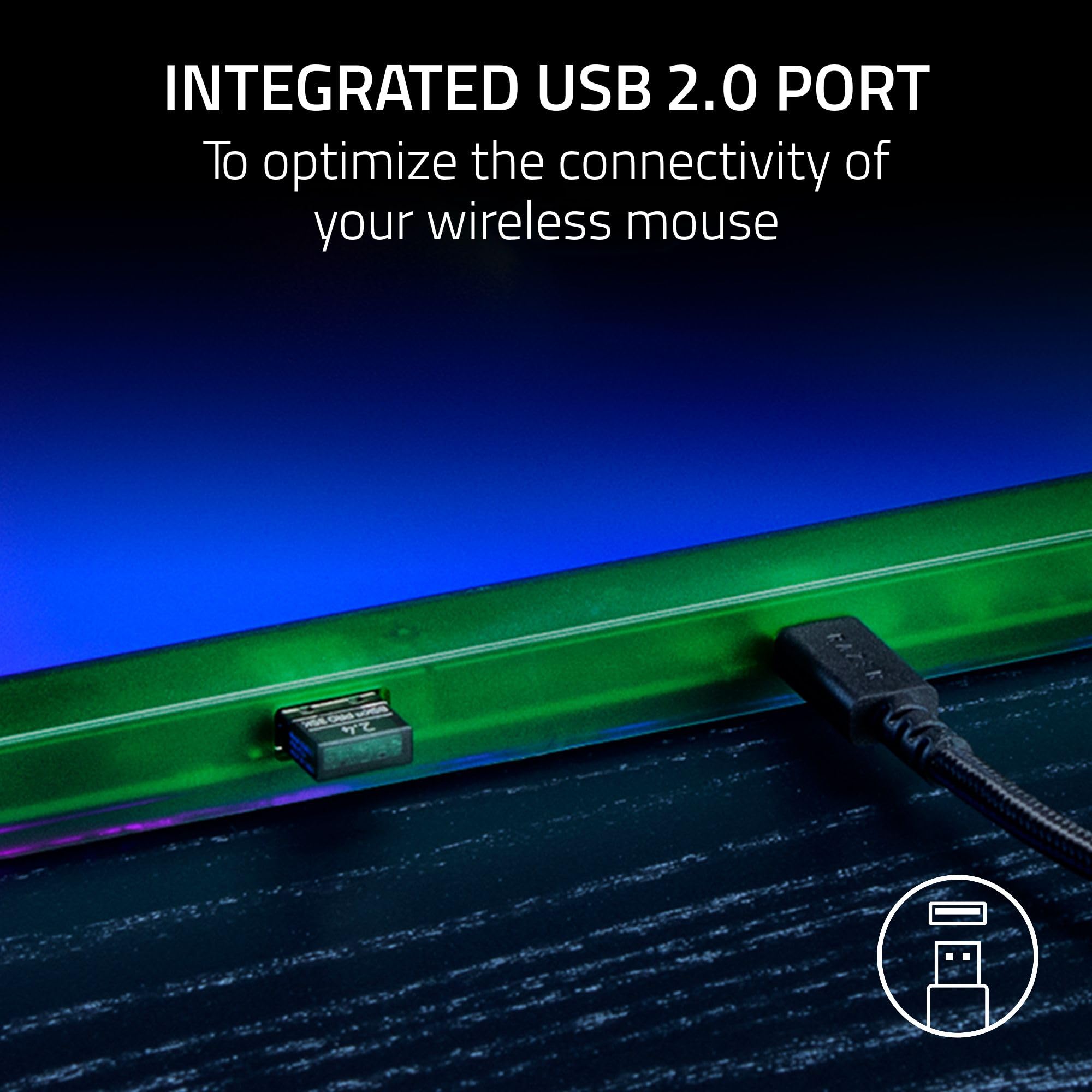
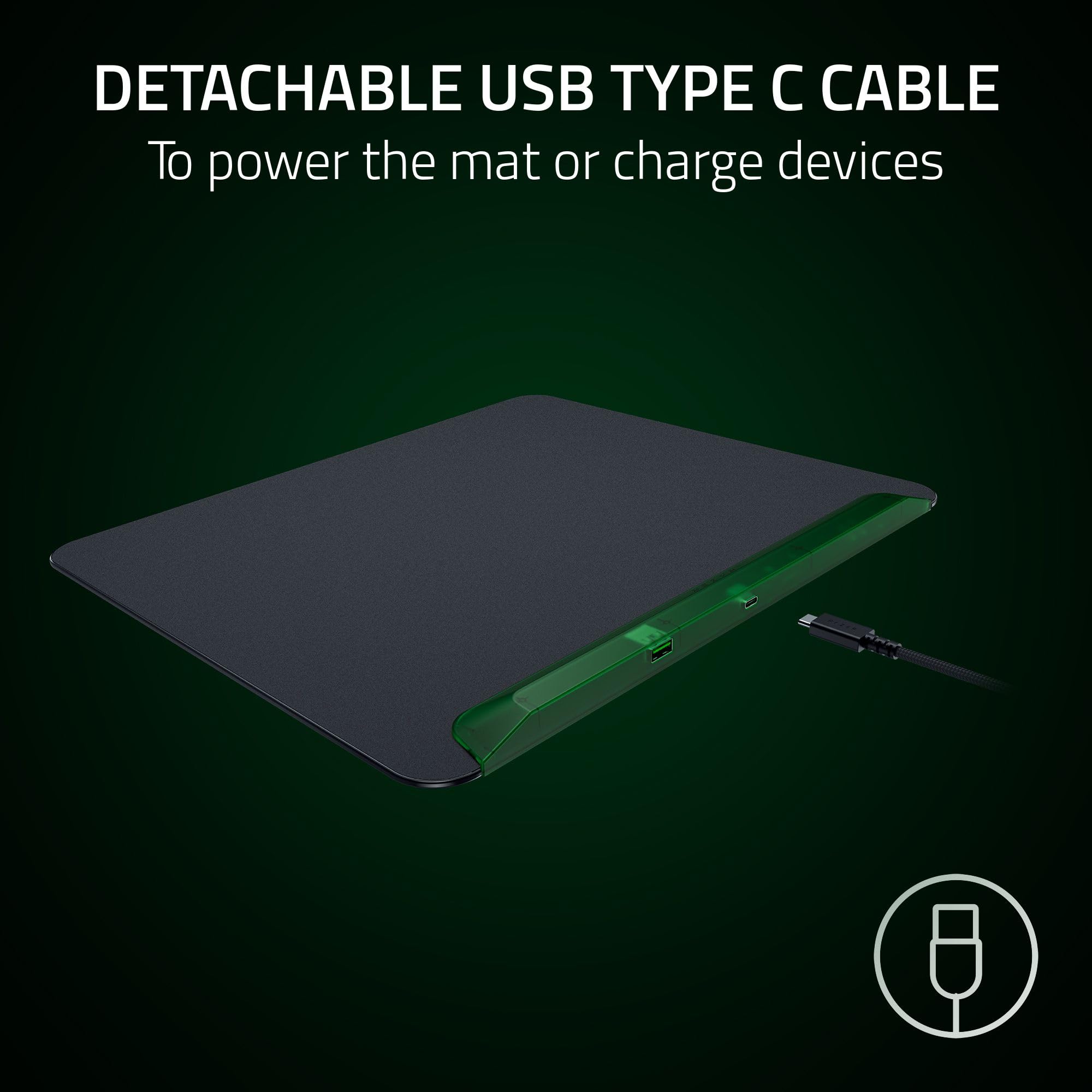
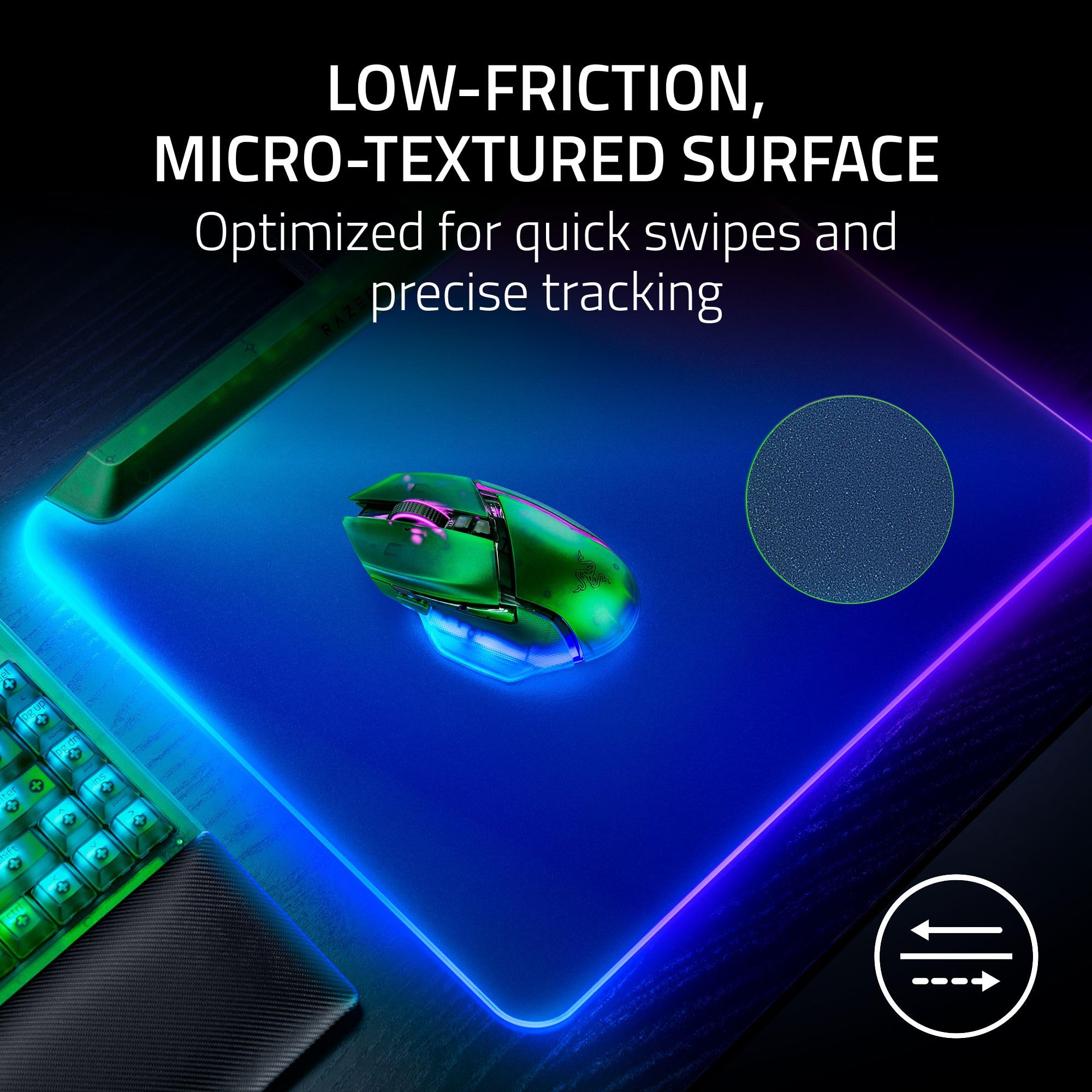
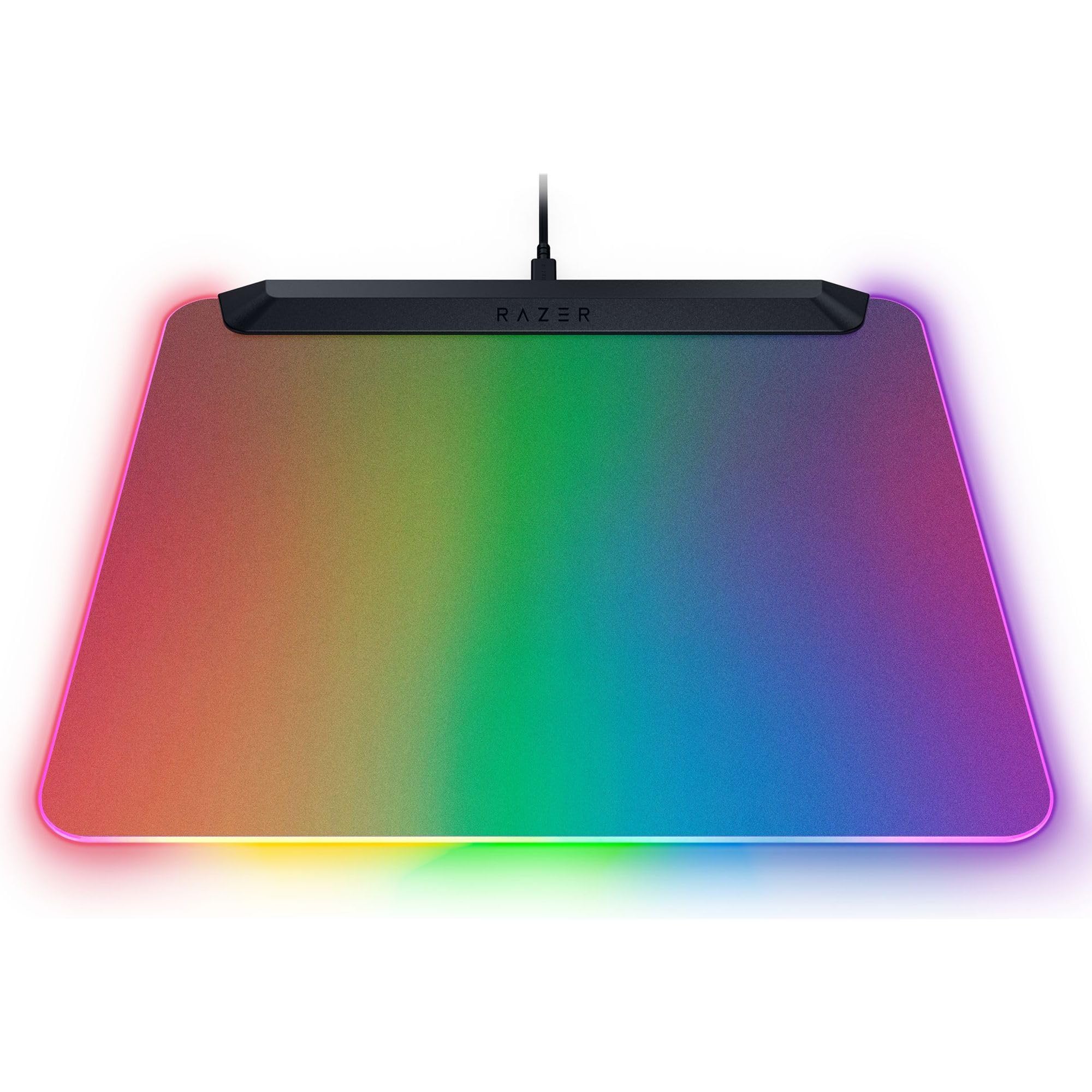
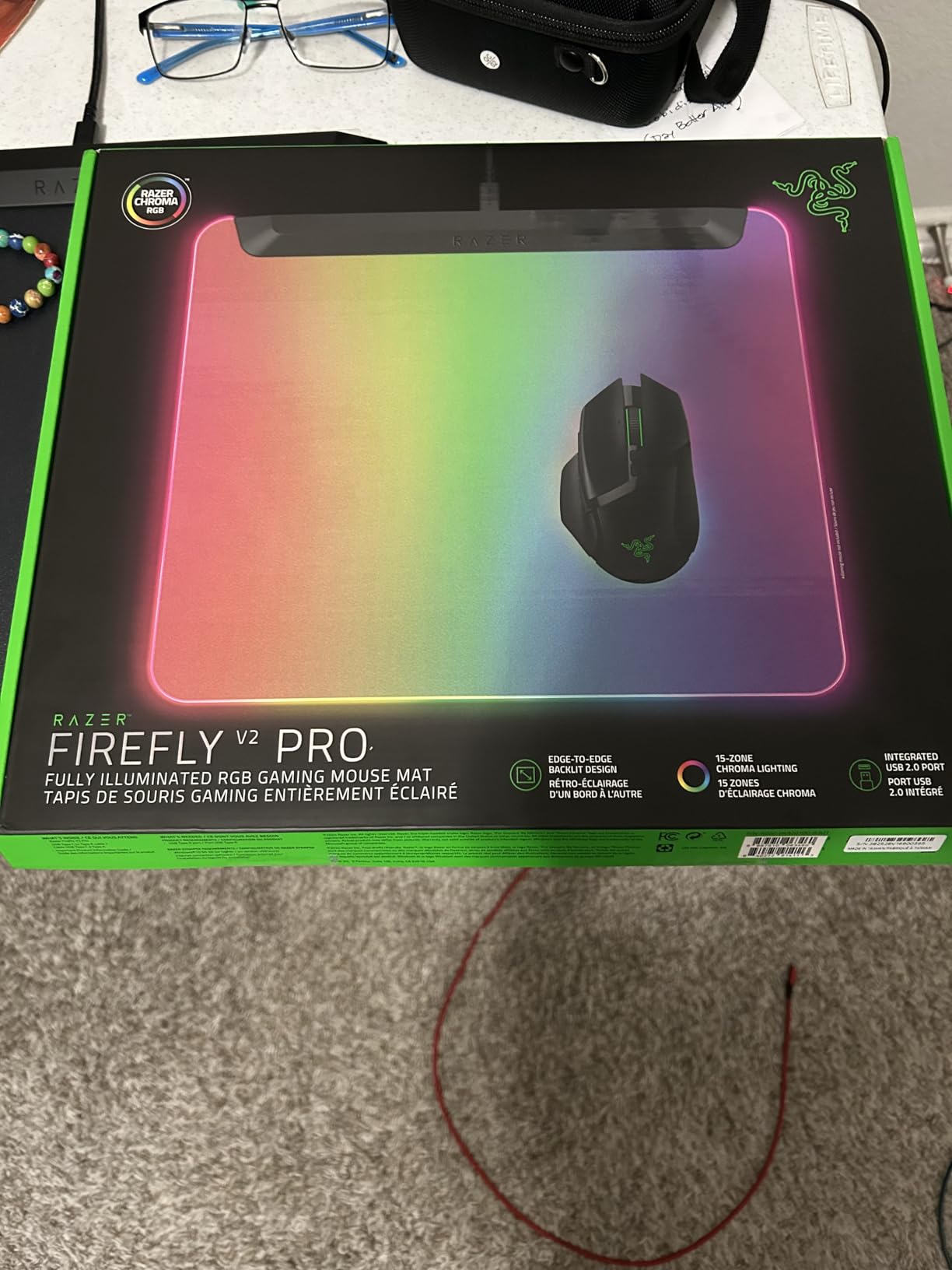
A fully illuminated RGB gaming mouse mat with 15-zone Chroma lighting, an integrated USB 2.0 port, and a micro-textured surface for precise tracking.
Color
Categories : Series
SKU : POR-SER-285
Share This:
The Razer Firefly V2 Pro is a mouse mat that goes beyond a simple surface—it's an RGB statement and a practical connectivity hub. With edge-to-edge backlighting and 15 individually addressable Chroma zones, it brings vibrant color to your setup. The integrated USB 2.0 port puts a connection point right where you need it, ensuring your wireless mouse dongle stays close for interference-free performance.
Some users report issues with the USB port not being recognized. Before assuming a hardware fault, try these steps: ensure the cable is firmly seated in both the mat and your PC, test the mat on a different USB port, and check if the device appears in Device Manager. If the port still isn't working, a driver update or a quick reset of your PC's USB controller can often resolve the issue.
The Firefly V2 Pro is for gamers and enthusiasts who want a desktop accessory that's both functional and flashy. If you use a wireless mouse and want the dongle positioned for minimal latency, or you simply like your peripherals to glow, this mat delivers.
Edge-to-edge backlit design amplifies the RGB glow across the entire surface for a visually immersive experience.
Integrated USB 2.0 port keeps your mouse dongle close for minimal interference and maximum wireless performance.
Detachable USB-C cable allows convenient portability or lets you use the port as a charging passthrough.
Cable: Detachable USB Type-C
Model: Firefly V2 Pro
Weight: Approx. 350 g
Surface: Micro-textured, low-friction
Lighting: 15-zone Chroma RGB (16.8M colors)
USB Port: Integrated USB 2.0
Dimensions: Approx. 360 x 280 x 4 mm (may vary)
Product Type: RGB Gaming Mouse Mat
Compatibility: PC, Mac
Seller: PortSide Gear
MPN: Firefly V2 Pro
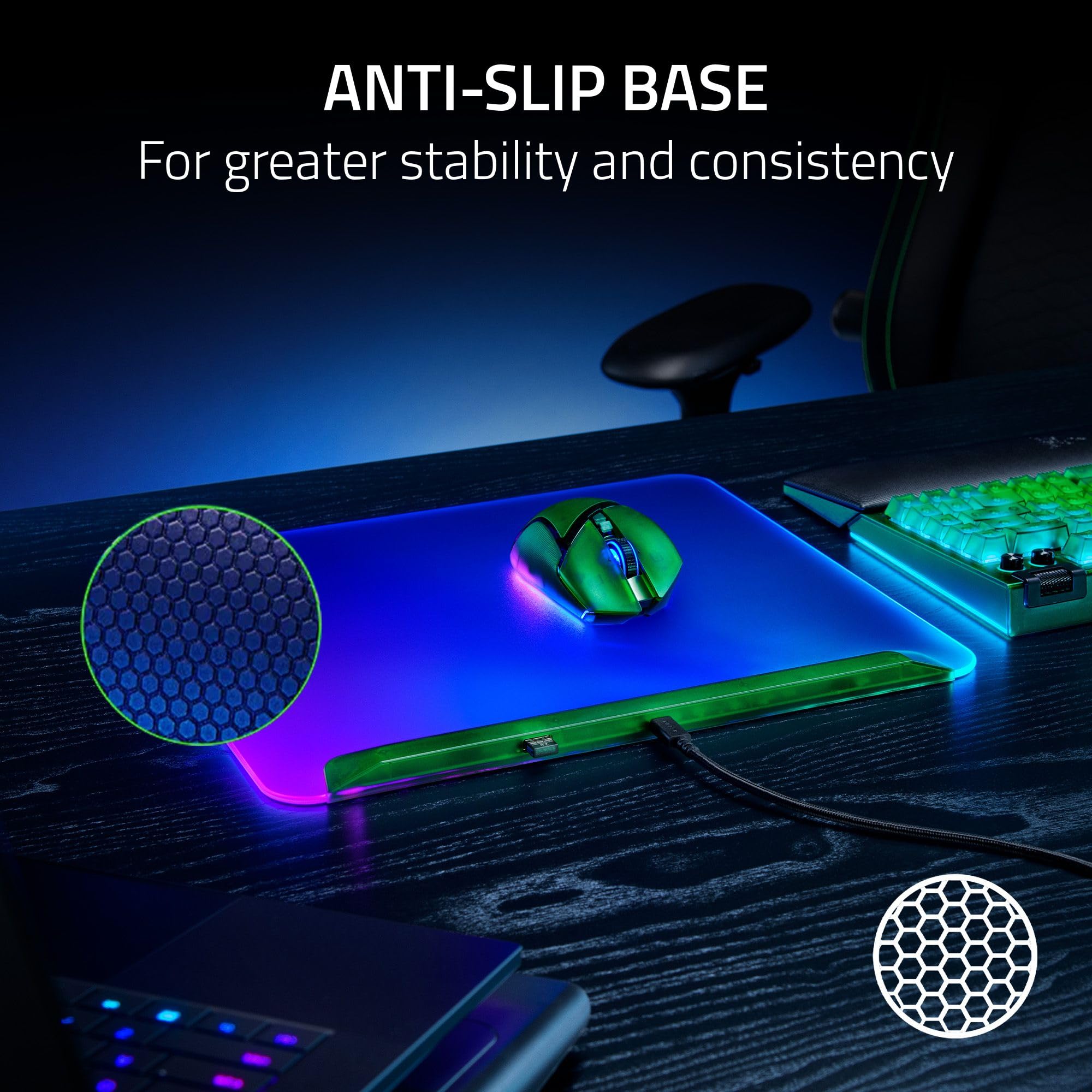
Set up your desk without clutter: the Firefly V2 Pro's cable management channel keeps the detachable USB-C cable routed neatly out of sight. The mat's slim profile sits flush on your desk, and the anti-slip rubber base ensures it stays put during intense matches. With Razer Chroma, you can sync the mat's lighting with your other devices for a cohesive setup.
First, check that the cable is fully inserted into the mat and your computer. Try a different USB port or a different cable. If the issue persists, update your Razer Synapse software and your motherboard's USB drivers. If nothing works, contact Razer support for warranty assistance.
Yes, the USB port can be used to charge devices, but it may not provide enough power for high-drain devices. It's best for connecting low-power peripherals like a mouse dongle.
The micro-textured surface is optimized for optical sensors, but it also works well with most laser sensors. It offers a good balance of speed and control.
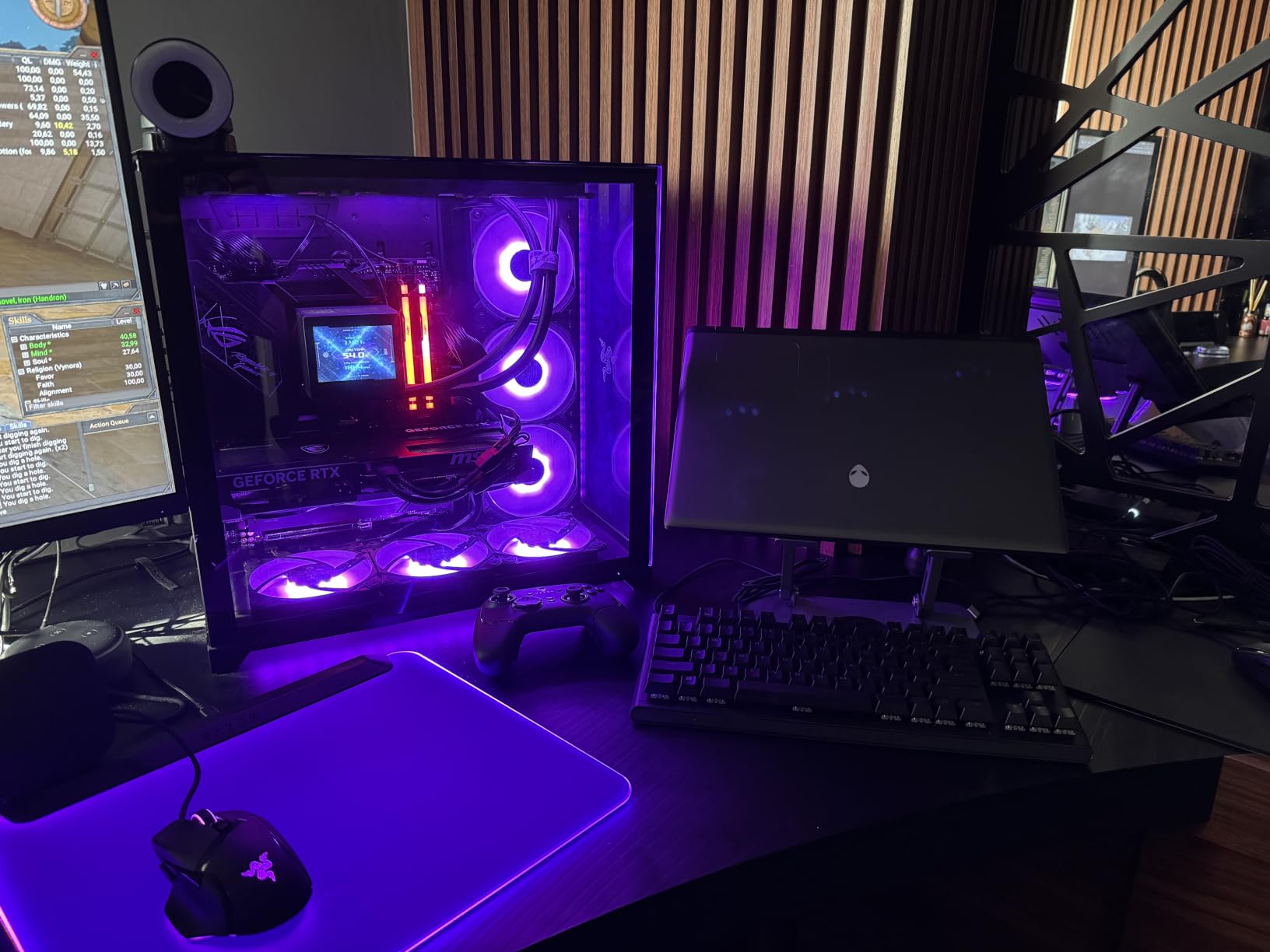
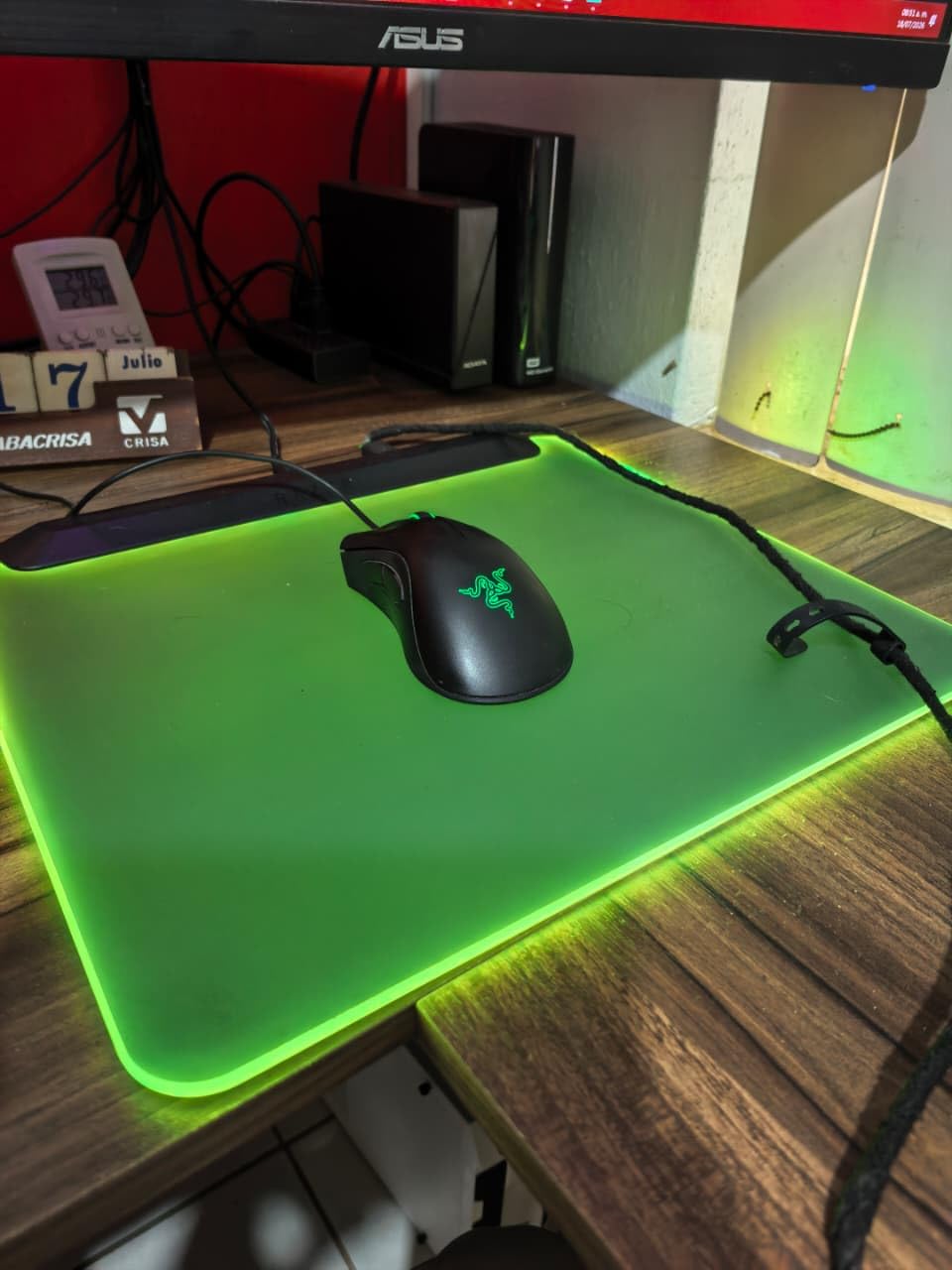
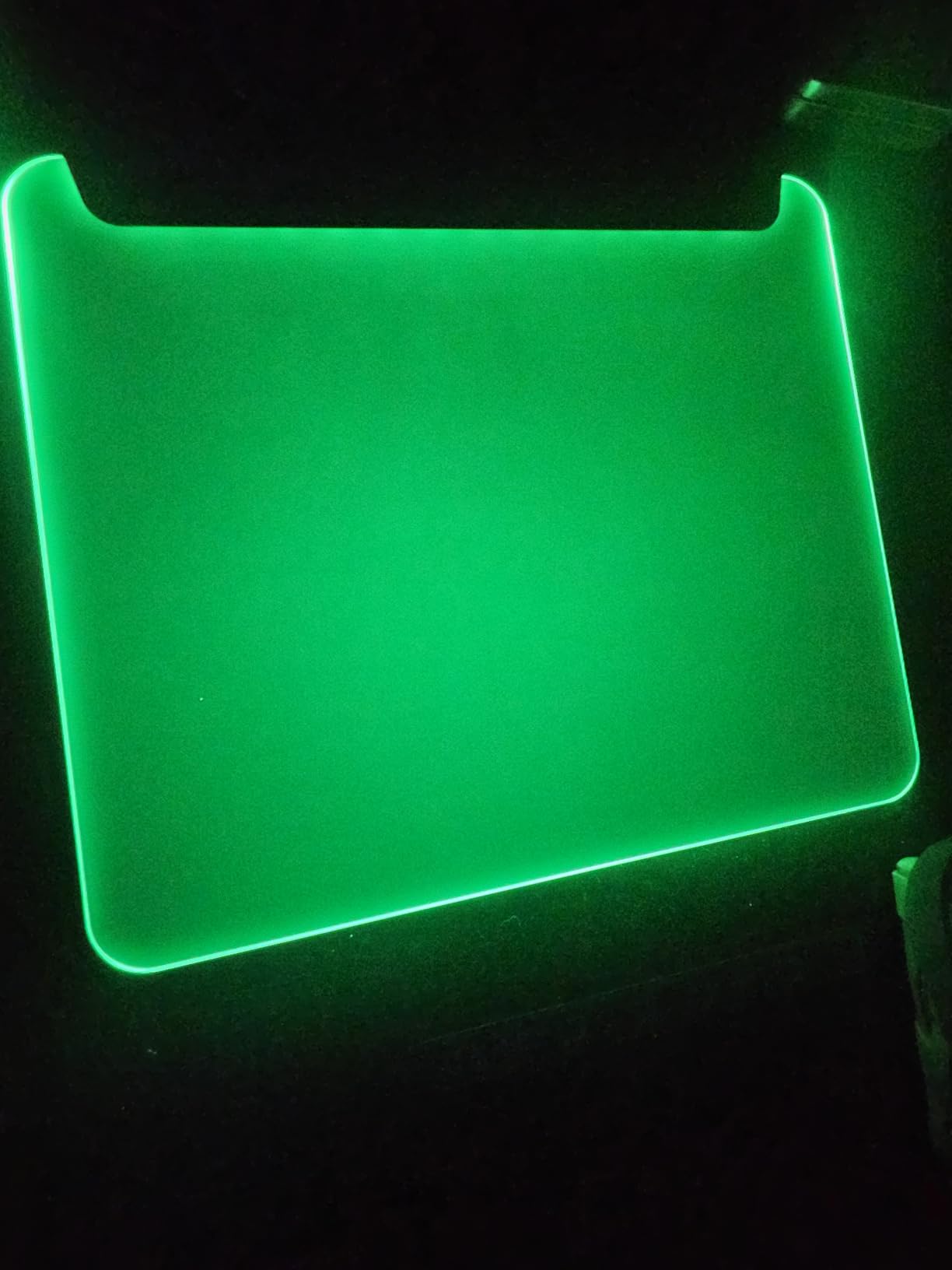
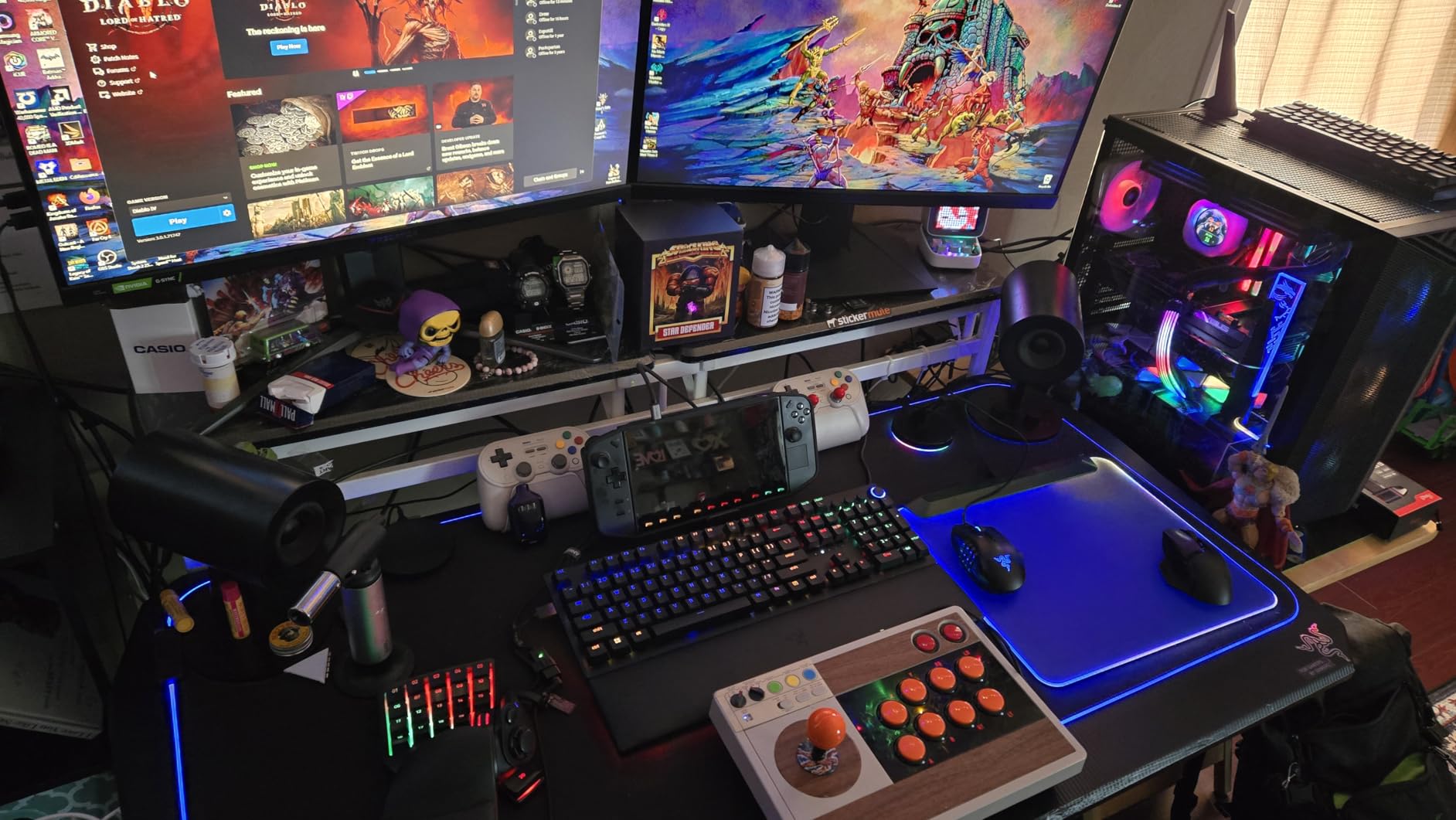
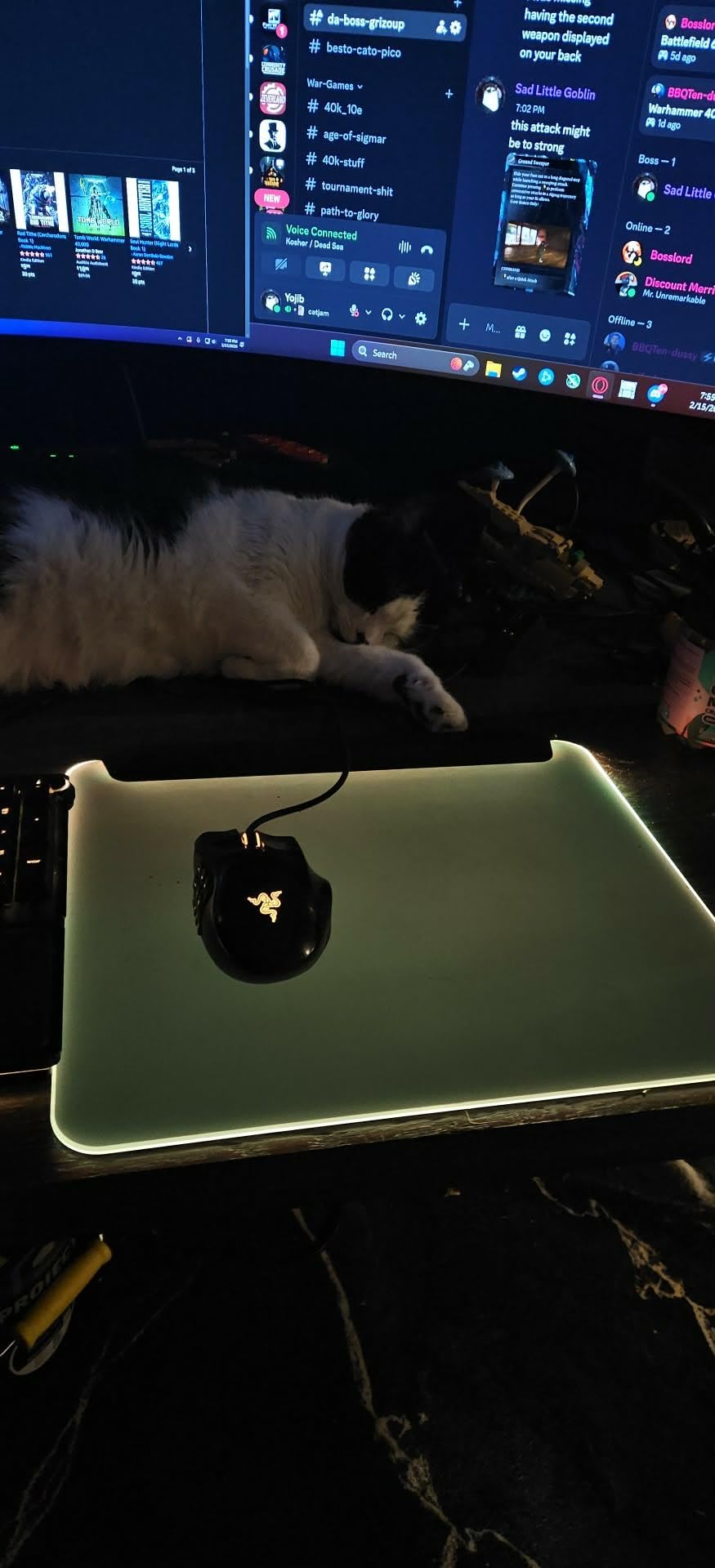
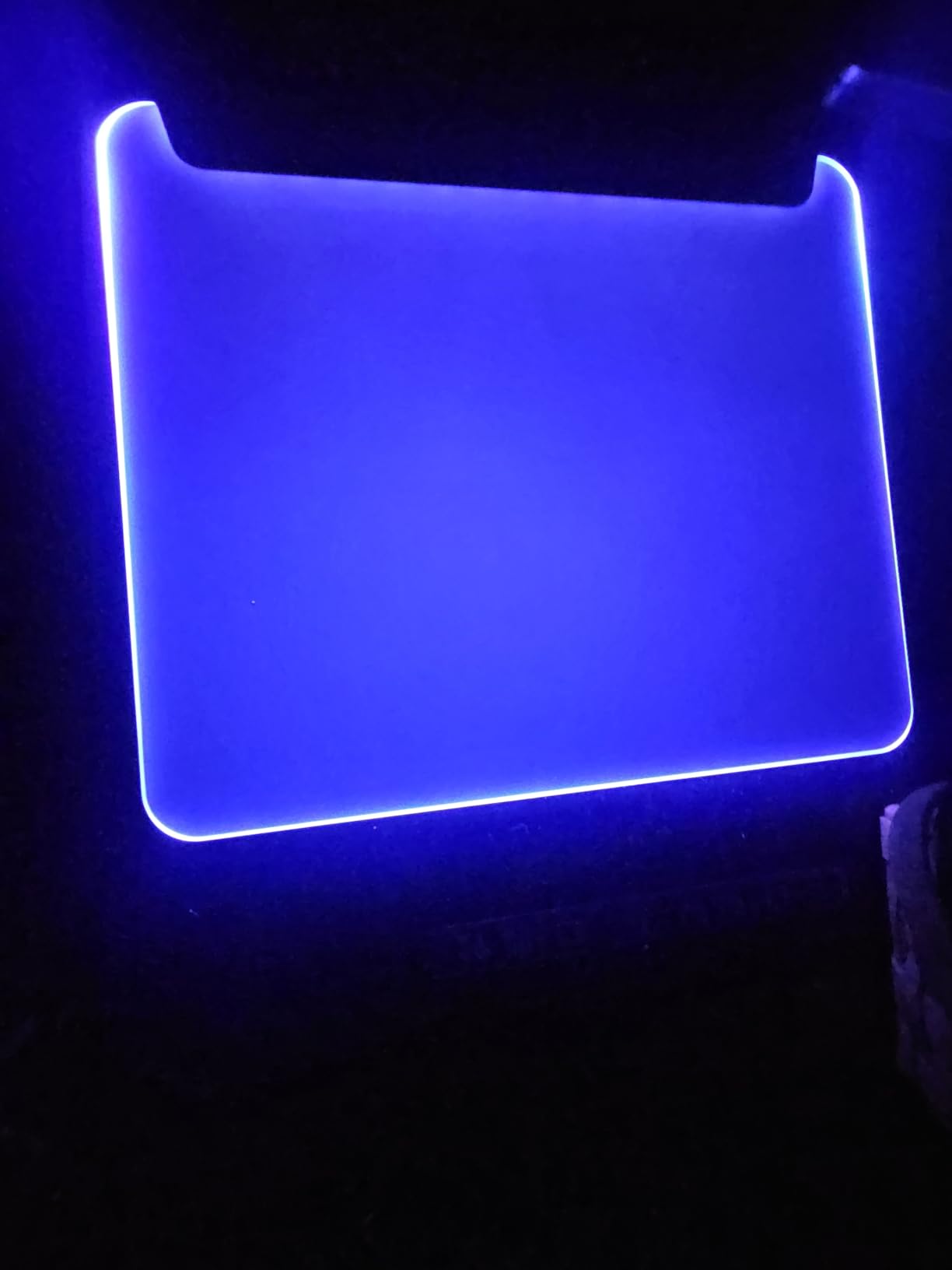
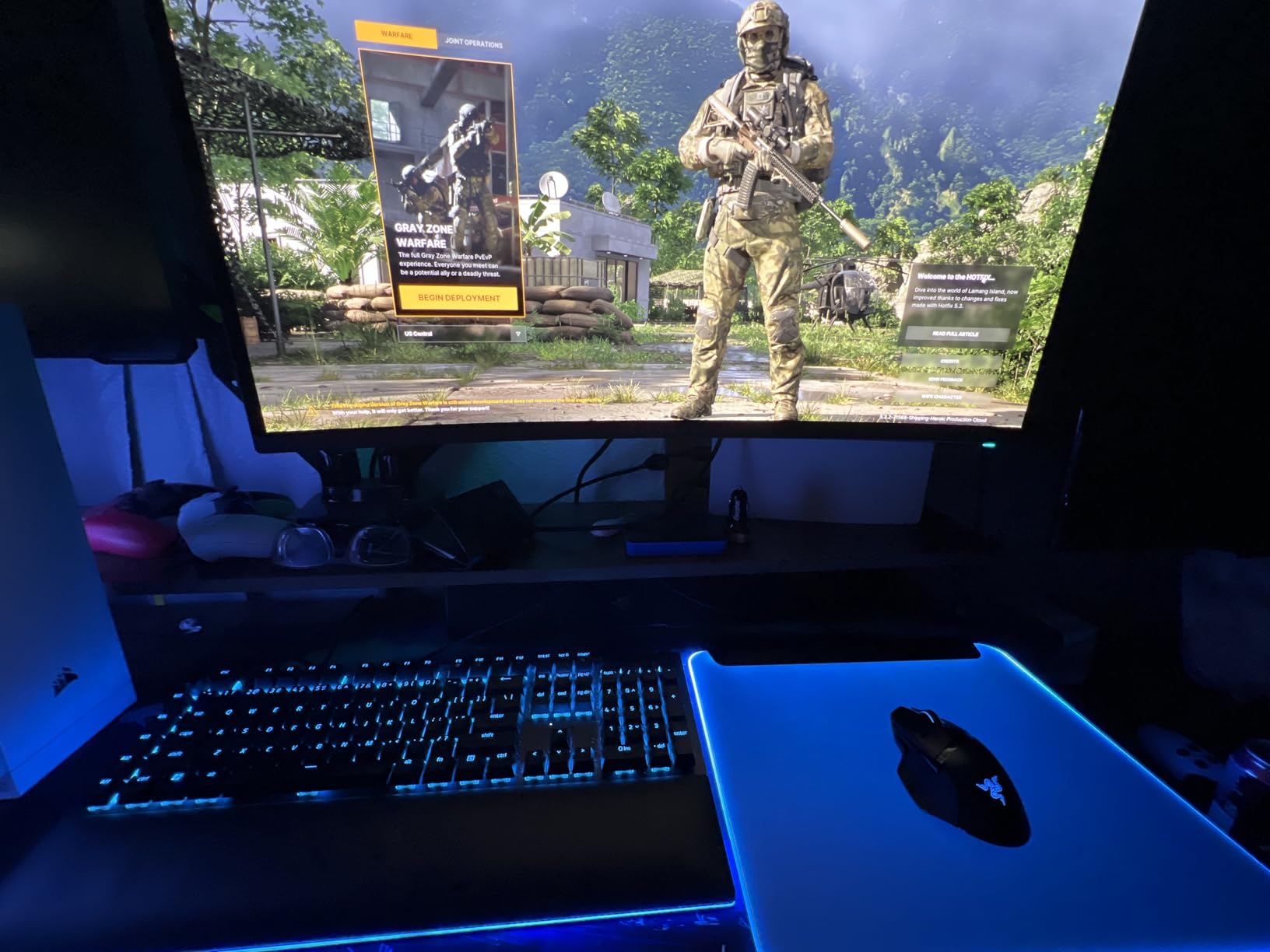
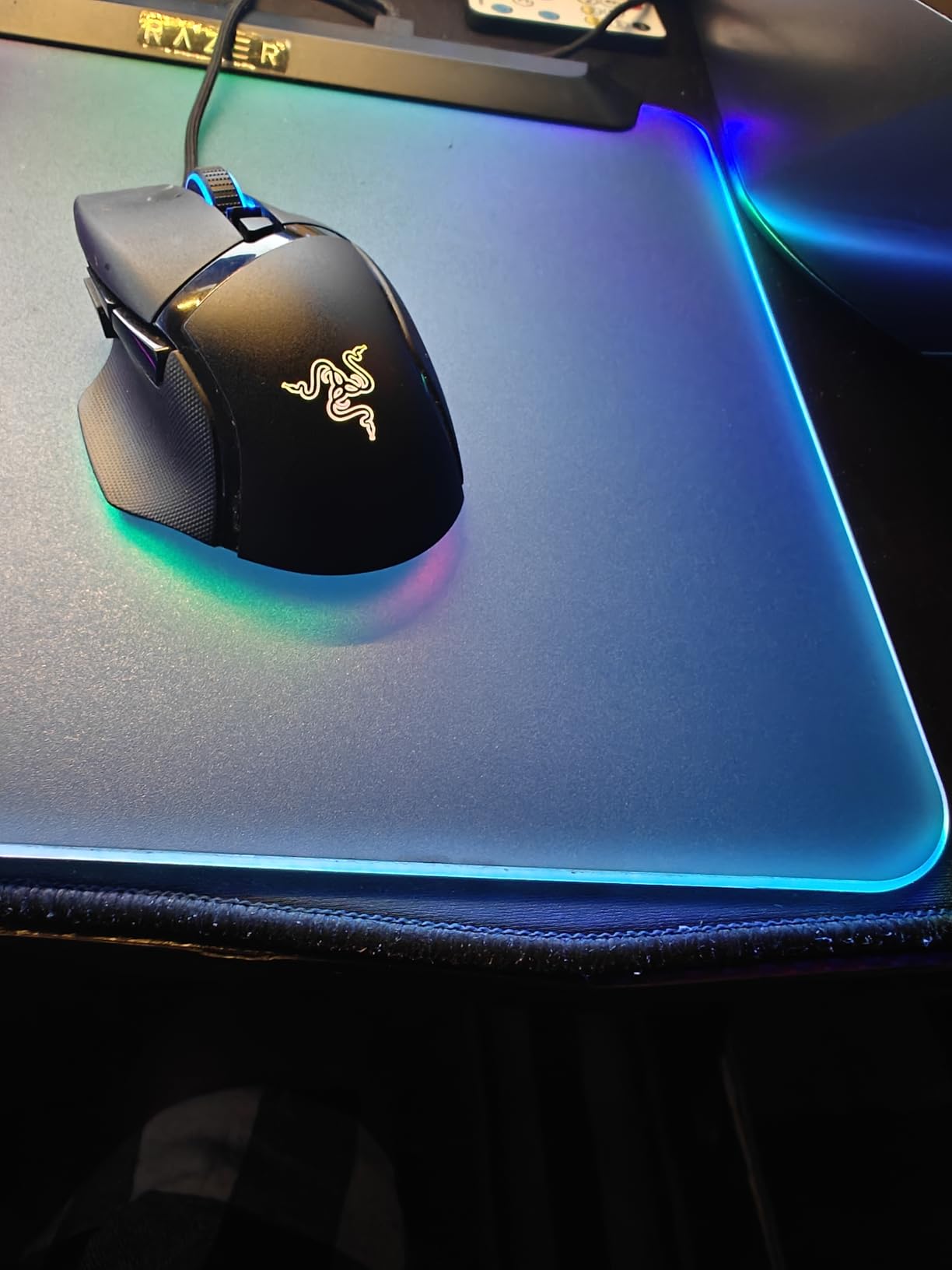
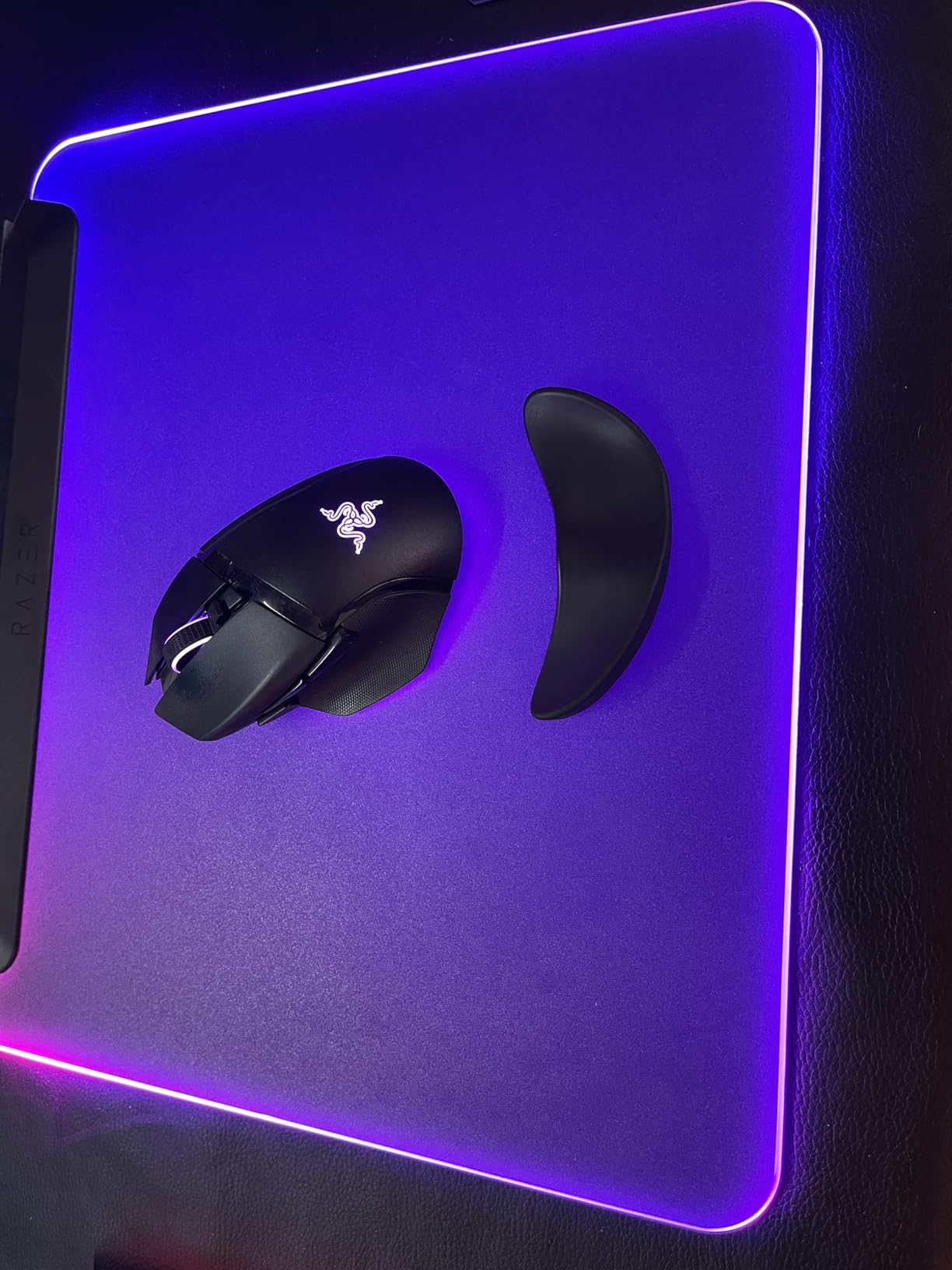
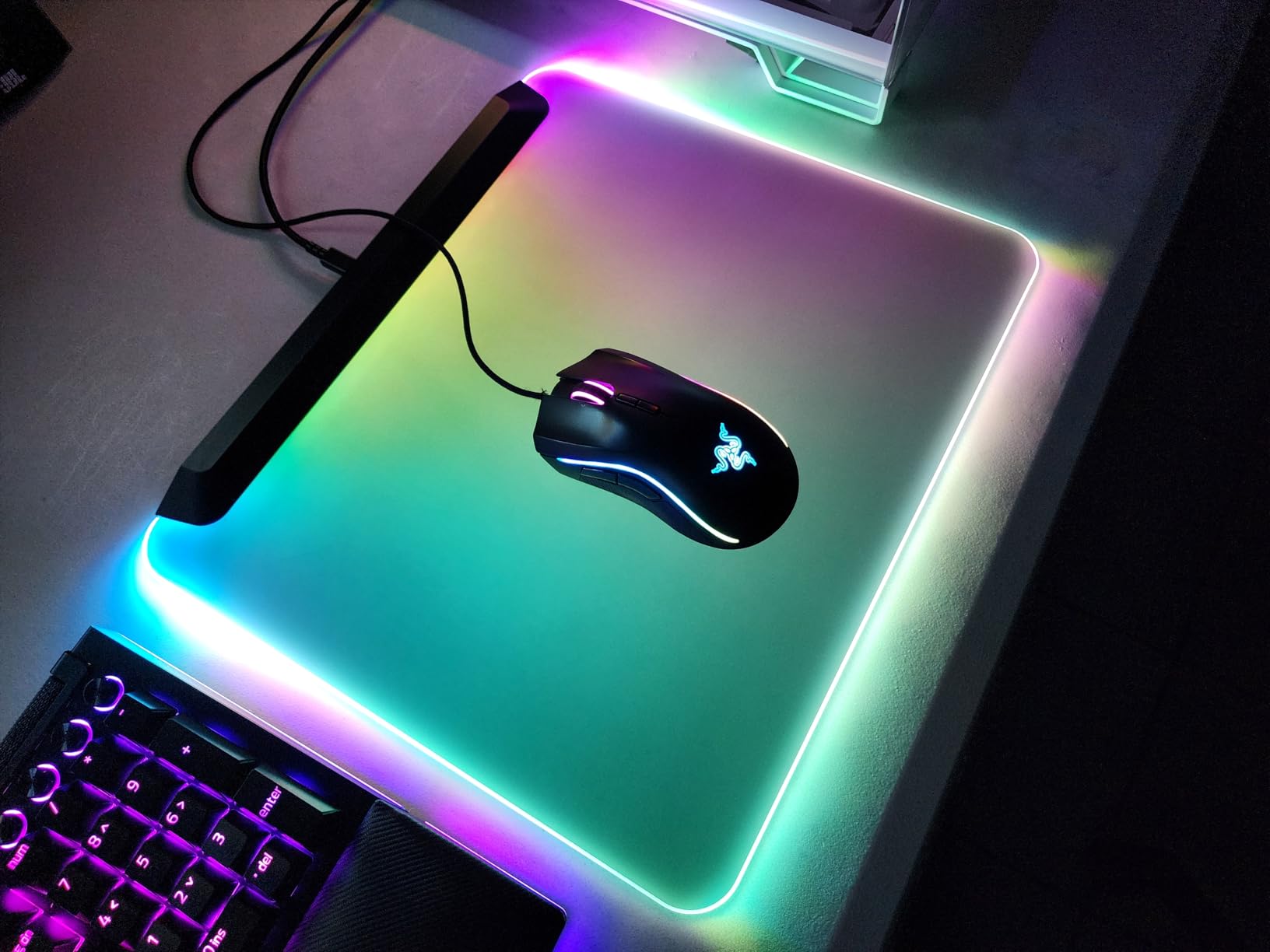
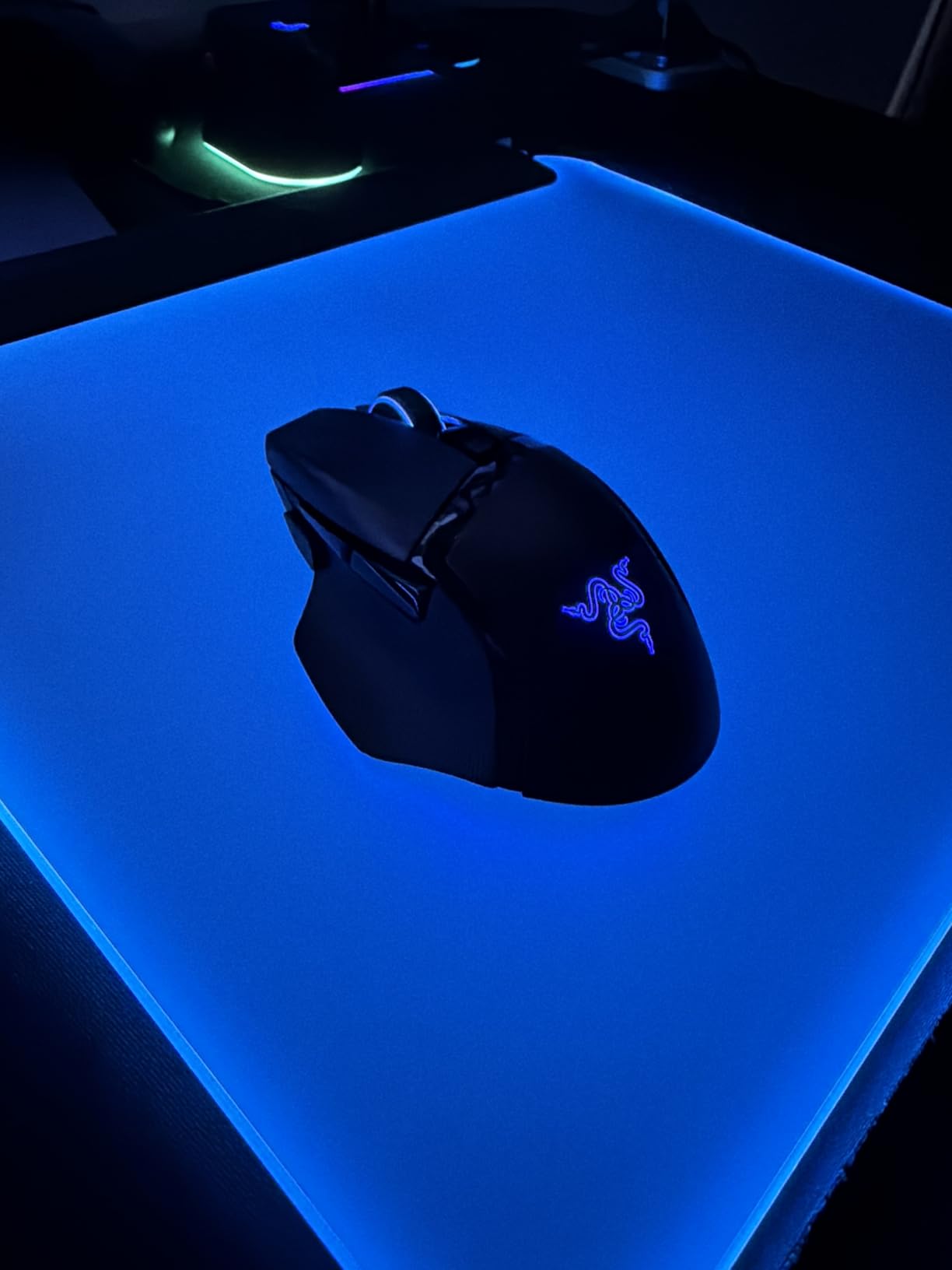
Sleek.
The RGB is gorgeous and the surface is smooth for my mouse. However, I wish it was bigger – I have to move my mouse often in FPS games. Still, it's a quality product.
This mat brings my setup to life. The 15 zones are individually customizable, and the lighting effects sync with my other Razer gear. The surface is perfect for my mouse – accurate and smooth. The integrated USB port is handy for my mouse dongle. The mat is also quite thin, so it doesn't add bulk to my desk.
It's a good hard mat, but I prefer a cloth surface for my mouse. The RGB is fantastic and the build is solid. The USB port is a bonus. Just wish the texture was a bit more silky.
The lighting is dazzling, and the mat feels premium. My mouse glides effortlessly. The size is just right for my desk. I've had it for months and it still looks new.
The mat is sturdy and the lighting is bright. The only downside is that it's a hard plastic surface, which some people might not like. I play with a low sensitivity, so I need more space – this mat is a bit limiting for that. But for looks, it's unbeatable.
I've used many mouse mats, and this one is the best. The surface is perfect for tracking, and the RGB is the cherry on top. The braided cable is a nice touch. It's a bit pricey, but you're paying for the Razer ecosystem and it's worth it.
The mat worked great initially, but then the lights started flickering and eventually went out. The mat still works as a mousepad, but the main feature is dead. I contacted support and they sent a replacement, but it's annoying.
I get compliments on my setup every time someone visits. The RGB is mesmerizing, and the mat is also functional. The surface is smooth and my mouse tracks perfectly. The integrated USB port is super convenient for charging my phone.
The center of the mat doesn't light up, only the edges. That's fine, but I expected full illumination. Still, it looks cool and the mat is great for gaming. Just manage your expectations.
If you have a Razer setup, this mat completes it. Syncing the lighting with my keyboard and mouse is seamless. The surface has just the right amount of friction for my liking. Highly recommend.
I play with a high DPI, so I don't need much space, but the mat is too small for any sweeping motions. The RGB is nice, but the size is a dealbreaker for me. Returned it and got a larger cloth mat.