$20.00
1
Your cart is empty
Subtotal
We will hold your cart for 15:00.
Buy more, save more
Coupon discount
Shipping
Add 2 more items to unlock your free mystery gift.
Complimentary item.
Total
$20.00
We will hold your cart for 15:00.
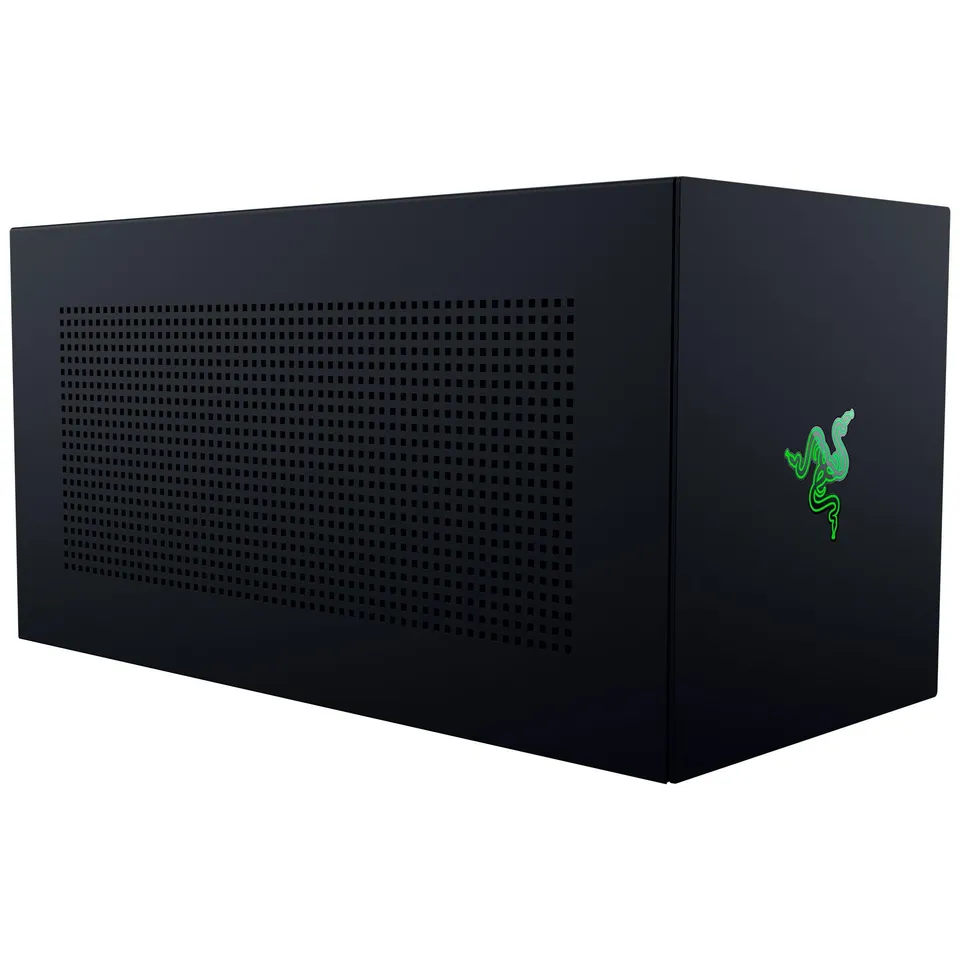
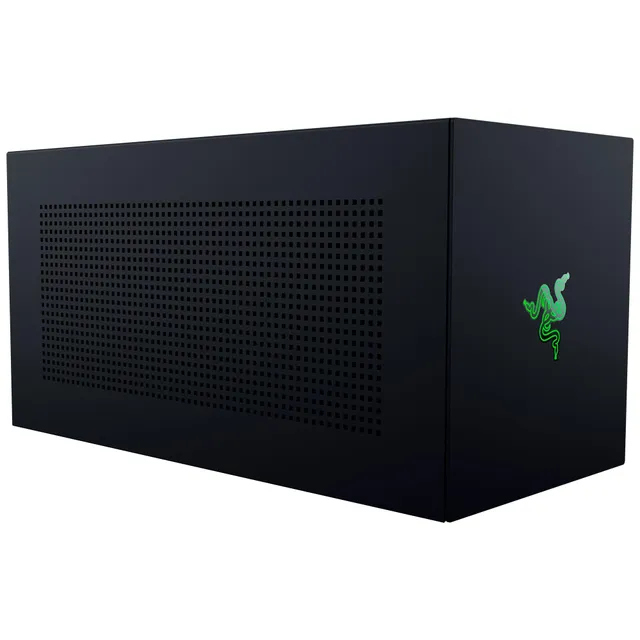
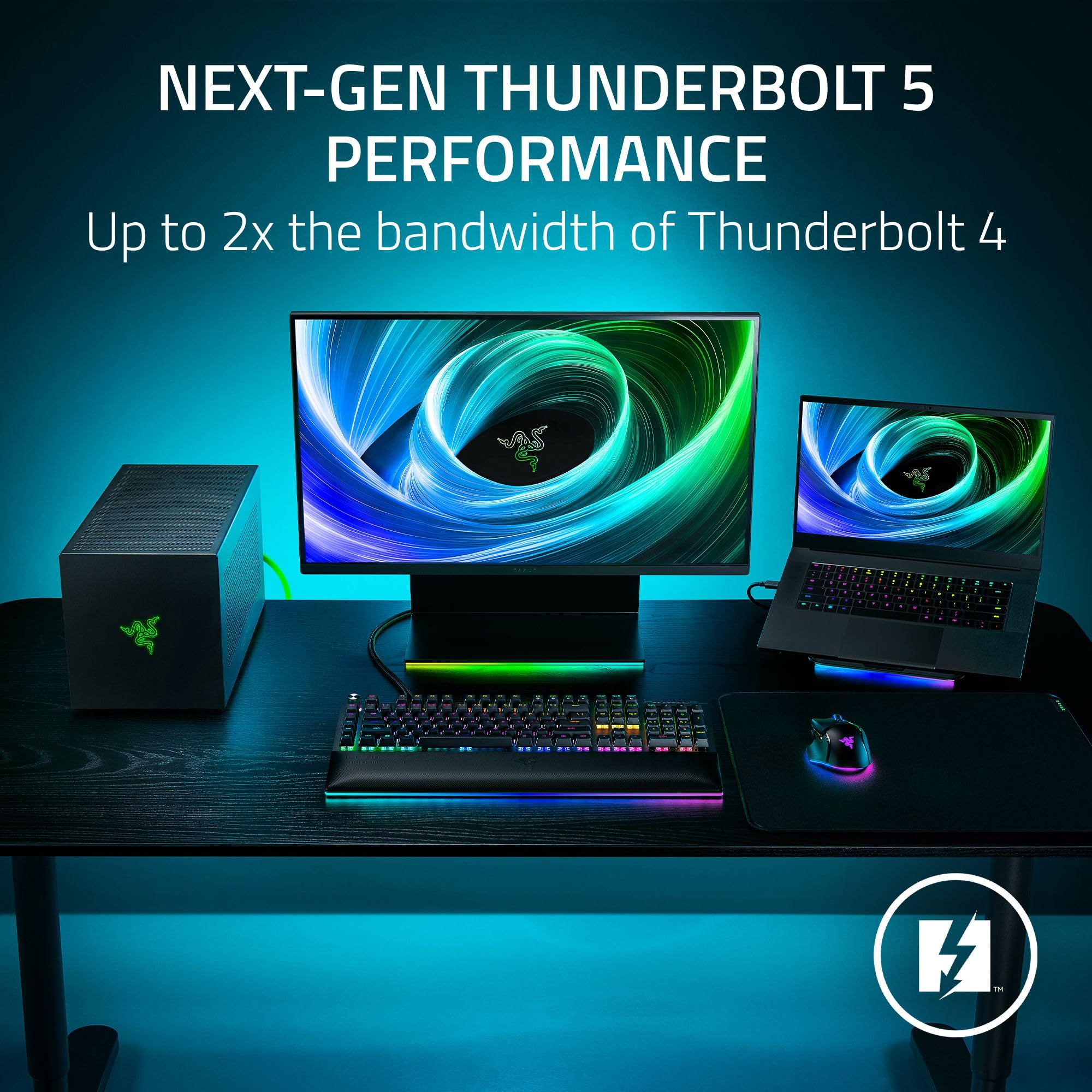
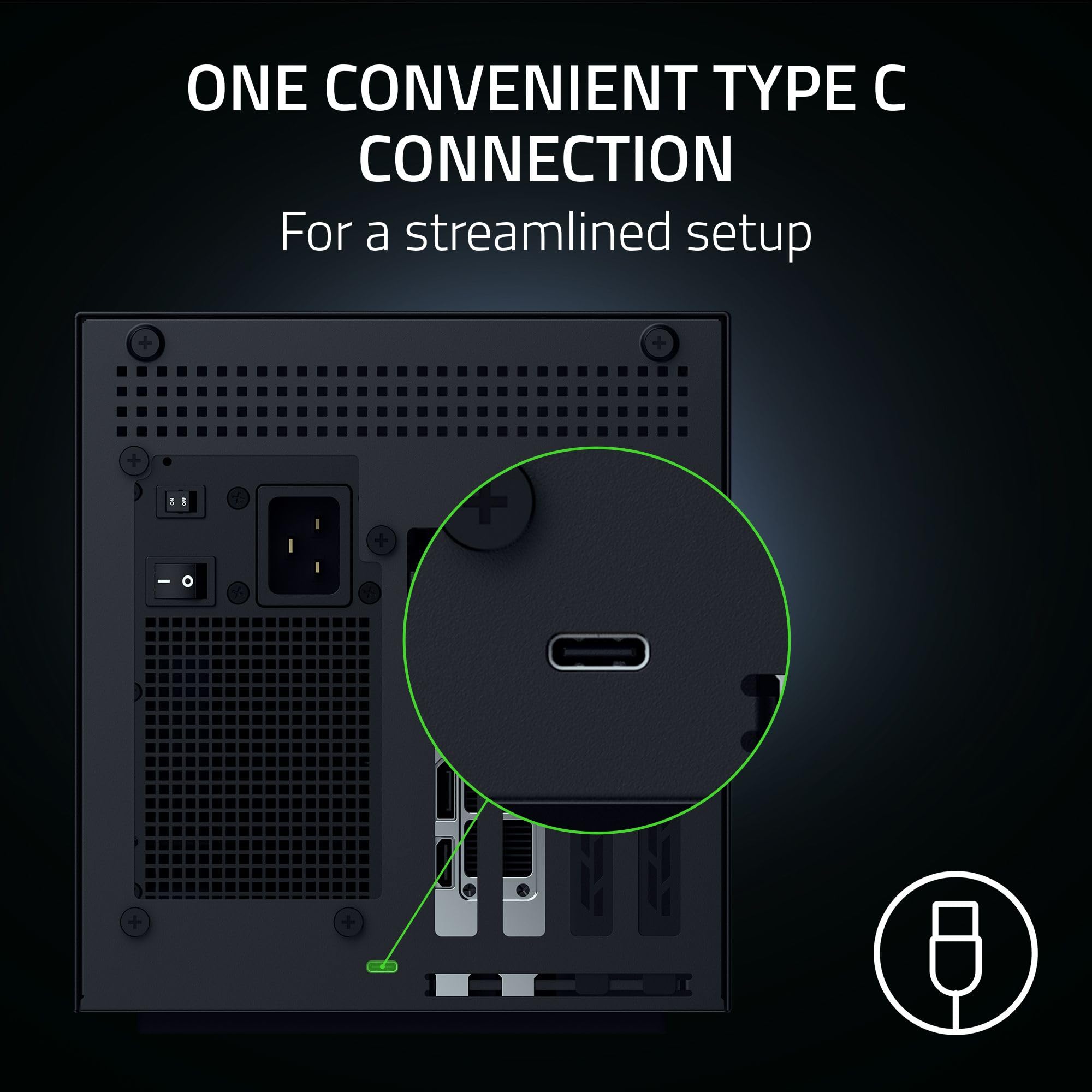
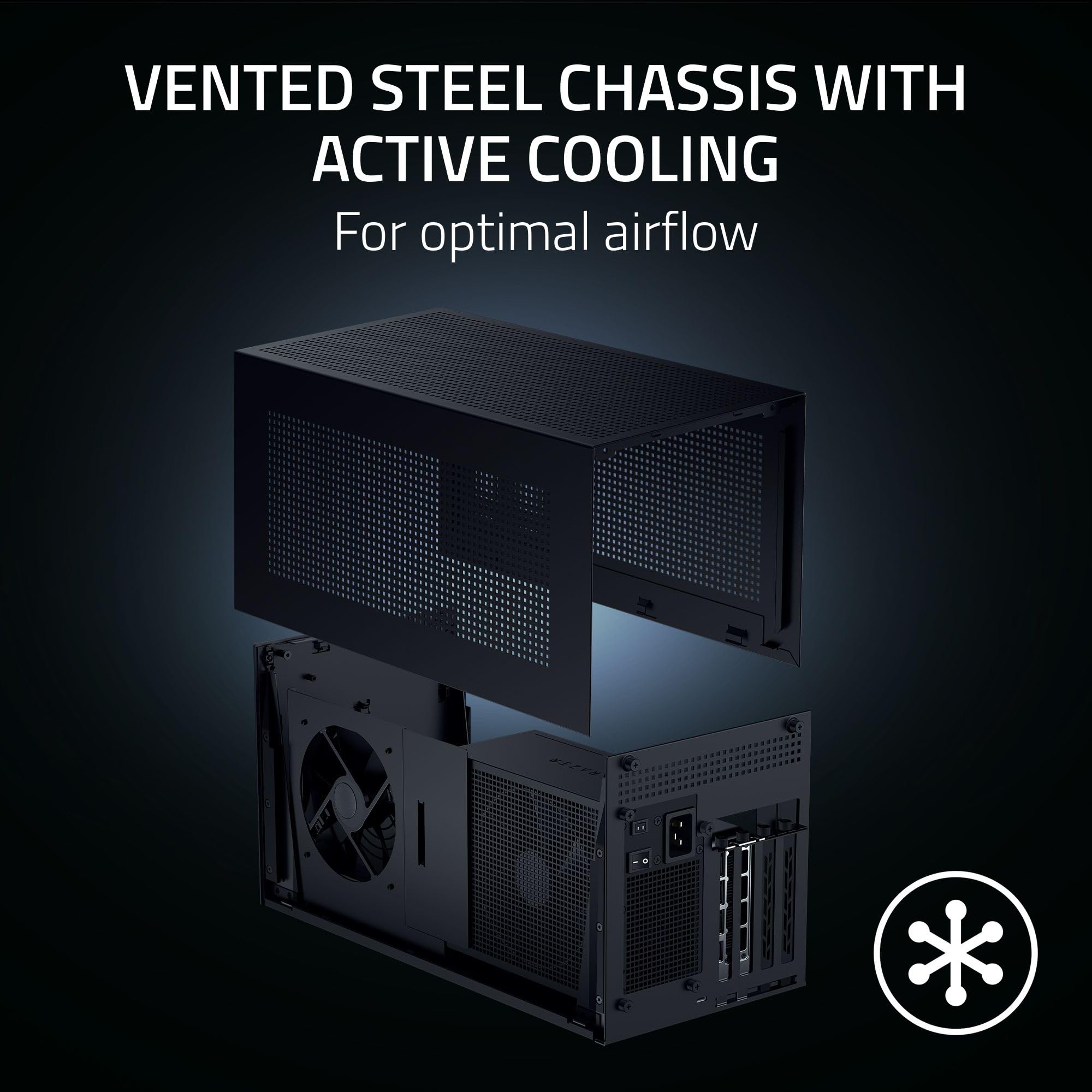
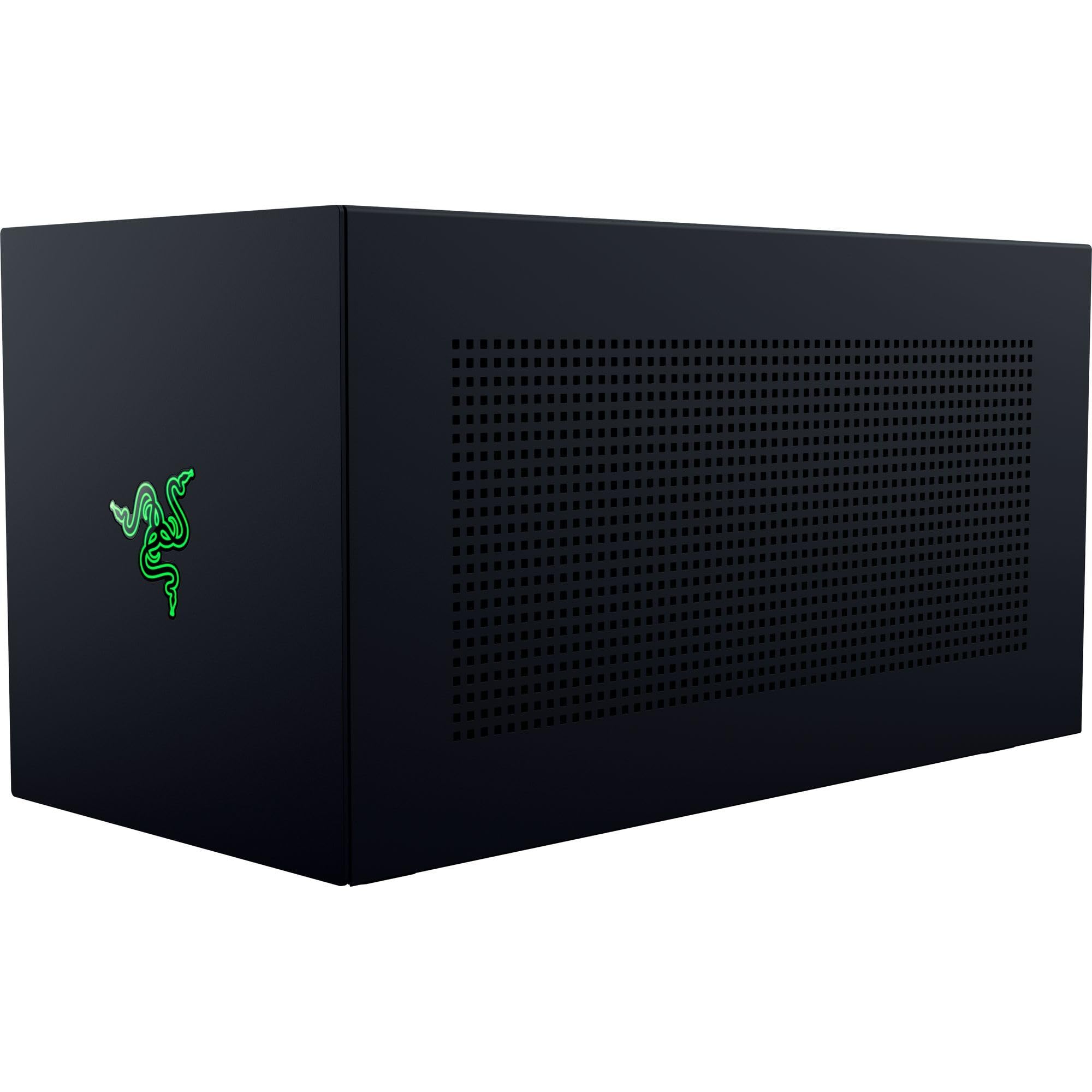
The Razer Core X V2 eGPU enclosure brings desktop-class graphics to Thunderbolt 4/5 and USB4 laptops, with 4-slot GPU support, 140W PD, and tool-free installation.
Categories : Series
SKU : POR-SER-436
Share This:
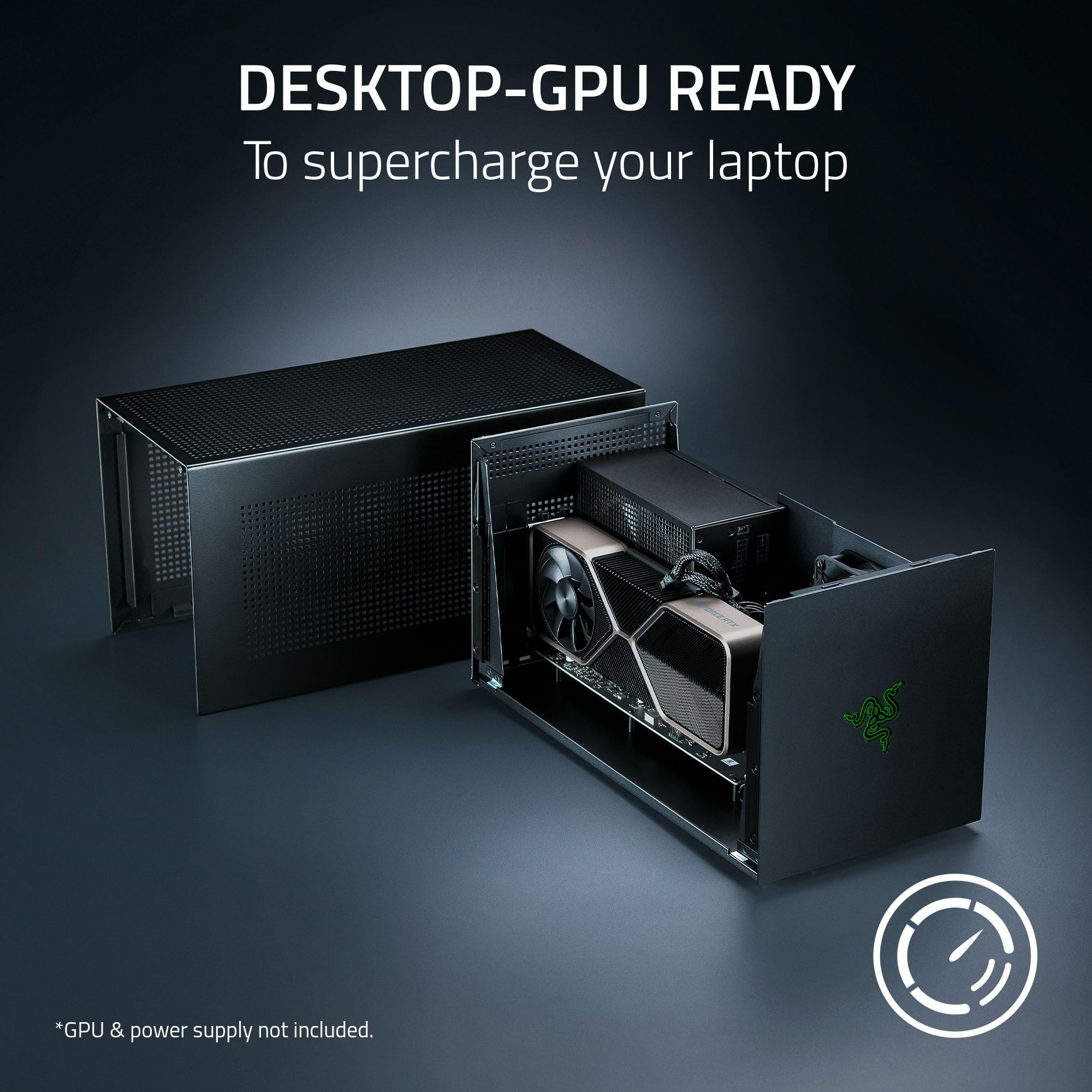
The Razer Core X V2 is an external GPU enclosure designed to transform compatible Thunderbolt 5, Thunderbolt 4, or USB4 Windows laptops and handhelds into desktop-class gaming or creative machines. By connecting a PCIe graphics card (up to 4 slots wide), you can enjoy high-end performance for AAA games and demanding creative apps. The enclosure features a vented steel chassis with an active 120mm fan for optimal cooling. With a robust power supply recommendation and 140W power delivery to your host device, it's a powerful upgrade.
Experience up to 80 Gbps bandwidth via Thunderbolt 5, ensuring smooth performance even with the most demanding titles. Thunderbolt 4 and USB4 devices are also supported, offering broad compatibility across the latest hardware. The included Thunderbolt 5 cable simplifies setup.
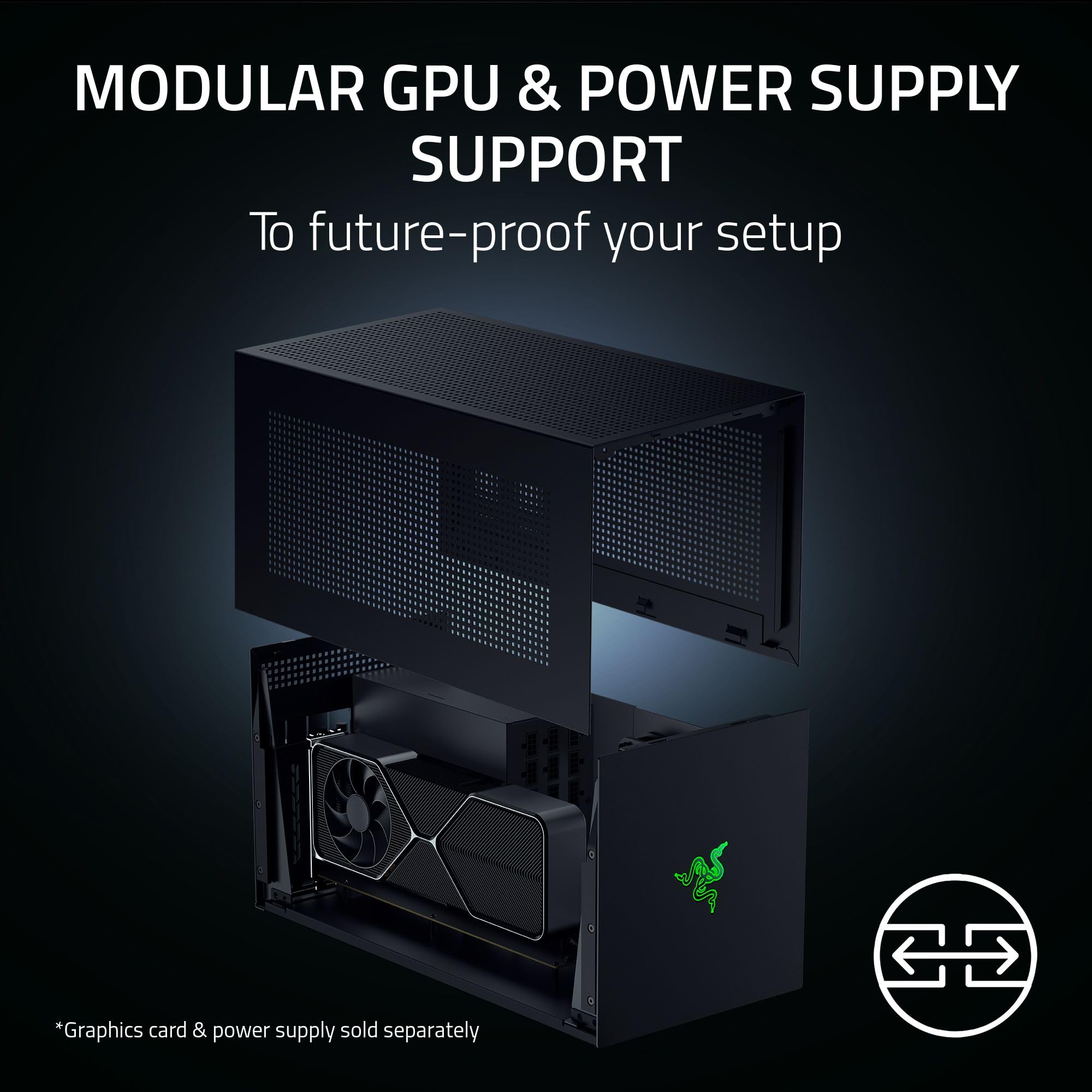
Designed to fit NVIDIA GeForce and AMD Radeon desktop GPUs up to 4 slots wide, the enclosure flexibly accommodates various card sizes. It supports standard ATX power supplies (not included), allowing you to install or upcycle a PSU that meets your GPU's requirements. Tool-free installation with included thumbscrews makes swapping components easy.
The built-in 120mm fan automatically ramps up under heavy load to maintain performance, and you can customize the fan curve via software. The Thunderbolt 5 connection provides up to 140W power delivery, which can charge and power compatible laptops while in use, reducing cable clutter.
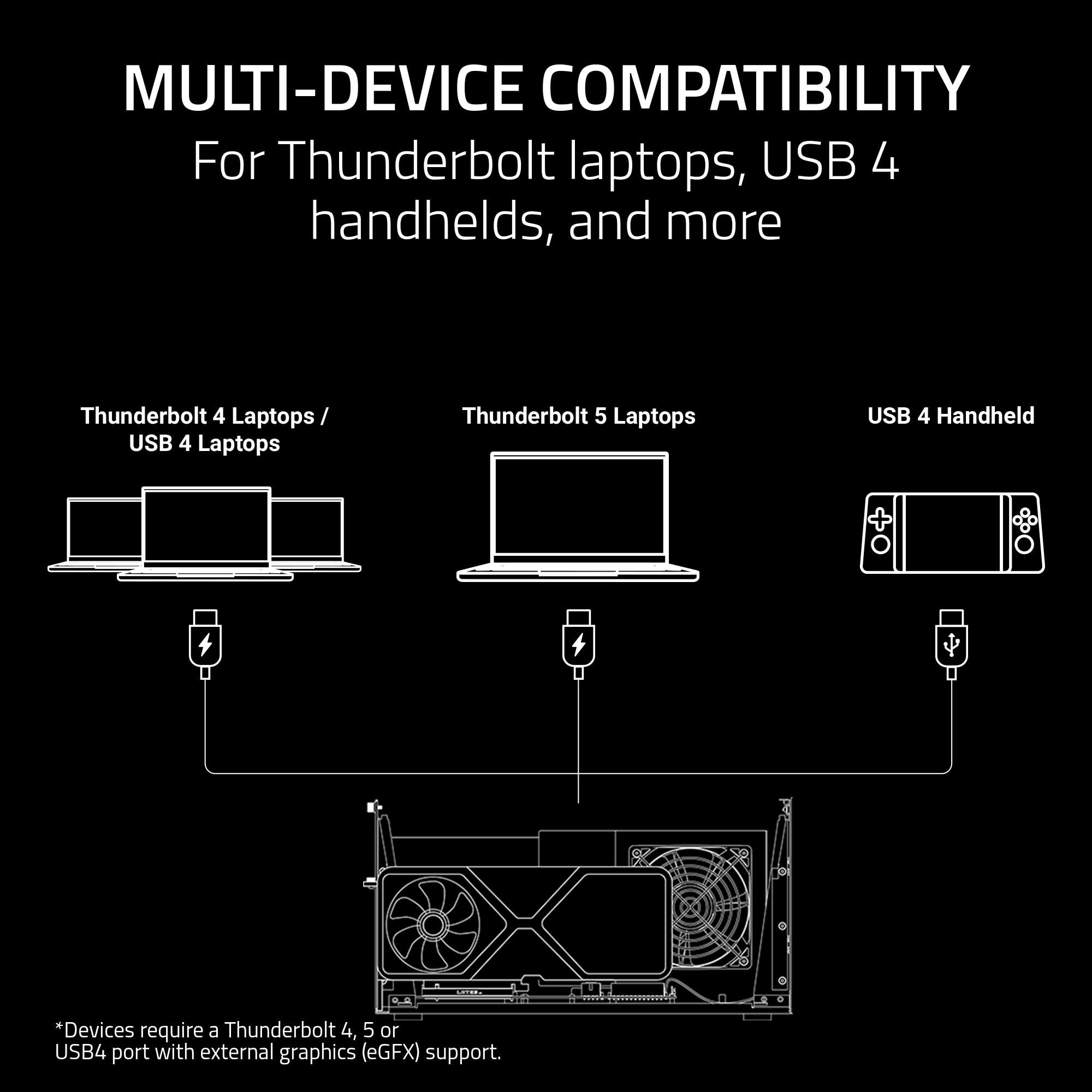
Compatible with Windows 11 Thunderbolt 4/5 and USB4 laptops and devices. Not compatible with Macs with M1 or later chipsets, as they do not support eGPUs.
Supports Thunderbolt 5, Thunderbolt 4, and USB4 devices with up to 80 Gbps bandwidth.
Fits full-size graphics cards up to 4 slots wide, including NVIDIA and AMD models.
Delivers 140W power delivery to compatible laptops via USB-C, simplifying setup.
Color: Black
Model: Core X V2
Cooling: 1x 120mm active fan
Interface: PCIe 4.0 x4
Dimensions: 6.6" x 13.6" x 10.7"
GPU Support: Up to 4-slot wide desktop graphics cards
PSU Support: Standard ATX power supply (not included)
Connectivity: Thunderbolt 5, Thunderbolt 4, USB4
Product Type: External GPU Enclosure
Compatibility: Windows 11 laptops and devices with Thunderbolt 4/5 or USB4; not for Mac M1+
Power Delivery: 140W via USB-C
Seller: PortSide Gear
MPN: Core X V2
The Razer Core X V2 is more than just an eGPU dock—it's a modular expansion platform. With support for standard ATX PSUs, you can install a high-wattage unit for flagship cards or repurpose an older one for budget builds. The tool-free design makes swapping GPUs simple, perfect for upgrading or using multiple cards. Its compact footprint fits under a desk, while the vented steel chassis keeps internal temperatures low. Unlock desktop-class gaming on your laptop today.
Choose an ATX power supply that meets the power requirements of your GPU. For example, a 500W PSU is sufficient for most mid-range cards, while high-end cards may need 750W or more. Check the GPU's recommended PSU wattage and ensure the PSU is ATX form factor.
No, eGPUs are not supported on Macs with M1 or later chipsets. The enclosure works with Windows computers and compatible handhelds that have Thunderbolt 4/5 or USB4 ports.
No, the graphics card and PSU are sold separately. The Core X V2 includes the enclosure, a Thunderbolt 5 cable, and mounting screws.
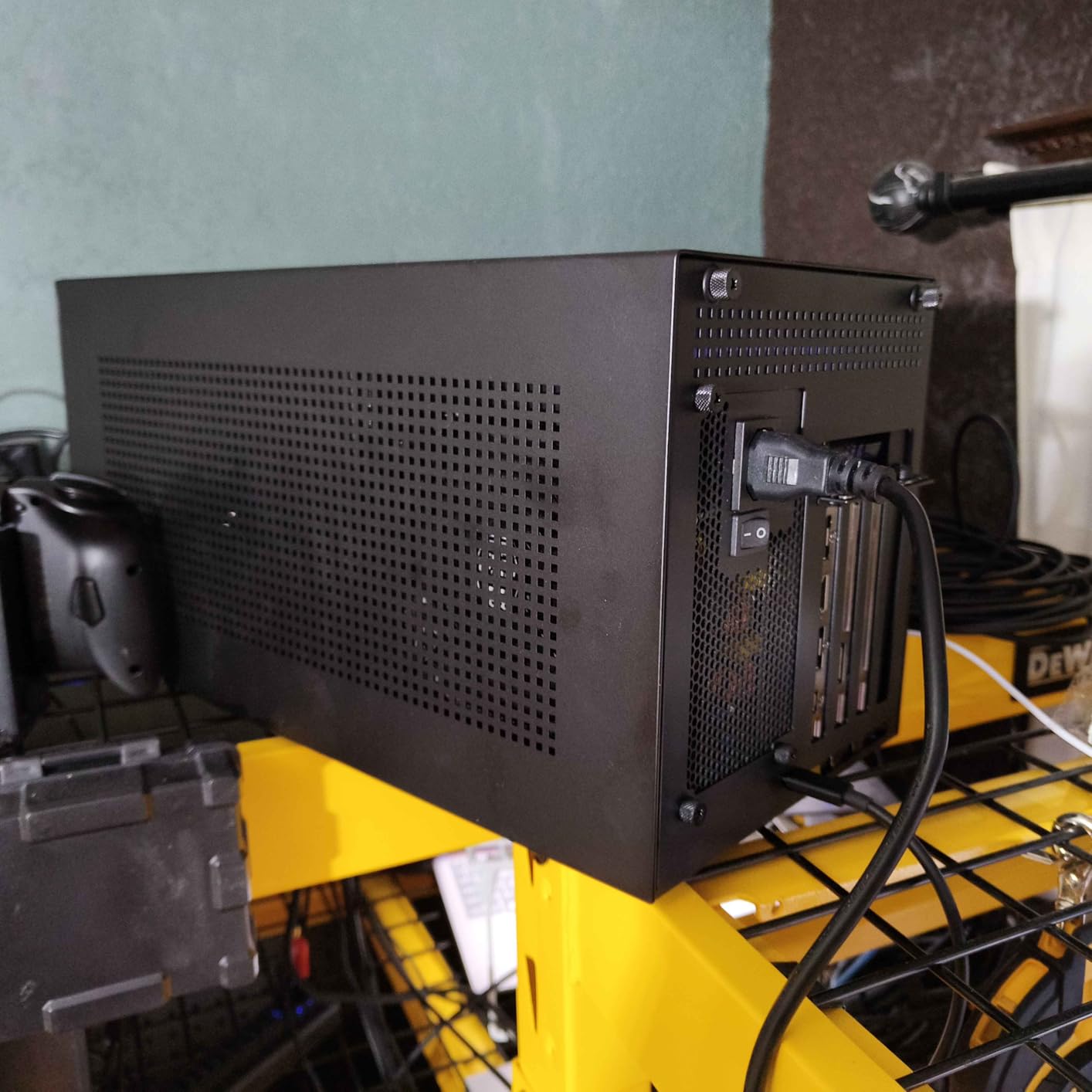
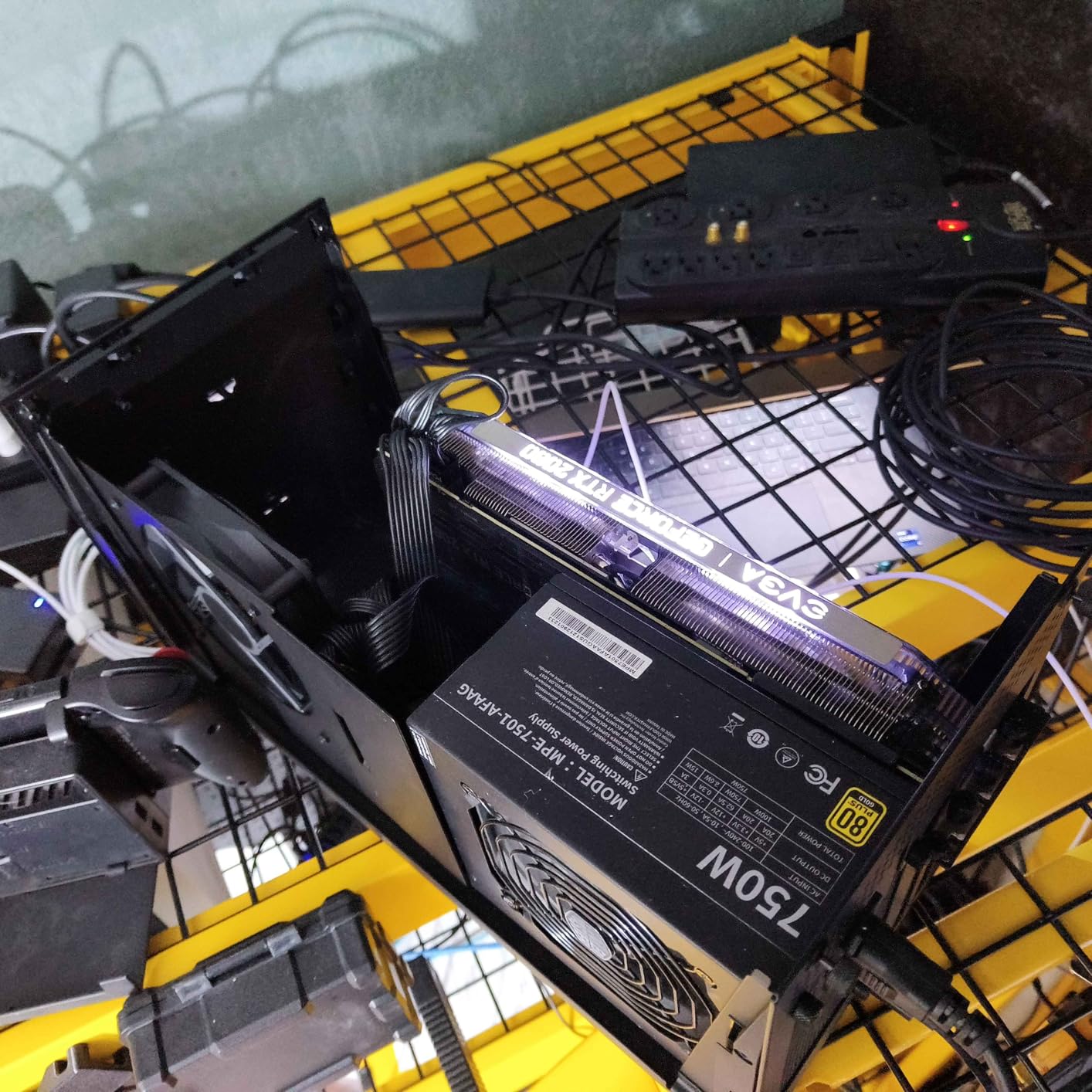
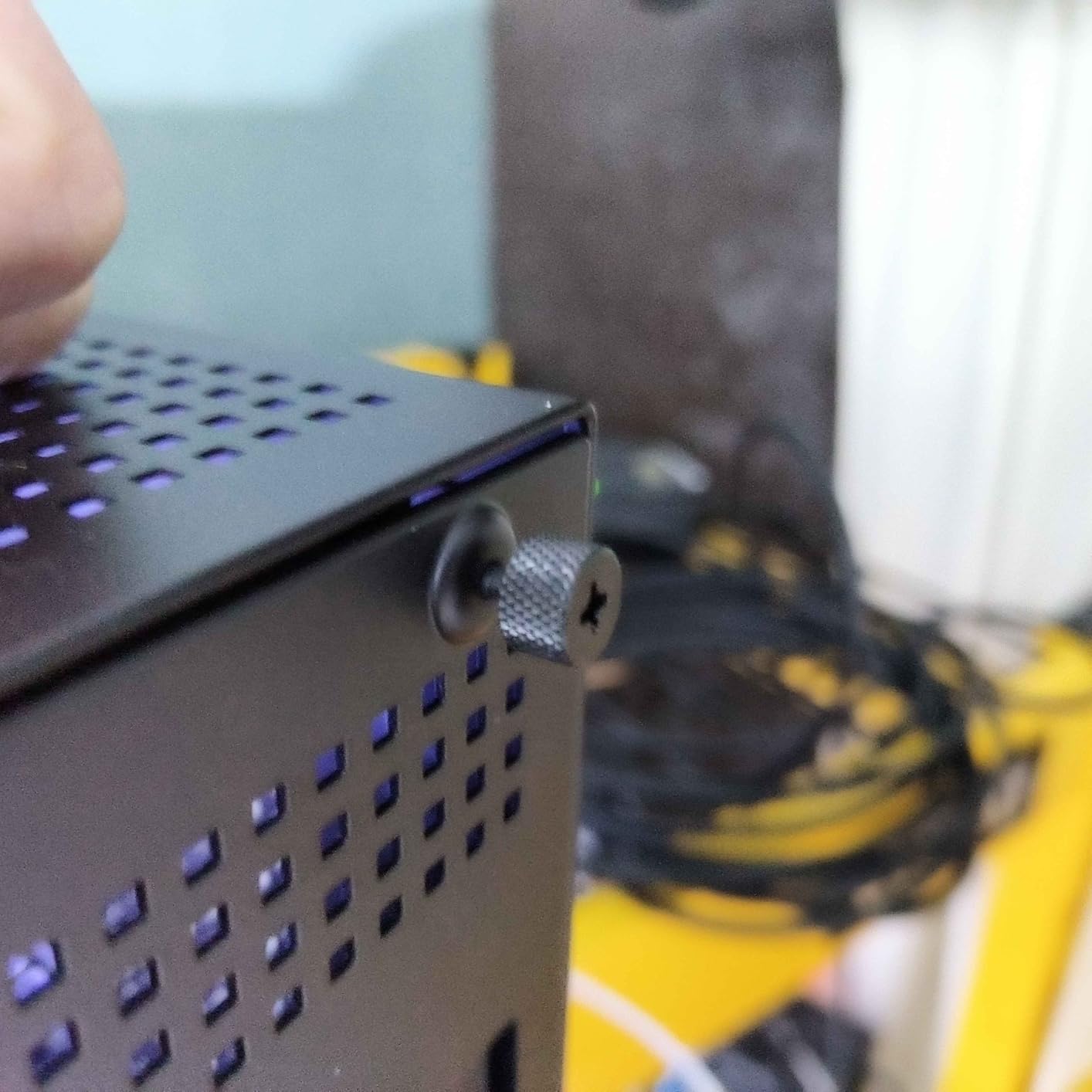
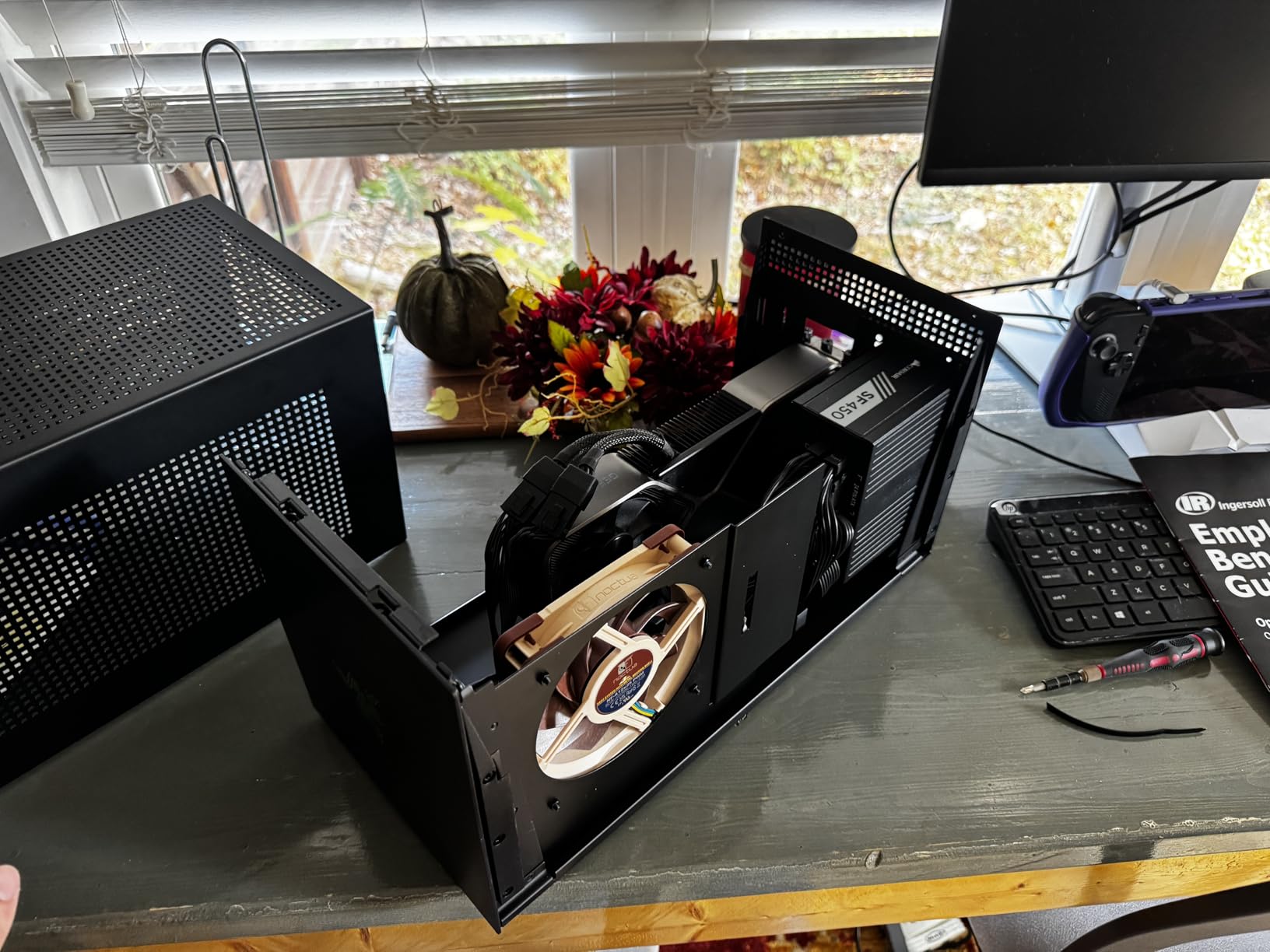
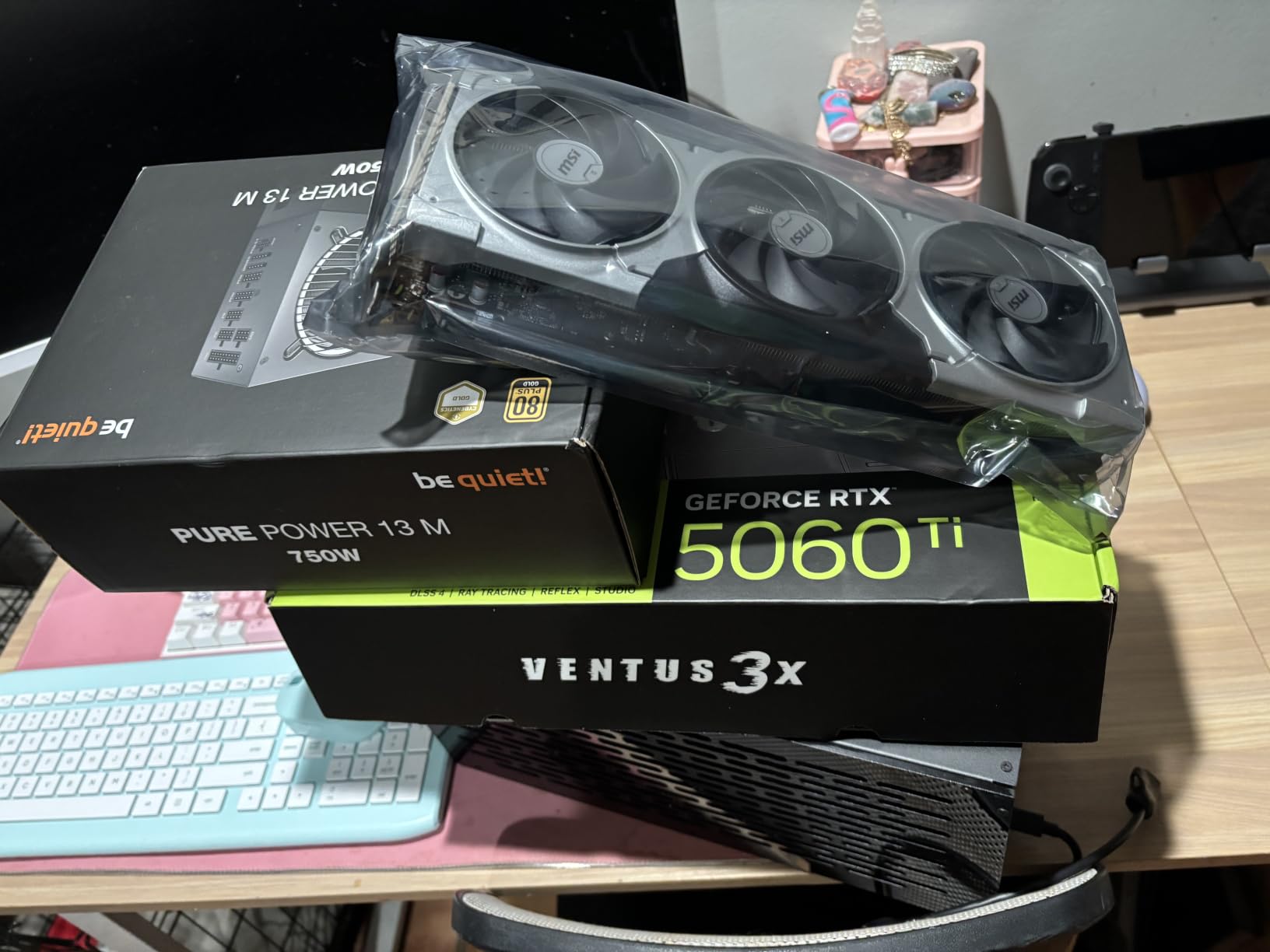
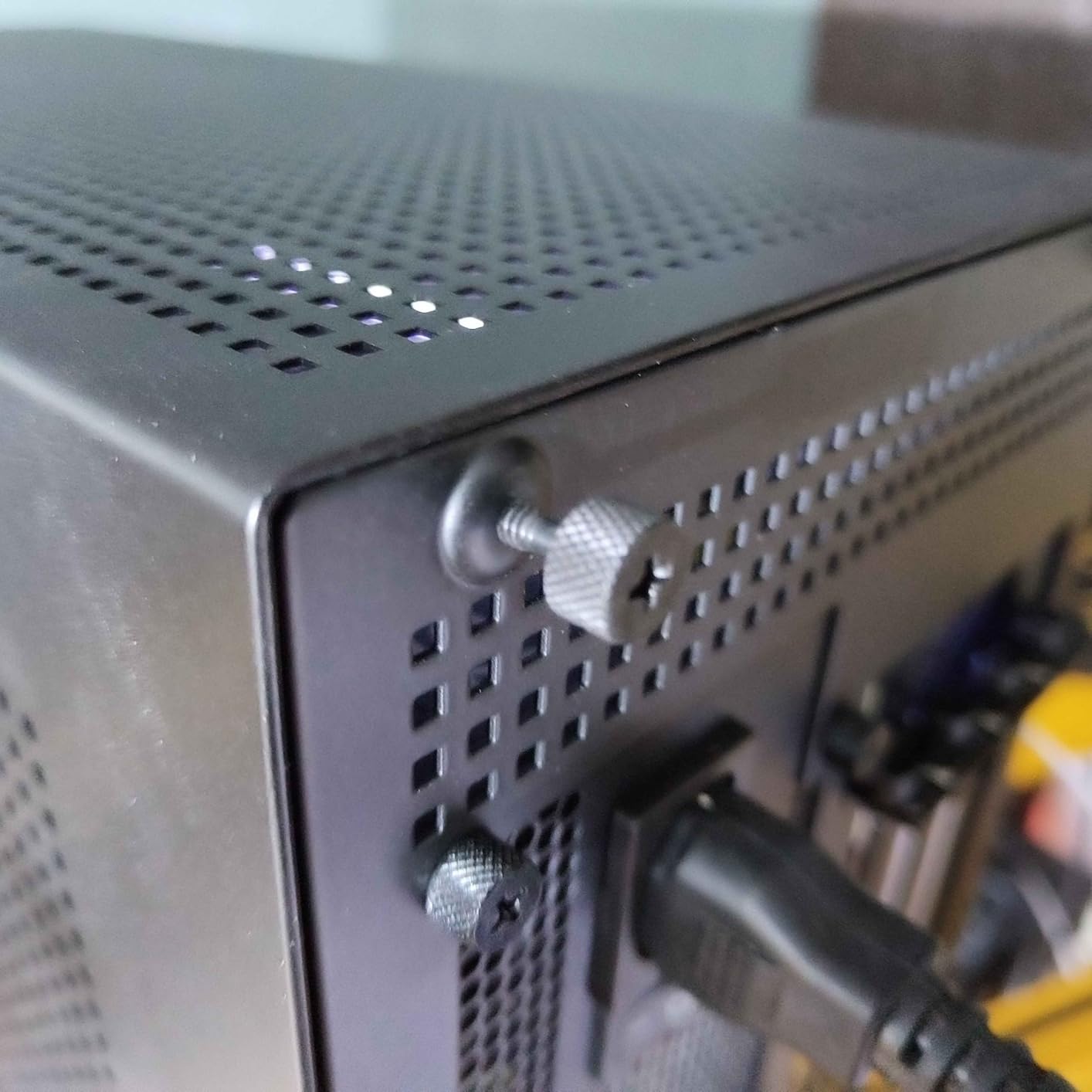
I've been using the Razer Core X V2 with my MacBook Pro M4 (Thunderbolt 5) and an RTX 4080. The performance is incredible – I can now play AAA games at 4K ultra settings with raytracing on, something I could only dream of before. Setup was a breeze: just slide in the GPU, plug in the Thunderbolt cable, and it's ready. The 140W PD also charges my laptop at full speed, so I only need one cable to connect everything. The enclosure is solidly built and looks sleek next to my monitor. The only minor gripe is the fan noise under heavy load, but it's not too annoying. Highly recommended for anyone wanting desktop-level graphics on a laptop.
This thing works flawlessly with my Lenovo Legion 7i (Thunderbolt 4). I popped in an RTX 4070 Ti Super, and it boosted my gaming performance significantly. I'm getting 100+ fps in Cyberpunk 2077 with ray tracing, which is amazing. The tool-free installation is convenient, and the 140W PD is a lifesaver – keeps my laptop charged while gaming. The build quality is top-notch, sturdy and premium. Definitely worth the price if you want to extend your laptop's lifespan for gaming or creative work.
I bought this to use with my Dell XPS 15 (Thunderbolt 4) and an RTX 4060. Plug-and-play for the most part, but I had to update the Thunderbolt drivers on my laptop to get stable performance. Once I did, it worked great – I can now play games like Red Dead Redemption 2 at high settings with smooth FPS. The enclosure is spacious and easy to work with; installing the GPU took just a few minutes. The 140W PD is handy, though I noticed it only delivers 85W to the laptop unless you use a special cable? But the included cable works fine. My main complaint is that the fan is a bit loud when the GPU is under load, but it's not terrible. Overall, a solid eGPU enclosure.
I use this with my gaming laptop and an RTX 3080 Ti for VR sim racing. The Core X V2 handles it beautifully – no artifacts, smooth 90fps in Half-Life: Alyx. The 4-slot design allowed me to fit a chunky GPU with no issues. The 140W PD is great for keeping the laptop charged during long sessions. Setup was a straightforward process: attach the GPU, connect the cable, and it just works. The build quality feels premium, and it looks good on my desk. Definitely a worthy investment if you want to boost your laptop's graphics for demanding tasks.
I picked this up to use with my 14-inch MacBook Pro (M3, USB4) and an AMD Radeon RX 6800 XT. It works as expected – the GPU is recognized and performs well in games like Shadow of the Tomb Raider at 1440p high settings. The installation was easy, but I had some issues with the enclosure not being recognized occasionally – a simple restart fixes it. The 140W PD is good, but I wish it provided a bit more for my MacBook Pro (it charges at about 80W). Also, the fan gets a bit loud under heavy gaming, but it's acceptable. Overall, a decent eGPU for the price.
I've tried other eGPU enclosures before, and this is by far the best. The Razer Core X V2 offers excellent compatibility – I use it with my HP Spectre x360 (Thunderbolt 4) and an RTX 4090. Yes, the RTX 4090 barely fits (it's a two-slot card, so no problem), but the 4-slot chassis means I have plenty of room for the massive card. Performance is outstanding – I can run Starfield at max settings with DLSS 3.5 and get smooth 60fps at 4K. The 140W PD is a welcome addition, though my laptop only pulls 100W max. Build quality is excellent, and the tool-free design makes swapping GPUs quick. Highly recommended for anyone serious about eGPU gaming.
As a long-time PC enthusiast, I've used several eGPU setups. The Razer Core X V2 is well-built and easy to use, but I've had some driver conflicts with my laptop (ASUS ROG Flow Z13). Sometimes the GPU is not recognized until I reinstall drivers. Performance is good once it works – I see a significant boost in frame rates compared to integrated graphics. The 140W PD is great for charging, but I expected a bit more from such a premium product in terms of plug-and-play. If you're okay with occasional troubleshooting, this is a good investment.
I've been using this with my Razer Blade 15 (Thunderbolt 4) and an RTX 4070. It does exactly what it's supposed to – provides desktop-level performance for gaming and creative work. The enclosure is well-designed with a sleek black finish, and the magnetic cover is secure. Installation is a snap (no tools needed). The 140W PD is useful, though I wish it had a higher wattage for larger laptops. Performance is great: I can run DaVinci Resolve 4K timelines smoothly and play games with high settings. My main gripe is the price – it's a bit expensive compared to other eGPU enclosures, but you're paying for the build quality and reliability. Still, I'd recommend it if you find it on sale.
I bought this eGPU to use with my Surface Laptop Studio (Thunderbolt 4) and a RTX 3060 Ti. It has transformed my laptop into a gaming beast. I'm now able to play Assassin's Creed Valhalla at ultra settings with 60fps, which is impossible without it. The 140W PD charges my Surface Laptop while I play, so no battery drain issues. The installation process took less than five minutes, and it works seamlessly with Windows. The fan is a bit noisy under load, but I just wear headphones. For anyone looking to extend the gaming life of their laptop, this is a fantastic purchase.