$20.00
We will hold your cart for 15:00.
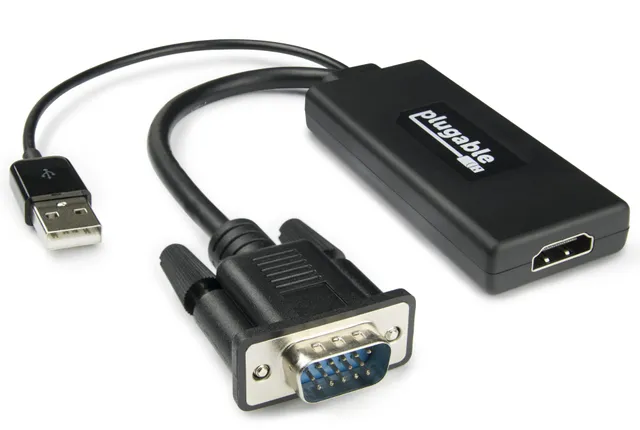
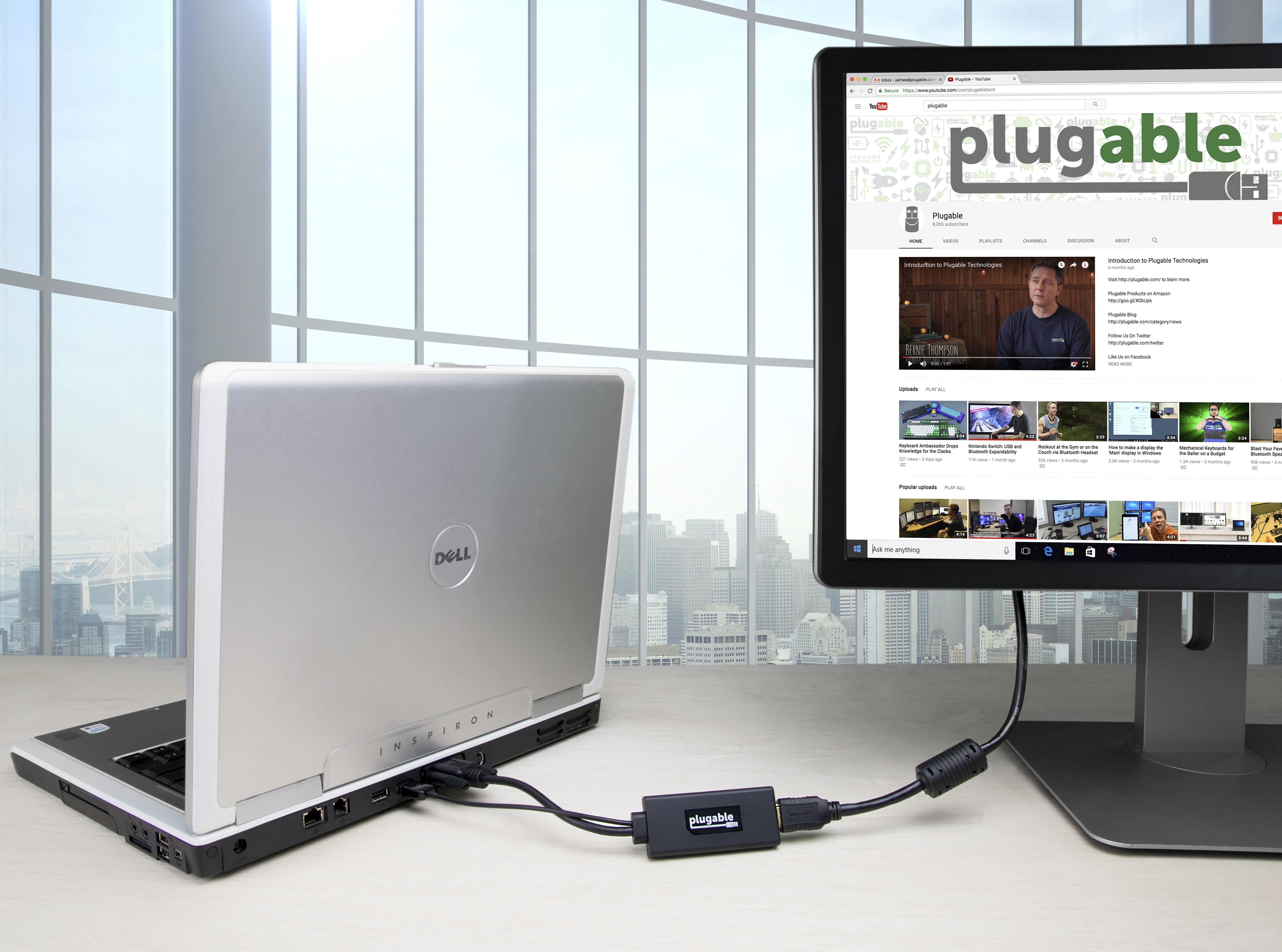
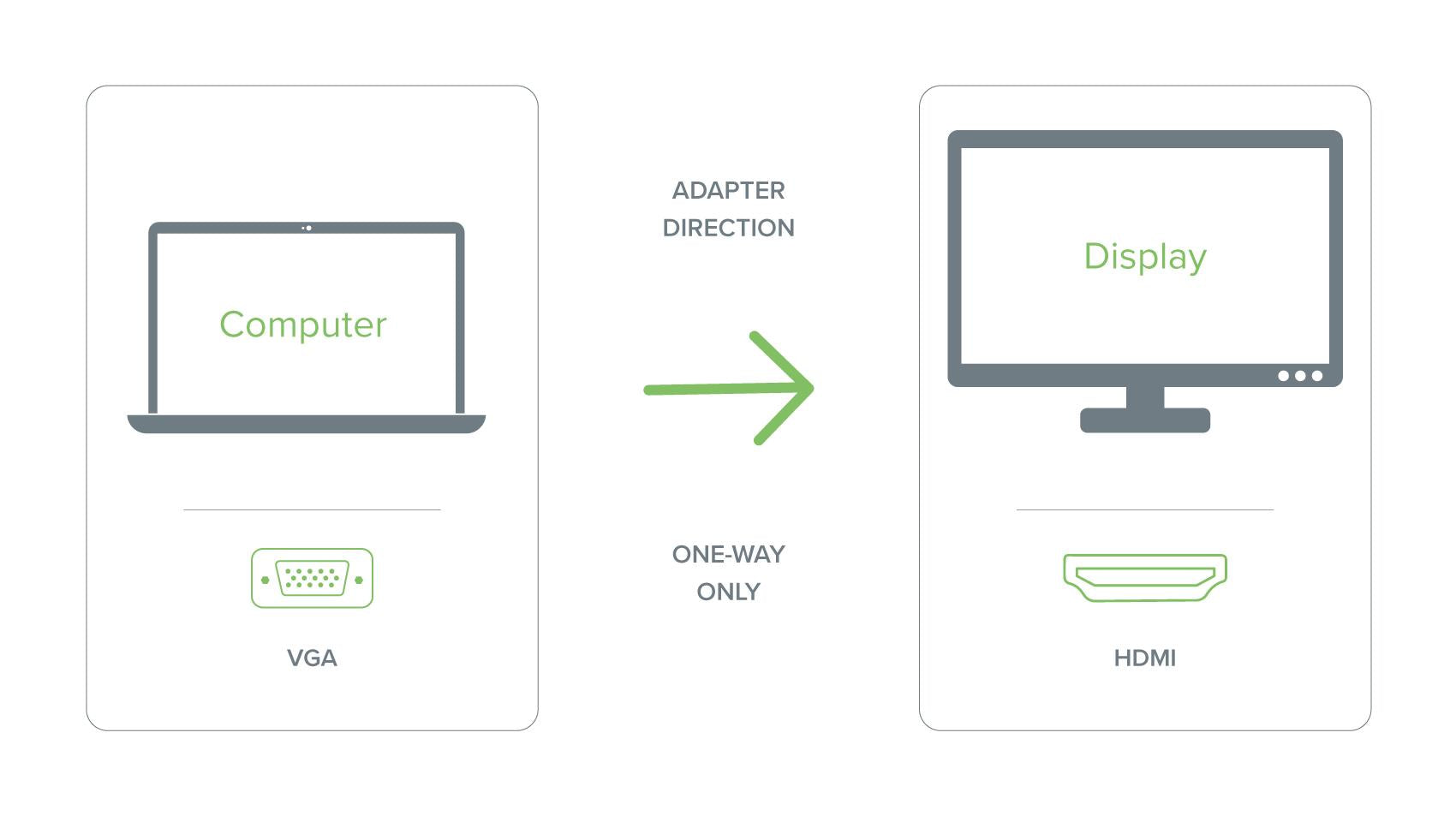
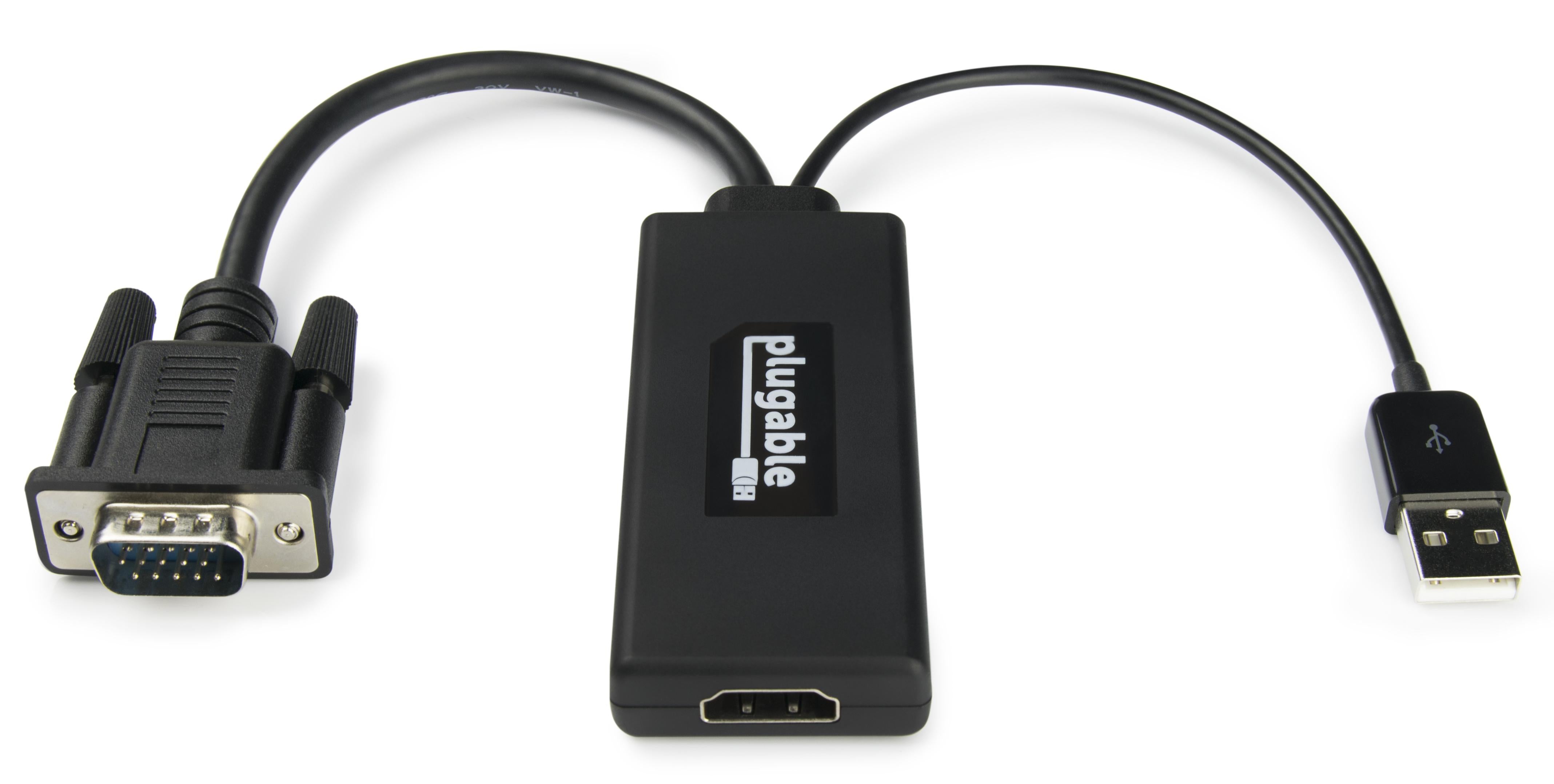
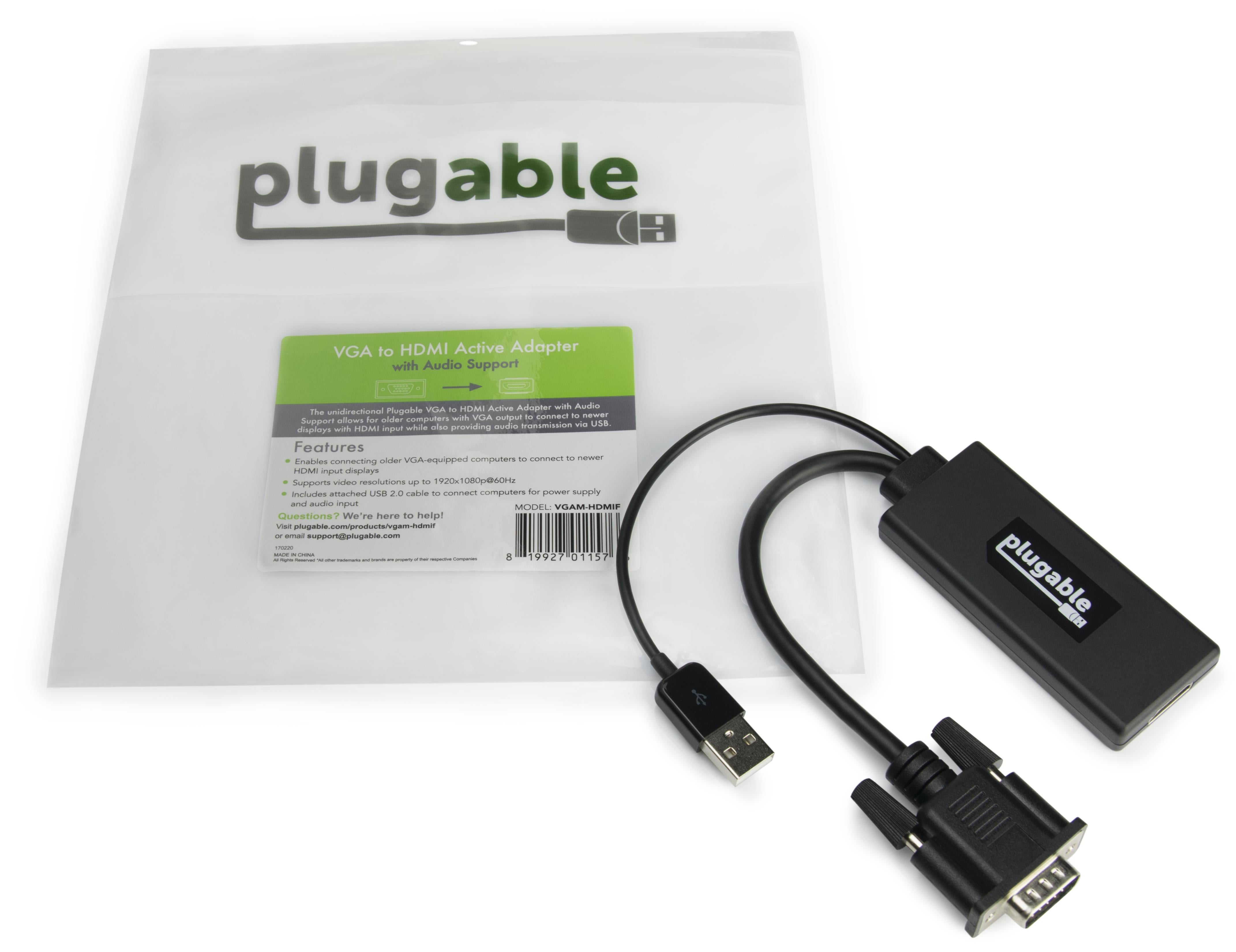
The Plugable VGA to HDMI Active Adapter connects legacy VGA-equipped computers to modern HDMI monitors or TVs, with audio transmission and USB power supply from the included cable.
Categories : Series
SKU : POR-SER-825
The Plugable VGA to HDMI Active Adapter with Audio is the bridge between older computers and modern displays. If your business, school, or home still relies on a VGA-only laptop or desktop, this adapter lets you connect it to an HDMI-equipped monitor or television with ease. It's an active adapter, meaning it includes a chip that converts the VGA signal digitally, delivering a crisp, clear picture at resolutions up to 1080p.
This adapter also transmits audio through its 3.5mm audio cable and draws power from your computer via the attached USB 2.0 cable. It's a simple, self-contained solution that requires no external power supply. Just plug it in, install the drivers if needed (for Windows), and you're ready to present, watch, or work.
Don't retire your old PC just because it lacks an HDMI port. This active VGA to HDMI converter is engineered for reliability and compatibility. It supports a wide range of VGA output resolutions, ensuring your existing hardware works smoothly with new displays.
A common question is: "How do I get audio from the Plugable VGA to HDMI adapter?" Here's how: This adapter includes a 3.5mm audio input cable that you connect to your computer's headphone jack. The adapter then embeds that audio signal into the HDMI output, delivering sound to your monitor or TV's speakers. This is essential for VGA-only devices because VGA doesn't carry audio. Simply plug the 3.5mm cable into your laptop's audio out, and the audio will be sent through the HDMI connection.
If you're experiencing no signal, ensure that your VGA cable is securely connected to the adapter and your computer, and that your computer's display output is set to mirror or extend. For audio, verify that the 3.5mm cable is plugged in securely and that your computer's audio output is set to the correct device.
For most systems, this adapter is truly plug-and-play. On Windows, the built-in drivers automatically detect the adapter and start the conversion. On macOS, you may need to install a small driver but the process is quick. Compatible with Windows, macOS, Linux, and ChromeOS, this adapter is versatile across environments.
The adapter is compatible with any VGA source, including laptops, desktops, and even some older gaming consoles (with VGA output). The package includes the adapter, a USB power cable, and a 3.5mm audio cable. No additional cables are needed beyond your existing VGA and HDMI cables.
Upgrade your older equipment to modern connectivity with the Plugable VGA to HDMI Active Adapter.
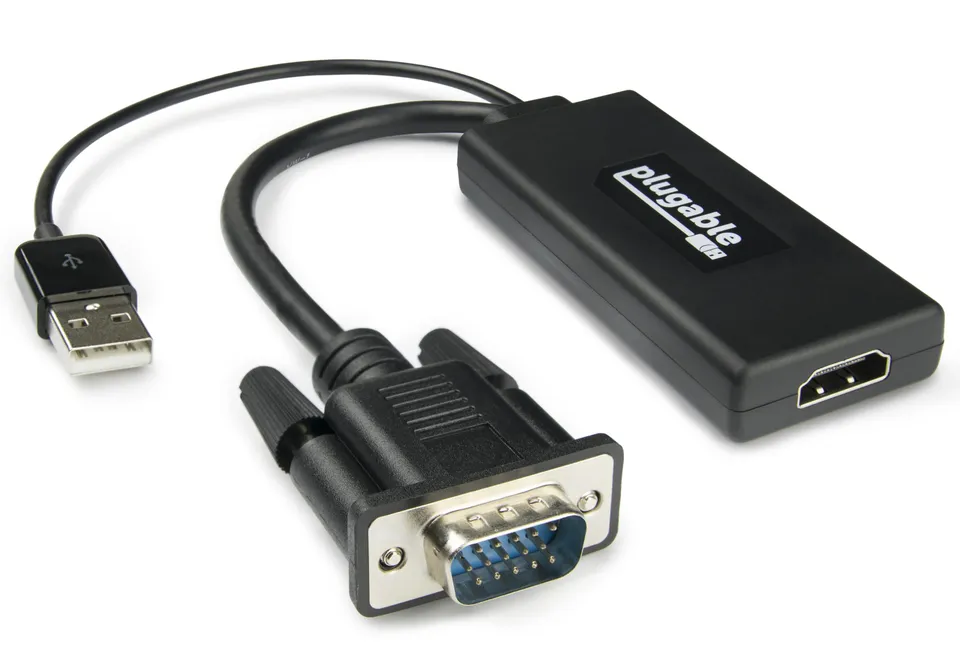
Active conversion up to 1080p delivers clear, detailed video from VGA sources to HDMI displays
Integrated audio transmission via 3.5mm input carries sound to HDMI TVs or monitors
Includes USB power cable for reliable operation without external power source
Model: VGAM-HDMIF
Power: via USB 2.0 (included cable)
Weight: 1.3 oz (37 g)
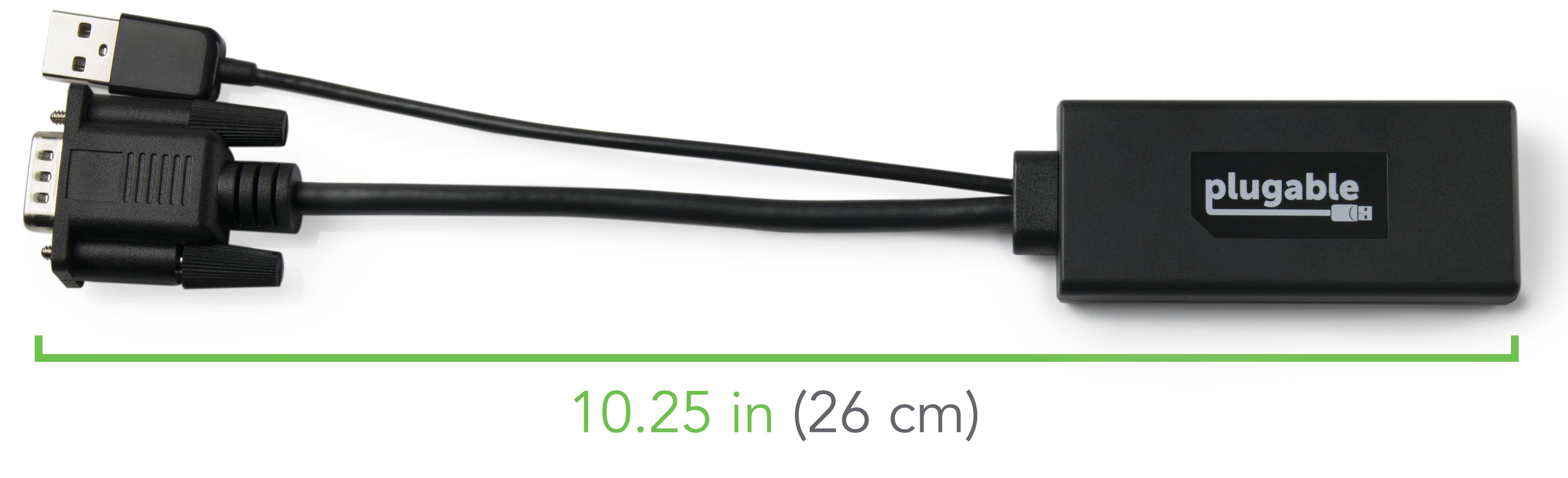
Dimensions: 2.6 x 1.1 x 0.6 in (6.6 x 2.8 x 1.5 cm)
Audio Input: 3.5mm stereo jack
Video Input: VGA (analog)
Product Type: VGA to HDMI Active Adapter
Video Output: HDMI (digital)
Compatibility: Windows, macOS, Linux, ChromeOS
Max Resolution: 1080p (1920x1080)
Seller: PortSide Gear
MPN: VGAM-HDMIF
Whether you're in a lecture hall or a boardroom, the Plugable VGA to HDMI Adapter eliminates the need to invest in new hardware. Its robust construction and reliable performance make it a staple for IT managers and home users alike. With audio support and universal compatibility, you can confidently bridge the gap between legacy and modern displays. Backed by Plugable's 2-year warranty, it's a risk-free investment.
Connect the included 3.5mm audio cable from your computer's headphone jack to the adapter's audio input. The adapter then embeds the audio into the HDMI signal, so your TV or monitor plays the sound.
Check all connections: VGA and HDMI cables must be fully inserted. Ensure your computer is set to output to the external display (Windows key + P or System Preferences on Mac). Also, confirm the VGA output is active on your laptop by pressing the appropriate function key (e.g., F4 or F7).
Yes, simply connect the VGA cable from your laptop to the adapter, then connect an HDMI cable from the adapter to your TV. For audio, connect the 3.5mm cable from your laptop's headphone jack to the adapter.
Yes, it supports audio transmission through the included 3.5mm cable. The adapter converts the analog audio into the digital HDMI audio stream, so your display can output sound.
No, the adapter draws its power from the included USB 2.0 cable, which you connect to any USB port on your computer or a USB charger. This makes it truly portable.
I used this to connect an old PC with VGA to a modern HDMI monitor. It worked, and the audio passthrough is a nice bonus. I had to use the included USB cable for power, but that's expected. Picture quality is good.
Plugged it in and it worked immediately. No drivers needed. I connected my old laptop to a new TV and both video and audio came through. Great for extending the life of older equipment.
The video conversion is fine, but the audio output is only mono, which is surprising. I didn't expect stereo to be an issue, but for that, it might not be perfect for watching movies. Still, it does what it says on the tin.
Orders over $45.00 ship free. Otherwise, shipping is $8.00.
Hassle-free returns
SSL encrypted checkout
100% genuine products
Docking stations and hubs from Razer, Corsair, Plugable & STM Goods — compare and connect with free shipping over $45.
Phone: +1 (206) 555-0148
Email: support@portsidegear.us
Address: 2815 Alaskan Way, Suite 300, Seattle, WA 98121, United States