$20.00
We will hold your cart for 15:00.
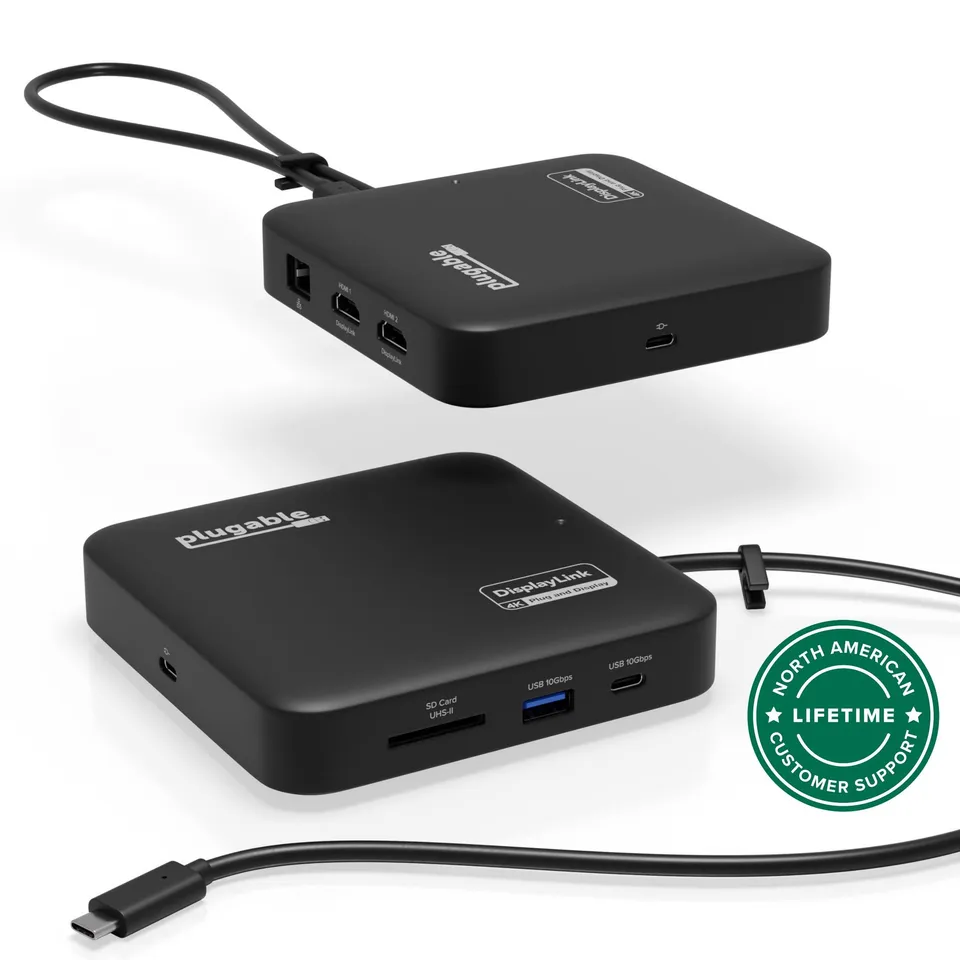
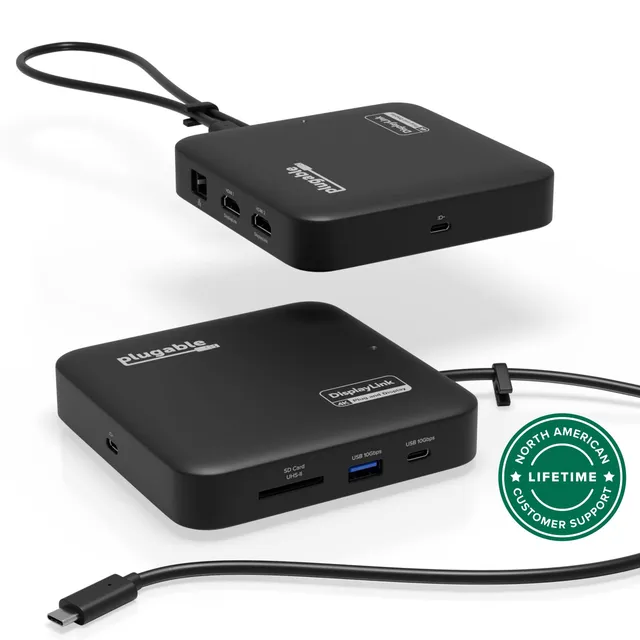
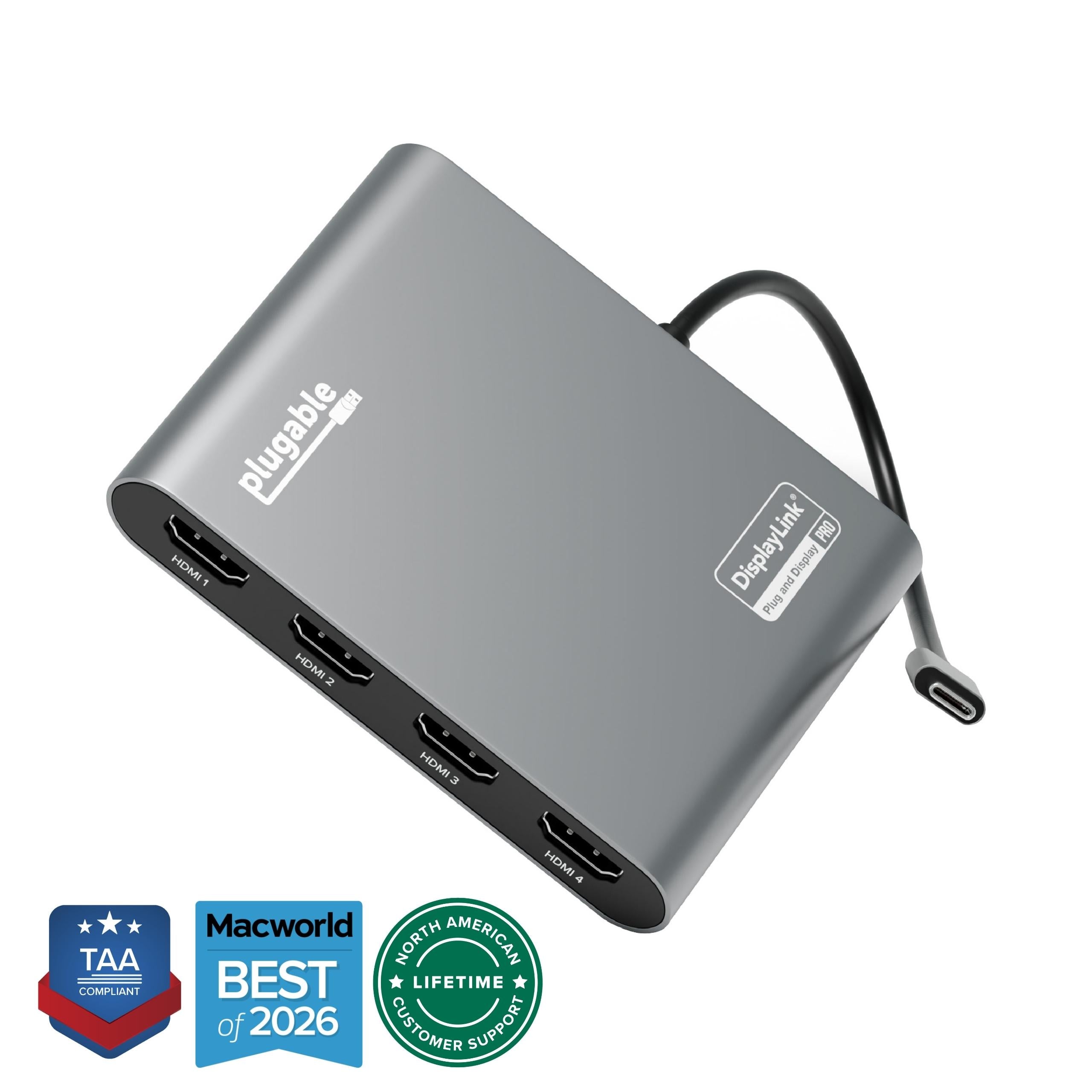
The Plugable USBC-6950PDZ is a compact USB-C docking station that adds dual HDMI displays, Gigabit Ethernet, USB ports, SD card slot, and up to 82W pass-through charging to your laptop.
Categories : Series
SKU : POR-SER-840
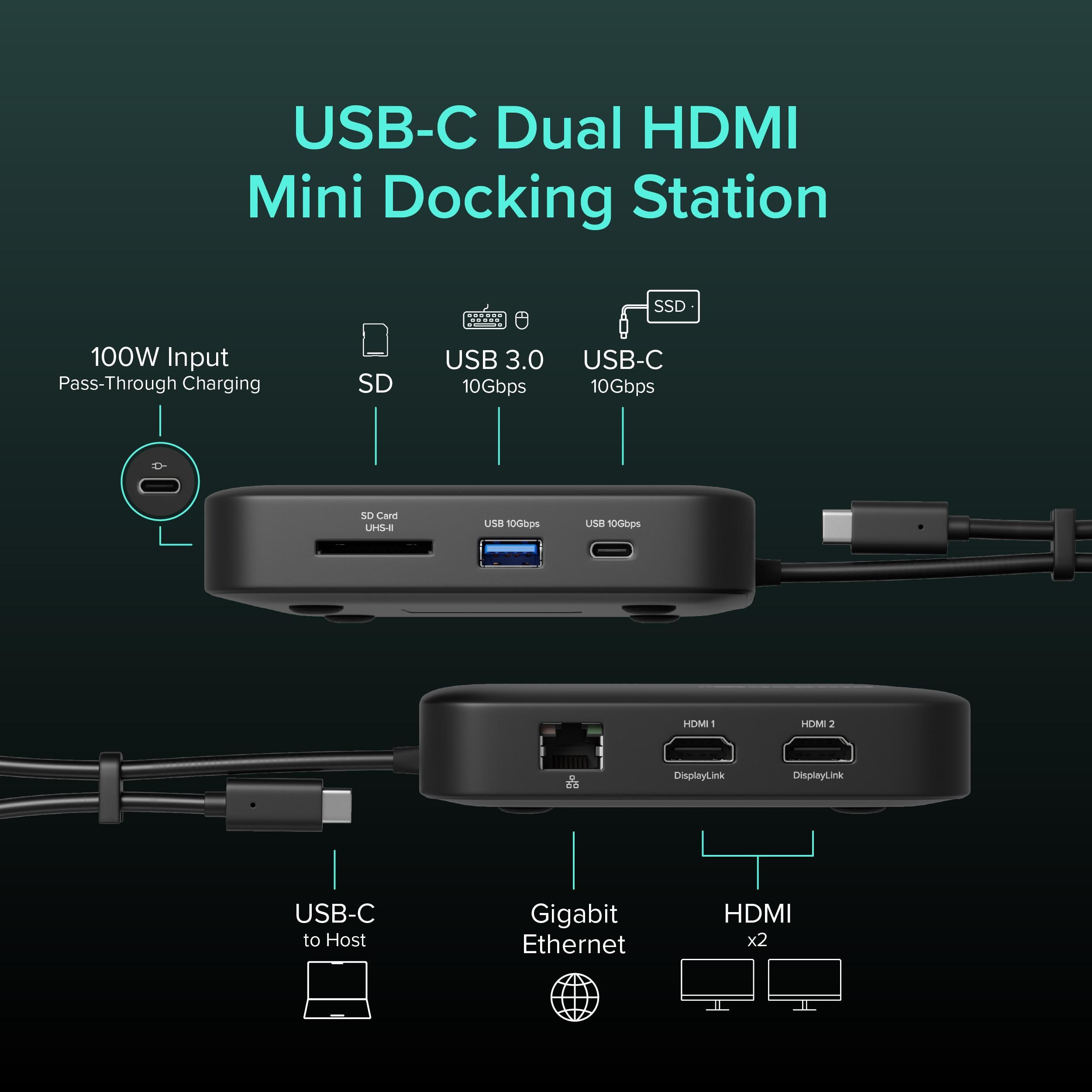
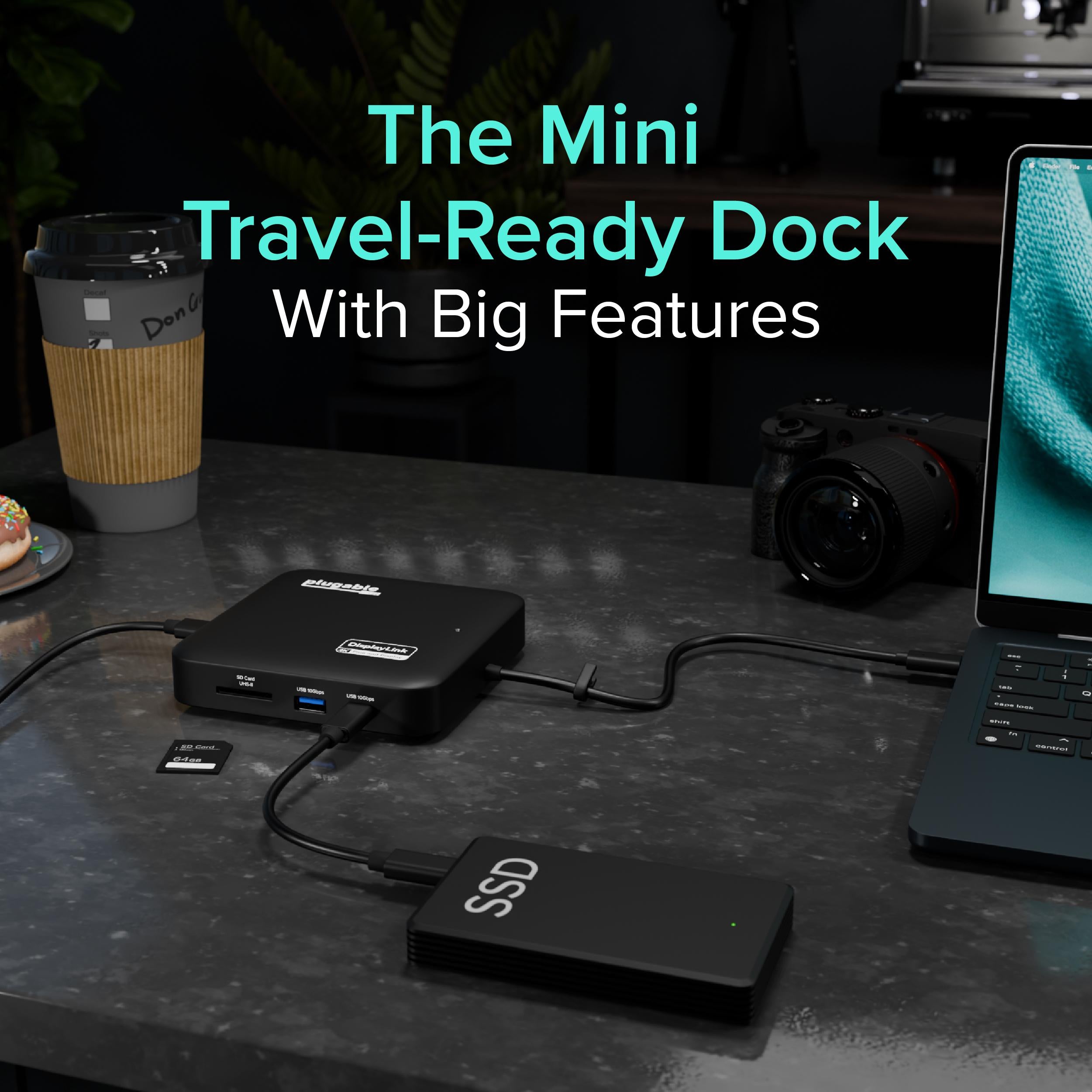
The Plugable USBC-6950PDZ is a powerful USB-C docking station that packs desktop-class connectivity into a travel-friendly size. With dual HDMI ports, you can drive up to two external monitors (up to 4K at 30Hz when using both, or 4K 60Hz on a single display), making it perfect for productivity-intensive tasks like data analysis, coding, or video conferencing. Additionally, it offers Gigabit Ethernet for a stable wired network connection, three USB-A ports, a USB-C port, and an SD card slot—all while delivering up to 82W of pass-through charging to your laptop.
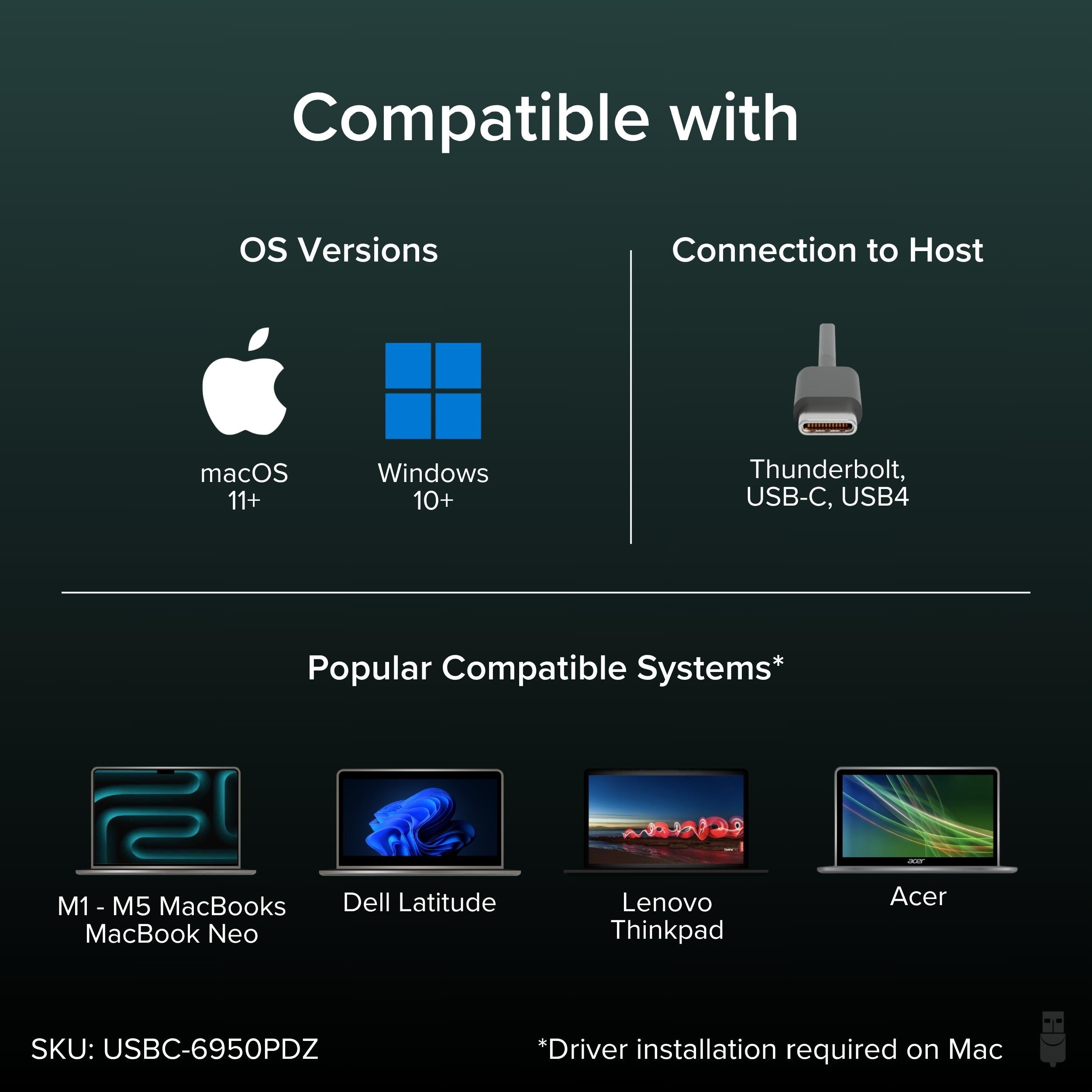
Despite its compact form, this dock provides the functionality of a full-size desktop dock. Whether you're at home, in the office, or on the go, the USBC-6950PDZ keeps your setup clean and organized. Its plug-and-play nature with supported systems (Windows, macOS, ChromeOS) means you can get to work quickly.
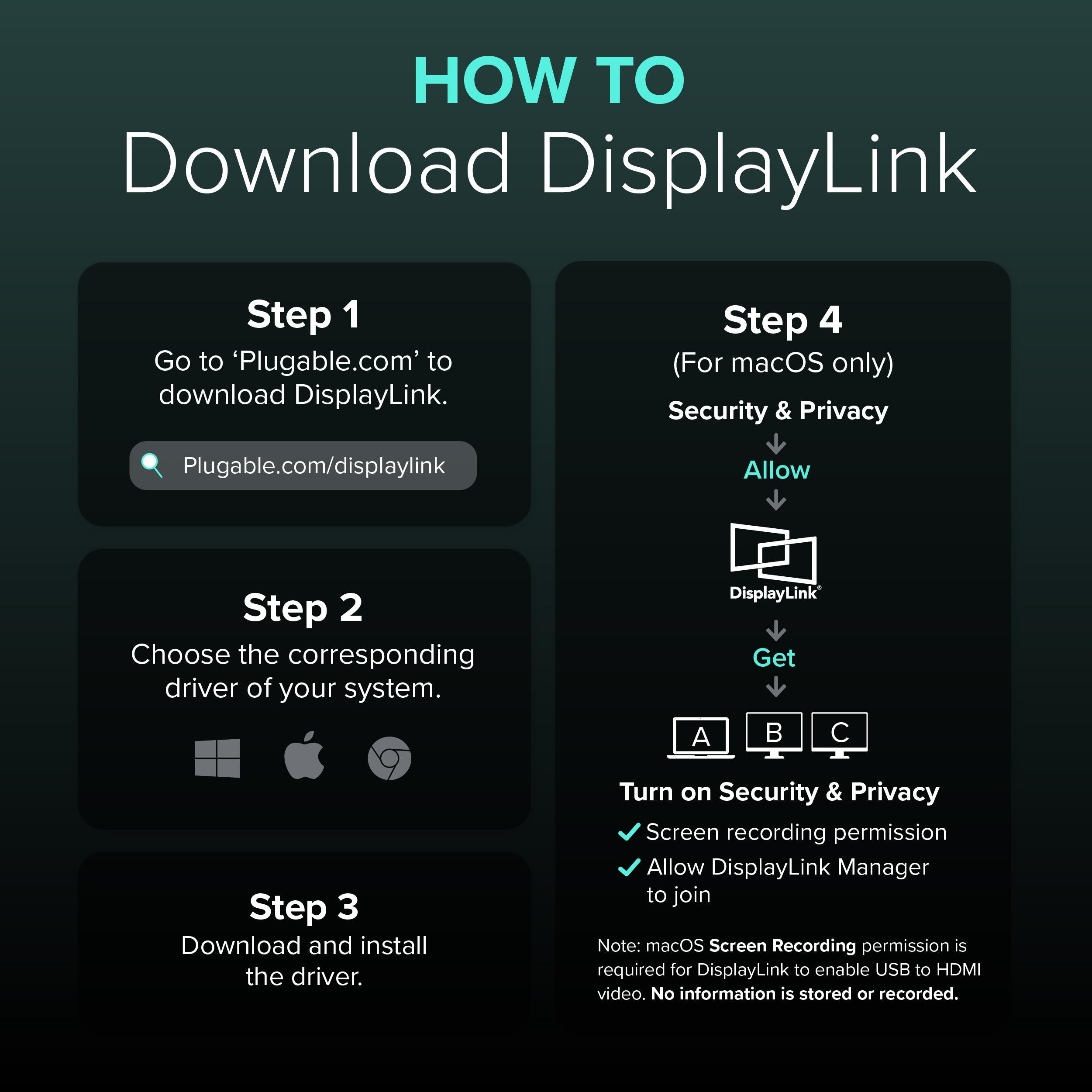
For optimal performance with macOS, installation of the DisplayLink driver is required. Some features may vary based on your operating system and hardware. If you encounter issues with a second monitor on Mac, ensure the driver is up to date and that your Mac supports multiple displays over USB-C.
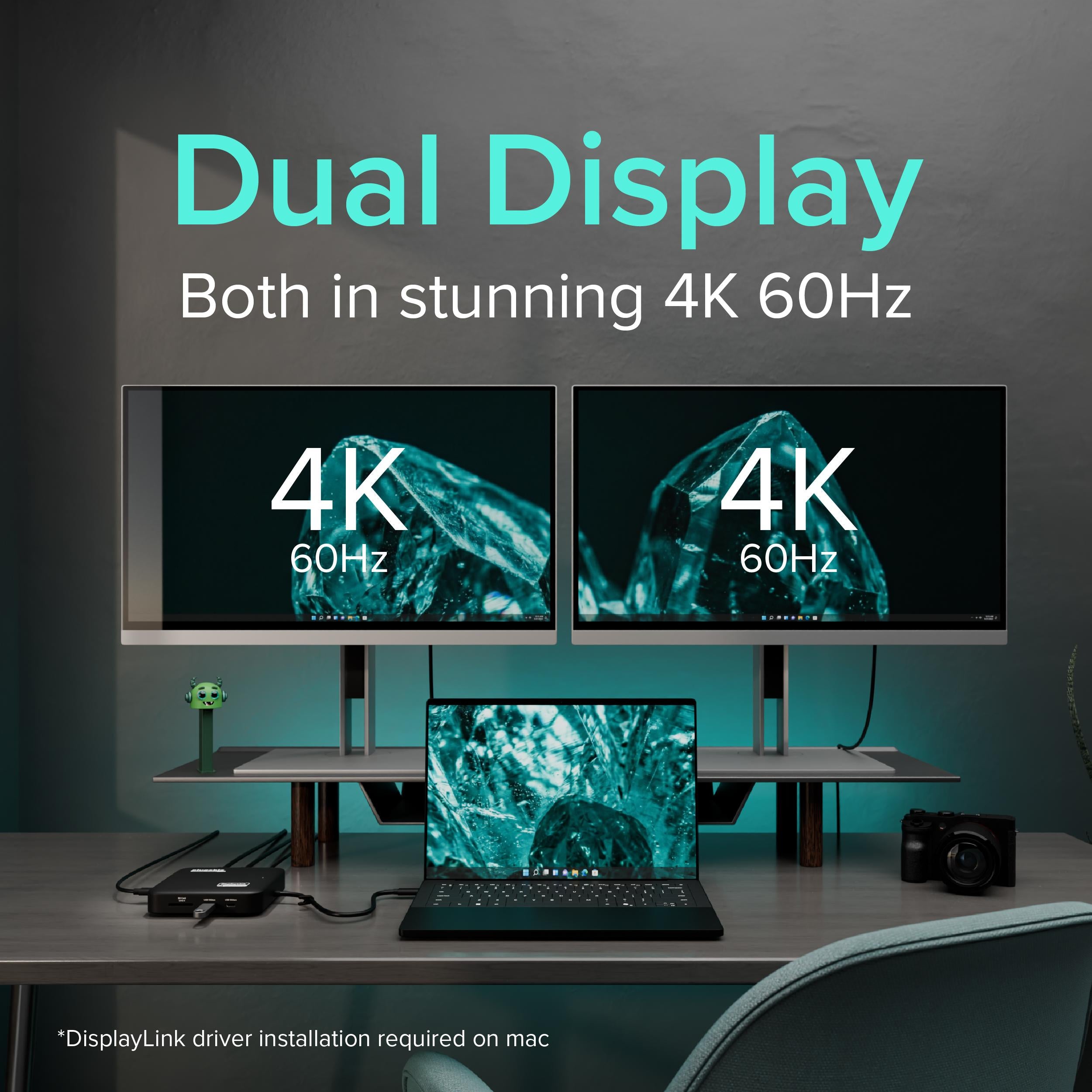
Dual HDMI ports let you connect two external monitors (up to 4K) for a vast workspace, ideal for multitasking.
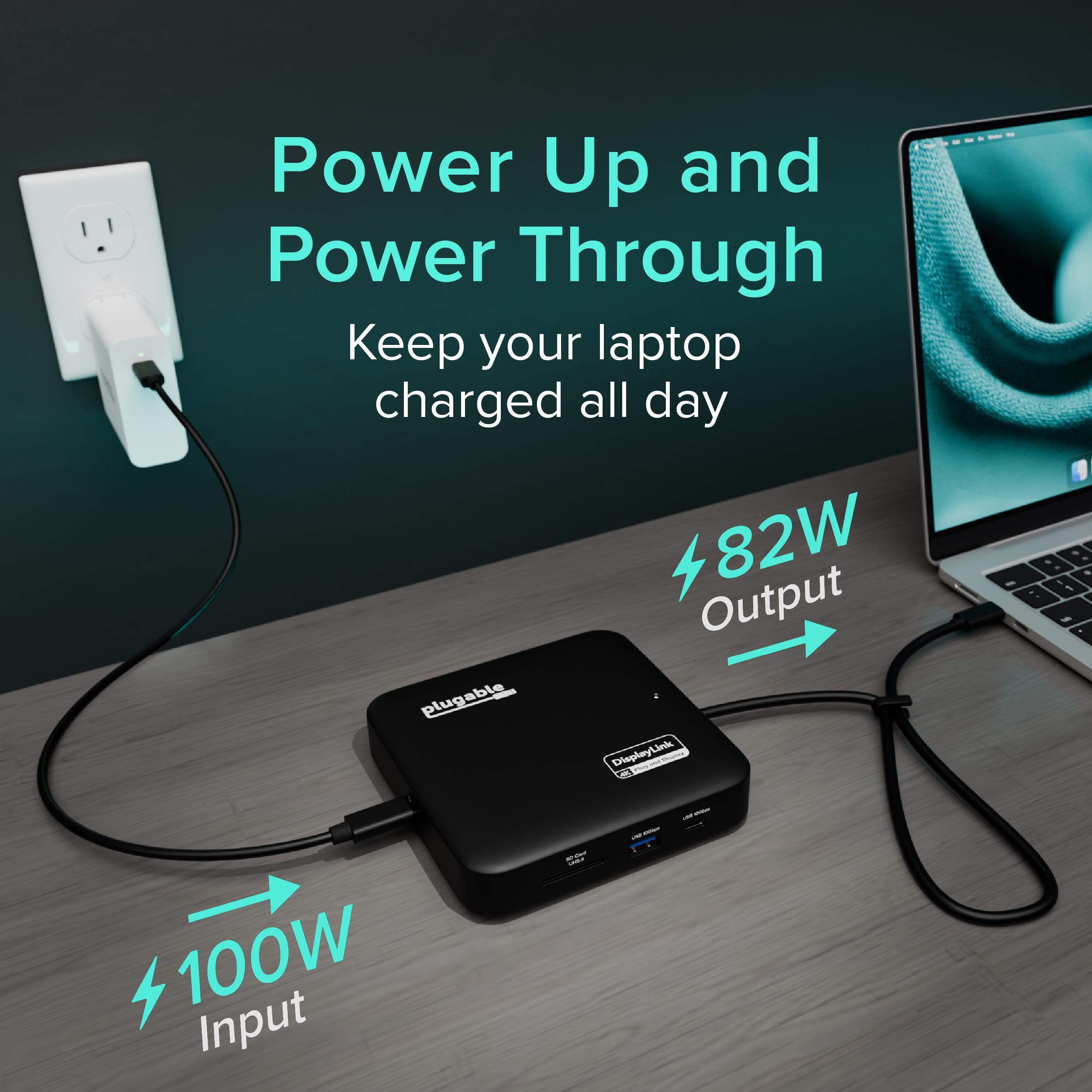
Supplies up to 82W of pass-through charging to your laptop, keeping it powered even during heavy workloads.
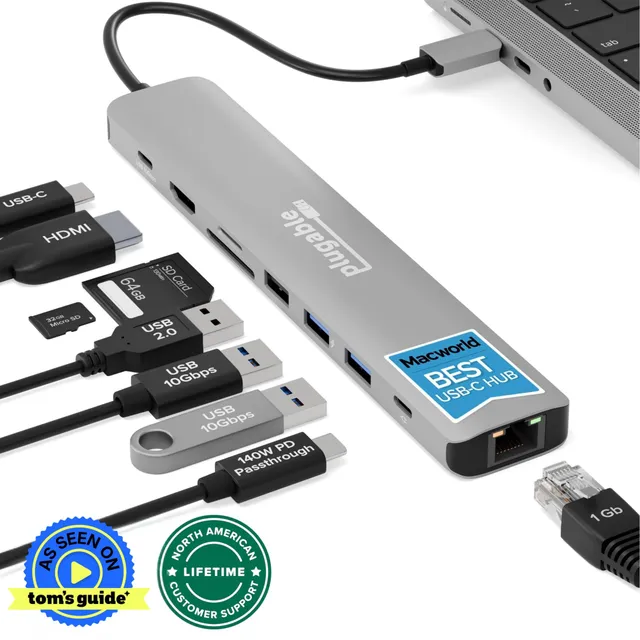
Includes Gigabit Ethernet, three USB-A, USB-C, and SD slot to cover all your connectivity needs in one compact dock.
Model: USBC-6950PDZ
Ethernet: Gigabit
USB Ports: 3x USB-A 3.0, 1x USB-C (data only)
Card Reader: SD
Product Type: USB-C Docking Station
Video Output: 2x HDMI
Power Delivery: Up to 82W
Host Connection: USB-C (requires DisplayLink driver for macOS)
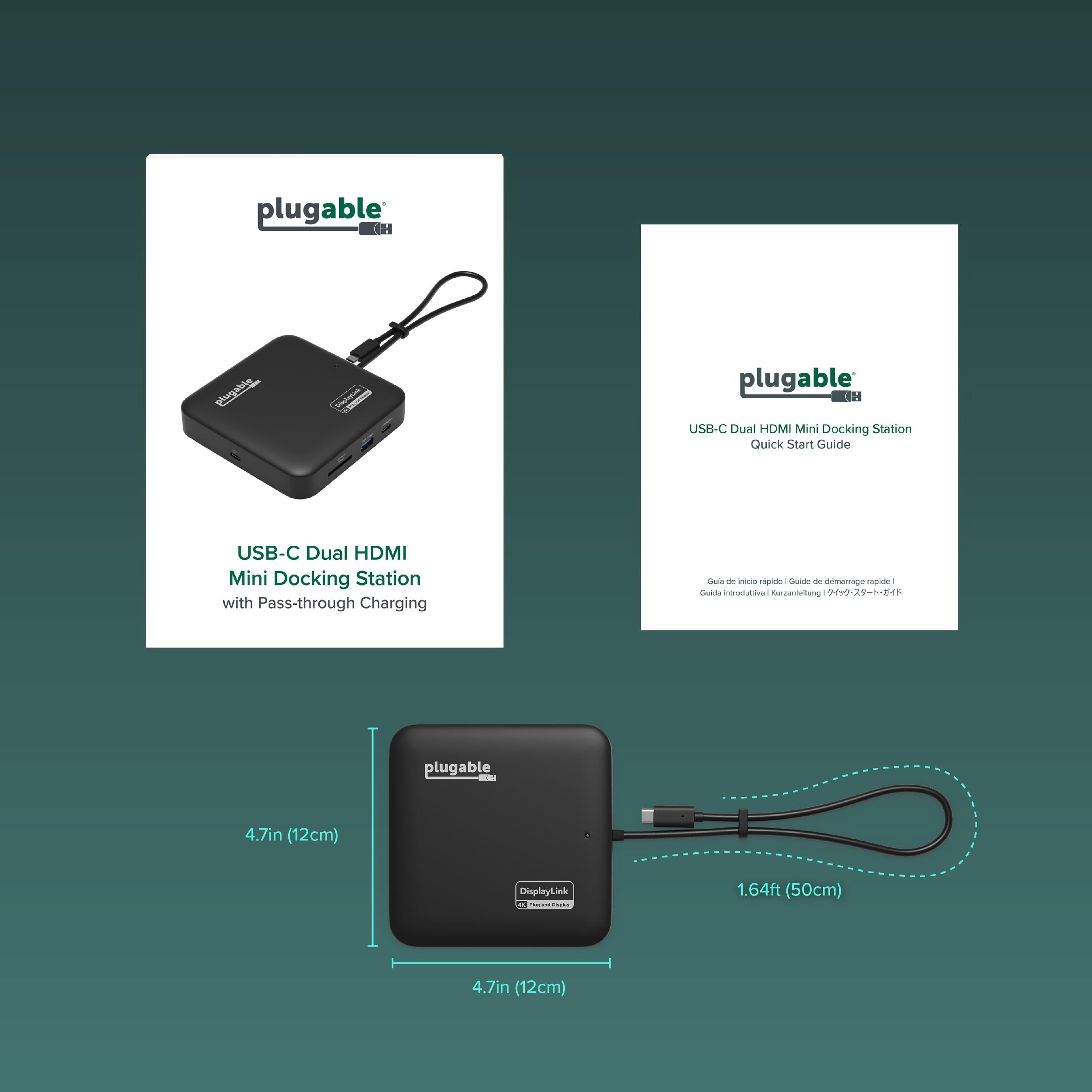
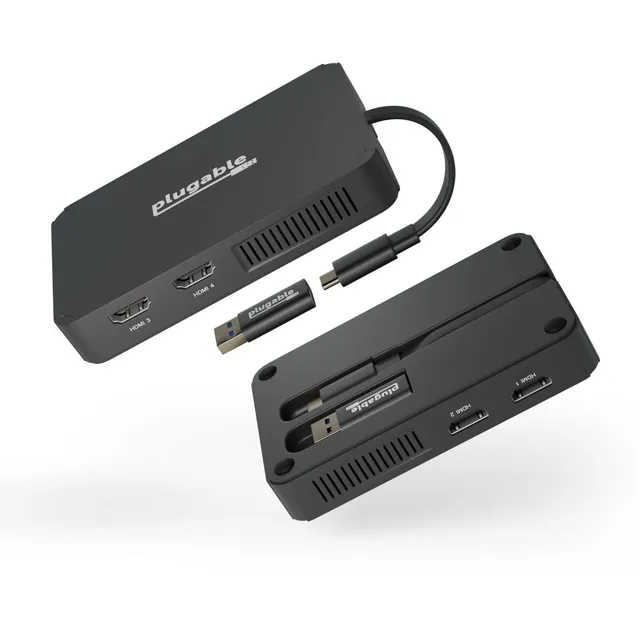
Package Contents: Docking station, power adapter, USB-C cable, user manual
Compatible Systems: Windows, macOS, ChromeOS
Maximum Resolution: 4K@60Hz (single display), 4K@30Hz (dual display)
Seller: PortSide Gear
MPN: USBC-6950PDZ
The USBC-6950PDZ is designed to adapt to your work environment. Whether you're setting up a permanent desk or a temporary home office, this dock provides the ports you need to stay productive. Its small footprint doesn't compromise on power—dual monitor output, fast Ethernet, and high-speed data transfer put a full desktop experience in the palm of your hand. With Plugable's commitment to compatibility and customer support, you can trust this dock to keep you connected.
On macOS, the USBC-6950PDZ uses DisplayLink technology, which requires the DisplayLink driver to be installed and the 'Screen Recording' permission granted in System Preferences. Ensure the driver is updated and your Mac supports multiple displays. If the issue persists, check the resolution and refresh rate settings.
Download the latest DisplayLink Manager from the DisplayLink website or Plugable's support page. Install it on your Mac, then log out and log back in, and grant necessary permissions in System Preferences > Security & Privacy > Privacy > Screen Recording.
Yes, the USBC-6950PDZ includes a power adapter that provides up to 82W of charging to your laptop via the USB-C host port. Ensure your laptop supports USB-C power delivery.
Yes, the dock works with ChromeOS 100 or later. For dual displays, you may need to install the DisplayLink driver from the Chrome Web Store.
When using both HDMI ports, the maximum resolution is 4K@30Hz per monitor. For a single monitor, you can achieve 4K@60Hz if your host supports it.
I use this with my Dell XPS 15. It drives two 4K monitors at 60Hz, which is perfect for my multitasking. The design is compact, and it has all the ports I need: USB-A, USB-C, Ethernet, SD card slot, and audio. The 100W pass-through charging keeps my laptop fully powered. I've had no issues since I got it.
The docking station works well overall. Setup was easy, and it detected all my monitors. The only thing is that the Ethernet port sometimes doesn't connect on wake from sleep, but a re-plug fixes it. Also, the positioning of the power button is a bit awkward. Otherwise, it's a solid dock.
This dock exceeded my expectations. I thought it would be bulkier, but it's actually quite slim and doesn't take up much desk space. The dual HDMI outputs work flawlessly with my two 27-inch 4K monitors. The 100W charging is a bonus – I can charge my MacBook Pro 16 quickly. Highly recommended.
The dock does its job – I have one monitor connected via HDMI and a few USB devices. However, it gets pretty hot to the touch, especially when charging at high wattage. I'm a bit concerned about long-term reliability. Not a deal-breaker, but something to be aware of.
I bought this to replace a more expensive dock that stopped working. This one does everything I need: dual monitors, Ethernet, and charging. The video output is stable, and the dock doesn't disconnect randomly. The only downside is that the SD card slot is a bit slow, but that's minor.
I've gone through several USB-C docks, and this one is the most reliable. It handles 4K60 without flickering, and the Ethernet connection is solid (I've had Video meetings with no drops). The passthrough charging is also great – my laptop charges at full speed. Very happy with this purchase.
This dock is smaller than I expected, which is great for my cluttered desk. It has plenty of ports, and everything works smoothly. I'm using it with a Surface Laptop 4, and it outputs to two monitors fine. The only issue is the cable is a bit short, but it's okay.
Sometimes when I plug in the dock, my monitor doesn't wake up, and I have to unplug and reconnect. It happens maybe once every few days. It's annoying, but other than that, the dock works well. I'm not super happy about the inconsistency.
I was worried about compatibility with Apple Silicon, but this dock works perfectly with my MacBook Pro M1 Pro. It drives my two 4K monitors at 60Hz, and the charging is fast. The build quality is excellent – it feels premium. I'd definitely recommend it to others.
The dock performs well, but the power button on the front is easy to press accidentally, which turns off the dock and disconnects everything. I wish it was on the back or recessed. Other than that, it's a great dock with good features.
Orders over $45.00 ship free. Otherwise, shipping is $8.00.
Hassle-free returns
SSL encrypted checkout
100% genuine products
Docking stations and hubs from Razer, Corsair, Plugable & STM Goods — compare and connect with free shipping over $45.
Phone: +1 (206) 555-0148
Email: support@portsidegear.us
Address: 2815 Alaskan Way, Suite 300, Seattle, WA 98121, United States