$20.00
We will hold your cart for 15:00.
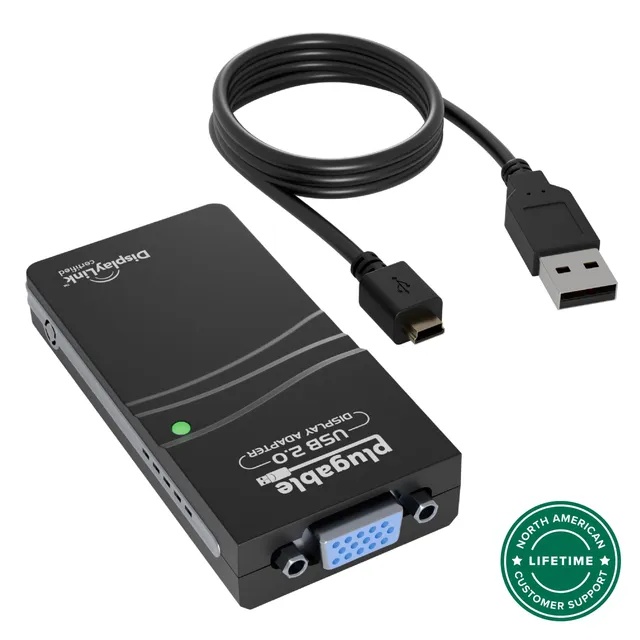
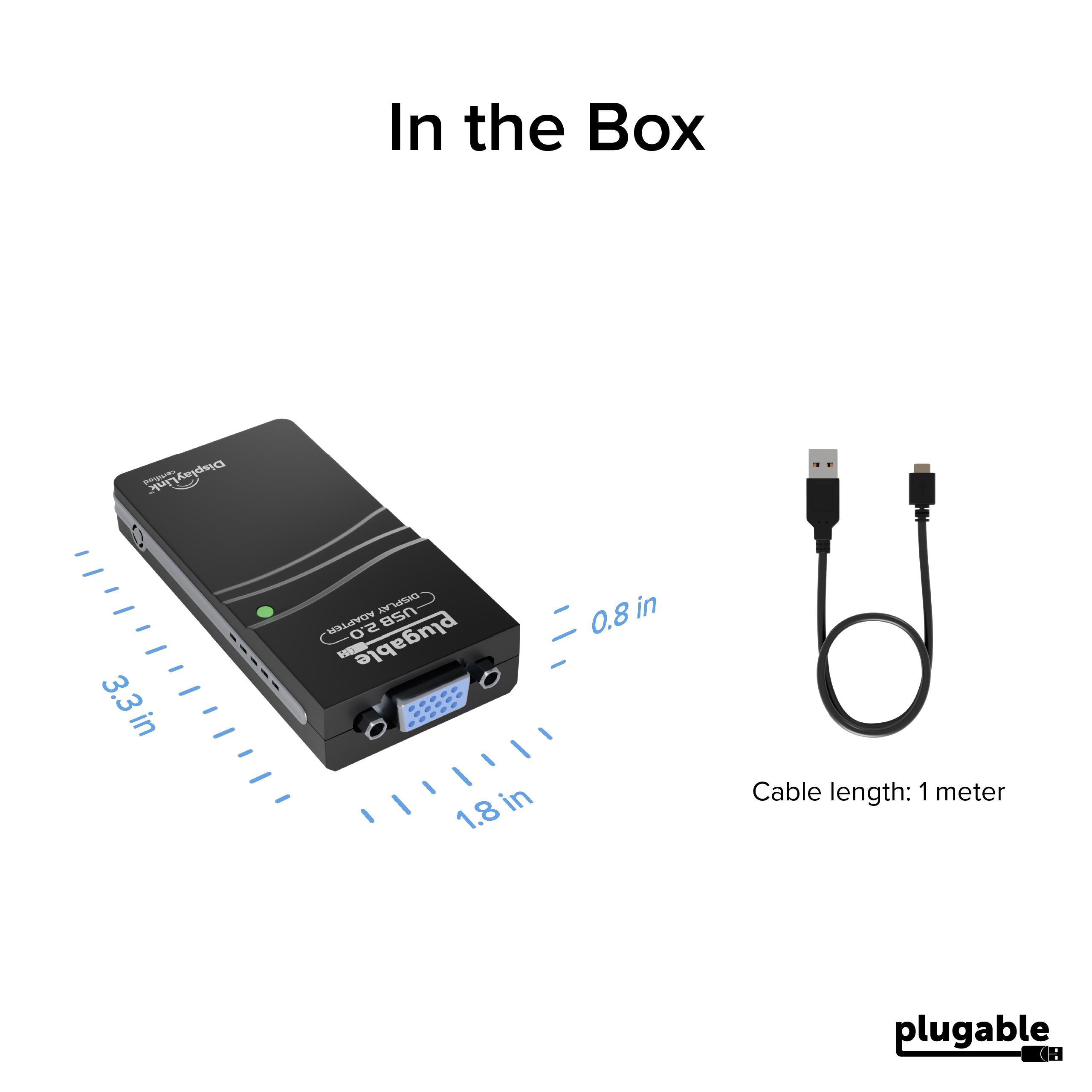
This Plugable USB to VGA adapter adds a VGA display via USB 2.0, using DisplayLink technology for resolutions up to 1080p—perfect for extending your workspace.
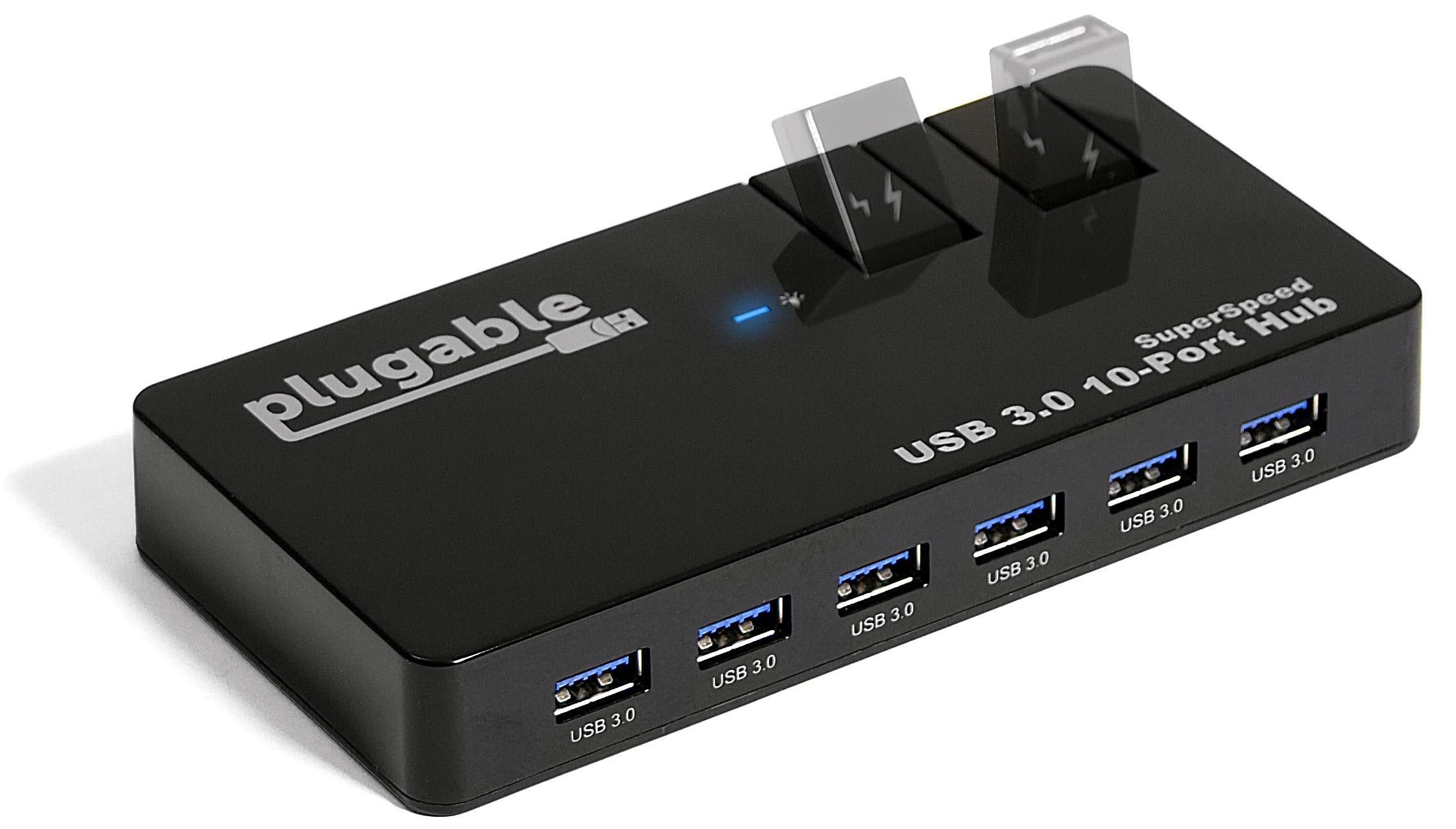
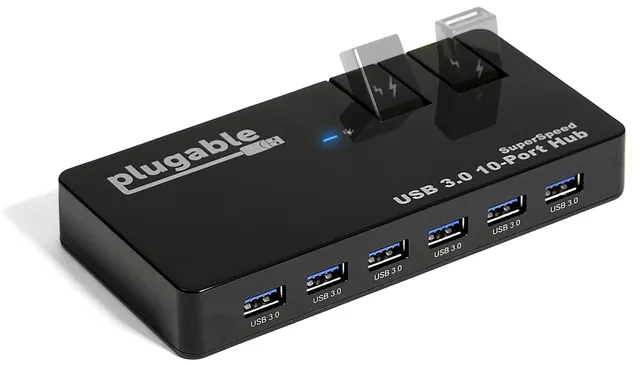
Pair withPlugable USB 3.0 10-Port Hub with 50W Power Adapter$36.00
Categories : Series
SKU : POR-SER-740
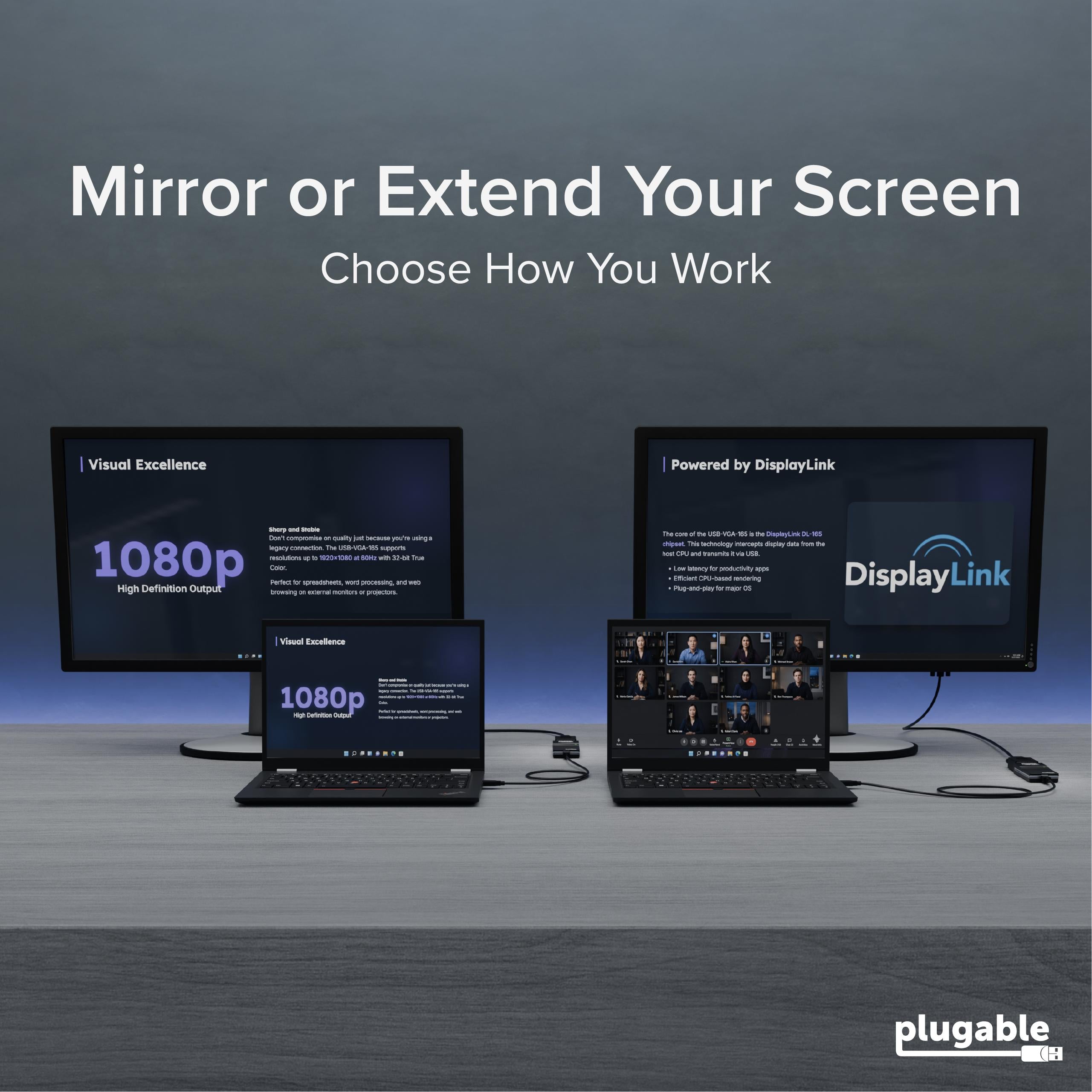
The Plugable USB 2.0 VGA Adapter (model USB-VGA-165) is a reliable, easy-to-use solution for connecting a VGA monitor, projector, or TV to your USB-enabled laptop or desktop. Powered by the DisplayLink DL-165 chipset, this adapter supports resolutions up to 1920×1080 @ 60Hz, making it ideal for extending or mirroring your display to boost productivity and create a more flexible workspace.
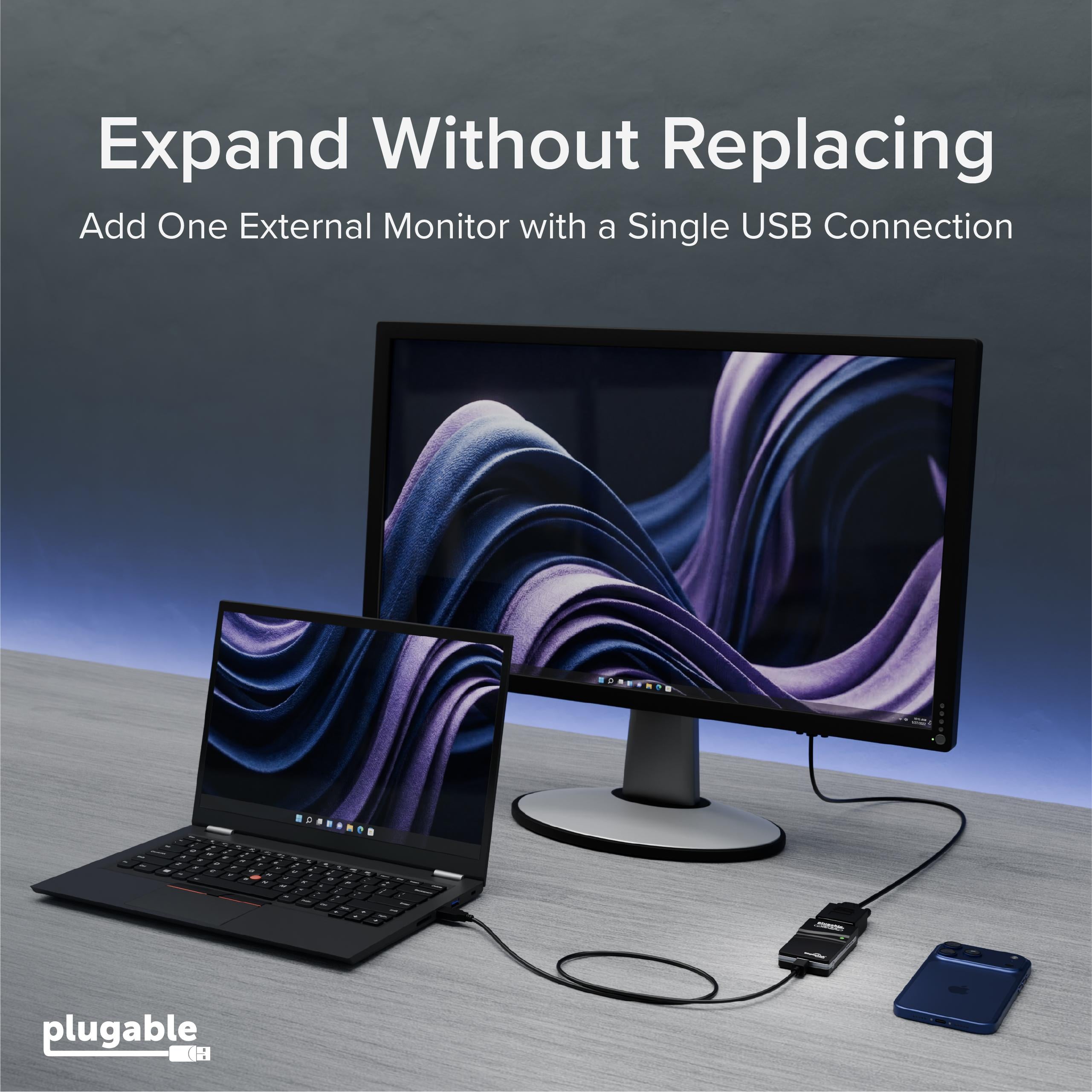
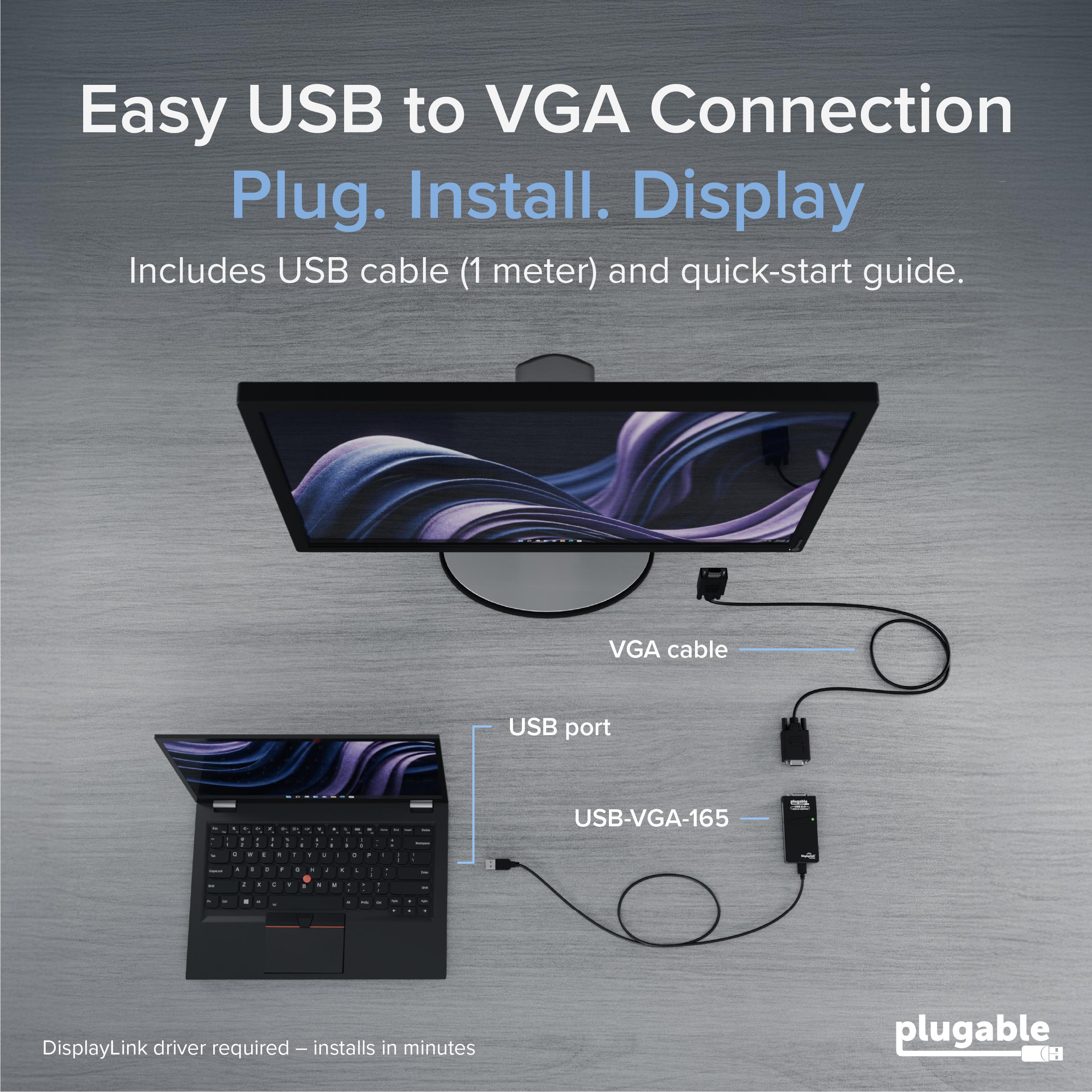
With this Plugable USB-VGA-165 adapter, you can add an additional VGA display to your setup in seconds—no need to open your laptop or install internal graphics cards. It's perfect for working with spreadsheets, documents, or web browsing on a larger screen, and for presentations when you need to mirror your laptop to a projector. The adapter plugs into any USB 2.0 port (or higher) on your computer, and the included DisplayLink drivers handle the rest.
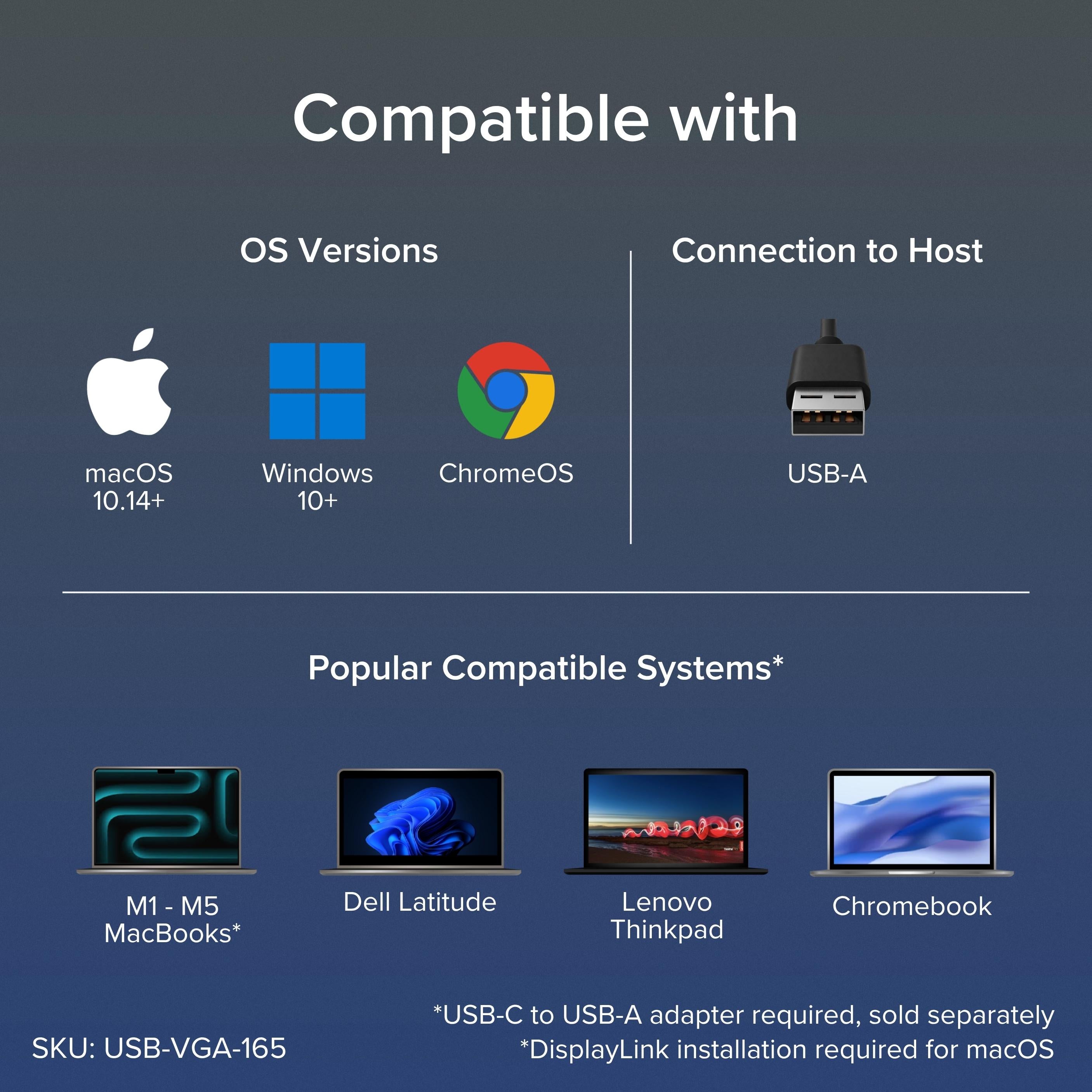
This USB to VGA adapter works with Windows, macOS (10.14 Mojave or later), and ChromeOS. Note that macOS support requires DisplayLink drivers, and you'll need to grant screen recording permission for the driver to work. On ChromeOS, check compatibility with ChromeOS 100 or later. The adapter is a great fit for IT professionals, remote workers, and anyone who needs a reliable second display without carrying a heavy dock.
Because it uses USB 2.0 bandwidth, performance is best for productivity tasks rather than high-motion video or gaming. For web browsing, office apps, and streaming presentations, it delivers smooth, crisp visuals at 1080p. If you need higher resolutions or 60Hz at 1440p, consider a USB 3.0 adapter like the Plugable UGA-2KHDMI.
Whether you're extending your desktop across two screens or mirroring for a client meeting, this Plugable VGA adapter gives you the flexibility to work the way you like. Its compact design makes it a portable companion for your laptop bag.
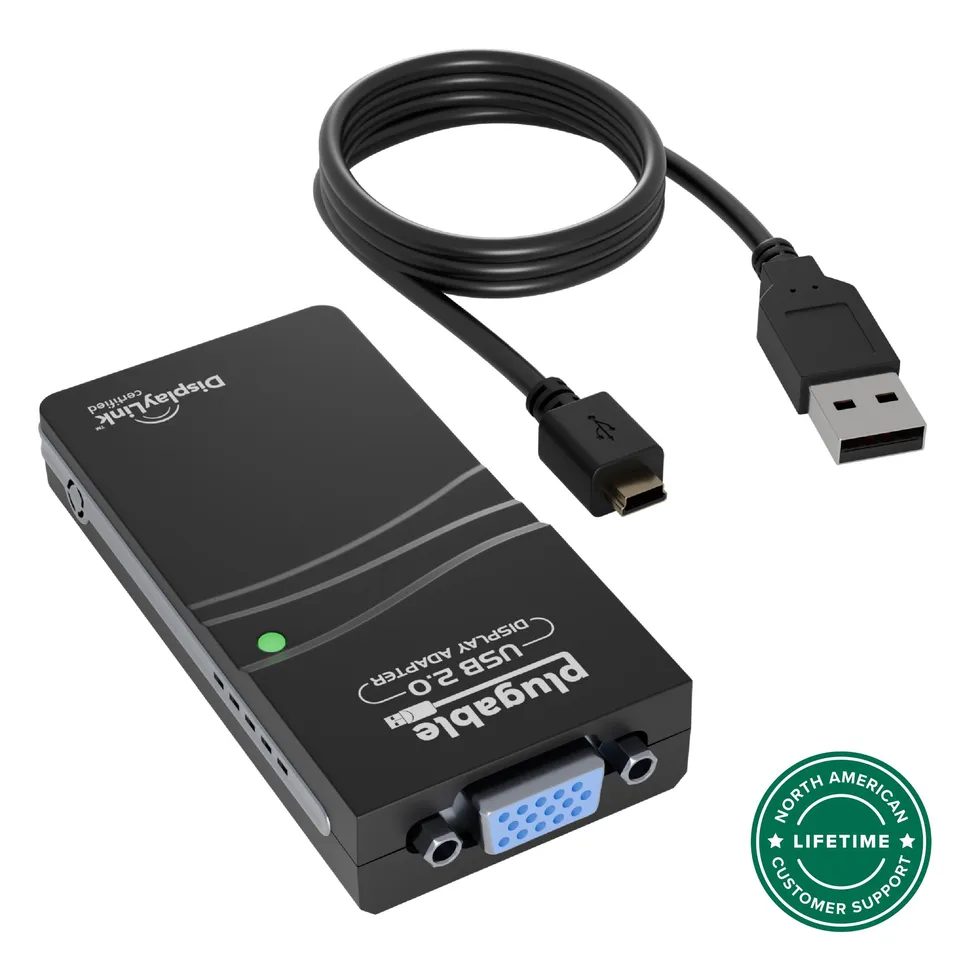
Extend or mirror displays: Add a second VGA monitor via USB 2.0 for extra screen space.
1080p Full HD support: Enjoy clear text and images at 1920×1080 @ 60Hz.
Cross-platform compatibility: Works with Windows, macOS 10.14+, and ChromeOS with DisplayLink drivers.
Model: USB-VGA-165
Chipset: DisplayLink DL-165
Product Type: USB 2.0 to VGA Adapter
Video Output: VGA (DB-15)
Compatibility: Windows 11/10/8.1/7, macOS 10.14+, ChromeOS 100+
Host Interface: USB 2.0 Type-A
Driver Required: Yes (DisplayLink)
Maximum Resolution: 1920×1080 @ 60Hz
Seller: PortSide Gear
MPN: USB-VGA-165
Imagine having your email open on one screen and your spreadsheet on another. This Plugable VGA adapter makes dual-monitor setups simple, even for laptops with just a VGA output. It's a cost-effective way to upgrade your desk setup without replacing your monitor.
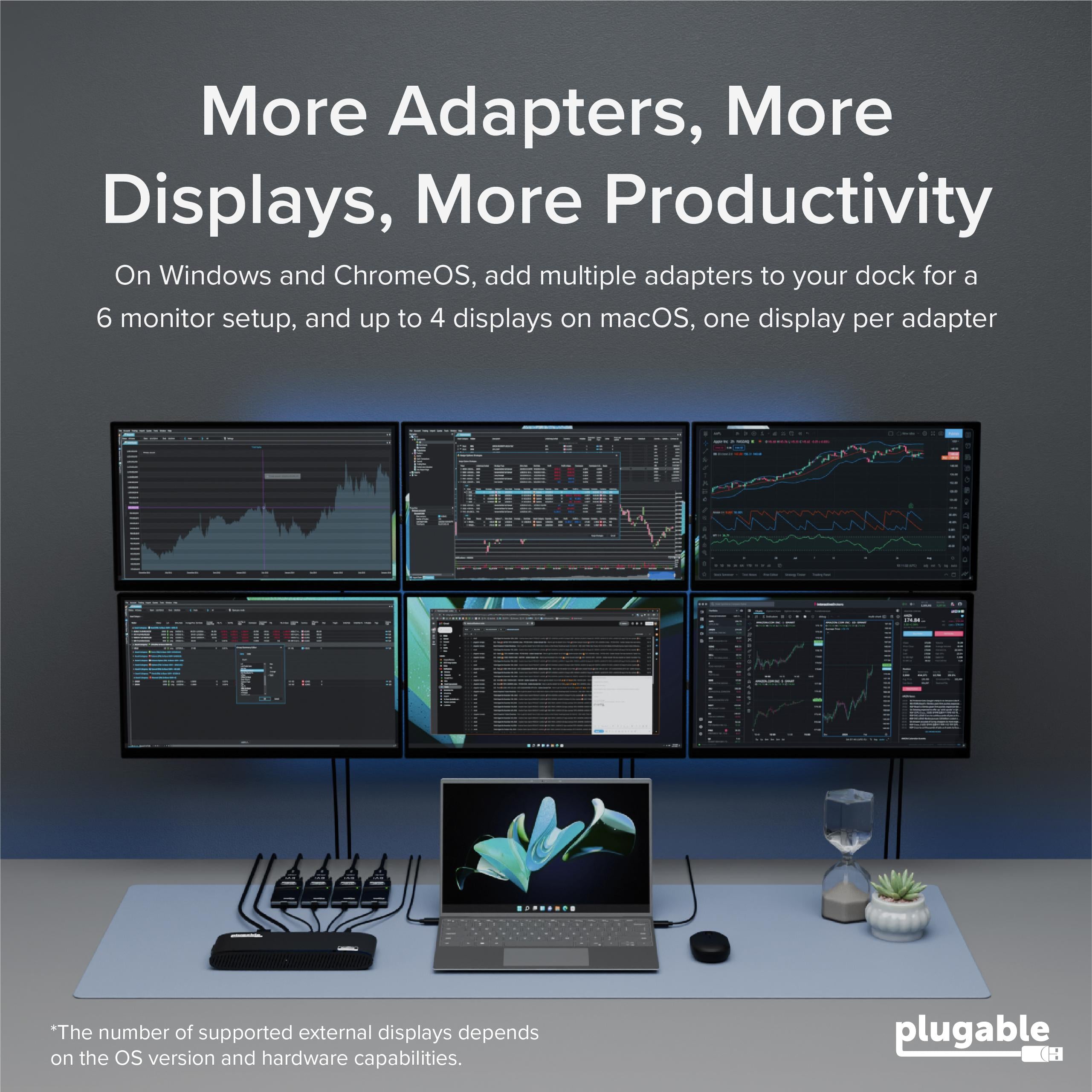
You can run multiple adapters simultaneously, but the number depends on your system's resources and available USB ports. For best performance, we recommend limiting to one or two adapters on USB 2.0. Each display uses a portion of USB bandwidth, so heavy multitasking may impact performance.
Make sure you're downloading the latest DisplayLink driver from the Plugable website. On macOS, you may need to grant the driver Accessibility and Screen Recording permissions in System Preferences. On Windows, try running the installer as administrator and ensure your system meets the requirements.
The maximum resolution is 1920×1080 (1080p) at 60Hz. For higher resolutions, consider a USB 3.0 adapter like the Plugable UGA-2KHDMI, which supports 2560×1440.
Yes, it works with ChromeOS 100 or later. You'll need to install the DisplayLink driver from the Chrome Web Store. After installation, restart your Chromebook and connect the adapter.
I needed a cheap way to add a second monitor to my work laptop. This adapter works perfectly. Resolution is 1080p, which is fine for email and documents. Setup was easy with the included software.
It does what it says: adds two monitors to my desktop. Video is fine for office work, but there's a slight lag. Don't expect to game on it. For productivity, it's great.
The adapter works most of the time, but occasionally the monitor doesn't wake from sleep. I have to unplug and re-plug it. It's a bit annoying, but since it's cheap, I can't complain too much.
I used this to connect two VGA monitors to my laptop. Installation was a breeze, and both monitors work flawlessly. I love being able to spread my work across three screens. Highly recommend!
I tried using this with my MacBook Pro, but the drivers wouldn't install properly. It kept crashing. Maybe it's my machine, but it didn't work for me. I returned it.
I bought two of these and they work great together. My computer recognized them immediately, and I was able to extend my desktop across three monitors. No issues so far.
A decent USB to VGA adapter. It's not fancy but it gets the job done. I use it to connect my old VGA monitor as a secondary display. It's a good budget option.
Orders over $45.00 ship free. Otherwise, shipping is $8.00.
Hassle-free returns
SSL encrypted checkout
100% genuine products
Docking stations and hubs from Razer, Corsair, Plugable & STM Goods — compare and connect with free shipping over $45.
Phone: +1 (206) 555-0148
Email: support@portsidegear.us
Address: 2815 Alaskan Way, Suite 300, Seattle, WA 98121, United States