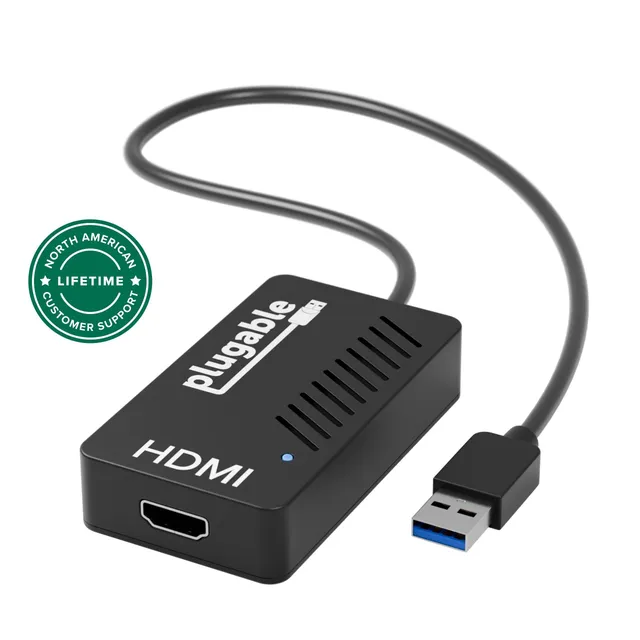
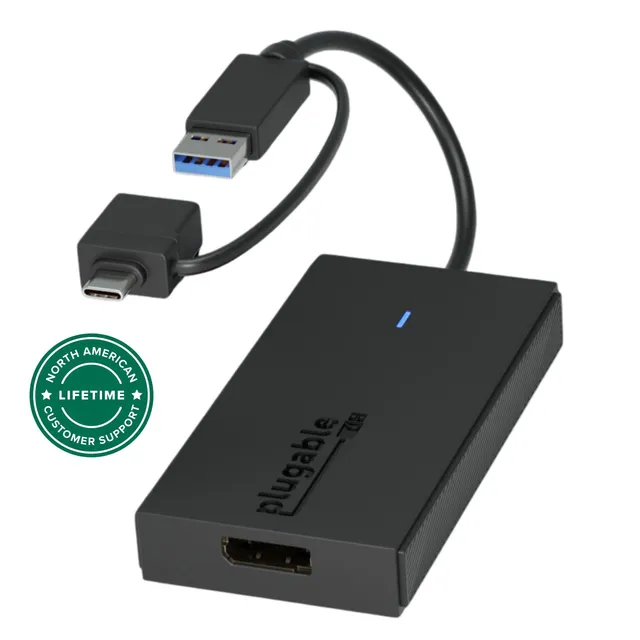
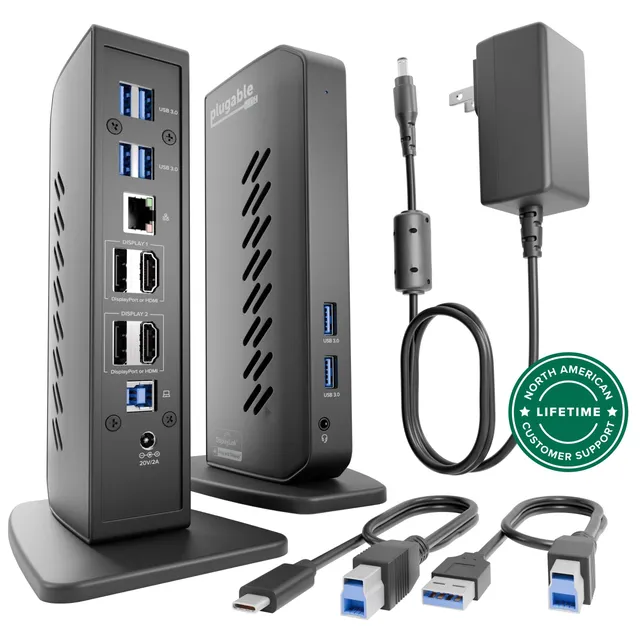
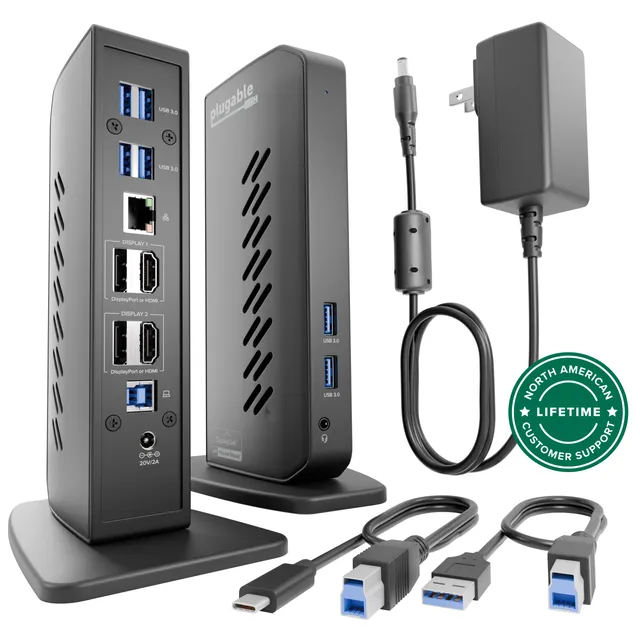
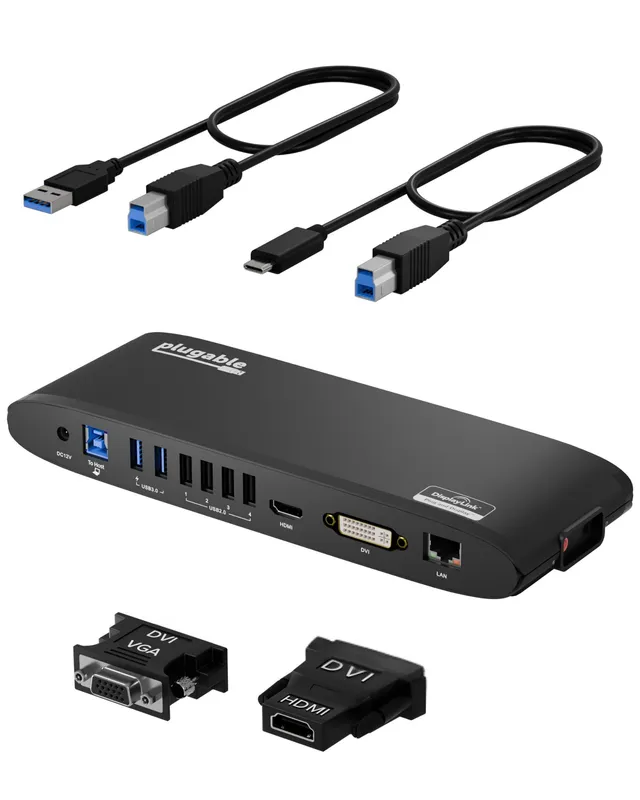
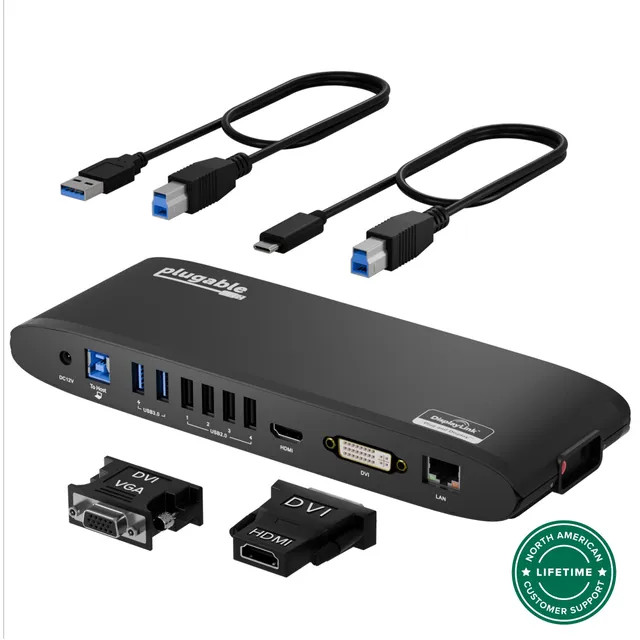
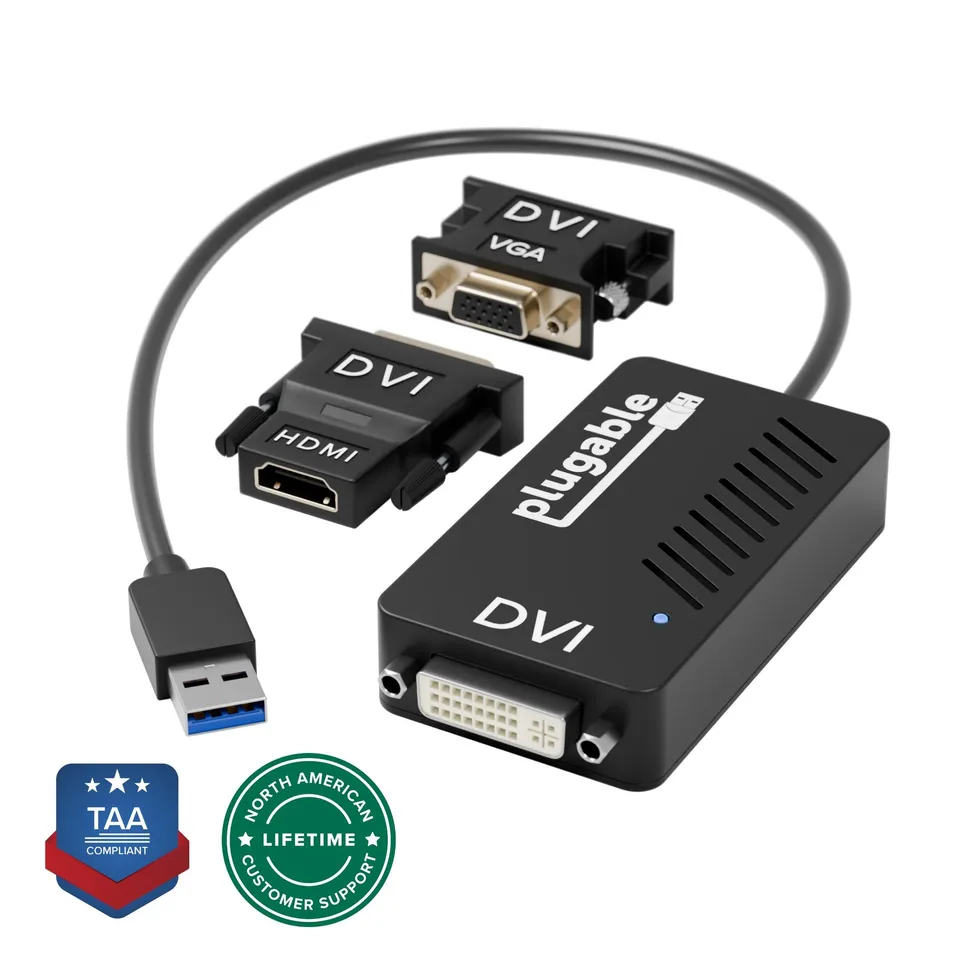
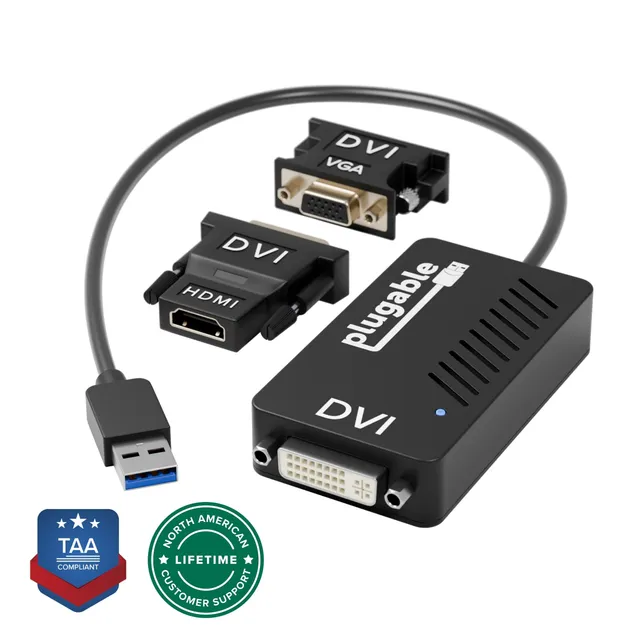
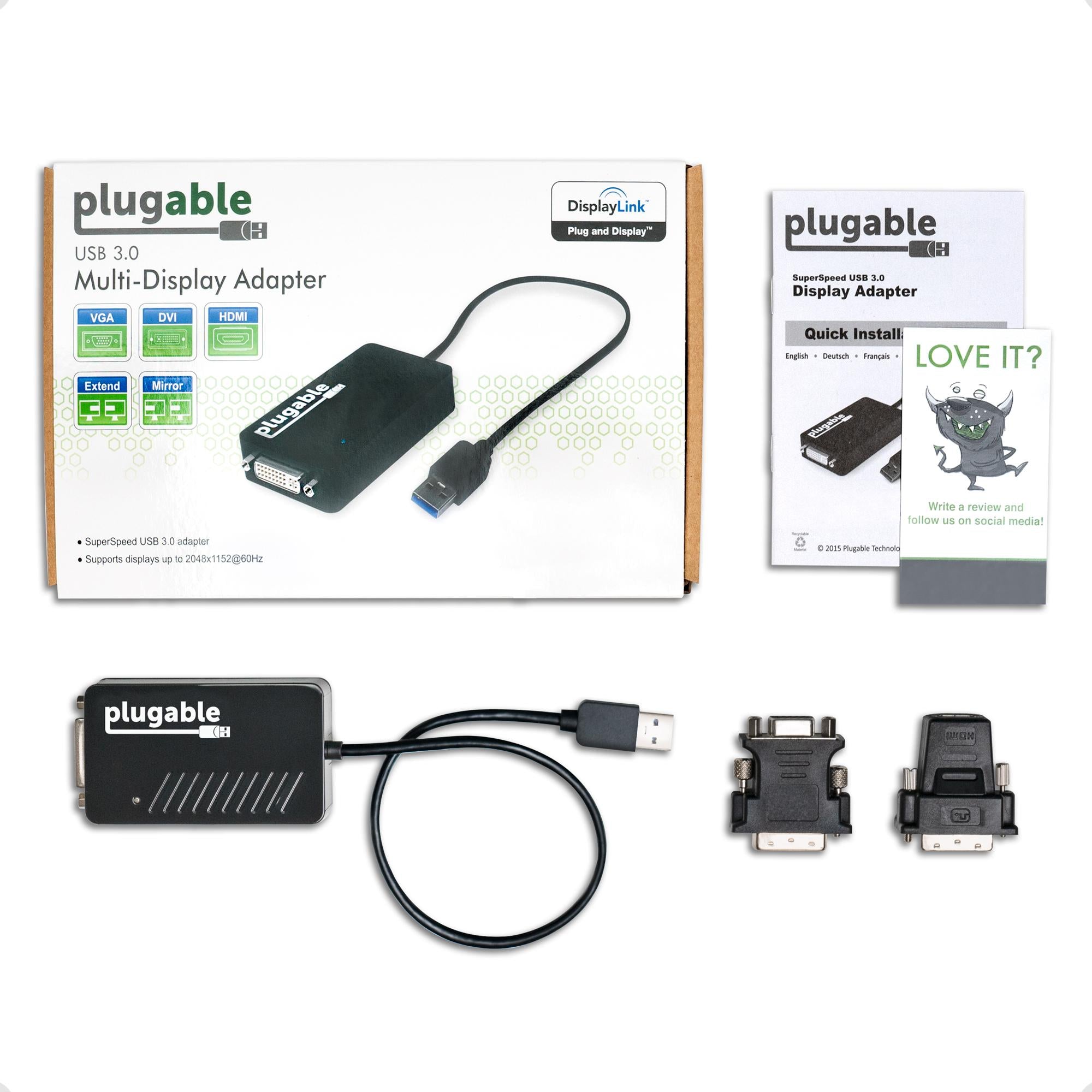
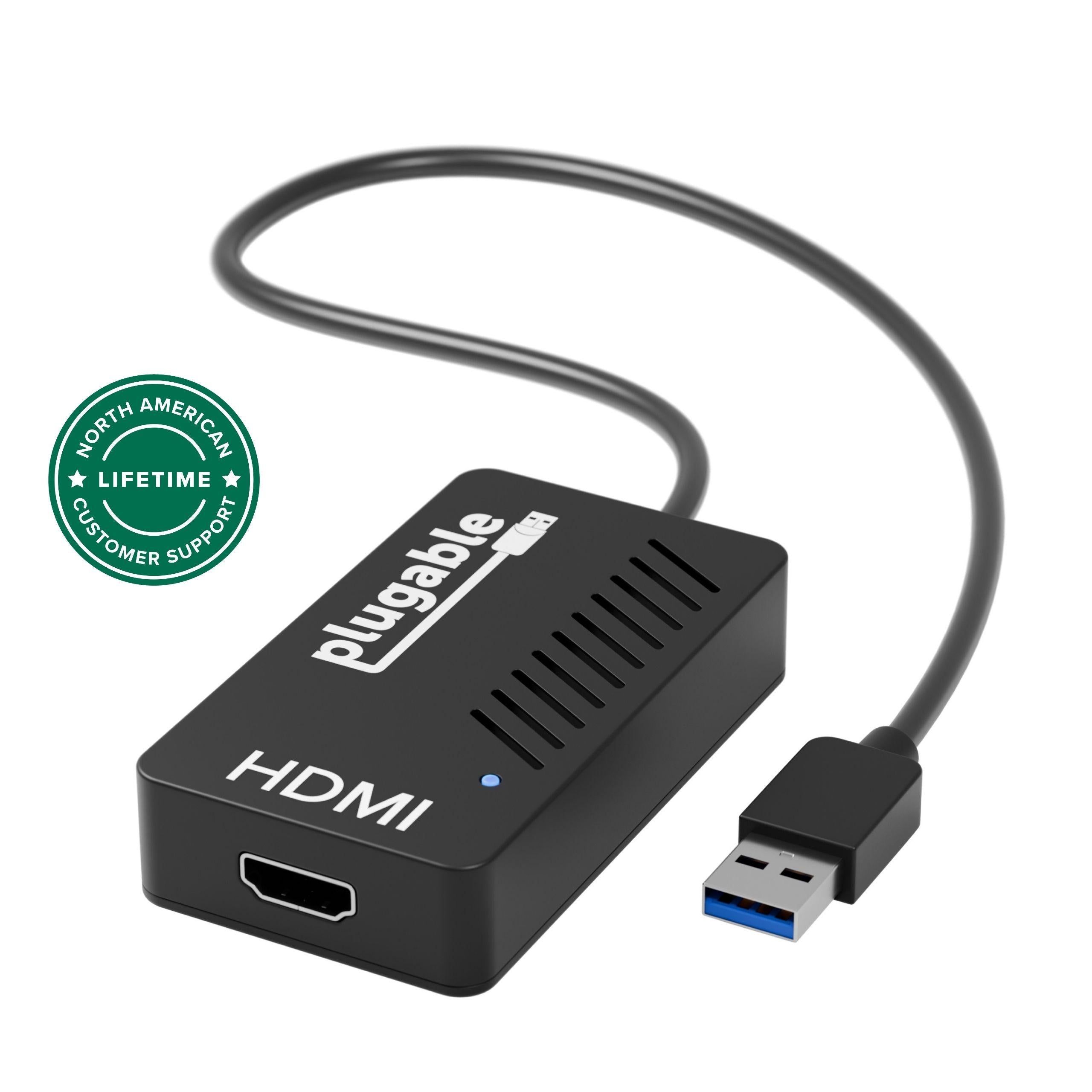
The Plugable UGA-3000 USB 3.0 Graphics Adapter leverages the DisplayLink DL-3100 chipset to add an extra monitor to your Windows, Mac, or ChromeOS computer. Whether you're working on spreadsheets, coding, or monitoring dashboards, this adapter lets you connect an additional HDMI, DVI, or VGA display (cables included) to boost your productivity. It's perfect for professionals who need a dedicated monitor for each application without opening their desktop tower.
Enhance Your Multi-Monitor Setup with Plugable UGA-3000
With support for resolutions up to 2048x1152, the UGA-3000 delivers crisp visuals for a wide range of devices. It works by using your computer's CPU and GPU to compress and transmit the video signal via USB. For best performance, a dual-core or higher processor (2GHz+) and at least 2GB of RAM are recommended. This adapter is best for web browsing, office applications, and other non-intensive graphical tasks; it may not handle 3D gaming or heavy video editing.
Compatibility and Software
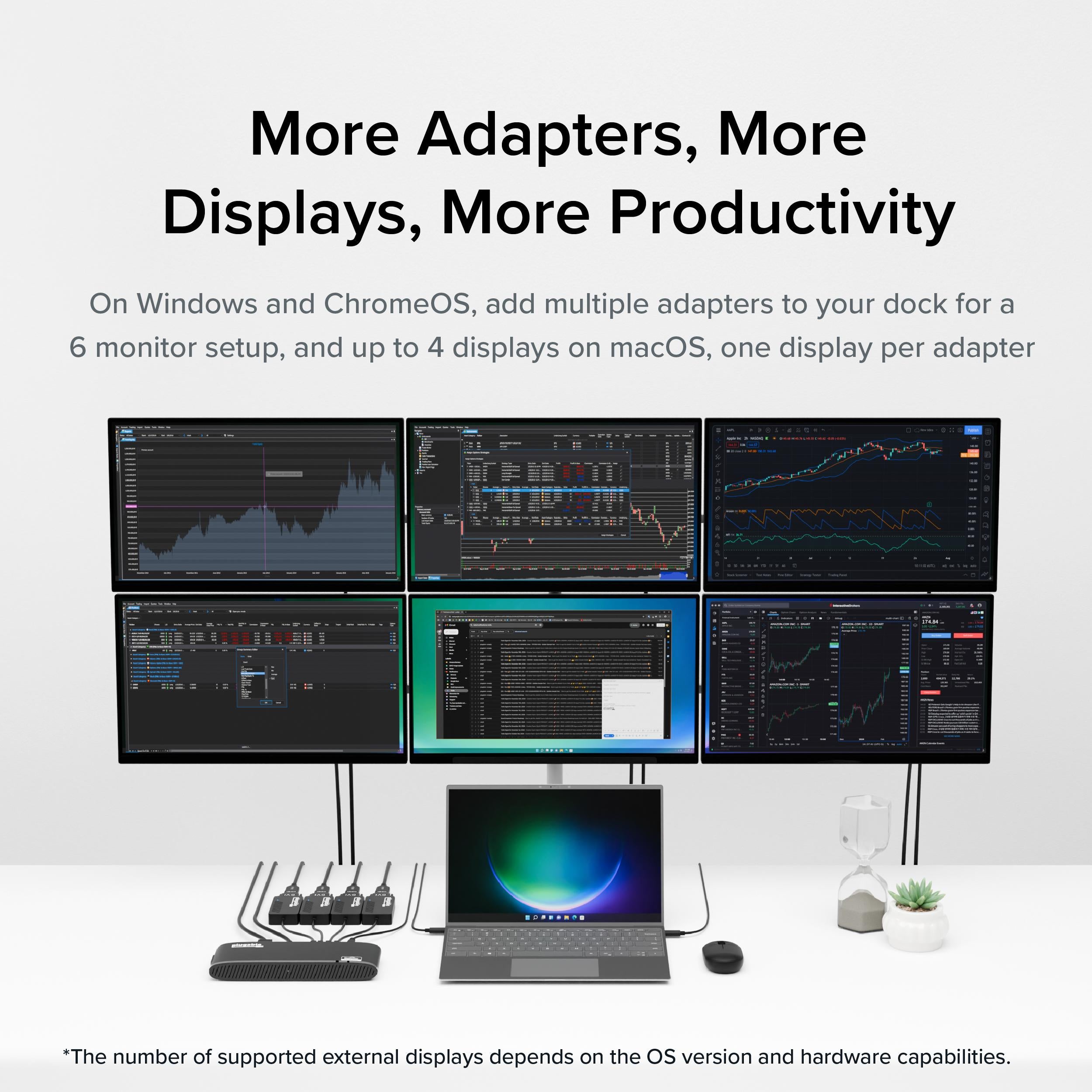
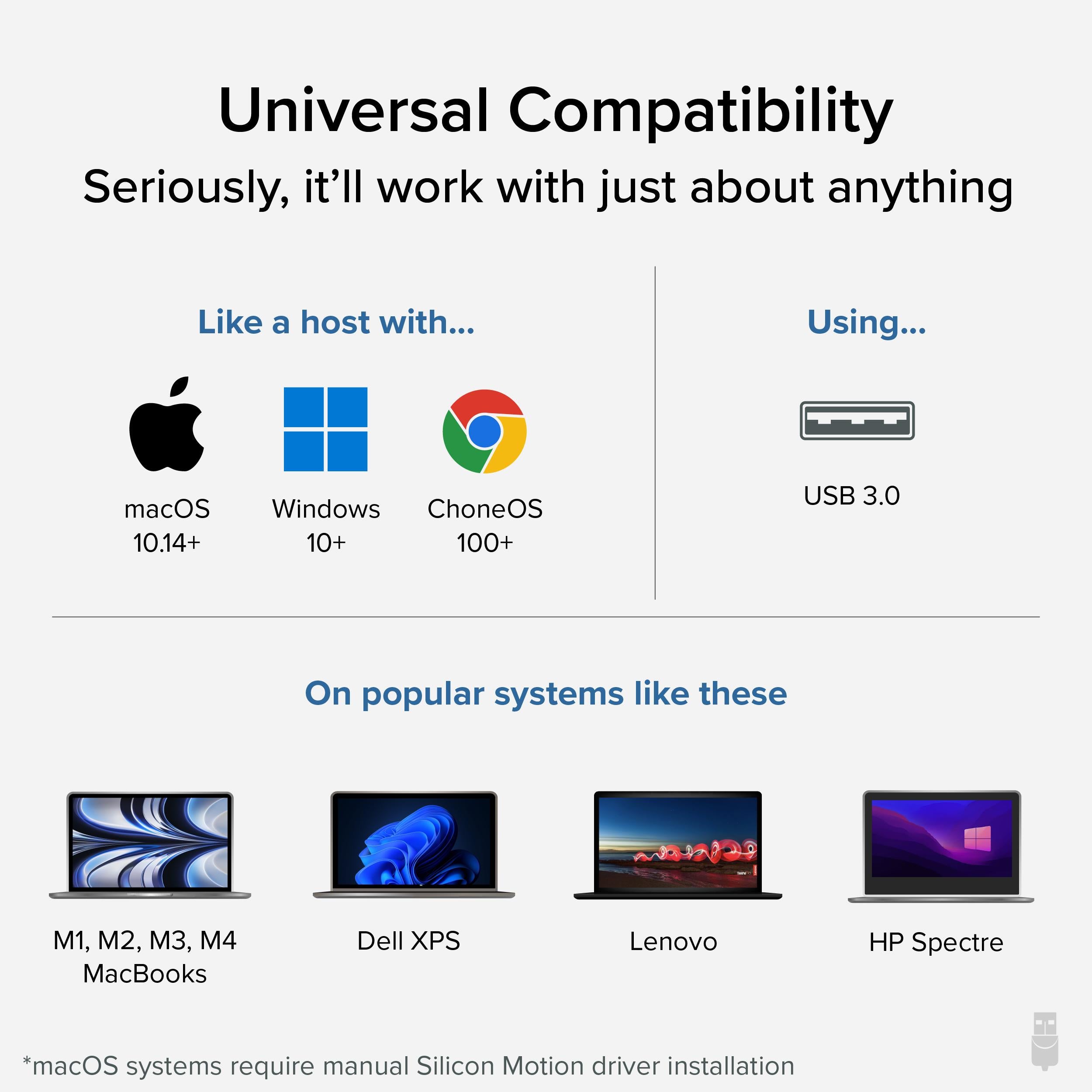
This adapter works with Windows, macOS (10.14 or later), and ChromeOS (v100+), but requires installing the DisplayLink driver, which is available for free from the DisplayLink website. One adapter is required per monitor if you want multiple displays. For example, two UGA-3000 adapters let you add two monitors, but you'll need two USB ports and two additional adapters.
If you're planning to use multiple adapters, be aware that each monitor consumes CPU resources, so ensure your system meets the recommended specs. The adapter is USB 3.0, but also works with USB 2.0 ports at reduced performance, which still supports up to 1080p.
 Pair withPlugable UGA-4KHDMI USB 3.0 to HDMI Adapter (4K 30Hz)$39.98