$20.00
We will hold your cart for 15:00.
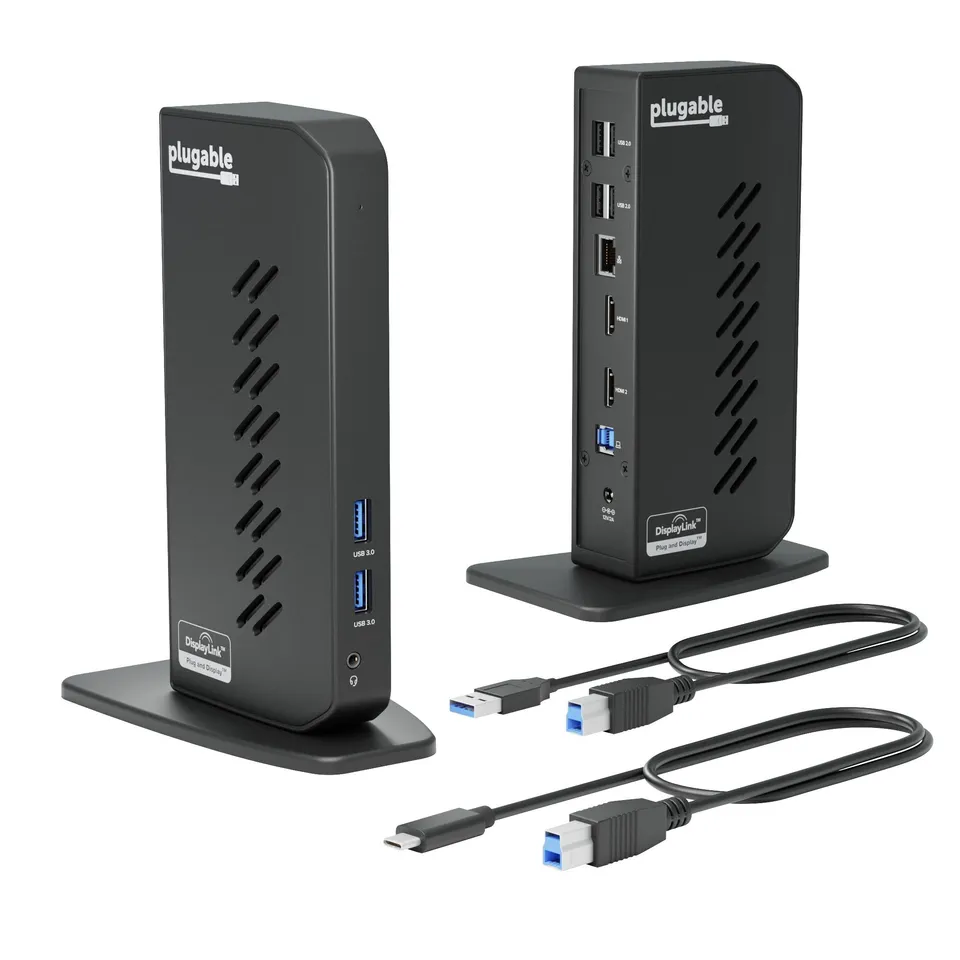
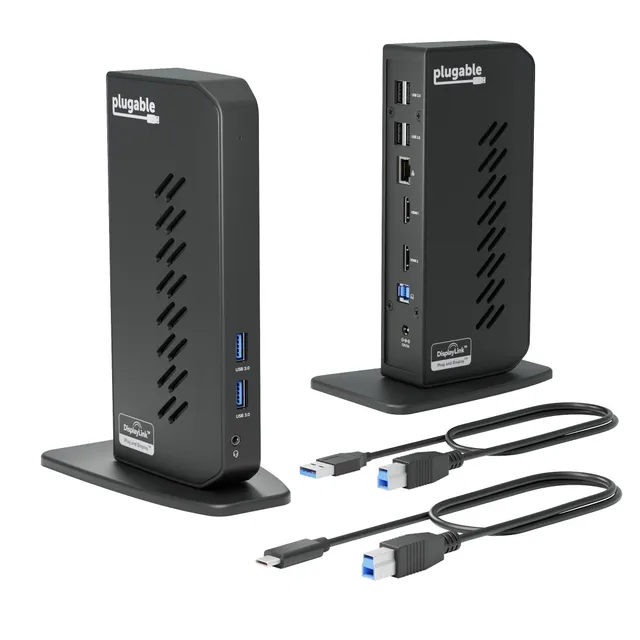
Universal docking station with dual HDMI, Ethernet, audio, and USB expansion via one USB 3.0 or USB-C cable—works with Windows, Mac, and ChromeOS.
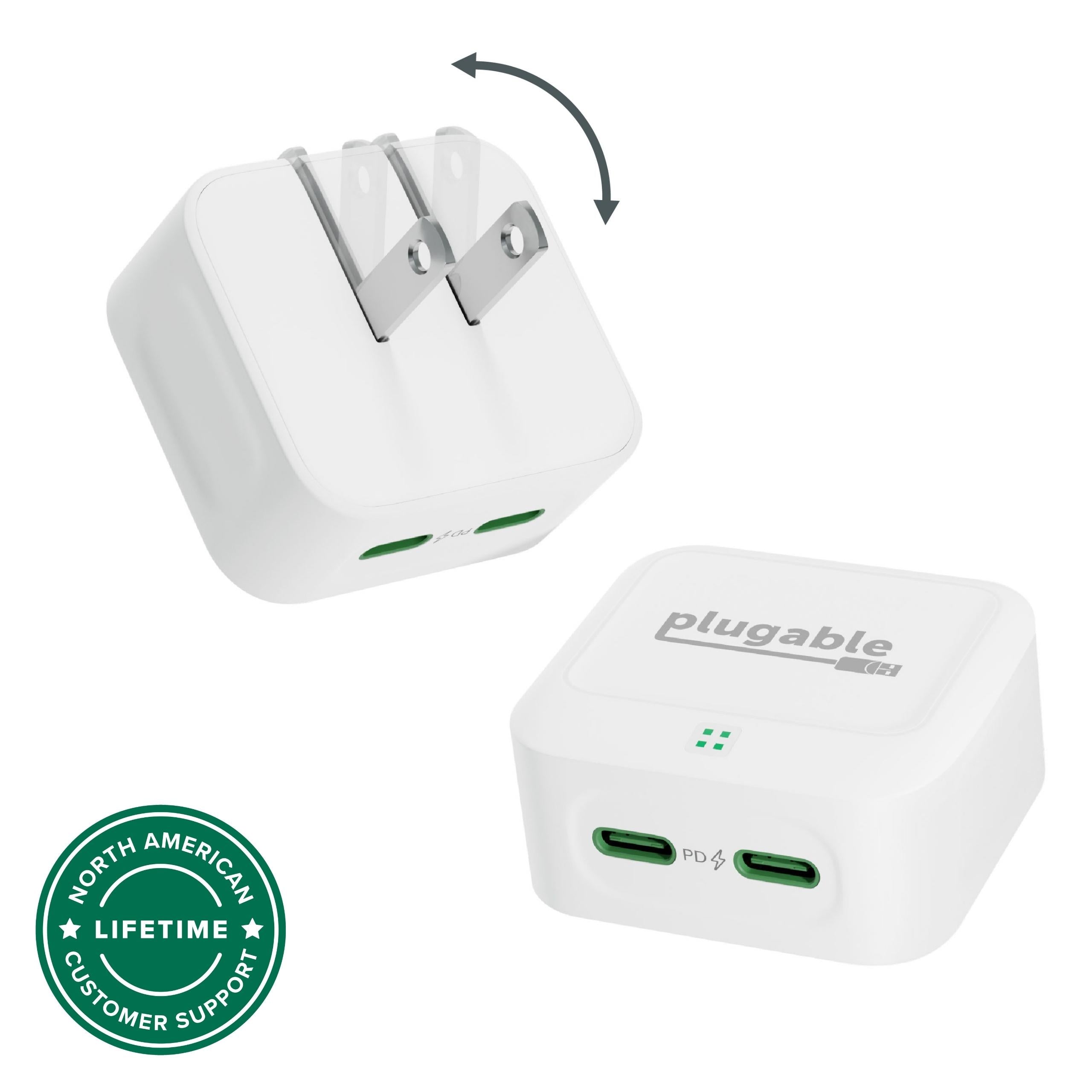
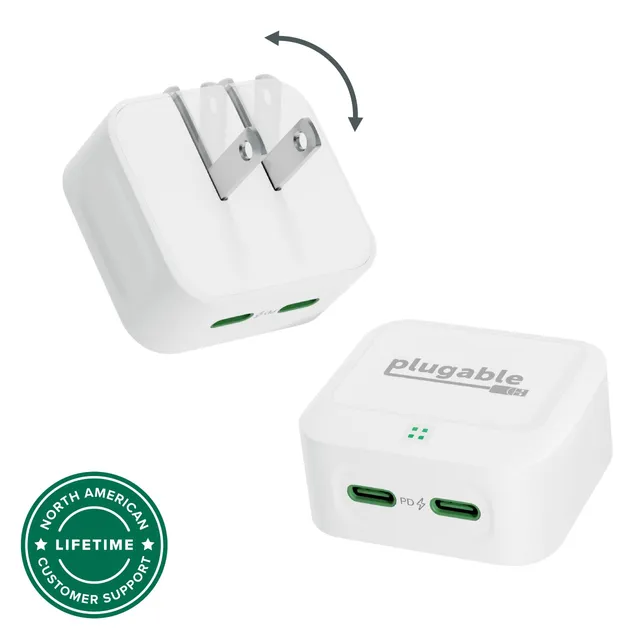
Pair withPlugable Dual USB-C Fast Charger 40W, White$22.48
Categories : Series
SKU : POR-SER-786
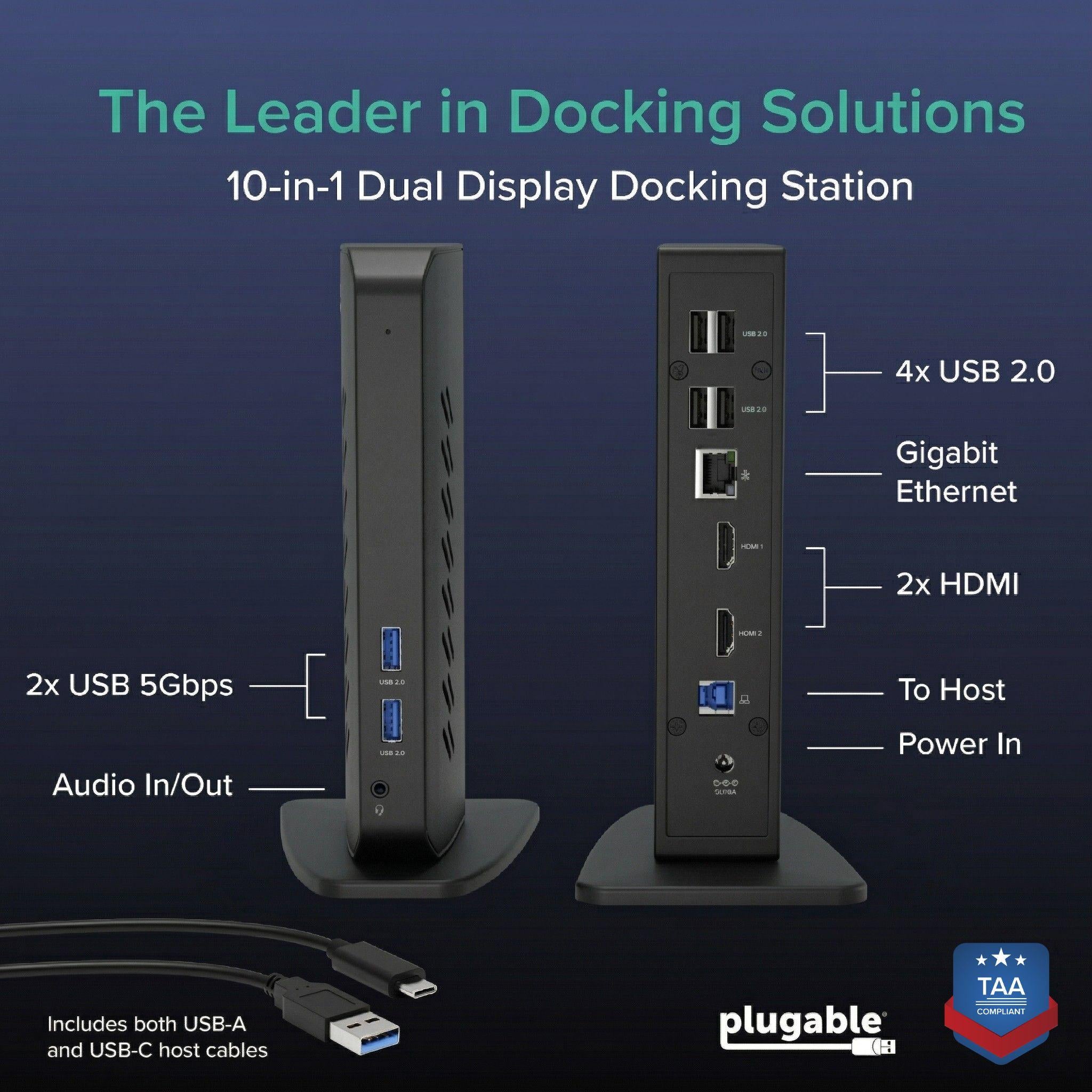
The Plugable Dual Monitor Universal Docking Station (UD-3900Z) is a versatile USB 3.0 and USB-C docking station designed for standardized, multi-platform work environments. It expands a laptop or desktop with dual HDMI monitors (up to 1920x1200), Ethernet, audio, and multiple USB ports through a single connection. Compatible with Windows, macOS, and ChromeOS, it's a dependable choice for mixed device fleets.
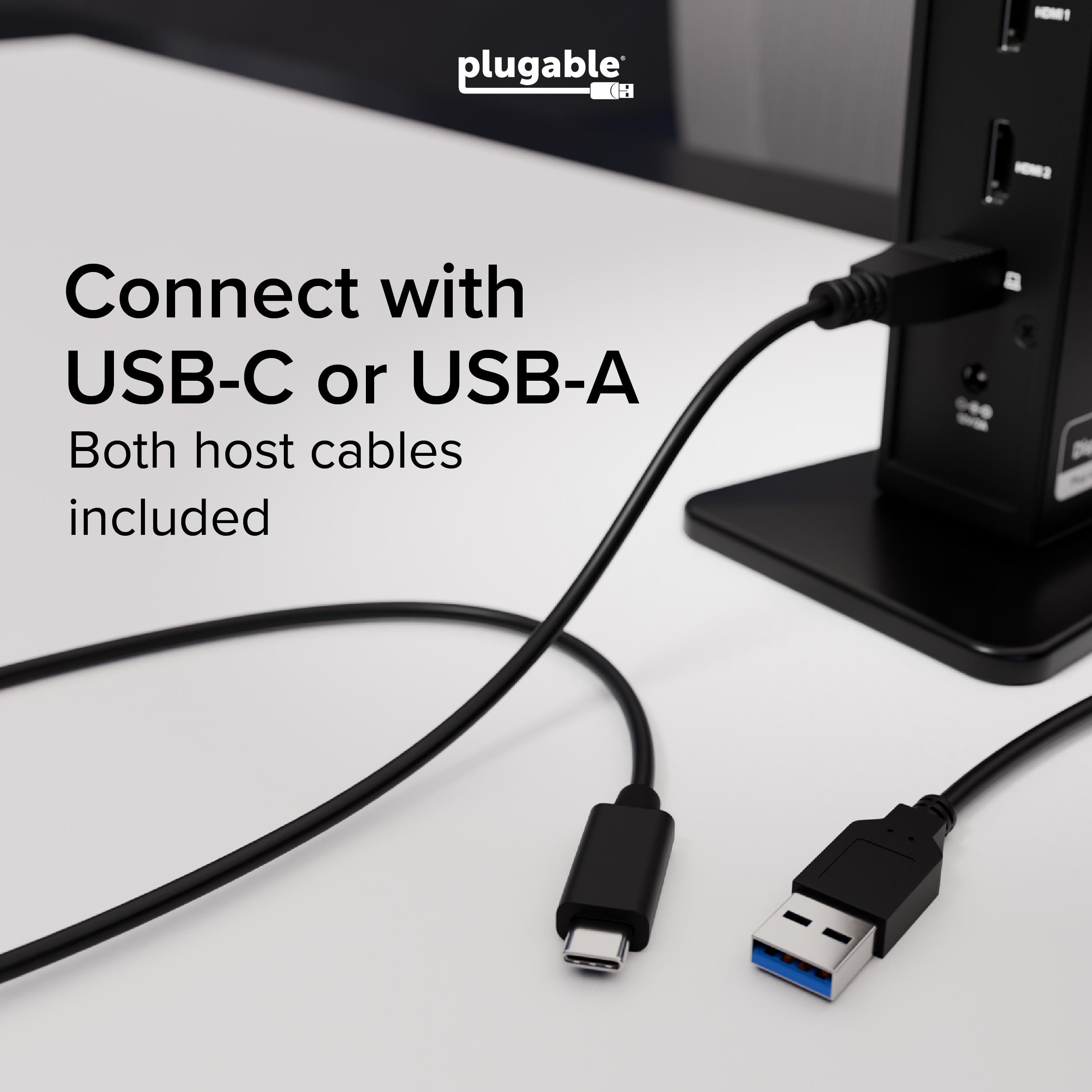
This dock uses DisplayLink technology to deliver video over USB, ensuring broad compatibility across operating systems and connection types. Whether you use the included USB-A cable or a USB-C cable (sold separately), you get consistent performance and features.
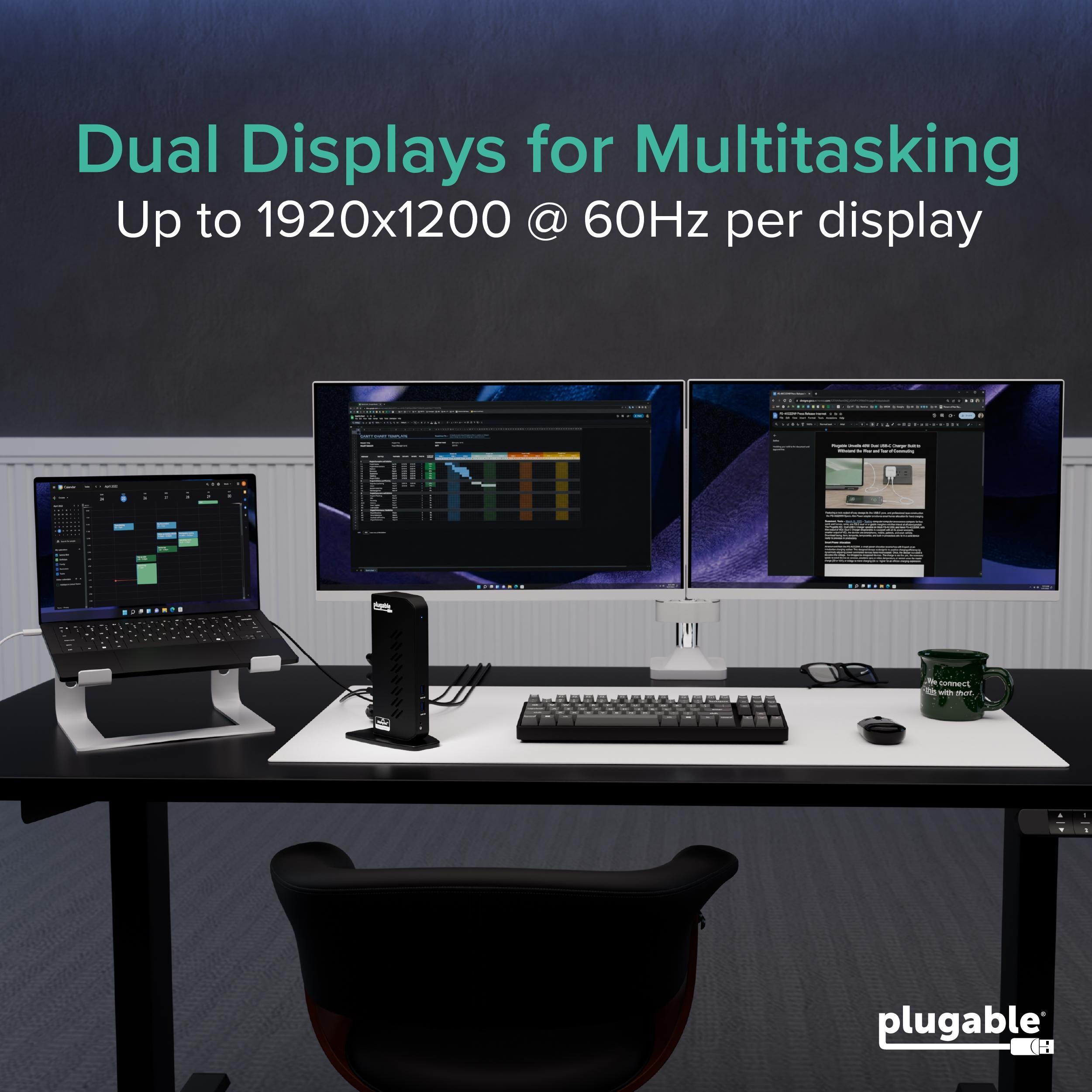
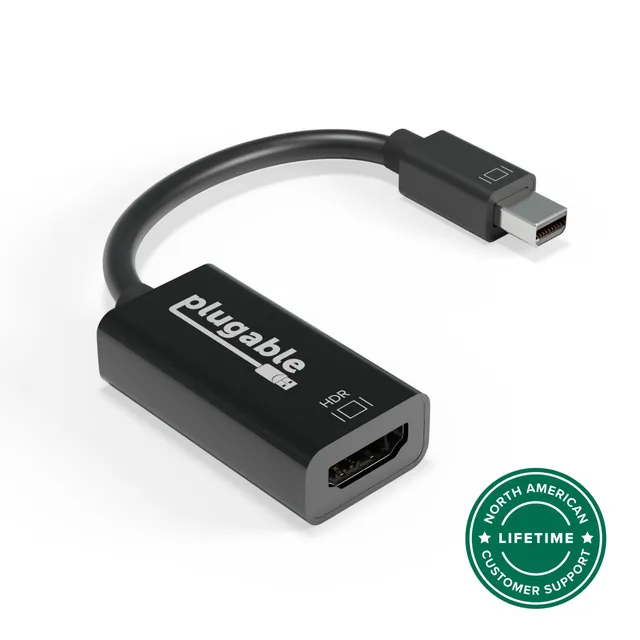
Connect two HDMI monitors to the dock's video ports. Each supports resolutions up to 1920x1200 @ 60Hz, providing ample screen real estate for productivity. The dock also includes a USB-C to HDMI adapter for additional flexibility.
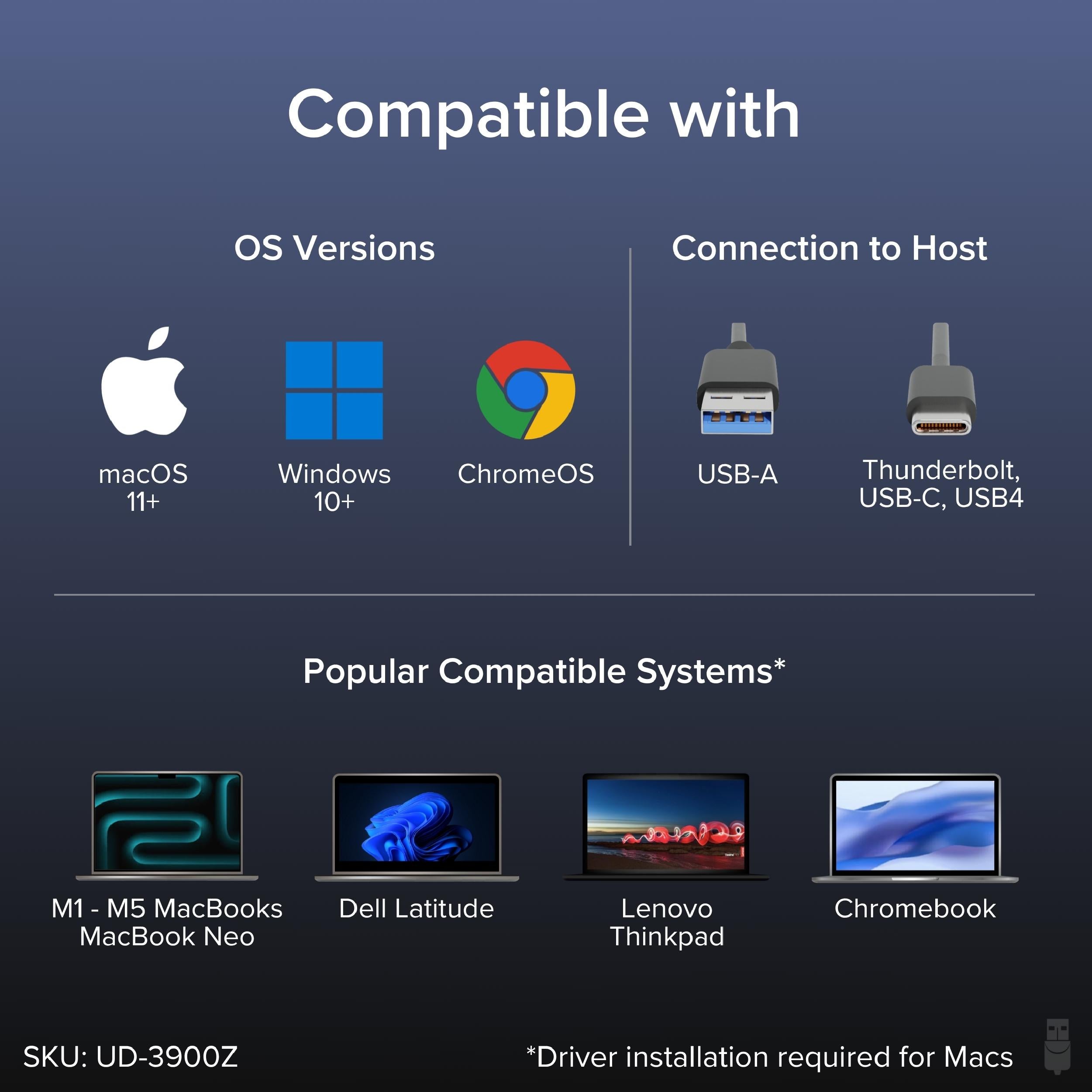
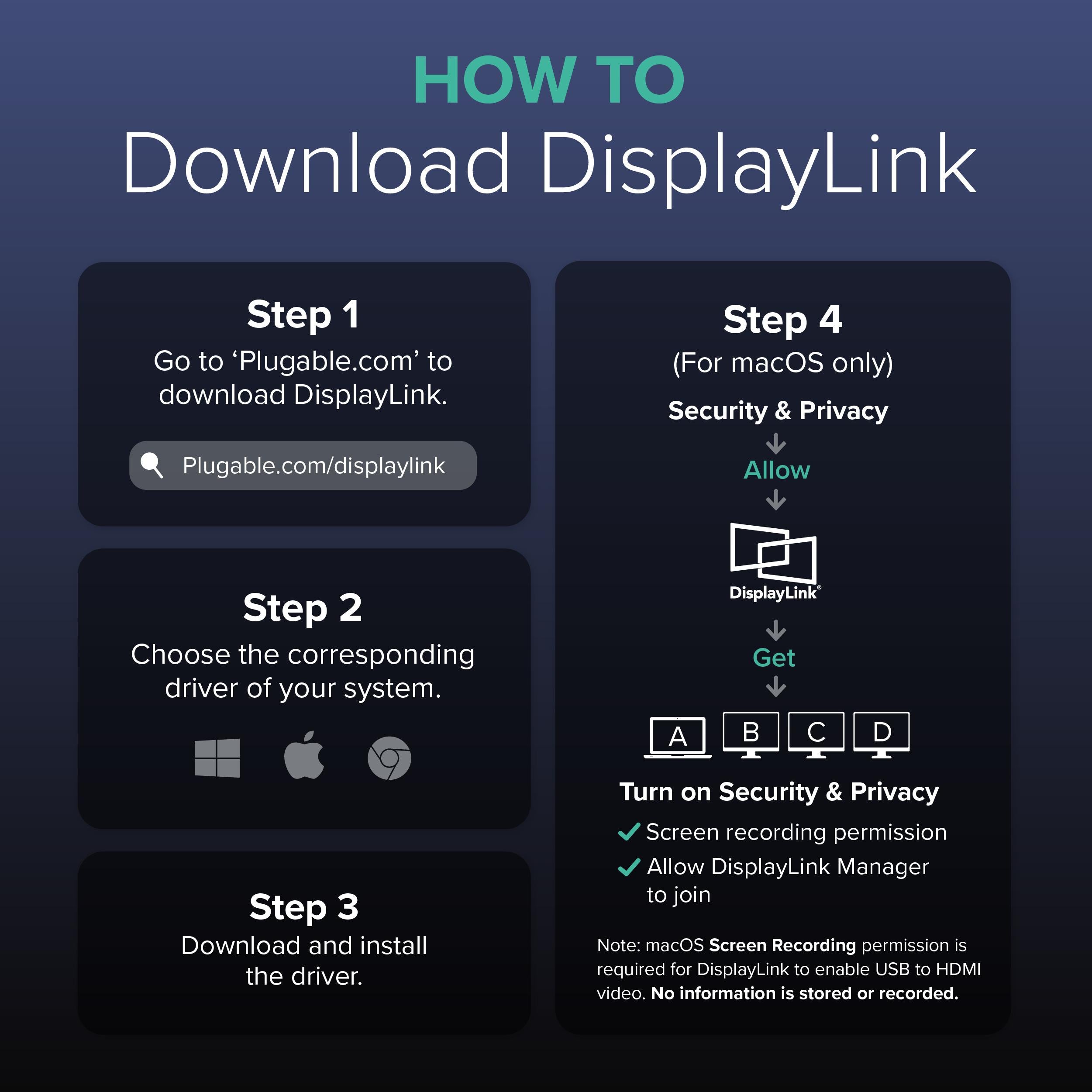
Works with Windows 11 and earlier, macOS 11+, and ChromeOS. For Mac and Chromebook, you'll need to install the DisplayLink driver (available free from Plugable). This dock is ideal for office workers, IT managers, and anyone who needs a reliable dual-monitor setup across different laptop models.
Dual HDMI video up to 1920x1200, with DisplayLink technology for cross-platform compatibility
Connect via USB 3.0 or USB-C (cable not included) and expand to 6 USB ports, Ethernet, and audio
Universal dock for Windows, macOS, and ChromeOS—perfect for standardized deployments
Audio: 3.5mm headphone, 3.5mm mic
Model: UD-3900Z
Ethernet: Gigabit
USB Ports: 5x USB 2.0, 1x USB 3.0
Dimensions: 7.1 x 3.1 x 1.0 in (18 x 8 x 2.5 cm)
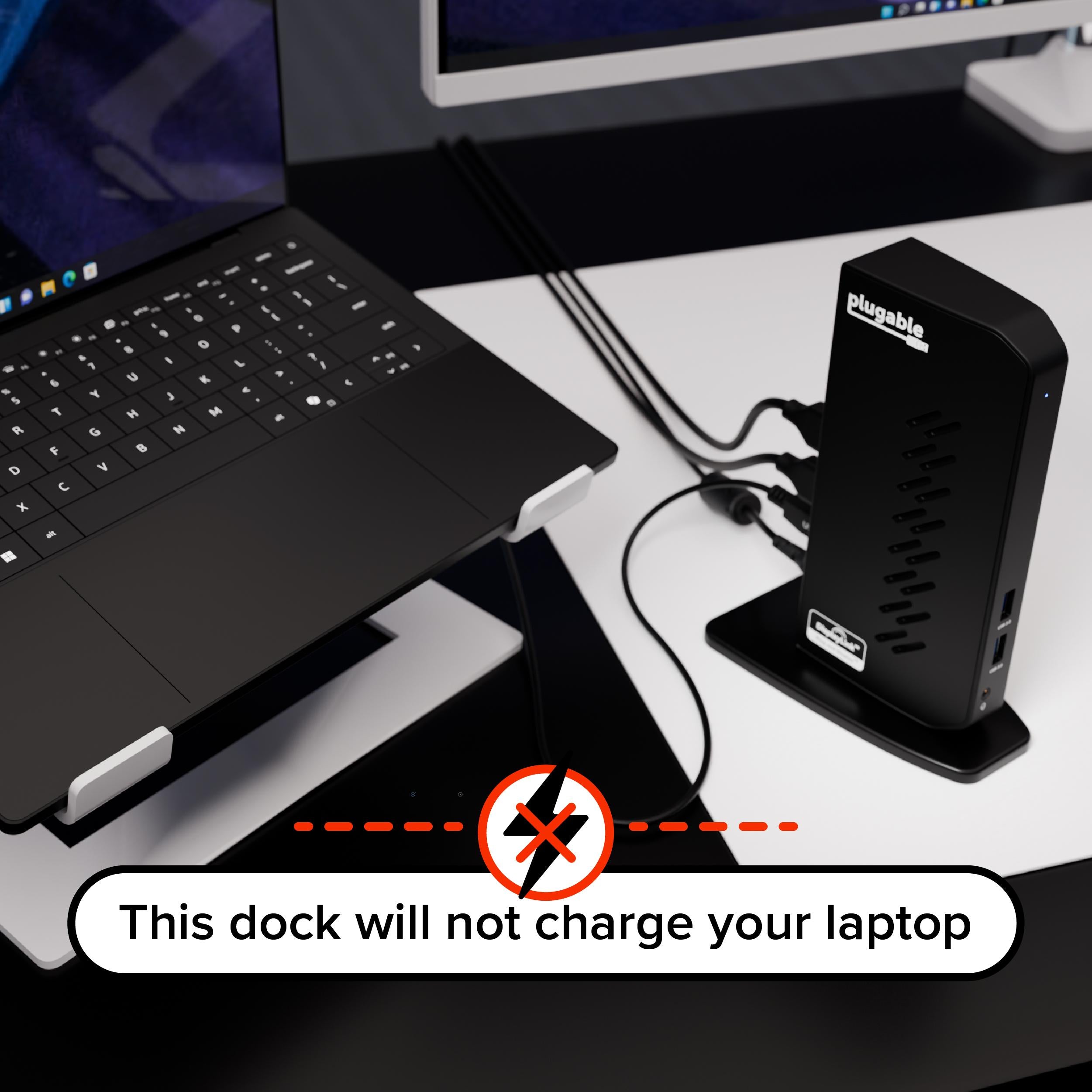
Power Supply: Included (65W)
Product Type: Docking Station
Compatibility: Windows 11 and earlier, macOS 11+, ChromeOS (DisplayLink driver required)
Video Outputs: 2x HDMI (plus 1x USB-C to HDMI adapter)
Host Interface: USB 3.0 (USB-A) or USB-C (cable not included)
Max Resolution: 1920x1200 @ 60Hz per display
Seller: PortSide Gear
MPN: UD-3900Z
Simplify your desk and standardize your workspace with the UD-3900Z. Its vertical design saves space, and the integrated cable management reduces clutter. The included 65W power adapter ensures the dock can power external devices even when your laptop is off. With robust DisplayLink support, it's a smart pick for IT managers who need to support a mixed fleet of laptops.
Connect the dock to your computer using either the included USB-A cable or a USB-C cable (sold separately). For USB-C connections, ensure your device supports video over USB-C or use DisplayLink (which works over any USB port). Install the DisplayLink driver for best results.
Ensure the DisplayLink driver is installed and up to date. Also, check that your Mac supports multi-display over USB (most do with DisplayLink). Try connecting the monitors one at a time to verify each works.
This dock supports dual HDMI displays up to 1920x1200 @ 60Hz. It does not support 4K or high refresh rates. If you need 4K, consider a DisplayLink dock with higher bandwidth.
Yes, ChromeOS supports DisplayLink via the official DisplayLink driver. Once installed, the dock should work with dual monitors and all ports.
I've been using this docking station for a week now and it's been flawless. Setup was easy - just connected the USB cable and everything worked. I'm running two 1080p monitors, Ethernet, and a few USB peripherals. No issues at all. Highly recommend for anyone needing a reliable docking solution.
Solid dock overall. I had to install the DisplayLink driver for my Mac, which was a minor hassle, but after that everything worked perfectly. I've got dual 4K displays running smoothly. The only downside is that the power adapter is a bit bulky, but that's not a deal-breaker.
I was skeptical about a cheaper dock, but this one has exceeded my expectations. I use it with my Dell XPS and two QHD monitors, plus Ethernet and a bunch of USB stuff. It handles it all without breaking a sweat. Great value.
It does what it's supposed to, but I had some occasional display glitches when changing window arrangements. Also, the audio output is a bit tinny. For the price, it's decent, but if you need top-notch performance, you might want to spend more.
Works perfectly with my ChromeOS device. Plugged in, and everything just worked - dual monitors, Ethernet, and USB drives. No driver needed for Chromebook, which was a relief. Very happy with this purchase.
The dock itself is great - fast, reliable, and handles my dual monitors beautifully. Only complaint is the USB cable is a bit short, so I had to put the dock closer to my laptop than I'd like. Other than that, it's been fantastic.
I was looking for a dock that could support dual 4K monitors and this one does it flawlessly. I've got it connected to my ThinkPad, and it's been rock solid for weeks. The Ethernet port is a plus for me since I use a wired connection. Super happy.
If you're planning to use this for gaming, save your money. I tried connecting a gaming laptop and the display lag was terrible, making games unplayable. For office work it's fine, but for any serious graphics, it's just not good enough.
Orders over $45.00 ship free. Otherwise, shipping is $8.00.
Hassle-free returns
SSL encrypted checkout
100% genuine products
Docking stations and hubs from Razer, Corsair, Plugable & STM Goods — compare and connect with free shipping over $45.
Phone: +1 (206) 555-0148
Email: support@portsidegear.us
Address: 2815 Alaskan Way, Suite 300, Seattle, WA 98121, United States