$20.00
1
Your cart is empty
Subtotal
We will hold your cart for 15:00.
Buy more, save more
Coupon discount
Shipping
Add 2 more items to unlock your free mystery gift.
Complimentary item.
Total
$20.00
We will hold your cart for 15:00.
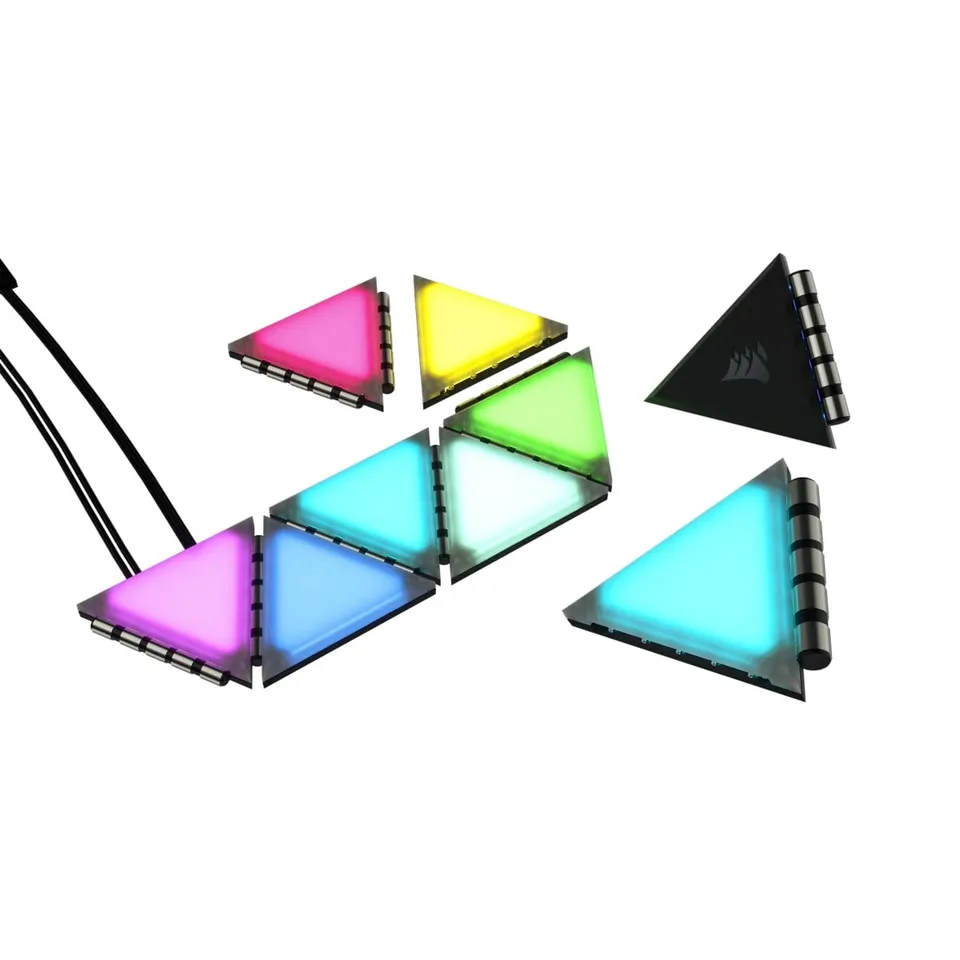
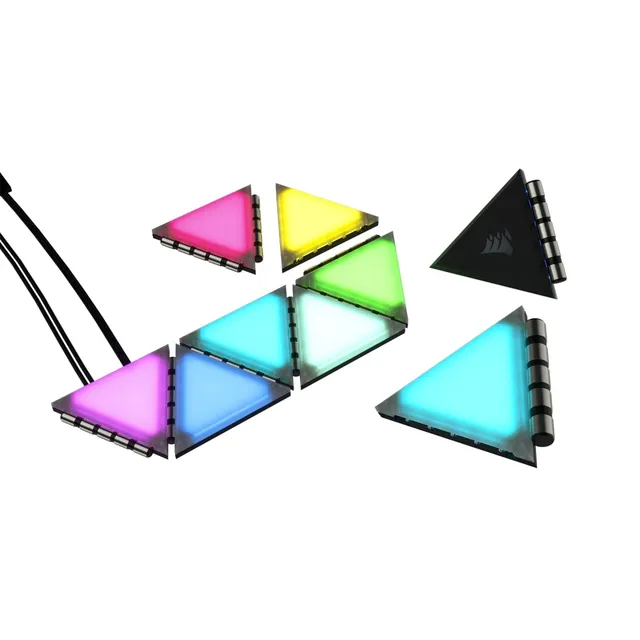
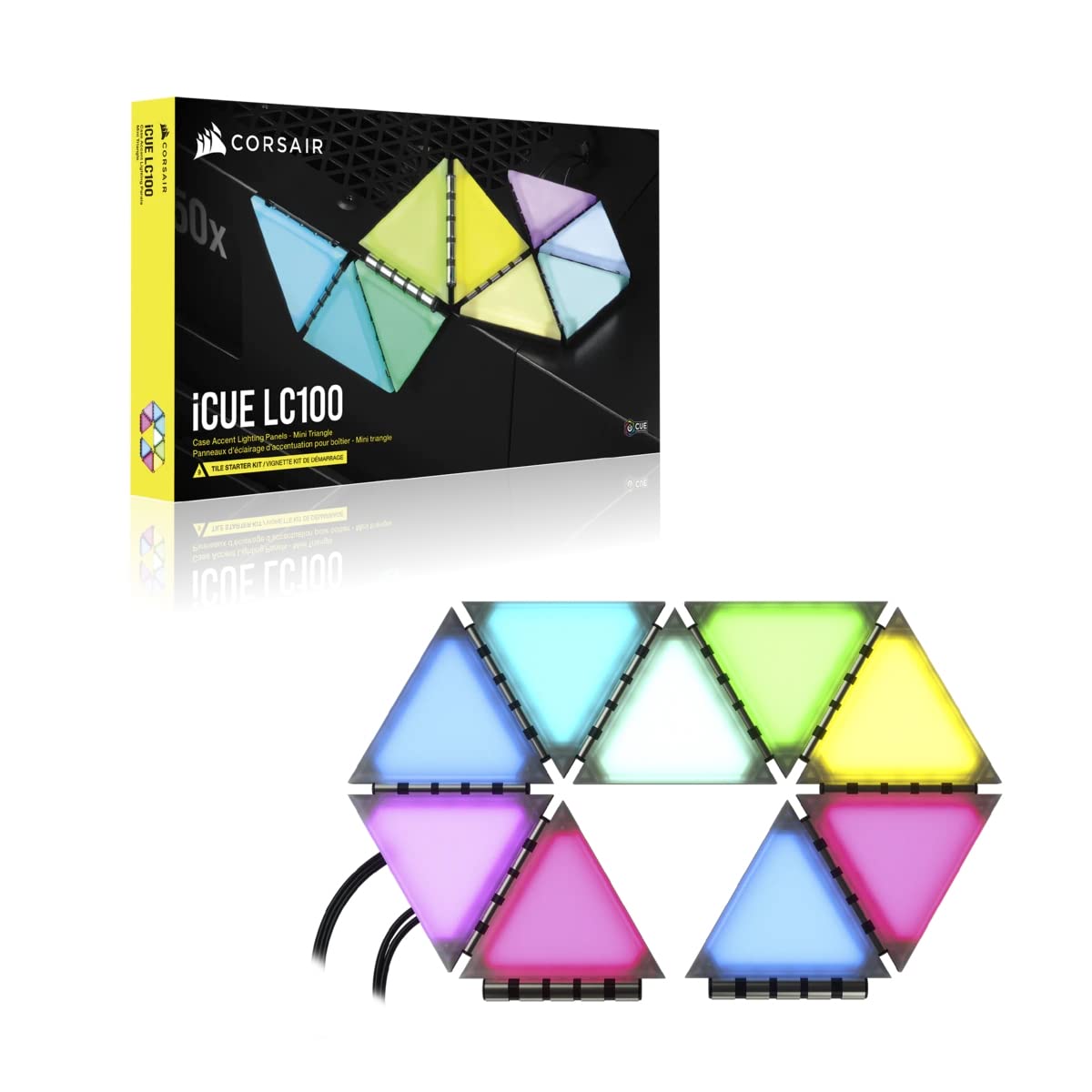
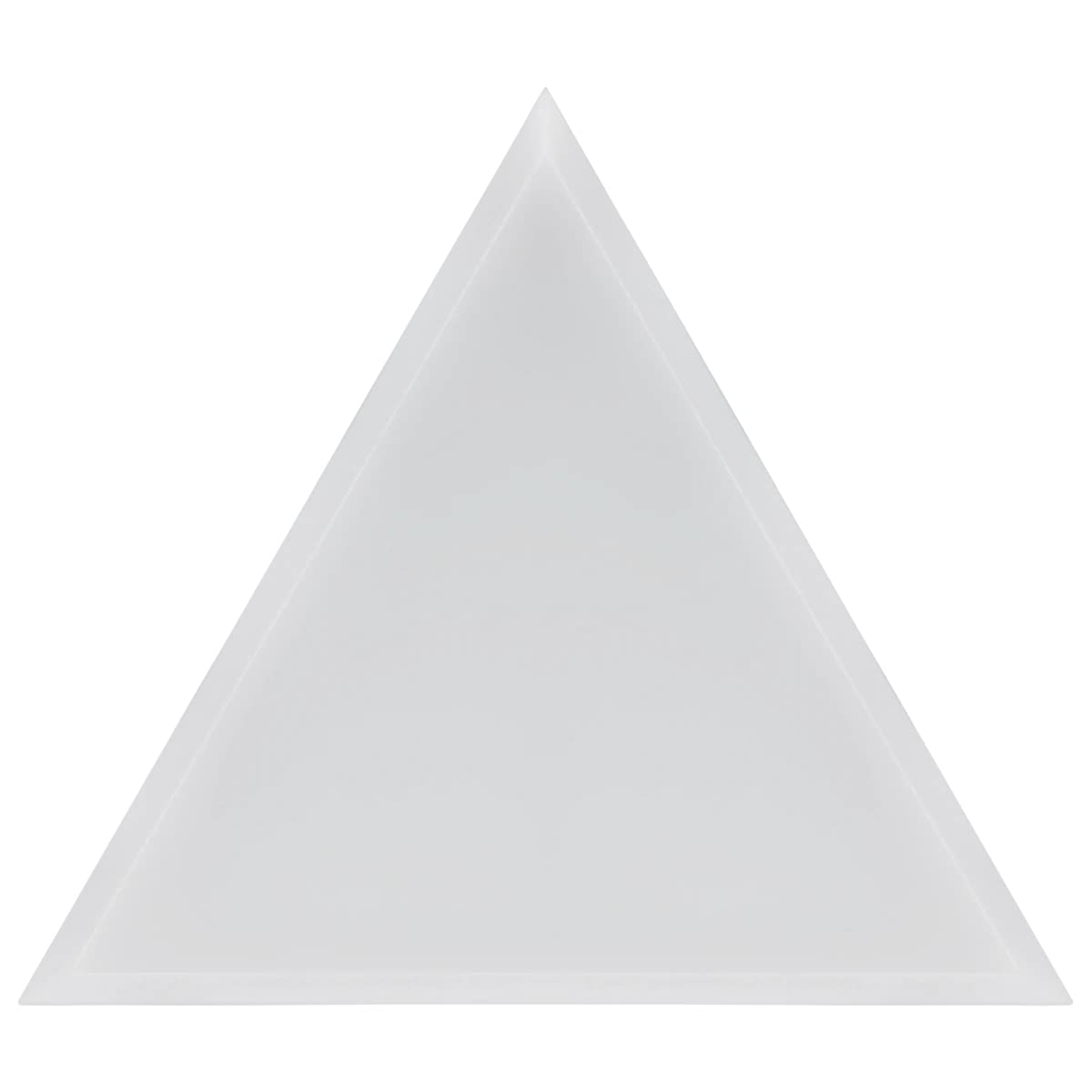
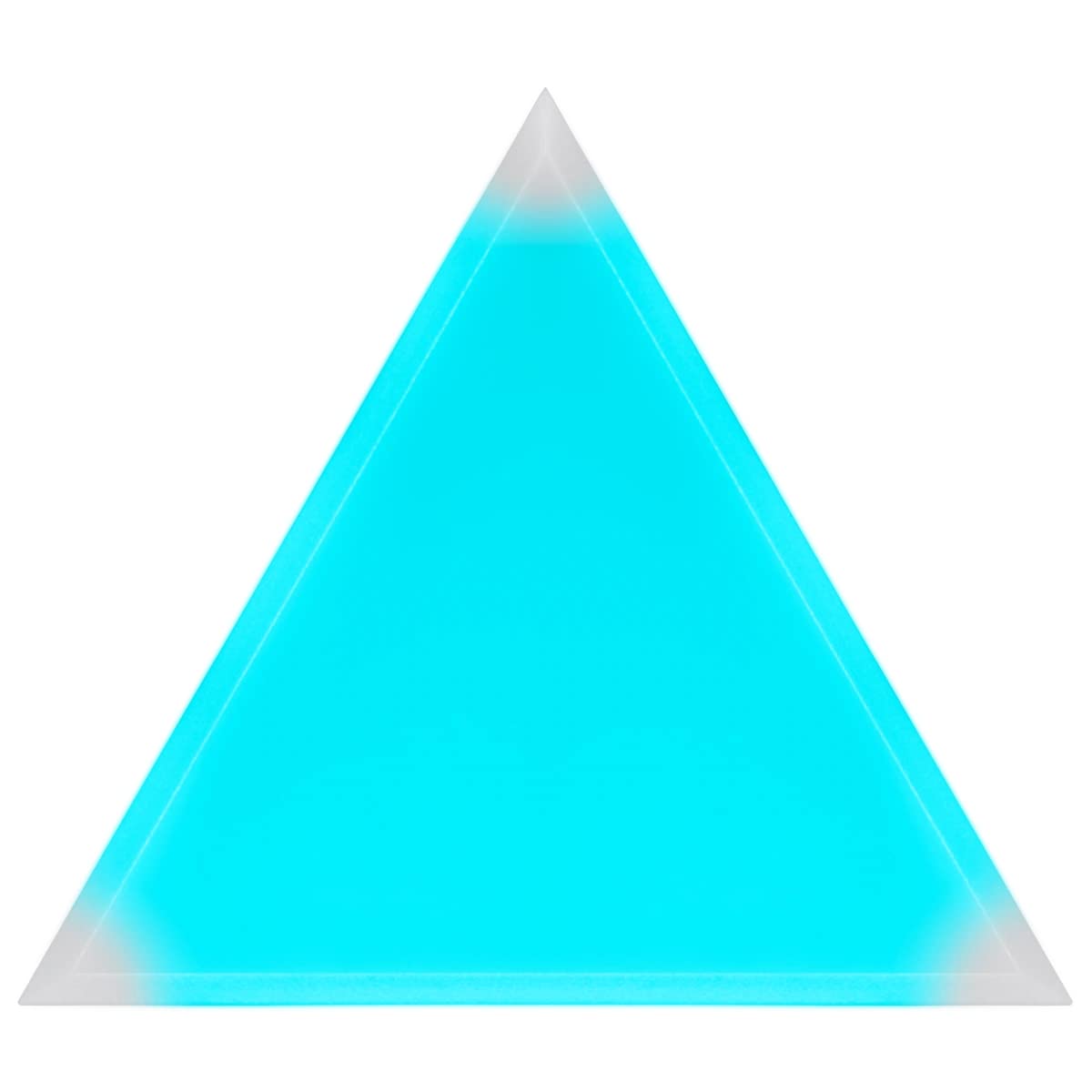
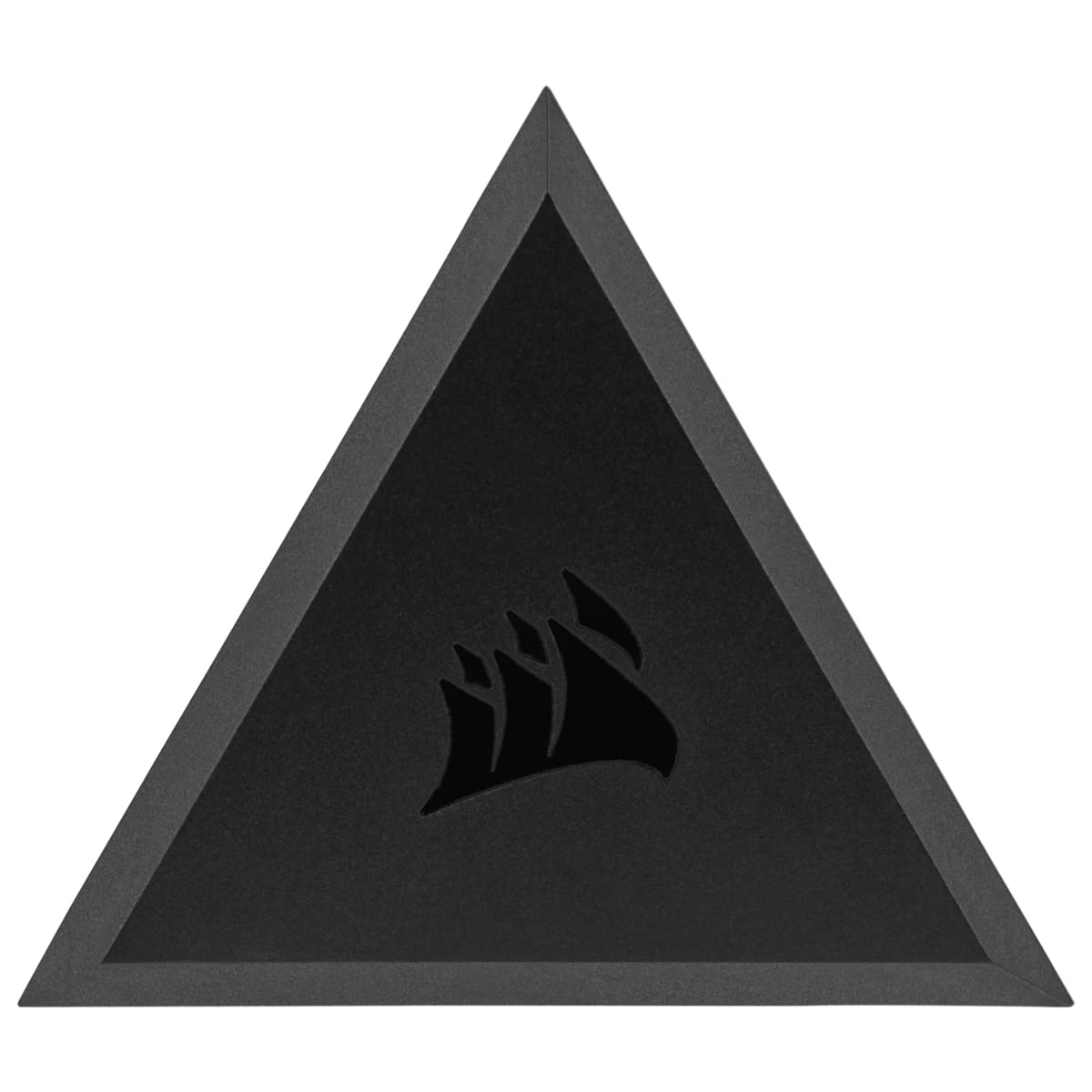
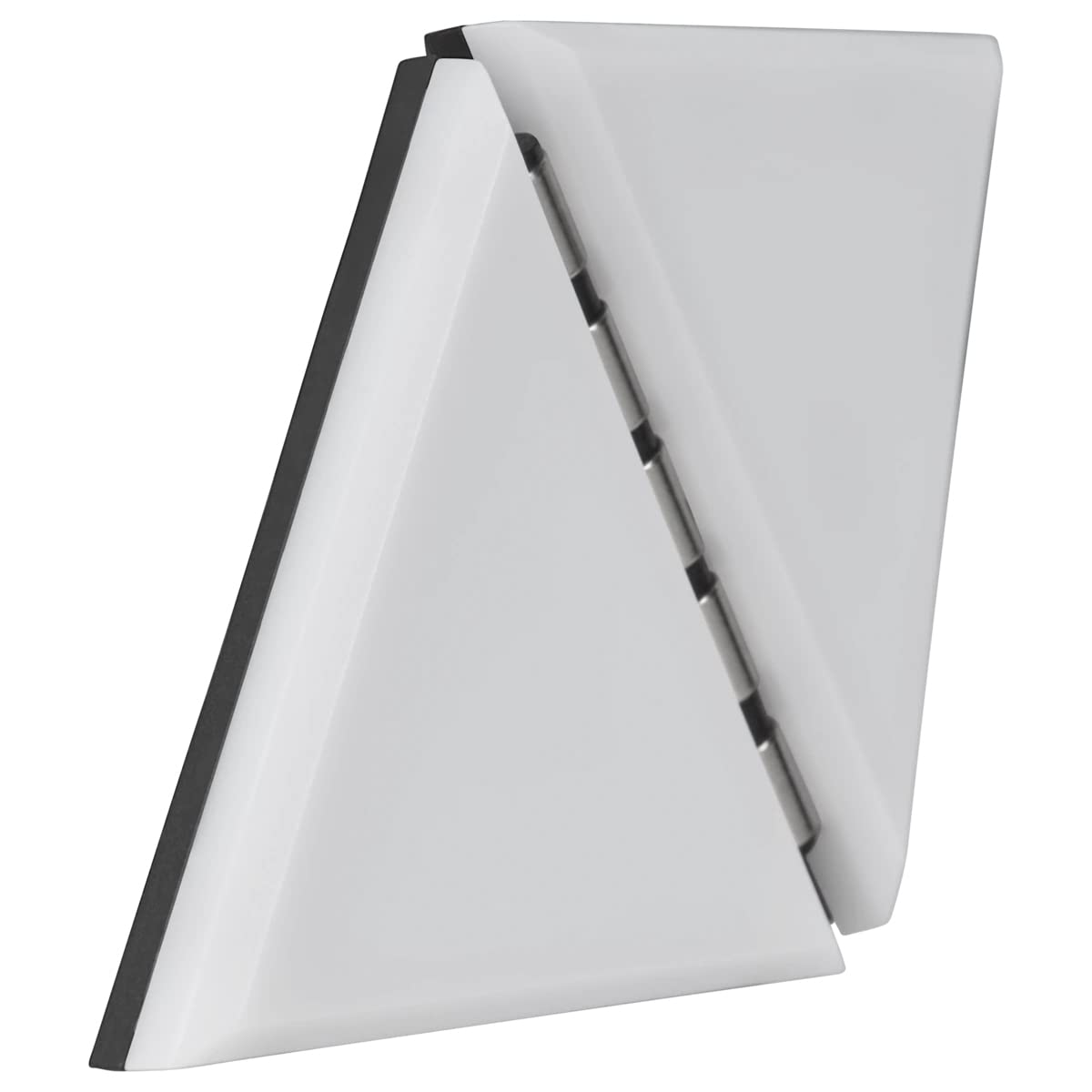
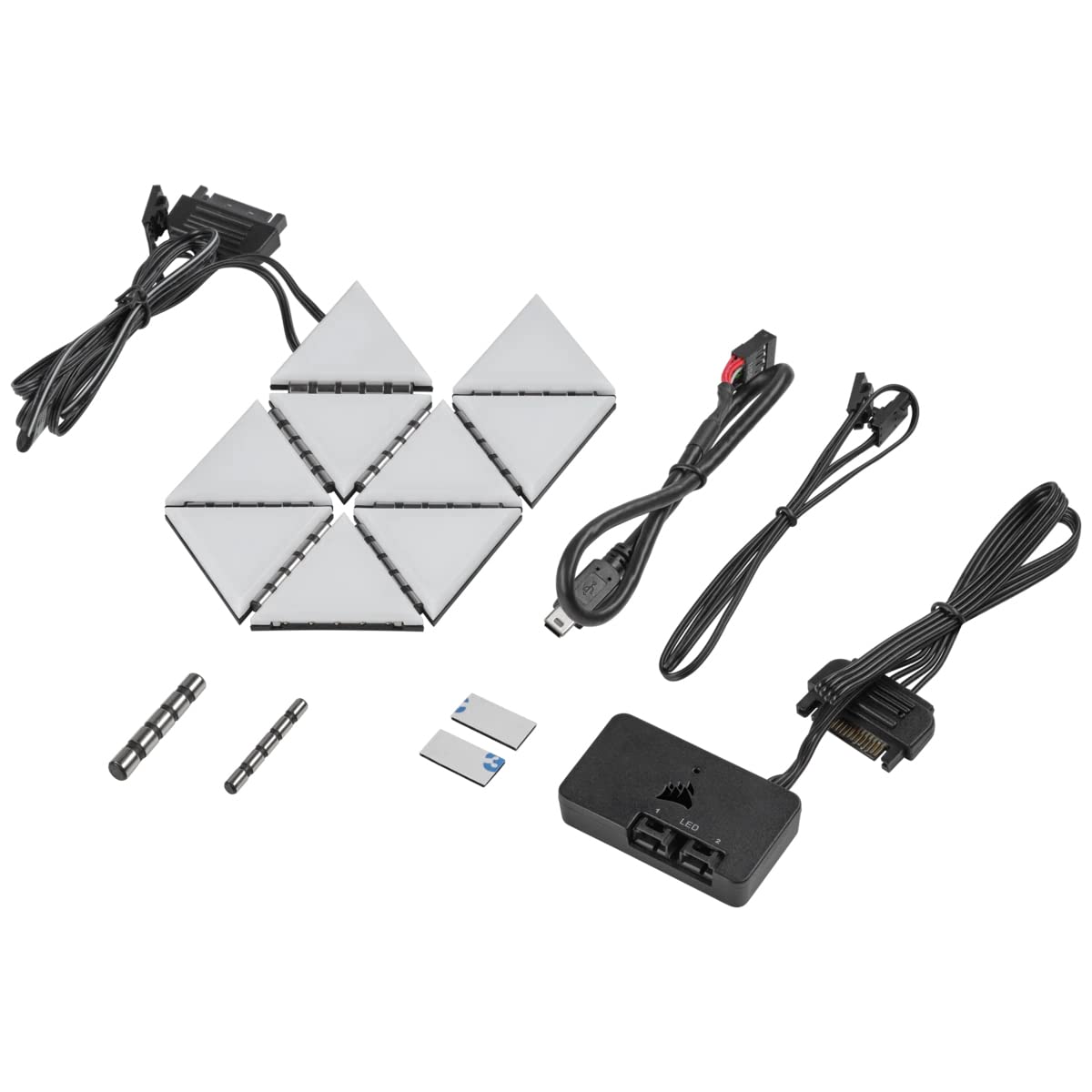
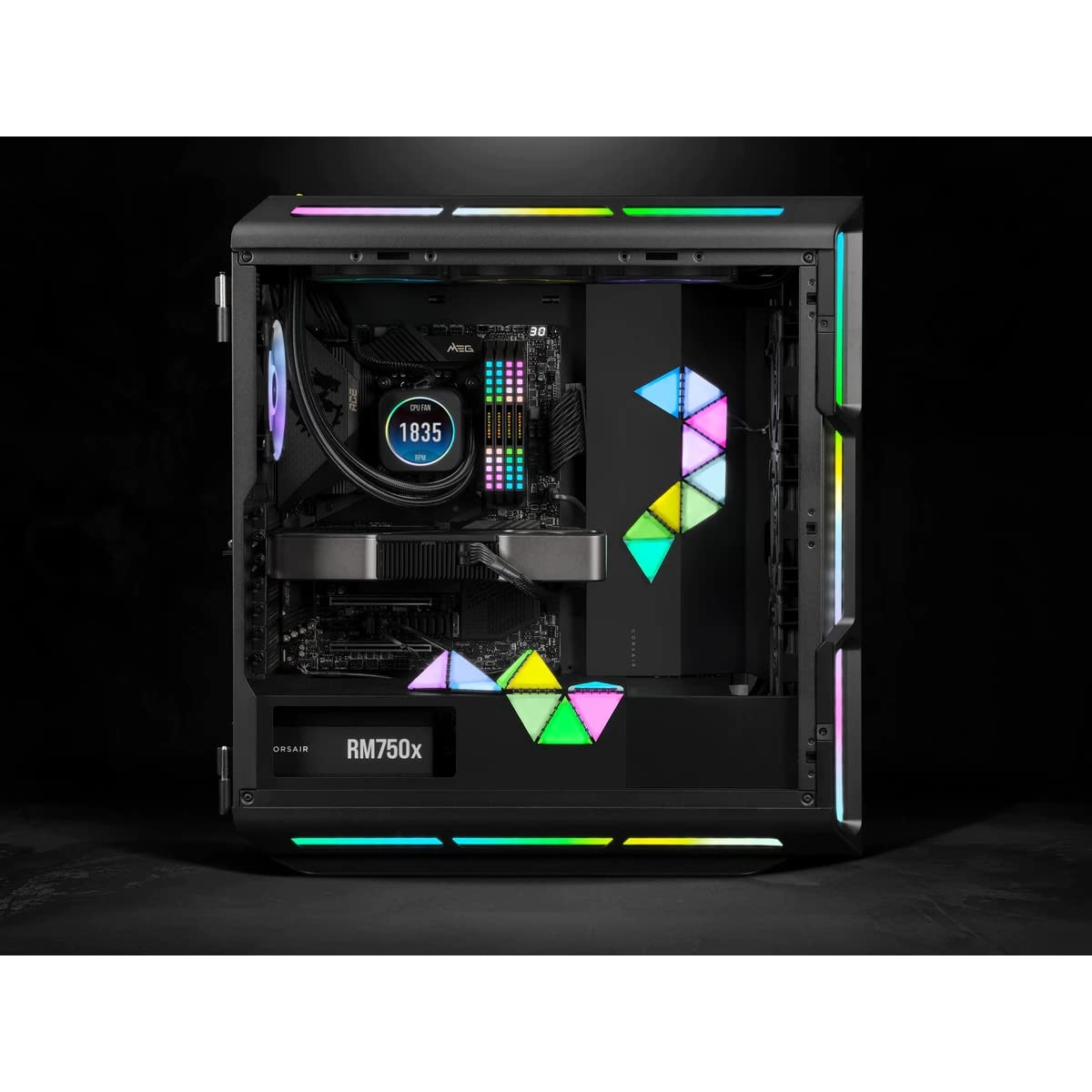
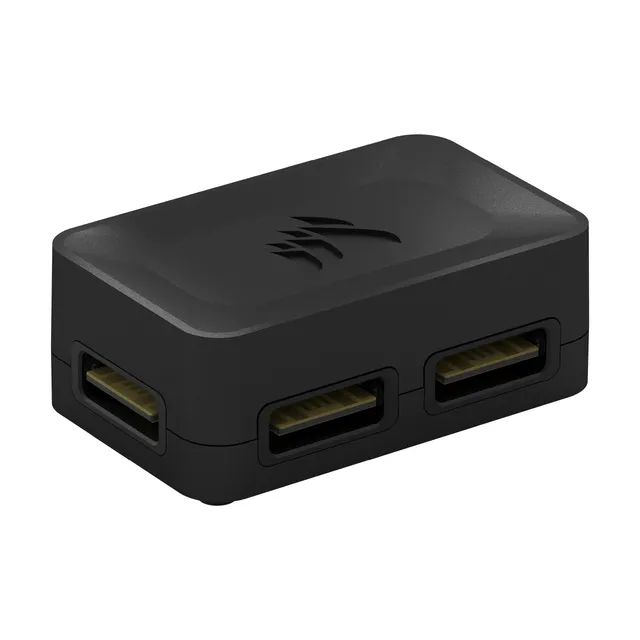
Corsair's iCUE LC100 Mini Triangle Starter Kit brings customizable RGB accent lighting to your PC case with nine magnetic panels and included Lighting Node PRO controller.
Style
Categories : Series
SKU : POR-SER-270
Share This:
The Corsair iCUE LC100 Case Accent Lighting Panels Mini Triangle Starter Kit gives your PC build a distinctive, customizable glow. This kit includes nine triangular lighting panels, each housing nine bright RGB LEDs, for a total of 81 LEDs. The sturdy, light-diffusing casing softens and blends the light, creating smooth, continuous effects across your case. Panels attach magnetically to each other and to any steel surface, and with eight low-profile connectors and two corner hinges, you can create three-dimensional designs at varying angles. The included iCUE Lighting Node PRO controller, combined with CORSAIR iCUE software, puts full control of colors, patterns, and effects at your fingertips.
Unlock the full potential of your LC100 panels with creative layouts. Arrange them in a straight line along the bottom edge, cluster them around your window, or form geometric patterns on the side panel. The magnetic attachment makes reconfiguration easy, so experiment with different patterns until you find the perfect look. Pair the kit with additional LC100 panels to expand your canvas and create even more complex designs.
Installation is straightforward: mount the Lighting Node PRO in your case (it connects via USB to your motherboard and SATA for power), connect the panels using the included cables, and then attach the panels magnetically. The panels are designed to work with steel surfaces, so most PC cases will hold them securely. Use the iCUE software to assign lighting effects to the panels, sync them with your other iCUE devices, and fine-tune brightness and speed.
If your LC100 panels are not responding or lighting up, check the following: ensure the Lighting Node PRO is properly connected to a SATA power cable and a USB 2.0 header on your motherboard. Open iCUE software and verify the controller is detected. If the LC100 is not detected, try reconnecting the USB cable or updating iCUE to the latest version. Inspect the ribbon connectors between panels to ensure they are firmly seated. If a specific panel is not lighting, swap it with another to isolate the issue. Most connection problems resolve with a clean reseat.
9 magnetic triangular panels: 81 RGB LEDs with diffused, smooth lighting
Included iCUE Lighting Node PRO: full software control and synchronization
Flexible design: connectors and hinges allow 3D configurations and easy reconfiguration
Series: iCUE LC100
Includes: iCUE Lighting Node PRO controller, connectors, hinges
Mounting: Magnetic (panel-to-panel and steel surfaces)
LED Count: 81 RGB LEDs (9 per panel)
Product Type: Case Accent Lighting Panels
Compatibility: PC cases with steel surfaces; requires USB 2.0 header and SATA power
Light Diffusion: Yes, light-diffusing casing
Kit Configuration: Starter Kit (9 panels)
Seller: PortSide Gear
Bring dynamic lighting to your PC case with the Corsair iCUE LC100 Mini Triangle Starter Kit. The magnetic panels let you attach and rearrange them in seconds, so you can adapt your lighting to your mood or new hardware. Each panel is built with high-quality LEDs and a diffuser that eliminates hotspots, delivering even, eye-catching glow. The included iCUE Lighting Node PRO supports multiple panels and integrates with your other iCUE products, enabling synchronized effects across your entire setup. Whether you're a modder or a first-time builder, the LC100 kit is an easy way to add professional-grade RGB lighting without complex wiring. Expand later with additional kits for even grander installations.
No, the LC100 panels connect to the included iCUE Lighting Node PRO controller, which connects to your motherboard via USB 2.0 and SATA power. They do not use standard RGB headers.
No, the panels require a steel surface. They will not stick to glass, aluminum, or plastic. Use them on the interior steel frame or on a magnetic surface.
Yes, you can purchase additional LC100 panel kits and connect them to the Lighting Node PRO, as long as you stay within the controller's capacity (up to 3 kits, depending on the controller). Check the iCUE documentation for details.
First, ensure the Lighting Node PRO is connected to a SATA power cable and a USB 2.0 header. Then, open iCUE and check if the device appears. If not, try reseating the USB cable or updating iCUE. Also verify that the panels are connected to the controller with the included cables.
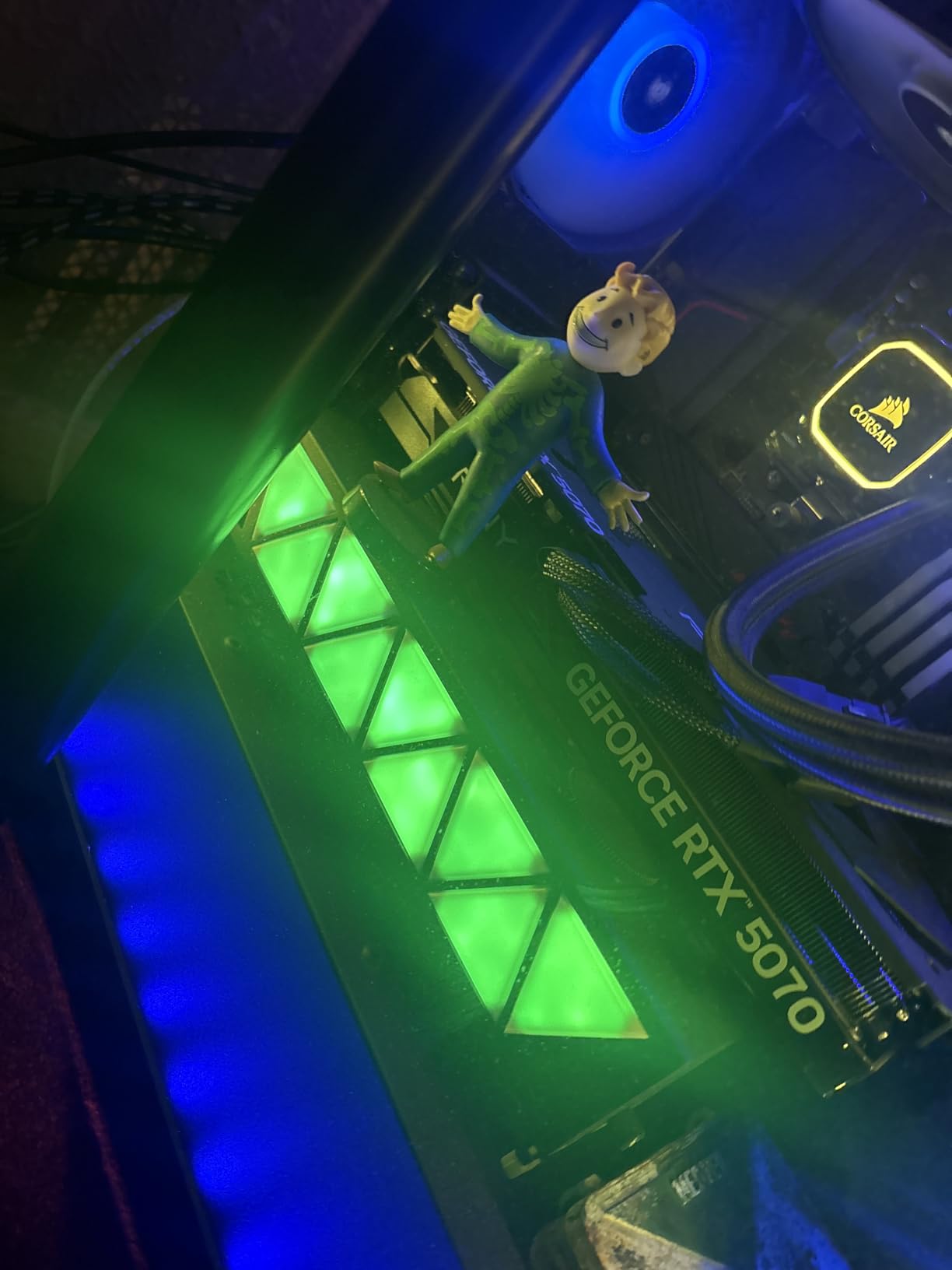
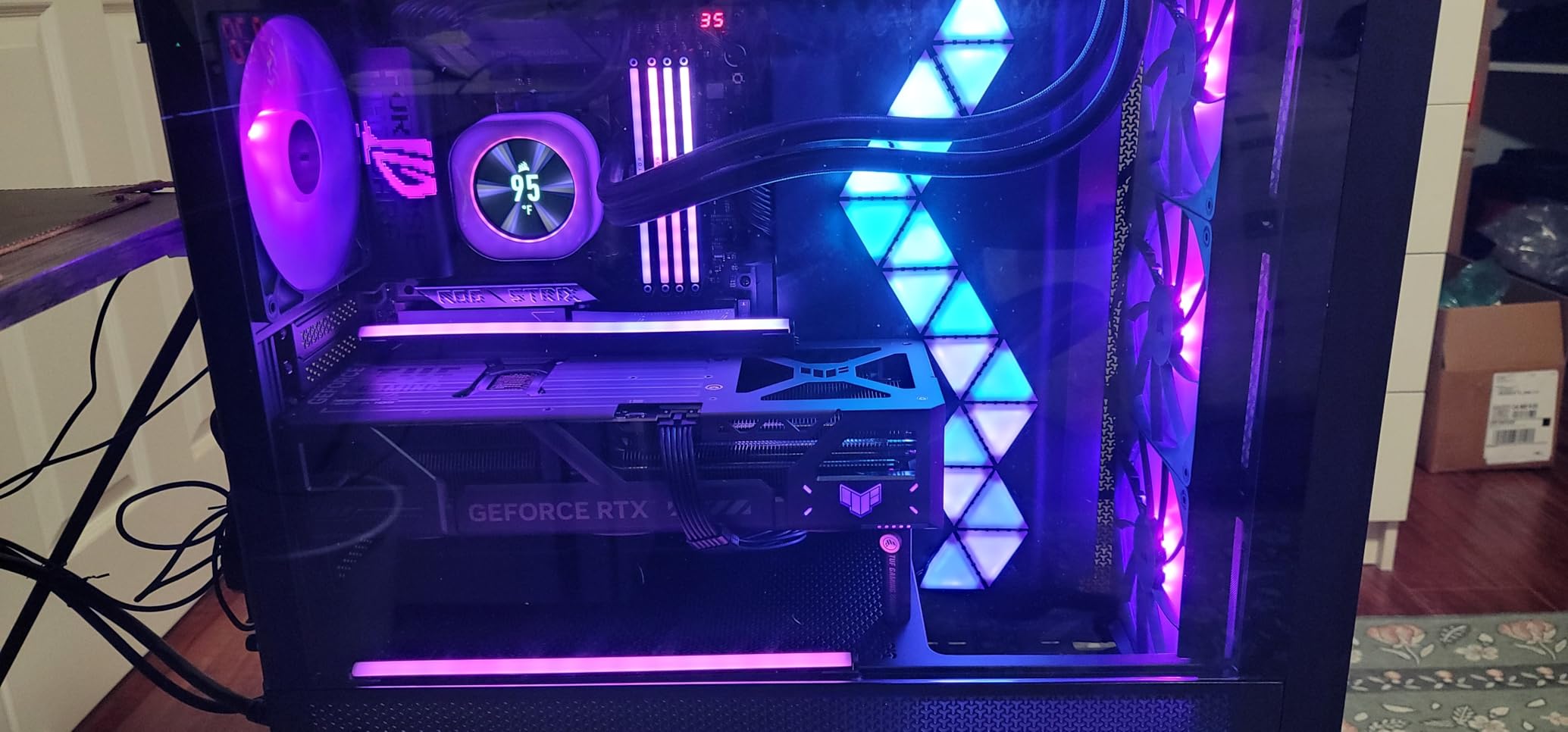
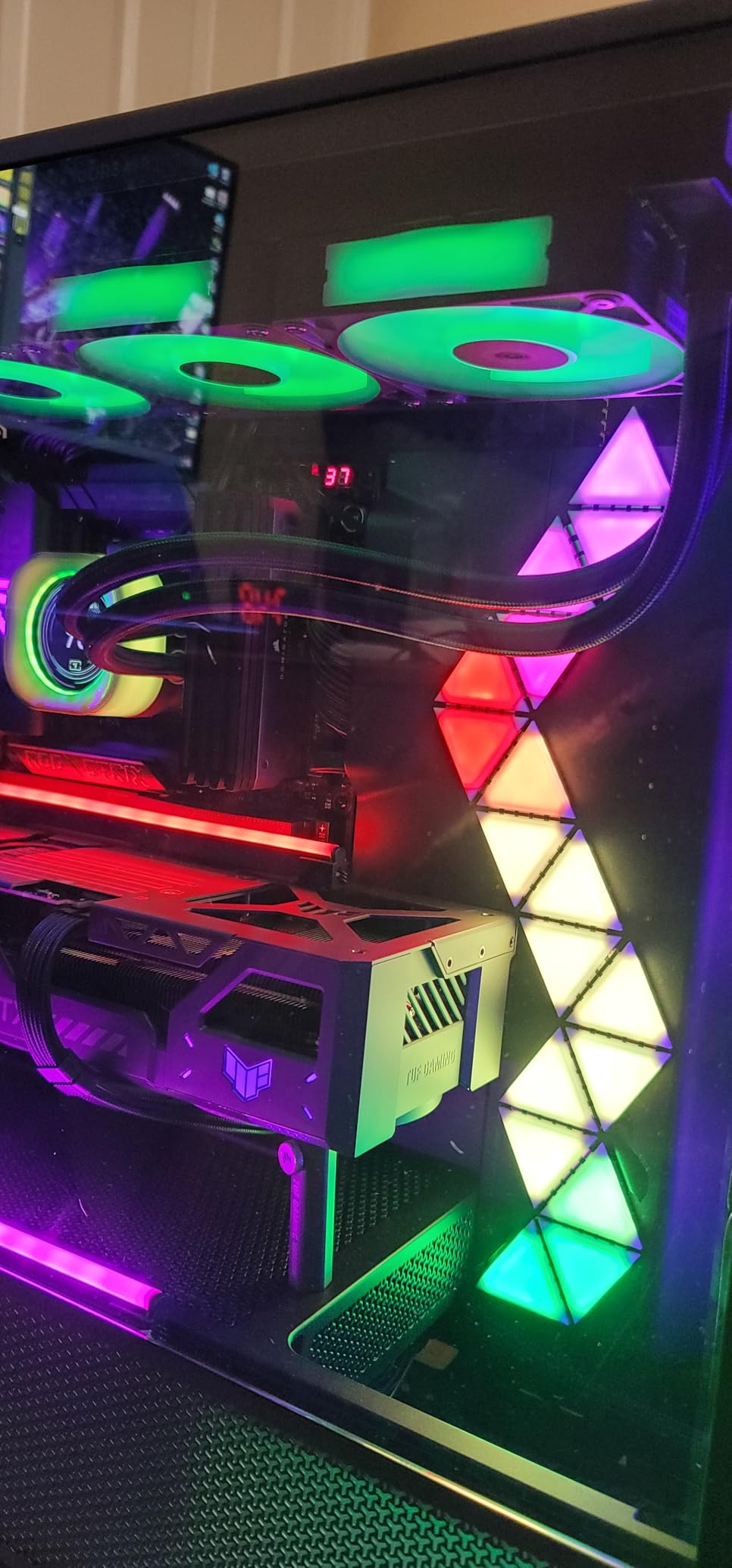
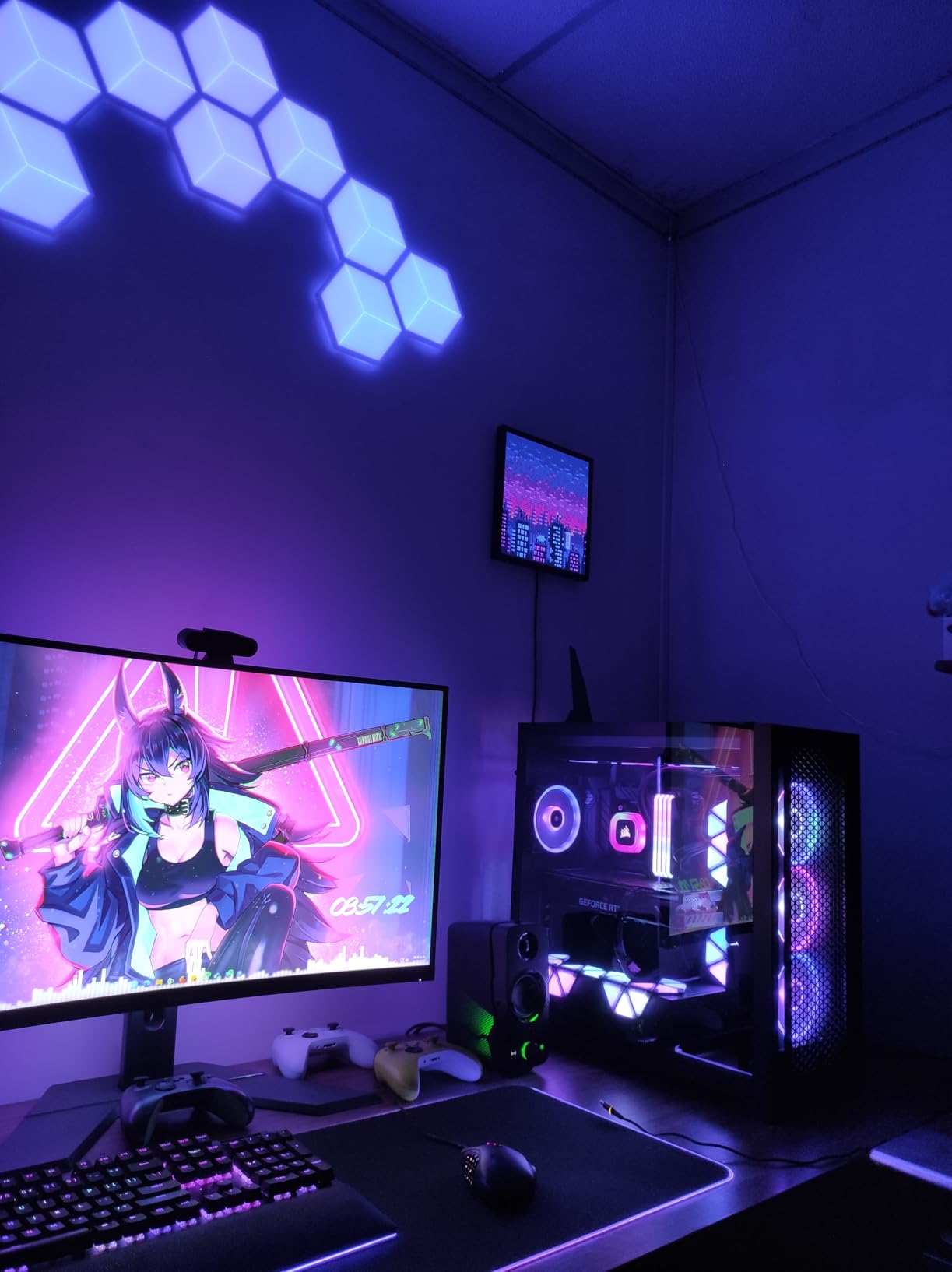
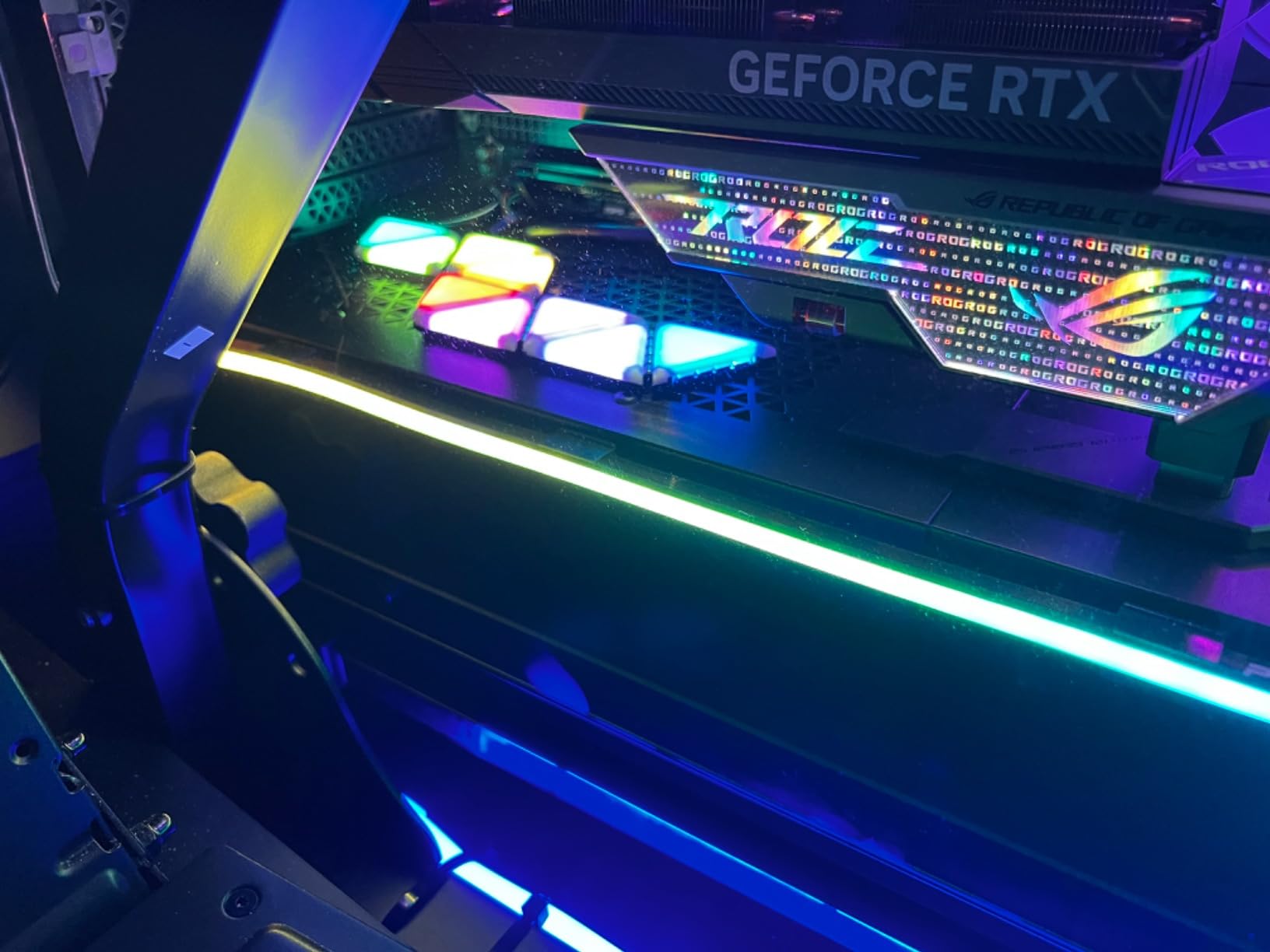
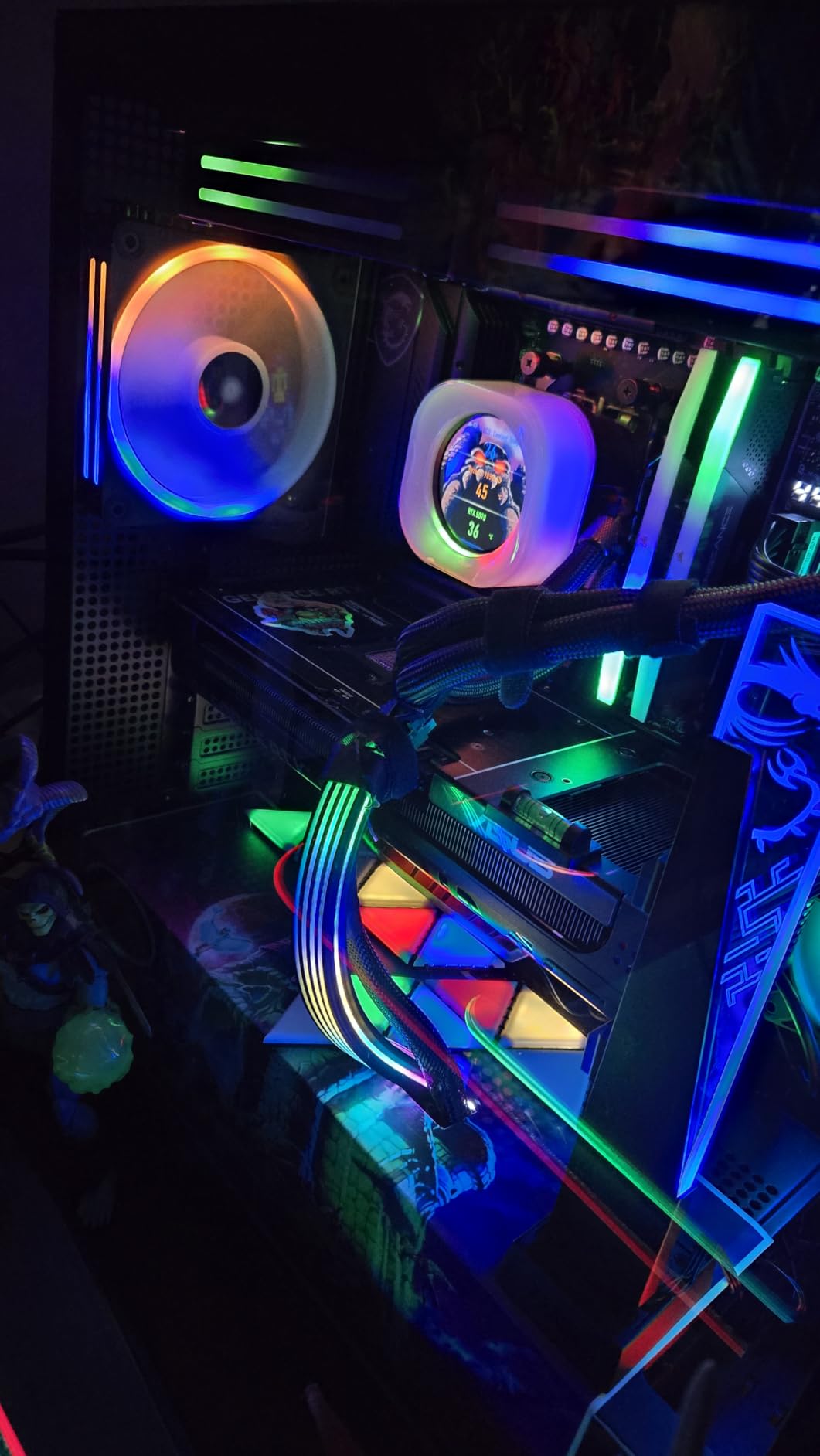
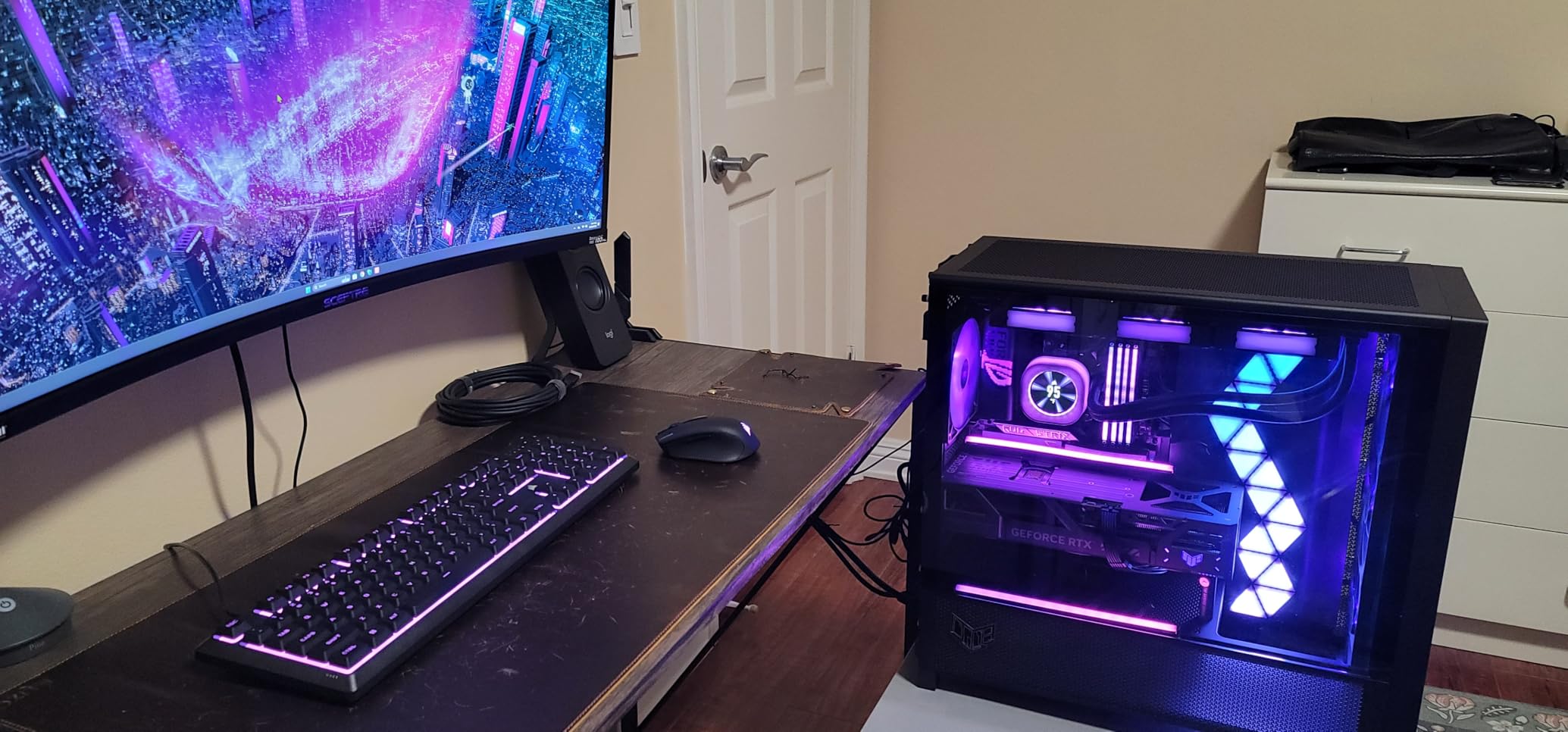
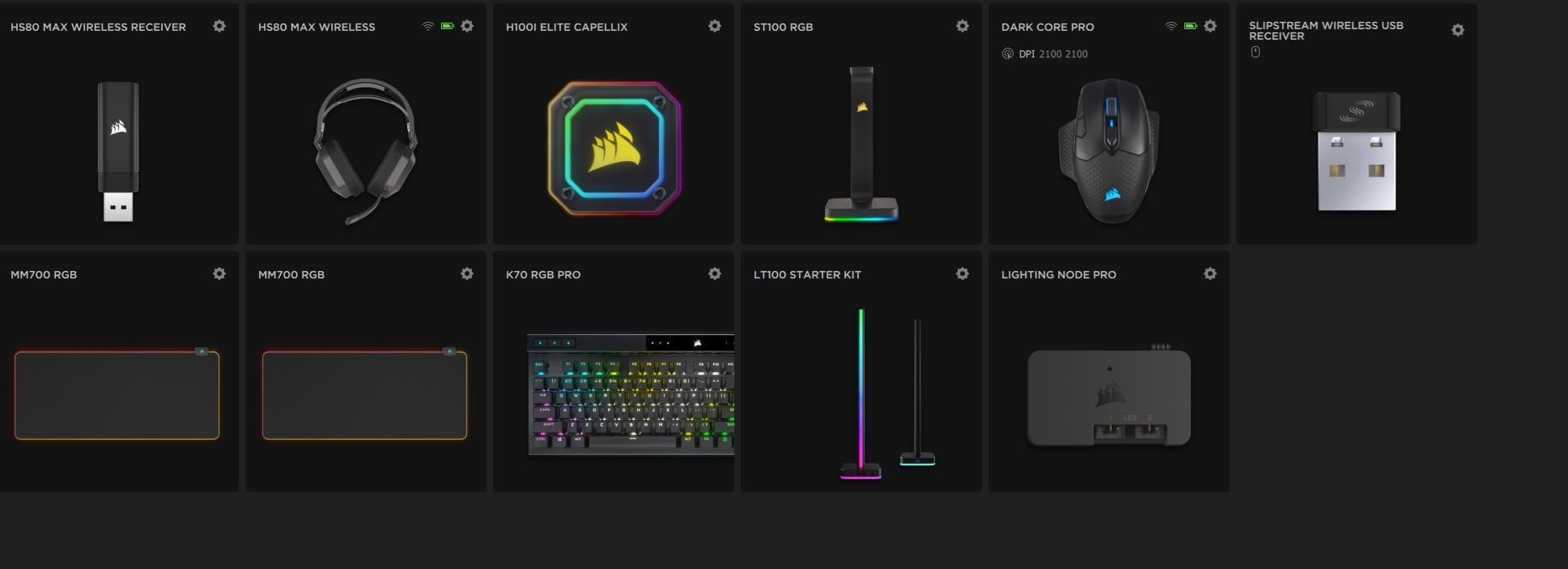
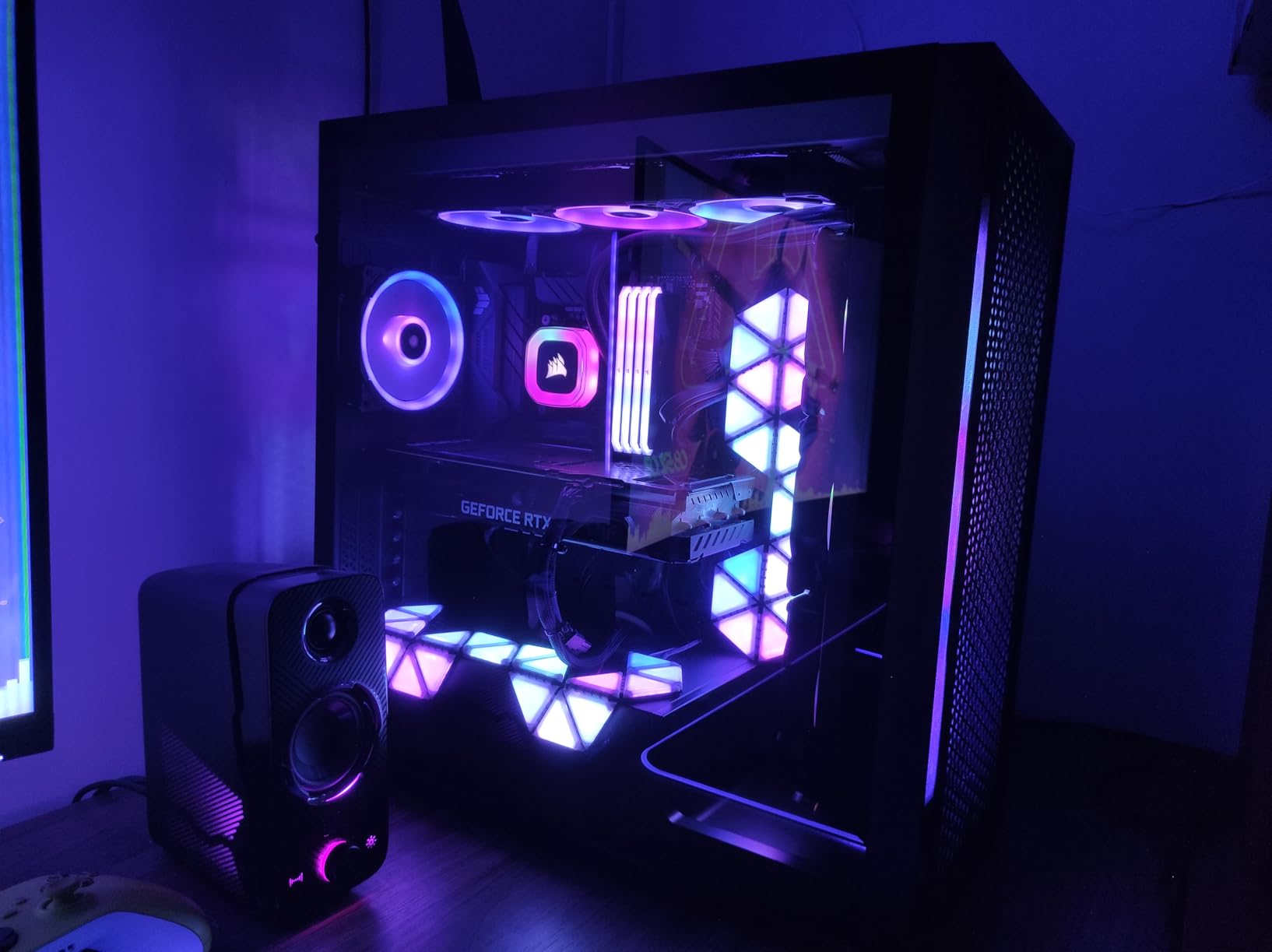
The LC100 panels are easy to install and look fantastic in my case. The magnetic mounting is solid, and the iCUE software gives endless customization. My PC now glows beautifully.
I like the triangles, but the kit comes with a Lighting Node PRO which uses SATA power. If you're out of SATA ports, you'll need an adapter. The effect is stunning once running.
These panels add a nice ambient glow. The magnets are strong, and they stick to my case without issues. The only downside is the wiring – you have to hide the cables to keep it clean.
The hardware is fine, but iCUE can be buggy. Sometimes the lighting doesn't sync with my other Corsair fans. When it works, it's beautiful.
Love it.
I arranged the triangles in an organic pattern on the front of my case, and the result is stunning. The colors are vibrant and the transitions are smooth. iCUE took some learning, but now I have it set up exactly how I want. Definitely worth it.
Not as bright as full RGB strips, but for accent lighting, it's perfect. The triangular shape is unique. The adhesive is strong, but they also attach via magnets, which is cool.
I placed them in the GPU area and it looks like a neon sign. The 81 LEDs are plenty. Installation was a breeze with the included controller. My rig now looks like a spaceship – in a good way.
The panels are well-built and the lighting is even. The Node PRO makes it easy to connect. No complaints.
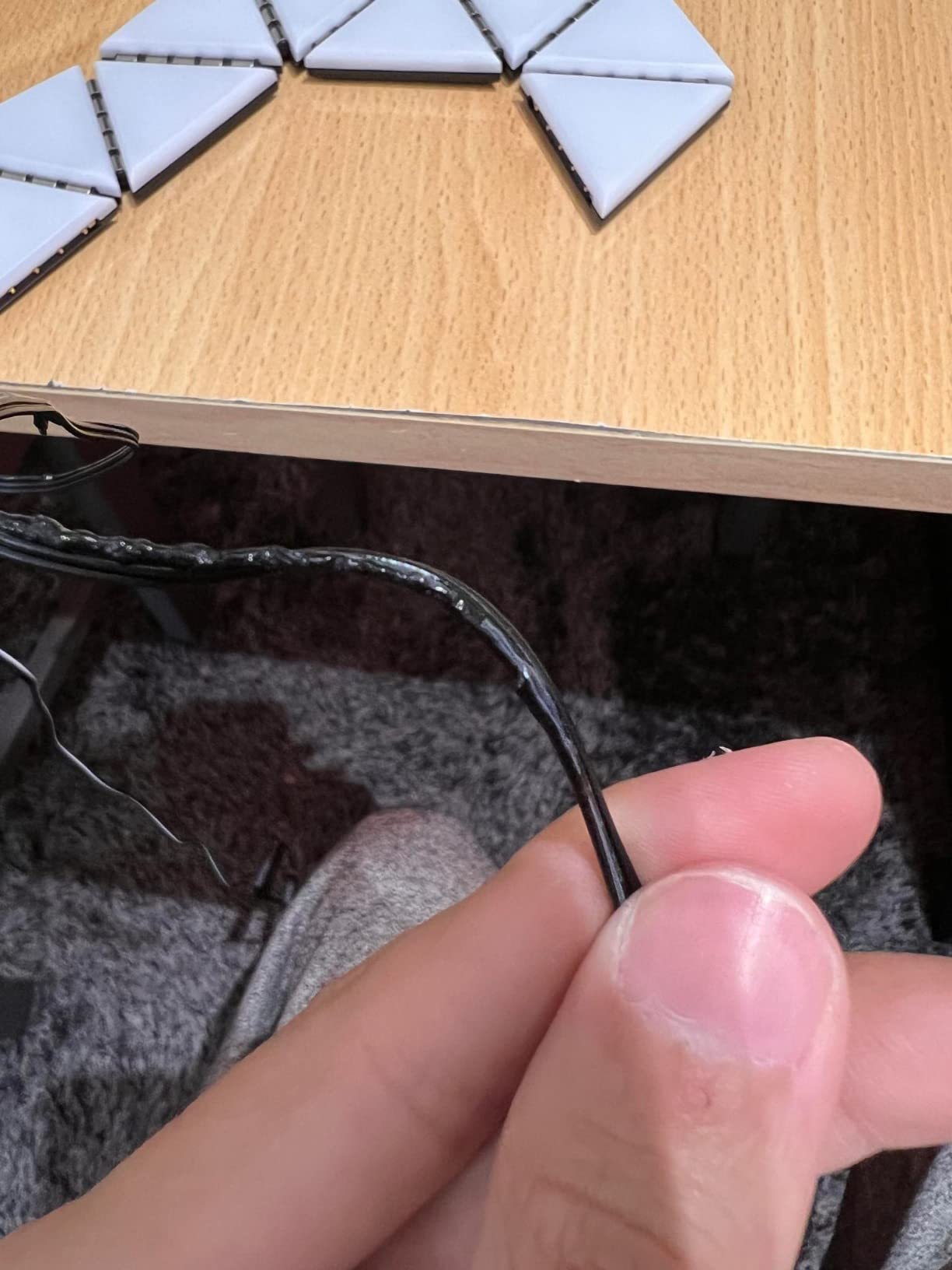
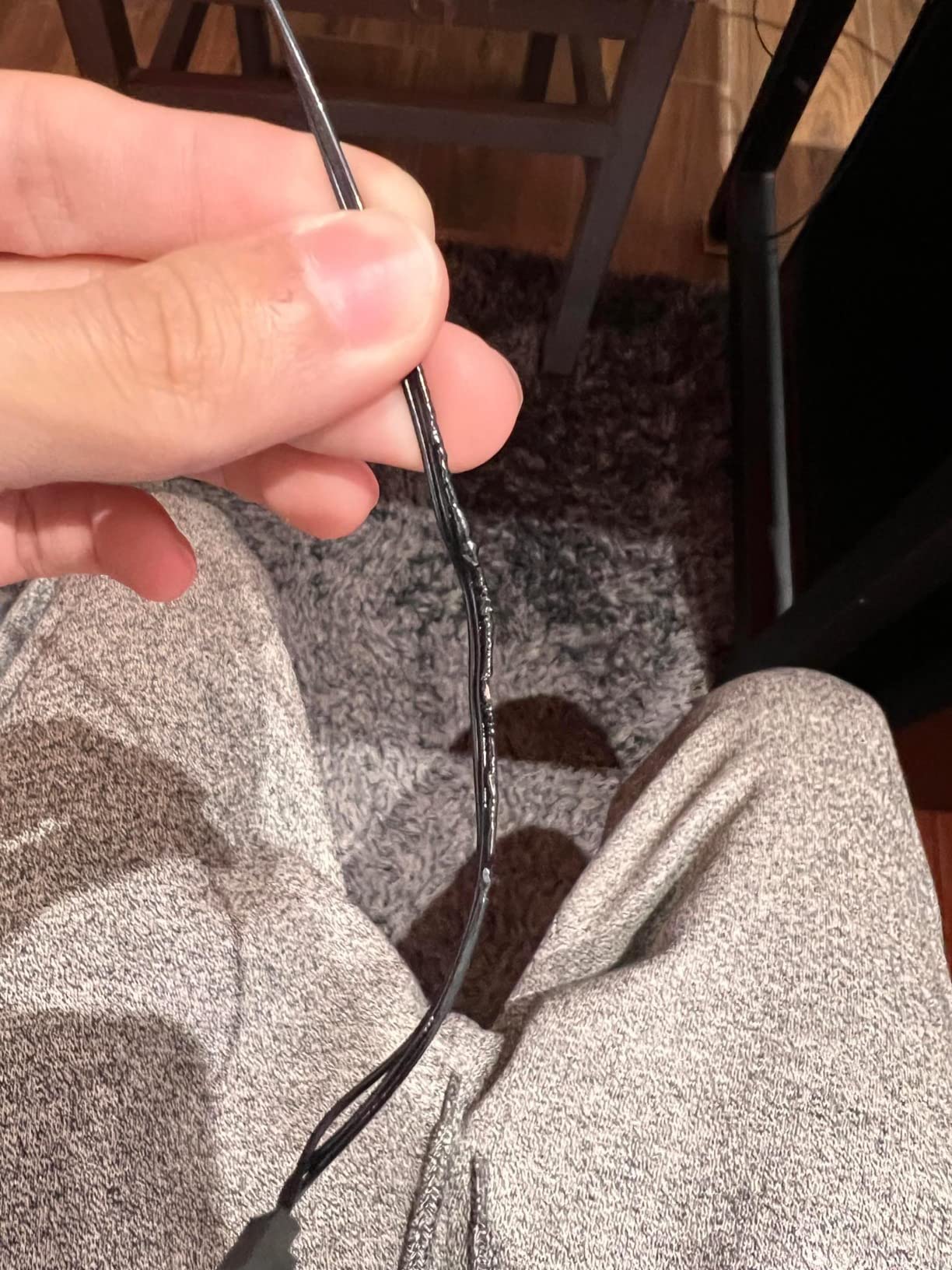
The panels themselves are nice, but the cables are thick and hard to hide. I ended up with a mess inside my case. Not for those who want a clean build.
If you're already in the Corsair ecosystem, this is a must-have. The lighting reacts to my games and music. The magnetic panels are easy to rearrange. My case has never looked better.
For nine panels, it's a bit expensive. But the effect is unique. Build quality is solid. Would be five stars if the software were more intuitive.